
An open-source toolkit for deploying containerized desktops and browsers tailored for AI agents

Project description

MarinaBox




MarinaBox is a toolkit for creating and managing secure, isolated environments for AI agents. It provides:
Core Features
-
Secure Sandboxed Environments
- Run isolated browser and desktop sessions locally or cloud
- Perfect for AI agent tasks(Computer Use) and browser automation
-
Comprehensive SDK & CLI
- Python SDK for programmatic control
- Command-line interface for session management
- Real-time monitoring and control capabilities
- Integration with popular automation tools (Playwright, Selenium)
-
Interactive UI Dashboard
- Live session viewing and control
- Session recording and playback
- Session management interface
Additional Features
- Cloud Integration: Deploy sandboxes to major cloud providers(coming soon)
- Multi-session Management: Run multiple isolated environments simultaneously
- Session Tagging: Organize and track sessions with custom tags
Documentation
Full documentation is available at https://marinabox.mintlify.app/get-started/introduction
Prerequisites
- Docker
- Python 3.12 or higher
- pip (Python package installer)
Installation
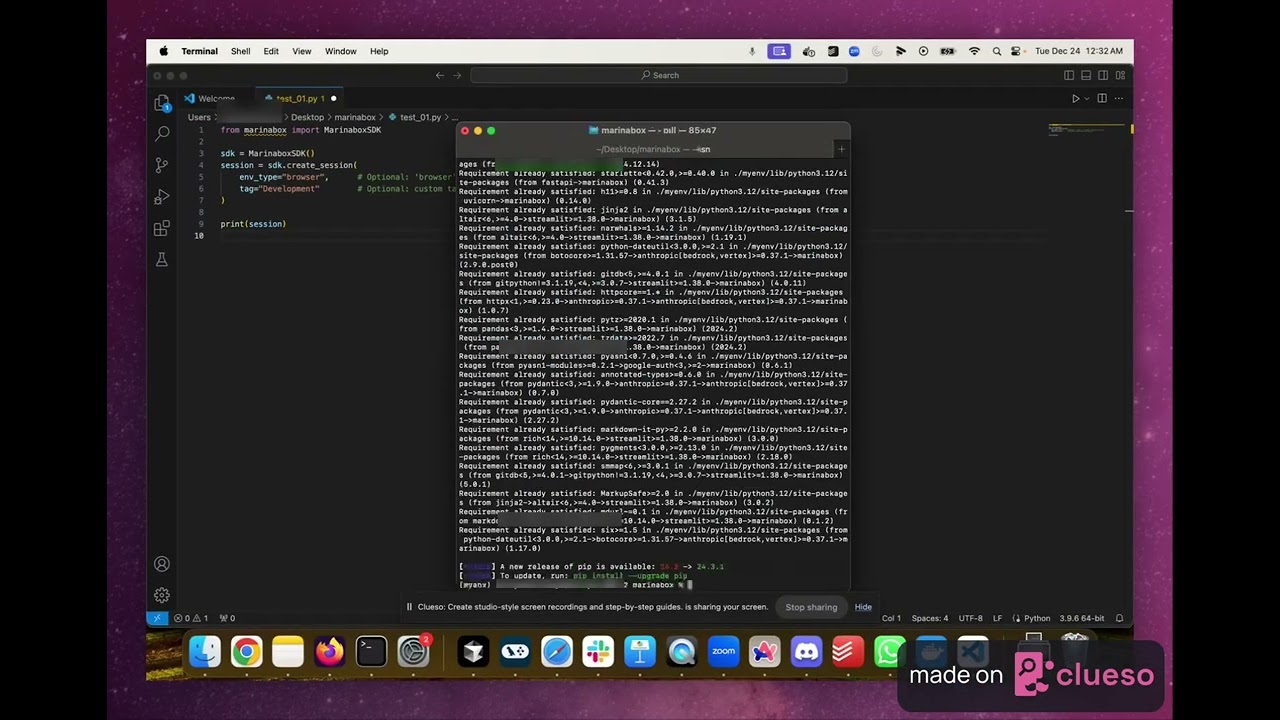
-
First, ensure you have Docker installed on your system. If not, install Docker for your operating system.
-
Pull the required Docker images:
docker pull marinabox/marinabox-browser:latest
docker pull marinabox/marinabox-desktop:latest
- Install the Marinabox package:
pip install marinabox
Important Note
The provided Docker images are built for Mac ARM64 architecture (Apple Silicon). For other architectures:
- Clone the sandbox repository:
git clone https://github.com/marinabox/marinabox-sandbox
- Build the images with your target platform:
docker build --platform <your-platform> -f Dockerfile.chromium -t marinabox/marinabox-browser .
docker build --platform <your-platform> -f Dockerfile.desktop -t marinabox/marinabox-desktop .
Usage Example
Here's a basic example of how to use the Marinabox SDK:
from marinabox import MarinaboxSDK

# Initialize the SDK
mb = MarinaboxSDK()

# Set Anthropic API key
mb.set_anthropic_key(ANTHROPIC_API_KEY)

# Create a new session
session = mb.create_session(env_type="browser", tag="my-session")
print(f"Created session: {session.session_id}")

# List active sessions
sessions = mb.list_sessions()
for s in sessions:
    print(f"Active session: {s.session_id} (Tag: {s.tag})")

# Execute a computer use command
mb.computer_use_command("my-session", "Navigate to https://x.ai")
License
MarinaBox is released under the MIT License. See the LICENSE file for details.
Acknowledgments
This project makes significant use of:
- noVNC, an open source VNC client using HTML5 (WebSockets, Canvas). noVNC is licensed under the MPL-2.0 License.
- Anthropic Quickstarts, specifically the Computer Use Demo which provided inspiration for the sandbox implementation. Licensed under the MIT License.
Release history Release notifications | RSS feed


Download files
Download the file for your platform. If you're not sure which to choose, learn more about installing packages.
Source Distribution
Built Distribution
Filter files by name, interpreter, ABI, and platform.
If you're not sure about the file name format, learn more about wheel file names.
Copy a direct link to the current filters
File details
Details for the file marinabox-0.1.9.tar.gz.
File metadata
- Download URL: marinabox-0.1.9.tar.gz
- Upload date:
- Size: 29.8 kB
- Tags: Source
- Uploaded using Trusted Publishing? No
- Uploaded via: twine/6.0.1 CPython/3.12.9
File hashes
| Algorithm | Hash digest | |
|---|---|---|
| SHA256 |
2810433a29d0d6225abf8d0c6884f7fe00c8f33730d4f57fd561a23c1e6f07af
|
|
| MD5 |
cb48bbf06430db74e134b2f65aa9e67c
|
|
| BLAKE2b-256 |
ee911bad44f8f9b4c4dc0509827f7122cf1b9bdad4b183b0c8b5c83d8737d2d7
|
File details
Details for the file marinabox-0.1.9-py3-none-any.whl.
File metadata
- Download URL: marinabox-0.1.9-py3-none-any.whl
- Upload date:
- Size: 35.0 kB
- Tags: Python 3
- Uploaded using Trusted Publishing? No
- Uploaded via: twine/6.0.1 CPython/3.12.9
File hashes
| Algorithm | Hash digest | |
|---|---|---|
| SHA256 |
fce8ae8912d08f5e1940e7f213a018ca8b43912c5d8c181999463b82f2fc9240
|
|
| MD5 |
7a7dae1ddbda76ecd21d9970baa23872
|
|
| BLAKE2b-256 |
00c58886ee4e31582d6528a0e06c4f81bd5ba4b786485257c56dac06845c96ac
|






