
 MaterialX Materials
Introduction
This site hosts a set of libraries and utilities to query remote databases for materials which can either be mapped to MaterialX materials or are natively stored in that format.
Last Updated: January, 2026 (1.39.5 in progress)
Supported Libraries
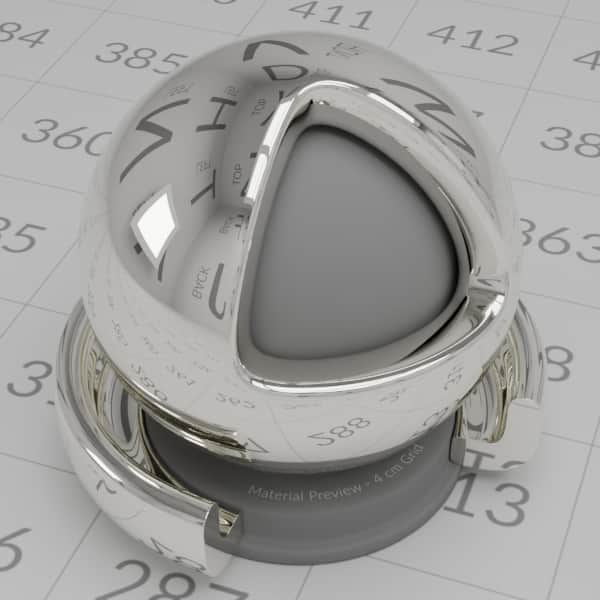 PhysicallyBased database Material descriptions can be downloaded with additional utilities to create materials using either: Autodesk Standard Surface, OpenPBR, or glTF PBR shading model shaders.
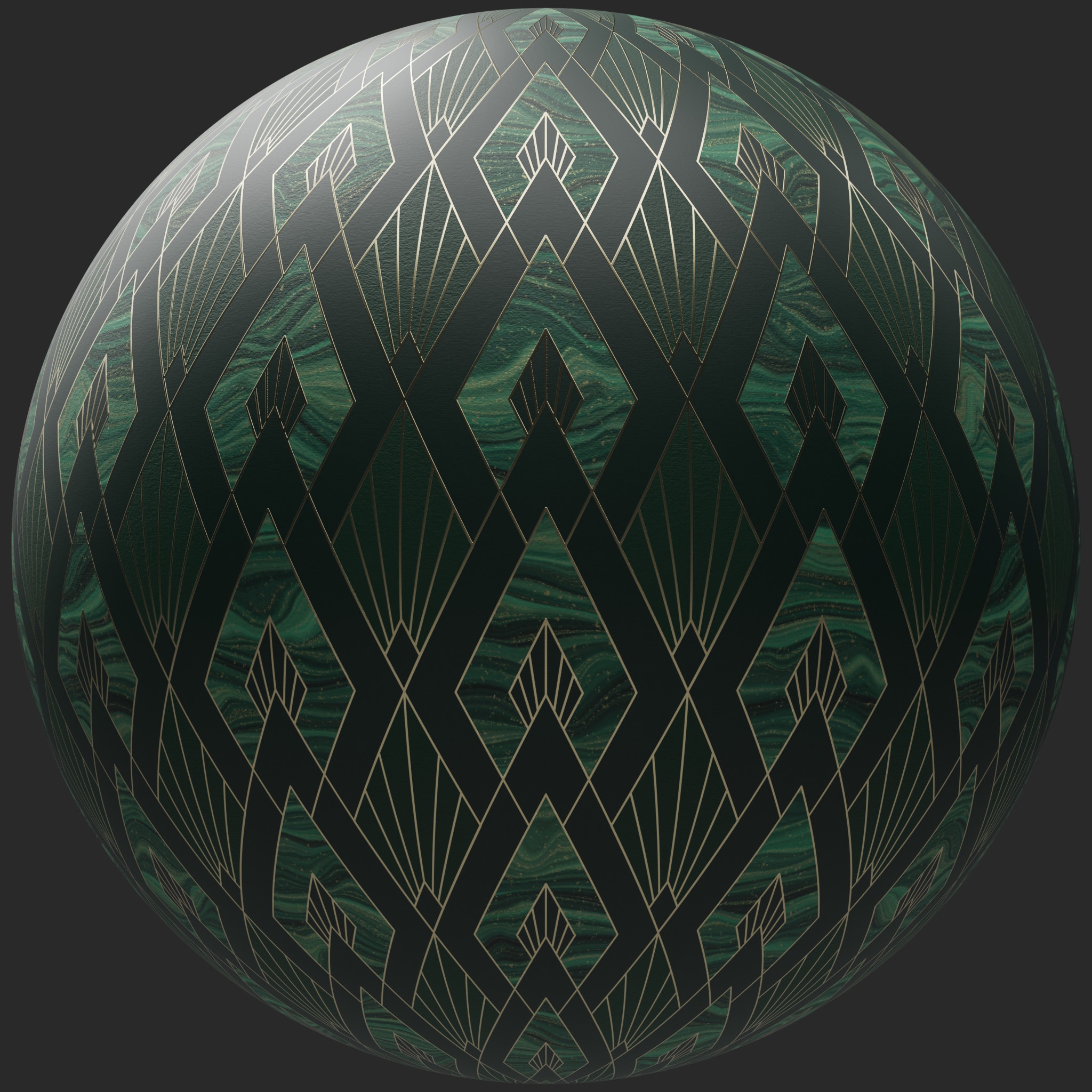 AMD GPUOpen database MaterialX packages can be downloaded (as zip files). Images and MaterialX documents can be extracted for any of the posted materials in the database.
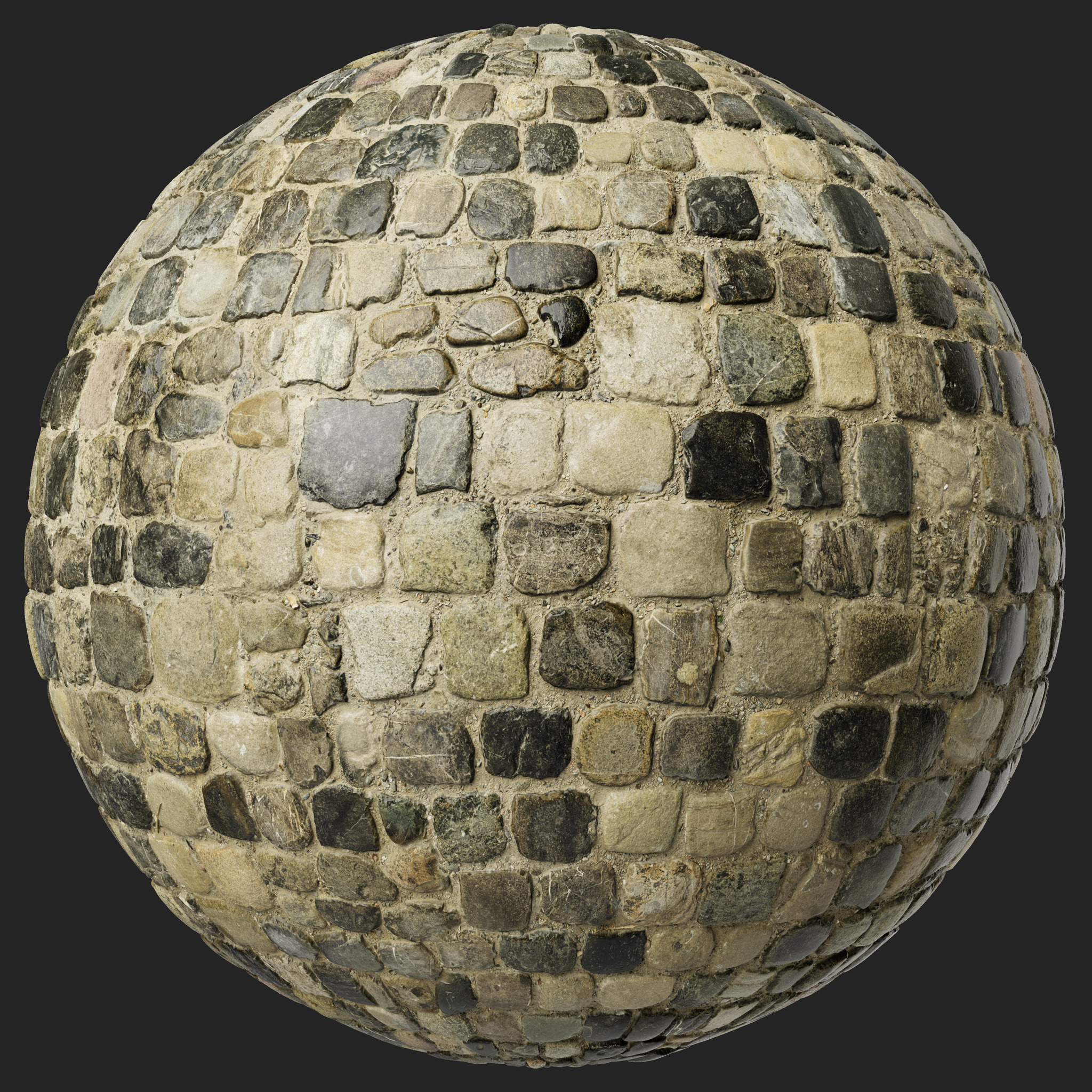 ambientCG database MaterialX packages can be downloaded (as zip files). Images and MaterialX documents can be extracted for any of the posted materials in the database.
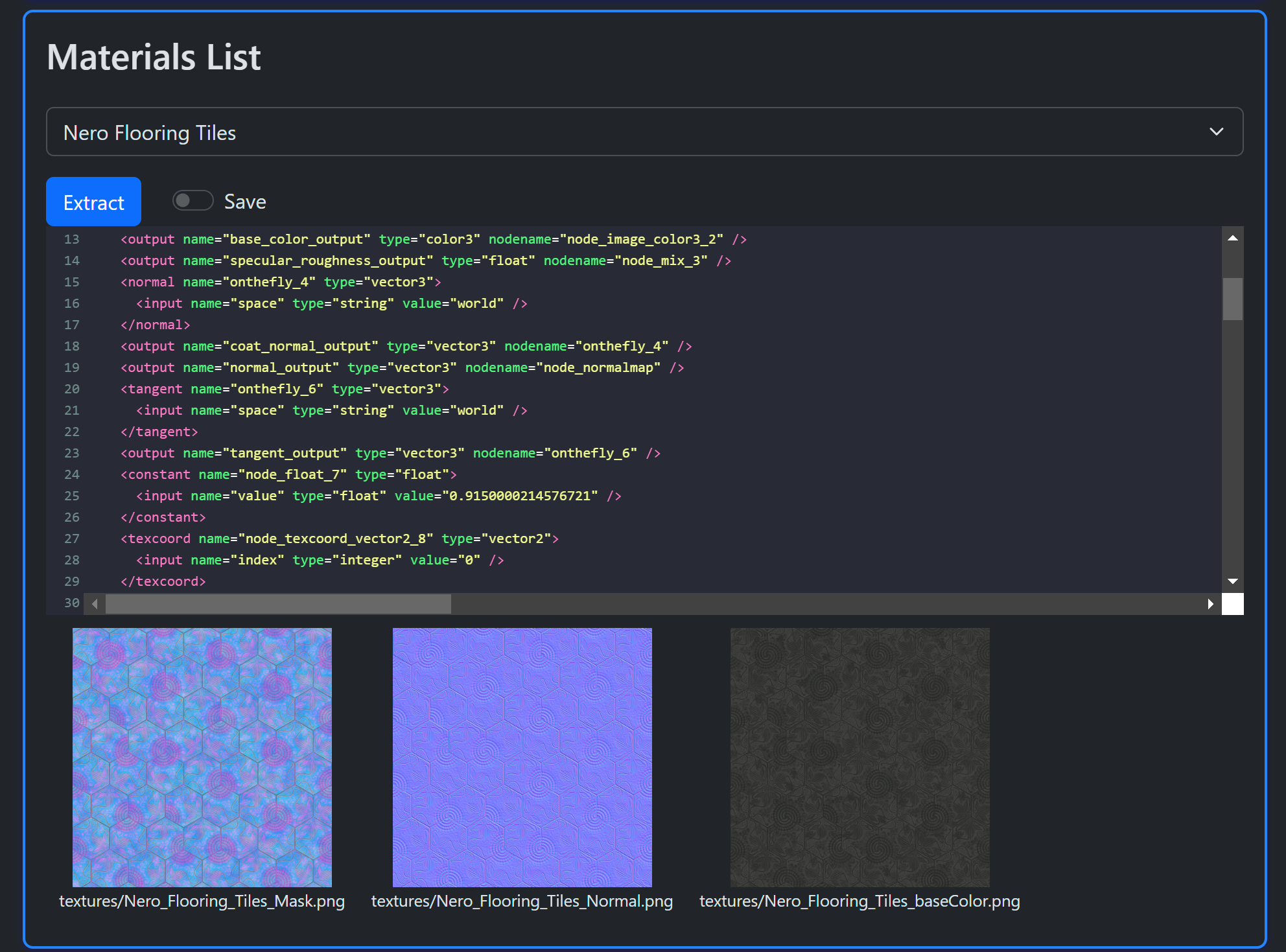
 PolyHaven Library MaterialX assets can be downloaded (as zip files). Images and MaterialX documents can be extracted for any of the posted materials in the database.
Python and / or Javascript implementations.
Links
- Home Page
- Main tooling site:
 MaterialXLab
 GitHub repository.
A Jupyter notebook demonstrates the direct usage of the Python library. The output of the notebook can be found here. The notebook can found in the Github repository under the examples folder.
Examples
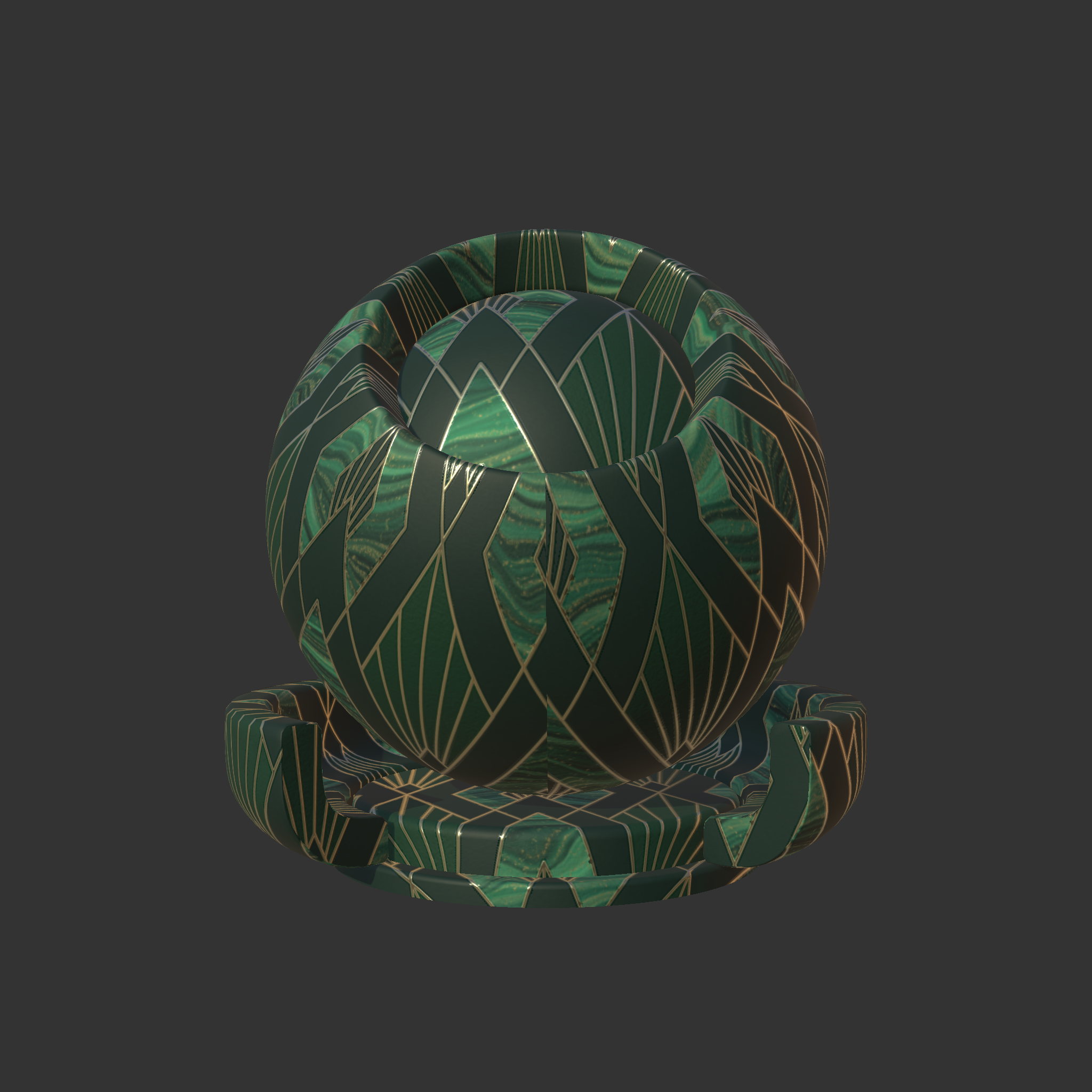
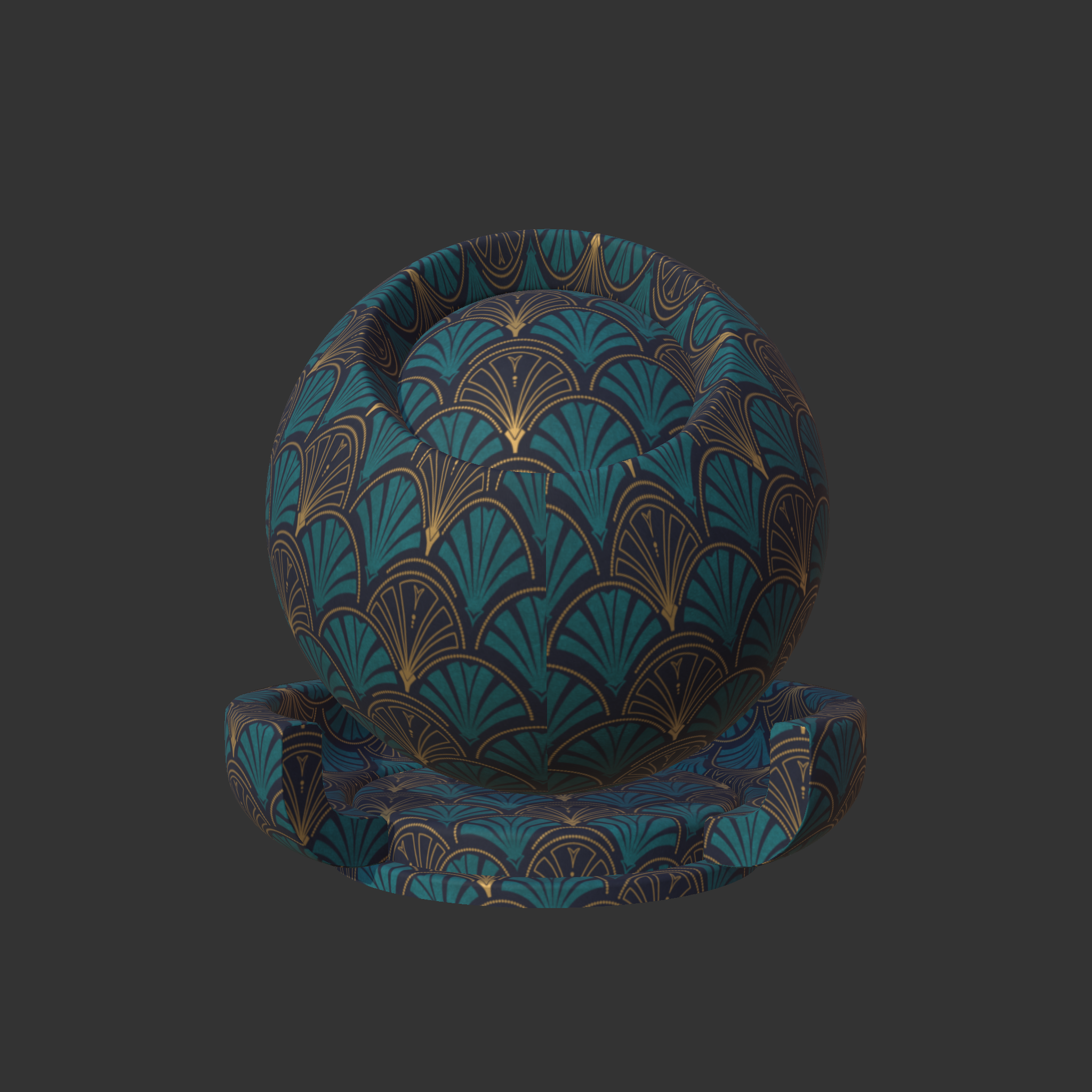
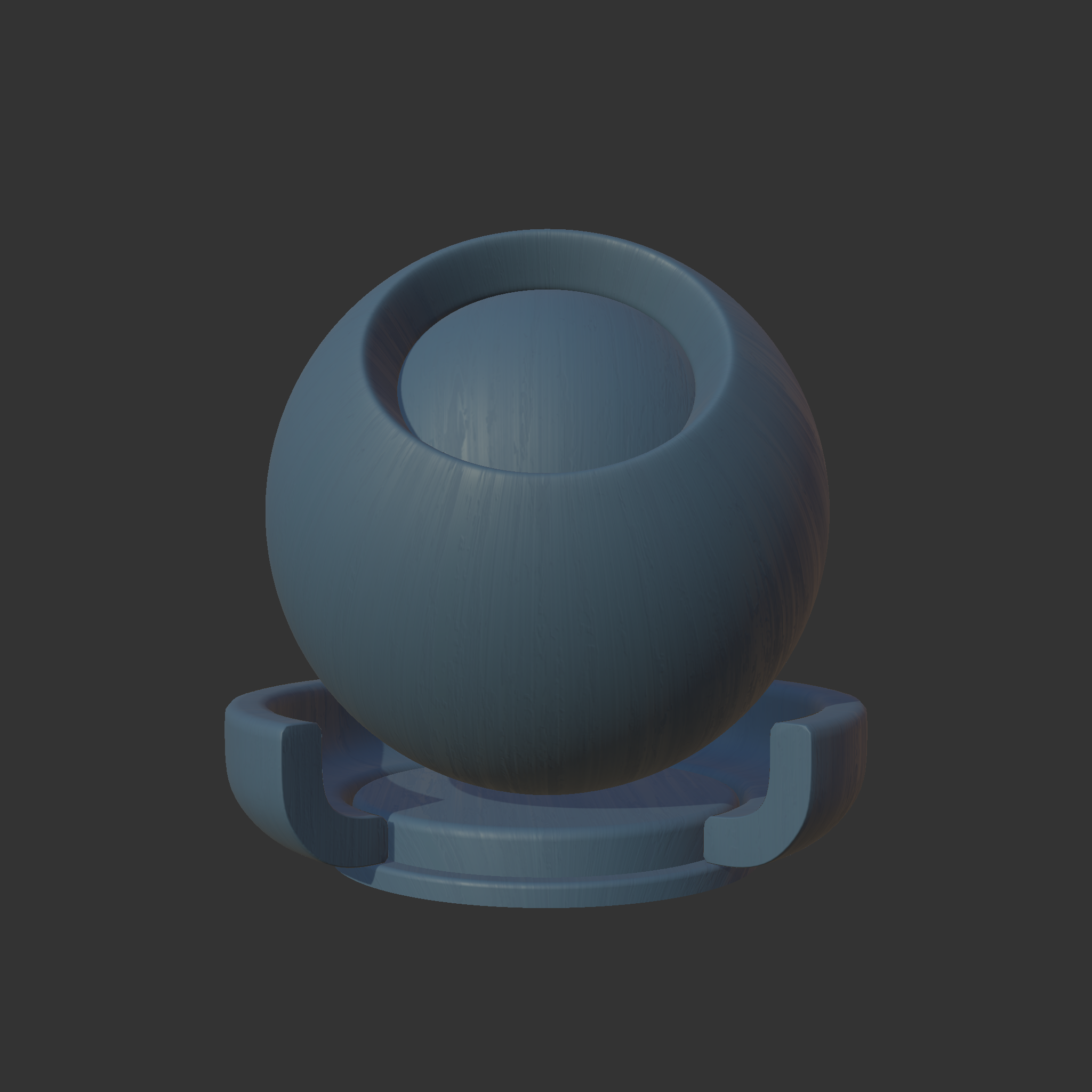
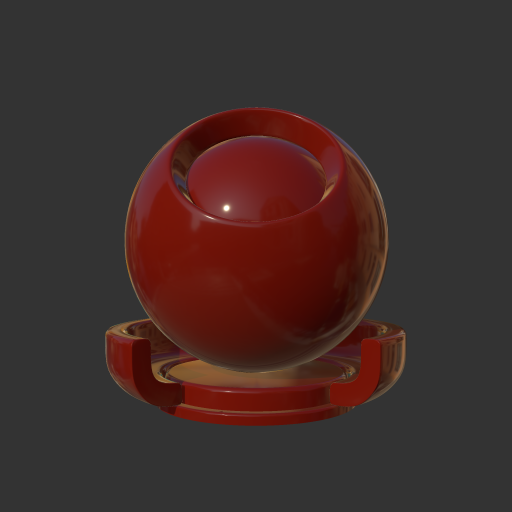
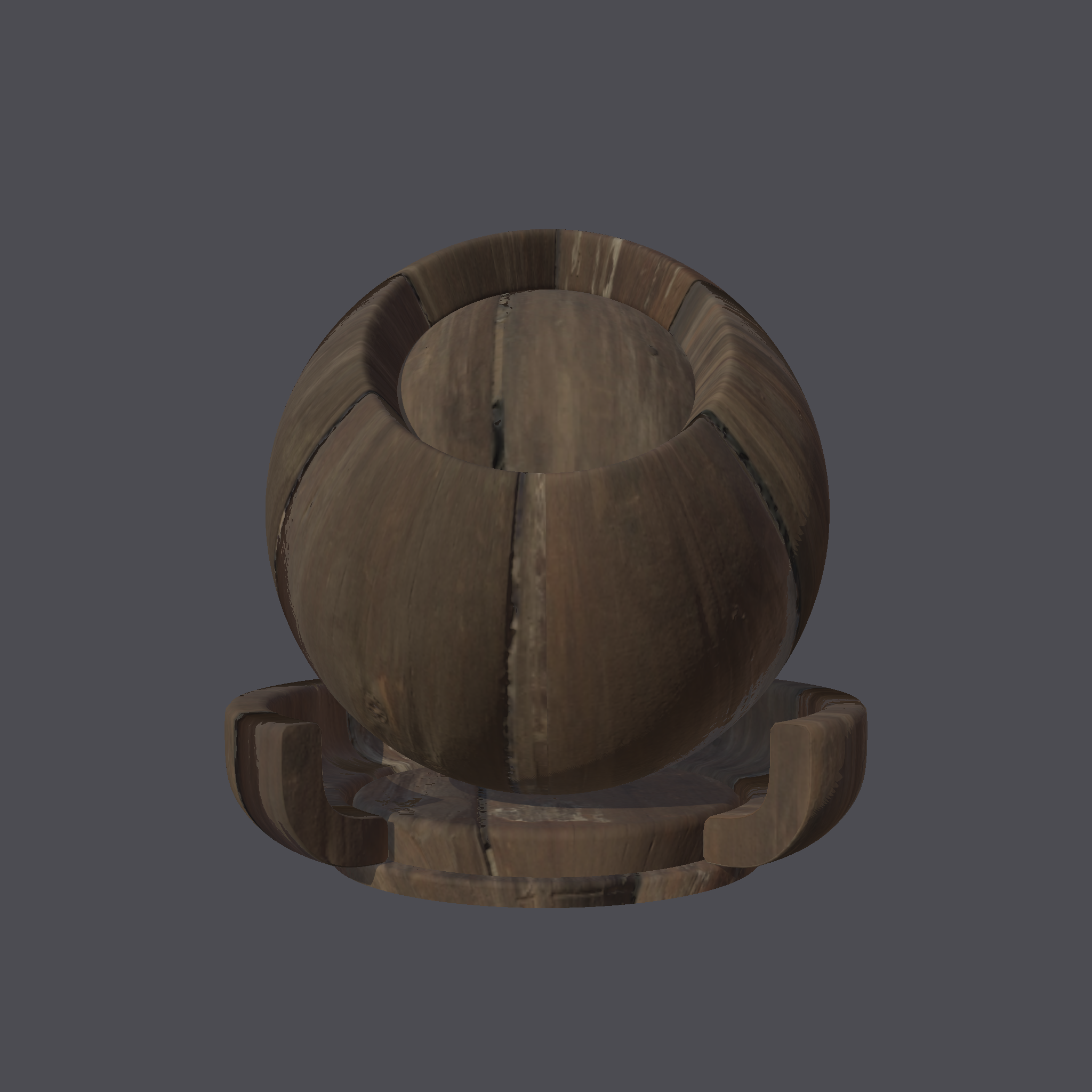
The following are some samples which have been rendered using the MaterialXView utility which is part of the MaterialX binary distribution.
See the Examples pages for further details.
GPUOpen
|
|||
PhysicallyBased
|
|||
ambientCG
|
|||
PolyHaven
|


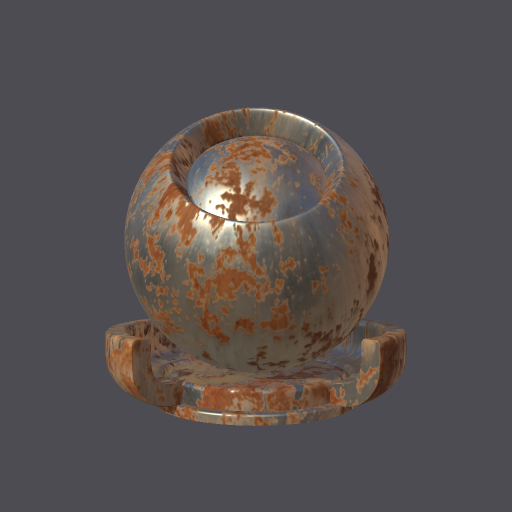

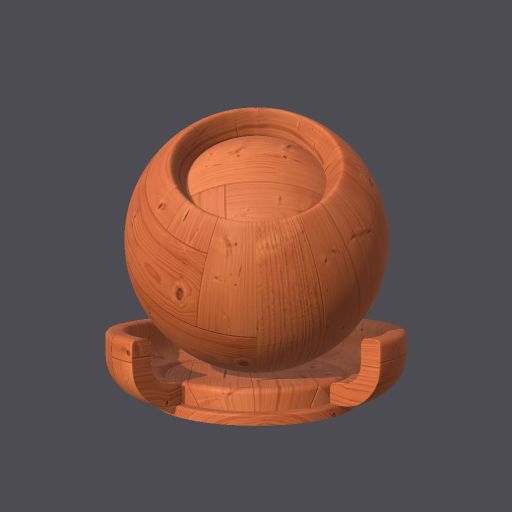
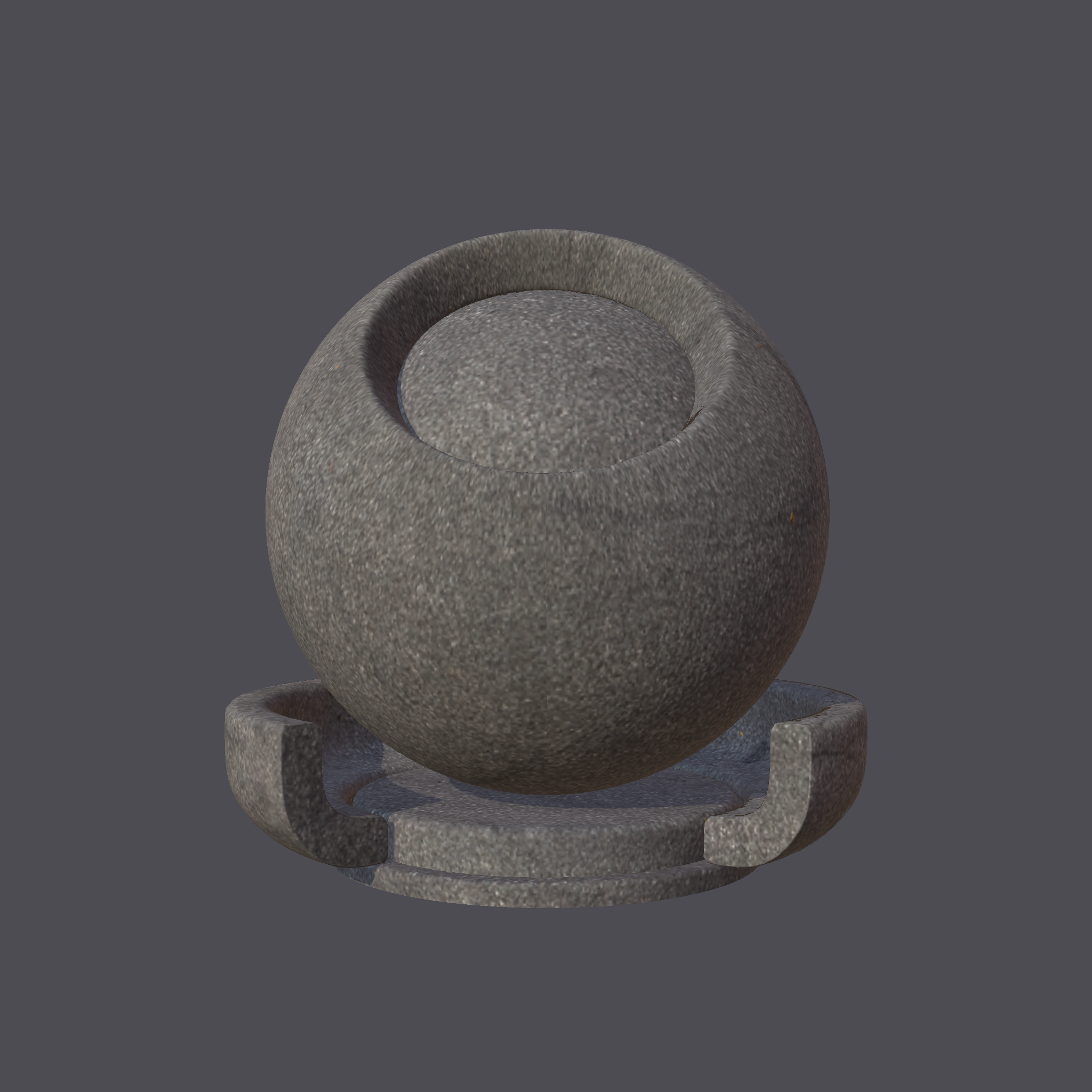
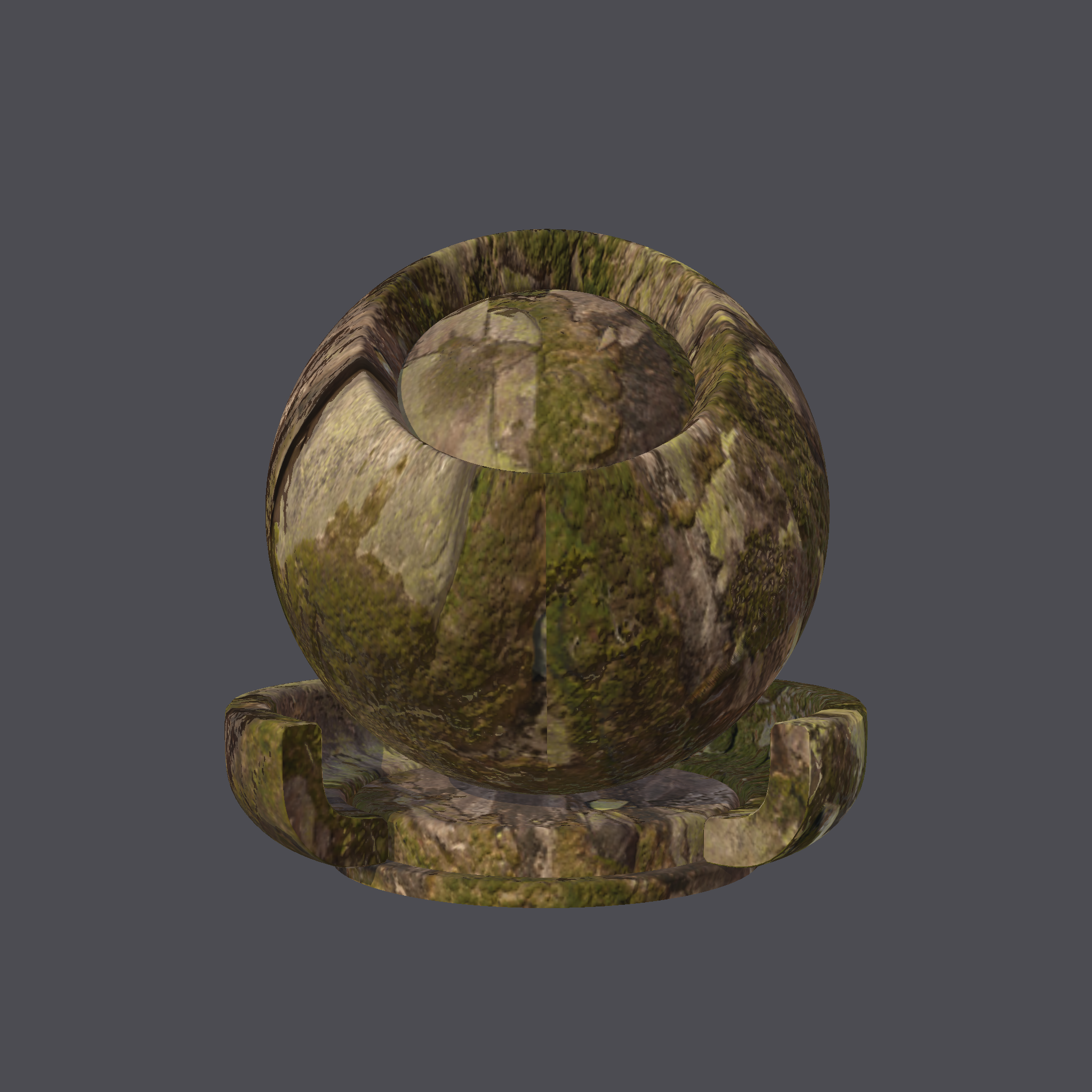
Details
1. PhysicallyBasedAn interactive page for extracting 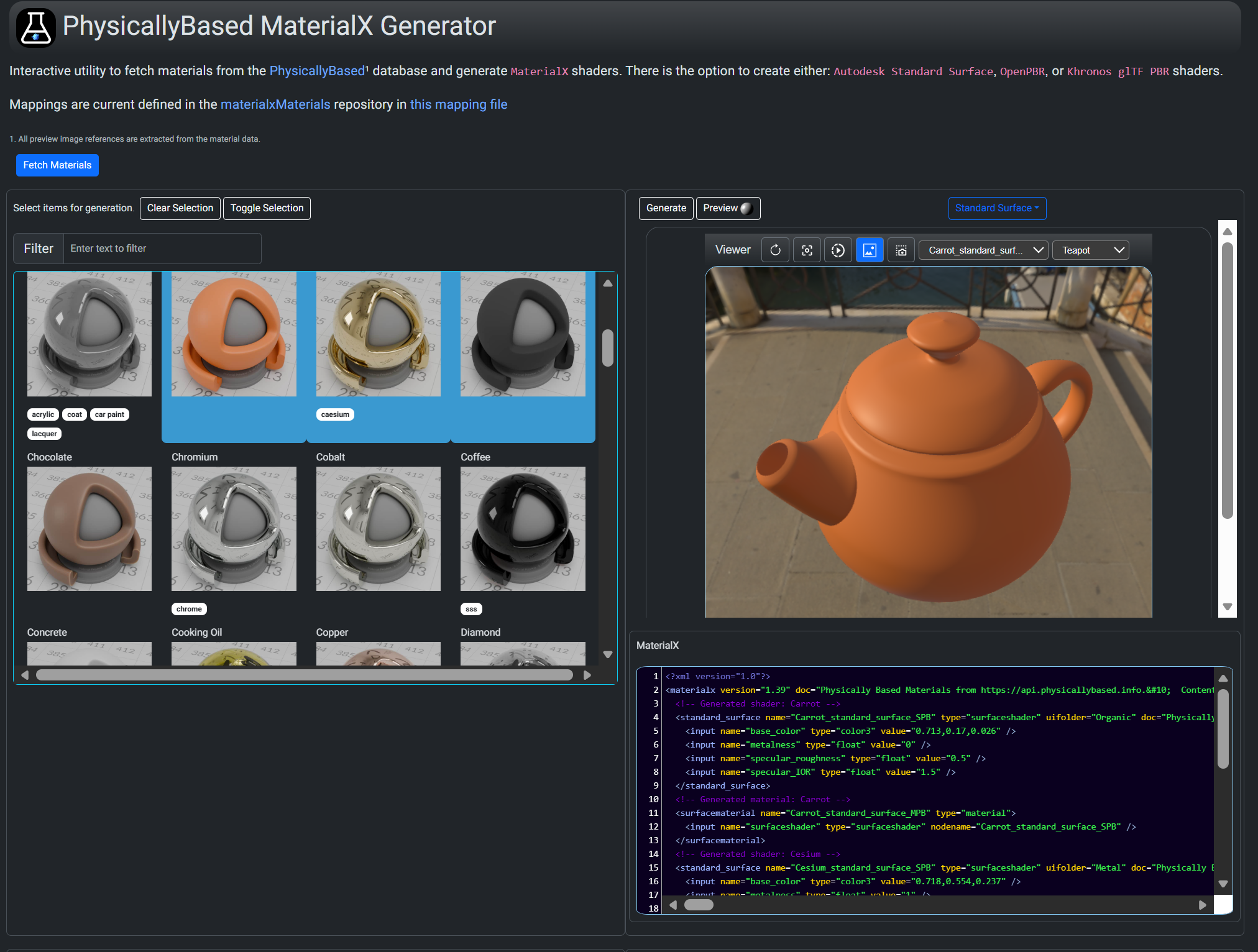
|
2. AMD GPUOpenA command line utility is available here. This uses A Flask application is also available which uses the Python package with a Web based front here.
|
|
3. ambientCgA sample
NodeJS / Express application is available from the MaterialXWeb site. This is designed to be a general purpose MaterialX material inspector supporting 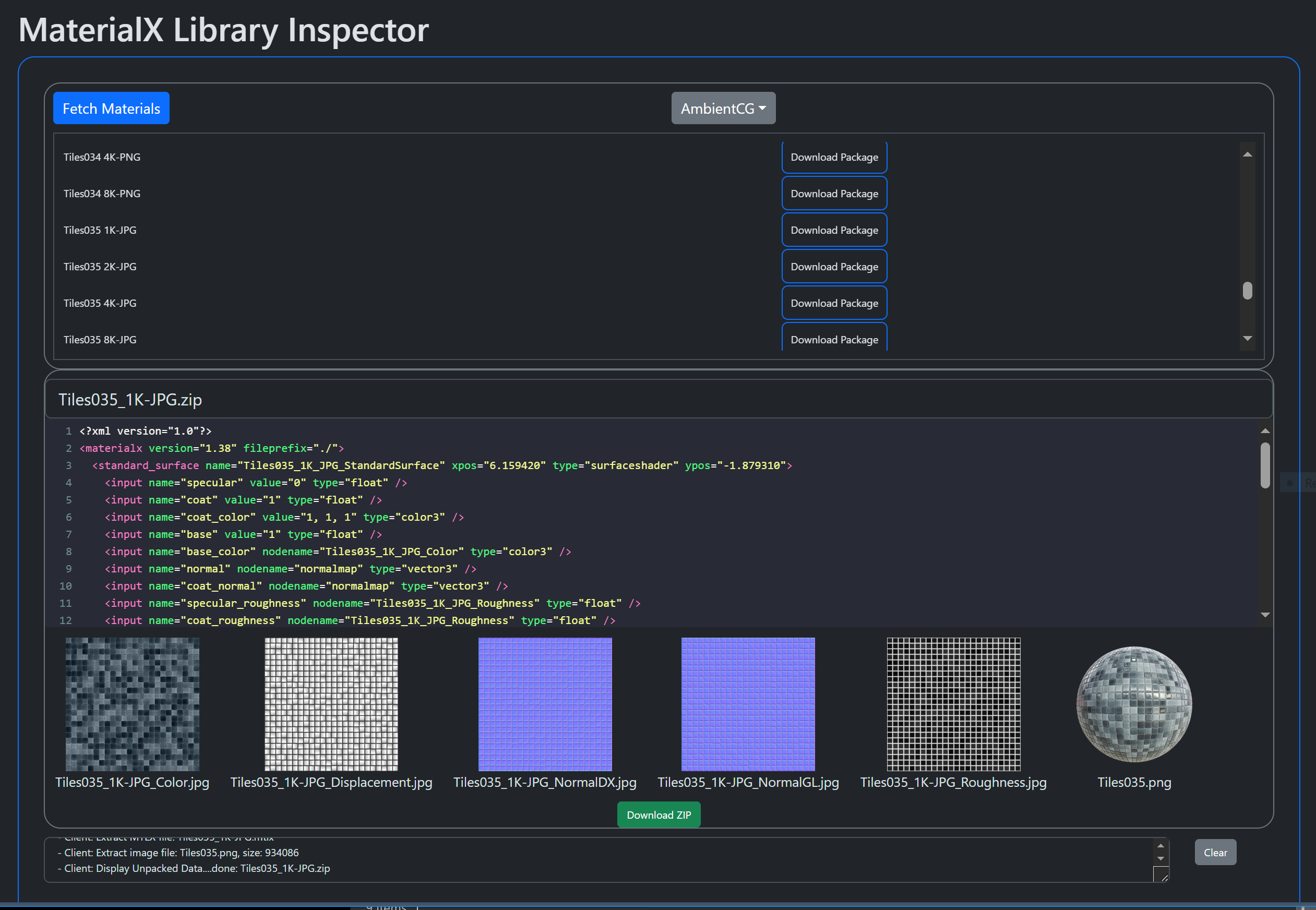
|
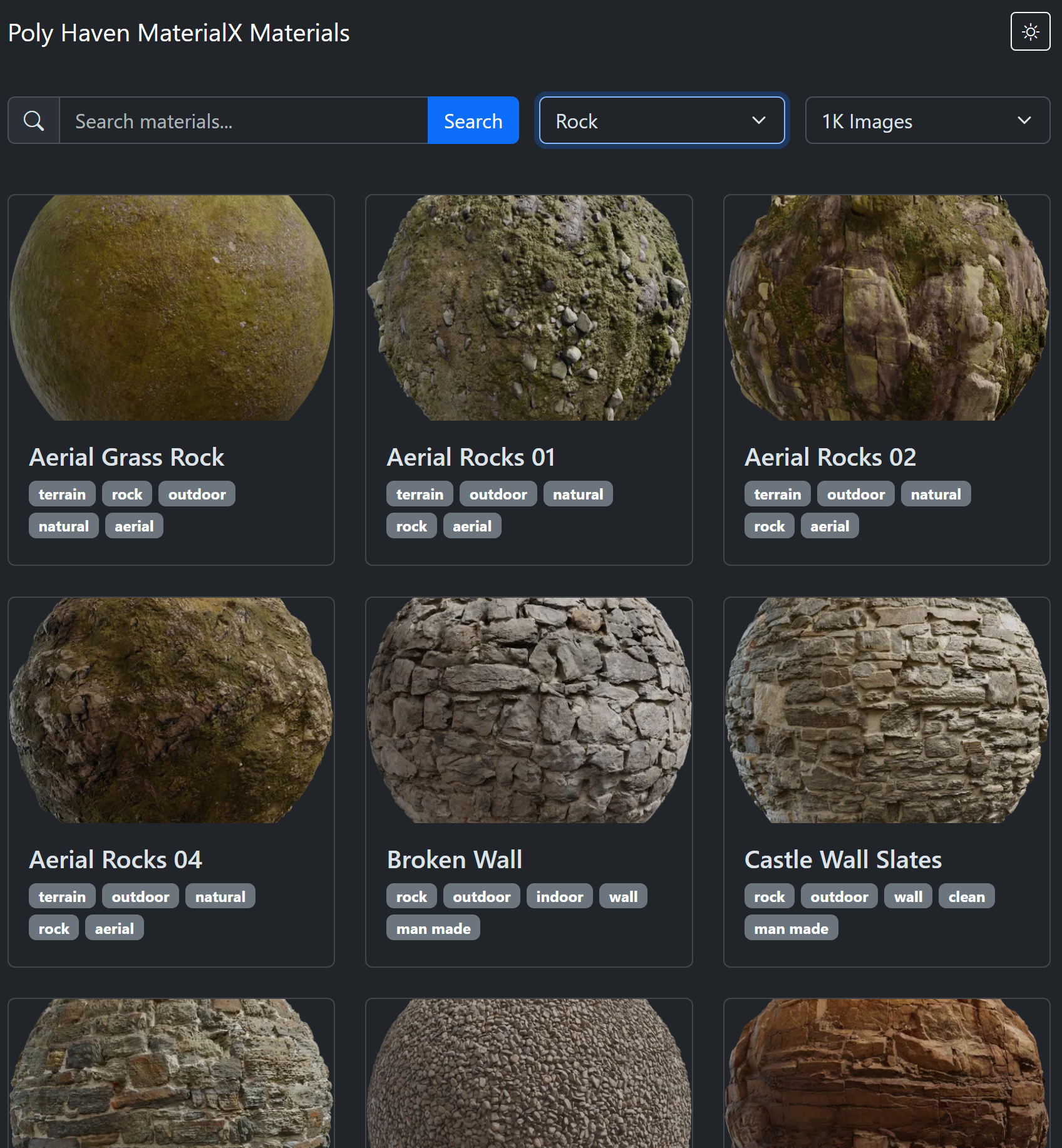
4. PolyHavenA Python library and command A Javascript library and Web interface is available here.
Filtering by classification, name tags, and dependent image resolution is available. Materials may be previewed and / or saved. |
Visualization and Inspection
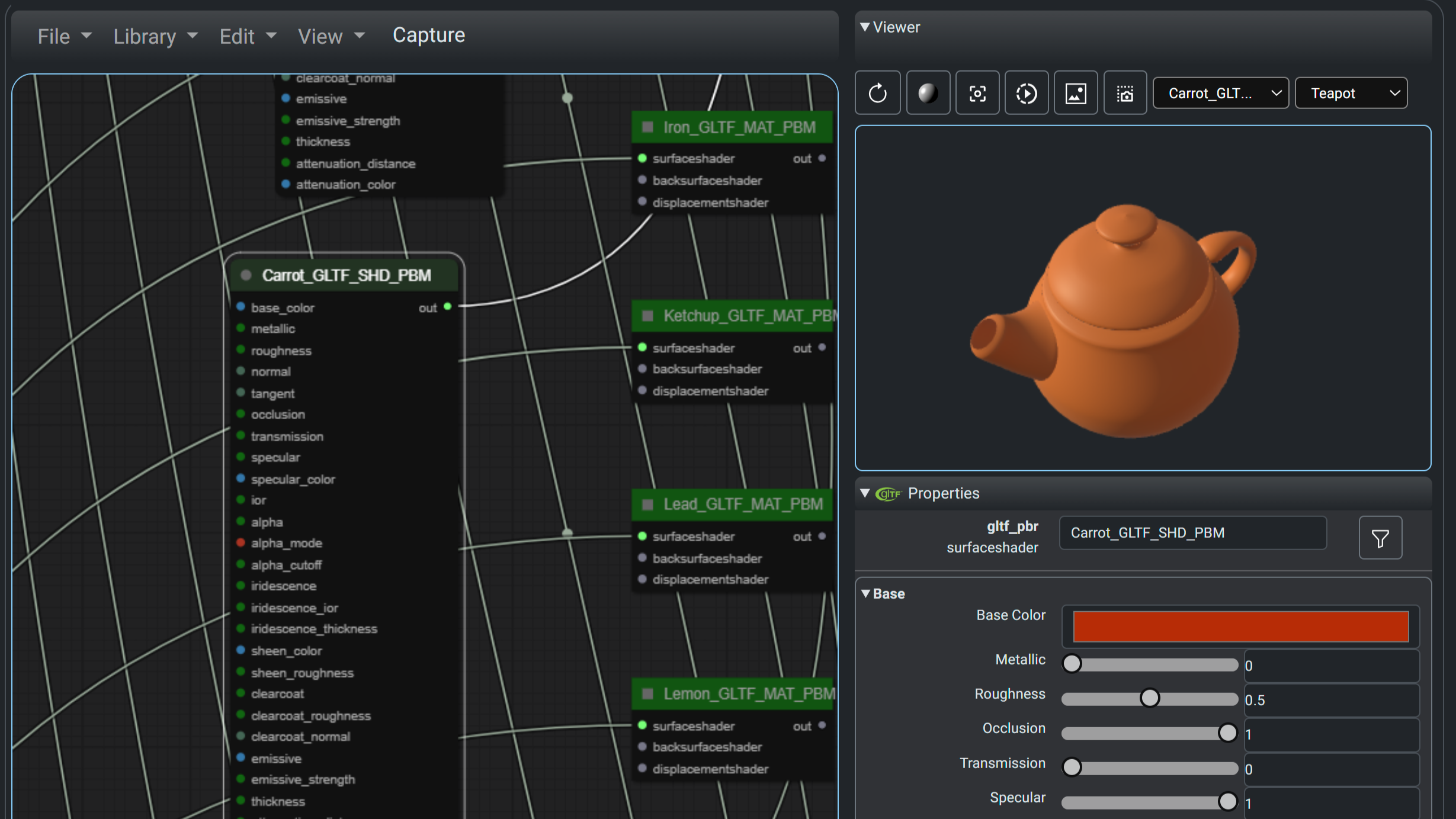
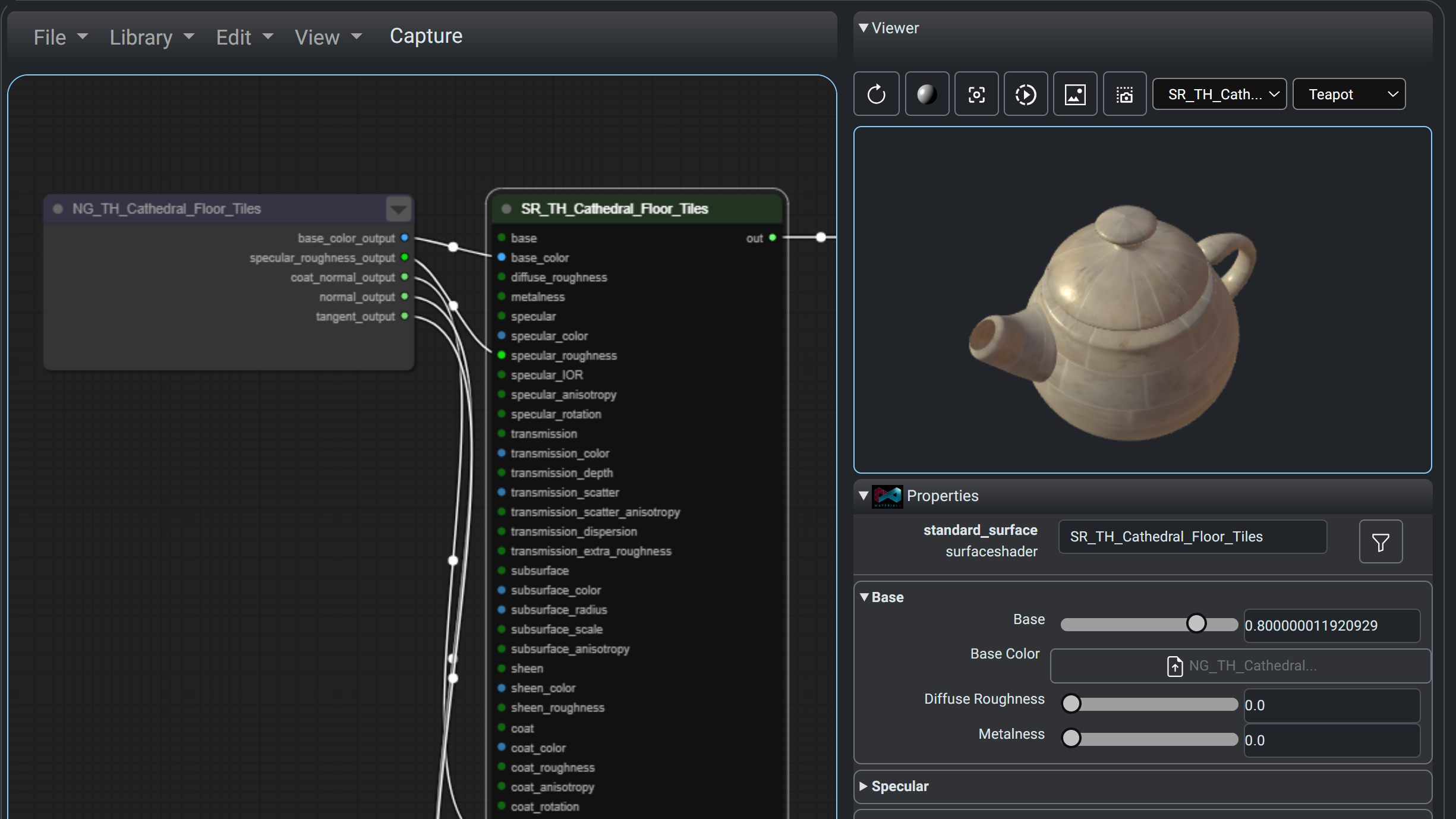
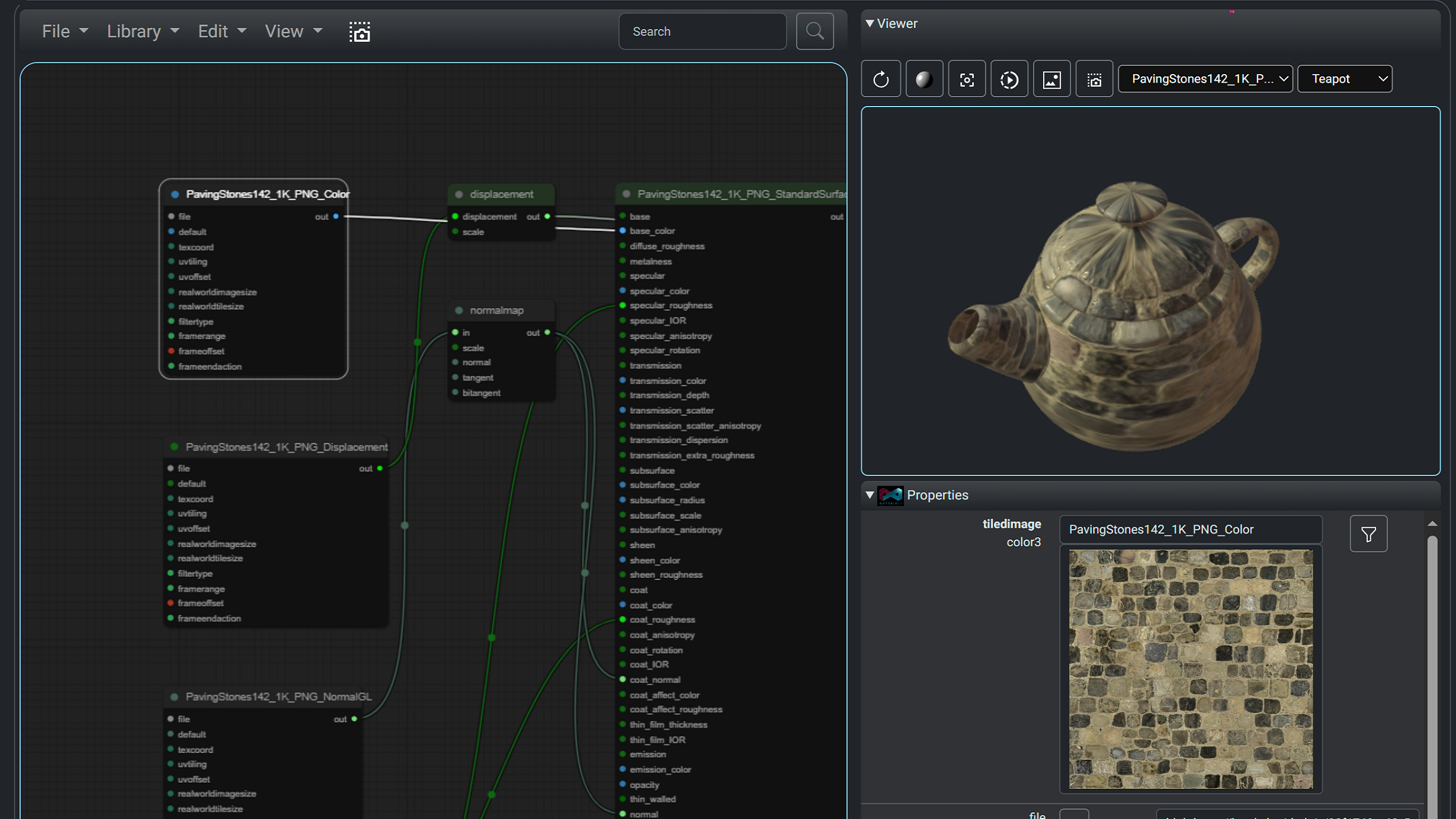
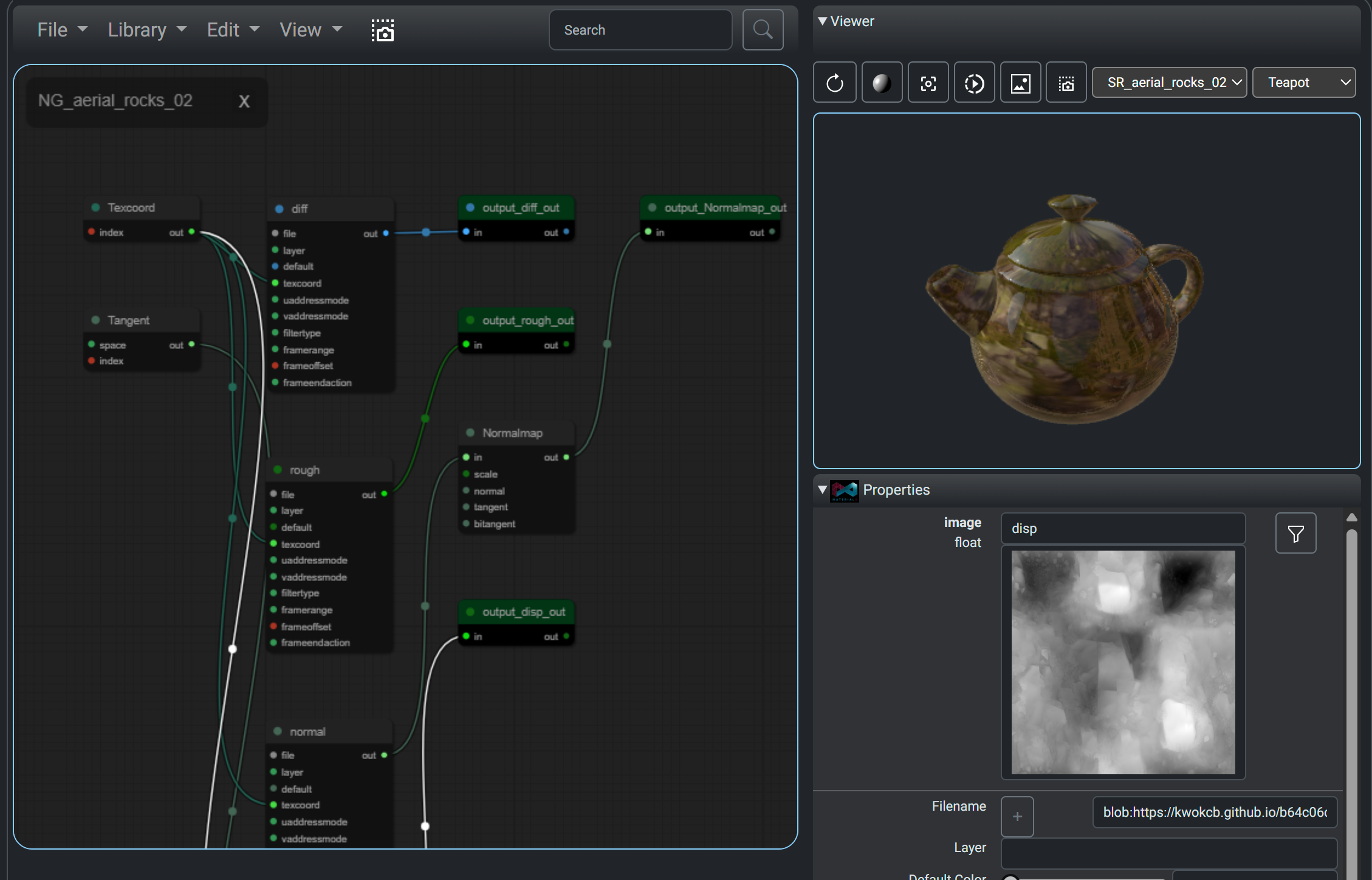
The content can be loaded into any publicly available MaterialX viewer or editor. The MaterialXLab site includes a Node Editor which can load materials from all four libraries directly.
MaterialXLab Node Editor
Below are screenshots of materials fetched from PhysicallyBased, GPU Open, ambientCg> and PolyHaven (left to right images respectively).
Note that the material zip from GPU Open and ambientCg is directly read into the editor via it's zip loading option. PolyHaven packages material content into a zip to allow loading via the zip loading option.
 |
 |
 |
 |
Support is also available on the MaterialXLab site for the shader introspection, node definition publishing, and graphing / diagramming
Example Usage
<iframe src="https://www.youtube.com/embed/4KiPW9IUR6U?rel=0&vq=hd1080" title="Using Material Libraries" width="100%" height="600px" frameborder="0" allow="accelerometer; autoplay; clipboard-write; encrypted-media; gyroscope; picture-in-picture" allowfullscreen> </iframe>Library Dependencies
The Python utilities require:
- The
MaterialX1.39 or greater package for PhysicallyBased OpenPBR shader creation. The current build is against 1.39.5. - The
requestspackage. - The
pillowpackage for image handling for GPUOpen package handling (optional)
The JavaScript utilities require:
javascript/JsGPUOpenLoaderPackage:
node-fetch(for HTTP requests)yargs(for command line parsing)
javascript/JSEXRViewer:
express(for running the web server)
Package Building
The
The Python package can be built using:
pip install .
This will pull down the dependent Python packages as needed.
Build scripts can be found in the utilities folder.
build.shwill install the package and run package commands to update package data.build_download.shwill use the installed pack to download sample materials.buildDocs.shwill prepare documents and run Doxygen to build API docs.build_examples.shwill download material examples and optionally render them.PhysicallyBasedrendering requiresMaterialXViewto be installed.
The Javascript utilities require Node.js to be installed. From the package folders
the following should be run:
npm install             # Install dependent packages
npm run [build/start]   # Build distribution or run the package
Command Line Interfaces
PhysicallyBased
-
Query all materials fom PhysicallyBased and convert them to all support shading models. Save the material list and corresponding MaterialX files in the default output location. The build will include this information Python package under the
datafolder.python physicallyBasedMaterialXCmd.pyor
materialxMaterials physbased
GPUOpen
-
Query all materials fom GPUOpen. Extract out a few material packages (zip). Save the material lists, material names and unzipped packages (MaterialX and images) in the default output location. The build will include this information Python package under the
datafolder.materialxMaterials gpuopen --materialNames=1 --saveMaterials=1
ambientCG
-
Download the materials list fom ambientCG:
materialxMaterials acg --saveMaterials True
-
Extract out a material package for the "WoodFloor038" material from ambientCG requesting the package where the images are 2K PNG files:
materialxMaterials acg --downloadMaterial "WoodFloor038" --downloadResolution 2
PolyHaven
-
Examine all texture assets on PolyHaven, and find all ones which have MaterialX resources.
polyHavenLoaderCmd.py -fe -
The extraction can be filtered by identifier:
polyHavenLoaderCmd.py -fe -id="aerial_asphalt_01"
-
or by count. In this case the first 10 assets with MaterialX resources will be extracted.
polyHavenLoaderCmd.py -fe -c 10
Note that this does not download any of the content for each asset, but instead
extract information into a file called polyhaven_materialx_assets.json for later usage.. The build process will include a file with this name under the data as part of the Python package. This avoids having to query the PolyHaven API repeatedly.
-
The user can either use a local version of this file by specifying the path the file as shown below, where an optional
--data_folderargument can be used to specify the location of the file.python -m materialxMaterials polyhaven --load [--data-folder <myfolder location> -id="aerial_asphalt_01"
-
If
--loadis not specified then the the packaged will be used by default.python -m materialxMaterials polyhaven -id="aerial_asphalt_01"
Download options include:
-
-xor--extractto extract the content of the package (MaterialX and images) into a folder. By default the package will be downloaded but not extracted. -
-exror--keep_exrto keep the EXR files if they are included in the package. By default the equivalent PNG files are downloaded or EXR files are converted to PNG files. The latter requires theOpenImageIOpackage to be installed.- Note that if EXR images are remapped then the MaterialX file references
are also remapped in the
.mtlxfile.
- Note that if EXR images are remapped then the MaterialX file references
are also remapped in the
-
-ror--download_resolutionto specify the resolution of the images to download. By default the lowest resolution images are downloaded. The user can specify "1k", "2k", "4k" or "8k".
GPUOpen (NodeJS)
The utility can be run from the javascript\JsGPUOpenLoaderPackage folder as follows:
npm start -- [<arguments>]
or:
node gpuOpenFetch.js [<arguments>]
with the appropriate arguments. It supports the same options as the Python utility -- namely material information, and package (zip) downloads. For the following 2 lines are equivalent to download a material called "Moss Green Solid Granite".
node gpuOpenFetch.js  -n "Moss Green Solid Granite"
npm start -- -n "Moss Green Solid Granite"
1 maintainer

Metadata
1 maintainer
Release files for materialxmaterials 1.39.5
For a detailed explanation of source distributions (sdists) and built distributions (wheels), please see the package formats documentation.
Source distribution (sdist)
| File | Size | Uploaded | |
|---|---|---|---|
| materialxmaterials-1.39.5.tar.gz | 5.2 MB | Details |
Built distribution (wheel)
| File | Interpreter | ABI | Platform | Reset |
|---|---|---|---|---|
| materialxmaterials-1.39.5-py3-none-any.whl | Python 3 | none | any | Details |
Total release size: 10.7 MB
Release files / materialxmaterials-1.39.5.tar.gz
| Download URL | materialxmaterials-1.39.5.tar.gz |
|---|---|
| Size | 5.2 MB |
| Tags | Source |
|
SHA-256 checksum How to use checksums |
613bcc56369acd3ab499109a41324e7f5c053931422496fc5b9d7d3a216e6ffb
|
|
BLAKE2b-256 checksum How to use checksums |
289d2e5226face2fb2d5333a51957487c99e45f629a2cc4eed58cd3e67f58d11
|
| Upload date | |
|
Uploaded using Trusted Publishing? What is trusted publishing? |
No |
| Uploaded via |
twine/5.1.1 CPython/3.11.0
|
Release files / materialxmaterials-1.39.5-py3-none-any.whl
| Download URL | materialxmaterials-1.39.5-py3-none-any.whl |
|---|---|
| Size | 5.5 MB |
| Tags | Python 3 |
|
SHA-256 checksum How to use checksums |
fe7793fce0ffe089cd809fec3fb88615fcf1d90ac0f4d7b136c51b3d77228d43
|
|
BLAKE2b-256 checksum How to use checksums |
279f9ae639a9df1702d4f4d88763b315afc65bed1e6de36a26b945a991c749b6
|
| Upload date | |
|
Uploaded using Trusted Publishing? What is trusted publishing? |
No |
| Uploaded via |
twine/5.1.1 CPython/3.11.0
|














