
Utilities to get materials stored on a remote server

Project description
 MaterialX Materials
Introduction
Welcome to MaterialX Materials.
This site hosts a set of libraries and command line utilities to query remote databases for MaterialX materials.
Visit the Home Page
Related utilities and libraries can be found at the:
 MaterialXLab home page
The current utilities support:
 PhysicallyBased database Material descriptions can be downloaded with additional utilities to create materials using either: Autodesk Standard Surface, OpenPBR, or glTF PBR shading model shaders.
 AMD GPUOpen database MaterialX packages can be downloaded (as zip files). Images and MaterialX
documents can be extracted for any of the posted materials in the database.
AMD GPUOpen database MaterialX packages can be downloaded (as zip files). Images and MaterialX
documents can be extracted for any of the posted materials in the database.
Python implementations.
<iframe
src="https://www.youtube.com/embed/4KiPW9IUR6U?rel=0&vq=hd1080"
title="Using Material Libraries" width="100%"
height="600px" frameborder="0"
allow="accelerometer; autoplay; clipboard-write; encrypted-media; gyroscope; picture-in-picture"
allowfullscreen>
</iframe>
Usage Examples
An interactive page: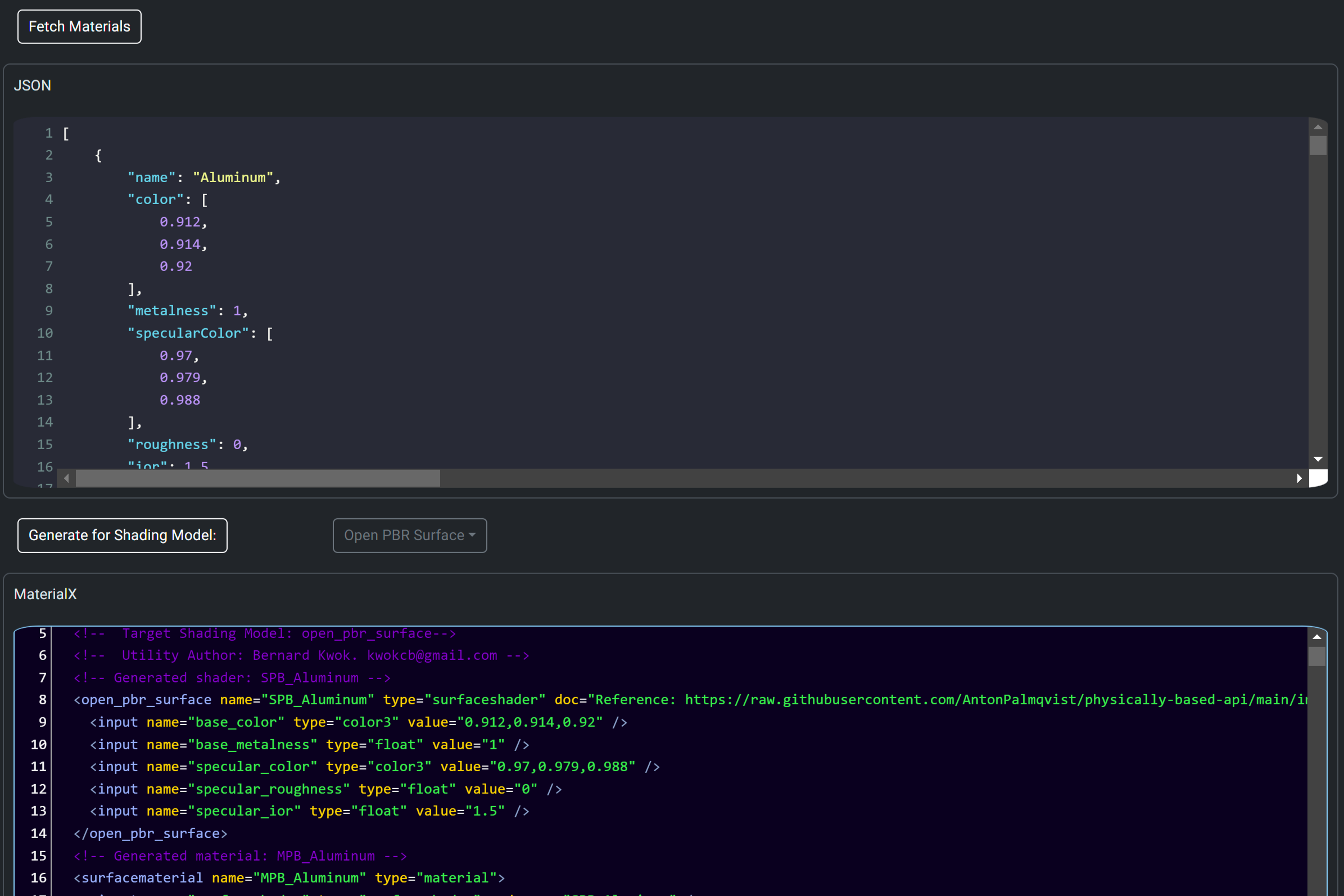
for extracting PhysicallyBased uses a Javascript implementation found here
A command line utility is available here. This uses Node.js to allow access to fetch materials from the GPU Open site(which is not available via a web page).
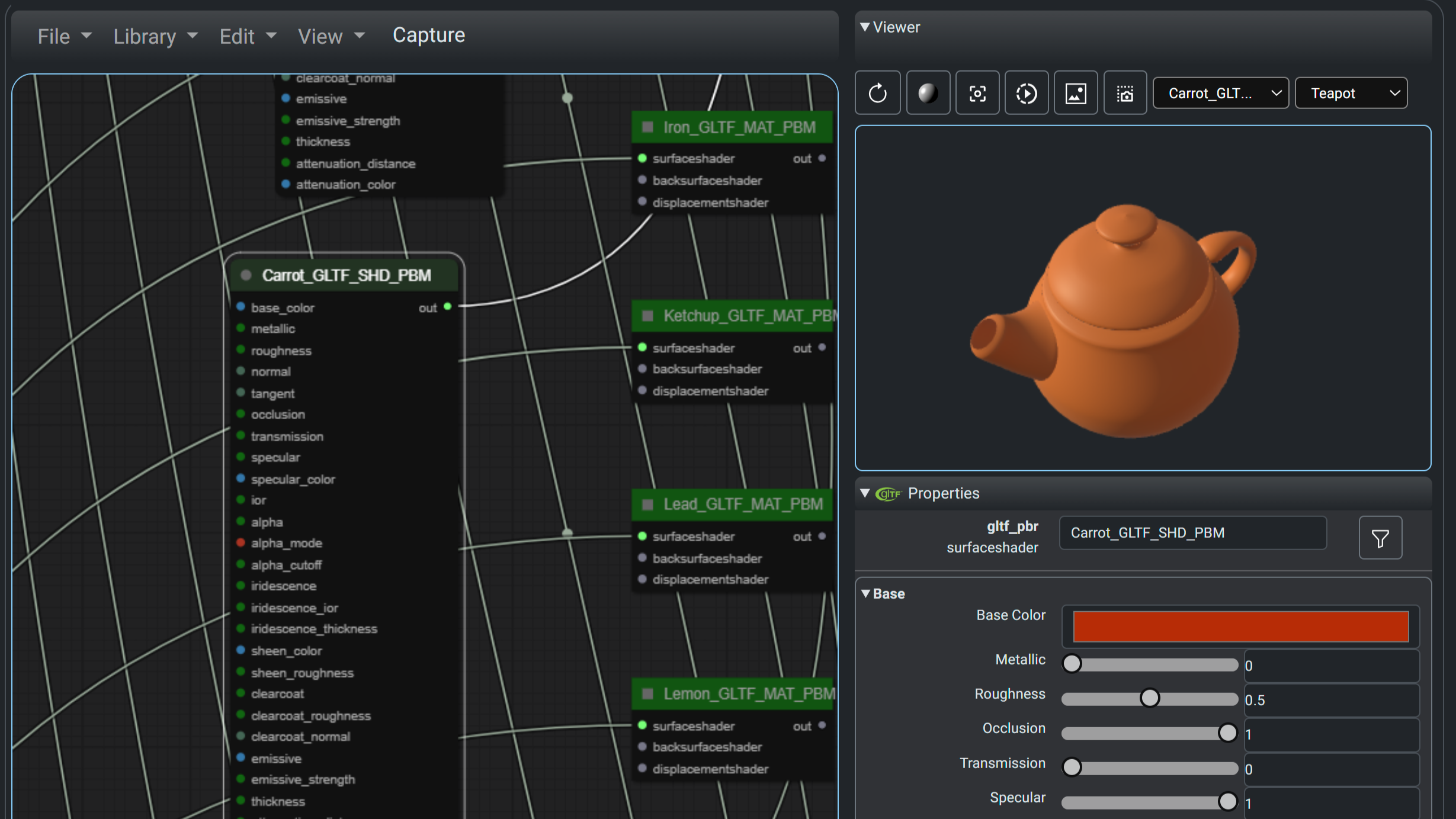
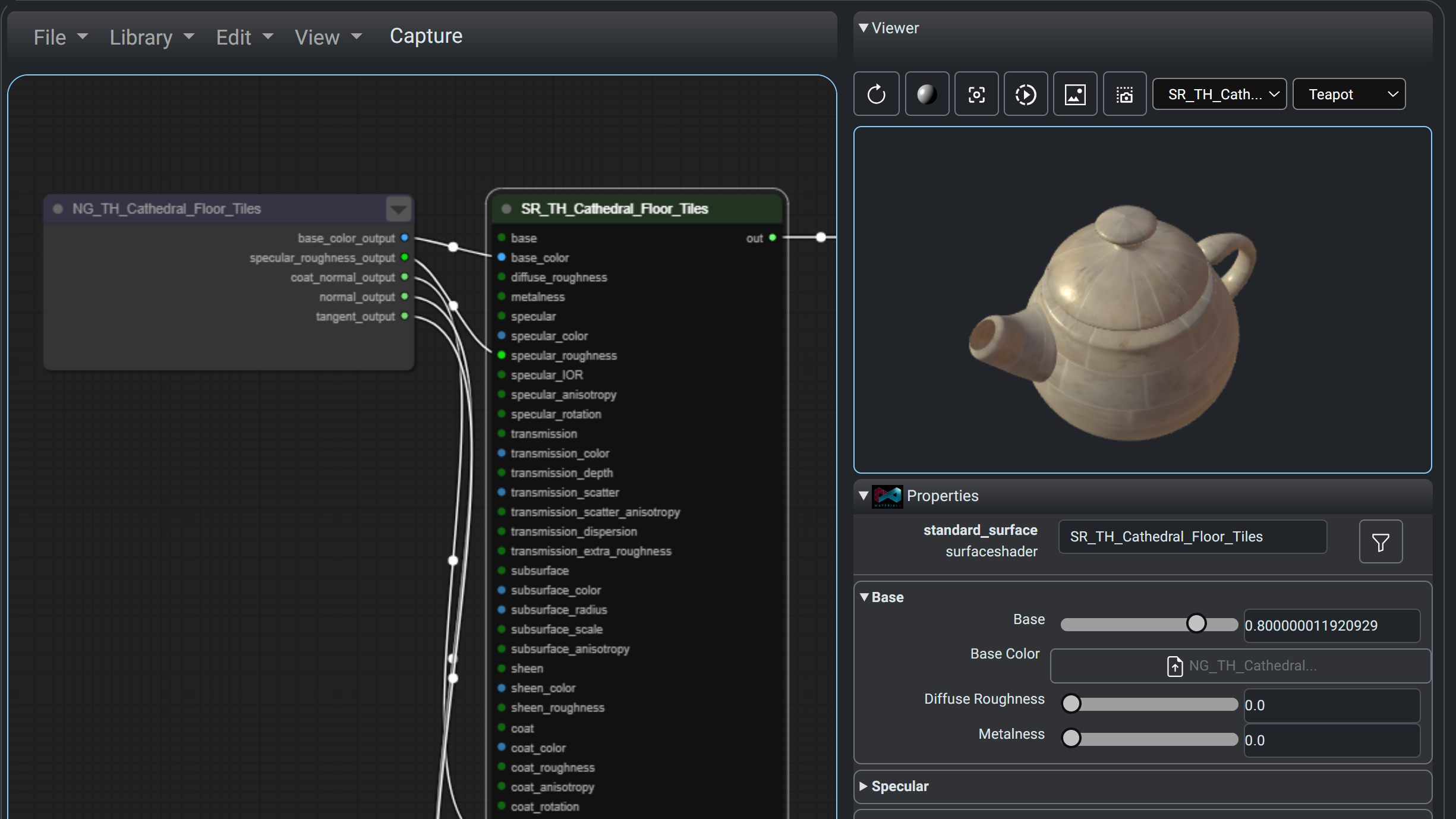
Below are screenshots of materials fetched from from PhysicallyBased and GPU Open (left and right images respectively). Note that the material zip from GPU Open is directly read in.
 |
 |
Dependencies
The Python utilities require:
- The MaterialX 1.39 or greater package for PhysicallyBased OpenPBR shader creation
- The
requestspackage. - The
pillowpackage for image handling for GPUOpen package handling
The GPUOpen Javascript logic requires:
node-fetchif fetch is not available in the version of Node.js used.yargsfor the command line utility
Building
The 
The Python package can be built using:
pip install .
This will pull down the dependent Python packages as needed.
The GPUOpen Javascript utility requires Node.js to be installed. From the package folder (javascript\JsGPUOpenLoaderPackage) the following should be run:
npm install     # Install dependent packages
npm run build   # Setup runtime area
Usage
Python Commands
-
Query all materials fom PhysicallyBased and convert them to all support shading models. Save the material list and corresponding MaterialX files in the default output location. The build will include this information Python package under the
datafolder.python physicallyBasedMaterialXCmd.pyor
python -m materialxMaterials physbased
-
Query all materials fom GPUOpen. Extract out a few material packages (zip). Save the material lists, material names and unzipped packages (MaterialX and images) in the default output location. The build will include this information Python package under the
datafolder.python GPUOpenLoaderCmd.py --materialNames=1 --saveMaterials=1
or
python -m materialxMaterials gpuopen --materialNames=1 --saveMaterials=1
GPU Open Node.js Utility
The utility can be run from the javascript\JsGPUOpenLoaderPackage folder as follows:
npm start -- [<arguments>]
or:
node gpuOpenFetch.js [<arguments>]
with the appropriate arguments. It supports the same options as the Python utility -- namely material information, and package (zip) downloads. For the following 2 lines are equivalent to download a material called "Moss Green Solid Granite".
node gpuOpenFetch.js  -n "Moss Green Solid Granite"
npm start -- -n "Moss Green Solid Granite"
Library
A Jupyter notebook demonstrates the direct usage of the Python library. The output of the notebook can be found here. The notebook can found in the Github repository under the examples folder.
Results
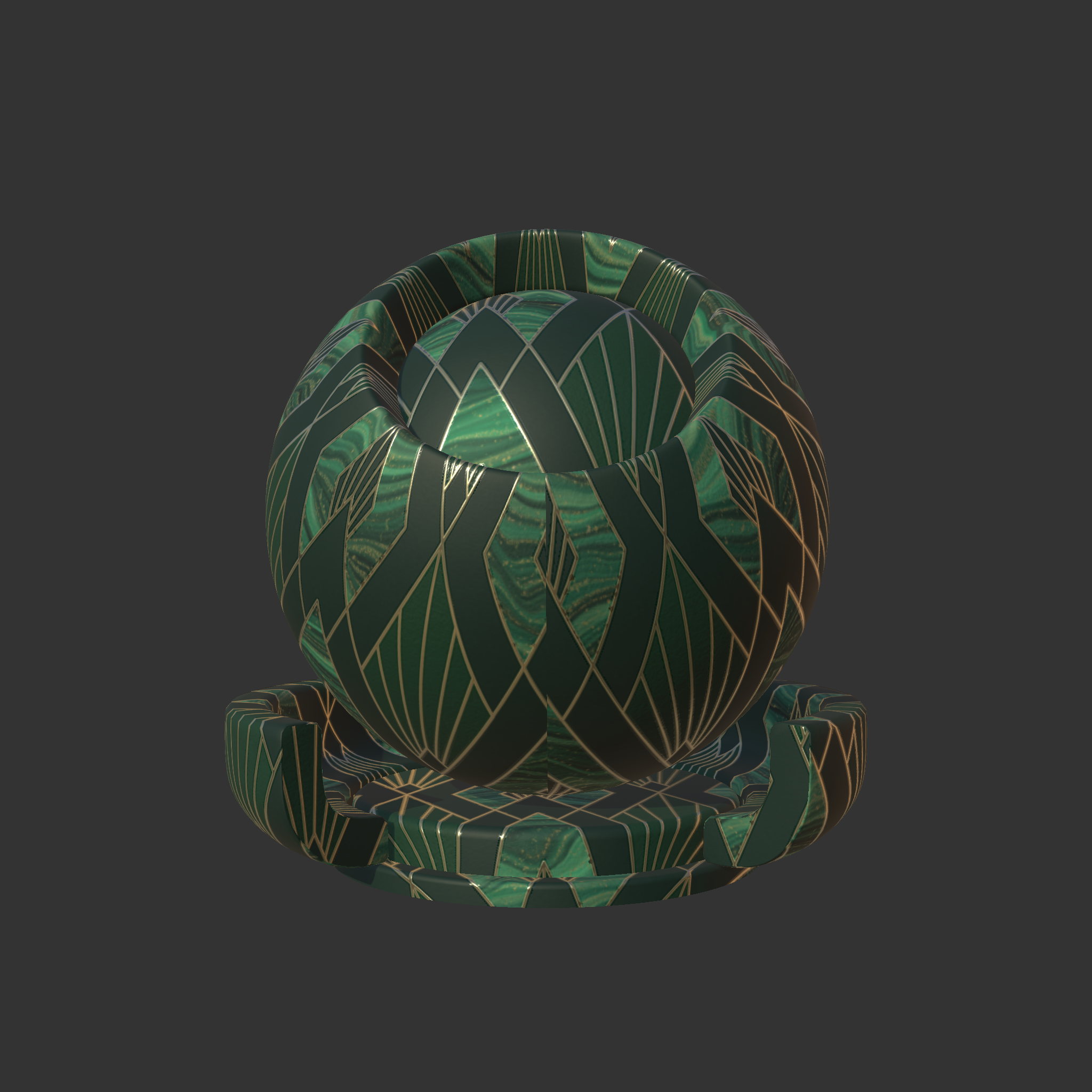
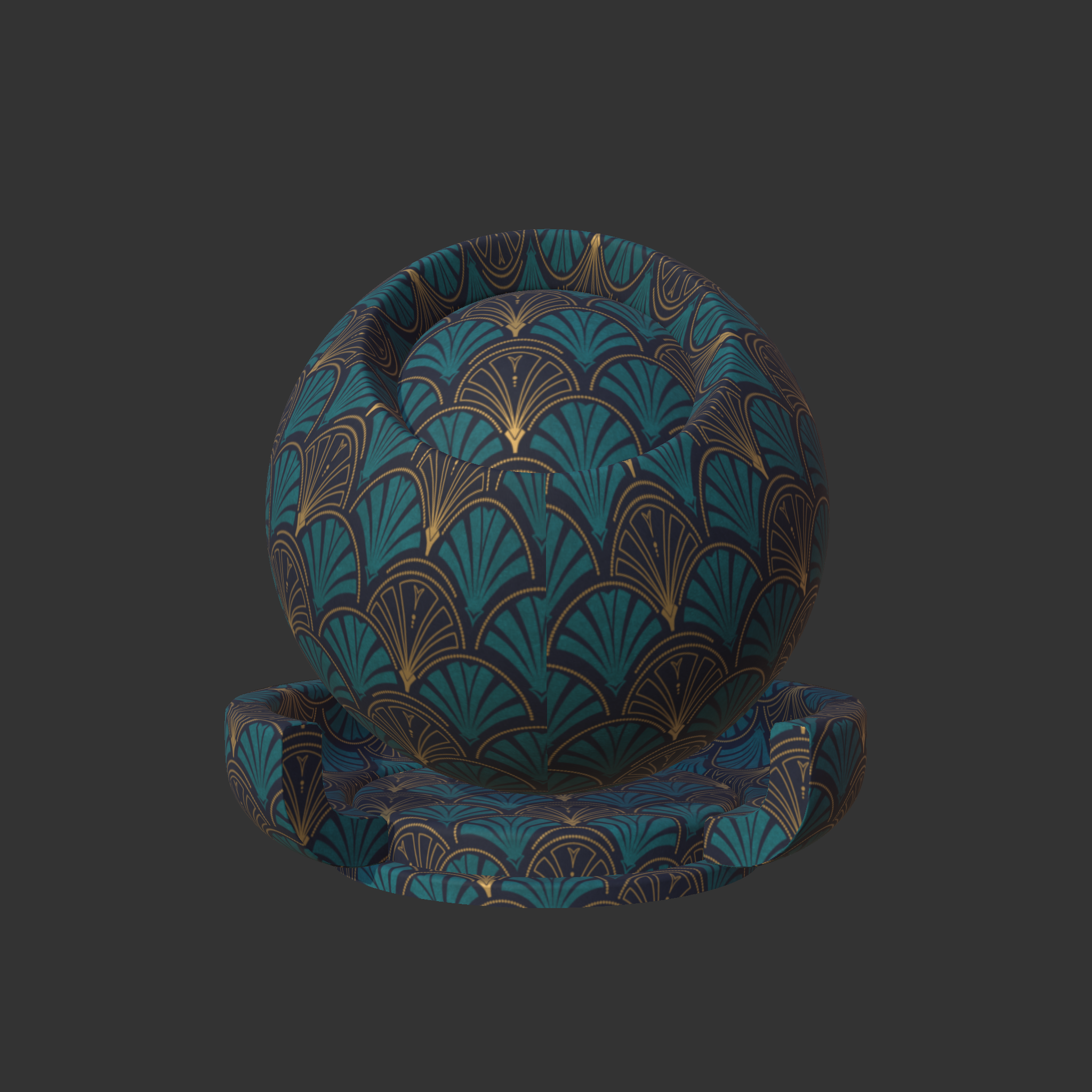
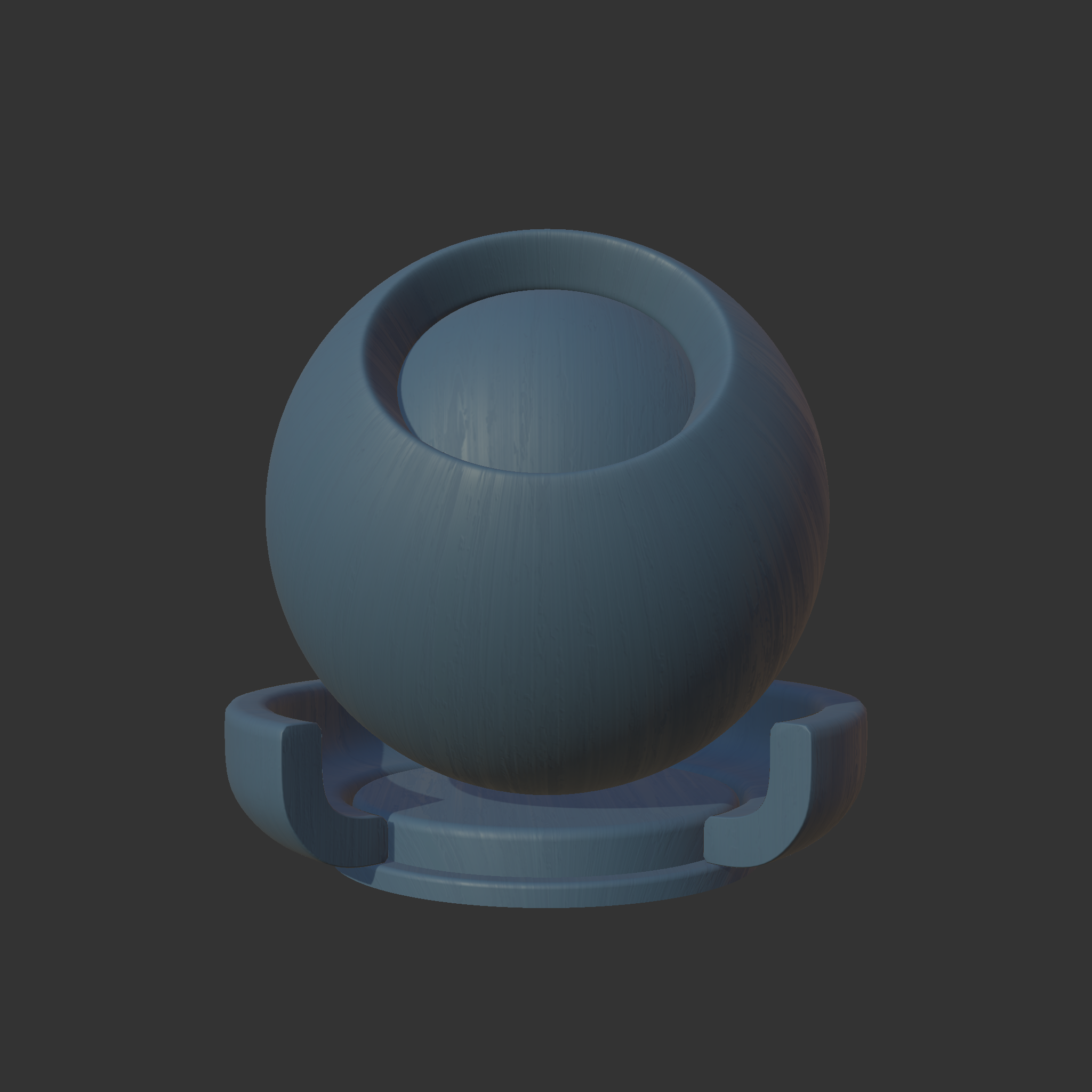
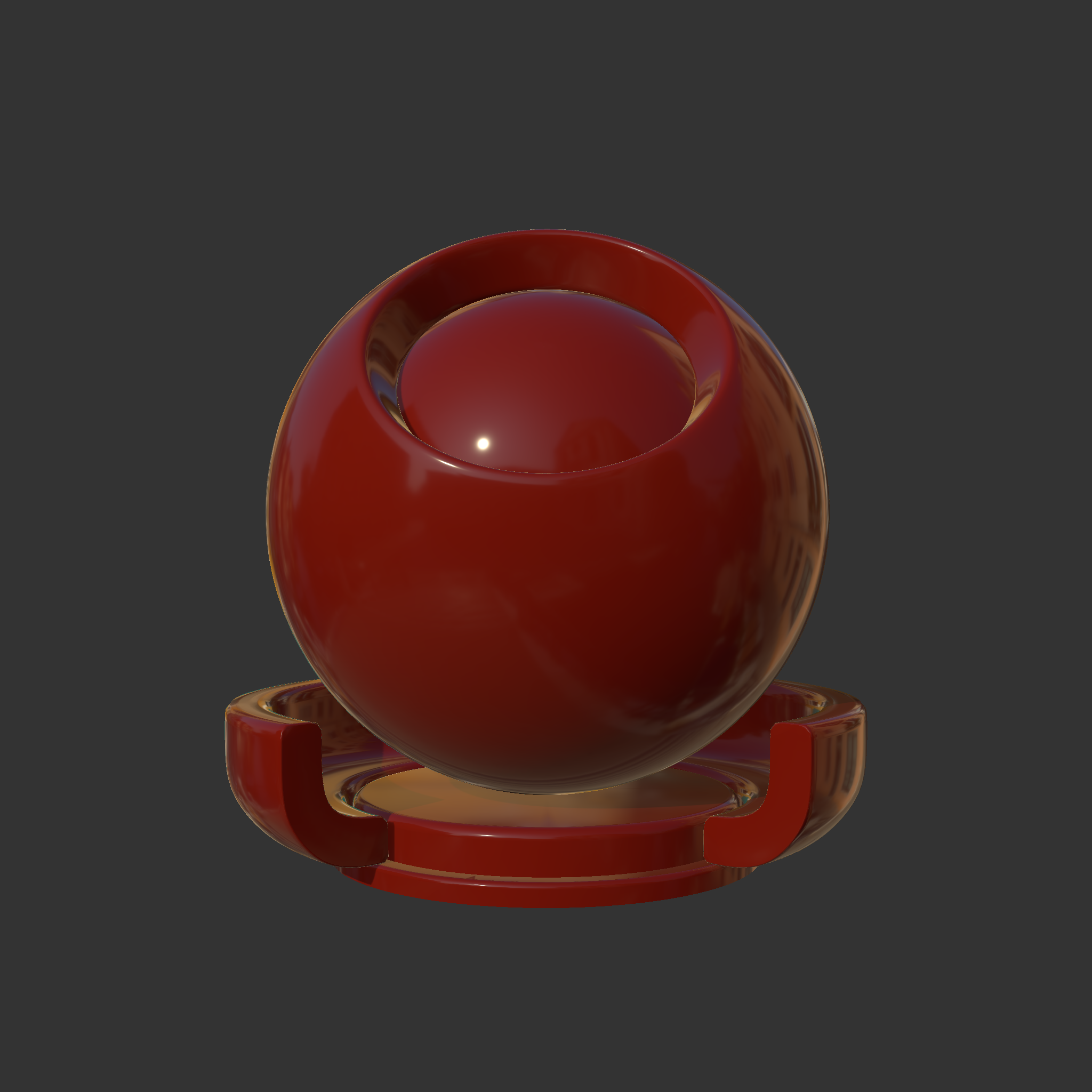
The following are some samples which have been rendered using the MaterialXView utility which is part of the MaterialX binary distribution.
Details about some examples can be found in the Examples pages
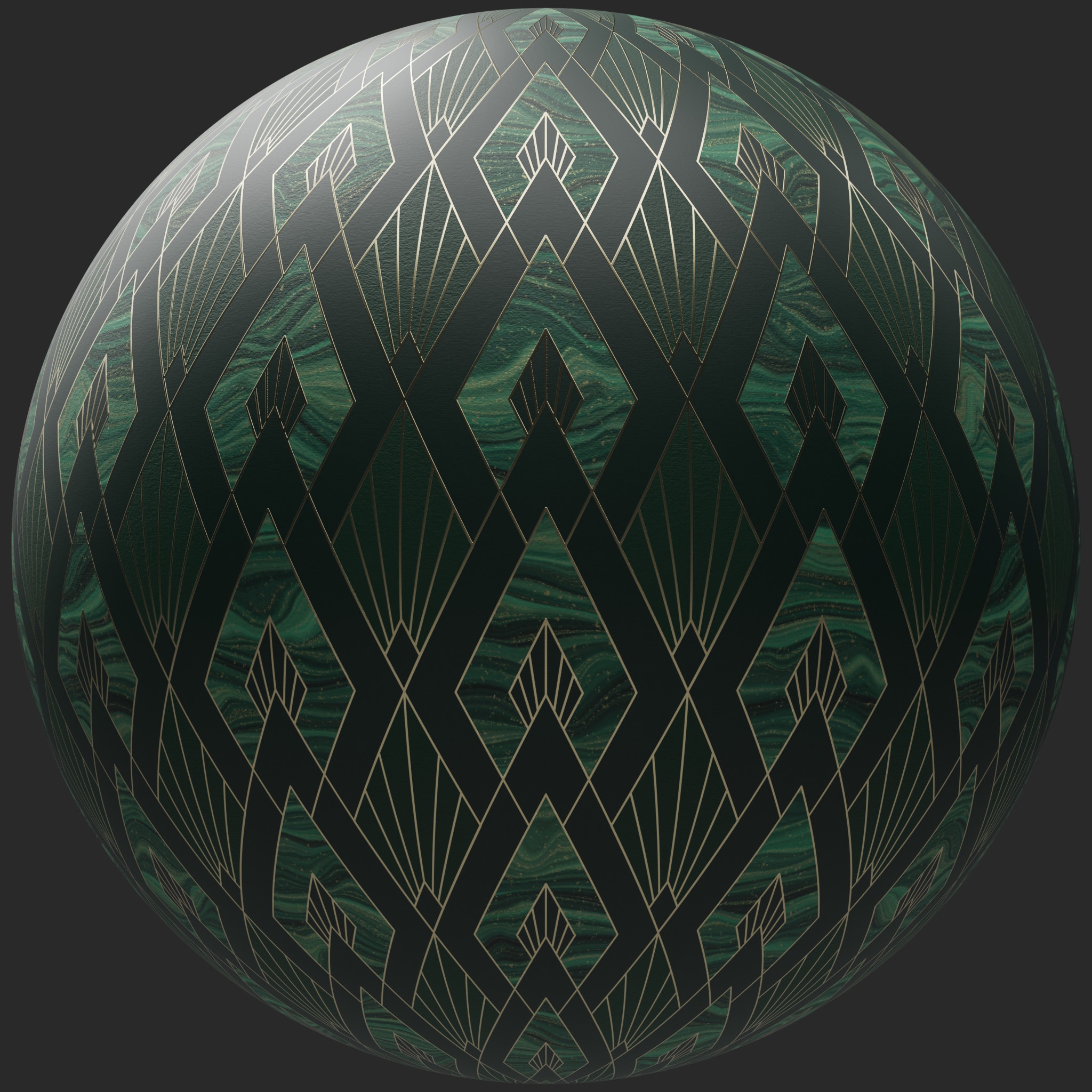
| Emerald Peaks Wallpaper | Indigo Palm Wallpaper | Oliana Blue Painted Wood |
|---|---|---|
|
|
|
| Ketchup | Cooking Oil | Brass |
|---|---|---|
|

|

|
API Reference
The API reference can be found here


Download files
Download the file for your platform. If you're not sure which to choose, learn more about installing packages.
Source Distribution
Built Distribution
Filter files by name, interpreter, ABI, and platform.
If you're not sure about the file name format, learn more about wheel file names.
Copy a direct link to the current filters
File details
Details for the file materialxmaterials-0.0.1.tar.gz.
File metadata
- Download URL: materialxmaterials-0.0.1.tar.gz
- Upload date:
- Size: 26.1 kB
- Tags: Source
- Uploaded using Trusted Publishing? No
- Uploaded via: twine/5.1.1 CPython/3.11.0
File hashes
| Algorithm | Hash digest | |
|---|---|---|
| SHA256 |
edb64fde5632a3a70f251aab11d140ca8aee6d3024924905b07f19d348501bde
|
|
| MD5 |
5f0b06aeedd62e6e5a331e61eb451795
|
|
| BLAKE2b-256 |
adebfac56a2a4c5d5efb7f6cf217a54702284c631f1bdf8c7b1ca14f503e0ef1
|
File details
Details for the file materialxMaterials-0.0.1-py3-none-any.whl.
File metadata
- Download URL: materialxMaterials-0.0.1-py3-none-any.whl
- Upload date:
- Size: 24.6 kB
- Tags: Python 3
- Uploaded using Trusted Publishing? No
- Uploaded via: twine/5.1.1 CPython/3.11.0
File hashes
| Algorithm | Hash digest | |
|---|---|---|
| SHA256 |
e432cb0643ed1ed0c4d64adc15f26a07f757e3a303d118f8230e77c9aa0e8f41
|
|
| MD5 |
a7027e744a2fcad8f9db82bf4a48f6db
|
|
| BLAKE2b-256 |
b4ce2185245a90852fe5800ebc3fad34177451583609fd8fcd775b299369738d
|






