
Getting Inside The Box
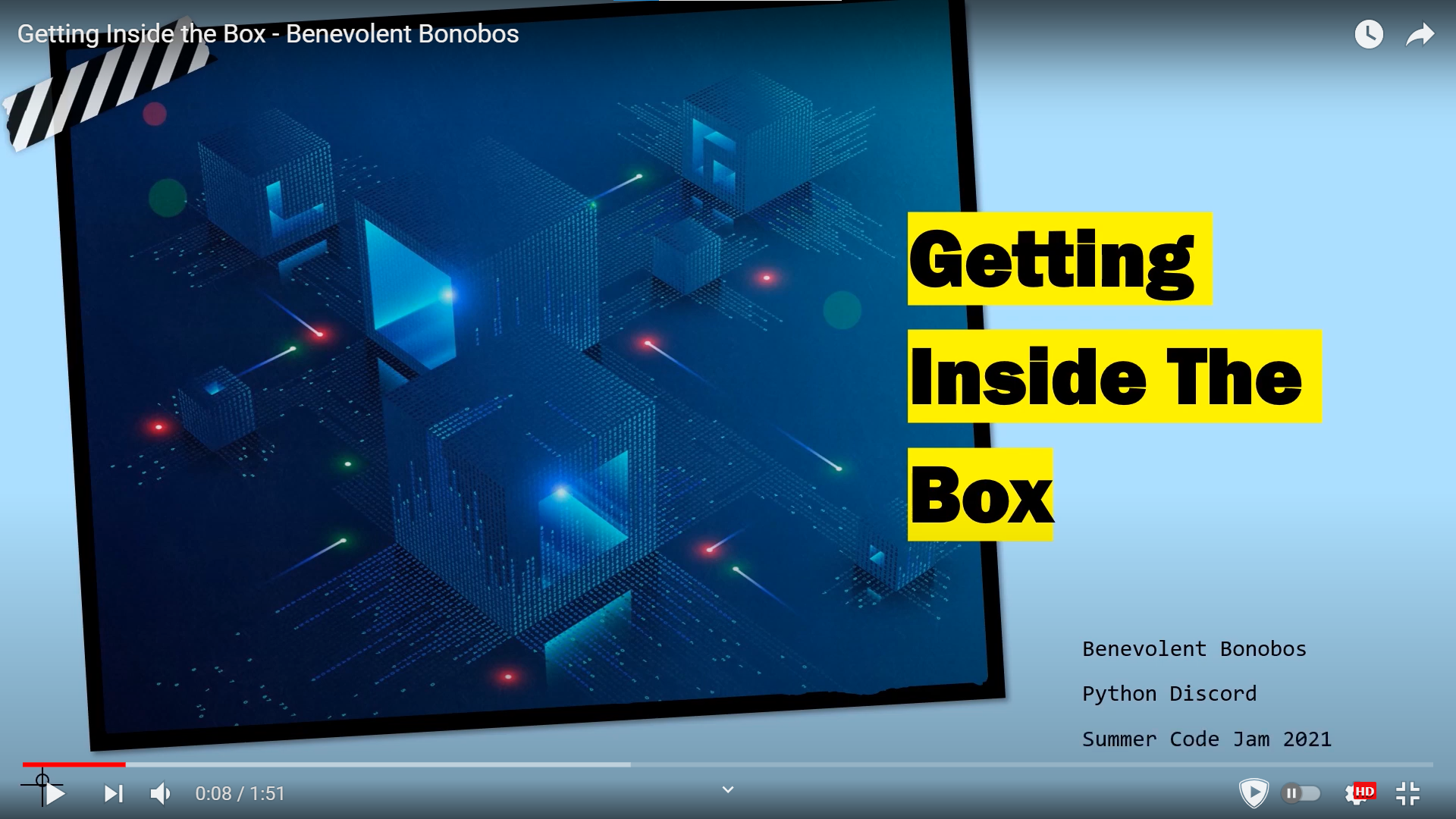
This game was developed by the team Benevolent Bonobos, during the Summer Code Jam 2021 held by Python Discord.
Teams that participated in the code jam had to create a TUI based on the theme Think Inside the Box.
Contents
How To Play
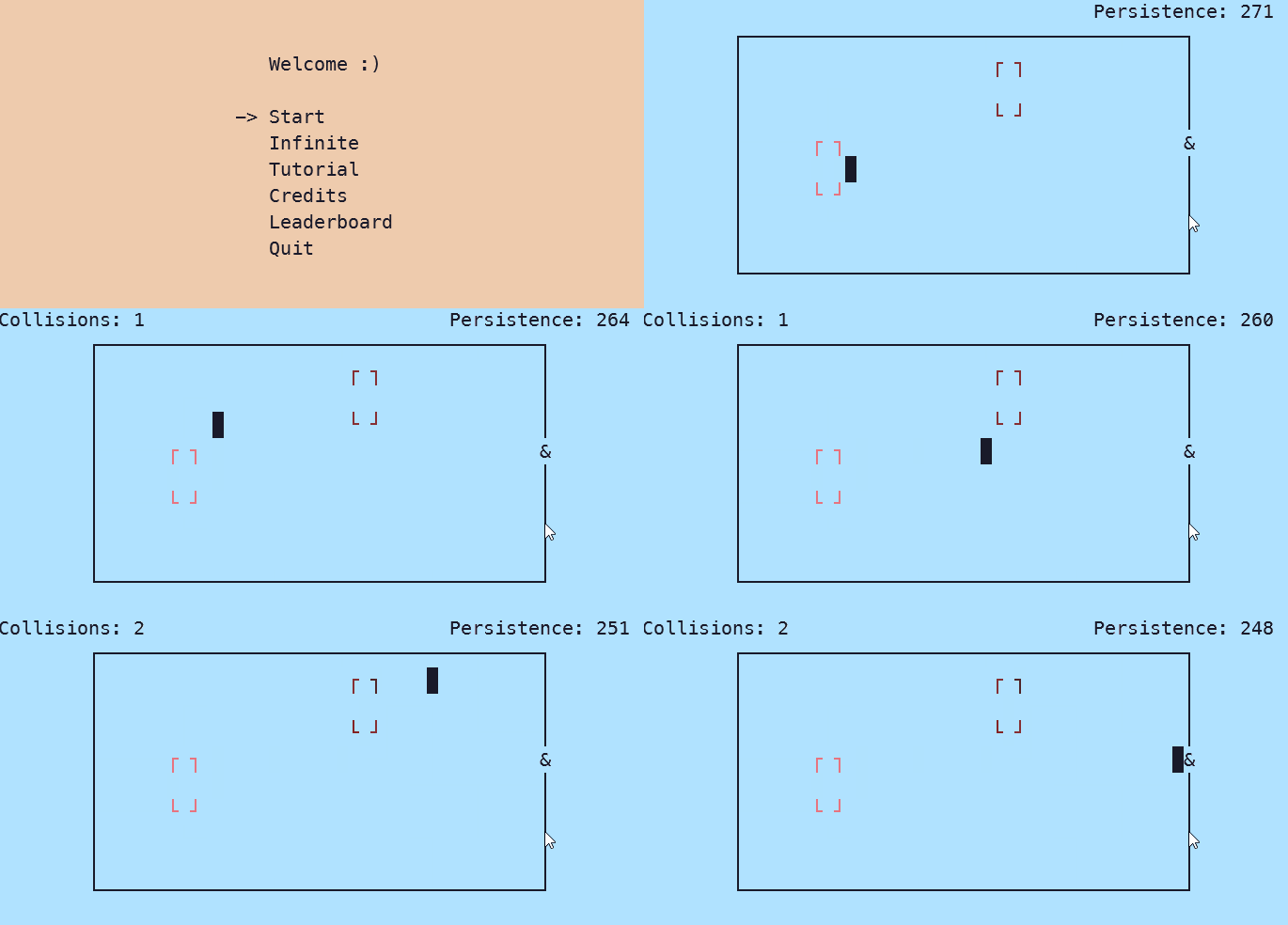
- There are 6 options in start menu:
- Start: Play the normal levels.
- Infinite: Never ending gameplay.
- Tutorial: How to play.
- Credits
- Leaderboard
- Quit
- Use arrow keys to move.
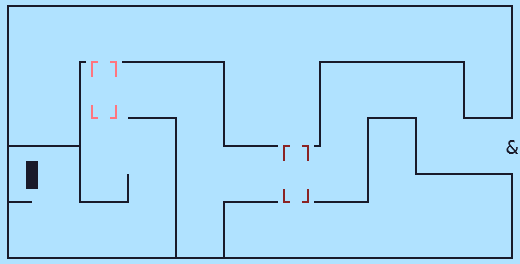
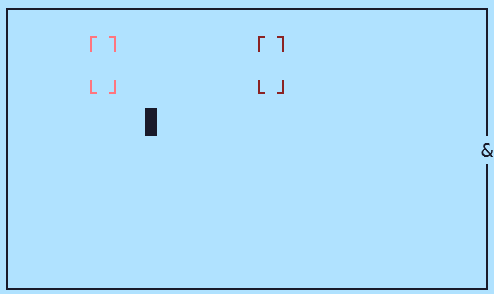
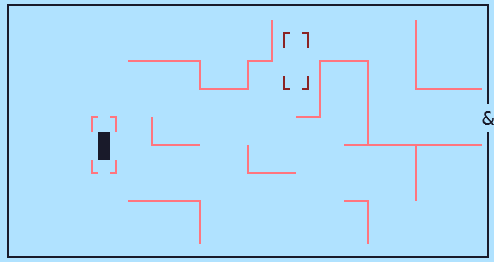
- On starting, a glimpse of the whole maze will be shown. After it disappears, the game will start.
- Player has to reach
&with minimum collisions with the walls and in minimum time. - Boxes:
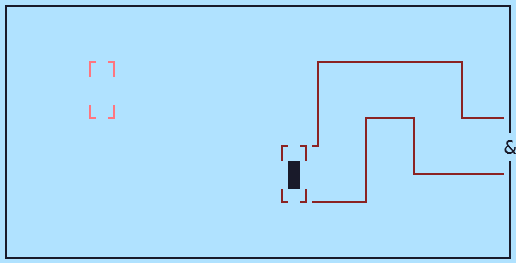
- The place to stop and think.
- Will show the part of the maze associated with the box.
- Time slows down here.
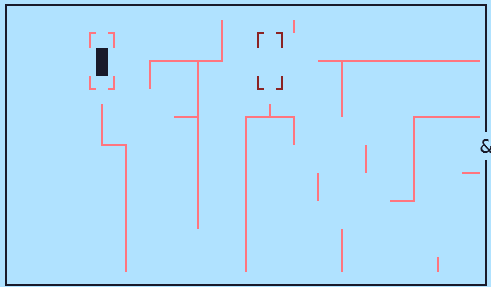
- Echolocation:
- Press
eto make a noise. - An echo will come from the direction in which player last moved.
- The echo will get stronger the nearer the player is to the wall.
- Press
- Persistence:
- It acts as a score for a player.
- Higher is better.
- It will decrease with time.
- It will decrease more and more with each collision.
- Since time slows down in a box, persistence will decrease slower inside the box.
- It is visible in the top right corner.
- In the top left corner, the number of collisions made in the current level is visible.
- On pressing
q, the game will be paused. There will be an option to play again or quit. - In normal mode, a player can play 9 levels.
- In infinite mode, a player will have to press
qfor quitting. - After completing all normal levels, a player, if they want, can put their name in the leaderboard which stores their score.
Requirements
- Python 3.8.6 or greater
- A stereo headset (for echolocation)
- The terminal window should be sufficiently large (At least
50 x 15characters in width and height). You should not resize the terminal during the game.
Installation
Windows
pip install maze-gitb
Linux
pip3 install maze-gitb
Contribution
1. Clone the repository
git clone https://github.com/Anand1310/summer-code-jam-2021.git
cd summer-code-jam-2021
2. Install required dependencies
Windows
pip install -r dev-requirements.txt
Linux
apt-get install openal-soft
pip3 install -r dev-requirements.txt
3. Run the game
Windows
python main.py
Linux
python3 main.py
| Note: |
|---|
| The player should visit the tutorial for a hands-on understanding of the game. |
Screenshots
Future Improvements
- Reveal the map with animation at the start of the level.
- Allow player to move during echo.
- Fix bug: Hitting leaderboard in the main menu exits game. (This can be fixed with this change, we shall update the repo once the code jam finishes.)
- Fix bug: Game background music does not start on tutorial. (This can also be fixed by this commit.)
- Add Main menu option in pause menu. (This will do it)
About Us
4 maintainers


Metadata
4 maintainers
Release files for maze-gitb 1.0.2
For a detailed explanation of source distributions (sdists) and built distributions (wheels), please see the package formats documentation.
Source distribution (sdist)
| File | Size | Uploaded | |
|---|---|---|---|
| maze_gitb-1.0.2.tar.gz | 5.9 MB | Details |
Built distribution (wheel)
| File | Interpreter | ABI | Platform | Reset |
|---|---|---|---|---|
| maze_gitb-1.0.2-py3-none-any.whl | Python 3 | none | any | Details |
Total release size: 11.9 MB
Release files / maze_gitb-1.0.2.tar.gz
| Download URL | maze_gitb-1.0.2.tar.gz |
|---|---|
| Size | 5.9 MB |
| Tags | Source |
|
SHA-256 checksum How to use checksums |
d0e9e8a71e402f650b760614681c1ec95b1a7f2d6dfda9d8ea78bc44f6c256ad
|
|
BLAKE2b-256 checksum How to use checksums |
28cc6786f92d1110be0d4ad7adb2590c3eb260ec0ad644234de2113f5d2e86a7
|
| Upload date | |
|
Uploaded using Trusted Publishing? What is trusted publishing? |
No |
| Uploaded via |
twine/3.4.2 importlib_metadata/4.6.3 pkginfo/1.7.1 requests/2.26.0 requests-toolbelt/0.9.1 tqdm/4.62.0 CPython/3.9.6
|
Release files / maze_gitb-1.0.2-py3-none-any.whl
| Download URL | maze_gitb-1.0.2-py3-none-any.whl |
|---|---|
| Size | 5.9 MB |
| Tags | Python 3 |
|
SHA-256 checksum How to use checksums |
91b024c0543e58ea8baf04e2cf68cf22c4746fe1b9ada529895b52fbf630a5d8
|
|
BLAKE2b-256 checksum How to use checksums |
35bfc898916d5b1d38c187e5383883dfbc3a1a3ca365930aa720afe3e5cb93a5
|
| Upload date | |
|
Uploaded using Trusted Publishing? What is trusted publishing? |
No |
| Uploaded via |
twine/3.4.2 importlib_metadata/4.6.3 pkginfo/1.7.1 requests/2.26.0 requests-toolbelt/0.9.1 tqdm/4.62.0 CPython/3.9.6
|














