
🌟 md-preview v2.0
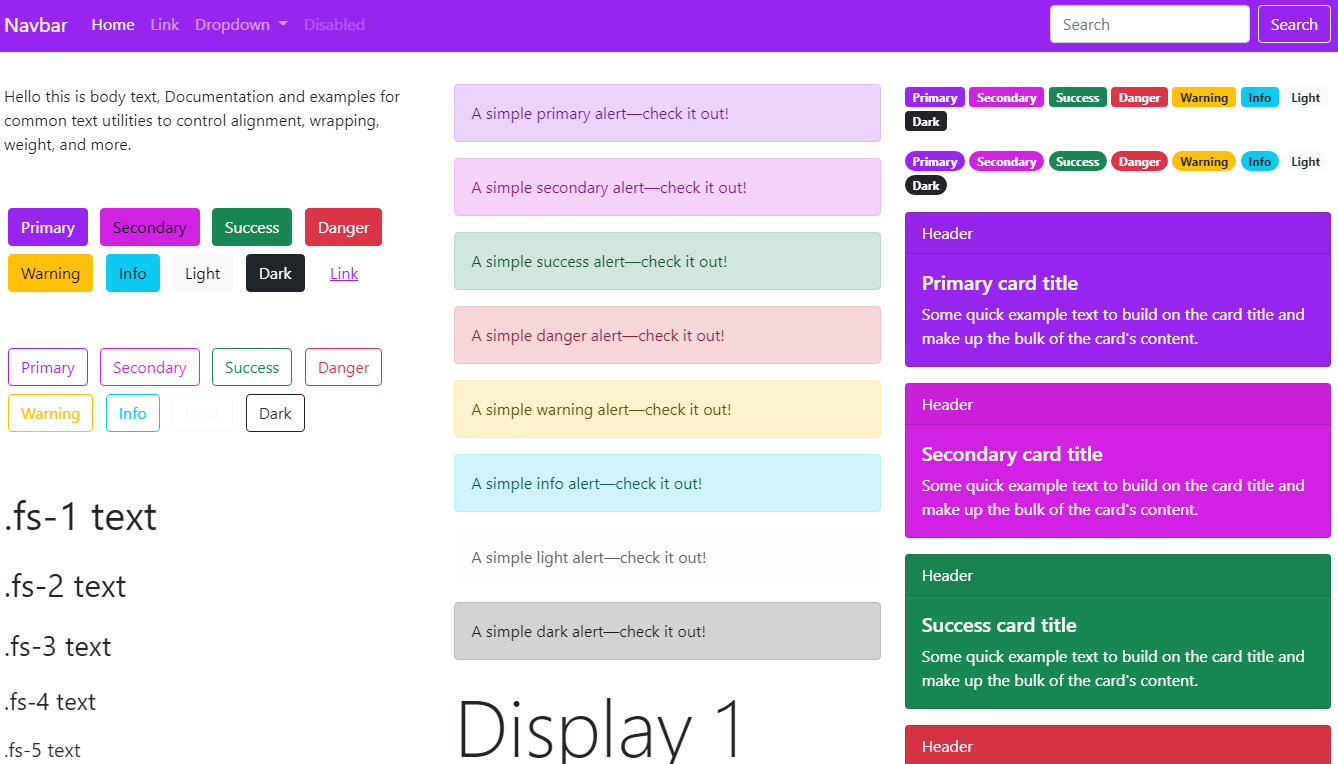
TRUE BOOTSTRAP RENDERING - Headers, tables, lists, blockquotes, and code blocks all styled with authentic Bootstrap aesthetics. No more "GitHub CSS + random code theme" mismatch!
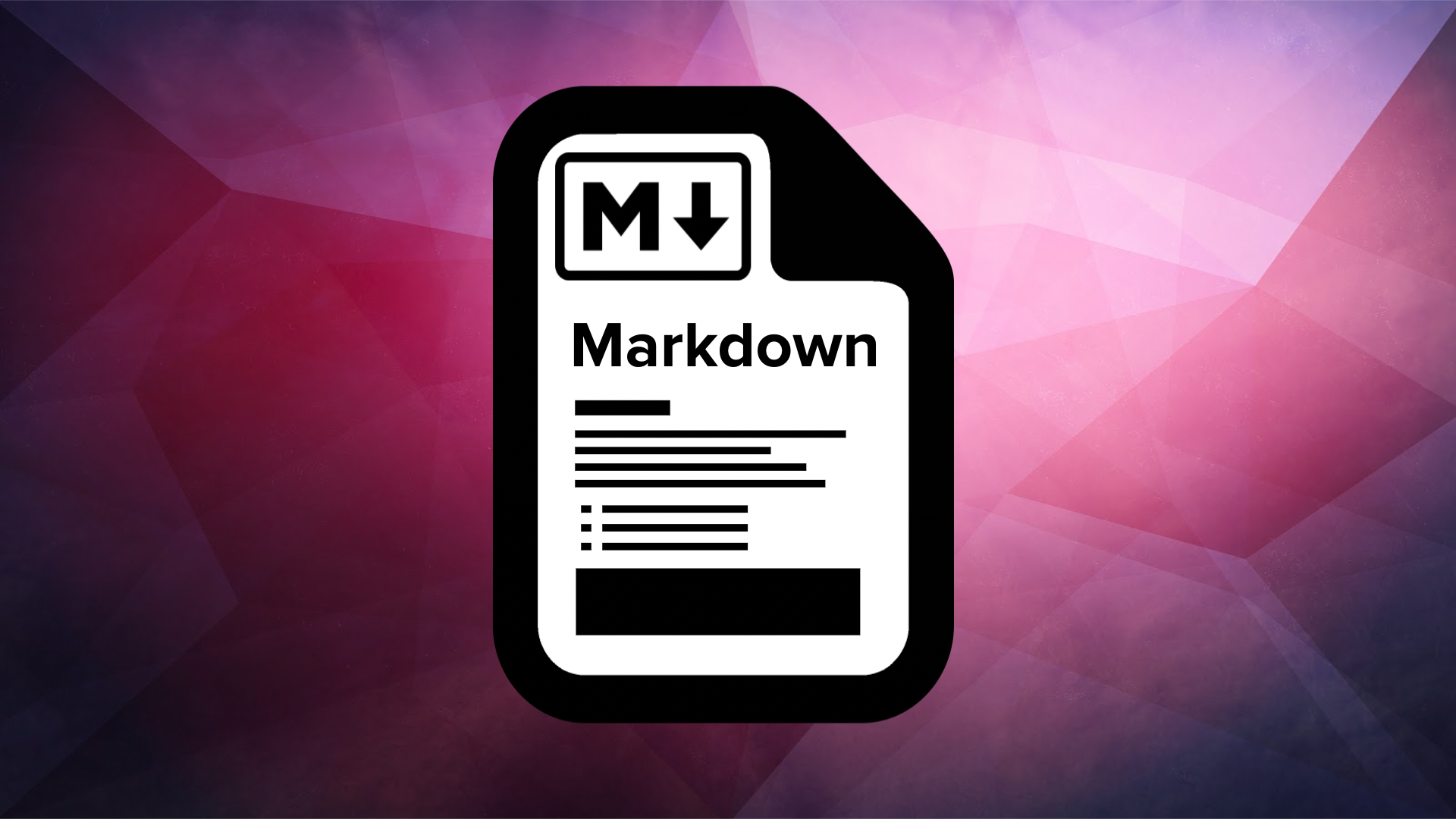
Left: Flatly theme • Right: Darkly theme (full UI consistency)
✨ What Changed in v2.0?
| Feature | v1.x | v2.0 |
|---|---|---|
| Headers | GitHub style | ✅ Bootstrap typography |
| Tables | Basic borders | ✅ .table-striped + hover effects |
| Blockquotes | Plain italics | ✅ Bootstrap alerts with icons |
| Lists | Default bullets | ✅ Bootstrap spacing & semantics |
| Code Blocks | Only syntax colored | ✅ Full Bootstrap card styling + copy buttons |
| Theme Scope | Code blocks only | ✅ ENTIRE PAGE (true UI kit) |
| Responsiveness | Limited | ✅ Mobile-first Bootstrap grid |
🎨 Available Bootstrap Themes
| Theme | CLI Flag | Type | Best For |
|---|---|---|---|
| Cosmo | default |
Light | Friendly documentation |
| Flatly | flatly |
Light | Modern clean interfaces |
| Litera | litera |
Light | Readable long-form content |
| Darkly | darkly |
Dark | Dark mode lovers (vibrant) |
| Cyborg | cyborg |
Dark | Futuristic/terminal aesthetic |
| Superhero | superhero |
Dark | Bold presentations |
💡 All themes include:
- Responsive tables with hover effects
- Blockquotes styled as Bootstrap alerts
- Consistent spacing & typography
- Mobile-optimized layout
- Syntax highlighting that matches theme mode
🚀 Usage
# Install updated package
pip install --upgrade .

# Preview with default Bootstrap theme (Cosmo)
md-preview README.md

# Use popular Flatly theme (clean light design)
md-preview report.md --style flatly

# Dark mode workflow
md-preview notes.md --style darkly

# See ALL elements styled consistently:
echo '# Header\n\n- List item\n\n| Table | Header |\n|-------|--------|\n| Cell  | Data   |\n\n> Blockquote\n\n```python\nprint("Code")\n```' > test.md
md-preview test.md --style cyborg
🌟 md-preview
Render Markdown files with beautiful, modern themes directly in your browser. Zero configuration, instant preview.
 *Left: GitHub Light • Right: Dracula Dark (auto-switches with OS theme)*
✨ Features
- 🎨 5 gorgeous themes: GitHub (default), Dracula, Catppuccin, Solarized, Atom
- 🌓 Automatic dark mode (respects OS preference)
- 💡 Syntax highlighting with copy buttons on code blocks
- 📱 Fully responsive design (mobile/desktop)
- 🔒 No network required after first load (CDN assets cached by browser)
- 🚀 Blazing fast - pure Python, no heavy dependencies
- 🌐 Works everywhere: Windows, macOS, Linux
what if you have some more features to add?
Tables rendering
🌓 Recommended highlight.js Themes (via --style flag):
| Style Arg | Theme | Vibe |
|---|---|---|
github (default) |
github.min.css |
Familiar, professional |
dracula |
dracula.min.css |
Dark, vibrant, developer favorite |
catppuccin |
catppuccin-macchiato.min.css |
Modern pastel dark theme |
solarized |
solarized-dark.min.css |
Classic low-contrast |
atom |
atom-one-dark.min.css |
Smooth dark UI |
💡 Pro Insight:
github-markdown-cssalready includes dark mode via system preference detection. Pair with a darkhighlight.jstheme (e.g.,dracula) for full dark-mode harmony.
📦 Installation
Option 1: Install as package (recommended)
pip install .
Example of rendered Python code
#!/usr/bin/env python3
"""
md-preview: Render Markdown files with beautiful themes in your browser
"""
import argparse
import html
import pathlib
import sys
import tempfile
import webbrowser

try:
    import markdown
except ImportError:
    print("❌ 'markdown' library not found. Install with: pip install markdown", file=sys.stderr)
    sys.exit(1)

# CORRECTED THEME MAPPINGS (verified CDN paths)
THEME_MAP = {
    "github": "github.min",
    "dracula": "dracula.min",
    "catppuccin": "catppuccin.min",  # FIXED: was catppuccin-macchiato (invalid CDN path)
    "solarized": "solarized-dark.min",
    "atom": "atom-one-dark.min",
}
DEFAULT_THEME = "github"
HIGHLIGHT_VERSION = "11.9.0"  # For cache-busting
1 maintainer

Metadata
1 maintainer
Release files for md-preview 1.1.0
For a detailed explanation of source distributions (sdists) and built distributions (wheels), please see the package formats documentation.
Source distribution (sdist)
| File | Size | Uploaded | |
|---|---|---|---|
| md_preview-1.1.0.tar.gz | 8.1 kB | Details |
Built distribution (wheel)
| File | Interpreter | ABI | Platform | Reset |
|---|---|---|---|---|
| md_preview-1.1.0-py3-none-any.whl | Python 3 | none | any | Details |
Total release size: 16.7 kB
Release files / md_preview-1.1.0.tar.gz
| Download URL | md_preview-1.1.0.tar.gz |
|---|---|
| Size | 8.1 kB |
| Tags | Source |
|
SHA-256 checksum How to use checksums |
f5ea6f7332039bc62a5f3645eb7f51ba95f8a432678a1125c3f91c8f38cee99e
|
|
BLAKE2b-256 checksum How to use checksums |
67c6ce385625e7066482a4beb83a961736e269456b5fc1daf3ad2387e5785102
|
| Upload date | |
|
Uploaded using Trusted Publishing? What is trusted publishing? |
No |
| Uploaded via |
twine/6.2.0 CPython/3.12.6
|
Release files / md_preview-1.1.0-py3-none-any.whl
| Download URL | md_preview-1.1.0-py3-none-any.whl |
|---|---|
| Size | 8.6 kB |
| Tags | Python 3 |
|
SHA-256 checksum How to use checksums |
0b104b9f82f525211b2b656f5ad052d5b4015abe1a647dbfb42cf59a4538dacd
|
|
BLAKE2b-256 checksum How to use checksums |
0bcfcaa73d427b27f86bcb3d5d5c299bec7e98e261d63c7a2cc27d02a2cdcd61
|
| Upload date | |
|
Uploaded using Trusted Publishing? What is trusted publishing? |
No |
| Uploaded via |
twine/6.2.0 CPython/3.12.6
|














