
Convert PDFs and document images into structured Markdown for LLM workflows

Project description
mdify
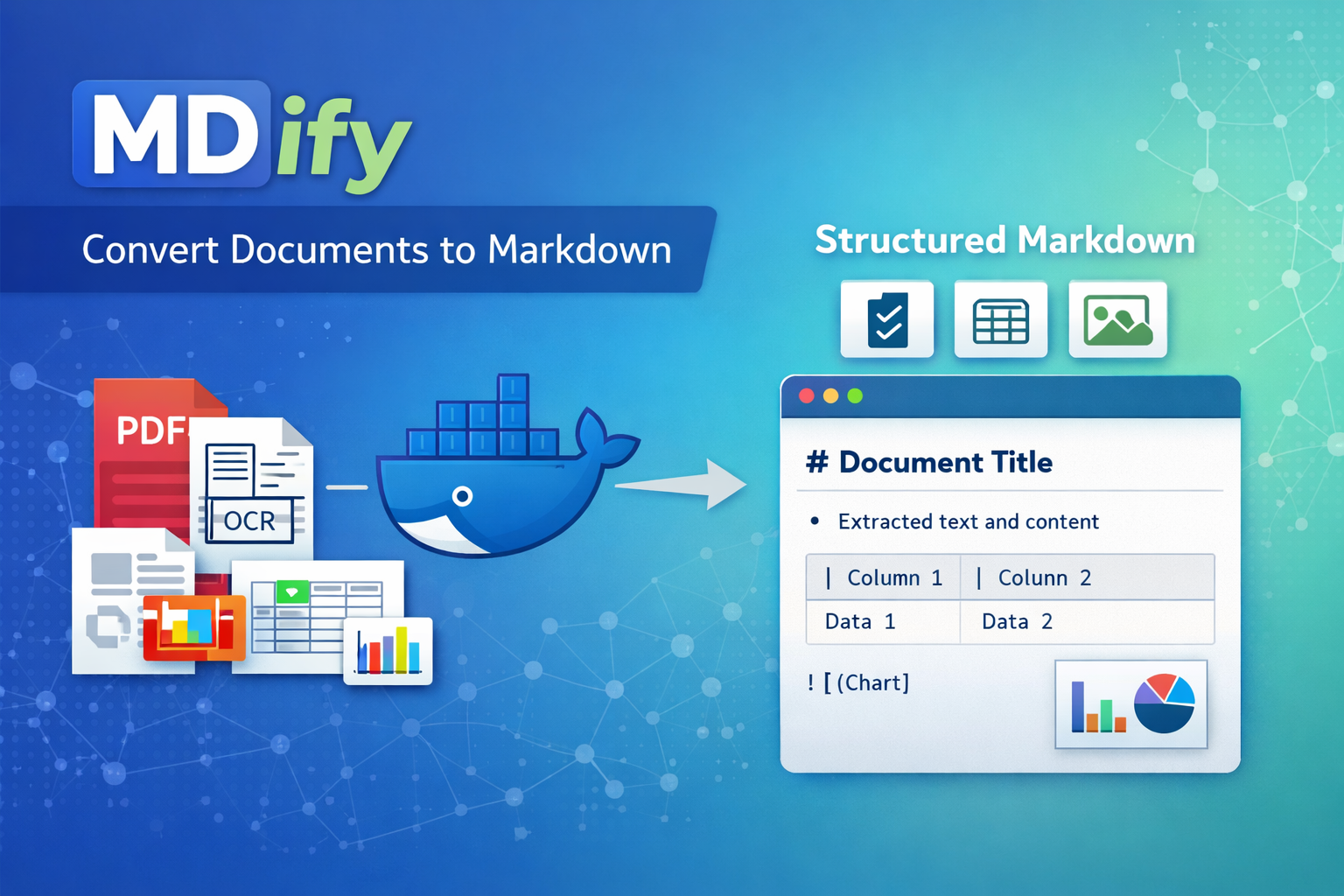



A lightweight CLI for converting documents to Markdown. The CLI is fast to install via pipx, while the heavy ML conversion runs inside a container.
Requirements
- Python 3.8+
- Docker, Podman, or native macOS container tools (for document conversion)
- On macOS: Supports Apple Container (macOS 26+), OrbStack, Colima, Podman, or Docker Desktop
- On Linux: Docker or Podman
- Auto-detects available tools
Installation
macOS (recommended)
brew install pipx
pipx ensurepath
pipx install mdify-cli
Restart your terminal after installation.
For containerized document conversion, install one of these (or use Docker Desktop):
- Apple Container (macOS 26+): Download from https://github.com/apple/container/releases
- OrbStack (recommended):
brew install orbstack - Colima:
brew install colima && colima start - Podman:
brew install podman && podman machine init && podman machine start - Docker Desktop: Available at https://www.docker.com/products/docker-desktop
Linux
python3 -m pip install --user pipx
pipx ensurepath
pipx install mdify-cli
Install via pip
pip install mdify-cli
Development install
git clone https://github.com/tiroq/mdify.git
cd mdify
pip install -e .
Usage
Basic conversion
Convert a single file:
mdify document.pdf
The first run will automatically pull the container image (~2GB) if not present.
Convert multiple files
Convert all PDFs in a directory:
mdify /path/to/documents -g "*.pdf"
Recursively convert files:
mdify /path/to/documents -r -g "*.pdf"
GPU Acceleration
For faster processing with NVIDIA GPU:
mdify --gpu documents/*.pdf
Requires NVIDIA GPU with CUDA support and nvidia-container-toolkit.
⚠️ PII Masking (Deprecated)
The --mask flag is deprecated and will be ignored in this version. PII masking functionality was available in older versions using a custom runtime but is not supported with the current docling-serve backend.
If PII masking is critical for your use case, please use mdify v1.5.x or earlier versions.
Performance
mdify now uses docling-serve for significantly faster batch processing:
- Single model load: Models are loaded once per session, not per file
- ~10-20x speedup for multiple file conversions compared to previous versions
- GPU acceleration: Use
--gpufor additional 2-6x speedup (requires NVIDIA GPU)
First Run Behavior
The first conversion takes longer (~30-60s) as the container loads ML models into memory. Subsequent files in the same batch process quickly, typically in 1-3 seconds per file.
Options
| Option | Description |
|---|---|
input |
Input file or directory to convert (required) |
-o, --out-dir DIR |
Output directory for converted files (default: output) |
-g, --glob PATTERN |
Glob pattern for filtering files (default: *) |
-r, --recursive |
Recursively scan directories |
--flat |
Disable directory structure preservation |
--overwrite |
Overwrite existing output files |
-q, --quiet |
Suppress progress messages |
-m, --mask |
⚠️ Deprecated: PII masking not supported in current version |
--gpu |
Use GPU-accelerated container (requires NVIDIA GPU and nvidia-container-toolkit) |
--port PORT |
Container port (default: 5001) |
--runtime RUNTIME |
Container runtime: docker, podman, orbstack, colima, or container (auto-detected) |
--image IMAGE |
Custom container image (default: ghcr.io/docling-project/docling-serve-cpu:main) |
--pull POLICY |
Image pull policy: always, missing, never (default: missing) |
--check-update |
Check for available updates and exit |
--version |
Show version and exit |
Container Runtime Selection
mdify automatically detects and uses the best available container runtime. The detection order differs by platform:
macOS (recommended):
- Apple Container (native, macOS 26+ required)
- OrbStack (lightweight, fast)
- Colima (open-source alternative)
- Podman (via Podman machine)
- Docker Desktop (full Docker)
Linux:
- Docker
- Podman
Override runtime:
Use the MDIFY_CONTAINER_RUNTIME environment variable to force a specific runtime:
export MDIFY_CONTAINER_RUNTIME=orbstack
mdify document.pdf
Or inline:
MDIFY_CONTAINER_RUNTIME=colima mdify document.pdf
Supported values: docker, podman, orbstack, colima, container
If the selected runtime is installed but not running, mdify will display a helpful warning:
Warning: Found container runtime(s) but daemon is not running:
  - orbstack (/opt/homebrew/bin/orbstack)

Please start one of these tools before running mdify.
macOS tip: Start OrbStack, Colima, or Podman Desktop application
With --flat, all output files are placed directly in the output directory. Directory paths are incorporated into filenames to prevent collisions:
docs/subdir1/file.pdf→output/subdir1_file.mddocs/subdir2/file.pdf→output/subdir2_file.md
Examples
Convert all PDFs recursively, preserving structure:
mdify documents/ -r -g "*.pdf" -o markdown_output
Convert with Podman instead of Docker:
mdify document.pdf --runtime podman
Use a custom/local container image:
mdify document.pdf --image my-custom-image:latest
Force pull latest container image:
mdify document.pdf --pull
Architecture
┌──────────────────┐     ┌─────────────────────────────────┐
│   mdify CLI      │     │  Container (Docker/Podman)      │
│   (lightweight)  │────▶│  ┌───────────────────────────┐  │
│                  │     │  │  Docling + ML Models      │  │
│  - File handling │◀────│  │  - PDF parsing            │  │
│  - Container     │     │  │  - OCR (Tesseract)        │  │
│    orchestration │     │  │  - Document conversion    │  │
└──────────────────┘     │  └───────────────────────────┘  │
                         └─────────────────────────────────┘
The CLI:
- Installs in seconds via pipx (no ML dependencies)
- Automatically detects Docker or Podman
- Pulls the runtime container on first use
- Mounts files and runs conversions in the container
Container Images
mdify uses official docling-serve containers:
CPU Version (default):
ghcr.io/docling-project/docling-serve-cpu:main
GPU Version (use with --gpu flag):
ghcr.io/docling-project/docling-serve-cu126:main
These are official images from the docling-serve project.
Updates
mdify checks for updates daily. When a new version is available:
==================================================
A new version of mdify is available!
  Current version: 0.3.0
  Latest version:  0.4.0
==================================================

Run upgrade now? [y/N]
Disable update checks
export MDIFY_NO_UPDATE_CHECK=1
Uninstall
pipx uninstall mdify-cli
Or if installed via pip:
pip uninstall mdify-cli
Development
Task automation
This project uses Task for automation:
# Show available tasks
task

# Build package
task build

# Build container locally
task container-build

# Release workflow
task release-patch
Building for PyPI
See PUBLISHING.md for complete publishing instructions.
License
MIT
Release history Release notifications | RSS feed


Download files
Download the file for your platform. If you're not sure which to choose, learn more about installing packages.
Source Distribution
Built Distribution
Filter files by name, interpreter, ABI, and platform.
If you're not sure about the file name format, learn more about wheel file names.
Copy a direct link to the current filters
File details
Details for the file mdify_cli-2.9.1.tar.gz.
File metadata
- Download URL: mdify_cli-2.9.1.tar.gz
- Upload date:
- Size: 1.8 MB
- Tags: Source
- Uploaded using Trusted Publishing? No
- Uploaded via: twine/6.2.0 CPython/3.14.2
File hashes
| Algorithm | Hash digest | |
|---|---|---|
| SHA256 |
2557dca07ba806d04a86f55e01126bc021df743806a0a816b258430596201f8f
|
|
| MD5 |
4a56e99025858cbe35ee97b50719b992
|
|
| BLAKE2b-256 |
84553b78512c1bfae0cc7bd810334bbb19a97c97431ce3cc83cea3daad749d69
|
File details
Details for the file mdify_cli-2.9.1-py3-none-any.whl.
File metadata
- Download URL: mdify_cli-2.9.1-py3-none-any.whl
- Upload date:
- Size: 1.8 MB
- Tags: Python 3
- Uploaded using Trusted Publishing? No
- Uploaded via: twine/6.2.0 CPython/3.14.2
File hashes
| Algorithm | Hash digest | |
|---|---|---|
| SHA256 |
caa386635e36173fe726278f0f4bc4d1388f5ba9c679e41d6b33b210c10441f6
|
|
| MD5 |
40fa8c3791276765a6240274e8d96260
|
|
| BLAKE2b-256 |
7331f9fdba77683b54b3d1a9539b4f28a0a95bb4e97e0b654488b9c2462d27d0
|






