
menuet


Declarative menu builder for DCC applications
Documentation • PyPI • GitLab • GitHub • Changelog • Contributing
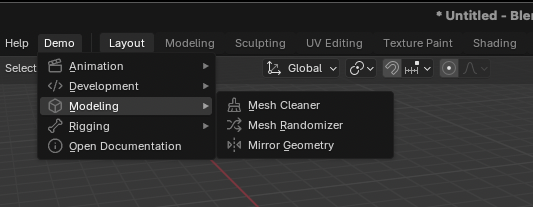
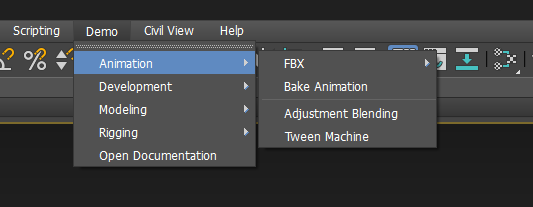
| Blender | 3ds Max |
|---|---|
|
|
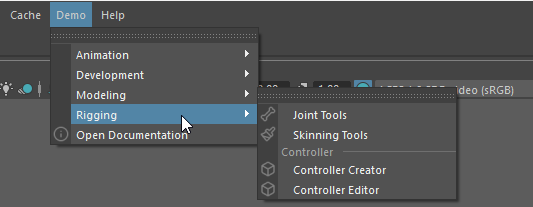
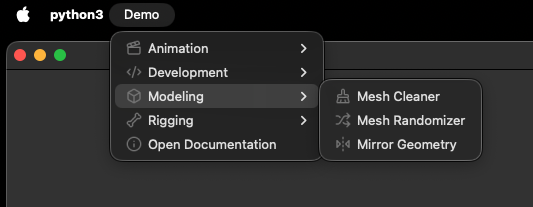
| Maya | macOS Native |
|
|
| macOS | Windows |
|
|
| Unreal Engine | Houdini |
|
|
| Substance Painter | Substance Designer |
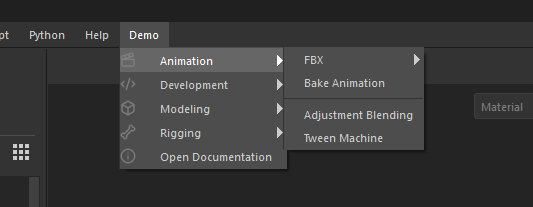
|
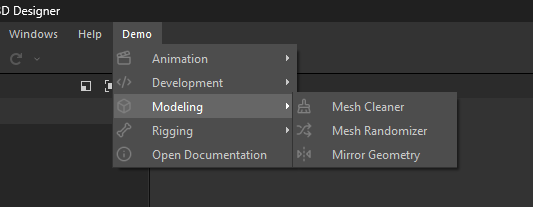
|
| MotionBuilder | Maya Marking Menu |
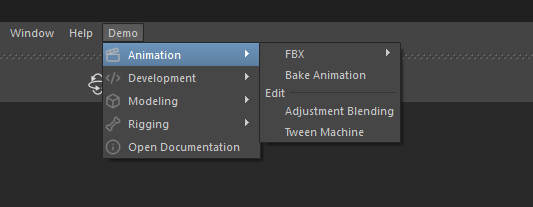
|
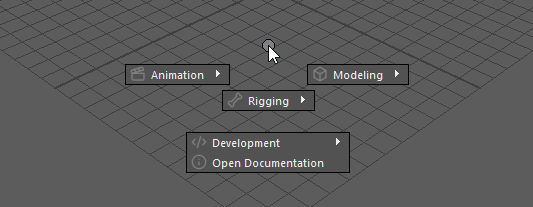
|
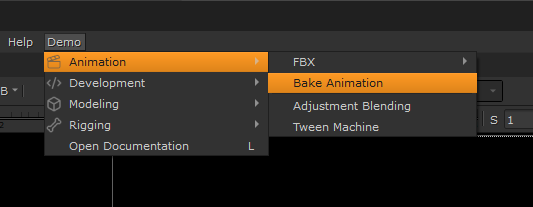
| Nuke | |
|
Features
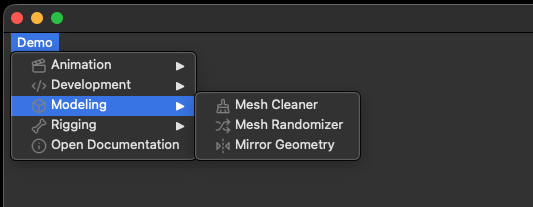
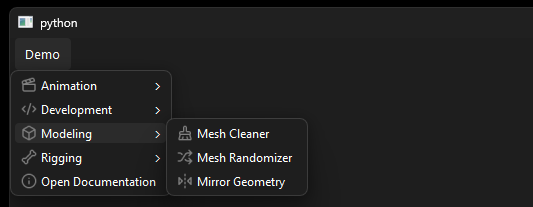
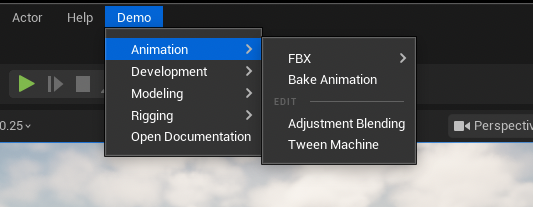
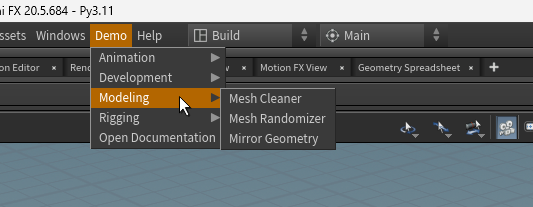
- Load menu from a TOML, JSON, YAML, from a Python dict, from entry points, or build it programmatically
- Supports, Blender, 3ds Max, Maya, MotionBuilder, Unreal, Houdini, Substance Designer, Substance Painter, and any PySide6 application
- Declare one or more menus in a dedicated
.toml,.jsonor.yamlfile - Compose menu from multiple files
- Declare menu in a
pyproject.toml
Installation
pip install menuet
Usage
Create a menu configuration in TOML format.
# menu.toml
[[action]]
id = "print-hello"
label = "Print Hello"
cb = "print('Hello')"
group = "Separator"

[[action]]
id = "open-gui"
label = "Open GUI"
cb = "ep:myapp.gui:open_gui"
menu = ["Foo", "Bar"]
Load the above configuration into a Model and pass
that model to a Menu Builder to create a menu.
from pathlib import Path
from menuet import Model, loads
from menuet.builders.text import Render, TextMenuBuilder

model = Model()
loads(Path("menu.toml").read_text(), model)

builder = TextMenuBuilder(model, root_menu="Demo", render=Render.UTF8)
print(builder.build())
Demo
├── Foo
│   └── Bar
│       └── Open GUI
├── Separator ───
└── Print Hello
For more information and examples, visit the documentation at tahv.gitlab.io/menuet.
Contributing
Contributions of any kind are welcome. Please open an issue, or read the contribution guidelines and open a merge request.
Alternatives
1 maintainer

Download files
Download the file for your platform. If you're not sure which to choose, learn more about installing packages.
Source Distribution
Built Distribution
Filter files by name, interpreter, ABI, and platform.
If you're not sure about the file name format, learn more about wheel file names.
Copy a direct link to the current filters














