
MetaTrawl
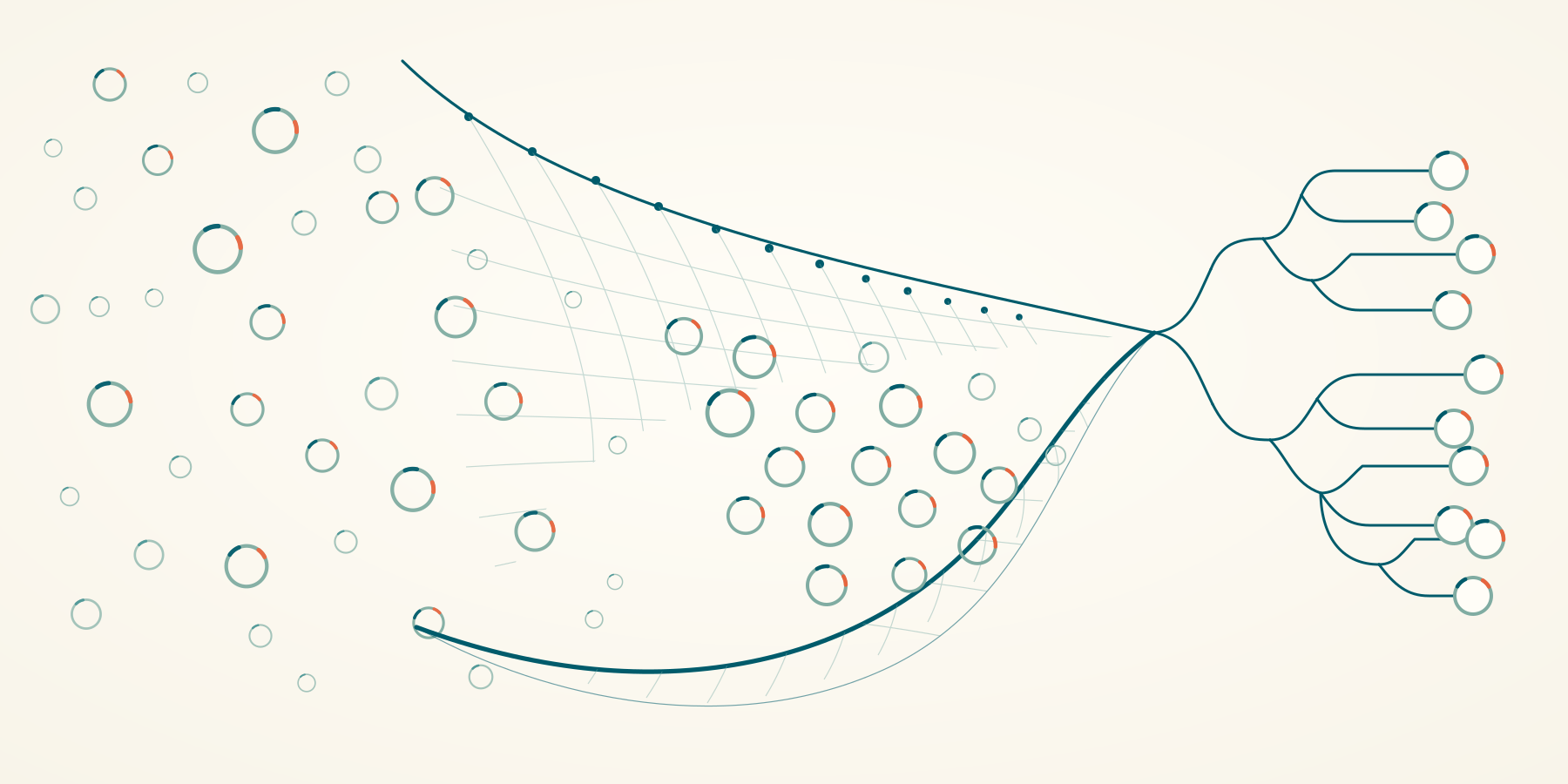




MetaTrawl is a workflow and data layer for large-scale strain analysis of metagenomic samples. Starting from SRA run accessions or local reads, it manages reference discovery, alignment, ZipStrain profiling, durable storage, genome-specific matrices, pairwise comparisons, and interactive genome views.
It is designed for projects that outgrow collections of loose profile files. Samples can be added over time, expensive stages can run locally or through Slurm, and every sync command derives its remaining work from durable state.
What MetaTrawl Provides
- One project database. Profile data, genome and gene statistics, Sylph abundance, sample state, and provenance live in DuckDB.
- Incremental workflows. Add samples and rerun the same commands; completed profiles, matrices, comparisons, and views are reused.
- Controlled parallelism. Configure workers, threads, memory, retries, and local or Slurm execution independently for each stage.
- Shared reference caching. Concurrent workers reuse downloaded genomes, Prodigal annotations, Bowtie2 indexes, and matrix requirement files.
- Compact storage. Choose complete positional profiles or allele-mask storage for projects focused on popANI.
- Native ZipStrain outputs. Per-genome HDF5 matrices and comparison DuckDB files remain usable through ZipStrain itself.
- Analysis access. Query the project through Python and Polars or generate self-contained genome views with heatmaps, dendrograms, clusters, and neighbor networks.
Workflow
SRA accessions or local FASTQs
            │
            ▼
  sync-profile ───────► DuckDB project store
            │              profiles · stats · abundance · provenance
            ▼
  matrix sync-build ──► one HDF5 matrix per genome
            │
            ▼
  matrix sync-compare ► one comparison DuckDB per genome
            │
            ▼
  sync-genome-views ──► static interactive genome bundles
ZipStrain defines the profile, matrix, ANI, IBS, and gene-comparison semantics. MetaTrawl prepares references, runs external tools, writes ZipStrain-compatible matrices, schedules comparisons, records provenance, and cleans temporary data.
Installation
Bioconda
Bioconda is the simplest installation for the complete workflow because it also installs the external bioinformatics tools:
conda create -n metatrawl -c conda-forge -c bioconda metatrawl
conda activate metatrawl
metatrawl check
PyPI
pip install metatrawl
The PyPI package installs Python dependencies. Sylph, Bowtie2, Samtools, Prodigal, SRA Toolkit, and NCBI Datasets must be installed separately when their workflow stages are used.
Containers
Published images contain the complete toolchain:
# Portable CPU image
docker pull parsaghadermazi/metatrawl:1.0.0

# NVIDIA CUDA 12.8 image
docker pull parsaghadermazi/metatrawl:1.0.0-cuda
See Container usage for project mounts, CUDA checks, GPU comparison commands, local builds, and Apptainer use on HPC.
Quick Start
1. Create a project
metatrawl init --db metatrawl.duckdb
Register SRA runs from a metadata CSV containing a Run column:
Run,study_accession
SRR000001,SRP000001
SRR000002,SRP000001
metatrawl samples add-sra-ids \
  --db metatrawl.duckdb \
  --input-file samples.csv
Local paired or single-end reads can be registered without copying them:
sample_id,read_1,read_2
sample_001,/data/sample_001_R1.fastq.gz,/data/sample_001_R2.fastq.gz
sample_002,/data/sample_002.fastq.gz,
metatrawl samples add-reads \
  --db metatrawl.duckdb \
  --input-file local_reads.csv
2. Profile and import samples
metatrawl sync-profile \
  --db metatrawl.duckdb \
  --cache-dir cache \
  --scratch-dir scratch \
  --output-dir outputs \
  --sylph-db /path/to/gtdb.syldb \
  --workflow-config workflow.toml
Each completed sample is imported transactionally and then removed from scratch. Rerunning the command resumes incomplete samples and skips imported samples.
3. Build genome matrices
metatrawl matrix sync-build \
  --db metatrawl.duckdb \
  --matrix-dir matrices \
  --bed-dir cache/beds \
  --stb-dir cache/stb \
  --gene-range-dir cache/gene_ranges \
  --sparse \
  --min-coverage 0.1 \
  --min-ber 0.7 \
  --workflow-config workflow.toml
4. Compare every matrix
metatrawl matrix sync-compare \
  --db metatrawl.duckdb \
  --matrix-dir matrices \
  --compare-dir compares \
  --calculate ani+gene \
  --ani-method popani \
  --backend numpy \
  --workflow-config workflow.toml
For NVIDIA acceleration, use the CUDA container and set
--backend torch-cuda.
5. Generate and serve genome views
metatrawl sync-genome-views \
  --db metatrawl.duckdb \
  --compare-dir compares \
  --view-dir genome_views \
  --workflow-config workflow.toml

metatrawl view genomes --view-dir genome_views
Open http://127.0.0.1:8766. The viewer reads static artifacts and does not
open the project or comparison databases.
For the complete walkthrough, including fixed references, threshold behavior, manual imports, and progress inspection, read Getting started.
Storage Modes
| Project storage | Keeps | Matrix support | Downstream methods |
|---|---|---|---|
full |
Per-position A/C/G/T counts | Bitmask or counts | popANI, conANI, cosANI, IBS, gene ANI, profile queries |
allele-mask |
Covered-position and allele-set masks | Bitmask | popANI, IBS, and gene popANI |
Create an allele-mask project when positional counts will never be needed:
metatrawl init \
  --db metatrawl.duckdb \
  --profile-storage allele-mask \
  --profile-min-cov 5
Profiling itself remains unchanged. MetaTrawl converts the completed ZipStrain profile during import and preserves genome stats, gene stats, Sylph abundance, and provenance normally.
Python API
from metatrawl import open_database

db = open_database("metatrawl.duckdb")

samples = db.samples().collect()
genomes = db.genomes().collect()
stats = db.genome("GCF_000001").genome_stats().collect()

db.genome("GCF_000001").profiles().sink_parquet(
    "GCF_000001.profiles.parquet"
)
Queries can return Polars DataFrames, participate in lazy Polars pipelines, or stream directly to Parquet. See the Python query API.
Project Layout
| Path | Purpose | Durable? |
|---|---|---|
metatrawl.duckdb |
Samples, profiles, stats, abundance, and provenance | Yes |
cache/ |
Shared genomes, genes, indexes, and matrix inputs | Yes |
matrices/ |
One resumable HDF5 matrix per genome | Yes |
compares/ |
One resumable comparison DuckDB per genome | Yes |
genome_views/ |
Static browser and analysis bundles | Regenerable |
scratch/, outputs/ |
Per-sample checkpoints and pending imports | Temporary |
MetaTrawl only deletes sample scratch and published profile files after the corresponding database import commits.
Documentation
- Getting started: complete CLI workflow
- Containers: CPU, CUDA, Docker, and Apptainer
- Sync and resume: incremental execution model
- Workflow configuration: local and Slurm settings
- Python query API: sample and genome queries
- Database provenance: versioning and compatibility
Support
Use GitHub Issues for bug reports
and feature requests. Include metatrawl --version, the relevant workflow
configuration, and the METATRAWL log lines around a failure.
Development
git clone https://github.com/OlmLab/MetaTrawl.git
cd MetaTrawl
pip install -e ".[test]"
pytest
MetaTrawl is released under the MIT License.
1 maintainer

Metadata
1 maintainer
Release files for metatrawl 1.0.0
For a detailed explanation of source distributions (sdists) and built distributions (wheels), please see the package formats documentation.
Source distribution (sdist)
| File | Size | Uploaded | |
|---|---|---|---|
| metatrawl-1.0.0.tar.gz | 976.5 kB | Details |
Built distribution (wheel)
| File | Interpreter | ABI | Platform | Reset |
|---|---|---|---|---|
| metatrawl-1.0.0-py3-none-any.whl | Python 3 | none | any | Details |
Total release size: 1.3 MB
Release files / metatrawl-1.0.0.tar.gz
| Download URL | metatrawl-1.0.0.tar.gz |
|---|---|
| Size | 976.5 kB |
| Tags | Source |
|
SHA-256 checksum How to use checksums |
27e5530251bc7ef36c85edeafa468ab372a549115f30ea3bfa7342166f46bf2f
|
|
BLAKE2b-256 checksum How to use checksums |
b149c1d0dfab640caad34686139bb2742e823fe2be8e31b11fd29ce244b266c6
|
| Upload date | |
|
Uploaded using Trusted Publishing? What is trusted publishing? |
No |
| Uploaded via |
poetry/2.1.4 CPython/3.13.7 Darwin/27.0.0
|
Release files / metatrawl-1.0.0-py3-none-any.whl
| Download URL | metatrawl-1.0.0-py3-none-any.whl |
|---|---|
| Size | 282.4 kB |
| Tags | Python 3 |
|
SHA-256 checksum How to use checksums |
4f00368357e6d7722e9ff33f06bcbd19b92fa4f08845083da7c1cedb7728abd3
|
|
BLAKE2b-256 checksum How to use checksums |
d0280814d72aa8aec69f81ac1bebcc25ce53b70942a2776c871826f9042ecea5
|
| Upload date | |
|
Uploaded using Trusted Publishing? What is trusted publishing? |
No |
| Uploaded via |
poetry/2.1.4 CPython/3.13.7 Darwin/27.0.0
|














