
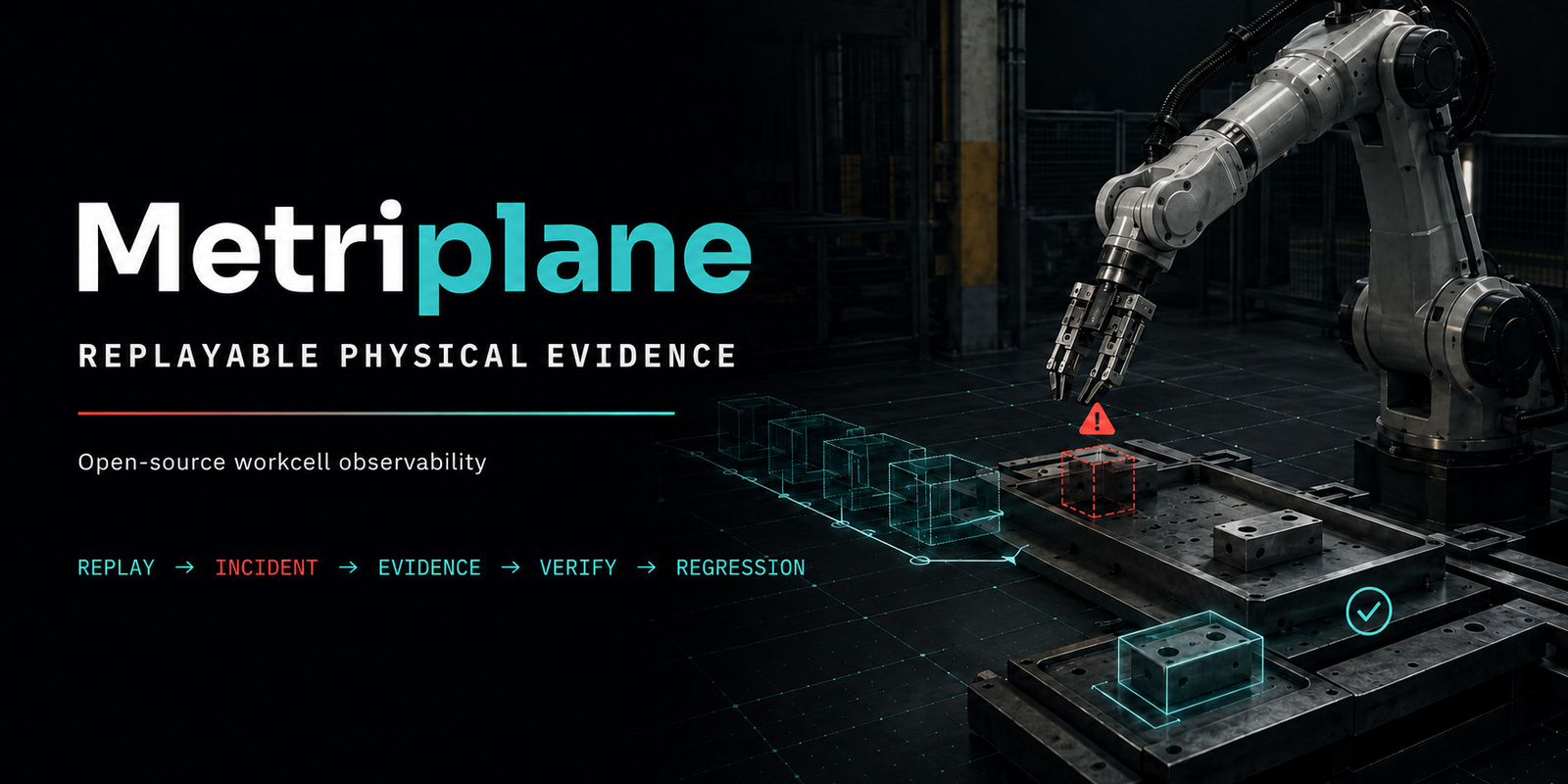
Metriplane
Understand what went wrong in a recorded workcell run—and turn it into a repeatable test.
Give Metriplane timestamped object positions and process rules. It creates an incident timeline, a human-readable report, a verified evidence bundle, and a regression check you can run again.
In the bundled example, a required torque driver is missing and an assembly step is delayed by 35.0 seconds. The generated check lets an engineer rerun that same case after the software or process rules change. Metriplane analyzes recordings; it does not control machinery or make safety or quality decisions.











Watch the AGV handoff demo
In this bounded, observe-only demo, a finished pallet is ready, but the recorded AGV state does not enter the configured pickup zone within 60 seconds. See how Metriplane turns the missed handoff into an inspectable incident, an integrity-verified evidence bundle, and a repeatable regression check.

Watch the full 52-second 4K film on YouTube →
Quickstart
python -m pip install "metriplane==0.4.0.post2"
metriplane demo --open
The example is camera-free, GPU-free, Docker-free, ROS-free, and offline after
installation. It writes an HTML report and requests that the browser open it.
Headless users can omit --open.
This is a real replay of the package's inspectable recorded JSONL state and
process rules: Metriplane runs the normal incident engine, writes a fresh
report and evidence bundle, verifies that bundle, and reruns the generated
regression check. Copy the exact starter inputs with
metriplane demo --export-inputs example-inputs.
Metriplane bundled demo

Scenario:
A required torque driver is missing during an assembly step.
The fastening step is delayed by 35.0 seconds.

Result:
PASS  Incident timeline: 6 events
PASS  Incident report: 1 incident
PASS  Evidence bundle: verified
PASS  Repeatable regression check: passed
Browser: open request sent
If no browser opens, use the Report path above.
Demo complete.
Input and output
Input
  Timestamped object positions + process rules

Metriplane
  Replays the recorded run and checks what happened

Output
  Incident timeline
  Incident report
  Verified evidence bundle
  Repeatable regression check
Use Metriplane to:
- explain a recorded workcell delay, such as a required tool going missing;
- preserve an incident as a checksummed bundle that another engineer can verify;
- rerun that incident as a regression check after software or process-rule changes.
Terms in plain language
- Recorded run: timestamped observations saved from a workcell session.
- Event: one detected change or process condition in that run.
- Incident: related events grouped into one problem worth reviewing.
- Evidence bundle: the incident files plus checks that reveal missing or changed contents.
- Regression check: a repeatable test generated from an incident and rerun after a change.
- Process rules: the expected tools, locations, steps, and timing for the work.
- Deterministic replay: replay that gives the same software result from the same validated input; it does not prove that the original physical measurements were accurate.
Published versions
- Current installable software release:
v0.4.0.post2— replacement publication identity for the reduced Truth Recovery core release; no DOI and no new research measurement boundary - Retired unpublished production candidate:
v0.4.0.post1— locked qualification and TestPyPI staging passed, but production stopped before lease creation or upload and no post1 bytes reached PyPI - Preserved failed publication tag:
v0.4.0— immutable history of the attempt that stopped before any registry package or GitHub Release was published - Prior usability and adoption software release:
v0.3.0(no DOI) - Frozen DOI-archived research artifact:
v0.2.0 - TIM evaluated software boundary:
v0.1.3
Software preservation
Metriplane source code is preserved in the Software Heritage Archive.
- Software Heritage:
swh:1:rev:dfe9401891596215081a4eff0b828504217a3590 - Archived Git revision:
dfe9401891596215081a4eff0b828504217a3590 - Archived research-artifact DOI (
v0.2.0):10.5281/zenodo.20736619 - Source repository: https://github.com/Miko997/metriplane
Official links
- Official site: https://www.metriplane.com/
- Research Software Directory: https://research-software-directory.org/software/metriplane
- SciCrunch registry: Metriplane (RRID:SCR_028813)
- Python package: https://pypi.org/project/metriplane/
- ROS 2 Jazzy package index: https://index.ros.org/p/metriplane_ros/#jazzy
- v0.4.0.post2 reduced Truth Recovery core release: https://github.com/Miko997/metriplane/releases/tag/v0.4.0.post2
- v0.3.0 usability and adoption release: https://github.com/Miko997/metriplane/releases/tag/v0.3.0
- Product roadmap: ROADMAP.md
- 3-minute v0.2.0 demo: https://www.youtube.com/watch?v=7U5nbBbGGbw
- v0.2.0 release: https://github.com/Miko997/metriplane/releases/tag/v0.2.0
- Zenodo DOI: https://doi.org/10.5281/zenodo.20736619
- SSRN manuscript preprint: https://doi.org/10.2139/ssrn.7166858
- External reproduction issue: https://github.com/Miko997/metriplane/issues/6
- Short feedback form: https://docs.google.com/forms/d/e/1FAIpQLSfnMZ4b3fSVVtwA89hZt3A09gf85eLfhW00FDD76TGRLNpirQ/viewform
Why this exists
Robotics teams often need more than raw logs after an incident. Metriplane explores a structured evidence layer where replayed workcell state becomes an inspectable incident bundle, a verification target, and a generated regression check.
Evidence Workflow
replayed workcell state
→ physical event
→ incident
→ Cell Truth Report
→ evidence bundle
→ bundle verification
→ generated regression check
Archived v0.2.0 Evidence Result
The author-run evidence package included in the archived release records:
- 580 tests passed
- deterministic replay pass=true
- 6 physical events
- 1 incident
- 35.0 second missing-tool delay
- bundle verify: pass=true
- generated regression check: PASS
Quick Reproduction Path
The core SoftwareX reproduction is camera-free, uses the exact v0.2.0 tag,
and writes rerun outputs to temporary directories rather than the archived
evidence package.
git clone --branch v0.2.0 --depth 1 https://github.com/Miko997/metriplane.git
cd metriplane

python3 -m venv .venv
source .venv/bin/activate
python -m pip install --upgrade pip
python -m pip install -e .

python -m metriplane.cli doctor

RUNS=/tmp/metriplane-softwarex-runs \
  ./tools/mp.sh deterministic-replay datasets/demo/session_001.jsonl

metriplane atlas validate-pack configs/domain_packs/assembly_cell
metriplane atlas run \
  --session-jsonl datasets/demo/atlas/assembly_cell_missing_tool.jsonl \
  --pack configs/domain_packs/assembly_cell \
  --out /tmp/metriplane-softwarex-atlas \
  --overwrite

metriplane atlas bundle verify \
  /tmp/metriplane-softwarex-atlas/evidence_bundles/INC-0001.zip

metriplane atlas test \
  /tmp/metriplane-softwarex-atlas/regression_tests/INC-0001.yaml \
  --json
The full maintainer gate is separate from the core artifact path and adds test and browser dependencies:
python -m pip install -e .
python -m pip install pytest playwright
python -m playwright install chromium --with-deps
PYTEST_DISABLE_PLUGIN_AUTOLOAD=1 python -m pytest -q
What Metriplane Is
- observe-only
- local-first
- replay-first, camera-compatible
- bounded workcell scoped
- research-software oriented
- focused on evidence, not robot control
What Metriplane Does Not Claim
- no robot or machine control
- no safety certification
- no quality-release approval
- no people recognition
- no marker-free tracking claim
- no full 3D reconstruction claim
- no production-factory deployment validation
- no factory-wide deployment readiness
ROS 2 Jazzy
The metriplane_ros bridge is listed in the official ROS Index for Jazzy:
metriplane_ros. The bridge
connects to a running Metriplane WebSocket stream and republishes Metriplane
frames, alerts, and incidents as std_msgs/String JSON topics.
This source-level rosdistro indexing does not by itself imply that Metriplane is
available as a ROS binary package through apt.
Relationship to ROS Bags and Logs
Robotics teams often debug incidents using recorded sensor data, ROS bags, logs, traces, and simulation replays. Those artifacts are valuable raw evidence. Metriplane is not a replacement for ROS bags or logs. It explores the next structured layer: incident context, evidence bundle, verification result, and generated regression check.
External Feedback
External technical feedback and public discussion links are collected on the official site:
https://www.metriplane.com/feedback/
Citation / DOI
If you use or evaluate Metriplane v0.2.0, cite the archived release:
https://doi.org/10.5281/zenodo.20736619
For research-resource identification, use Metriplane (RRID:SCR_028813).
Reproducibility and Archived Release
The SoftwareX manuscript evaluates the archived Metriplane v0.2.0 release. Reproduction commands, expected outputs, and evidence provenance are documented in docs/softwarex_reproducibility.md.
Repository Orientation
The public Python package and command-line entry points remain named metriplane.
| Area | Path | Purpose |
|---|---|---|
| Package | metriplane/ |
Python package and CLI implementation |
| Domain packs | configs/domain_packs/ |
Workcell-specific Atlas configuration |
| Demo datasets | datasets/demo/ |
Checked-in replay inputs for reproduction |
| Evidence | evidence/ |
Release evidence, manifests, and experiment artifacts |
| External-source proof | proofs/maniskill-pickcube-v1/ |
Bounded ManiSkill PickCube publication candidate and evaluator packet |
| Synthetic format proof | proofs/massrobotics-amr-offline-replay-v1/ |
Bounded MassRobotics-format offline replay with reference-only upstream identity |
| Tools | tools/ |
Supported local helper scripts |
| Docs | docs/ |
Technical documentation and runbooks |
| Web UI | web/ |
Local operator and review interfaces |
Canonical SoftwareX Commands
Use the Quick Reproduction Path above for the camera-free core artifact. The same commands, expected outputs, evidence provenance, and the separate maintainer-gate sequence are maintained in docs/softwarex_reproducibility.md and the review kit.
Documentation
- First-time-user front door: docs/README.md
- Supported environments: docs/SUPPORTED_ENVIRONMENTS.md
- Development and contribution: docs/development.md and CONTRIBUTING.md
- Technical integration reference: docs/INTEGRATIONS.md
- Exact-version research reproduction: docs/softwarex_reproducibility.md
- ManiSkill PickCube external-fixture proof candidate: proof landing page
- MassRobotics AMR synthetic offline-replay profile: mapping note
License
MIT License. See LICENSE.
1 maintainer

Release files for metriplane 0.4.1
For a detailed explanation of source distributions (sdists) and built distributions (wheels), please see the package formats documentation.
Source distribution (sdist)
| File | Size | Uploaded | |
|---|---|---|---|
| metriplane-0.4.1.tar.gz | 1.2 MB | Details |
Built distribution (wheel)
| File | Interpreter | ABI | Platform | Reset |
|---|---|---|---|---|
| metriplane-0.4.1-py3-none-any.whl | Python 3 | none | any | Details |
Total release size: 1.9 MB
Release files / metriplane-0.4.1.tar.gz
| Download URL | metriplane-0.4.1.tar.gz |
|---|---|
| Size | 1.2 MB |
| Tags | Source |
|
SHA-256 checksum How to use checksums |
54c2bb0d6c3652e420bbbdd14ea94e3e32ed2c8581209a4ba80d99d3c94f97fb
|
|
BLAKE2b-256 checksum How to use checksums |
83b848728f5e4ab1774d34837b76734b402b13989e88597d5a3224ddd31fa2de
|
| Upload date | |
|
Uploaded using Trusted Publishing? What is trusted publishing? |
Yes |
| Uploaded via |
twine/7.0.0 CPython/3.13.14
|
Provenance
Provenance describes where a file came from. On PyPI, provenance is shared via attestations, which provide a verifiable record of the build or publishing details. View details, limitations and caveats.


PyPI Publish Attestation
PyPI verified that this artifact, at this checksum, originated from the publisher listed below.
Signed by GitHub Actions, verified by PyPI on Sep 12, 2026.
Transparency logRelease files / metriplane-0.4.1-py3-none-any.whl
| Download URL | metriplane-0.4.1-py3-none-any.whl |
|---|---|
| Size | 698.2 kB |
| Tags | Python 3 |
|
SHA-256 checksum How to use checksums |
86c8d6263278020f1727aec0a28f716fdd6922e96c038ad3aac687cdacd776a2
|
|
BLAKE2b-256 checksum How to use checksums |
6cfbce3be83fc771bb6b0937a56ebe5c14d93ab93345be951d2bd6e2c8abee8e
|
| Upload date | |
|
Uploaded using Trusted Publishing? What is trusted publishing? |
Yes |
| Uploaded via |
twine/7.0.0 CPython/3.13.14
|
Provenance
Provenance describes where a file came from. On PyPI, provenance is shared via attestations, which provide a verifiable record of the build or publishing details. View details, limitations and caveats.
PyPI Publish Attestation
PyPI verified that this artifact, at this checksum, originated from the publisher listed below.
Signed by GitHub Actions, verified by PyPI on Sep 12, 2026.
Transparency log













