
Micromed IO library



A library to read, emulate, and forward Micromed data in standard formats. See online doc.
Main features:
simulate online data from a trc file
push online tcp data to LSL server
convert trc to mne format
rename trc files to include the recording datetime
Install
$ pip install micromed-ioConvert a Micromed (.trc) file to MNE (.fif) format
from micromed_io.to_mne import create_mne_from_micromed_recording
mne_raw = create_mne_from_micromed_recording("path/to/file.TRC")
Emulate TRC to TCP & read/forward to LSL server
See details in next sections
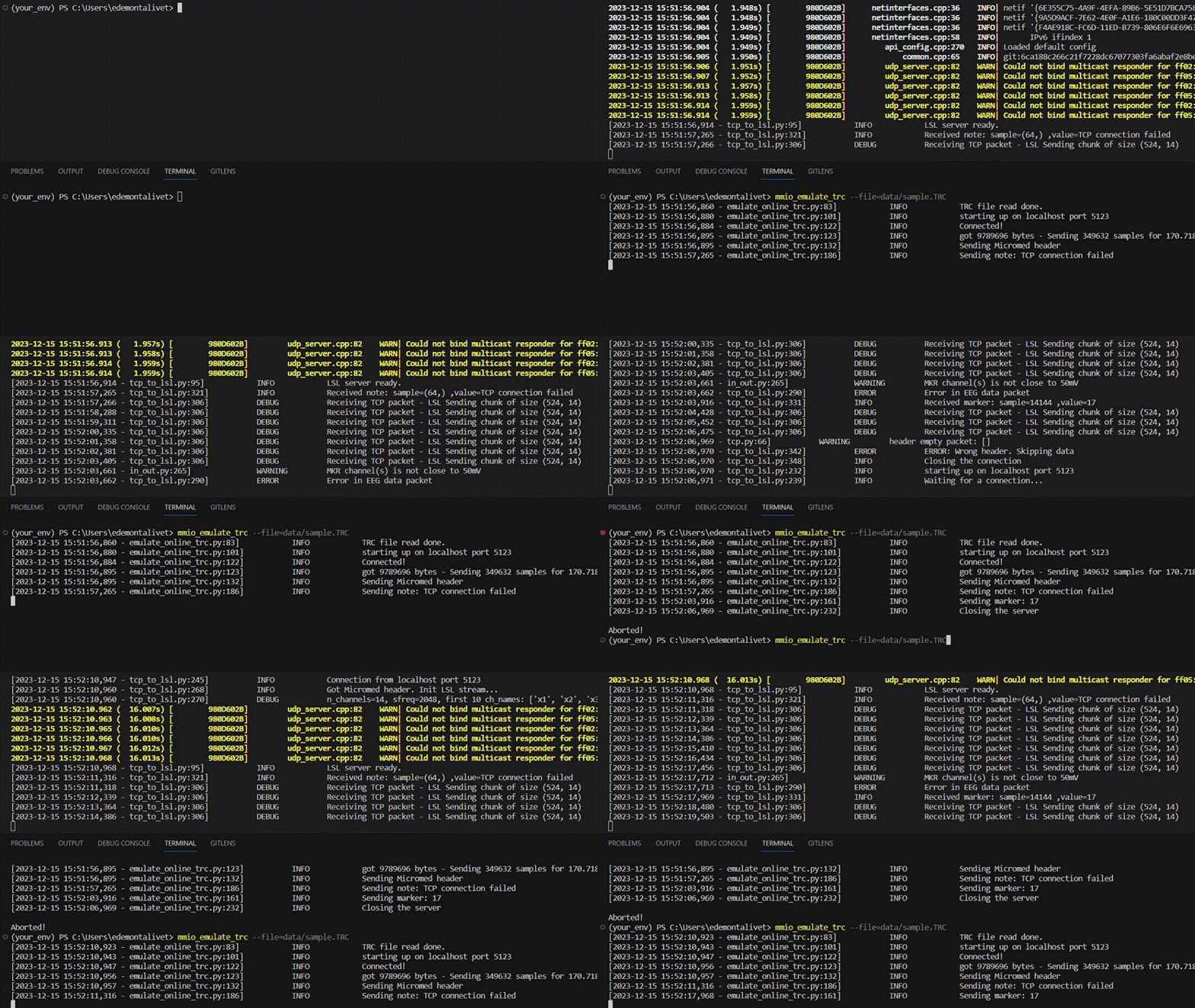
Emulate Online Micromed TCP from .trc file
$ mmio_emulate_trc --file=../data/sample.TRC --address=localhost --port=5123Emulate the online data stream of Micromed to test your real-time platform. See all the arguments and adapt them:
$ mmio_emulate_trc --help # to see all argumentsRead TCP and push to LSL Stream
$ mmio_tcp_to_lsl --address=localhost --port=5123While receiving online data throug tcp, this command forward the data to 3 LSL stream outlets:
Micromed_EEG: the eeg data in float32 format [n_channels, n_samples]
Micromed_Markers: markers if any in int32 format [sample, marker] (2 channels)
Micromed_Notes: notes if any in string format [sample, note] (2 channels)
You can easily change the LSL parameters:
$ mmio_tcp_to_lsl --help # to see all argumentsRead TRC file
from micromed_io.trc import MicromedTRC
mmtrc = MicromedTRC("sample.TRC")
Then you have access to the trc data:
mmtrc.get_header()
mmtrc.get_markers()
mmtrc.get_data()
mmtrc.get_notes()Read and parse Micromed TCP live data
Download tcp_to_lsl.py from the github repo in scripts/
$ python tcp_to_lsl.py --address=localhost --port=5123Note: Micromed TCP behaves as a client. If you want to try the emulate/read TCP script, launch the reader first that acts as server, then the emulator.
Rename TRC files with recording datetime
$ mmio_rename_trc --dirpath=./ --format=%Y%m%d-%H%M%SRename the TRC files of the given folder to include the recording date in the filename. Output is : <filename>__<recording_date>.TRC. The format must be compliant with python strftime format codes
mmio_rename_trc --help # to see helpLocal install
Download the repo and:
$ conda env create -f environment.yml
$ conda activate mmio
$ poetry install
Please feel free to reach me if you want to contribute.
Sponsor
This work has been supported by the Wyss Center.


1 maintainer

Metadata
1 maintainer
Release files for micromed-io 0.4.5
For a detailed explanation of source distributions (sdists) and built distributions (wheels), please see the package formats documentation.
Source distribution (sdist)
| File | Size | Uploaded | |
|---|---|---|---|
| micromed_io-0.4.5.tar.gz | 17.9 kB | Details |
Built distribution (wheel)
| File | Interpreter | ABI | Platform | Reset |
|---|---|---|---|---|
| micromed_io-0.4.5-py3-none-any.whl | Python 3 | none | any | Details |
Total release size: 39.6 kB
Release files / micromed_io-0.4.5.tar.gz
| Download URL | micromed_io-0.4.5.tar.gz |
|---|---|
| Size | 17.9 kB |
| Tags | Source |
|
SHA-256 checksum How to use checksums |
c8a9935456c24c2dece29006ff841dfc47fb45f2109dfdbad11c43ca6f1c4762
|
|
BLAKE2b-256 checksum How to use checksums |
b8d41c30f5368d475bedce3f8312659ed666b13d0dc70b80d18add544aa23f7a
|
| Upload date | |
|
Uploaded using Trusted Publishing? What is trusted publishing? |
No |
| Uploaded via |
poetry/1.8.2 CPython/3.11.5 Windows/10
|
Release files / micromed_io-0.4.5-py3-none-any.whl
| Download URL | micromed_io-0.4.5-py3-none-any.whl |
|---|---|
| Size | 21.7 kB |
| Tags | Python 3 |
|
SHA-256 checksum How to use checksums |
38961decde113d594af6fdbb666248cfd24ab6c54101a3c4d9c4ecaf7c6988ae
|
|
BLAKE2b-256 checksum How to use checksums |
8ccb9f09785e3f10afe1cbfecb597f8dda2e2993d8f32b2597f3859c11870445
|
| Upload date | |
|
Uploaded using Trusted Publishing? What is trusted publishing? |
No |
| Uploaded via |
poetry/1.8.2 CPython/3.11.5 Windows/10
|














