
Minimax MCP Server


Project description









Official MiniMax Model Context Protocol (MCP) server that enables interaction with powerful Text to Speech and video generation APIs. This server allows MCP clients like Claude Desktop, Cursor, Windsurf, OpenAI Agents and others to generate speech, clone voices, generate video, and more.
Quickstart with MCP Client
- Get your API key from MiniMax.
- Install
uv(Python package manager), install withcurl -LsSf https://astral.sh/uv/install.sh | shor see theuvrepo for additional install methods.
Claude Desktop
Go to Claude > Settings > Developer > Edit Config > claude_desktop_config.json to include the following:
{
  "mcpServers": {
    "MiniMax": {
      "command": "uvx"
      "args": [
        "minimax-mcp"
      ],
      "env": {
        "MINIMAX_API_KEY": "<insert-your-api-key-here>",
        "MINIMAX_MCP_BASE_PATH": "<local-output-dir-path>",
        "MINIMAX_API_HOST": "https://api.minimaxi.chat"
      }
    }
  }
}
If you're using Windows, you will have to enable "Developer Mode" in Claude Desktop to use the MCP server. Click "Help" in the hamburger menu in the top left and select "Enable Developer Mode".
Cursor
Go to Cursor -> Preferences -> Cursor Settings -> MCP -> Add new global MCP Server to add above config.
That's it. Your MCP client can now interact with MiniMax through these tools:
Example usage
⚠️ Warning: Using these tools may incur costs.
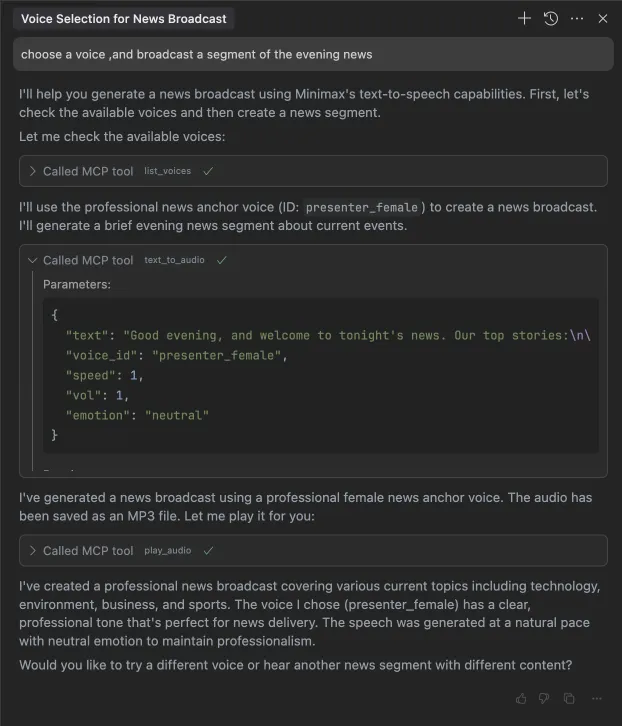
1. broadcast a segment of the evening news
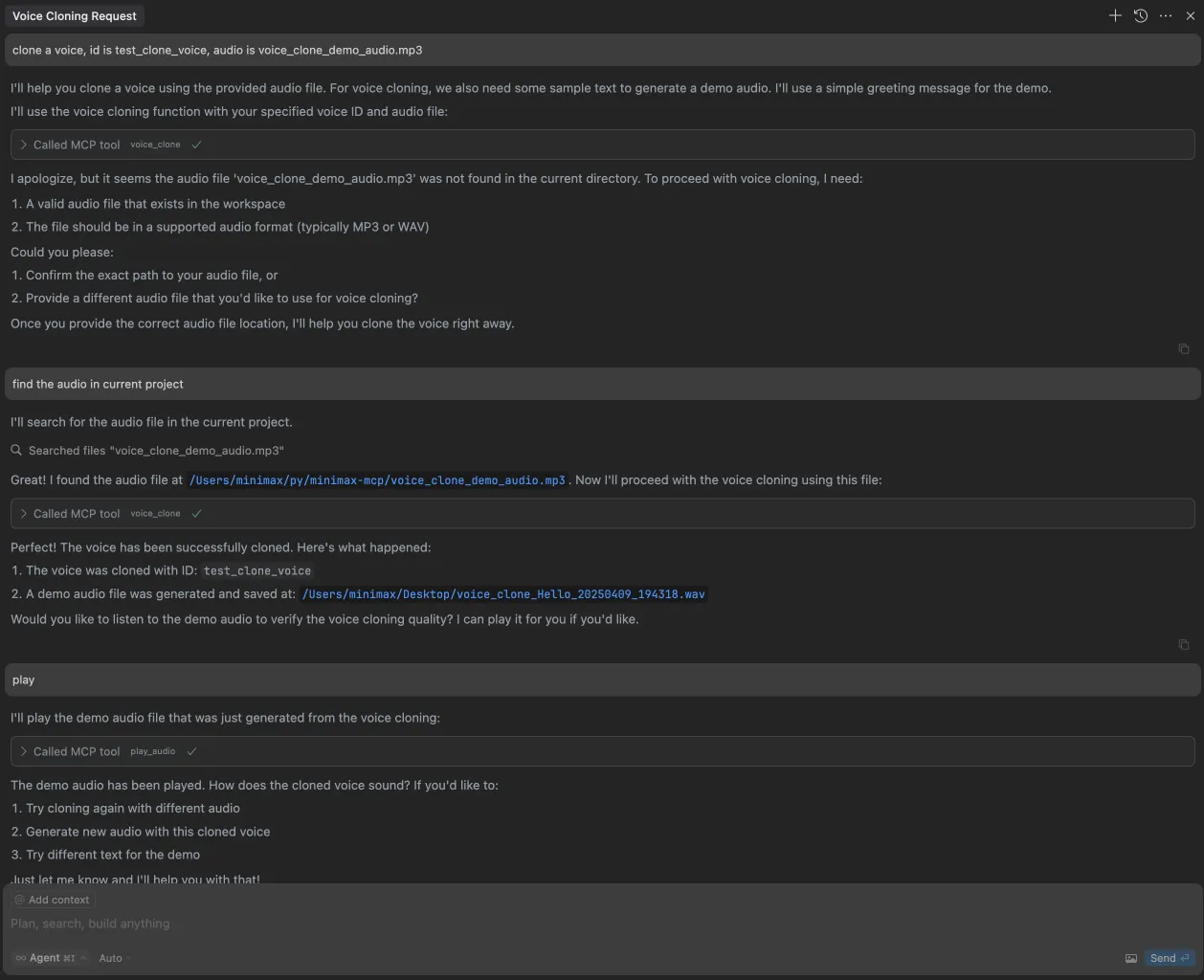
2. clone a voice
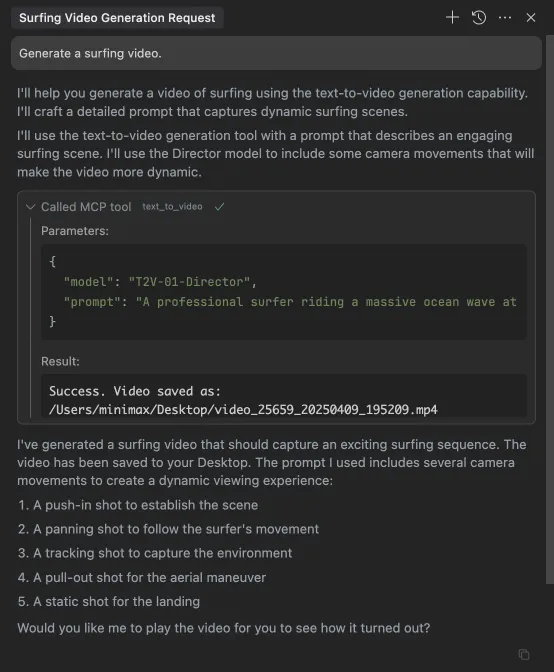
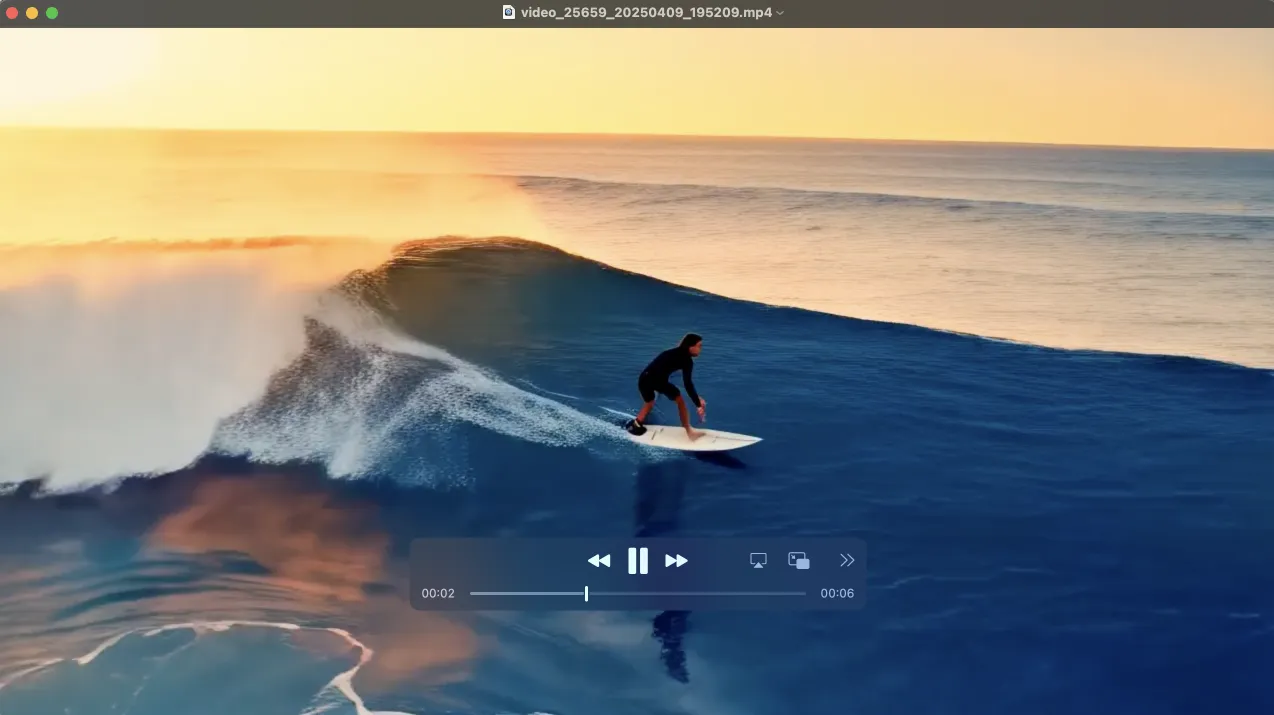
3. generate a video
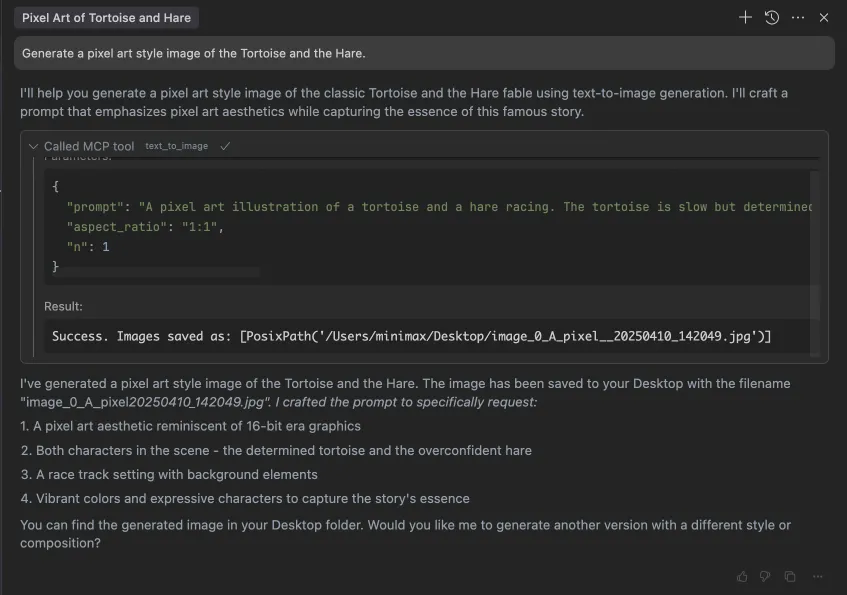
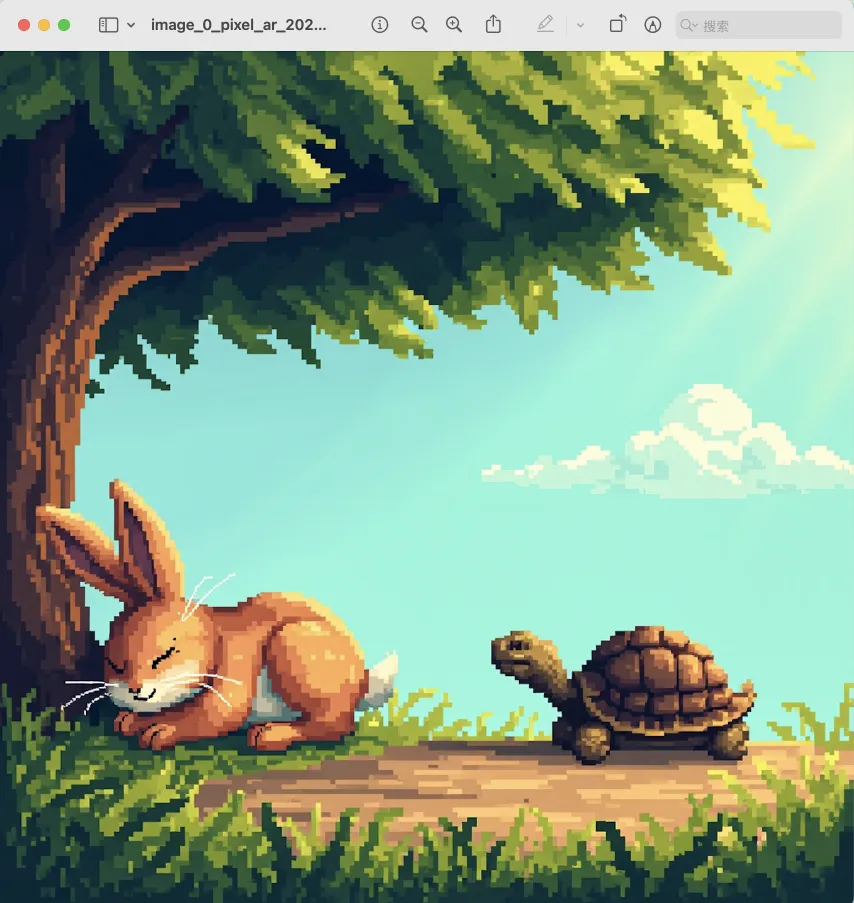
4. generate images
Release history Release notifications | RSS feed


Download files
Download the file for your platform. If you're not sure which to choose, learn more about installing packages.
Source Distribution
Built Distribution
Filter files by name, interpreter, ABI, and platform.
If you're not sure about the file name format, learn more about wheel file names.
Copy a direct link to the current filters
File details
Details for the file minimax_mcp-0.0.6.tar.gz.
File metadata
- Download URL: minimax_mcp-0.0.6.tar.gz
- Upload date:
- Size: 17.7 kB
- Tags: Source
- Uploaded using Trusted Publishing? No
- Uploaded via: twine/6.1.0 CPython/3.13.2
File hashes
| Algorithm | Hash digest | |
|---|---|---|
| SHA256 |
2bcfb0799c41ae367ad56954f33860ba1b4dfdce102ac6e66a8cb8d3bc347d28
|
|
| MD5 |
ad3a1e3f8c2a067b426014e4f0b124a4
|
|
| BLAKE2b-256 |
6c3605e627d0e6cb84a03ff1e3b48b1c42aebf35592026ac4cce6d1f92c814c4
|
File details
Details for the file minimax_mcp-0.0.6-py3-none-any.whl.
File metadata
- Download URL: minimax_mcp-0.0.6-py3-none-any.whl
- Upload date:
- Size: 15.8 kB
- Tags: Python 3
- Uploaded using Trusted Publishing? No
- Uploaded via: twine/6.1.0 CPython/3.13.2
File hashes
| Algorithm | Hash digest | |
|---|---|---|
| SHA256 |
3722084c9bcb0e351997fd599dd746bc37a40c5903b2af11f7aae540df0ee181
|
|
| MD5 |
54e546a61d11e80d47259ae839bb05ad
|
|
| BLAKE2b-256 |
e9f738f31a102e3991cf9bce9f3c25cdf0f43e9cd3e50deb25b166552ab5fc9a
|






