
MkDocs plugin to add hierarchical numbering to nav and page headings
Verified details
These details have been verified by PyPIProject links
GitHub Statistics
Maintainers

Project description
mkdocs-nav-numbering-plugin


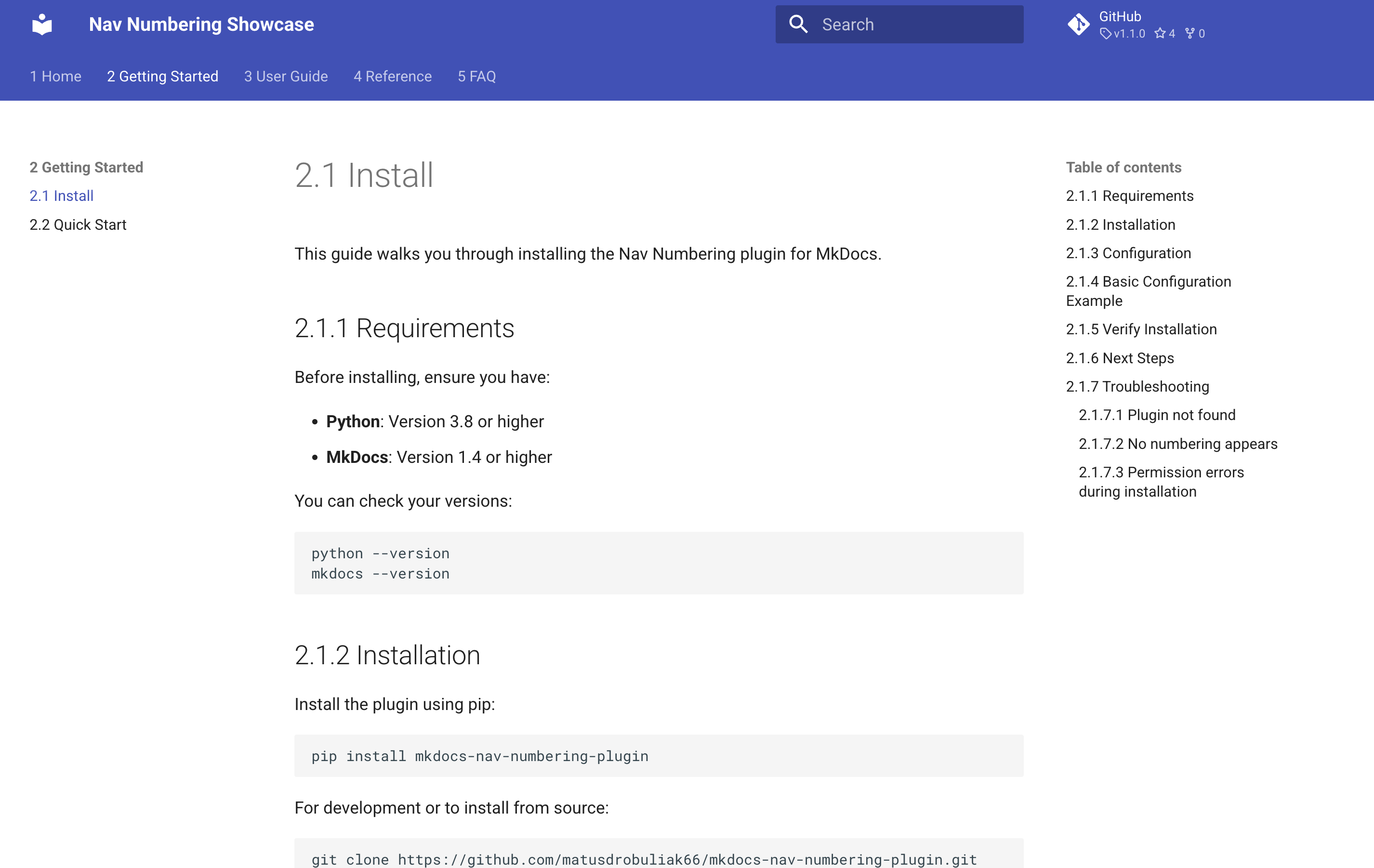
MkDocs plugin that adds hierarchical numbering to navigation items and page headings.
Features
- Number nav sections, pages, and links (optional)
- Number page headings based on nav position
- Configurable depth limits for nav and headings
- Configurable separator
- Exclude specific pages
Installation
pip install mkdocs-nav-numbering-plugin
Usage
plugins:
  - nav-numbering:
      nav_depth: 4
      heading_depth: 5
      number_h1: true
      number_nav: true
      number_headings: true
      preserve_anchor_ids: false
      separator: "."
      exclude:
        - index.md

markdown_extensions:
  - attr_list  # Required when preserve_anchor_ids is true
Options
enabled(bool, default: true)nav_depth(int, default: 0) — 0 means unlimitedheading_depth(int, default: 0) — 0 means unlimitednumber_nav(bool, default: true)number_headings(bool, default: true)number_h1(bool, default: true)preserve_anchor_ids(bool, default: false) — Preserve original heading anchor IDs without number prefixes (requiresattr_list)separator(str, default: ".")exclude(list, default: [])
preserve_anchor_ids
By default, MkDocs generates heading IDs from the final heading text. Since this plugin prepends numbering, your anchors can end up including the numbers.
Enable preserve_anchor_ids: true to add explicit {#...} IDs based on the original (un-numbered) heading text. Duplicate headings are automatically suffixed with -1, -2, etc.
plugins:
  - nav-numbering:
      preserve_anchor_ids: true

markdown_extensions:
  - attr_list
Project details
Verified details
These details have been verified by PyPIProject links
GitHub Statistics
Maintainers


Download files
Download the file for your platform. If you're not sure which to choose, learn more about installing packages.
Source Distribution
Built Distribution
Filter files by name, interpreter, ABI, and platform.
If you're not sure about the file name format, learn more about wheel file names.
Copy a direct link to the current filters






