
mkinf SDK

The mkinf SDK is a powerful toolkit that allows you to easily integrate MCP servers into your applications. With mkinf, you can access a growing ecosystem of specialized AI capabilities through a simple, unified interface.
Getting Started
Follow these steps to start using mkinf in your projects:
1. Create a mkinf Account
Sign up for a free account at hub.mkinf.io/signup. During the beta period, all accounts receive unlimited free credits
2. Configure Your API Key
- Go to API Keys settings
- Create an organization if you haven't already
- Generate and copy your API key
- Add the key to your project's
.envfile:
MKINF_API_KEY=sk-org-...
3. Install the SDK
Install the mkinf SDK using pip:
pip install mkinf
For specific versions, check the PyPI repository.
4. Find an AI Agent
Browse available AI Agents at mkinf hub and select an agent that matches your use case

5. Import and Use the Agent
Check the "Use Agent" section of your chosen repository for import instructions
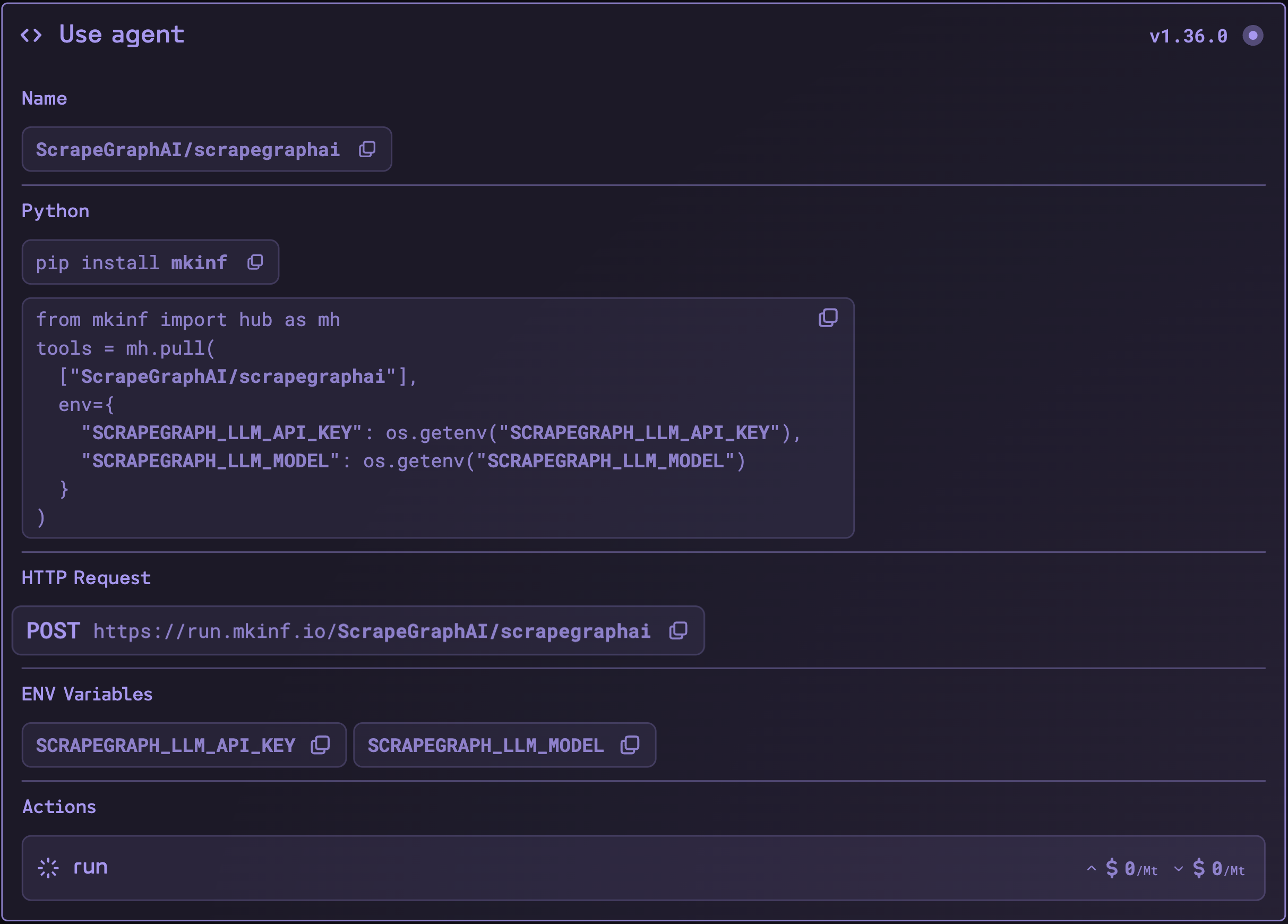
Import the agent into your code
from mkinf import hub as mh

tools = mh.pull(
    ["ScrapeGraphAI/scrapegraphai"],
    env={
        "SCRAPEGRAPH_LLM_MODEL": "openai/gpt-4o-mini",
        "SCRAPEGRAPH_LLM_API_KEY": os.getenv("OPENAI_API_KEY")
    }
)
[!NOTE] Remember to configure any required environment variables specified in the agent's documentation.
Current Limitations
[!WARNING] Currently, mkinf tools are compatible with LangChain chains and graphs. Support for other frameworks like CrewAI, AutoGen, and SmolAgents is coming soon.
Example
You can run the included Streamlit example to see mkinf in action:
uv run sync --dev
uv run example
1 maintainer

Download files
Download the file for your platform. If you're not sure which to choose, learn more about installing packages.
Source Distribution
Built Distribution
Filter files by name, interpreter, ABI, and platform.
If you're not sure about the file name format, learn more about wheel file names.
Copy a direct link to the current filters
File details
Details for the file mkinf-0.1.8.tar.gz.
File metadata
- Download URL: mkinf-0.1.8.tar.gz
- Upload date:
- Size: 169.5 kB
- Tags: Source
- Uploaded using Trusted Publishing? No
- Uploaded via: uv/0.5.21
File hashes
| Algorithm | Hash digest | |
|---|---|---|
| SHA256 |
d3774c1a6905cd3952eccca809aec152084c1fa819104a003366169f9c33bb14
|
|
| MD5 |
bcbb9645537c69fe70cfd491213c396f
|
|
| BLAKE2b-256 |
606622f914d23b6f21077ad94bb81e03645d954ef610517cbc76b518de9bc357
|
File details
Details for the file mkinf-0.1.8-py3-none-any.whl.
File metadata
- Download URL: mkinf-0.1.8-py3-none-any.whl
- Upload date:
- Size: 5.2 kB
- Tags: Python 3
- Uploaded using Trusted Publishing? No
- Uploaded via: uv/0.5.21
File hashes
| Algorithm | Hash digest | |
|---|---|---|
| SHA256 |
dfdb12974c393371679e1d4c10b16bd50ef4115e8c59f480f9c28f688ef82101
|
|
| MD5 |
464351899dfad5179bc8d2fd9a6be6bf
|
|
| BLAKE2b-256 |
2eed3d03e178e6156d7486dd7ef91d981f3b15c7681f7bd937818fa272cd1522
|







