
See readMe.ma

Project description
Convert a Python Machine Learning Model to Arduino Code (C++)
Introduction
Motivation
This project demonstrates the conversion of Python machine learning (ML) models to Arduino C++ code.
We will use some ML models purely as examples; the goal is not to find the best model or achieve minimal error.
Why ?
In certain applications, such as embedded systems, small microcontrollers with limited memory and computing resources are used. The idea is to train a machine learning model in a Python environment and then convert the trained model to C++ for deployment on a microcontroller.
In this project, we will use the Arduino Uno as an example, but the approach can be applied to other microcontrollers as well.
How ?
Follow the step-by-step guide below, or go directly to the PyPi package mltoarduino
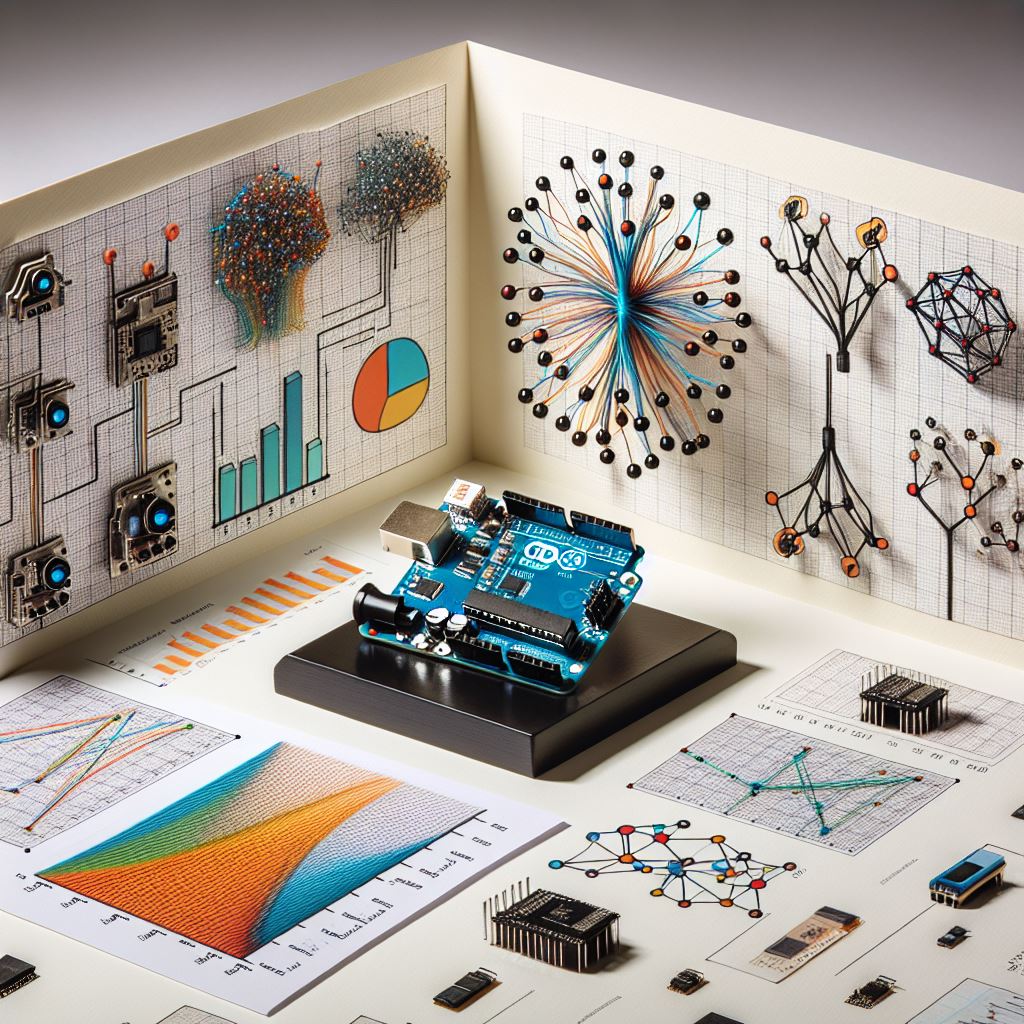
Hardware
In this project, the Arduino Uno was used, but you can use other boards like Arduino Nano or Micro, Miga 2560, ESP32...
below a comparaison of some Arduino boards:
| Feature | Arduino Uno | Arduino Nano | Arduino Micro | Arduino Mega 2560 | ESP32 |
|---|---|---|---|---|---|
| Microcontroller | ATmega328P | ATmega328P | ATmega32U4 | ATmega2560 | Tensilica Xtensa LX6 |
| Operating Voltage | 5V | 5V | 5V | 5V | 3.3V |
| Input Voltage | 7-12V | 7-12V | 7-12V | 7-12V | 5V via USB or 7-12V |
| Digital I/O Pins | 14 (6 PWM) | 14 (6 PWM) | 20 (7 PWM) | 54 (15 PWM) | 34 |
| Analog Input Pins | 6 | 8 | 12 | 16 | 18 |
| Flash Memory | 32 KB | 32 KB | 32 KB | 256 KB | Up to 16 MB |
| SRAM | 2 KB | 2 KB | 2.5 KB | 8 KB | 520 KB |
| EEPROM | 1 KB | 1 KB | 1 KB | 4 KB | None |
| Clock Speed | 16 MHz | 16 MHz | 16 MHz | 16 MHz | 240 MHz (dual-core) |
| Connectivity | UART, I2C, SPI | UART, I2C, SPI | UART, I2C, SPI | UART, I2C, SPI | Wi-Fi, Bluetooth |
| USB Interface | USB-B | Mini USB | Micro USB | USB-B | Micro USB |
| Dimensions | 68.6 x 53.4 mm | 45 x 18 mm | 48 x 18 mm | 101.52 x 53.3 mm | 51 x 25.5 mm |
| Power Consumption | ~50 mA | ~50 mA | ~50 mA | ~70 mA | Varies (~80-240 mA) |
| Special Features | Simple and robust | Compact | USB HID support | High I/O count | Wi-Fi and BLE |
| Price Range | Low | Low | Medium | Medium | Medium-High |
How to use the package
# Install the package
!pip install mltoarduino
# Import all functions
from mltoarduino import *
Load an example data
FileName="..\data\processed\df_price_4inputs.csv"
dfnew= pd.read_csv(FileName).astype("float32")
print("Df columns: ", list(dfnew.columns))
X= dfnew.iloc[:,:4].values
y= dfnew.iloc[:,4].values
# Split into training and test sets
X_train, X_test, y_train, y_test = train_test_split(X, y, test_size=0.2, random_state=42)
Df columns: ['Gearbox_auto', 'HorseP', 'Euro_stand', 'km', 'price']
Example of Linear Regression model
# Load the model
LR_model = joblib.load(r'../models/LinearReg/LR_model.pkl')
# Sub inputs/outpusts to test the arduino model: 10 samples
sub_X=X_train[:10]
sub_y=LR_model.predict(sub_X)
# Convert the model to arduino C++
arduino_code= LinearRegToC (LR_model, sub_X, sub_y)
print("100 first charaters of arduino code \n",arduino_code[:100])
100 first charaters of arduino code


const int Nv = 10;
const int dimX = 4;

/////// Xy //////
const float X [] PROGMEM  = {0.0, 116.0
You can use a code like below to save the arduino code.ino
To avoid error in arduino environnement, if your file name is Example.ino
this file must be stored in the same folder name "Example/Example.ino"
ino_file="ArduinoCode/LinearReg.ino" # Path of the file ino_file=ino_file.replace(".ino" ,"") current_directory = os.getcwd() new_directory_path = os.path.join(current_directory, ino_file) try: os.makedirs(new_directory_path) except: pass
path=ino_file+"/"+ino_file.split("/")[-1]+".ino" with open(path,'w+') as f: f.write(arduino_code)
print(path, "saved")
The arduino memory usnig
# The arduino serial print result
serialPrint="""
Cal_Ardui,Expected,Delta_time(us)
19074.86,19074.861328,68
22590.43,22590.433593,76
18458.25,18458.253906,80
20624.41,20624.408203,76
20219.45,20219.445312,76
29240.26,29240.261718,80
32525.00,32525.000000,84
27160.86,27160.859375,80
25408.60,25408.605468,80
26429.56,26429.554687,88
====The End====="""
# Convert the serial result to DF
data = serialPrint.split("\n")[1:-1]
data=[x.split(",") for x in data]
DF_serial= pd.DataFrame( data[1:], columns= data[0]).astype("float32")
DF_serial
.dataframe tbody tr th {
    vertical-align: top;
}

.dataframe thead th {
    text-align: right;
}
| Cal_Ardui | Expected | Delta_time(us) | |
|---|---|---|---|
| 0 | 19074.859375 | 19074.861328 | 68.0 |
| 1 | 22590.429688 | 22590.433594 | 76.0 |
| 2 | 18458.250000 | 18458.253906 | 80.0 |
| 3 | 20624.410156 | 20624.408203 | 76.0 |
| 4 | 20219.449219 | 20219.445312 | 76.0 |
| 5 | 29240.259766 | 29240.261719 | 80.0 |
| 6 | 32525.000000 | 32525.000000 | 84.0 |
| 7 | 27160.859375 | 27160.859375 | 80.0 |
| 8 | 25408.599609 | 25408.605469 | 80.0 |
| 9 | 26429.560547 | 26429.554688 | 88.0 |
print("The AVG prediction time of one input is",
      (DF_serial['Delta_time(us)'].mean()/1000).round(2),
      "ms"
     )
The AVG prediction time of one input is 0.08 ms
# Ploting
DF_serial.plot.scatter(x='Expected', y='Cal_Ardui',  marker='o', label="Arduino calculation")
xx=[DF_serial['Expected'].min(), DF_serial['Expected'].max()]
plt.plot(xx,xx, c='r', label="equal")
plt.legend()
plt.xlabel("Tenforflow model prediction")
plt.ylabel("Arduino model prediction")
plt.grid()
plt.show()

# The arduino and python model have the same result.
Other models
You can use the same logic to convert other models to ARDUINO C++
| Function Name | Model Description |
|---|---|
convert_DecTree_To_C |
Decision Tree Regression Model |
convert_RandForest_To_C |
Random Forest Regression Model |
XGBOOST_to_CPP |
XGBoost Regression Model |
tf_model_to_arduino_code |
DNN TensorFlow Model |
For more information you can see the home page
https://bouz1.github.io/fils/MLModelToArduinoCpp/MLModelToArduinoCpp.html


Download files
Download the file for your platform. If you're not sure which to choose, learn more about installing packages.
Source Distribution
Built Distribution
Filter files by name, interpreter, ABI, and platform.
If you're not sure about the file name format, learn more about wheel file names.
Copy a direct link to the current filters
File details
Details for the file mltoarduino-0.0.4.tar.gz.
File metadata
- Download URL: mltoarduino-0.0.4.tar.gz
- Upload date:
- Size: 14.4 kB
- Tags: Source
- Uploaded using Trusted Publishing? No
- Uploaded via: twine/4.0.2 CPython/3.10.5
File hashes
| Algorithm | Hash digest | |
|---|---|---|
| SHA256 |
45b858836d08723a4c5ed762d444161784a630b2a903ce643e953b96c27c1844
|
|
| MD5 |
4be113ba55168cc42e528cddb643717f
|
|
| BLAKE2b-256 |
090a11a5235bf7c26efea06a21ce87dee3276b7f8524788be75e9b0998328c88
|
File details
Details for the file mltoarduino-0.0.4-py3-none-any.whl.
File metadata
- Download URL: mltoarduino-0.0.4-py3-none-any.whl
- Upload date:
- Size: 11.6 kB
- Tags: Python 3
- Uploaded using Trusted Publishing? No
- Uploaded via: twine/4.0.2 CPython/3.10.5
File hashes
| Algorithm | Hash digest | |
|---|---|---|
| SHA256 |
a97451a120d1baf8bdfce4070e5ffc8a9dd8245dd131f5801be41a312465ce0f
|
|
| MD5 |
0a191e1a67b5fdd9d2f83a7066849181
|
|
| BLAKE2b-256 |
66737d4517823ede33c020fe0f7f26f08b4b64ac8f04b5e87f7af9f2c229f531
|






