
Mechanistic interpretability on Apple Silicon
Steering vectors · Residual capture · SAE analysis
No CUDA. No cloud GPU. Just your Mac.



Install · Quickstart · API · SAE · Why mlx-lens
The Problem
Tools like TransformerLens and vLLM-Lens let you steer LLMs and inspect their internals, but they require CUDA GPUs. If you're on a Mac, you're locked out.
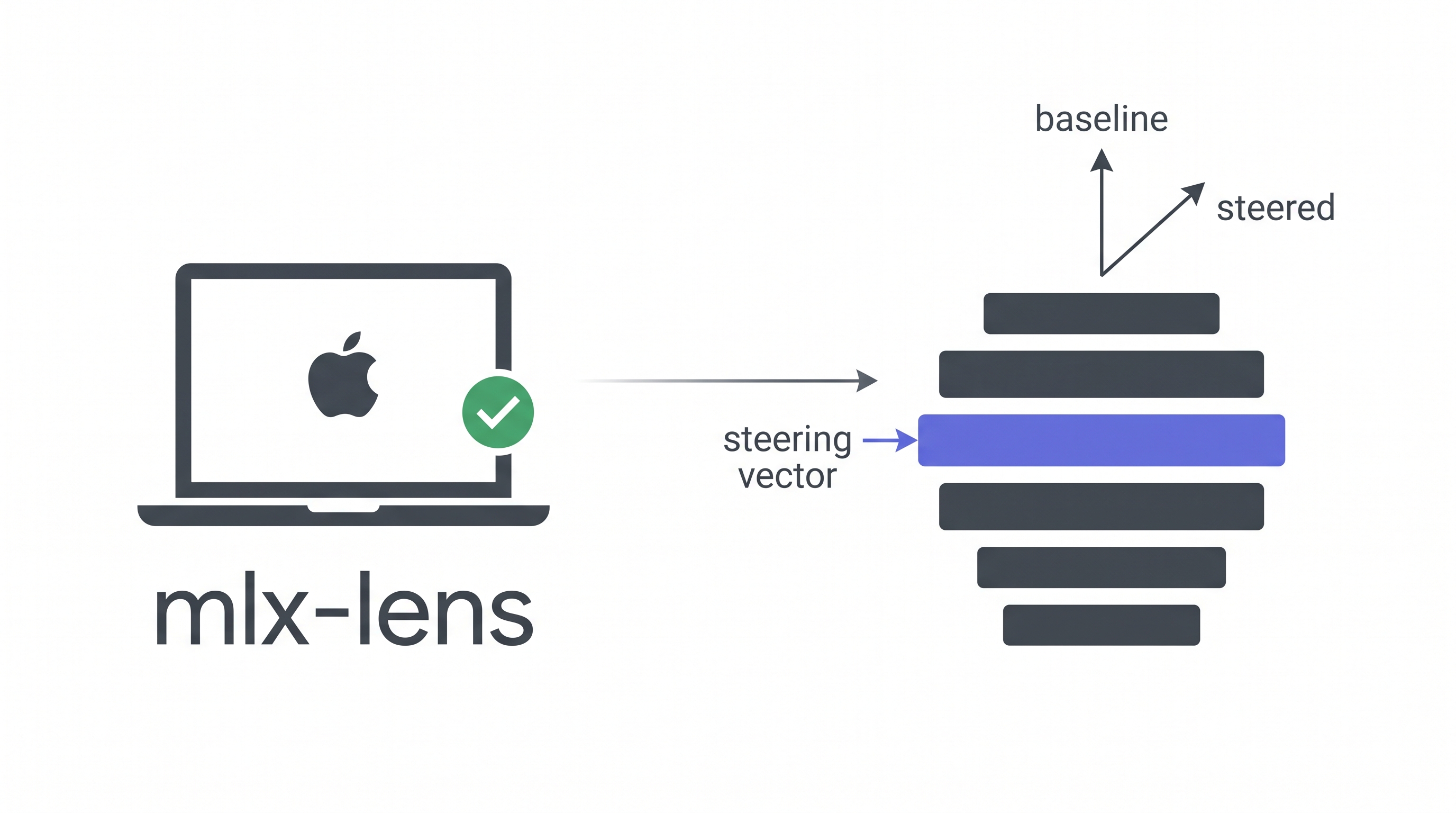
mlx-lens brings the same capabilities to Apple Silicon via MLX. Load a model, inject a steering vector, and see how the output changes, all running locally on your MacBook or Mac Studio.
What It Looks Like
from mlx_lens import LensModel

lens = LensModel("mlx-community/gemma-3-27b-it-qat-4bit")

# Steer layer 16 and generate
with lens.steer(layer=16, vector=direction, scale=1000.0):
    print(lens.generate("What is money?", max_tokens=100))
# Steering is gone after the block, no side effects
Baseline (scale=0):
- Gold 2. US Treasury bill 3. US dollar cash 4. Bank deposit ...
Steered (scale=1500):
- US Treasury Bill, backed by the full faith and credit of the US government, making it virtually risk-free. 2. Gold, historically very stable ...
Same model, same prompt. The steering vector shifts how the model ranks monetary instruments.
Install
Requires macOS with Apple Silicon (M1+) and Python ≥ 3.11.
# With uv (recommended)
uv add mlx-lens

# With pip
pip install mlx-lens

# With vllm-mlx engine (batch generation, prefix caching)
pip install "mlx-lens[engine]"
Quickstart
Steer and measure loss
from mlx_lens import LensModel
import mlx.core as mx

lens = LensModel("mlx-community/gemma-3-1b-it-4bit")

# Any unit vector in the model's residual stream space
vec = mx.random.normal((lens.d_model,))
vec = vec / mx.linalg.norm(vec)

# Baseline loss
loss_0 = lens.loss("The capital of France is Paris")

# Steered loss: higher scale = stronger intervention
with lens.steer(layer=8, vector=vec, scale=500.0):
    loss_s = lens.loss("The capital of France is Paris")

print(f"Δ loss = {loss_s - loss_0:+.4f}")
Capture the residual stream
tokens = lens.tokenizer.encode("Hello world")

with lens.capture(layers=[0, 16]) as cap:
    lens.forward(tokens)

print(cap[0].shape)   # (1, seq_len, d_model)
print(cap[16].shape)  # (1, seq_len, d_model)
Steer + capture together
with lens.steer(layer=16, vector=vec, scale=1000.0):
    with lens.capture(layers=[16]) as cap:
        lens.forward(tokens)

steered_residual = cap[16]  # includes the steering effect
Batch generation (vllm-mlx engine)
# pip install "mlx-lens[engine]"
lens = LensModel("mlx-community/gemma-3-27b-it-qat-4bit")

# Generate multiple prompts in one call
responses = lens.generate_batch(
    ["What is money?", "What is gold?"],
    max_tokens=200, temperature=0.0,
)

# Steering works with batch generation too
with lens.steer(layer=16, vector=direction, scale=1000.0):
    steered = lens.generate_batch(["What is money?"], max_tokens=200)
API
LensModel(model_path, use_engine=False, **kwargs)
Wraps any mlx-lm compatible model. Optionally backed by vllm-mlx for batch generation with prefix caching.
| Property | Description |
|---|---|
lens.d_model |
Hidden size (e.g. 5376 for Gemma 3 27B) |
lens.n_layers |
Number of decoder layers |
lens.model |
The underlying MLX model |
lens.tokenizer |
The tokenizer |
lens.engine |
vllm-mlx EngineCore (lazy-initialized) |
| Method | Description |
|---|---|
lens.steer(layer, vector, scale) |
Context manager. Injects a steering vector |
lens.capture(layers) |
Context manager. Records residual stream activations |
lens.loss(tokens) |
Mean next-token cross-entropy |
lens.generate(prompt, **kwargs) |
Text generation (respects active steering) |
lens.generate_batch(prompts, **kwargs) |
Batch generation via vllm-mlx engine |
lens.forward(tokens) |
Raw forward pass, returns logits |
lens.close() |
Release engine resources |
SAE Support
Load GemmaScope Sparse Autoencoders to decompose residual streams into interpretable features.
from mlx_lens import JumpReLUSAE

# From a local safetensors file
sae = JumpReLUSAE.from_pretrained("path/to/params.safetensors")

# Or download from HuggingFace
sae = JumpReLUSAE.from_gemma_scope(
    model_id="google/gemma-scope-2-27b-it",
    layer=16, width="16k",
)

# Encode residual stream into sparse features
acts = sae.encode(residual)          # (*, d_sae) sparse activations
recon = sae.decode(acts)             # (*, d_model) reconstruction

# Get unit decoder directions for steering
directions = sae.directions([42, 710, 1024])  # (3, d_model)
Why mlx-lens?
| TransformerLens | vLLM-Lens | mlx-lens | |
|---|---|---|---|
| Backend | PyTorch (CUDA) | vLLM (CUDA) | MLX (Apple Silicon) |
| GPU required | NVIDIA | NVIDIA | None (runs on Mac) |
| 27B model | ~80GB VRAM | ~54GB VRAM | ~17GB 4-bit / ~54GB bf16 |
| Steering vectors | ✓ | ✓ | ✓ |
| Residual capture | ✓ | ✓ | ✓ |
| SAE integration | Via SAELens | Manual | Built-in |
| Install | pip install |
Plugin system | pip install mlx-lens |
Cross-platform validation
We ran the same steering experiments on both CUDA GPUs and mlx-lens (M-series Mac). The optimal steering scales correlate at r = 0.88 with a mean ratio of 1.01×. The results are reproducible across platforms.
Performance
On Apple M5 Max (128GB unified memory), Gemma 3 27B-IT bf16:
| Operation | Time |
|---|---|
| Model load | ~60s |
| Forward pass (32 tokens) | ~2.5s |
| Generate (300 tokens) | ~60s |
| Scale search (binary, 1 feature) | ~20s |
Examples
See examples/ for complete, runnable scripts:
basic_steering.py: steer, measure loss, generatesae_analysis.py: capture residuals, SAE feature decompositionscale_search.py: find the optimal steering scale
How It Works
mlx-lens uses layer replacement to intervene on the residual stream. When you call lens.steer(), the target decoder layer is temporarily wrapped with a proxy that adds scale × vector to its output. No hooks needed. MLX models store layers as plain Python lists, making replacement trivial.
Input → [Layer 0] → ... → [Layer 15] → [SteeredLayer 16] → [Layer 17] → ... → Output
                                              ↑
                                    out = original(x) + scale × vector
The context manager pattern ensures the original layer is always restored, even if an exception occurs.
Acknowledgements
mlx-lens is inspired by vLLM-Lens (UK AI Safety Institute), which pioneered the steering vector plugin approach for vLLM. We ported the core concepts (layer intervention, residual capture, and steering injection) to Apple Silicon via MLX.
Citation
If you use mlx-lens in your research:
@software{mlx-lens,
  title  = {mlx-lens: Mechanistic Interpretability on Apple Silicon},
  author = {Wu, Wenbin},
  institution = {Cambridge Centre for Alternative Finance},
  year   = {2026},
  url    = {https://github.com/dthinkr/mlx-lens},
}
License
MIT
1 maintainer

Metadata
1 maintainer
Release files for mlx-lens 0.1.2
For a detailed explanation of source distributions (sdists) and built distributions (wheels), please see the package formats documentation.
Source distribution (sdist)
| File | Size | Uploaded | |
|---|---|---|---|
| mlx_lens-0.1.2.tar.gz | 1.5 MB | Details |
Built distribution (wheel)
| File | Interpreter | ABI | Platform | Reset |
|---|---|---|---|---|
| mlx_lens-0.1.2-py3-none-any.whl | Python 3 | none | any | Details |
Total release size: 1.5 MB
Release files / mlx_lens-0.1.2.tar.gz
| Download URL | mlx_lens-0.1.2.tar.gz |
|---|---|
| Size | 1.5 MB |
| Tags | Source |
|
SHA-256 checksum How to use checksums |
81614460a59d81edaca23652247d212198d9beec4cee3b4a76429c93f7ed2367
|
|
BLAKE2b-256 checksum How to use checksums |
7775768cff45ccc9b6bc030fc52545c6b7b55b8b689ecbfc9d337892f2f47dae
|
| Upload date | |
|
Uploaded using Trusted Publishing? What is trusted publishing? |
Yes |
| Uploaded via |
twine/6.1.0 CPython/3.13.12
|
Provenance
Provenance describes where a file came from. On PyPI, provenance is shared via attestations, which provide a verifiable record of the build or publishing details. View details, limitations and caveats.


PyPI Publish Attestation
PyPI verified that this artifact, at this checksum, originated from the publisher listed below.
Signed by GitHub Actions, verified by PyPI on Apr 29, 2026.
Transparency logRelease files / mlx_lens-0.1.2-py3-none-any.whl
| Download URL | mlx_lens-0.1.2-py3-none-any.whl |
|---|---|
| Size | 10.3 kB |
| Tags | Python 3 |
|
SHA-256 checksum How to use checksums |
8dfdfde710bcff4d4306e766b80c419ed76090808dd0d12a8b91fd85405c7e33
|
|
BLAKE2b-256 checksum How to use checksums |
536ab362c14d2618c3abc3e62675d27a25af3a6b4c88203a6628c9fd0009e2bb
|
| Upload date | |
|
Uploaded using Trusted Publishing? What is trusted publishing? |
Yes |
| Uploaded via |
twine/6.1.0 CPython/3.13.12
|
Provenance
Provenance describes where a file came from. On PyPI, provenance is shared via attestations, which provide a verifiable record of the build or publishing details. View details, limitations and caveats.
PyPI Publish Attestation
PyPI verified that this artifact, at this checksum, originated from the publisher listed below.
Signed by GitHub Actions, verified by PyPI on Apr 29, 2026.
Transparency log













