
Pure MLX implementations of UMAP, t-SNE, PaCMAP, TriMap, DREAMS, CNE, and NNDescent for Apple Silicon. Metal GPU acceleration for both computation and video rendering. No scipy, no sklearn, no matplotlib.

Project description
mlx-vis


Pure MLX implementations of UMAP, t-SNE, PaCMAP, TriMap, DREAMS, CNE, and NNDescent for Apple Silicon. Metal GPU acceleration for both computation and video rendering. No scipy, no sklearn, no matplotlib.
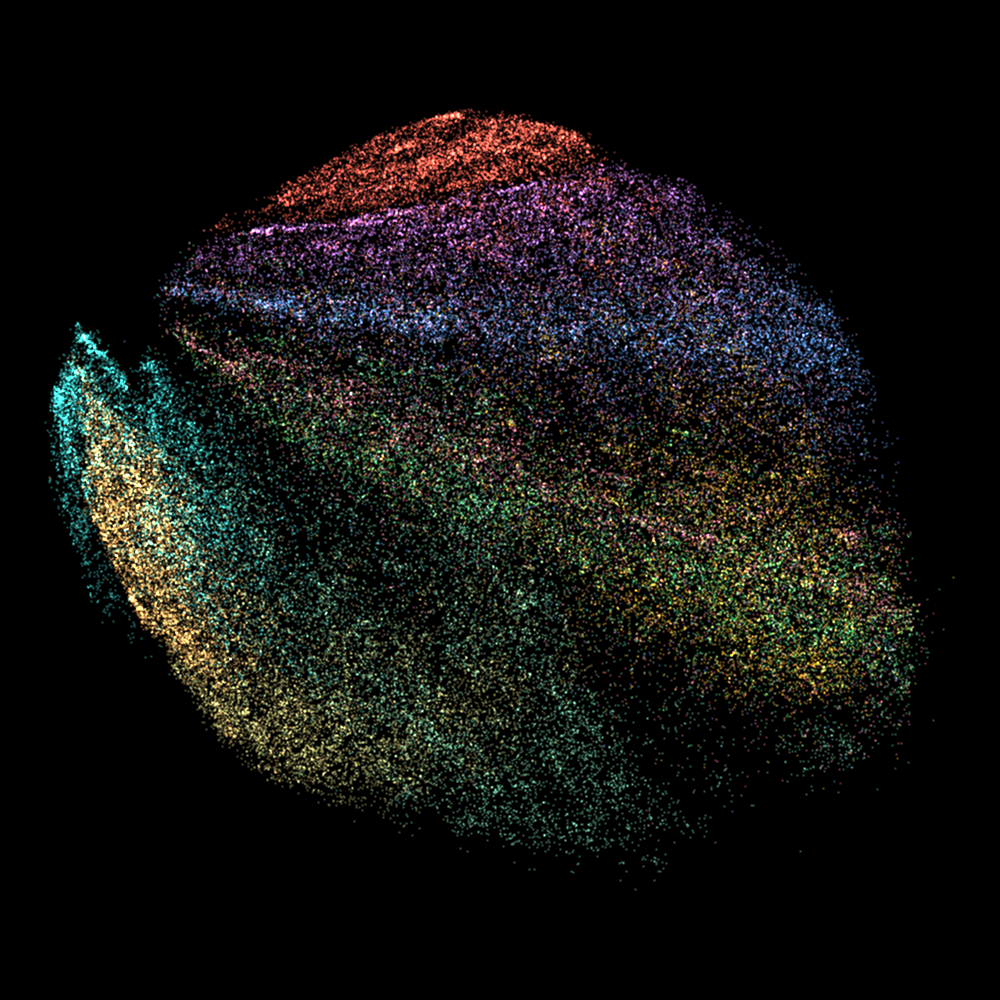
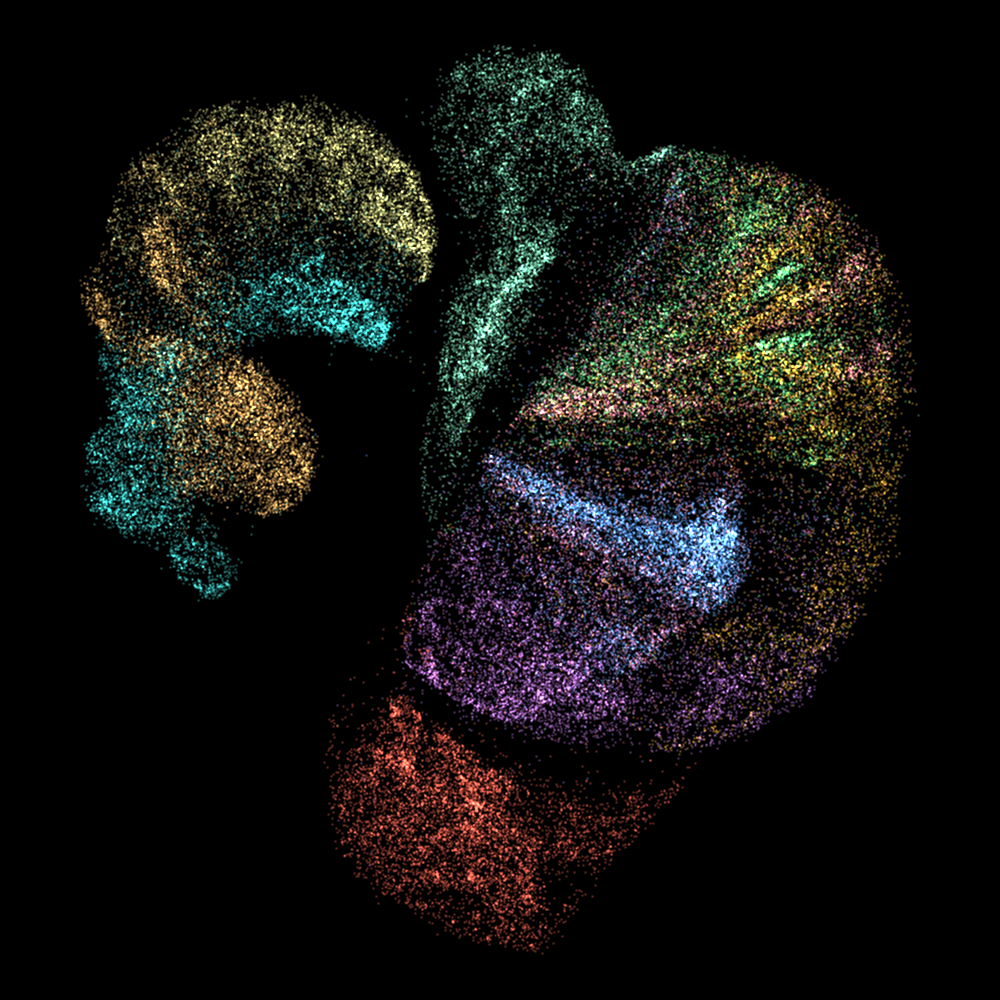
Embed 70K points in 2-4 seconds. Add GPU-rendered animation video in under 5 seconds total. See benchmark.
Fashion-MNIST 70K on M3 Ultra:
| UMAP | t-SNE | PaCMAP |
|---|---|---|
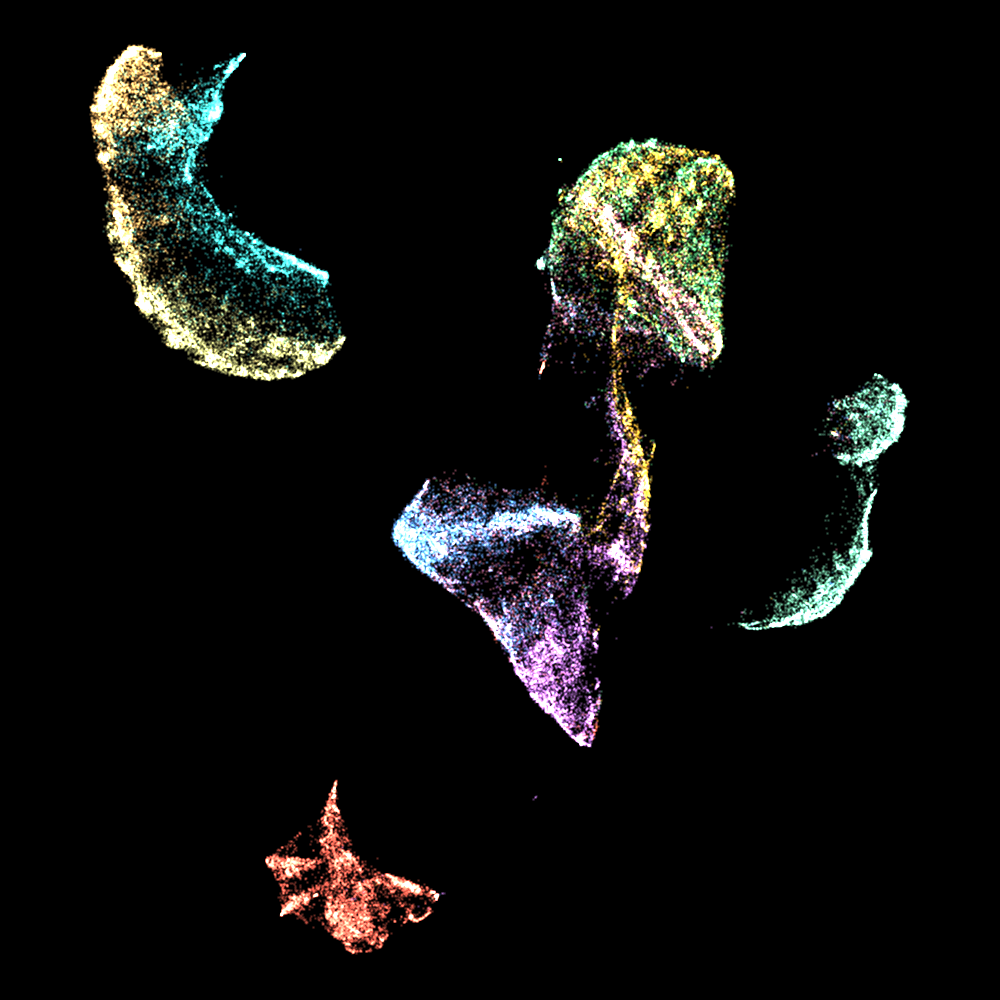 |
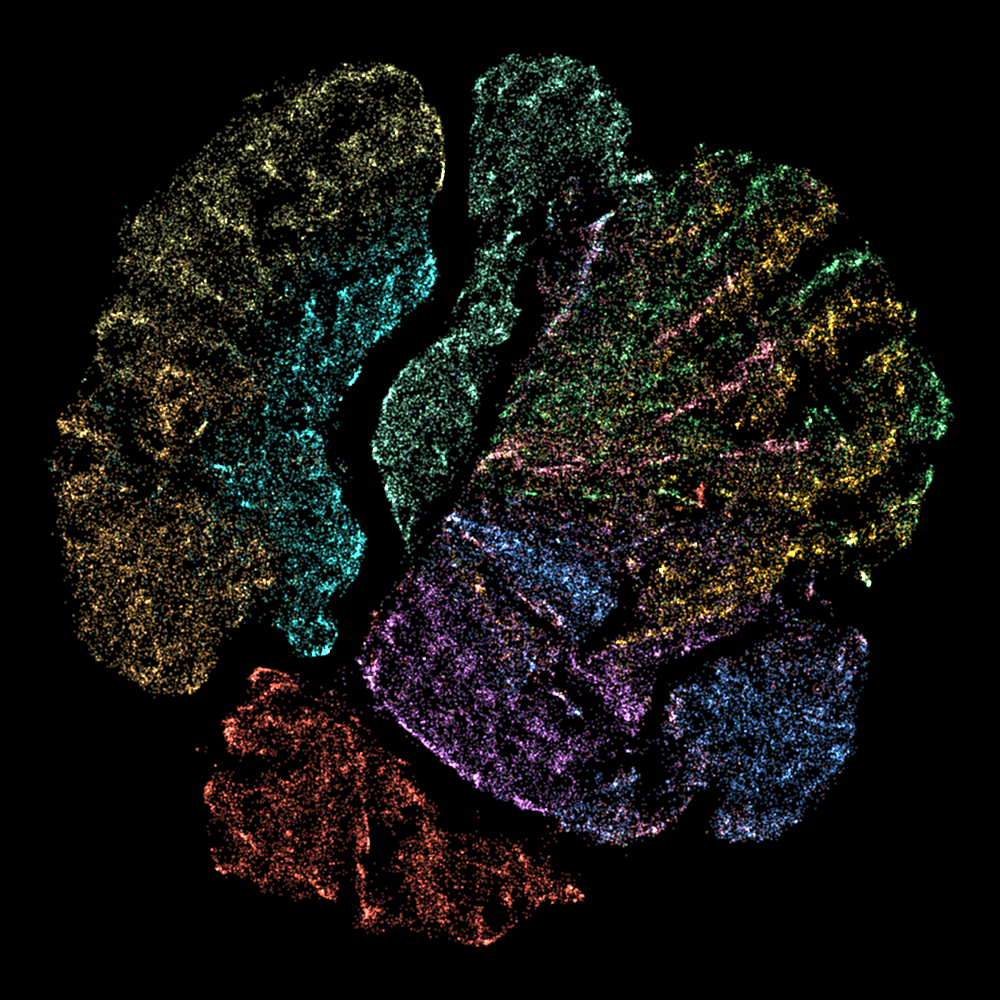 |
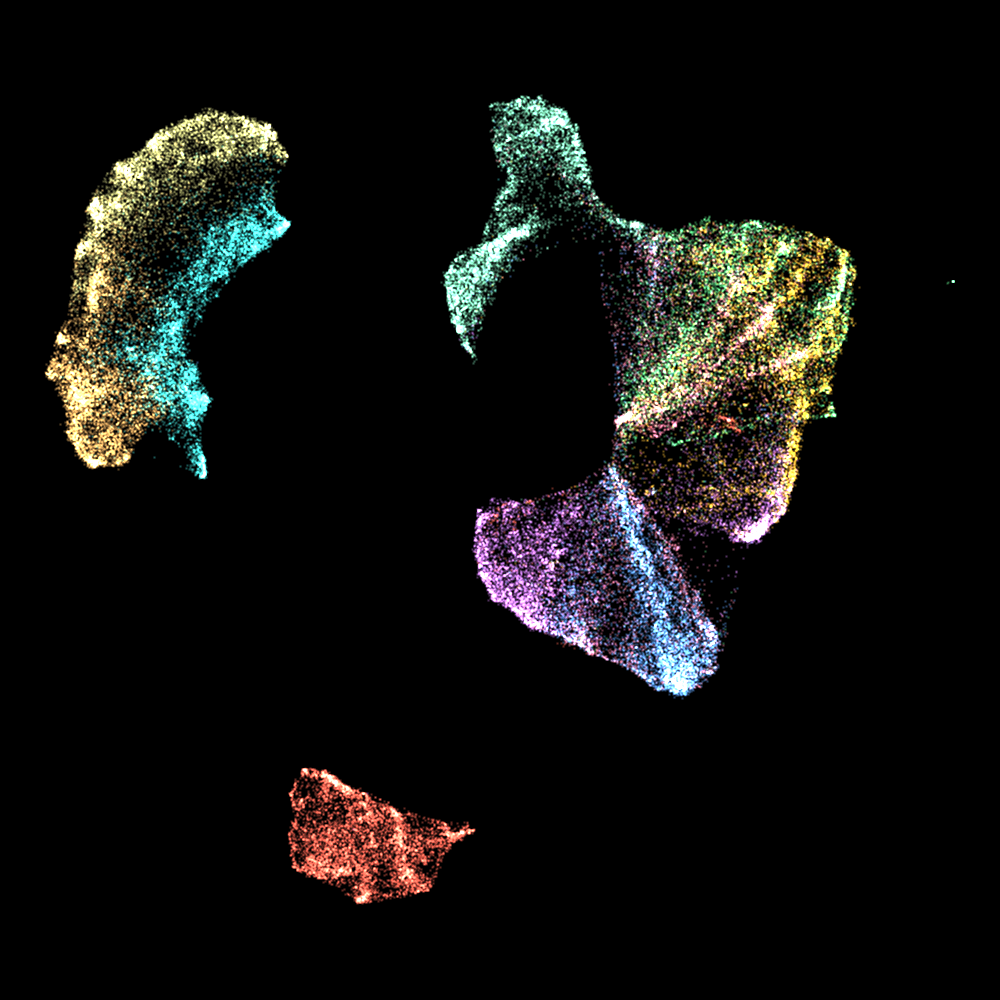 |
| TriMap | DREAMS | CNE |
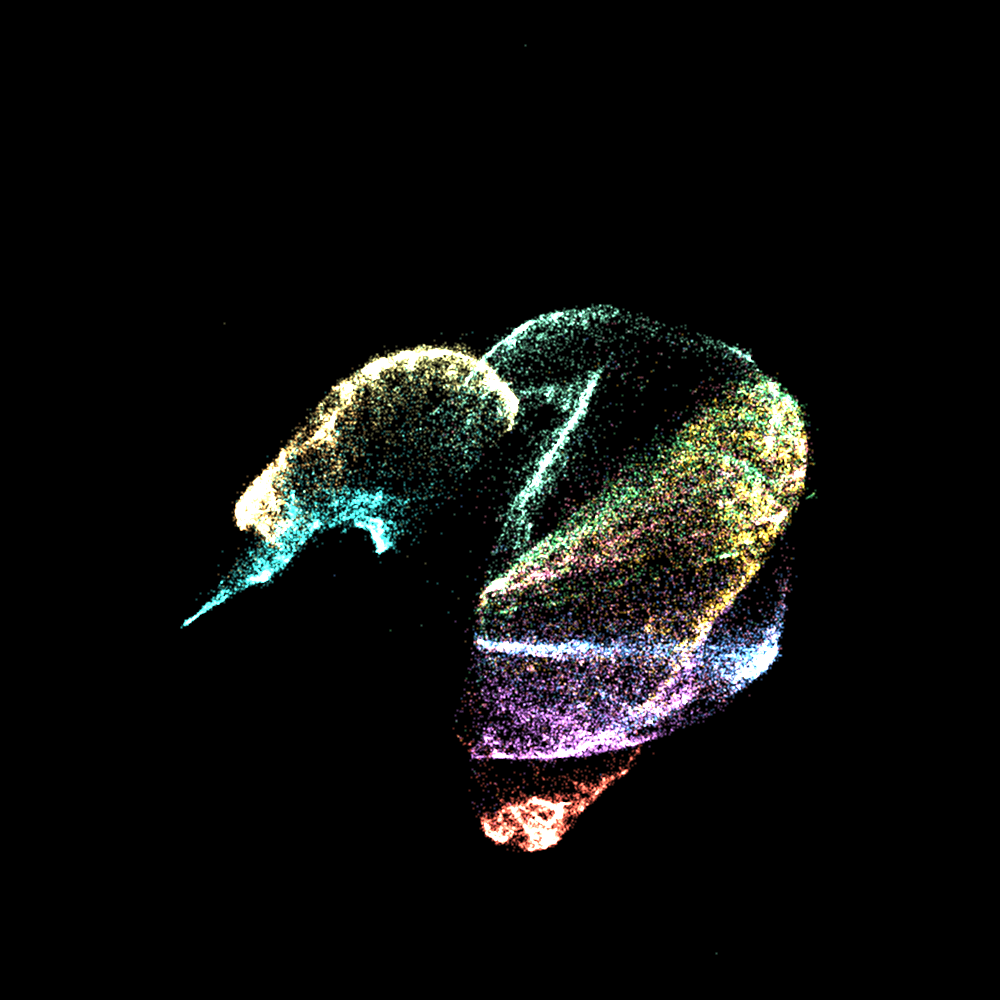 |
 |
 |
Just for fun -- morph_gpu smoothly interpolates between all six methods:
https://github.com/user-attachments/assets/b11418e0-51f6-4a73-8150-8a40097662cc
Install
uv pip install mlx-vis
From source:
git clone https://github.com/hanxiao/mlx-vis.git
cd mlx-vis
uv pip install .
Requires mlx >= 0.20.0 and numpy >= 1.24.0.
Usage
import numpy as np
from mlx_vis import UMAP, TSNE, PaCMAP, TriMap, DREAMS, CNE, NNDescent

X = np.random.randn(10000, 128).astype(np.float32)

# UMAP
Y = UMAP(n_components=2, n_neighbors=15).fit_transform(X)

# t-SNE
Y = TSNE(n_components=2, perplexity=30).fit_transform(X)

# PaCMAP
Y = PaCMAP(n_components=2, n_neighbors=10).fit_transform(X)

# TriMap
Y = TriMap(n_components=2, n_iters=400).fit_transform(X)

# DREAMS (t-SNE + PCA regularization)
Y = DREAMS(n_components=2, lam=0.15).fit_transform(X)

# CNE (contrastive neighbor embedding, unifies t-SNE and UMAP)
Y = CNE(n_components=2, loss="infonce").fit_transform(X)

# NNDescent (approximate k-NN graph)
indices, distances = NNDescent(k=15).build(X)
Per-module imports also work:
from mlx_vis.umap import UMAP
from mlx_vis.tsne import TSNE
from mlx_vis.pacmap import PaCMAP
from mlx_vis.trimap import TriMap
from mlx_vis.dreams import DREAMS
from mlx_vis.cne import CNE
from mlx_vis.nndescent import NNDescent
Methods
| Method | Class | Main API | Output |
|---|---|---|---|
| UMAP | UMAP(n_components, n_neighbors, min_dist, ...) |
fit_transform(X) |
np.ndarray (n, d) |
| t-SNE | TSNE(n_components, perplexity, ...) |
fit_transform(X) |
np.ndarray (n, d) |
| PaCMAP | PaCMAP(n_components, n_neighbors, ...) |
fit_transform(X) |
np.ndarray (n, d) |
| TriMap | TriMap(n_components, n_iters, ...) |
fit_transform(X) |
np.ndarray (n, d) |
| DREAMS | DREAMS(n_components, lam, ...) |
fit_transform(X) |
np.ndarray (n, d) |
| CNE | CNE(n_components, loss, n_negatives, ...) |
fit_transform(X) |
np.ndarray (n, d) |
| NNDescent | NNDescent(k, n_iters, ...) |
build(X) |
(indices, distances) |
Visualization
All rendering runs on Metal GPU via MLX: coordinate mapping, circle-splatting, and color blending are fully vectorized MLX operations. Raw frames are piped to ffmpeg for PNG/video encoding. Zero matplotlib.
Static plots
from mlx_vis import UMAP, scatter_gpu
import numpy as np

X = np.random.randn(10000, 128).astype(np.float32)
labels = np.random.randint(0, 5, 10000)
Y = UMAP(n_components=2).fit_transform(X)

scatter_gpu(Y, labels=labels, theme="dark", save="plot.png")
Animation
Video frames are rendered on GPU and piped to ffmpeg with h264_videotoolbox hardware encoding. 500 frames of 15K points in 1.9 seconds on M3 Ultra.
UMAP:
https://github.com/user-attachments/assets/3252ec02-f032-4f82-b3e6-0205a9c6c91e
t-SNE:
https://github.com/user-attachments/assets/695503b6-4acc-457f-afb6-a4cfabc6a036
PaCMAP:
https://github.com/user-attachments/assets/3d2201ae-13bc-4c06-9e60-e836ca71f21d
TriMap:
https://github.com/user-attachments/assets/f982fcec-1dc1-468c-93eb-0fb646d6e260
DREAMS:
https://github.com/user-attachments/assets/0461359c-7e35-4458-9f06-8db8711f8ade
CNE:
https://github.com/user-attachments/assets/662597cb-b8d8-496f-9baa-ea3a19ae1bca
Benchmark
Fashion-MNIST 70,000 x 784, M3 Ultra:
| UMAP | t-SNE | PaCMAP | TriMap | DREAMS | CNE | |
|---|---|---|---|---|---|---|
| Iterations | 500 | 500 | 450 | 500 | 500 | 500 |
| Embedding | 3.4s | 3.9s | 2.3s | 2.6s | 3.8s | 3.4s |
| GPU render (800 frames) | 1.2s | 1.2s | 1.2s | 1.2s | 1.2s | 1.2s |
| Total | 4.6s | 5.1s | 3.5s | 3.8s | 5.0s | 4.6s |
from mlx_vis import UMAP, animate_gpu
import numpy as np, time

X = np.random.randn(10000, 128).astype(np.float32)
labels = np.random.randint(0, 5, 10000)

snaps, times = [], []
t0 = time.time()
def cb(epoch, Y_np):
    snaps.append(Y_np.copy())
    times.append(time.time() - t0)

Y = UMAP(n_components=2, n_epochs=200).fit_transform(X, epoch_callback=cb)

animate_gpu(snaps, labels=labels, timestamps=times,
            method_name="umap-mlx", fps=120, theme="dark",
            save="animation.mp4")
Full Fashion-MNIST example:
python -m mlx_vis.examples.fashion_mnist --method umap --theme dark
python -m mlx_vis.examples.fashion_mnist --method all
License
Apache-2.0
Release history Release notifications | RSS feed


Download files
Download the file for your platform. If you're not sure which to choose, learn more about installing packages.
Source Distribution
Built Distribution
Filter files by name, interpreter, ABI, and platform.
If you're not sure about the file name format, learn more about wheel file names.
Copy a direct link to the current filters
File details
Details for the file mlx_vis-0.2.1.tar.gz.
File metadata
- Download URL: mlx_vis-0.2.1.tar.gz
- Upload date:
- Size: 41.2 kB
- Tags: Source
- Uploaded using Trusted Publishing? No
- Uploaded via: uv/0.8.8
File hashes
| Algorithm | Hash digest | |
|---|---|---|
| SHA256 |
b6e1dcc2e8f7db746f216f94d24443c9c311ece5a233fa20d386e223fb53d4bc
|
|
| MD5 |
b92052454eb8e0b1c769ab5127ed7324
|
|
| BLAKE2b-256 |
8ee44eb0005943fd8a7352dc2fc8bf543c0314fa7f41ead5d51c9bd522982ffa
|
File details
Details for the file mlx_vis-0.2.1-py3-none-any.whl.
File metadata
- Download URL: mlx_vis-0.2.1-py3-none-any.whl
- Upload date:
- Size: 47.8 kB
- Tags: Python 3
- Uploaded using Trusted Publishing? No
- Uploaded via: uv/0.8.8
File hashes
| Algorithm | Hash digest | |
|---|---|---|
| SHA256 |
9e946aa4c544645ca756bad24c973cff26d3b943a8ca7aece667f4067a9a58ad
|
|
| MD5 |
8ed7d6a74ab31d3a173ae1eff1709995
|
|
| BLAKE2b-256 |
22cf134ef04047a86dbbbb25a21715832575adb372d9fff901889d62a87aa8d3
|






