
☕ Mocha.sh
Mocha.sh is a minimalist, aesthetic CLI tool for developers —
bringing a cozy, stylish touch to your terminal while helping you stay productive.
☕ Installation
Mocha.sh is available for all major platforms —
install it the way that fits your setup best.
🐍 Universal (Recommended for all systems)
Install globally with pipx:
pipx install mocha-sh
Or update:
pipx upgrade mocha-sh
Then run:
mocha
🍎 macOS (via Homebrew)
brew tap mocha-sh/mocha
brew install mocha-sh
To update:
brew upgrade mocha-sh
🐧 Ubuntu / Debian (.deb package)
sudo apt install ./mocha-sh_0.1.6_all.deb
Or build it yourself:
sudo apt install dpkg-dev debhelper dh-python python3-all python3-setuptools
dpkg-buildpackage -us -uc
sudo apt install ../mocha-sh_0.1.6_all.deb
🪟 Windows (via Scoop)
scoop bucket add mocha https://github.com/mocha-sh/scoop-mocha
scoop install mocha-sh
To update:
scoop update mocha-sh
🌱 Features
- Quick Notes – jot down small snippets or ideas directly from the terminal
- Focus Timer – keep your workflow smooth and your coffee warm
- Stylish Output – color-coded messages, ASCII art, icons
- Hydration Tracker - add glasses to your Tracker
- Coffee Tracker - Track your Coffee
- Plugins - you can now create your own plugins for Mocha
-
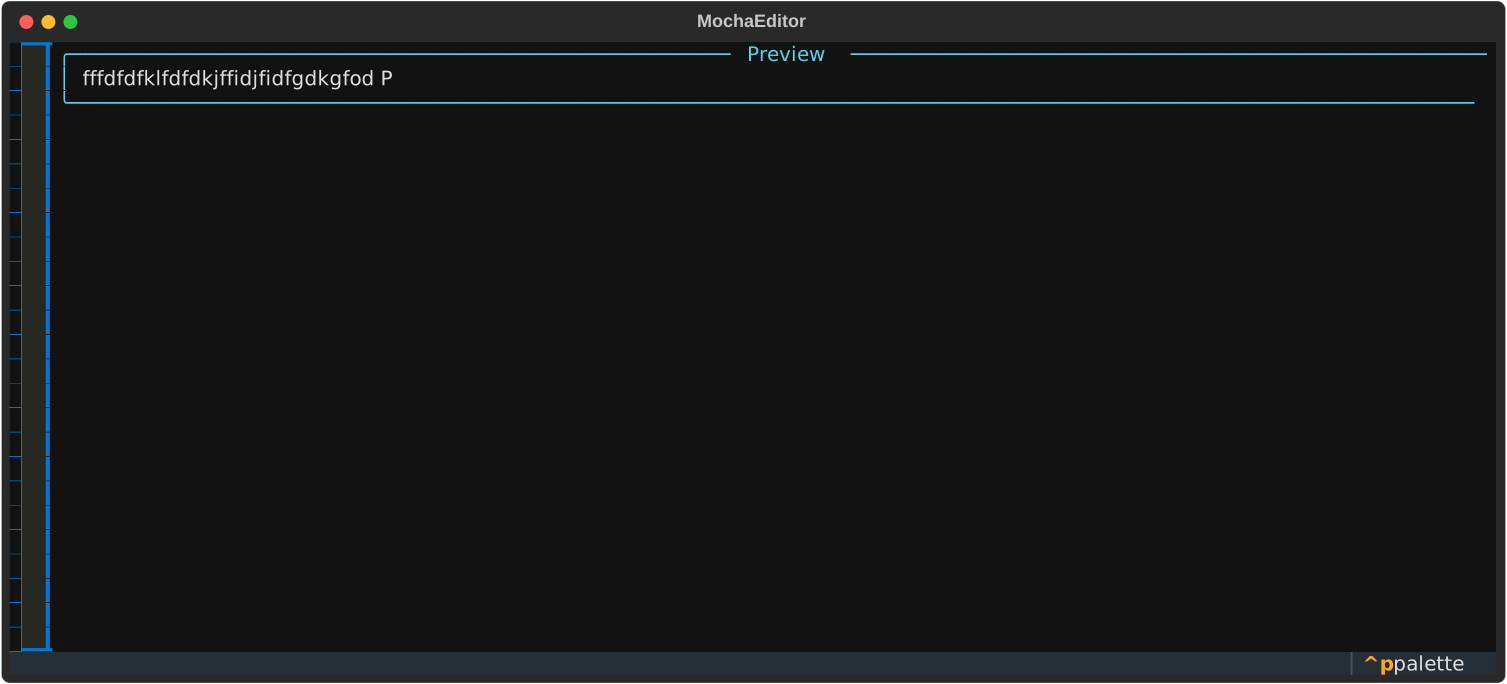
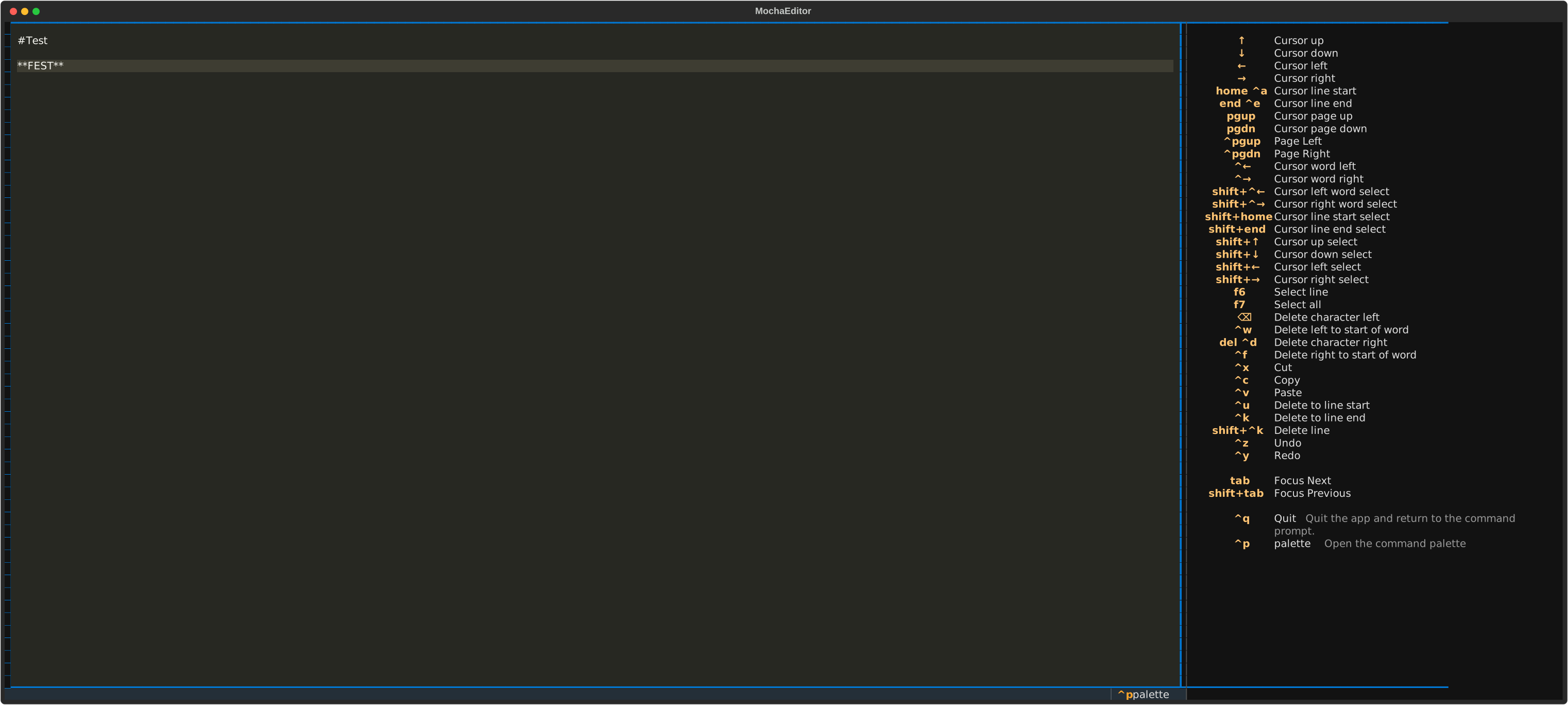
- New Note/ File System - i will add a new system for mocha files
🕖 Coming soon
- Themes & Prompts – cozy terminal themes for your shell
- Small Utilities – handy helper commands for everyday tasks
- Mocha.conf files - full customizable mocha.sh
How to use Mocha.sh
mocha note "your note"

mocha note list

mocha note view <index>

mocha note edit <index>

mocha note delete <index>

mocha timer 25 -  for a 25 Minutes Timer

mocha hydrate add -adds one glass of water

mocha hydrate stats - shows your stats

mocha coffee add - adds on cup

mocha coffee stats  - same as hydrate stats
More commands and features will be added as Mocha.sh evolves ☕
1 maintainer

Metadata
1 maintainer
Release files for mocha-sh 1.0.5
For a detailed explanation of source distributions (sdists) and built distributions (wheels), please see the package formats documentation.
Source distribution (sdist)
| File | Size | Uploaded | |
|---|---|---|---|
| mocha_sh-1.0.5.tar.gz | 9.5 kB | Details |
Built distribution (wheel)
| File | Interpreter | ABI | Platform | Reset |
|---|---|---|---|---|
| mocha_sh-1.0.5-py3-none-any.whl | Python 3 | none | any | Details |
Total release size: 20.2 kB
Release files / mocha_sh-1.0.5.tar.gz
| Download URL | mocha_sh-1.0.5.tar.gz |
|---|---|
| Size | 9.5 kB |
| Tags | Source |
|
SHA-256 checksum How to use checksums |
c800b04564e36578a357f23dc748c647555a4c5832dd30dc3ba7483bafe3e272
|
|
BLAKE2b-256 checksum How to use checksums |
4f5f81e8f85c3eb4d8f1b4c18ff333092a41a75f84bf07209d2c7a1ca1782548
|
| Upload date | |
|
Uploaded using Trusted Publishing? What is trusted publishing? |
No |
| Uploaded via |
twine/6.2.0 CPython/3.11.13
|
Release files / mocha_sh-1.0.5-py3-none-any.whl
| Download URL | mocha_sh-1.0.5-py3-none-any.whl |
|---|---|
| Size | 10.7 kB |
| Tags | Python 3 |
|
SHA-256 checksum How to use checksums |
ff52adcc7fac4ff7966086cfb14731b56373779090b26a8ccdbafd2a5c8761a3
|
|
BLAKE2b-256 checksum How to use checksums |
b441abe7be0590f1fd6f708f326de7af699e1ef689b8f2e5ca004cdc6a66f1e6
|
| Upload date | |
|
Uploaded using Trusted Publishing? What is trusted publishing? |
No |
| Uploaded via |
twine/6.2.0 CPython/3.11.13
|














