
Model Explorer ONNX Adapter



ONNX Adapter for google-ai-edge/model-explorer
🌟 Use it on HuggingFace Spaces
https://huggingface.co/spaces/justinchuby/model-explorer
Installation
The Python adapter requires Python 3.10 or later.
pip install --upgrade model-explorer-onnx
Usage
model-explorer --extensions=model_explorer_onnx

# Or as a shortcut
onnxvis

# Supply model path
onnxvis model.onnx
Read more on the Model Explorer User Guide.
Static web app (Pyodide + pure JS frontend)
This repository also includes a static web app under web/, which runs
ONNX conversion fully in-browser with Pyodide and renders with
ai-edge-model-explorer-visualizer.
cd web
npm install
npm run dev
Build for static hosting:
npm run build
Install as a desktop app (PWA)
The web/ app is configured as a Progressive Web App. After deployment (or when
running locally), open it in a Chromium-based browser and use "Install app" in
the address bar/menu to install it like a desktop application.
The page warms up Python and the ONNX converter immediately. Models selected during startup wait for initialization automatically. The visualizer uses a 1,000,000-node grouping threshold to avoid artificial sections for typical models.
For offline use, open a production build (npm run build then npm run preview,
or the deployed HTTPS site) online once and wait for "Offline resources cached".
The app caches the UI, visualizer assets, Python runtime, package metadata, and
wheels without a time-based expiry. Subsequent visits can convert local files
offline. Python still initializes from cached resources on each page load;
browser cache clearing or eviction requires another online warmup. Development
mode does not install the offline service worker. Model URLs still need network
access.
Run the browser regression test (requires internet for its initial warmup):
cd web
npx playwright install chromium
npm run test:offline
Alternatively, set PLAYWRIGHT_EXECUTABLE_PATH to an installed Chromium/Chrome
executable. The test checks eager startup, offline reload and conversion, queued
file selection, and a graph above the old section threshold.
GitHub Pages deployment is configured in
.github/workflows/pages.yaml.
Keeping web/src/python/convert.py in sync with src/
The web converter is web-adapted, but it is tracked against
src/model_explorer_onnx/main.py and src/model_explorer_onnx/_passes.py with
a sync stamp. web scripts (dev/build) run a sync check automatically.
If you intentionally update web/src/python/convert.py after source changes:
python tools/web/sync_web_converter.py --mode update
Notes on representation
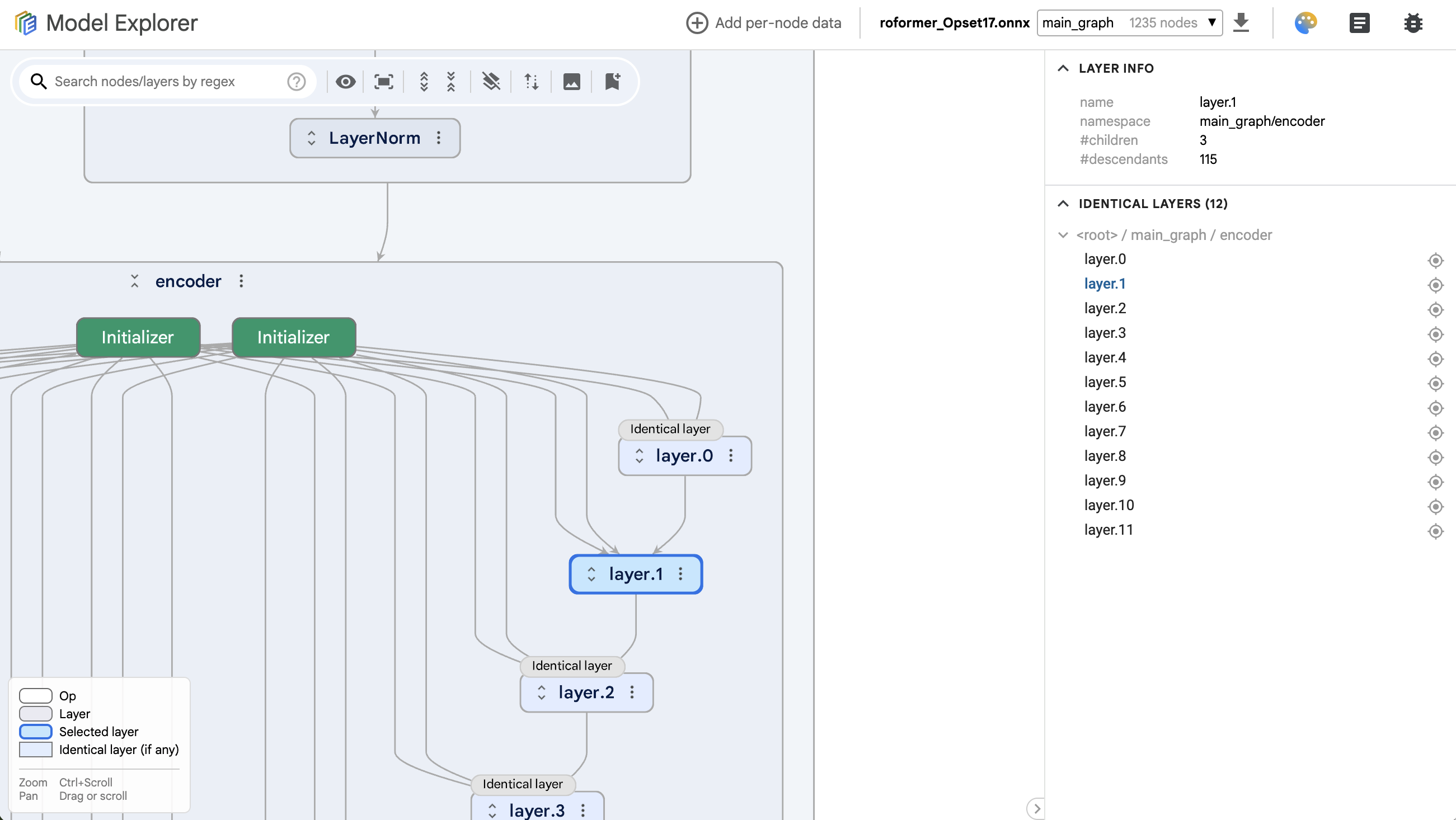
Graph input/output/initializers in ONNX are values (edges), not nodes. A node is displayed here for visualization. Graph inputs that are initialized by initializers are displayed as InitializedInput, and are displayed closer to nodes that use them.
Nodes that implicitly capture values for their sub-graphs (Loop, Scan, etc.) will have an additional (Capture) node as input that connects all of the implicitly captured values with itself. As a special case, the subgraphs of an If node are flattened. The outputs of the two branches of an If node will be gathered by a (Phi) node to show connectivity. This modification in the graph ensures that all value dependencies are shown in the visualization.
Color Themes
Get node color themes here
Visualizing PyTorch ONNX exporter (dynamo=True) accuracy results
import torch
from torch.onnx.verification import verify_onnx_program

from model_explorer_onnx.torch_utils import save_node_data_from_verification_info

# Export the and save model
onnx_program = torch.onnx.export(model, args, dynamo=True)
onnx_program.save("model.onnx")

verification_infos = verify_onnx_program(onnx_program, compare_intermediates=True)

# Produce node data for Model Explorer for visualization
save_node_data_from_verification_info(
    verification_infos, onnx_program.model, model_name="model"
)
You can then use Model Explorer to visualize the results by loading the generated node data files:
onnxvis model.onnx --node_data_paths=model_max_abs_diff.json,model_max_rel_diff.json

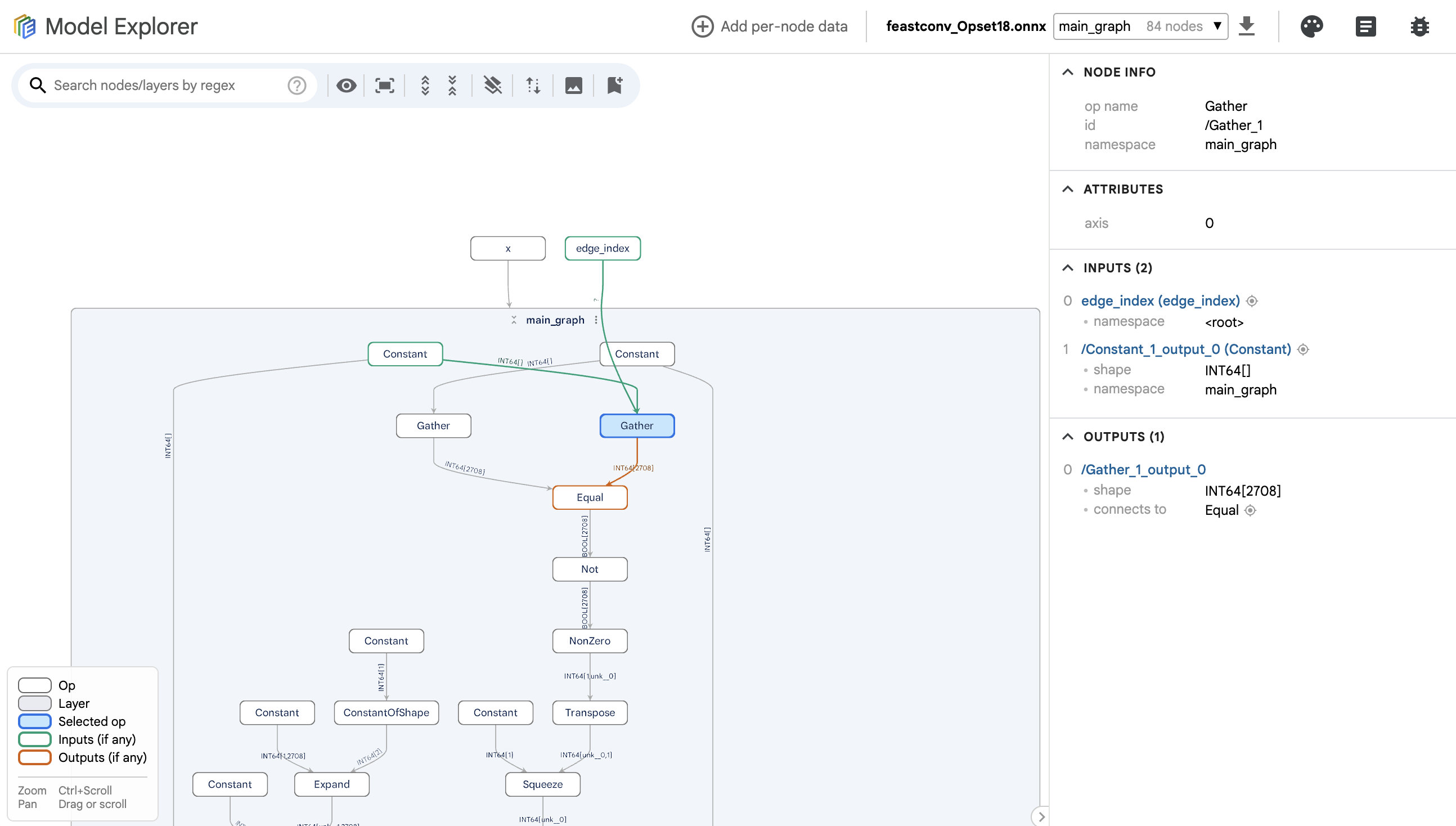
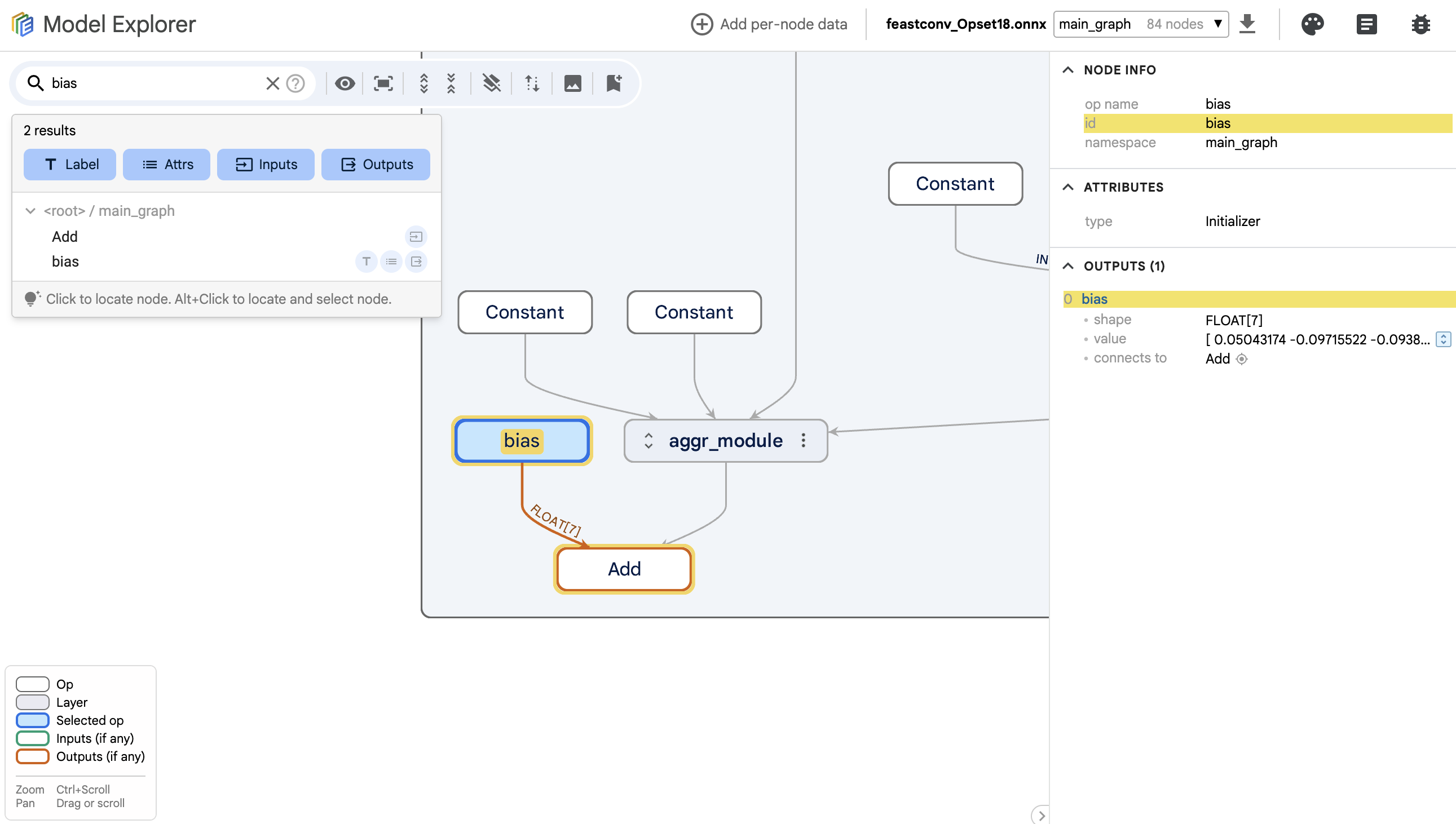
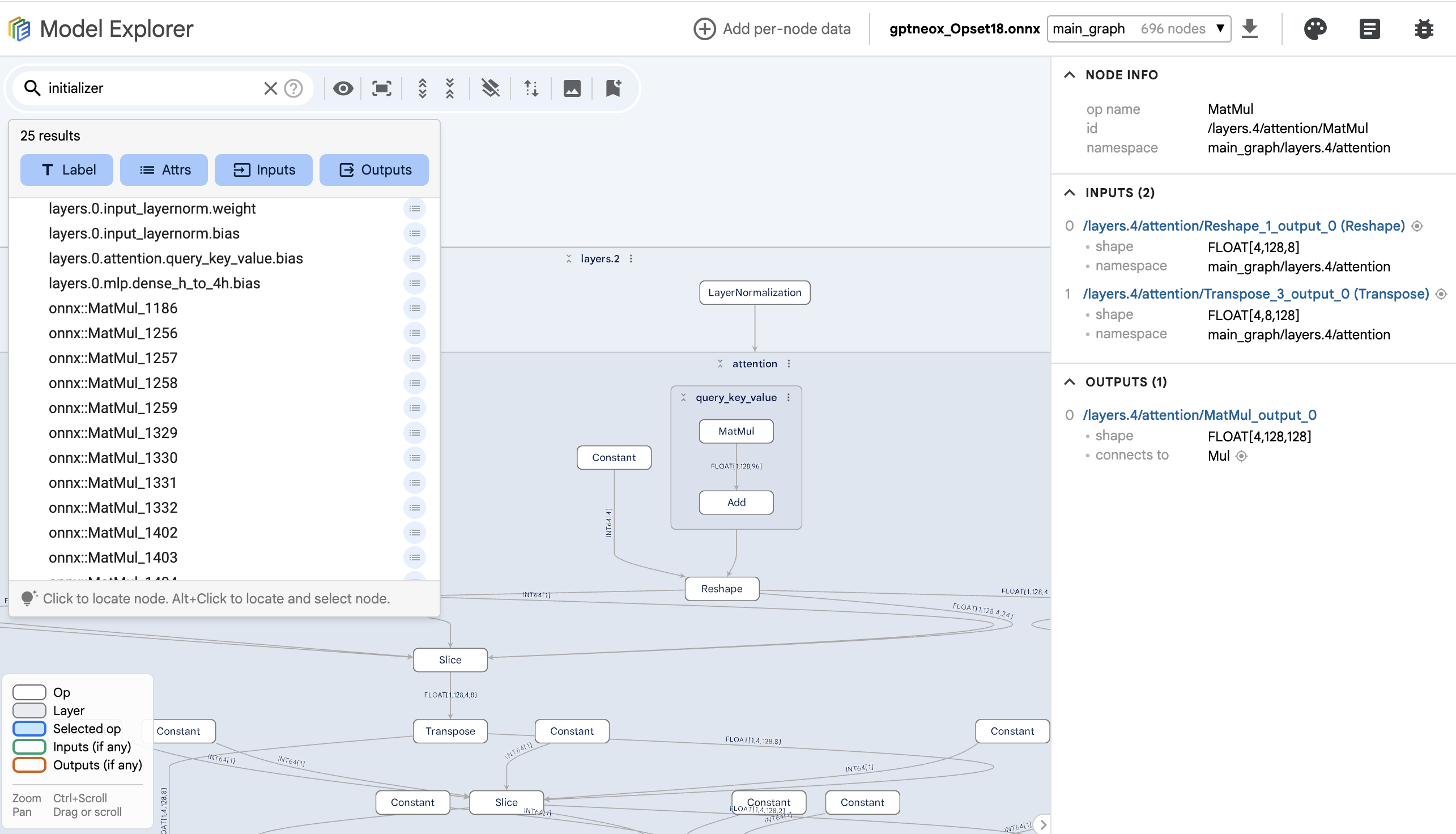
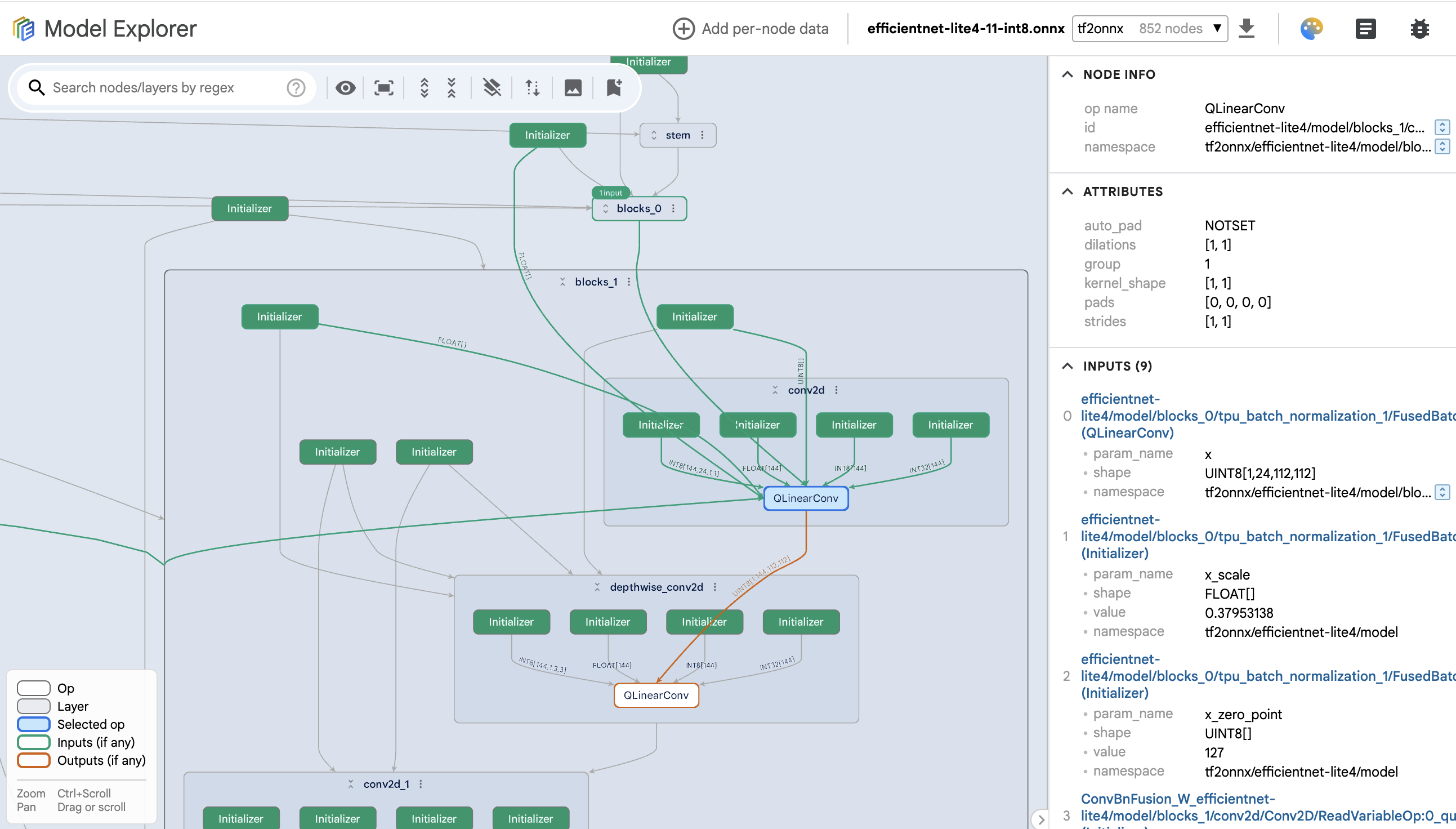
Screenshots

1 maintainer

Metadata
1 maintainer
Release files for model-explorer-onnx 0.5.0
For a detailed explanation of source distributions (sdists) and built distributions (wheels), please see the package formats documentation.
Source distribution (sdist)
| File | Size | Uploaded | Provenance | Actions |
|---|---|---|---|---|
| model_explorer_onnx-0.5.0.tar.gz | 23.4 kB | With provenance | Details for model_explorer_onnx-0.5.0.tar.gz |
Built distribution (wheel)
| File | Interpreter | ABI | Platform | Actions Reset |
|---|---|---|---|---|
| model_explorer_onnx-0.5.0-py3-none-any.whl | Python 3 | none | any | Details for model_explorer_onnx-0.5.0-py3-none-any.whl |
Total release size: 40.0 kB
Release files / model_explorer_onnx-0.5.0.tar.gz
| Download URL | model_explorer_onnx-0.5.0.tar.gz |
|---|---|
| Size | 23.4 kB |
| Tags | Source |
|
SHA-256 checksum How to use checksums |
b8efb6d74e7c1893b80166b276dbb3af727bc3df7f4cefd7bf6e174a4620a37a
|
|
BLAKE2b-256 checksum How to use checksums |
9978395f60cf560429dbe5ca77e6b5f16f3b92e9f7eaa40a26a7d37a0b451859
|
| Upload date | |
|
Uploaded using Trusted Publishing? What is trusted publishing? |
Yes |
| Uploaded via |
twine/7.0.0 CPython/3.13.16
|
Provenance
Provenance describes where a file came from. On PyPI, provenance is shared via attestations, which provide a verifiable record of the build or publishing details. View details, limitations and caveats.


PyPI Publish Attestation
PyPI verified that this artifact, at this checksum, originated from the publisher listed below.
Signed by GitHub Actions, verified by PyPI on Nov 22, 2026.
Transparency logRelease files / model_explorer_onnx-0.5.0-py3-none-any.whl
| Download URL | model_explorer_onnx-0.5.0-py3-none-any.whl |
|---|---|
| Size | 16.6 kB |
| Tags | Python 3 |
|
SHA-256 checksum How to use checksums |
ef66d8d61df9805f05aa110a97038f620d8855ad6e75f5a301b7c86bfe9e83f3
|
|
BLAKE2b-256 checksum How to use checksums |
42f17caf4c9aec6a6873469961a9271d7bbf6a28df190436432cd731ac0c39c0
|
| Upload date | |
|
Uploaded using Trusted Publishing? What is trusted publishing? |
Yes |
| Uploaded via |
twine/7.0.0 CPython/3.13.16
|
Provenance
Provenance describes where a file came from. On PyPI, provenance is shared via attestations, which provide a verifiable record of the build or publishing details. View details, limitations and caveats.
PyPI Publish Attestation
PyPI verified that this artifact, at this checksum, originated from the publisher listed below.
Signed by GitHub Actions, verified by PyPI on Nov 22, 2026.
Transparency logSecurity for model-explorer-onnx 0.5.0
Provenance
Provenance describes where a file came from. On PyPI, provenance is shared via attestations, which provide a verifiable record of the build or publishing details. View details, limitations and caveats.
Full provenance
Both files in this release have been uploaded with provenance metadata.
Attestation for model_explorer_onnx-0.5.0.tar.gz
PyPI Publish Attestation
PyPI verified that this artifact, at this checksum, originated from the publisher listed below.
Signed by GitHub Actions, verified by PyPI on Nov 22, 2026.
Transparency logA note on package security
PyPI is a repository for distributing packages, not a service for auditing them. While third-party security researchers and our staff do their best to detect and remove malicious packages, PyPI cannot guarantee the quality, security or suitability of any given package.
To learn more about protecting yourself from malicious actors, visit our package security documentation.














