
Mousepad

Mousepad is a Python-based library designed to facilitate seamless connectivity between multiple devices on the same network such as wifi, enabling users to interact with each other in various ways, including mouse control, keypad input, joystick emulation, screen sharing, file sharing like Airdrop, and multiplayer gaming.
Features
- Device Integration: Connect and manage multiple devices on the same network.
- Mouse Control: Utilize devices as a mouse for precise control.
- Keypad Input: Input text or commands using connected devices.
- Joystick Emulation: Transform devices into game controllers for gaming applications.
- Screen Sharing: Share screens across devices for collaborative work or presentations.
- Airdrop File Sharing: Seamlessly share files between devices using Airdrop functionality.
- Multiplayer Gaming: Enable multiplayer gaming experiences over the same network, such as WiFi, for enhanced gameplay.
How to run
Best part of mousepad is you just need two lines of code to initiate it.
1.To install mousepad python package.
pip install mousepad
2.Now start the app
python -m mousepad
or if you have python3 installed then
python3 -m mousepad
- In Browser you will see a QR which you can scan through any kind of device and any kind of os for ex. Mobile.
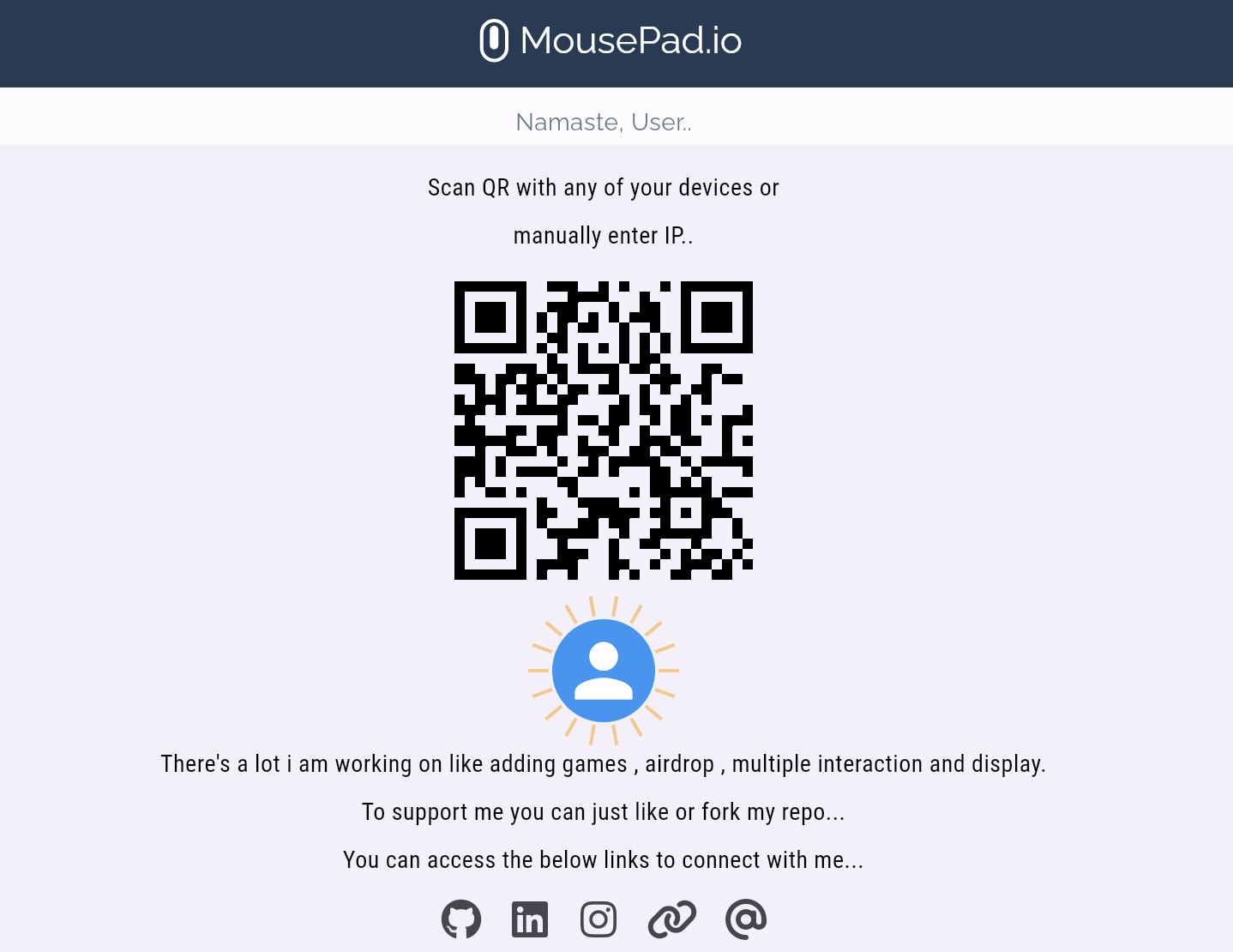
- You can select the feature you want to use i.e Mouse, Keyboard, Joystick and it's configured.

Note: The only requirement to take benifit of this sharing framework in that you need to have python installed in any of the device atleast.
1 maintainer

Release files for mousepad 0.1.3
For a detailed explanation of source distributions (sdists) and built distributions (wheels), please see the package formats documentation.
Source distribution (sdist)
| File | Size | Uploaded | |
|---|---|---|---|
| mousepad-0.1.3.tar.gz | 8.5 MB | Details |
Built distribution (wheel)
| File | Interpreter | ABI | Platform | Reset |
|---|---|---|---|---|
| mousepad-0.1.3-py2.py3-none-any.whl | Python 3, Python 2 | none | any | Details |
Total release size: 17.0 MB
Release files / mousepad-0.1.3.tar.gz
| Download URL | mousepad-0.1.3.tar.gz |
|---|---|
| Size | 8.5 MB |
| Tags | Source |
|
SHA-256 checksum How to use checksums |
dab9967bb6254ec175ce5e3ea069ba2bf8e4901de1c79ac1e4ab7f35c49208aa
|
|
BLAKE2b-256 checksum How to use checksums |
bf1a91b39a155380312f806825697c461bd63fafec94c3d8e9bbde617113ab69
|
| Upload date | |
|
Uploaded using Trusted Publishing? What is trusted publishing? |
No |
| Uploaded via |
twine/5.0.0 CPython/3.11.5
|
Release files / mousepad-0.1.3-py2.py3-none-any.whl
| Download URL | mousepad-0.1.3-py2.py3-none-any.whl |
|---|---|
| Size | 8.5 MB |
| Tags | Python 2 Python 3 |
|
SHA-256 checksum How to use checksums |
3c5e4e25f217c1b26a07b336630b02b73537ffeeae8bbc74fbb878e464f42335
|
|
BLAKE2b-256 checksum How to use checksums |
211ca0b468f28ef3d08a7f7b05367ef34e40eff49f215afd0a3094b091daf01a
|
| Upload date | |
|
Uploaded using Trusted Publishing? What is trusted publishing? |
No |
| Uploaded via |
twine/5.0.0 CPython/3.11.5
|














