
Play videos, GIFs and images as ASCII art directly in your terminal.

Project description
movie-ascii
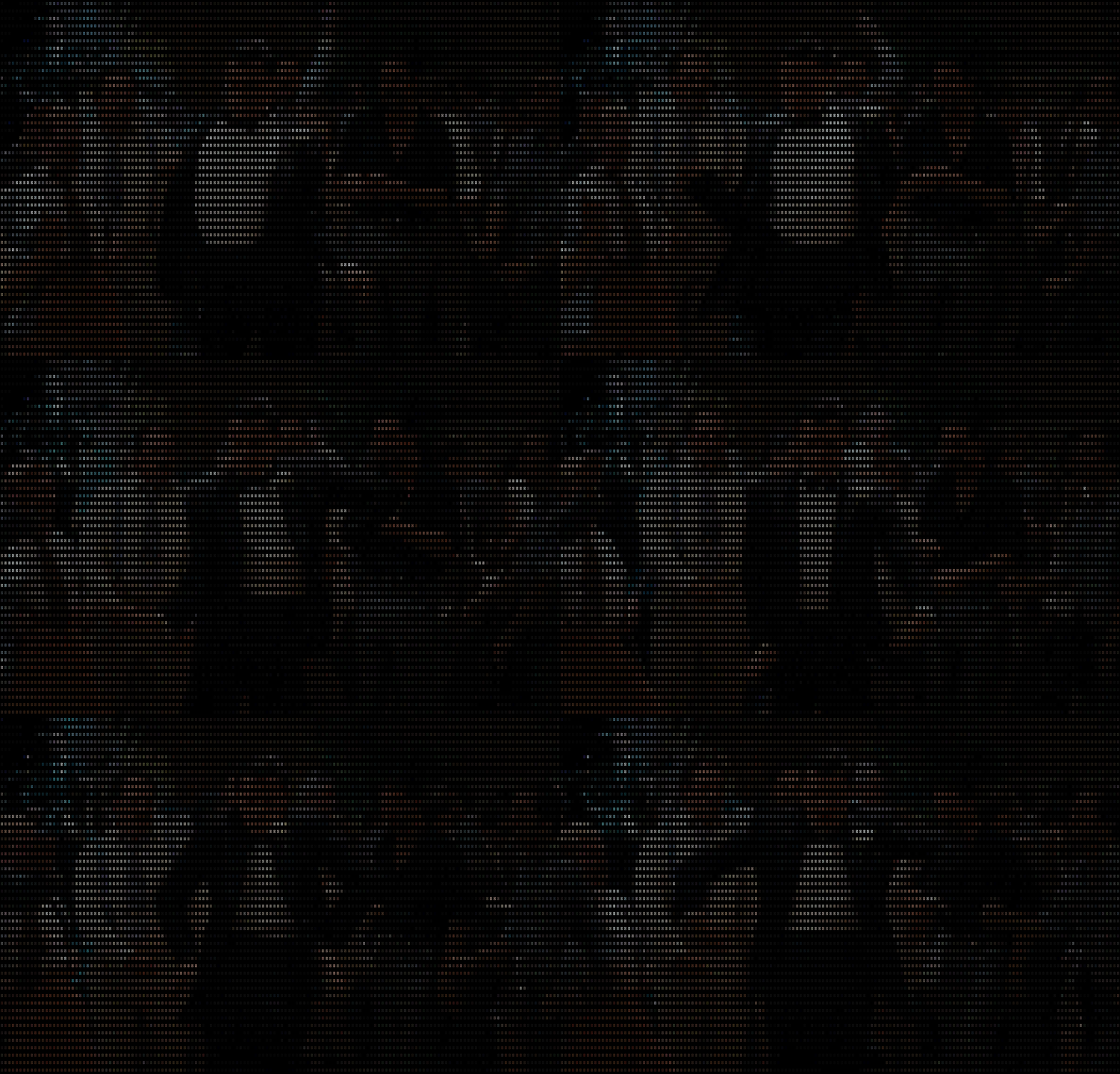
Play videos, GIFs, and images as ASCII art directly in your terminal — with colour, audio, subtitles, and export support.
Features
- Three render modes —
bw(black & white),ascii-color(16 ANSI colours),truecolor(full RGB) - Audio sync — plays original audio alongside the ASCII frames via ffpyplayer
- Subtitles — auto-fetches YouTube subtitles and overlays them during playback
- GIF support — plays animated GIFs frame-by-frame at their original speed
- Export — saves the ASCII render to
.png,.jpg,.gif,.mp4(with audio), or.html - YouTube streaming — pass any YouTube URL directly, no download needed
- Custom charsets — use a built-in alphabet or define your own inline
- Wizard — get a resolution recommendation based on your terminal size
- Playback controls — pause, scrub ±5 s, quit
Requirements
- Python ≥ 3.9
- A terminal with UTF-8 support and truecolor (iTerm2, Alacritty, kitty, Windows Terminal, etc.)
Installation
pip install movie-ascii
Quick start
# Play a local video in black & white
movie-ascii clip.mp4

# Truecolor at 120 columns
movie-ascii clip.mp4 -m truecolor -w 120

# Stream from YouTube with subtitles in English
movie-ascii https://youtu.be/dQw4w9WgXcQ -m ascii-color -l en

# Play an animated GIF
movie-ascii animation.gif -m truecolor

# Export to MP4 (with audio)
movie-ascii clip.mp4 -m truecolor --save output.mp4

# Export first frame to PNG
movie-ascii photo.jpg --save photo_ascii.png

# Export animated GIF
movie-ascii animation.gif -m ascii-color --save animation_ascii.gif
Playback controls
| Key | Action |
|---|---|
Space / K |
Pause / resume |
J |
Seek −5 seconds |
L |
Seek +5 seconds |
Q |
Quit |
Options
usage: movie-ascii [-h] [-w COLS] [-m MODE] [-c NAME|CHARS] [--colors BITS]
                   [-l LANG] [--save FILE] [--grid] [-L] [--wizard] [FILE|URL]

positional arguments:
  FILE|URL              Path or URL to a video, GIF, or image.

options:
  -h, --help            Show this help message and exit.
  -w, --width COLS      Output width in characters (default: 80% of terminal width).
  -m, --mode MODE       bw | ascii-color | truecolor  (default: bw)
  -c, --charset NAME|CHARS
                        Built-in charset name or a custom string (2–256 chars).
  --colors BITS         Truecolor quantization depth: 3–8 bits/channel (default 5).
                        Lower = less data, higher = more detail.
  -l, --lang LANG       Subtitle language for YouTube videos (default: es).
  --save FILE           Export to .png / .jpg / .gif / .mp4 / .html instead of playing.
  --grid                Open an HTML grid comparing all render modes in a browser.
  -L, --list-charsets   List all built-in charsets with a preview and exit.
  --wizard              Show a resolution guide based on your terminal size and exit.
Charsets
movie-ascii --list-charsets       # show all built-in options
movie-ascii clip.mp4 -c blocks    # use the built-in block charset
movie-ascii clip.mp4 -c " .:▒█"  # use a custom inline string
Built-in charsets: standard, simple, numeric, alphabet, punctuation, braille, block, blocks
Resolution wizard
Not sure which width to use? Run:
movie-ascii --wizard
It reads your terminal dimensions and shows a table of width options with estimated MB/s per render mode, colour-coded safe / ok / slow.
Performance notes
- bw is the lightest mode — safe at any width.
- ascii-color uses run-length encoding — usually safe up to full terminal width.
- truecolor generates the most data. Use
--colors 3or--colors 4to reduce it, or follow the wizard's recommendation for a safe width.
Export notes
.mp4export includes the original audio track (bundled ffmpeg viaimageio-ffmpeg— no system install needed)..htmlexport creates a self-contained file with JS-animated frames, no server required..gifexport uses Pillow; large/long videos may produce big files.
License
MIT
Release history Release notifications | RSS feed


Download files
Download the file for your platform. If you're not sure which to choose, learn more about installing packages.
Source Distribution
Built Distribution
Filter files by name, interpreter, ABI, and platform.
If you're not sure about the file name format, learn more about wheel file names.
Copy a direct link to the current filters
File details
Details for the file movie_ascii-0.1.1.tar.gz.
File metadata
- Download URL: movie_ascii-0.1.1.tar.gz
- Upload date:
- Size: 21.0 kB
- Tags: Source
- Uploaded using Trusted Publishing? No
- Uploaded via: twine/6.2.0 CPython/3.12.7
File hashes
| Algorithm | Hash digest | |
|---|---|---|
| SHA256 |
5ba36db0cac290fbbbeb6ea797485436e4ab059ca826d57baf163a950be7444e
|
|
| MD5 |
2fa320db6b270a95e331be1ed1091215
|
|
| BLAKE2b-256 |
aee6c068e817faa2d832492386ab54de622db82c0b6e7fa8de047fb10e1e34e4
|
File details
Details for the file movie_ascii-0.1.1-py3-none-any.whl.
File metadata
- Download URL: movie_ascii-0.1.1-py3-none-any.whl
- Upload date:
- Size: 19.4 kB
- Tags: Python 3
- Uploaded using Trusted Publishing? No
- Uploaded via: twine/6.2.0 CPython/3.12.7
File hashes
| Algorithm | Hash digest | |
|---|---|---|
| SHA256 |
613954e88f32afe45ac20174d8f1bcb2287dd09f33e56a2dee433b05f9bbb3ca
|
|
| MD5 |
cbe52ea595f0cff0ba72e6f2c9737d6e
|
|
| BLAKE2b-256 |
023732916c4ce230dc4dd1b0d77b60339c01196ee7d6927210eb932ebbc8070e
|






