
Movie Barcodes
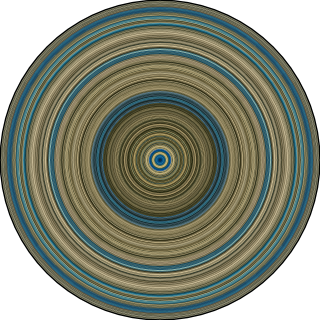
The Lodger: A Story of the London Fog (1927) - Alfred Hitchcock - Public Domain
| Circular Barcode | Horizontal Barcode |
|---|---|
 |
 |


Overview
Compress every frame of a movie in a single color barcode.
This project is a robust and highly configurable utility designed to extract dominant colors from video files and generate color barcodes. Built with Python and OpenCV, the tool offers multiple algorithms for color extraction, including average color, K-means clustering, and HSV/BGR histograms. The output can be generated in various forms, like horizontal and circular barcodes, providing a visually intuitive summary of the color distribution in the video.
Designed with performance in mind, the application supports both sequential and parallel processing. It scales automatically based on the available CPU cores but can be fine-tuned for a specified number of workers. This makes it suitable for analyzing both short clips and full-length movies with high efficiency.
Features
- Horizontal and Circular Barcodes
- Fast frame skipping for efficiency.
- Supports
.mp4,.mkv,.webm,.mov,.avi,.m4vand other common video files - Batch processing: whole folders or lists of movies in one run, with a summary, resumable with
--skip-existing - Colors cache: save the extracted colors once, render other barcodes later without decoding the movie again
- Desktop app (optional): pick movies and folders, follow the progress, see the barcodes as they are made
- Multiprocessing support for parallel processing.
- Customizable color extraction function (Average or K-means).
- Progress tracking and estimated time remaining.
Usage
# Install the package
$ pip install movie-barcodes

# Generate a movie barcode
$ movie-barcodes -i "path/to/video.mp4"

# Arguments available
usage: movie-barcodes [-h] [-i INPUT [INPUT ...]] [--from-list FILE] [--recursive] [-d [DESTINATION_PATH]] [--output-dir DIR] [-t {horizontal,circular} [{horizontal,circular} ...]] [-m {avg,hsv,bgr,kmeans,smoothed}] [-w WORKERS] [--width WIDTH] [--height HEIGHT] [-n [OUTPUT_NAME]] [-a] [--crop-borders] [--linear] [--save-colors] [--skip-existing]
Inputs (at least one of):
-
-i,--input_video_path: One or several video files and/or directories of videos, or colors files (.npz, see--save-colors). (type: str) -
--from-list: A text file listing inputs, one path per line. Relative paths are relative to the list file; blank lines and lines starting with#are ignored. Can be combined with-i. (type: str)
Optional Arguments:
-
--recursive: Also look for videos in the subdirectories of the directories given as input. Default is False. (type: bool) -
-d,--destination_path: The path where the output image will be saved. If not provided, defaults to a pre-defined location. Single input only. (Optional, type: str) -
--output-dir: The directory where images (and colors files) are saved with their generated names. Default is./barcodes. (Optional, type: str) -
-t,--barcode_type: The type(s) of barcode to generate: horizontal and/or circular.-t horizontal circularmakes both from a single decoding of the video. Default is horizontal. (Optional, type: str) -
-m,--method: The algorithm for extracting the dominant color from frames. Options are avg (average), kmeans (K-Means clustering), hsv (HSV histogram), bgr (BGR histogram) and smoothed versions. Default is avg (for a colors file: every method it contains). (Optional, type: str) -
-w,--workers: Number of parallel workers for processing. By default, the script will use all available CPU cores. Setting this to 1 will use sequential processing. Values above the number of available CPU cores are capped to that number, with a warning. (Optional, type: int) -
--width: The number of sampled frames. For horizontal barcodes it is also the output image width in pixels; for circular barcodes it is the number of rings. If not specified, defaults to the input video width (capped by the number of frames). Must not exceed the number of frames. (Optional, type: int) -
--height: The output image's height in pixels. If not specified, the height will be the same as the input video. (Optional, type: int) -
-n,--output_name: Custom name for the output barcode image. If not provided, a name will be automatically generated. Single input only. (Optional, type: str) -
-a,--all_methods: If set, all extraction methods will be run. This overrides--methodand produces one image per method. With-n NAMEor-d path/file.png, the method is appended to the name so the images don't overwrite each other (NAME_avg.png,NAME_kmeans.png... orpath/file_avg.png,path/file_kmeans.png...); with several barcode types, the type is appended too (NAME_avg_circular.png). Default is False. (Optional, type: bool) -
--crop-borders: If set, black borders (letterbox bars on a 2.39:1 movie encoded in 16:9, or pillarbox bars on the sides) are detected once, from about 25 frames spread over the movie, and ignored when extracting colors, so they no longer darken the barcode. The output image size is unchanged. Default is False. (Optional, type: bool) -
--linear: If set, theavgandsmoothedmethods average colors in linear light instead of averaging the gamma encoded sRGB values: pixels are decoded with the sRGB transfer function, averaged, then encoded back. This is the perceptually correct mix, brighter on high-contrast scenes: a frame half black and half white gives a gray of 188 instead of 128. It also applies toavgandsmoothedwhen used with-a. The other methods (kmeans,hsv,bgr) are unaffected. The barcodes get a_linearsuffix after the method name (e.g.video_avg_linear_horizontal.png), so they don't overwrite the default ones. Default is False. (Optional, type: bool) -
--save-colors: Also save the colors extracted from each video in<movie>_colors.npz, next to its images. Render other barcodes from it later without decoding the video again by passing it to-i. Default is False. (Optional, type: bool) -
--skip-existing: Skip the inputs whose output files (every image, plus the colors file with--save-colors) already exist. Useful to resume an interrupted batch. Default is False. (Optional, type: bool)
Notes:
- Circular barcode sizing: the circular barcode diameter is the input video width.
--heightdoes not apply to circular barcodes. - Destination paths:
- Without
-d, the image is saved in abarcodes/folder in the current working directory. - A relative
-dpath is resolved relative to the current working directory. - Parent directories are created automatically when saving the image.
- Without
- The
hsvmethod falls back to the frame's mean color when a frame has almost no colorful pixels (black, white or gray frames).
Examples
Sequential Processing
python -m movie_barcodes -i "path/to/video" --width 200 -w 1
Parallel Processing
python -m movie_barcodes -i "path/to/video" --width 200 -w 8
Several movies (batch)
Give several files or directories to -i, and/or a list file to --from-list:
# Every video of a folder (and its subfolders), horizontal and circular barcodes of each
$ movie-barcodes -i ~/Movies --recursive -t horizontal circular --output-dir barcodes

# A list of movies, all methods, keeping the extracted colors; rerun the same command to resume after an interruption
$ movie-barcodes --from-list movies.txt -a --save-colors --skip-existing
- Movies are processed one after another, each one with all the workers (decoding is the bottleneck). Each movie is decoded once for all the requested methods (
-a) and barcode types (-t horizontal circular). - Directories are scanned for video files by extension (
.mp4,.m4v,.mkv,.webm,.mov,.avi,.wmv,.flv,.mpg,.mpeg,.ts,.m2ts,.mts,.ogv,.3gp), sorted by name; hidden files are ignored. Files given explicitly are always attempted: a missing file or an unsupported extension is reported as failed in the summary. - Output layout: one image per movie, method and type in
--output-dir(default./barcodes), named after the movie file:<movie>_<method>_<type>[_workers_<n>].png(e.g.Alien_avg_circular.png), plus<movie>_colors.npzwith--save-colors. If two movies have the same file name (e.g.Season 1/E01.mkvandSeason 2/E01.mkv), their folder name is prepended (Season 2_E01_avg_horizontal.png).-nand-dcan only be used with a single input. - A movie that fails (unreadable file, too few frames...) is logged and the next ones are still processed. The run ends with a summary (status
ok/failed/skippedand processing time of each movie), and exits with code 1 if any movie failed. - With a single video file,
movie-barcodes -i movie.mp4behaves as before: no summary, and an error stops the run with its traceback.
Colors cache
--save-colors keeps the colors of each sampled frame in a compressed NumPy file, <movie>_colors.npz. Decoding a movie takes minutes, rendering takes a second: render other barcode types or heights from the colors file, without the video:
$ movie-barcodes -i movie.mp4 -a --save-colors          # decodes the movie once
$ movie-barcodes -i barcodes/movie_colors.npz -t circular --output-dir circular   # every saved method, no decoding
$ movie-barcodes -i barcodes/movie_colors.npz -m kmeans --height 1080
The file holds one array per method (colors_<method>), the indices of the sampled frames (frame_indices) and a JSON metadata string: format version, video file name, frame count, size and rate, number of sampled frames, crop rectangle (--crop-borders) and --linear flag. It can be read with numpy.load(path) (no pickled objects). Rendering from it gives exactly the same images as rendering right after decoding. The number of sampled frames is fixed when decoding: --width, -w, --crop-borders and --linear don't apply to colors files.
Desktop app
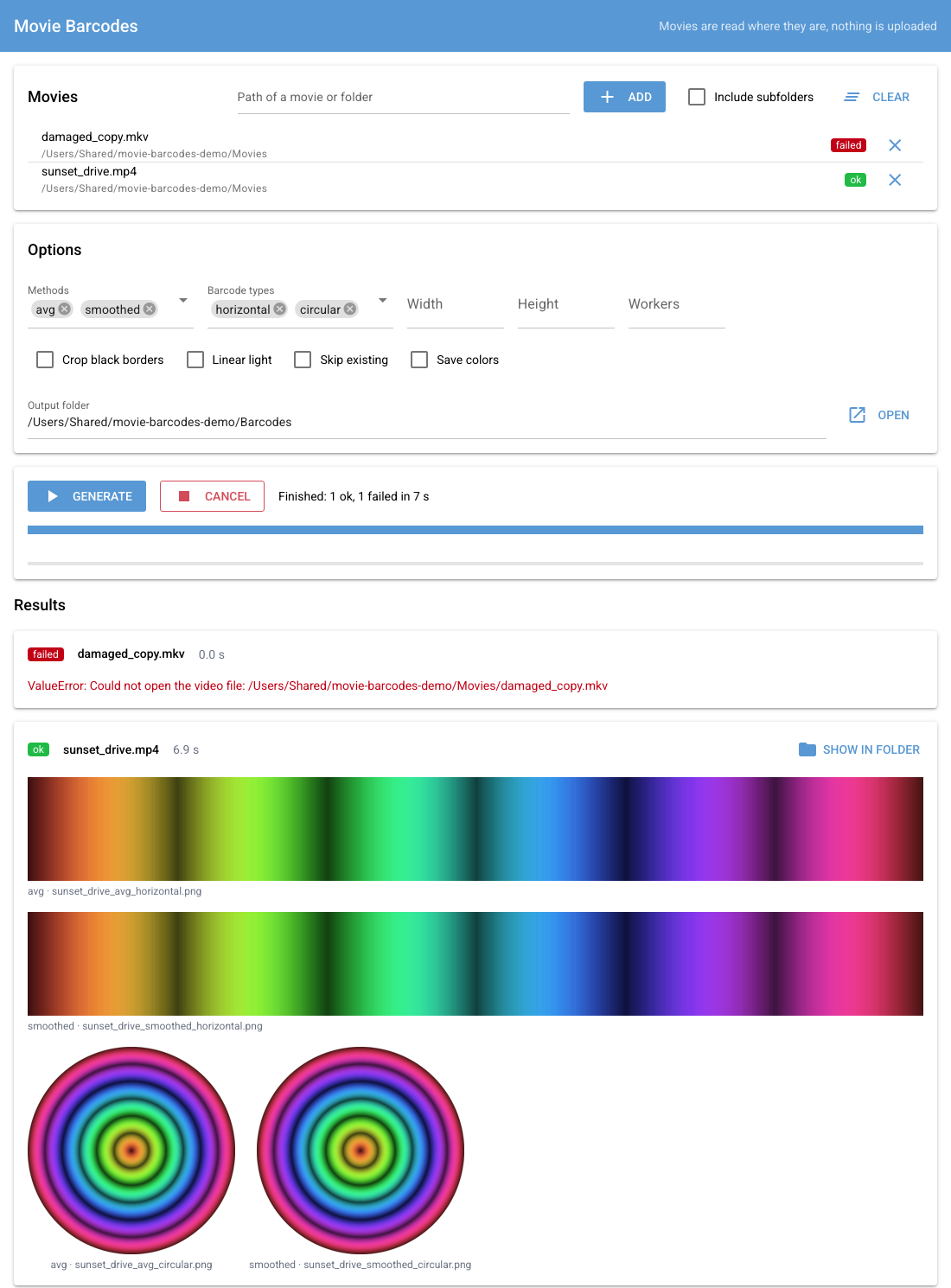
A small local app does the same as the command line from a window: add movies or whole folders, choose the options, follow the progress of each movie and see the barcodes as they are generated. Movies are read where they are, on your computer: nothing is uploaded or copied, which suits full-length movies of several GB.
# Install the package with the app's extra dependencies (NiceGUI and pywebview)
$ pip install "movie-barcodes[ui]"

# Open the app in its own window
$ movie-barcodes-ui

# Or in a tab of your browser (served on 127.0.0.1 only: paste the path of a movie or folder to add it)
$ movie-barcodes-ui --browser
- Movies: Add files and Add folder open the system's file dialogs; Include subfolders also adds the movies of subfolders. Remove a movie from the list with its ✕.
- Options: the same as the command line: methods (several at once), horizontal and/or circular barcodes, width, height, workers, crop black borders, linear light, skip existing barcodes, save colors (
.npz, see Colors cache), output folder (default~/Pictures/movie-barcodes). - Generate: movies are processed one after another, each decoded once for all methods and types. Progress is shown for the whole list and the current movie; a movie that fails is reported and the next ones are processed. Cancel stops the movie being decoded and the rest of the list; barcodes already saved are kept.
- Results: a preview of every barcode, with buttons to open it or show it in its folder. Files are named like
movie-barcodes --output-dirnames them (<movie>_<method>_<type>.png): with the same output folder (and no-won the command line, which adds_workers_<n>to the names), skip existing and--skip-existingskip what the other one already made.
On Linux, the native window needs a GUI backend for pywebview (GTK or Qt, e.g. pip install "pywebview[qt]"); --browser works without it.
Python API
The barcodes can also be generated from Python (a notebook, another application...). The functions return PIL images and write nothing to disk: RGB images for horizontal barcodes, RGBA images with a transparent background for circular barcodes.
from movie_barcodes import create_barcode, create_barcodes

if __name__ == "__main__":  # needed on macOS and Windows when using several workers (the default)
    # One barcode; same options and defaults as the command line
    image = create_barcode("path/to/video.mp4", method="smoothed", barcode_type="circular", crop_borders=True)
    # linear=True averages in linear light, like --linear (avg and smoothed only)
    bright = create_barcode("path/to/video.mp4", method="avg", linear=True)
    image.save("barcode.png")

    # Several methods at once: the video is decoded only once
    barcodes = create_barcodes("path/to/video.mp4", methods=["avg", "kmeans"], width=500, height=200, workers=4)
    for method, image in barcodes.items():
        image.save(f"barcode_{method}.png")
Invalid inputs raise FileNotFoundError (missing video) or ValueError (unsupported extension, unknown method or barcode type, invalid width, height or number of workers).
Several movies, from a script or a notebook: iter_barcodes processes them one after another and yields one result per movie, holding its images or the error that stopped it. Decoding and rendering can also be split, to render one movie several ways or keep its colors on disk:
from movie_barcodes import extract_movie_colors, iter_barcodes, load_colors, render_barcode, save_colors
from movie_barcodes.utility import find_videos

if __name__ == "__main__":
    videos = find_videos(["path/to/movies"], recursive=True)  # expands directories
    for result in iter_barcodes(videos, methods=["avg", "kmeans"], barcode_types=["horizontal", "circular"]):
        if result.ok:  # result.status is "ok", "failed" or "skipped"
            for (method, barcode_type), image in result.barcodes.items():
                image.save(f"{result.path}_{method}_{barcode_type}.png")
            save_colors(result.colors, f"{result.path}_colors.npz")
        else:
            print(f"{result.path} failed: {result.error}")

    # Decode once, render as many times as needed
    colors = extract_movie_colors("path/to/video.mp4", methods=["avg", "smoothed"], crop_borders=True)
    save_colors(colors, "video_colors.npz")
    circular = render_barcode(load_colors("video_colors.npz"), "smoothed", "circular")
    tall = render_barcode(colors, "avg", "horizontal", height=1080)
Long calls can report their progress and be cancelled, e.g. from a background thread of an application: create_barcode, create_barcodes, extract_movie_colors and iter_barcodes accept on_progress, called with (frames done, frames to sample) as frames are decoded, and cancel, a threading.Event. Once the event is set, decoding stops, the worker processes are terminated and movie_barcodes.Cancelled is raised (iter_barcodes raises it instead of reporting a failed movie).
import threading
from movie_barcodes import Cancelled, create_barcode

if __name__ == "__main__":
    cancel = threading.Event()  # call cancel.set() from another thread to stop
    try:
        image = create_barcode(
            "path/to/video.mp4", on_progress=lambda done, total: print(f"{done}/{total}"), cancel=cancel
        )
    except Cancelled:
        print("Cancelled")
Web app
Barcodes can also be generated in the browser, without installing anything: https://wazzabeee.github.io/movie-barcodes/
Pick movies, drop them, or choose a whole folder: the movies never leave your computer. They are decoded by the browser from the local files (nothing is uploaded, multi-GB files are fine), and the PNGs are downloaded, or written into a barcodes folder inside the chosen folder (Chrome and Edge). It offers the avg, smoothed and linear light (--linear) methods, horizontal and circular barcodes, with the same file names as the command line.
Limits:
- Chrome or Edge on desktop recommended: the browser must support the movie's codec (H.264 and HEVC in MP4 or MKV work in Chrome on macOS; Safari does not open MKV files).
- Keep the tab visible while it runs: browsers stop decoding video in background tabs.
- Colors are within a few levels (out of 255) of the Python package, which decodes frames with OpenCV.
- About 60-80 ms per sampled frame: a 1920-sample barcode takes 2-3 minutes per movie.
To run it locally: python -m http.server -d web 8000, then open http://localhost:8000. See web/README.md.
Development Setup
# Clone this repository
$ git clone https://github.com/Wazzabeee/movie-barcodes

# Go into the repository
$ cd movie-barcodes

# Install uv (see uv docs for other OSes)
$ curl -LsSf https://astral.sh/uv/install.sh | sh   # or: brew install uv

# Create .venv with the pinned Python (.python-version) and the exact locked versions (uv.lock),
# including dev tools (pytest, pre-commit) and the package itself in editable mode
$ uv sync

# Install pre-commit hooks
$ uv run pre-commit install

# Run tests
$ uv run pytest tests/

# Run package locally
$ uv run python -m movie_barcodes -i "path_to_video.mp4"

# Work on the desktop app: install its extra dependencies, then run it (its tests are skipped without them)
$ uv sync --extra ui
$ uv run movie-barcodes-ui
Todo
- Optimize K-means to speed up the process
- Add a small GUI with all options available
- Add option to modify the barcode's height (
--height) - Ensure the software can handle various video formats beyond MP4 (
.webm,.mkv) - Allow the software to process multiple videos at once
- Develop POC on Hugging Face Space
- Remove the logs creation when using package (logs go to stdout)
More Examples
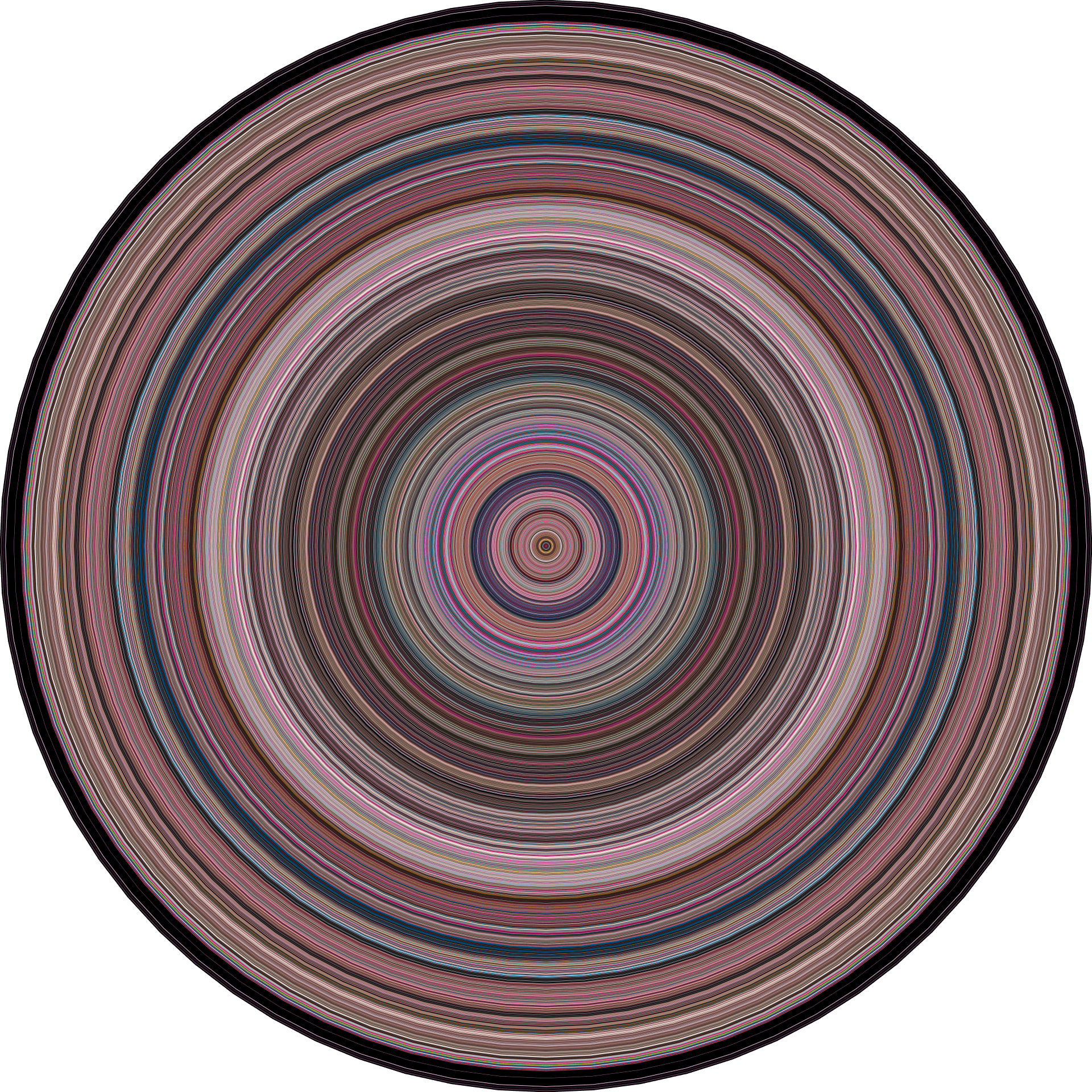
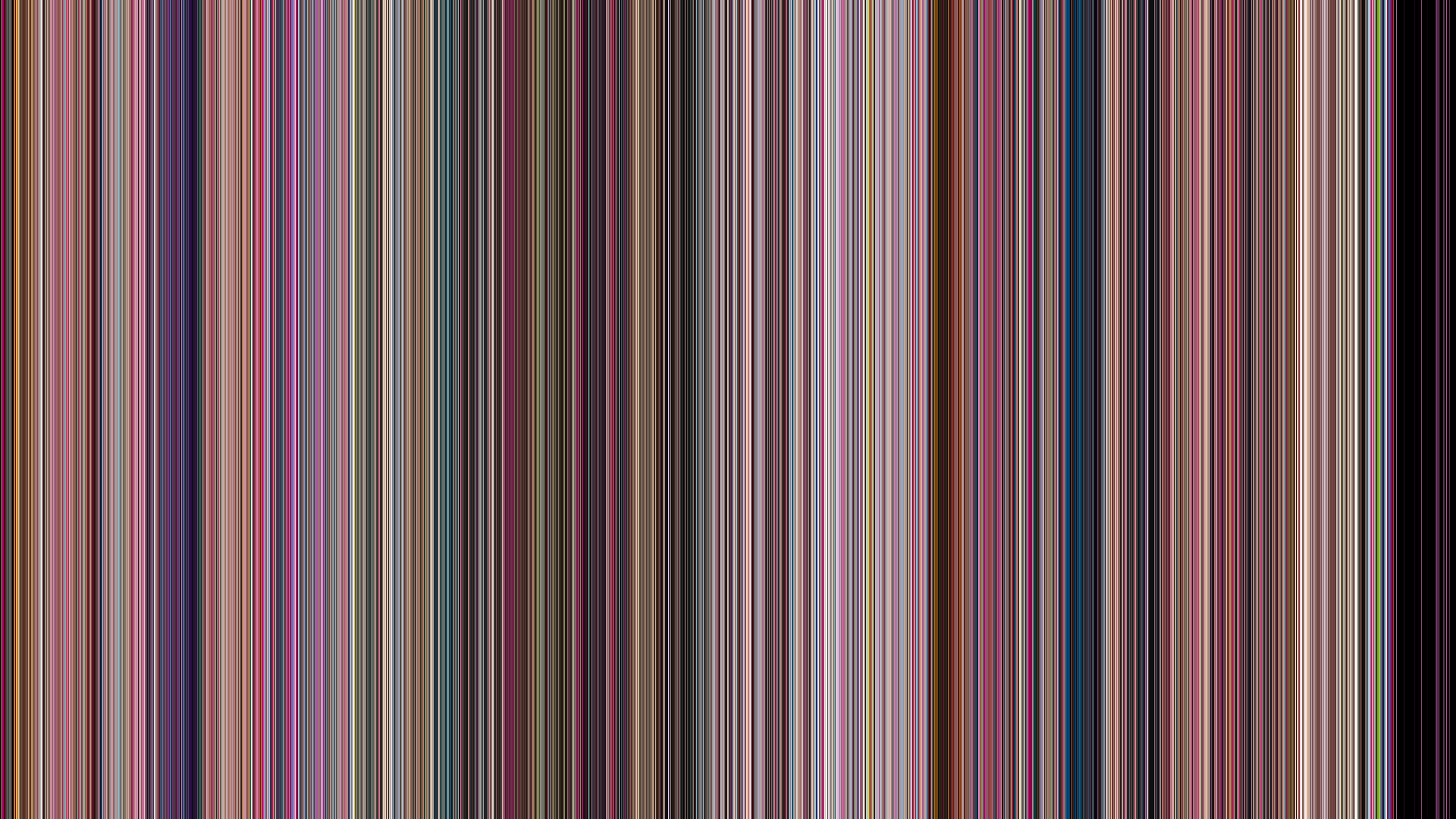
Barbie (2023) - Greta Gerwig
movie-barcodes -i "barbie.mp4" -t "circular" -m "smoothed"
movie-barcodes -i "barbie.mp4" --width 1920 --height 1080 -t "horizontal"
| Circular Barcode | Horizontal Barcode |
|---|---|
 |
 |
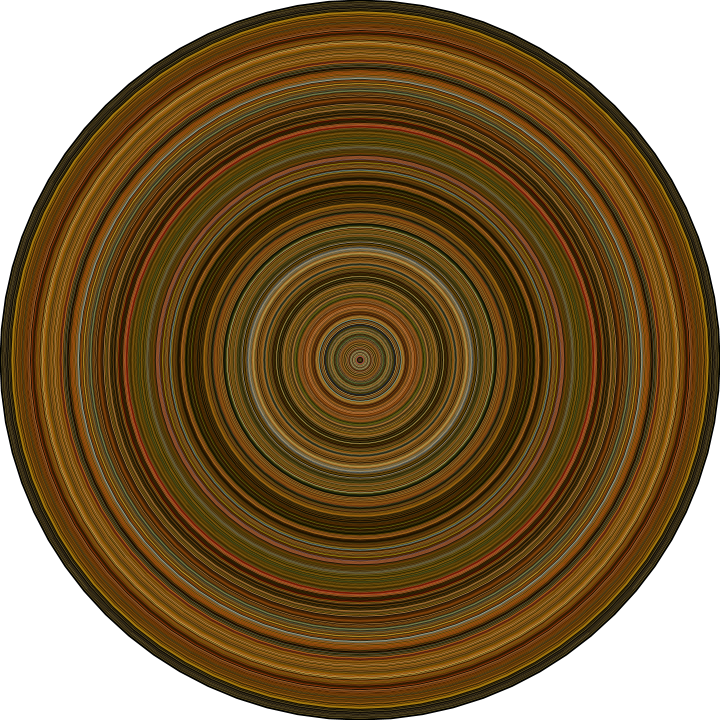
Le Fabuleux Destin d'Amélie Poulain (2001) - Jean-Pierre Jeunet
movie-barcodes -i "amelie.mp4" -t "circular" -m "smoothed"
movie-barcodes -i "amelie.mp4" --width 1920 --height 1080 -t "horizontal"
| Circular Barcode | Horizontal Barcode |
|---|---|
 |
 |
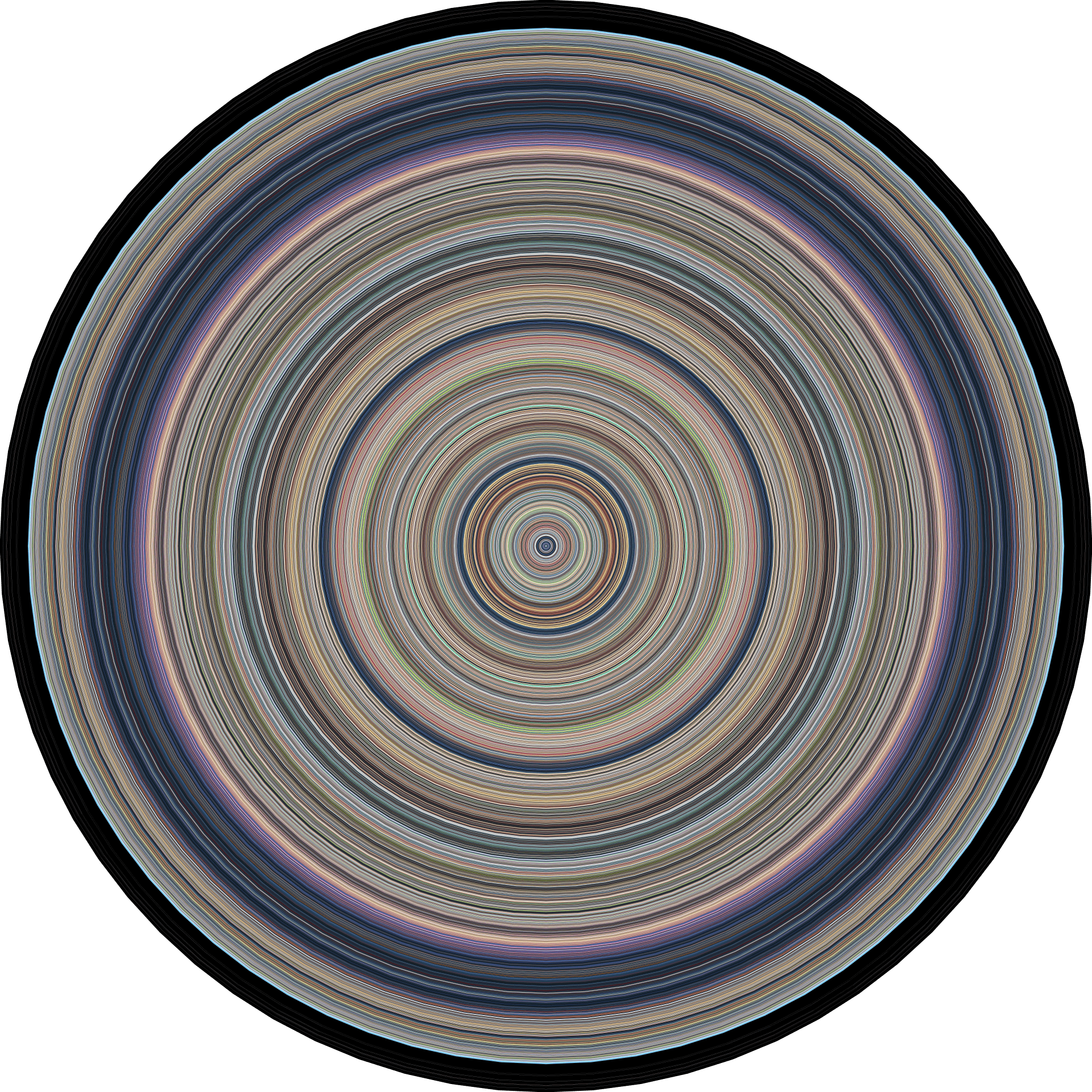
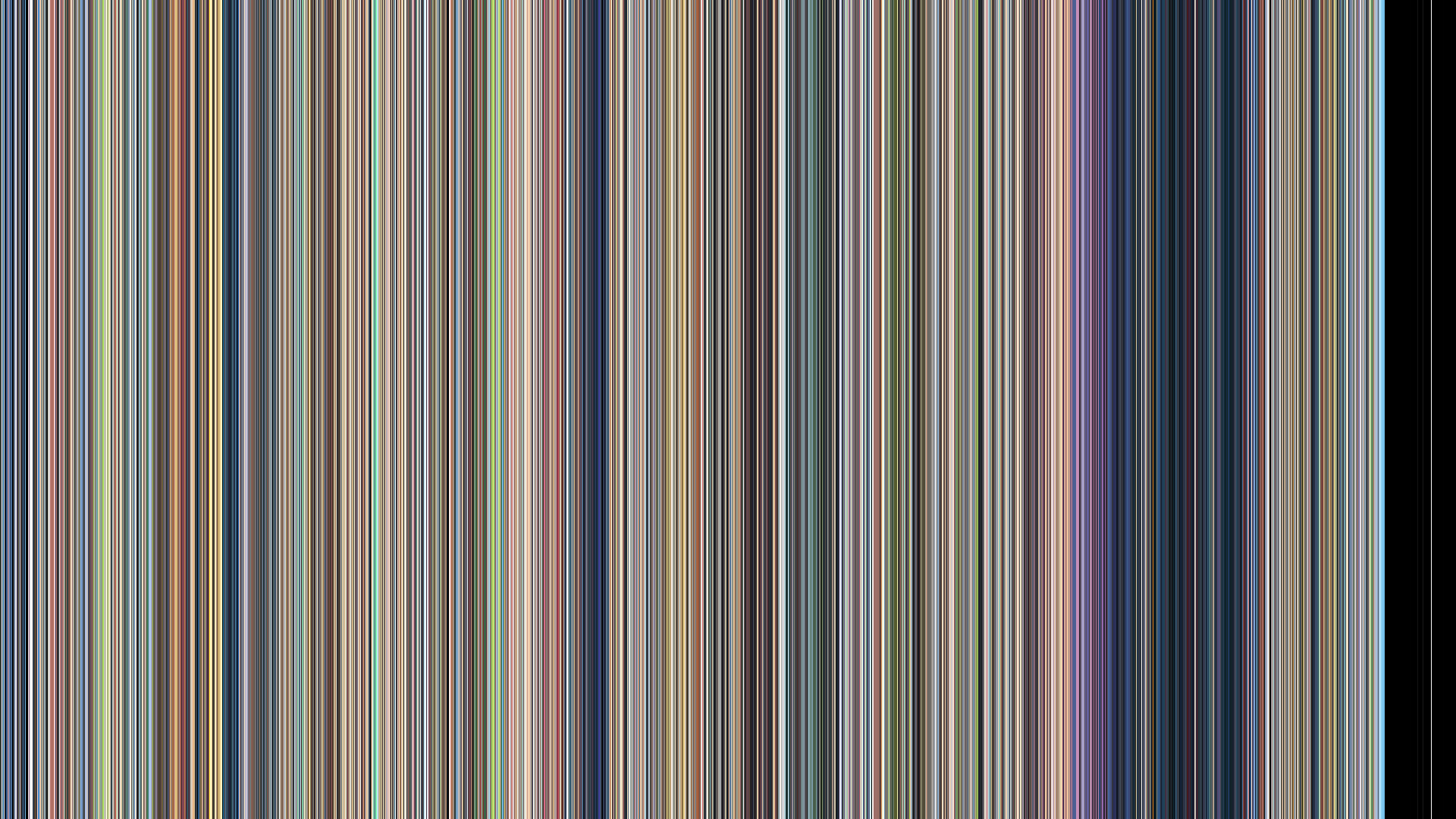
Your Name / Kimi no Na wa / 君の名は (2016) - Makoto Shinkai
movie-barcodes -i "Your Name.mp4" -t "circular" -m "smoothed"
movie-barcodes -i "Your Name.mp4" --width 1920 --height 1080 -t "horizontal"
| Circular Barcode | Horizontal Barcode |
|---|---|
 |
 |
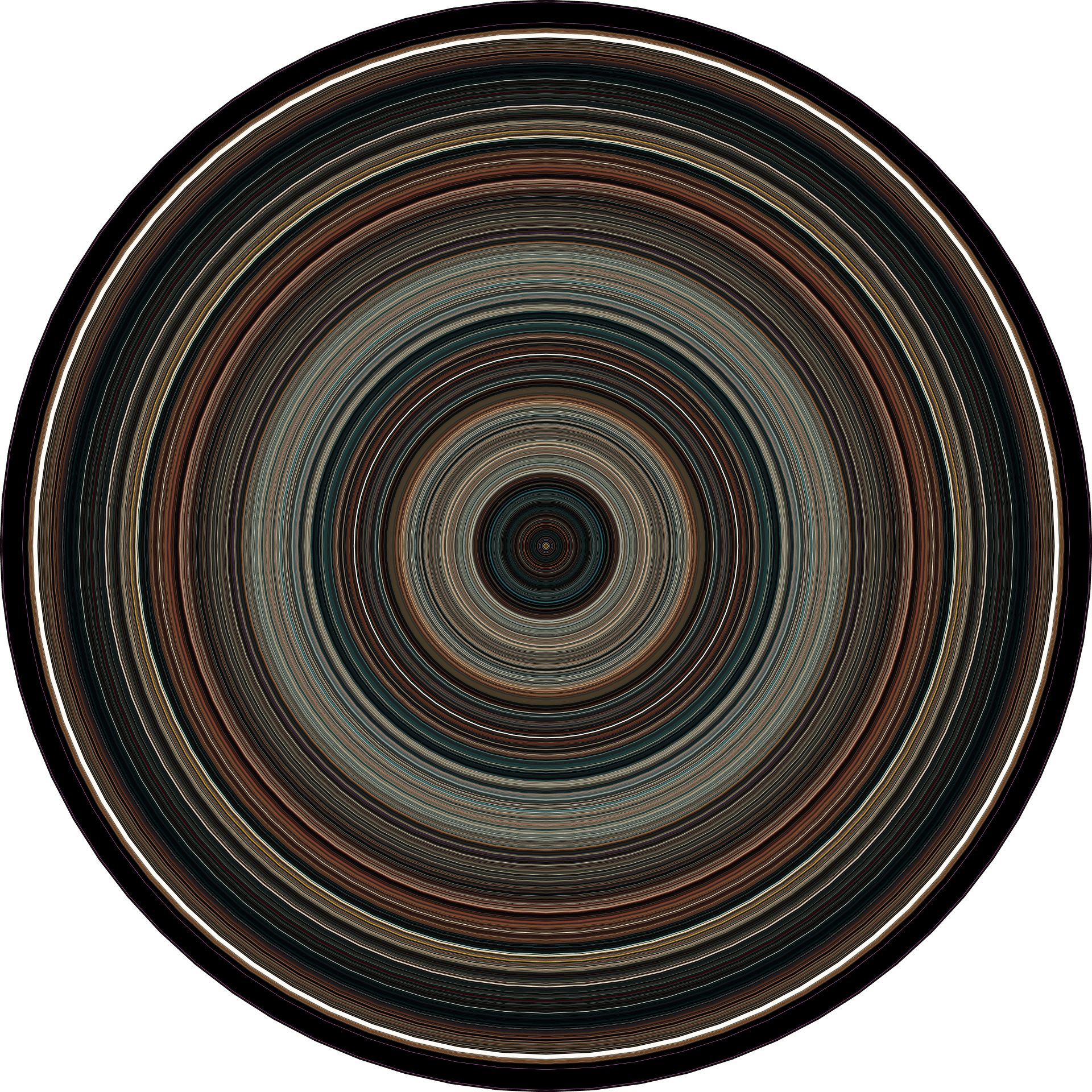
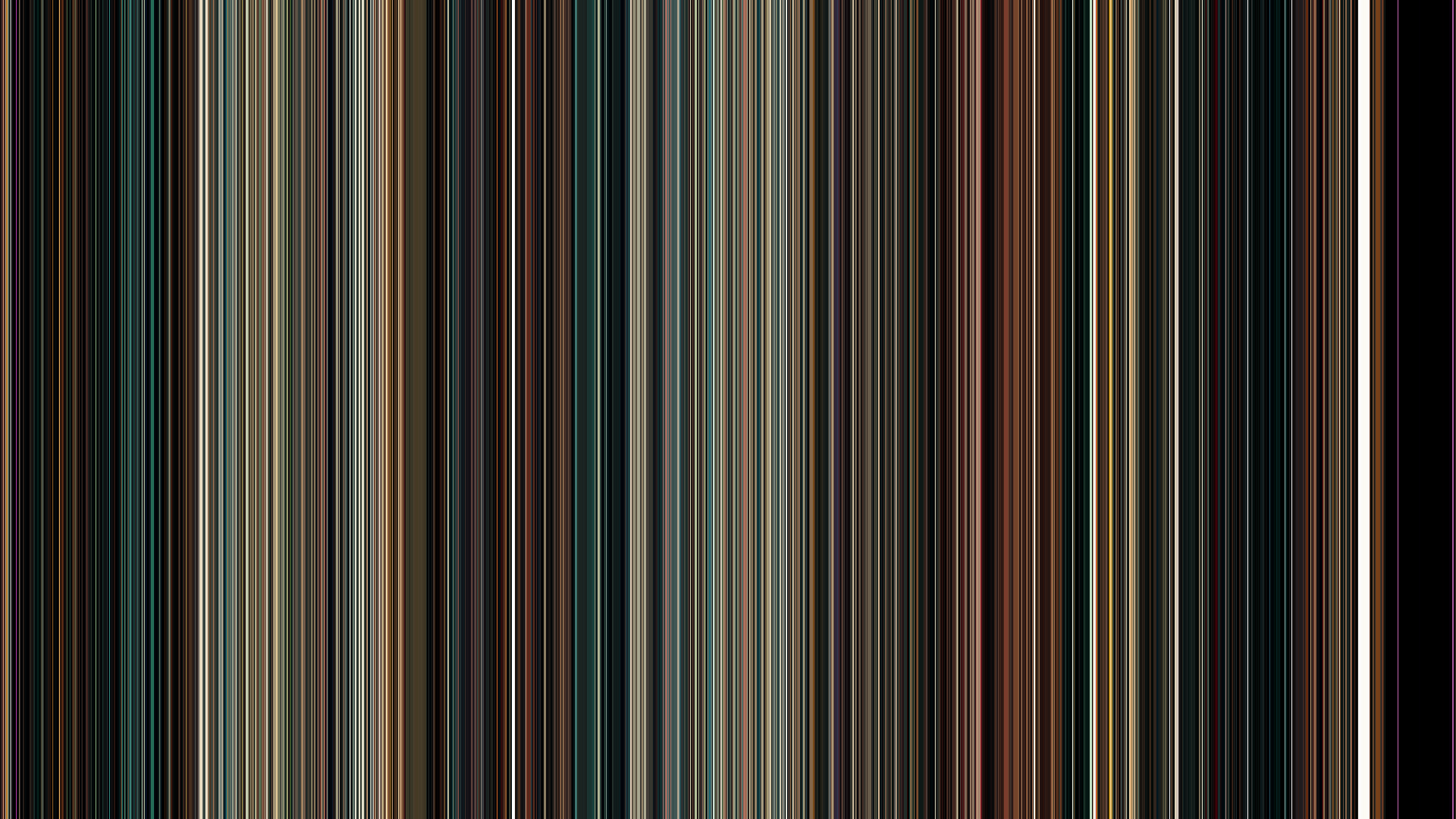
Drive (2011) - Nicolas Winding Refn
movie-barcodes -i "Drive.mp4" -t "circular" -m "smoothed"
movie-barcodes -i "Drive.mp4" --width 1920 --height 1080 -t "horizontal"
| Circular Barcode | Horizontal Barcode |
|---|---|
 |
 |
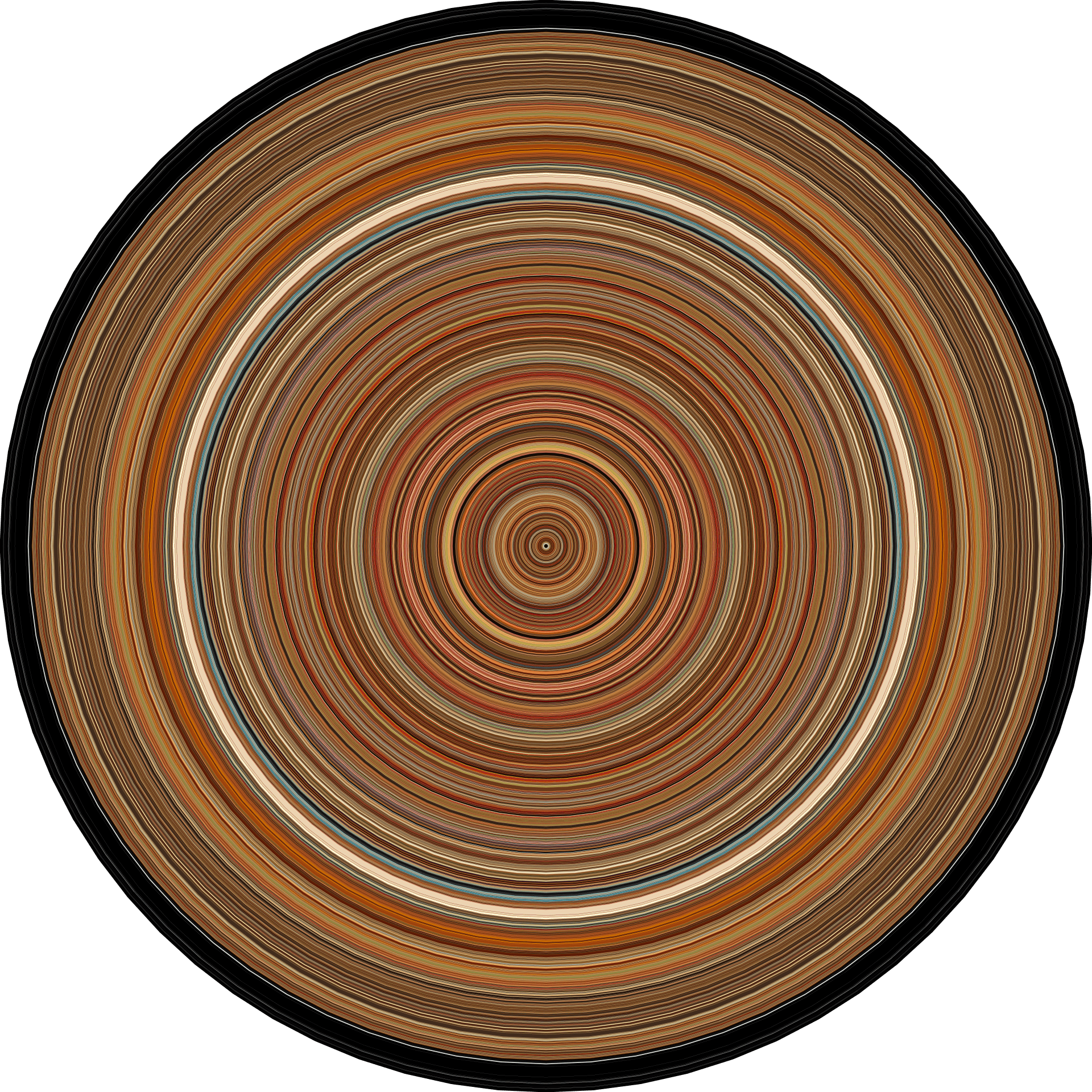
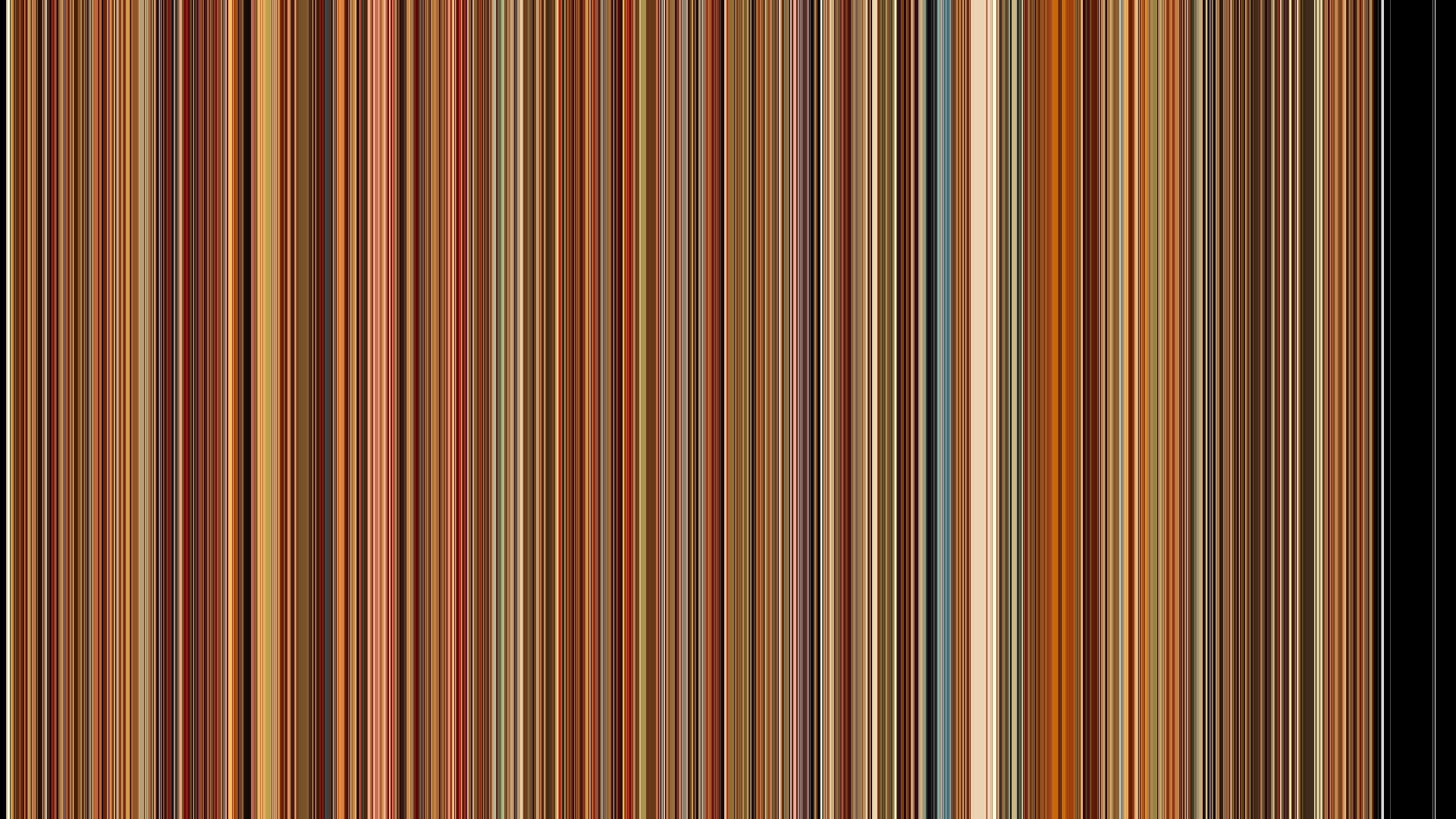
The Royal Tenenbaums (2001) - Wes Anderson
movie-barcodes -i "royal_tenenbaums.mp4" -t "circular" -m "smoothed"
movie-barcodes -i "royal_tenenbaums.mp4" --width 1920 --height 1080 -t "horizontal"
| Circular Barcode | Horizontal Barcode |
|---|---|
 |
 |
1 maintainer

Metadata
1 maintainer
Release files for movie-barcodes 0.12.0
For a detailed explanation of source distributions (sdists) and built distributions (wheels), please see the package formats documentation.
Source distribution (sdist)
| File | Size | Uploaded | Provenance | Actions |
|---|---|---|---|---|
| movie_barcodes-0.12.0.tar.gz | 7.9 MB | Without provenance | Details for movie_barcodes-0.12.0.tar.gz |
Built distribution (wheel)
| File | Interpreter | ABI | Platform | Actions Reset |
|---|---|---|---|---|
| movie_barcodes-0.12.0-py3-none-any.whl | Python 3 | none | any | Details for movie_barcodes-0.12.0-py3-none-any.whl |
Total release size: 8.0 MB
Release files / movie_barcodes-0.12.0.tar.gz
| Download URL | movie_barcodes-0.12.0.tar.gz |
|---|---|
| Size | 7.9 MB |
| Tags | Source |
|
SHA-256 checksum How to use checksums |
ea060715b44e1cf25e531443f776dd8dcc00d388eeb00fa15e12635736ada326
|
|
BLAKE2b-256 checksum How to use checksums |
edd1a1801e4f918aac9a497386004b78de4c1eaeeae2132ebf0bf220c859817f
|
| Upload date | |
|
Uploaded using Trusted Publishing? What is trusted publishing? |
No |
| Uploaded via |
twine/7.0.0 CPython/3.12.16
|
Release files / movie_barcodes-0.12.0-py3-none-any.whl
| Download URL | movie_barcodes-0.12.0-py3-none-any.whl |
|---|---|
| Size | 62.7 kB |
| Tags | Python 3 |
|
SHA-256 checksum How to use checksums |
76269e1237d557cfe106104ad2c7f20304c963e4ecccafe8f11e961c1f6c537b
|
|
BLAKE2b-256 checksum How to use checksums |
e40b8e5686c642215bf7e397c61b80470400526a52c0171bdf08af9a11172093
|
| Upload date | |
|
Uploaded using Trusted Publishing? What is trusted publishing? |
No |
| Uploaded via |
twine/7.0.0 CPython/3.12.16
|
Security for movie-barcodes 0.12.0
Provenance
Provenance describes where a file came from. On PyPI, provenance is shared via attestations, which provide a verifiable record of the build or publishing details. View details, limitations and caveats.
No provenance found
None of the files in this release were uploaded with provenance metadata.
A note on package security
PyPI is a repository for distributing packages, not a service for auditing them. While third-party security researchers and our staff do their best to detect and remove malicious packages, PyPI cannot guarantee the quality, security or suitability of any given package.
To learn more about protecting yourself from malicious actors, visit our package security documentation.














