






A Modern Simulation Wrapper for Google DeepMind’s MuJoCo
⚠️ WARNING
This package is currently in its zero-release stage. Class methods and APIs may change without prior notice. Please review the documentation and changelog after each update to stay informed about any modifications.
Installation
Add -U flag to upgrade pre-existing library
PyPI Package

pip install mujoco-toolbox
GitHub Package

pip install git+https://github.com/MGross21/mujoco-toolbox.git@main
Adding to Project Dependencies
Click to Expand
Place the following in your requirements.txt or pyproject.toml file.
PyPI
Expect less frequent, stable releases.
mujoco-toolbox
Github
Expect frequent rolling releases.
git+https://github.com/MGross21/mujoco-toolbox.git@main#egg=mujoco-toolbox
Extra Packages
FFMPEG
Required for mediapy dependency
Windows
winget install ffmpeg
ffmpeg -version
Linux
Debian/Ubuntu
sudo apt update && sudo apt install ffmpeg
ffmpeg -version
Arch Linux
sudo pacman -Syu ffmpeg
ffmpeg -version
MacOS
Using Homebrew
brew install ffmpeg
ffmpeg -version
Using MacPorts
sudo port install ffmpeg
ffmpeg -version
Example Script
Bare minimum to run MuJoCo simulation and display result
import mujoco_toolbox as mjtb

mjtb.Simulation("path/to/your/xml").run(render=True).save()
Controllers
Pre-Made Controllers
The following controllers are available out-of-the-box:
sincossteprandomreal_time(recommended controller for digital twins)
You can import them as follows:
import mujoco_toolbox.controllers as ctrl
Custom
def foo(model: MjModel, data: MjData,**kwargs):
    # Perform logic based on model/data objects
    # ie. PID Controller
Instantiating a Digital Twin
import mujoco_toolbox as mjtb
from mujoco_toolbox.controllers import real_time

with mjtb.Simulation("path/to/xml", controller=real_time) as digitaltwin:
    digitaltwin.launch(show_menu=False) # Open the simulation window
    while True:
        digitaltwin.controller(digitaltwin.model, digitaltwin.data, {"mjdata_kwargs": value})
See MjData objects here
File Support
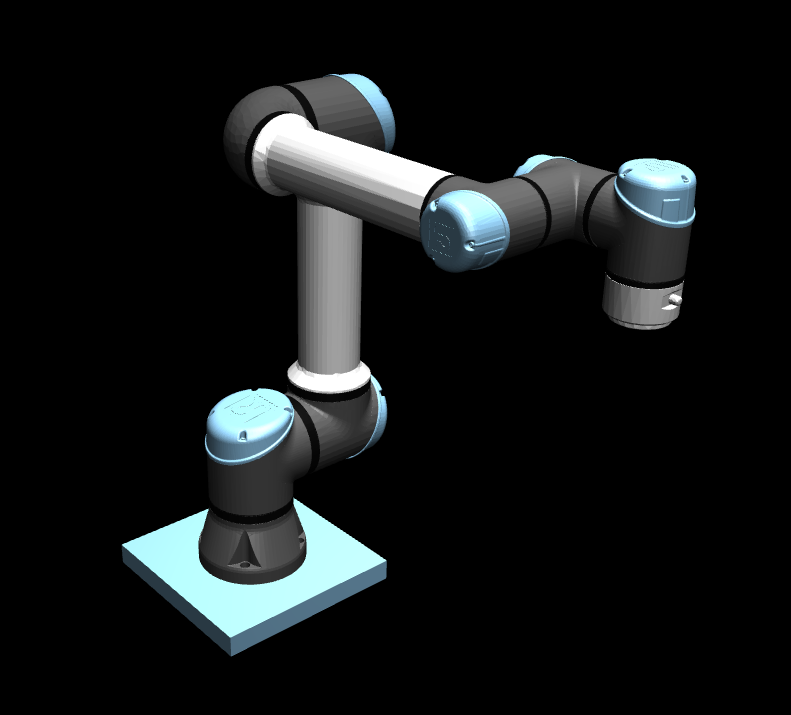
XML / MJCF (Native)
import mujoco_toolbox as mjtb

mjtb.Simulation("path/to/xml").show()
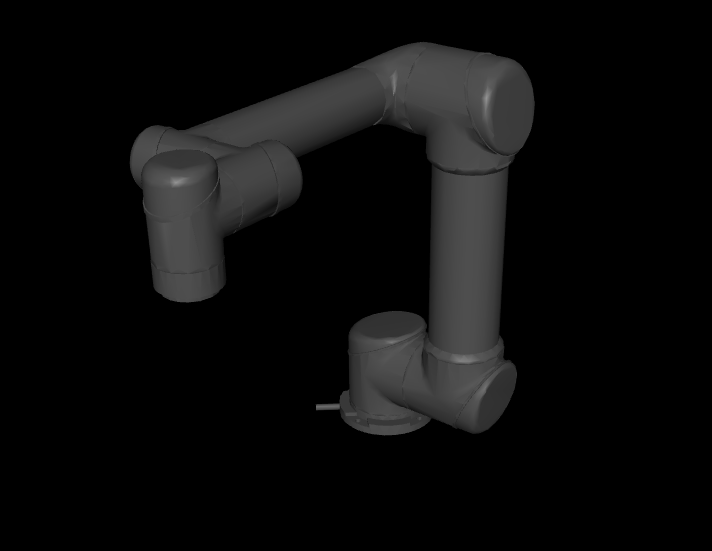
URDF
import mujoco_toolbox as mjtb

mjtb.Simulation("path/to/urdf", meshdir="path/to/mesh/files").show()  # supports *.stl or *.obj
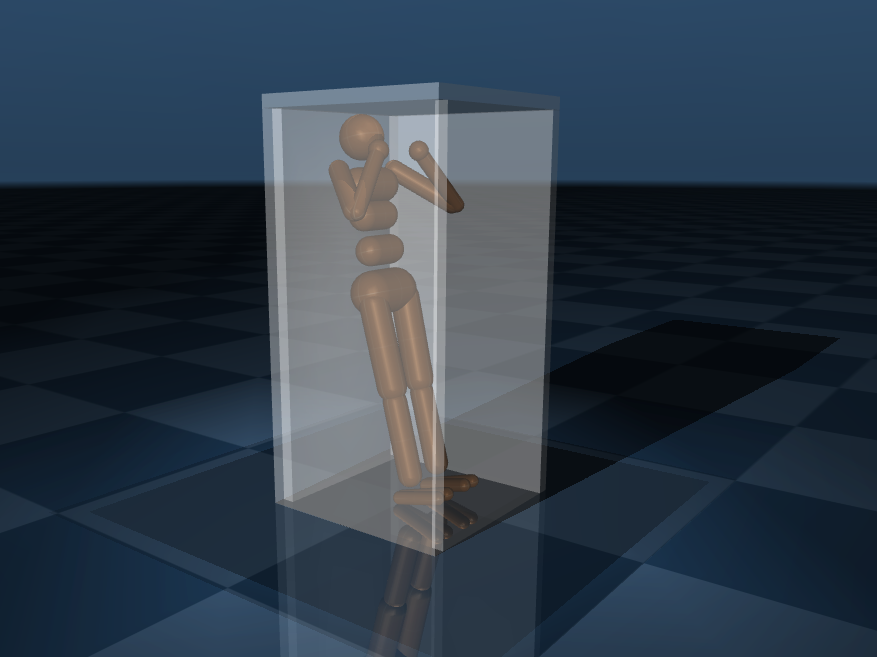
Merging Capabilities
Supports full <mujoco>...</mujoco> and <robot>...</robot> structure as well as complete sub-tree structures.
import mujoco_toolbox as mjtb

# Merges: XML & URDF Files, XML & URDF Strings, Sub Tree Structures
mjtb.Simulation("path/to/xml_1", string_xml_var, ..., "path/to/xml_n").show()
⚠️ WARNING
Duplicate sub-tree items with the same name will cause MuJoCo to throw aFatalError.
1 maintainer

Metadata
1 maintainer
Release files for mujoco-toolbox 0.6.3
For a detailed explanation of source distributions (sdists) and built distributions (wheels), please see the package formats documentation.
Source distribution (sdist)
| File | Size | Uploaded | |
|---|---|---|---|
| mujoco_toolbox-0.6.3.tar.gz | 23.3 kB | Details |
Built distribution (wheel)
| File | Interpreter | ABI | Platform | Reset |
|---|---|---|---|---|
| mujoco_toolbox-0.6.3-py3-none-any.whl | Python 3 | none | any | Details |
Total release size: 47.1 kB
Release files / mujoco_toolbox-0.6.3.tar.gz
| Download URL | mujoco_toolbox-0.6.3.tar.gz |
|---|---|
| Size | 23.3 kB |
| Tags | Source |
|
SHA-256 checksum How to use checksums |
997cd0a0bab83f5ce1023bcf7784012657344b4131bb7a3324bfe2259a805f6e
|
|
BLAKE2b-256 checksum How to use checksums |
a5a89885669c47868adaa78589975b78551b238903a801ab39b40bd2975fef36
|
| Upload date | |
|
Uploaded using Trusted Publishing? What is trusted publishing? |
No |
| Uploaded via |
poetry/2.1.4 CPython/3.13.5 Linux/6.16.0-arch2-1
|
Release files / mujoco_toolbox-0.6.3-py3-none-any.whl
| Download URL | mujoco_toolbox-0.6.3-py3-none-any.whl |
|---|---|
| Size | 23.8 kB |
| Tags | Python 3 |
|
SHA-256 checksum How to use checksums |
cec0e0c085e92c4d1b63c9b4c5fd625b49d35bb964a6501b85644eae5383384c
|
|
BLAKE2b-256 checksum How to use checksums |
192678a7138a2167e9ac0d4ae1274870a0a98190b5e2d36e0d0367a88a180bac
|
| Upload date | |
|
Uploaded using Trusted Publishing? What is trusted publishing? |
No |
| Uploaded via |
poetry/2.1.4 CPython/3.13.5 Linux/6.16.0-arch2-1
|














