
multipart-response
Stream one HTTP response as multiple MIME parts. For Django, FastAPI, FastHTML, and Starlette.
API by adapter
Import from the adapter for your framework:
| Adapter | Public classes | Value handling |
|---|---|---|
multipart_response.django |
MIMEMultipart, MultipartResponse, Part, JsonPart |
Explicit parts. Part follows HttpResponse; JsonPart follows JsonResponse. |
multipart_response.starlette |
MIMEMultipart, MultipartResponse, Part |
Explicit parts with Starlette response semantics. |
multipart_response.fastapi |
MIMEMultipart, MultipartResponse, Part, HTMLMultipartResponse, JSONMultipartResponse |
Explicit parts, or homogeneous HTML and JSON values through specialized response classes. |
multipart_response.fasthtml |
MIMEMultipart, MultipartResponse, Part |
FastHTML components and strings become HTML. Mappings become JSON. |
The package root provides the framework-neutral MIMEMultipart, MIMEPart, and MIMEMultipartWriter classes.
Response input rules
Every MultipartResponse accepts one explicit part or a sequence, sync iterable, or async iterable of parts:
MultipartResponse(Part("one"))
MultipartResponse([
    Part("one"),
    Part("two"),
])
An iterable passed to MultipartResponse supplies several parts. An iterable passed to Part streams one part body:
MultipartResponse([Part("one"), Part("two")])  # Two parts
MultipartResponse((Part("one"), Part("two")))  # Two parts
MultipartResponse(Part(body_chunks()))           # One streamed part
Django and Starlette MultipartResponse accept only explicit Part, MIMEPart, or nested MIMEMultipart values. FastAPI's generic MultipartResponse follows the same rule.
FastAPI's specialized responses add homogeneous value conversion:
HTMLMultipartResponse(["<p>One</p>", "<p>Two</p>"])
JSONMultipartResponse([{"part": 1}, {"part": 2}])
(value, headers) is shorthand for one part in FastAPI's specialized responses and FastHTML's response:
("<p>Done</p>", {"HX-Target": "#status"})
A list or tuple passed to JSONMultipartResponse is a source of parts. Wrap a JSON array in the outer source to produce one array part:
JSONMultipartResponse([1, 2])      # Two JSON number parts
JSONMultipartResponse([[1, 2]])    # One JSON array part
content_type and media_type set metadata. They do not choose a serializer.
Django provides JsonPart for native JSON serialization. Serialize JSON before passing it to a generic Starlette or FastAPI Part:
# Django
JsonPart({"status": "done"})

# Starlette or FastAPI
Part(json.dumps({"status": "done"}), media_type="application/json")
FastHTML follows its native response conversion and renders mappings as JSON without json.dumps().
Integrations
Django
uv add "multipart-response[django]"
Stream parts from a Django view:
from multipart_response.django import JsonPart, MultipartResponse, Part


def generate_report(request):
    def parts():
        yield Part(
            "<p>Generating report...</p>",
            headers={"HX-Target": "#status"},
        )
        yield Part(
            '<li><a href="/reports/42">Quarterly report</a></li>',
            headers={
                "HX-Target": "#reports",
                "HX-Swap": "beforeend",
            },
        )
        yield JsonPart(
            {"report_id": 42, "status": "done"},
            headers={"Content-ID": "result"},
        )

    return MultipartResponse(parts())
Part(...)follows Django'sHttpResponseAPI for content, headers, and cookies. HTML is the default content type.JsonPart(...)followsJsonResponseforencoder,safe,json_dumps_params, content type, charset, and headers.MultipartResponse(...)followsStreamingHttpResponseand addssubtypeandboundary.content_type="application/json"onPartremains metadata. UseJsonPartto serialize a Python value.
Use an async part source under ASGI:
async def updates(request):
    async def parts():
        yield Part("<p>Ready</p>")
        yield Part("<p>Done</p>")

    return MultipartResponse(parts())
Django 4.2 or later is required.
MultipartResponse subclasses Django's native StreamingHttpResponse.
FastAPI
uv add "multipart-response[fastapi]"
Stream multiple content types from one path operation:
import json

from fastapi import FastAPI
from multipart_response.fastapi import MultipartResponse, Part

app = FastAPI()


@app.get("/updates", response_class=MultipartResponse)
async def updates():
    yield Part("<p>Ready</p>", media_type="text/html")
    yield Part(
        json.dumps({"status": "ready"}),
        media_type="application/json",
        headers={"HX-Target": "#status"},
    )
    yield Part(chunk_stream(), media_type="video/mp4")
Part(...)follows FastAPI'sResponseAPI for content, media type, headers, and cookies.MultipartResponse(...)followsStreamingResponseand addssubtypeandboundary.- Use
response_classwith yielded parts, or return the response directly.
Stream HTML or JSON values directly when every part has one content type:
from multipart_response.fastapi import HTMLMultipartResponse, JSONMultipartResponse


@app.get("/html-updates", response_class=HTMLMultipartResponse)
async def html_updates():
    yield "<p>Ready</p>"
    yield "<p>Done</p>", {"HX-Target": "#status"}


@app.get("/json-updates", response_class=JSONMultipartResponse)
async def json_updates():
    yield {"status": "ready"}, {"HX-Target": "#status"}
    yield "done"
HTMLMultipartResponse renders strings as HTML. JSONMultipartResponse uses FastAPI's jsonable_encoder() and sets each part to application/json. The final part above contains the JSON string "done", including its quotes.
MultipartResponse subclasses Starlette's native StreamingResponse, which FastAPI uses for streamed responses.
FastHTML
uv add "multipart-response[fasthtml]"
Return FastHTML values as parts:
from fasthtml.common import Div, P, fast_app
from multipart_response.fasthtml import MultipartResponse, Part

app, rt = fast_app()


@rt
def updates():
    return MultipartResponse([
        P("Ready"),
        {"status": "working"},
        Part(Div("Done"), hx_target="#status"),
    ])
FastHTML components and strings become HTML parts. Mappings become JSON parts. Component rendering follows FastHTML's fh_cfg.indent setting.
The final part above includes:
Content-Type: text/html; charset=utf-8
HX-Target: #status

<div>Done</div>
Stream one component per part:
@rt
async def messages():
    return MultipartResponse(
        P(message) async for message in inbox()
    )
Each component produces one part and one htmx swap. Return MultipartResponse(...) explicitly. FastHTML does not infer it from a bare async-generator route.
Set htmx response headers on one part:
yield Part(
    P(message.text),
    hx_target="#feed",
    hx_swap="beforeend",
    hx_part_id=str(message.id),
)
Any hx_* keyword becomes an HX-* header. This includes future htmx response headers. Keyword values override matching entries in headers. A None value does not add or replace a header; an empty string is preserved.
Set envelope defaults for every part:
return MultipartResponse(
    (P(message) async for message in inbox()),
    hx_target="#feed",
    hx_swap="beforeend",
)
The response starts with:
Content-Type: multipart/mixed; boundary=...
HX-Target: #feed
HX-Swap: beforeend
Part headers override envelope defaults. MultipartResponse accepts the same open-ended hx_* keywords as Part.
Resume a persistent connection after its last completed part:
@rt
async def events(hx_last_part_id: str | None = None):
    async def parts():
        async for message in messages_after(hx_last_part_id):
            yield Part(
                P(message.text),
                hx_target="#feed",
                hx_swap="beforeend",
                hx_part_id=str(message.id),
            )

    return MultipartResponse(parts())
FastHTML injects the request's HX-Last-Part-ID header into the annotated parameter. An empty hx_part_id="" resets the reconnect cursor.
Stream several components inside one part:
@rt
async def transcript():
    return MultipartResponse(
        Part(P(message) async for message in inbox())
    )
Sync and async component iterables work. Their output forms one part body and one htmx swap.
MultipartResponse subclasses Starlette's native StreamingResponse, which FastHTML uses for streamed responses.
Starlette
uv add "multipart-response[starlette]"
Return a Starlette response from an endpoint:
from multipart_response.starlette import MultipartResponse, Part


async def updates(request):
    part = Part("Ready", media_type="text/plain", headers={"Content-ID": "status"})
    part.headers["HX-Target"] = "#status"
    part.set_cookie("seen", "yes")

    return MultipartResponse(
        [part],
        status_code=200,
        headers={"X-Stream": "updates"},
    )
Part(...)follows Starlette'sResponseAPI for content, media type, headers, and cookies.MultipartResponse(...)followsStreamingResponseand addssubtypeandboundary.media_type="application/json"does not serialize a Python value. Pass a JSON string or bytes.
MultipartResponse subclasses Starlette's native StreamingResponse.
Nested parts
MultipartResponse accepts Part, MIMEPart, and nested MIMEMultipart values:
from multipart_response.fastapi import MIMEMultipart, Part

alternative = MIMEMultipart(
    [
        Part("Plain text", media_type="text/plain"),
        Part("<p>HTML</p>", media_type="text/html"),
    ],
    subtype="alternative",
)
A sequence is buffered. A sync or async iterable streams.
htmx
The hx-multipart extension swaps each part as it arrives.
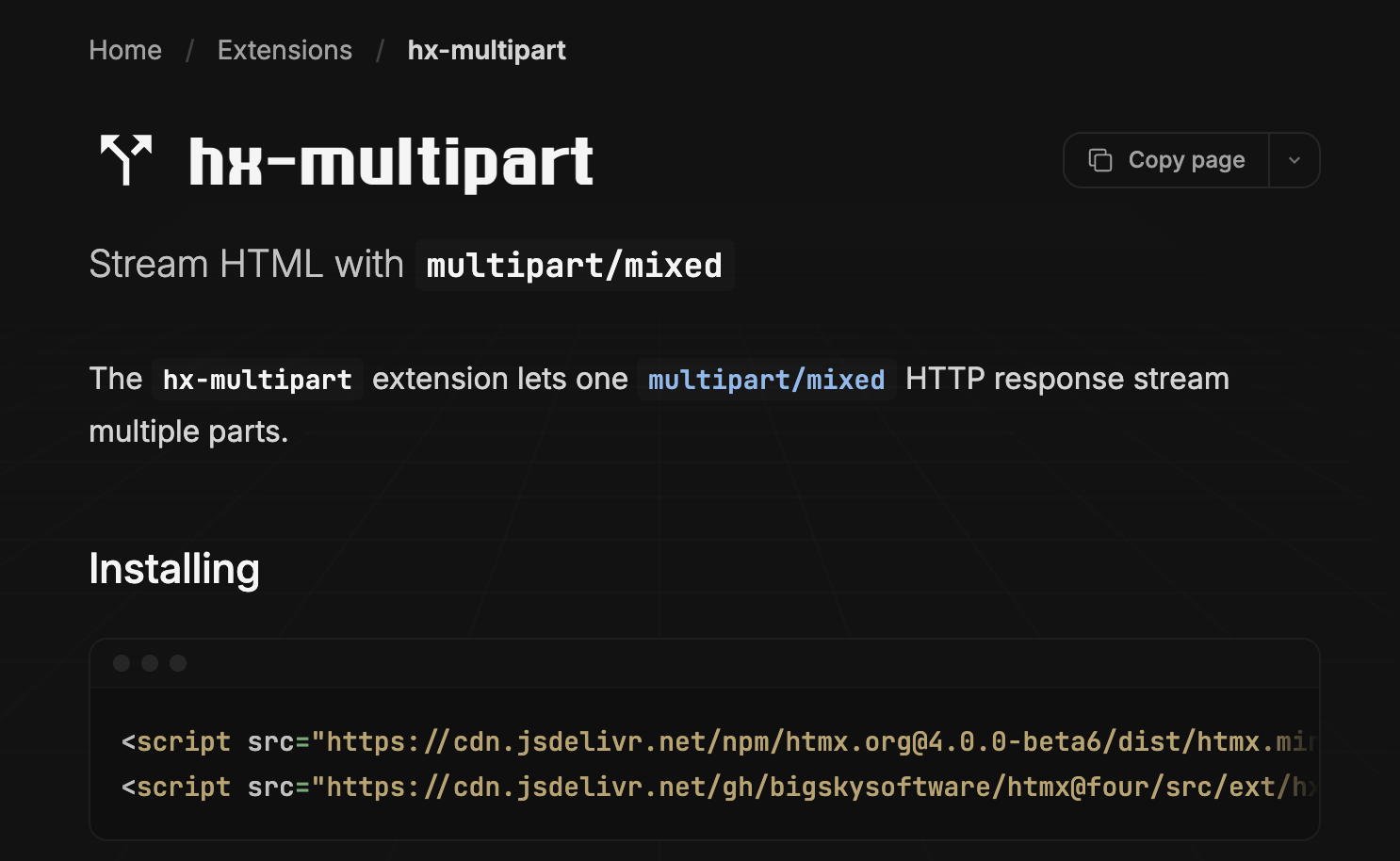
Use HX-Target, HX-Swap, and HX-Select to control each part.
It uses fetch-multipart to parse the stream.
Core
The dependency-free core exports MIMEMultipart, MIMEPart, and MIMEMultipartWriter.
- Boundaries and MIME headers are validated against RFC 2046 limits.
- Body chunks are checked for boundary collisions.
- Static, streamed, and nested multipart content is supported.
License
BSD-3-Clause
1 maintainer

Metadata
1 maintainer
Release files for multipart-response 0.6.0
For a detailed explanation of source distributions (sdists) and built distributions (wheels), please see the package formats documentation.
Source distribution (sdist)
| File | Size | Uploaded | |
|---|---|---|---|
| multipart_response-0.6.0.tar.gz | 270.6 kB | Details |
Built distribution (wheel)
| File | Interpreter | ABI | Platform | Reset |
|---|---|---|---|---|
| multipart_response-0.6.0-py3-none-any.whl | Python 3 | none | any | Details |
Total release size: 290.0 kB
Release files / multipart_response-0.6.0.tar.gz
| Download URL | multipart_response-0.6.0.tar.gz |
|---|---|
| Size | 270.6 kB |
| Tags | Source |
|
SHA-256 checksum How to use checksums |
d1222bb0a13af9ce2252ff0b0183f0678803b6a67309a957d09a83d038a73a57
|
|
BLAKE2b-256 checksum How to use checksums |
d2ec21541f53e18a05d6c158e62d6a87eac91a20c2ec17132db7dbd701d1a295
|
| Upload date | |
|
Uploaded using Trusted Publishing? What is trusted publishing? |
Yes |
| Uploaded via |
twine/6.1.0 CPython/3.13.14
|
Provenance
Provenance describes where a file came from. On PyPI, provenance is shared via attestations, which provide a verifiable record of the build or publishing details. View details, limitations and caveats.


PyPI Publish Attestation
PyPI verified that this artifact, at this checksum, originated from the publisher listed below.
Signed by GitHub Actions, verified by PyPI on Jul 28, 2026.
Transparency logRelease files / multipart_response-0.6.0-py3-none-any.whl
| Download URL | multipart_response-0.6.0-py3-none-any.whl |
|---|---|
| Size | 19.3 kB |
| Tags | Python 3 |
|
SHA-256 checksum How to use checksums |
b03aa21a49bc8d99e32ca38f74eb9b8124b8d24b770617438806dc53dc1711c5
|
|
BLAKE2b-256 checksum How to use checksums |
64656f97a1bba899f7f19e94e923a4cfa0a6f8e157e01d330c4a323f1b75e604
|
| Upload date | |
|
Uploaded using Trusted Publishing? What is trusted publishing? |
Yes |
| Uploaded via |
twine/6.1.0 CPython/3.13.14
|
Provenance
Provenance describes where a file came from. On PyPI, provenance is shared via attestations, which provide a verifiable record of the build or publishing details. View details, limitations and caveats.
PyPI Publish Attestation
PyPI verified that this artifact, at this checksum, originated from the publisher listed below.
Signed by GitHub Actions, verified by PyPI on Jul 28, 2026.
Transparency log













