




Official Mureka Model Context Protocol (MCP) server that enables interaction with powerful lyrics, song and bgm generating APIs. This server allows MCP clients like Claude Desktop, OpenAI Agents and others to generate lyrics, song and background music(instrumental).
Quickstart with Claude Desktop
- Get your API key from Mureka.
- Install
uv(Python package manager), install withcurl -LsSf https://astral.sh/uv/install.sh | shor see theuvrepo for additional install methods. - Go to Claude > Settings > Developer > Edit Config > claude_desktop_config.json to include the following:
{
    "mcpServers": {
        "Mureka": {
            "command": "uvx",
            "args": [
                "mureka-mcp"
            ],
            "env": {
                "MUREKA_API_KEY": "<insert-your-api-key-here>",
                "MUREKA_API_URL": "https://api.mureka.ai",
                "TIME_OUT_SECONDS":"300"
            }
        }
    }
}
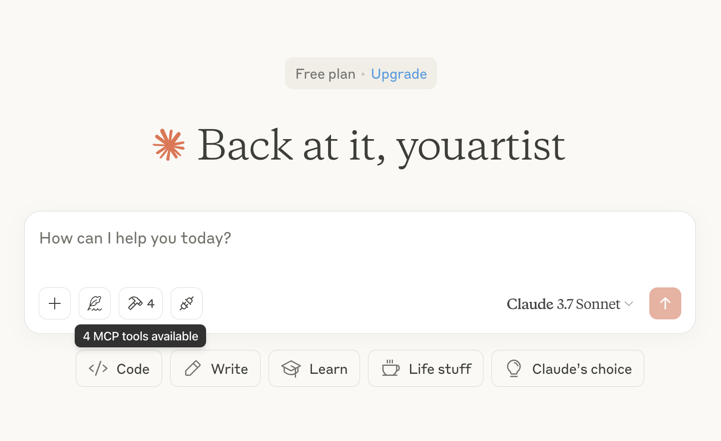
Then restart the Claude app and see 4 MCP tools available in the window, indicating successful loading
Optional features
You can add the TIME_OUT_SECONDS environment variable to the claude_desktop_config.json to set the timeout period for song or bgm generation waiting(Default 60s).
Example usage
⚠️ Warning: Mureka credits are needed to use these tools. Try asking Claude:
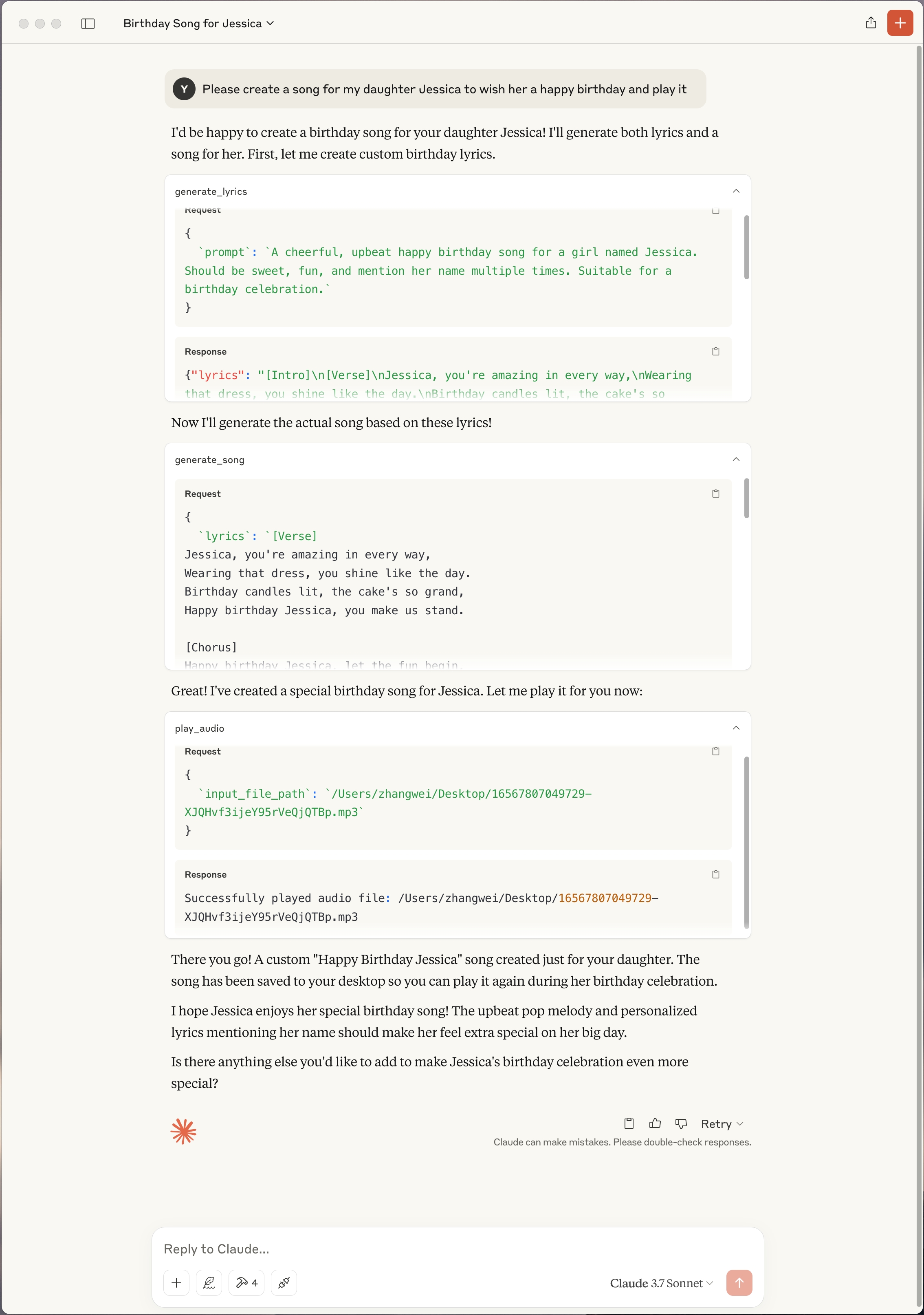
- "Please create a song for my daughter Jessica to wish her a happy birthday and play it"
- "Please generate lyrics about Christmas"
- "Please generate a song based on the lyrics just now"
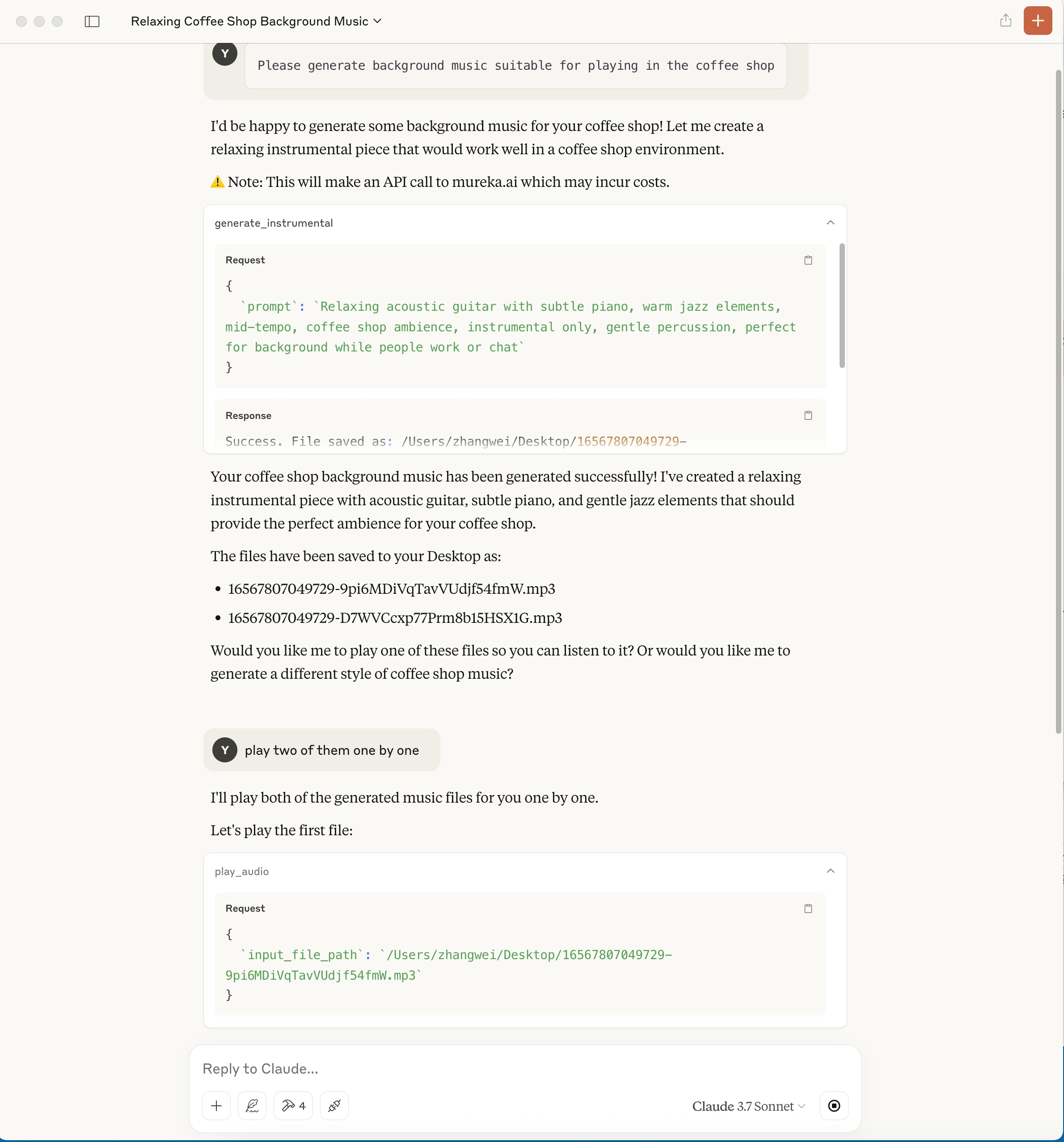
- "Please generate background music suitable for playing in the coffee shop"
Troubleshooting
Logs when running with Claude Desktop can be found at:
- Windows:
%APPDATA%\Claude\logs\mcp-server-Mureka.log - macOS:
~/Library/Logs/Claude/mcp-server-Mureka.log
Quickstart with Openai agents sdk
Install Agents SDK
pip install openai-agents
Run example: openapi_agents_example/main.py
Key is required to be filled in:
MUREKA_API_KEY = "<insert-your-api-key-here>"
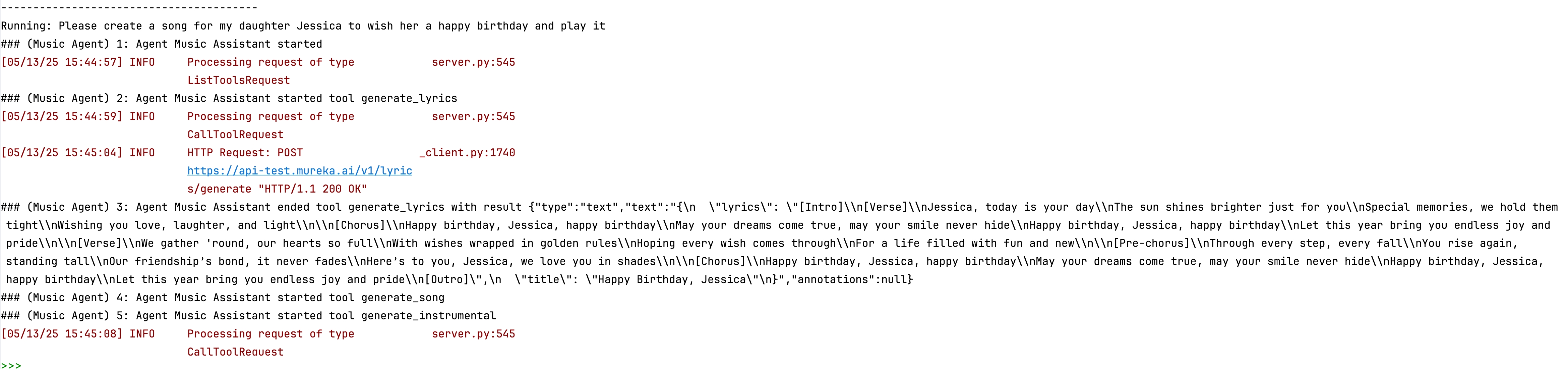
After running, you can see the composition process in the console

1 maintainer

Metadata
1 maintainer
Release files for mureka-mcp 0.0.13
For a detailed explanation of source distributions (sdists) and built distributions (wheels), please see the package formats documentation.
Source distribution (sdist)
| File | Size | Uploaded | |
|---|---|---|---|
| mureka_mcp-0.0.13.tar.gz | 8.1 kB | Details |
Release files / mureka_mcp-0.0.13.tar.gz
| Download URL | mureka_mcp-0.0.13.tar.gz |
|---|---|
| Size | 8.1 kB |
| Tags | Source |
|
SHA-256 checksum How to use checksums |
af873ab6b9475eb8e06025d83755ff51232b36f723b4e035700abadaf39d0b4e
|
|
BLAKE2b-256 checksum How to use checksums |
2ca58054850c87449f4e874cee5db7542818b80fdd606067102707a30d8cf0c6
|
| Upload date | |
|
Uploaded using Trusted Publishing? What is trusted publishing? |
No |
| Uploaded via |
twine/6.1.0 CPython/3.10.11
|














