
All-in-one music manager: scrapes albums, artists and songs from musicbrainz and automatically download them from youtube.

Project description
Music Dragon
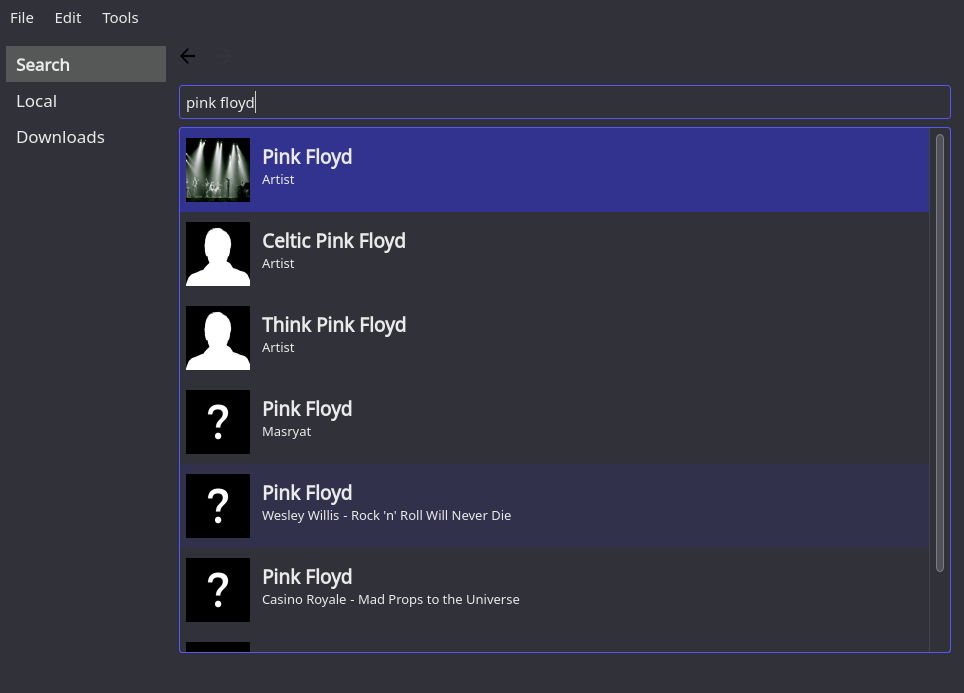
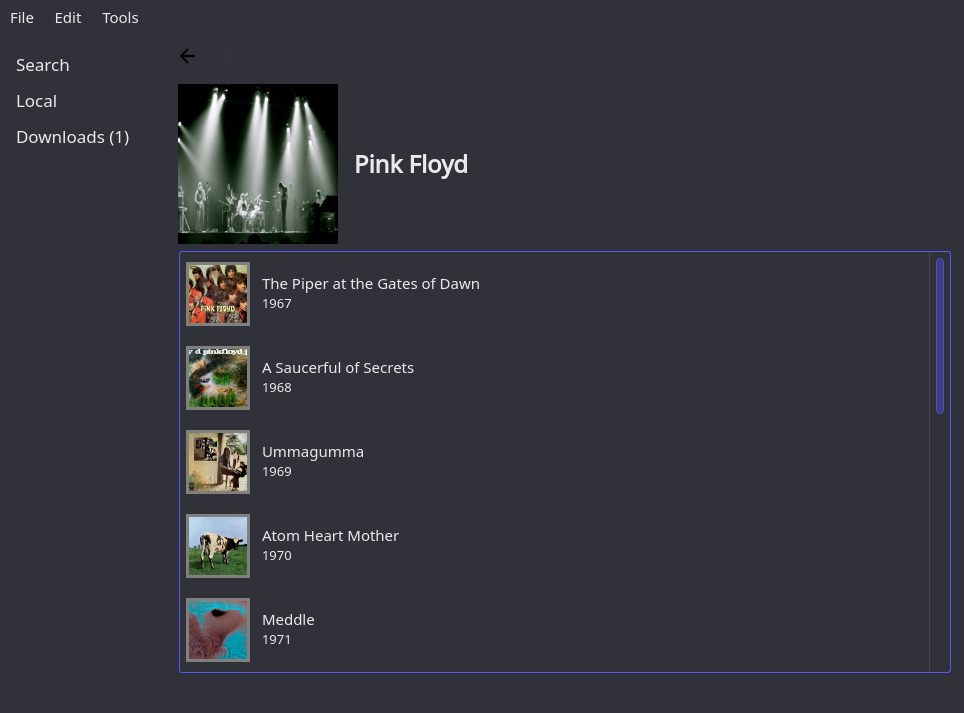
Desktop application written in Python3 + PyQt6 with a spotify-likish interface that can be used to search artists, albums and songs and automatically download and tag those with one click.
Supports Linux and Windows (experimental).
Features
- Search artists, albums or songs (
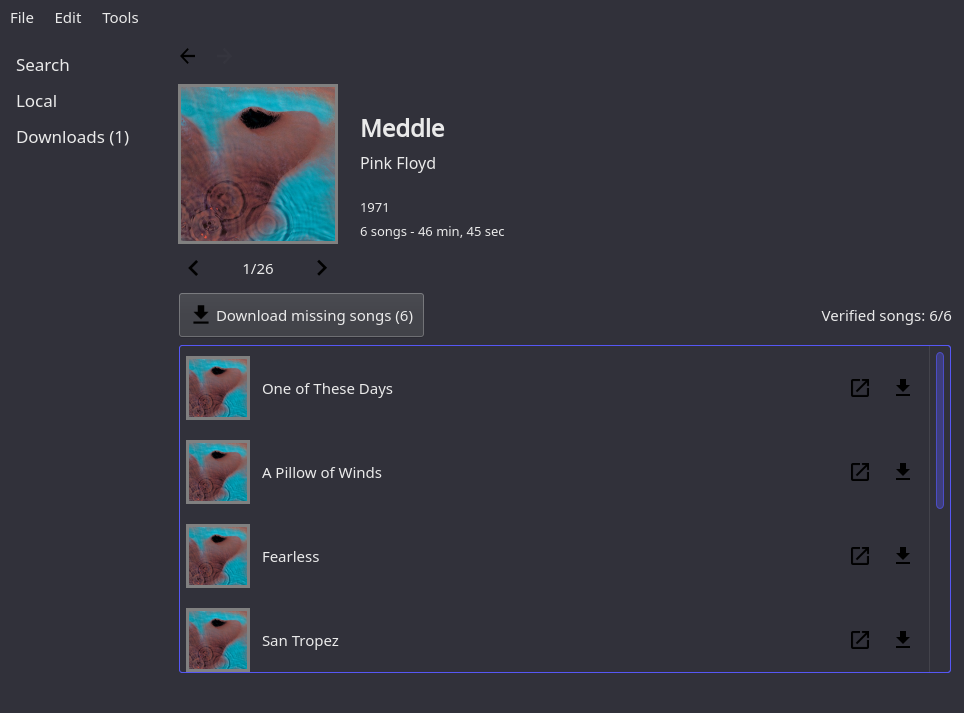
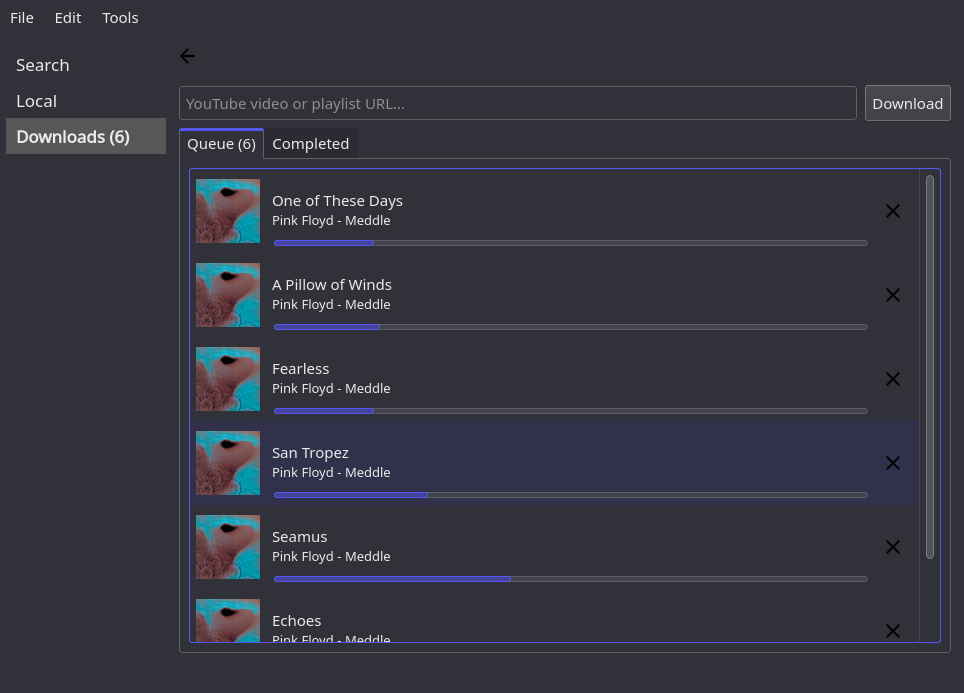
musicbrainz) - Automatically download single songs or entire albums from YouTube with a single click (
youtube_dl) - Manually download any song or playlist from YouTube by pasting its URL
- Automatically fetch images of songs and albums
- Automatically tag downloaded songs using musicbrainz and YouTube metadata, with a configurable tagging pattern
- Show and manage local songs
- Automatically recognize whether songs and albums have already been downloaded (the border of the song/album's cover changes accordingly)
- Play songs, either locally or directly from YouTube stream
What it looks like
INSTALLATION
Linux
pip install music-dragon
Windows
Using pip:
pip install music-dragon
Otherwise:
- Clone the repository
- Follow the instructions at .\other\pyinstaller_data\windows\README.txt:
- Place the ffmpeg binaries (ffmpeg, ffplay, ffprobe) in .\other\pyinstaller_data\windows\ffmpeg
- Place the content of the VLC folder in .\other\pyinstaller_data\windows\vlc
- Compile with .\scripts\build-windows-exe.cmd
- Run the executable in .\dist\main\main.exe
USAGE
music-dragon
TODO
- Improve UI
- Allow manual tagging of local songs (
eyed3) - Solve some known bugs
- Refactor
- Prevent progress bar of downloads to jump back and forth
Development
Status
Not currently working on the project.
Just doing maintenance and fixes of braking changes to YT API to keep it working.
UI
To apply changes to the UI, please modify the .ui files under res/ui and then run scripts/make-ui to re-generate the py files.
Ensure that pyside6-rcc are pyuic6 part of your PATH.
Usually they are provided as part of the PyQt6 and PySide6 packages (install them with pip).
Build/Install/Deploy
To build a package:
scripts/build.sh
Install (latest packaged version) locally:
scripts/install.sh
Uninstall locally:
scripts/uninstall.sh
Deploy (latest packaged version) to PyPi:
scripts/deploy.sh
Release history Release notifications | RSS feed


Download files
Download the file for your platform. If you're not sure which to choose, learn more about installing packages.
Source Distribution
File details
Details for the file music_dragon-0.19.tar.gz.
File metadata
- Download URL: music_dragon-0.19.tar.gz
- Upload date:
- Size: 229.9 kB
- Tags: Source
- Uploaded using Trusted Publishing? No
- Uploaded via: twine/6.2.0 CPython/3.14.4
File hashes
| Algorithm | Hash digest | |
|---|---|---|
| SHA256 |
37284e745b7fe26ed4e9e7606c33135bda627c34e4437b4a221ac36149180cf5
|
|
| MD5 |
725a94ff2acbd80597aeb713cc89d1d4
|
|
| BLAKE2b-256 |
4191d6e7a8f003d35faa6925603551eb849bbe9ccc0f8cba2fe28b5b89daa146
|






