
Differentiable black-box and gray-box audio effects modeling framework

Project description
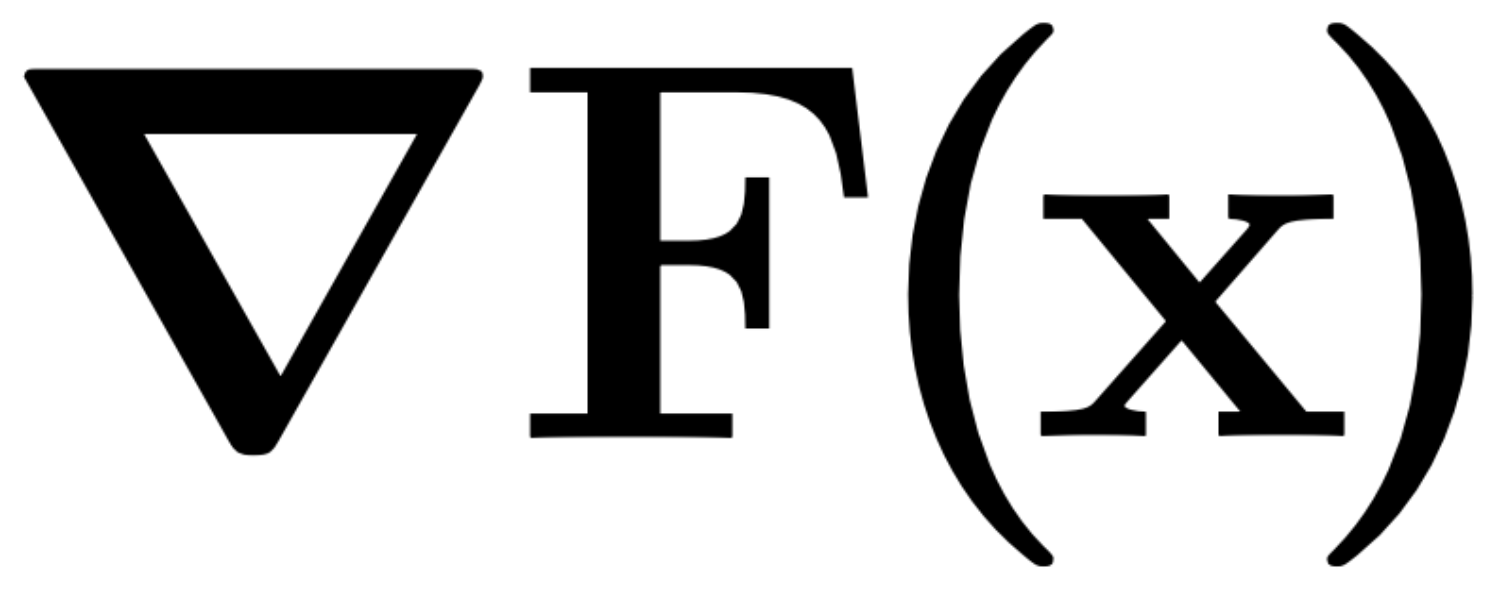
NablAFx
differentiable black-box and gray-box audio effects modeling framework
Marco Comunità, Christian J. Steinmetz, Joshua D. Reiss
Centre for Digital Music, Queen Mary University of London, UK
Abstract
We present NablAFx, an open-source framework developed to support research in differentiable black-box and gray-box modeling of audio effects. Built in PyTorch, NablAFx offers a versatile ecosystem to configure, train, evaluate, and compare various architectural approaches. It includes classes to manage model architectures, datasets, and training, along with features to compute and log losses, metrics and media, and plotting functions to facilitate detailed analysis. It incorporates implementations of established black-box architectures and conditioning methods, as well as differentiable DSP blocks and controllers, enabling the creation of both parametric and non-parametric gray-box signal chains.
Citation
@misc{comunità2025nablafxframeworkdifferentiableblackbox,
      title={NablAFx: A Framework for Differentiable Black-box and Gray-box Modeling of Audio Effects},
      author={Marco Comunità and Christian J. Steinmetz and Joshua D. Reiss},
      year={2025},
      eprint={2502.11668},
      archivePrefix={arXiv},
      primaryClass={cs.SD},
      url={https://arxiv.org/abs/2502.11668},
}
@misc{comunità2025differentiableblackboxgrayboxmodeling,
      title={Differentiable Black-box and Gray-box Modeling of Nonlinear Audio Effects},
      author={Marco Comunità and Christian J. Steinmetz and Joshua D. Reiss},
      year={2025},
      eprint={2502.14405},
      archivePrefix={arXiv},
      primaryClass={cs.SD},
      url={https://arxiv.org/abs/2502.14405},
}
Support
To show your support please consider giving this repo a star :star:. Thanks! :metal:
Installation
For Research & Experimentation (Recommended)
Clone the repository for full access to training scripts, configurations, and examples:
# Clone the repository
git clone https://github.com/mcomunita/nablafx.git
cd nablafx

# Create virtual environment
python3 -m venv .venv
source .venv/bin/activate  # On Windows: .venv\Scripts\activate

# Install NablaFX in editable mode
pip install -e .

# Install rational-activations (required, installed separately due to dependency conflicts)
pip install rational-activations==0.2.0 --no-deps

# Copy rational config file
python -c "
import urllib.request
from pathlib import Path
import rational
url = 'https://raw.githubusercontent.com/mcomunita/nablafx/master/weights/rationals_config.json'
target = Path(rational.__file__).parent / 'rationals_config.json'
urllib.request.urlretrieve(url, target)
print(f'✅ Config downloaded to {target}')
"
For Quick Evaluation or Using as a Library
Install from PyPI if you want to quickly test NablaFX or use its components in your own projects:
pip install nablafx
pip install rational-activations==0.2.0 --no-deps
See INSTALL.md for detailed installation instructions.
Setup for Training
Data
NablAFx is setup to work with the ToneTwist AFx Dataset, and so are the dataset classes provided in ./nablafx/data/, but you can also write your own custom class and use a different dataset.
Make data folder and either move data to that folder or create a symbolic link:
mkdir data
cd data
ln -s /path/to/TONETWIST-AFX-DATASET/
Logs
NablAFx is setup to use Weights&Biases for logging so, create an account and wandb login from terminal.
mkdir logs
Please note that if you want to save the logs to a specific subfolder, this needs to be created in advance (see cfg/trainer/trainer_bb.yaml for an example).
Frechét Audio Distance checkpoints
The checkpoints to compute Frechét Audio Distance need to be in specific folders:
mkdir checkpoints_fad
The first time you will compute FAD (which is at test time) the checkpoints are automatically downloaded and placed into subfolders.
Train
We use Lightning CLI to configure the training using separate .yaml files for data, model and trainer configurations, see examples in:
cfg/data
cfg/model
cfg/trainer
To make it super easy to start training we prepared shell scripts scripts/train_bb.sh or scripts/train_gb.sh, which look like this:
CUDA_VISIBLE_DEVICES=0 \
python scripts/main.py fit \
-c cfg/data/data-param_multidrive-ffuzz_trainval.yaml \
-c cfg/model/s4-param/model_bb-param_s4-tvf-b8-s32-c16.yaml \
-c cfg/trainer/trainer_bb.yaml
so that you just have to change the config paths to train your own model.
Test
We did the same for testing, and prepared a shell script scripts/test.sh that looks like this:
CUDA_VISIBLE_DEVICES=0 \
python scripts/main.py test \
--config logs/multidrive-ffuzz/S4-TTF/bb_S4-TTF-B8-S32-C16_lr.01_td5_fd5/config.yaml \
--ckpt_path "logs/multidrive-ffuzz/S4-TTF/bb_S4-TTF-B8-S32-C16_lr.01_td5_fd5/nnlinafx-PARAM/p362csrv/checkpoints/last.ckpt" \
--trainer.logger.entity mcomunita \
--trainer.logger.project nablafx \
--trainer.logger.save_dir logs/multidrive-ffuzz/TEST/bb_S4-TTF-B8-S32-C16_lr.01_td5_fd5 \
--trainer.logger.name bb_S4-TTF-B8-S32-C16_lr.01_td5_fd5 \
--trainer.logger.group Multidrive-FFuzz_TEST \
--trainer.logger.tags "['Multidrive-FFuzz', 'TEST']" \
--trainer.accelerator gpu \
--trainer.strategy auto \
--trainer.devices=1 \
--config cfg/data/data-param_multidrive-ffuzz_test.yaml
# --data.sample_length 480000
While it looks complicated, it is just the case of replacing the paths to: model configuration, checkpoint, logging folder.
Params, FLOPs, MACs and Real-time factor:
Scripts to measure all these metrics of a model are in the benchmarks folder. The code is not very organized and beautiful at the moment but does the job.
Pre-train MLP Nonlinearity or FIR
The script to pretrain differentiable processors (see nablafx/processors/ddsp.py) like a StaticMLPNonlinearity or a StaticFIRFilter is nablafx/scripts/pretrain.py.
Examples of pretrained nonlinearities and filters are in nablafx/weights.
Contributions
There is a lot that can be done to improve and expand NablAFx, and we encourage anyone to contribute or suggest new features.
Credits
- LSTM - https://github.com/Alec-Wright/Automated-GuitarAmpModelling
- TCN - https://github.com/csteinmetz1/micro-tcn
- GCN - https://github.com/mcomunita/gcn-tfilm
- S4 - https://github.com/int0thewind/s4-dynamic-range-compressor
- dasp - https://github.com/csteinmetz1/dasp-pytorch
- rational activations - https://github.com/ml-research/rational_activations
- auraloss - https://github.com/csteinmetz1/auraloss
Release history Release notifications | RSS feed

Download files
Download the file for your platform. If you're not sure which to choose, learn more about installing packages.
Source Distribution
Built Distribution
Filter files by name, interpreter, ABI, and platform.
If you're not sure about the file name format, learn more about wheel file names.
Copy a direct link to the current filters
File details
Details for the file nablafx-1.0.0.tar.gz.
File metadata
- Download URL: nablafx-1.0.0.tar.gz
- Upload date:
- Size: 2.1 MB
- Tags: Source
- Uploaded using Trusted Publishing? No
- Uploaded via: twine/6.2.0 CPython/3.9.7
File hashes
| Algorithm | Hash digest | |
|---|---|---|
| SHA256 |
6d20bdedea7a4699e3627a4c91de537bd5f1981f56176daadfbfa919e0740d2e
|
|
| MD5 |
7c51abab667ad6658643abbacf422488
|
|
| BLAKE2b-256 |
435d5622d273b2b45ed03f11e5af963348b619d0f46f806c546dc1835d6d407c
|
File details
Details for the file nablafx-1.0.0-py3-none-any.whl.
File metadata
- Download URL: nablafx-1.0.0-py3-none-any.whl
- Upload date:
- Size: 249.8 kB
- Tags: Python 3
- Uploaded using Trusted Publishing? No
- Uploaded via: twine/6.2.0 CPython/3.9.7
File hashes
| Algorithm | Hash digest | |
|---|---|---|
| SHA256 |
e16db17fb58a67a5e6e17efed475c6dd475d730c8bb919d6e53a9a561d6b37d2
|
|
| MD5 |
8906338b5aa800419efffe7d547925e7
|
|
| BLAKE2b-256 |
94d08d7acbfcf41e79c4dbe25539d2f002c82a2e1ecfb4454358fe6a2ae4b7a1
|






