
nbcommands




nbcommands bring the goodness of Unix commands to Jupyter notebooks.
Installation
You can simply use pip to install nbcommands:
$ pip install nbcommands
or conda:
$ conda install -c conda-forge nbcommands
Usage
nbcommands installs the following commands which let you interact with your Jupyter notebooks without spinning up a notebook server.
-
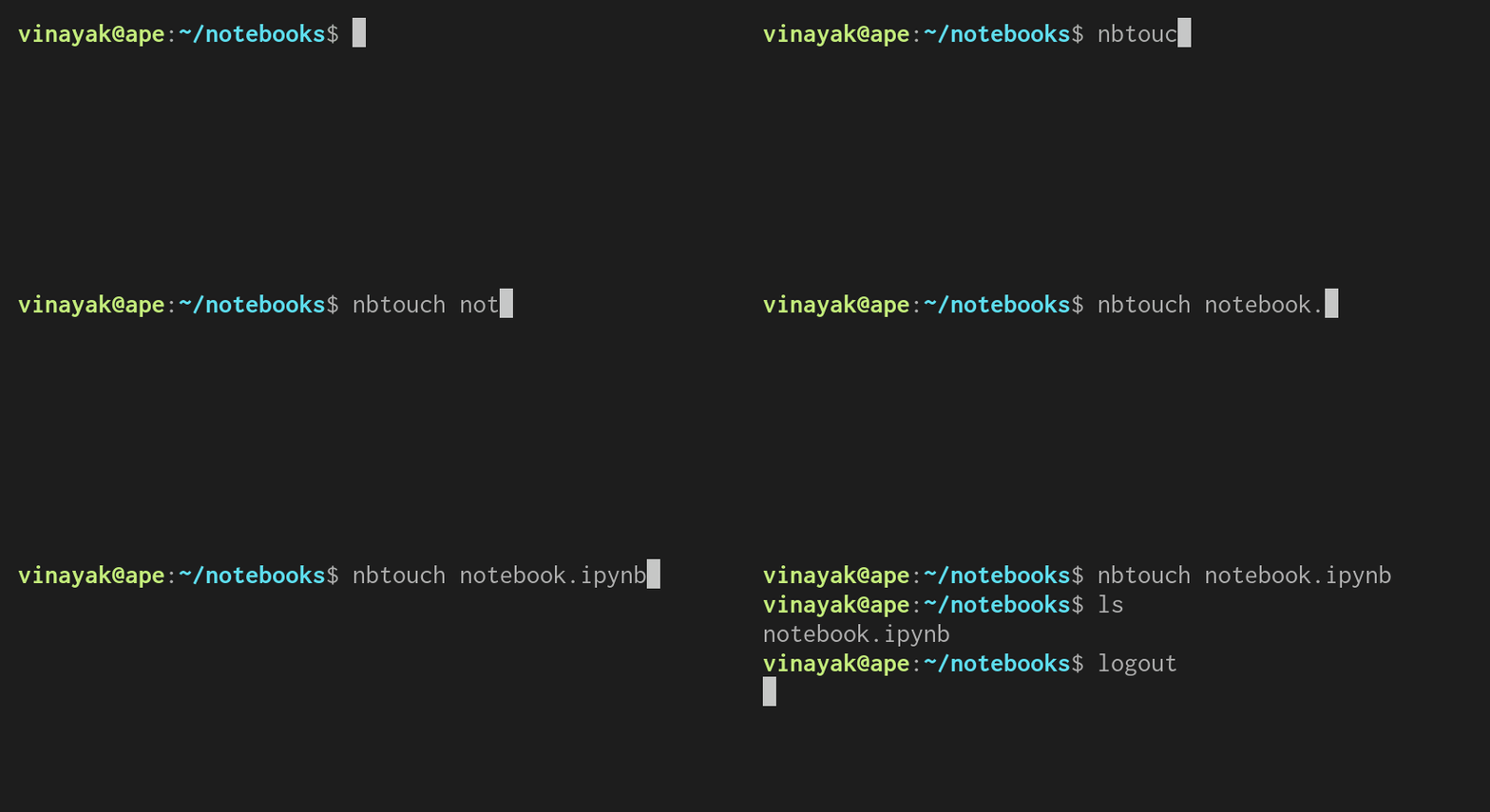
nbtouch: Update the access and modification times of each Jupyter notebook to the current time.$ nbtouch notebook1.ipynb notebook2.ipynb
-
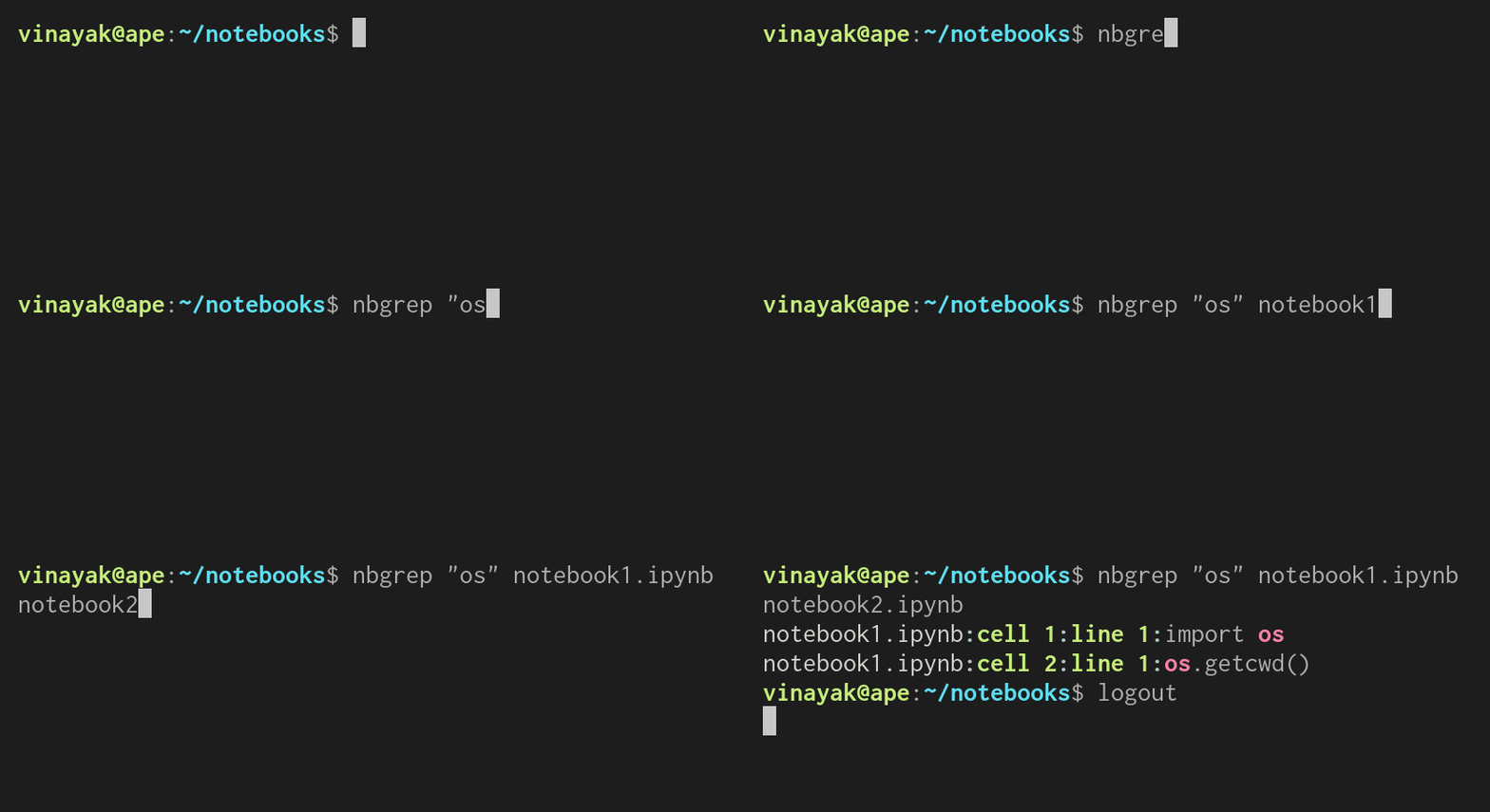
nbgrep: Search for a pattern in Jupyter notebooks.$ nbgrep "os" notebook1.ipynb notebook2.ipynb $ nbgrep "os" directory/
-
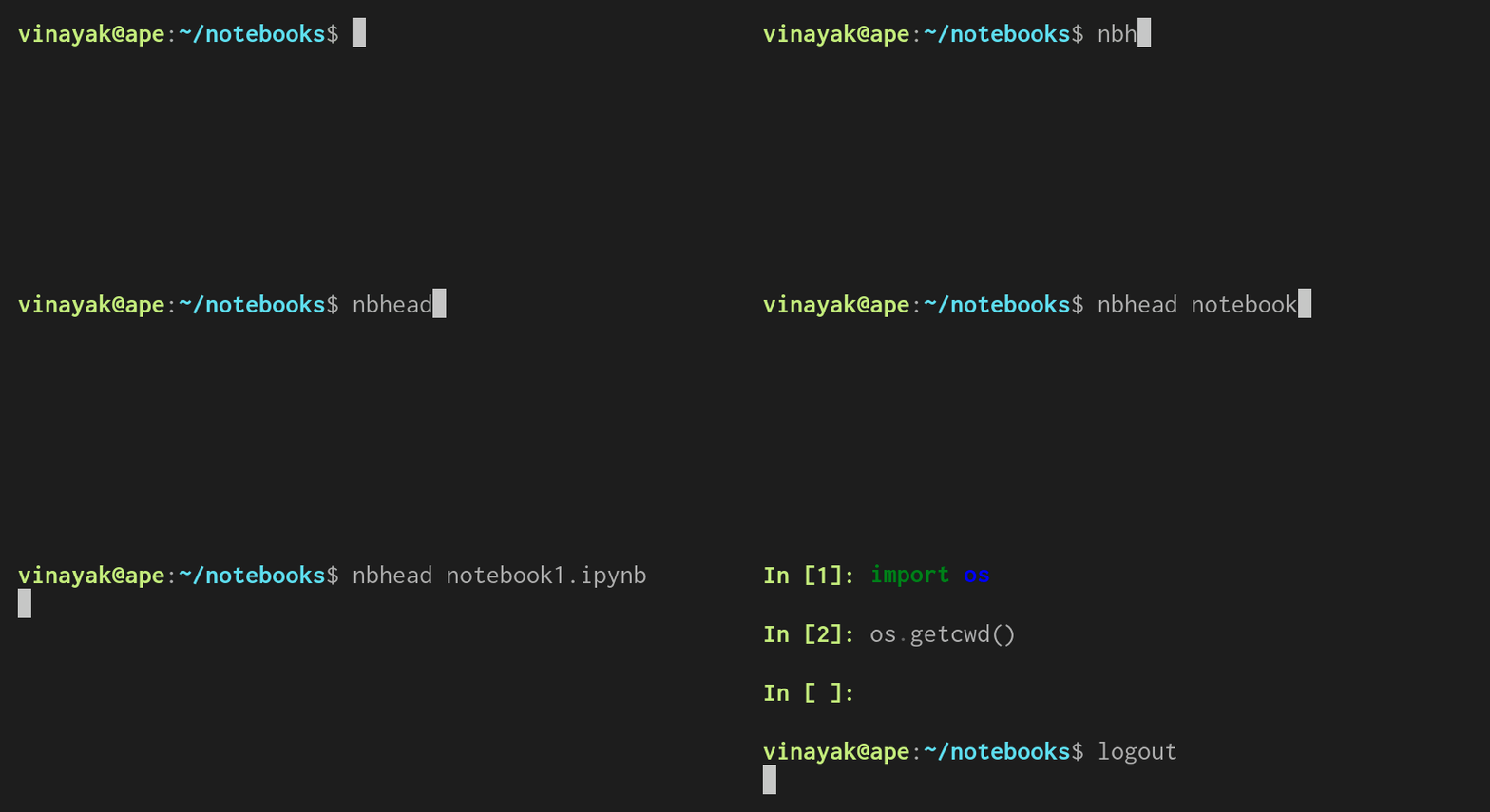
nbhead: Print the first 5 cells of a Jupyter notebook to standard output.$ nbhead notebook1.ipynb
Note: You can also specify the number of cells you want to print using the
-noption.$ nbhead -n 10 notebook1.ipynb
-
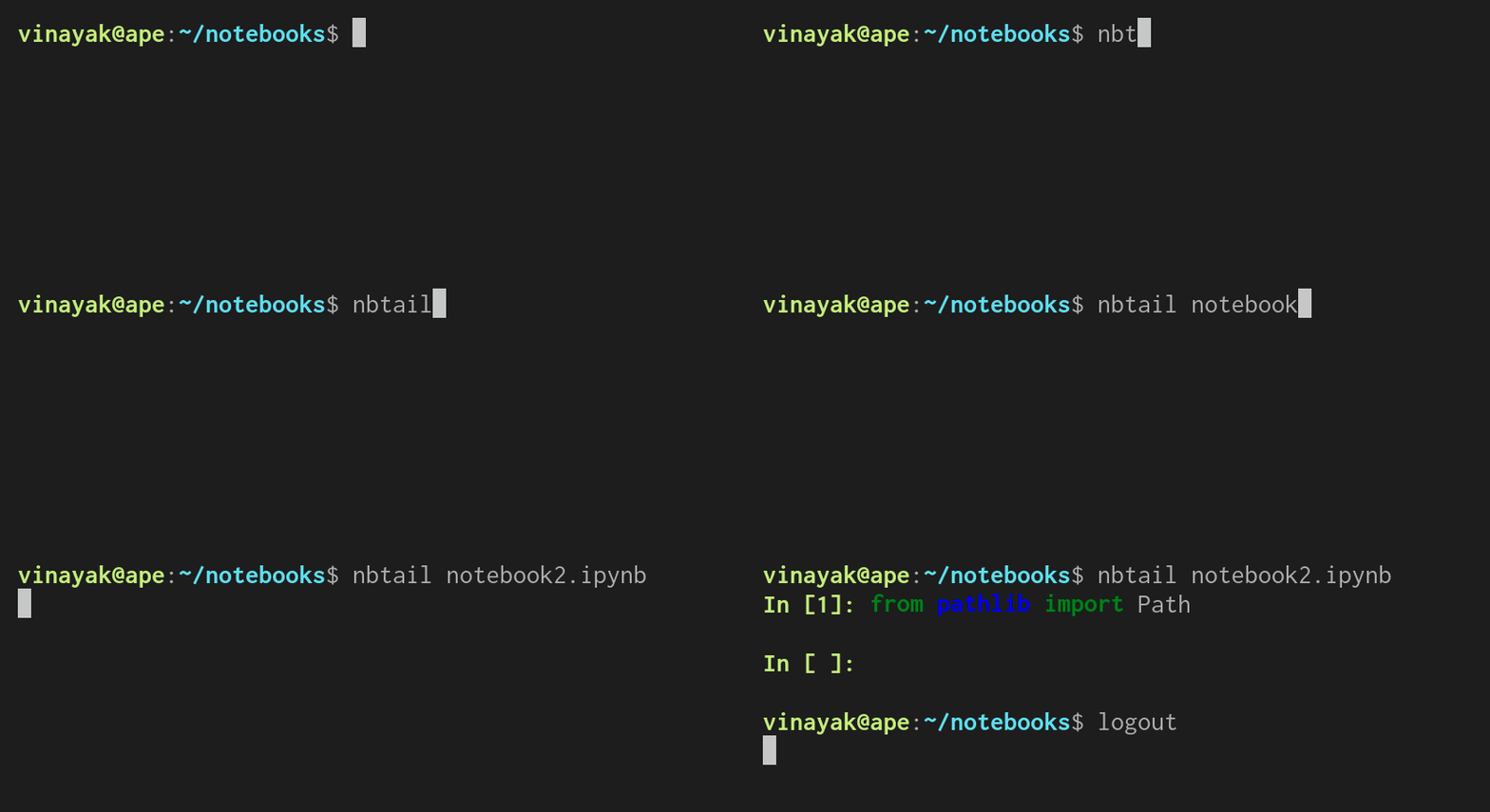
nbtail: Print the last 5 cells of a Jupyter notebook to standard output.$ nbtail notebook2.ipynb
Note: You can also specify the number of cells you want to print using the
-noption.$ nbtail -n 10 notebook2.ipynb
-
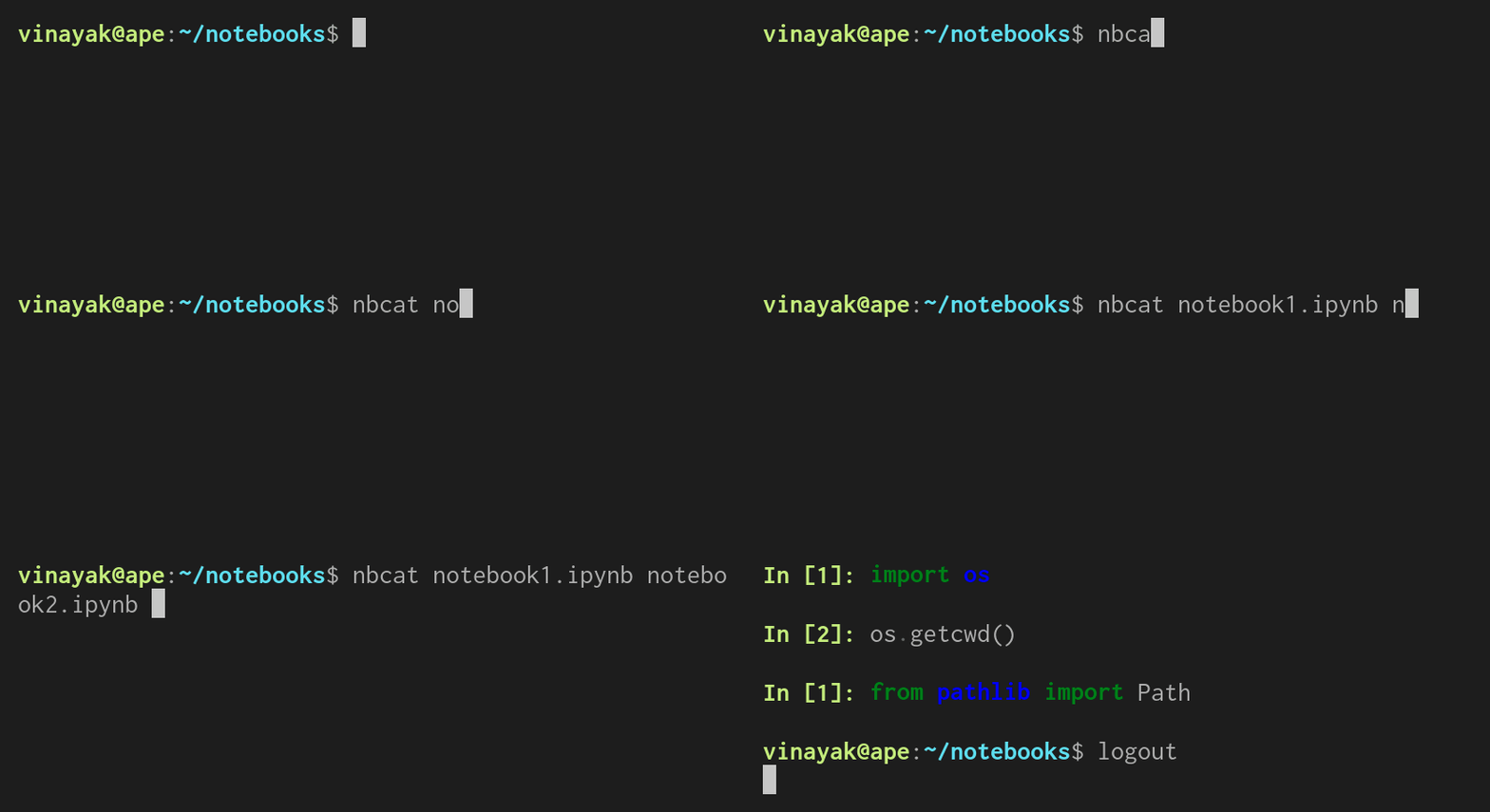
nbcat: Concatenate Jupyter notebooks to standard output.$ nbcat notebook1.ipynb notebook2.ipynb
Note: You can create a new notebook by concatenating multiple notebooks using the
-ooption.$ nbcat notebook1.ipynb notebook2.ipynb -o notebook3.ipynb
-
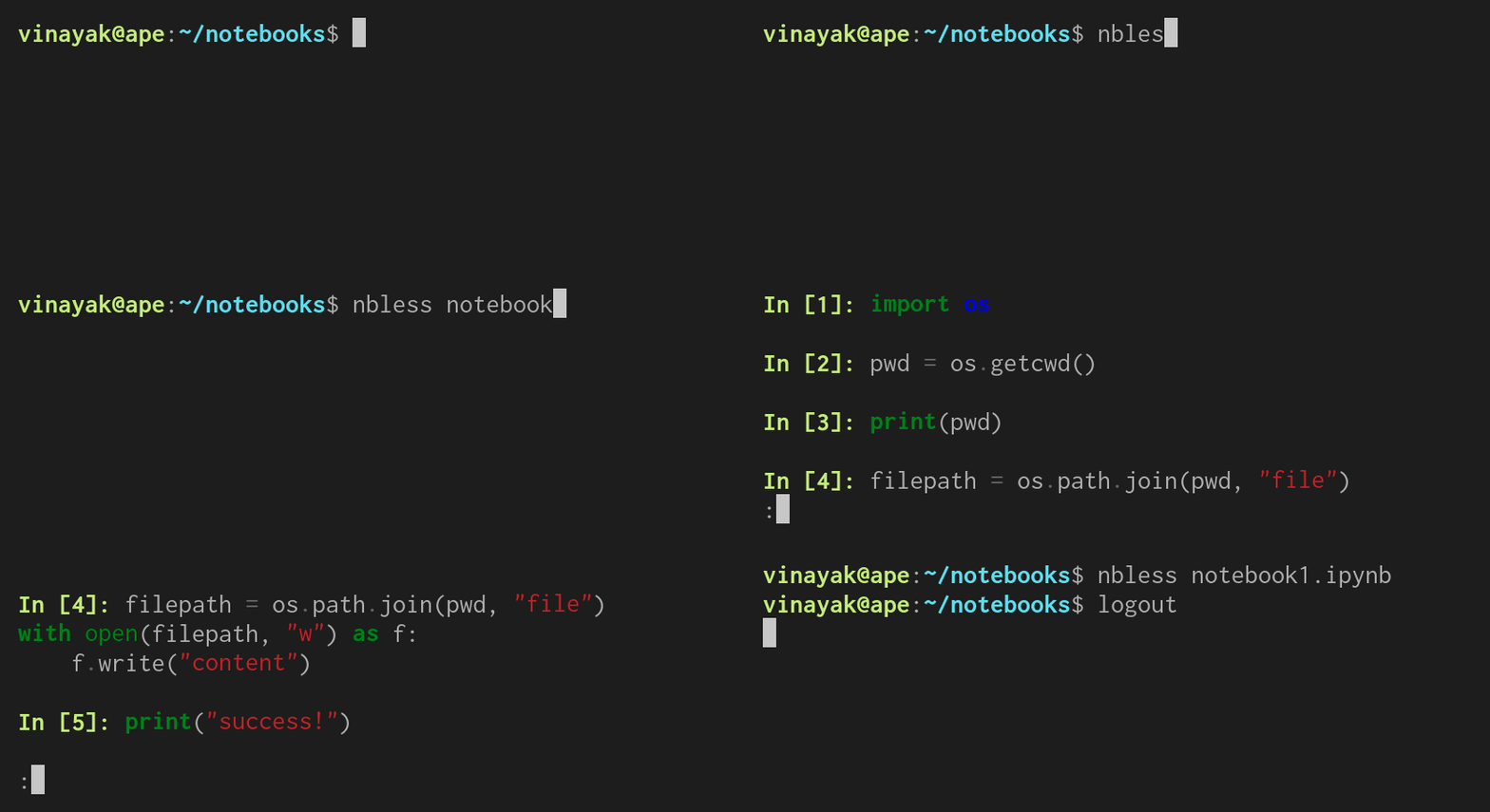
nbless: Print a Jupyter notebook using a pager program.$ nbless notebook1.ipynb
And some non-Unix goodness,
-
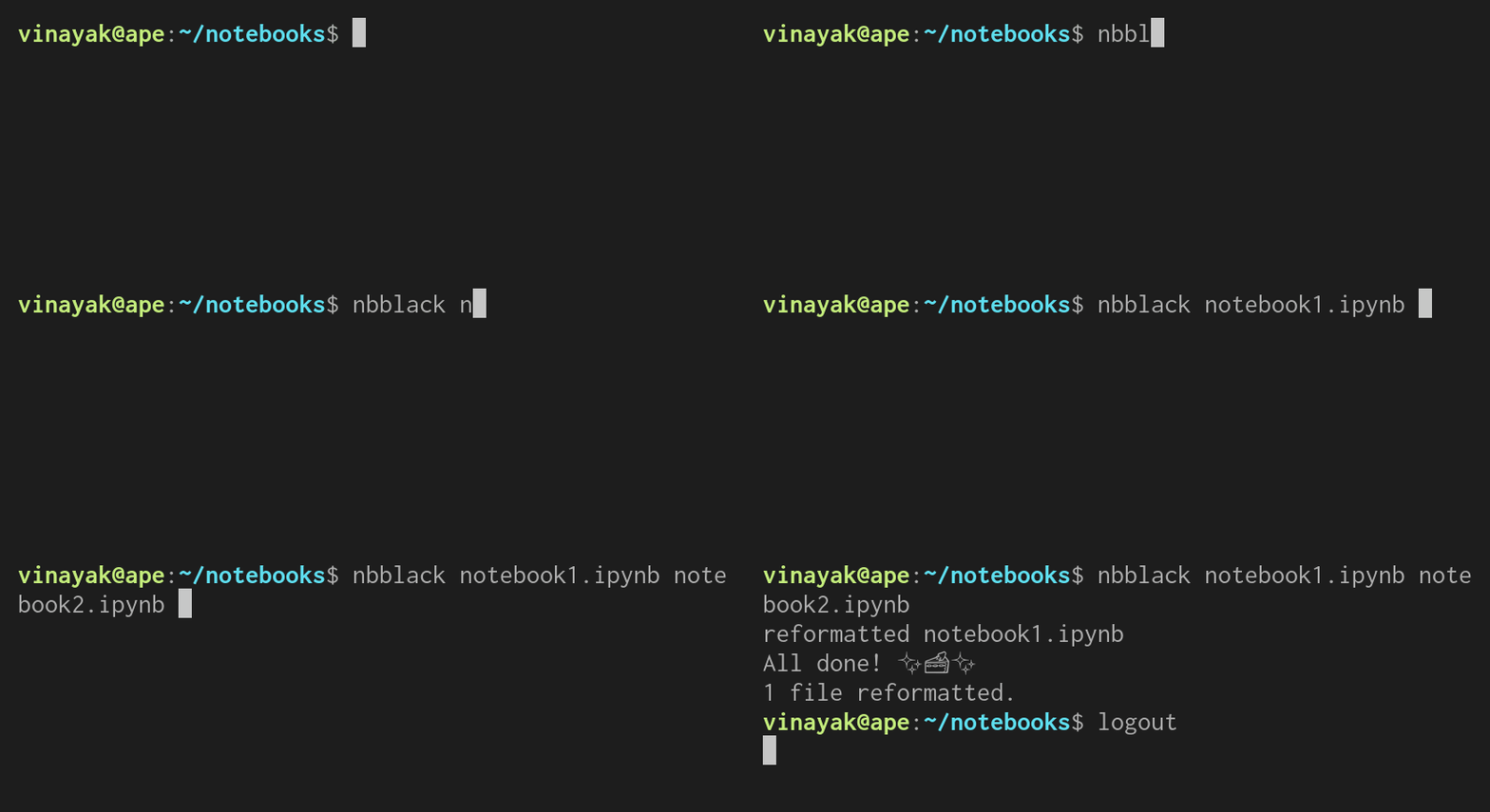
nbblack: Blacken Jupyter notebooks.$ nbblack notebook1.ipynb notebook2.ipynb
Planned enhancements:
nbstrip: Strip outputs from Jupyter notebooks.nbdiff: Find the diff between two Jupyter notebooks.nbecho: Add a code cell to a Jupyter notebook.nbedit: Interactively edit a Jupyter notebook.nbtime: Run and time a Jupyter notebook.nbwc: Print word count for a Jupyter notebook.
Versioning
nbcommands uses Semantic Versioning. For the available versions, see the tags on this repository.
License
This project is licensed under the Apache License, see the LICENSE file for details.
1 maintainer

Metadata
1 maintainer
Release files for nbcommands 0.5.1
For a detailed explanation of source distributions (sdists) and built distributions (wheels), please see the package formats documentation.
Source distribution (sdist)
| File | Size | Uploaded | |
|---|---|---|---|
| nbcommands-0.5.1.tar.gz | 7.2 kB | Details |
Built distribution (wheel)
| File | Interpreter | ABI | Platform | Reset |
|---|---|---|---|---|
| nbcommands-0.5.1-py3-none-any.whl | Python 3 | none | any | Details |
Total release size: 20.1 kB
Release files / nbcommands-0.5.1.tar.gz
| Download URL | nbcommands-0.5.1.tar.gz |
|---|---|
| Size | 7.2 kB |
| Tags | Source |
|
SHA-256 checksum How to use checksums |
edd4fae494d3bb55645bf80b0867d075cfffc431bffcb285e6201af9b84b0d19
|
|
BLAKE2b-256 checksum How to use checksums |
60dd5c7c2d59d1484062fb502be7e991abc7c457188e4c2f2649d6a16818040b
|
| Upload date | |
|
Uploaded using Trusted Publishing? What is trusted publishing? |
No |
| Uploaded via |
twine/3.4.1 importlib_metadata/4.5.0 pkginfo/1.7.0 requests/2.25.1 requests-toolbelt/0.9.1 tqdm/4.61.1 CPython/3.8.5
|
Release files / nbcommands-0.5.1-py3-none-any.whl
| Download URL | nbcommands-0.5.1-py3-none-any.whl |
|---|---|
| Size | 12.9 kB |
| Tags | Python 3 |
|
SHA-256 checksum How to use checksums |
fe16a40ecc03c1fcff97e95efd1ff3f9f74ef90a901e6594f3b57dbf8c0456e3
|
|
BLAKE2b-256 checksum How to use checksums |
3accc328ddf7008ef91242f4afc7c7fca9233bffe08bf3df6506268197325f99
|
| Upload date | |
|
Uploaded using Trusted Publishing? What is trusted publishing? |
No |
| Uploaded via |
twine/3.4.1 importlib_metadata/4.5.0 pkginfo/1.7.0 requests/2.25.1 requests-toolbelt/0.9.1 tqdm/4.61.1 CPython/3.8.5
|














