
💫 ncoder
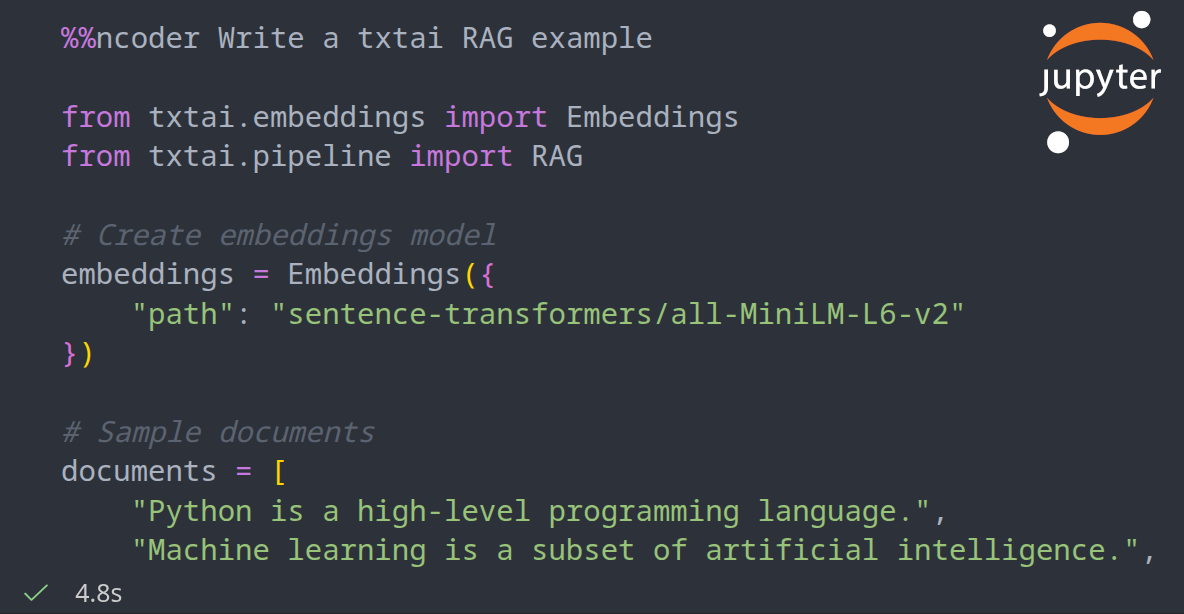



ncoder is an open-source AI coding agent that integrates with Jupyter Notebooks. This project uses the OpenAI API client to connect to any OpenAI-compatible endpoint and enable collaborative coding with AI.
ncoder provides a sandboxed base Docker image that supports coding with OpenCode in server mode, a quantized Qwen3-Coder 30B model for lightweight local inference and/or any other txtai process.
ncoder is designed for Developers, AI Engineers and Data Scientists that spend a lot of their time inside of Jupyter Notebooks. If you do your research and/or prototyping inside of notebooks, this gives you an easy way to pull in new ideas.
Getting Started
ncoder consists of two parts: a sandboxed Docker image with an AI coding agent and a local Jupyter Notebook.
The coding agent can be started using one of the following ways.
# DEFAULT: Run with opencode backend, sends data to `opencode serve` endpoint
docker run -p 8000:8000 --gpus all --rm -it neuml/ncoder

# ALTERNATIVE 1: Run with qwen3-coder, keeps all data local
docker run -p 8000:8000 -e CONFIG=qwen3-coder.yml -gpus all --rm -it neuml/ncoder

# ALTERNATIVE 2: Run with a custom txtai workflow
docker run -p 8000:8000 -v config:/config -e CONFIG=/config/config.yml \
--gpus all --rm -it neuml/ncoder
Running in a sandboxed environment decouples AI coding from your local working environment. Running in isolation provides assurance that it won’t modify your workspace directly.
Next, install the Jupyter Notebook extension on your local machine.
pip install ncoder
Jupyter Notebooks can be created in Visual Studio Code or your preferred notebook platform. Add the following two sections to test.
# Load ncoder extension
%load_ext ncoder
# Test it out
%ncoder Write a Python Hello World Example
An example notebook is also available.
The ncoder Jupyter Notebook extension works with any LLM API that has OpenAI API compatibility. It’s simply a matter of setting the correct environment variables.
%env OPENAI_BASE_URL=LLM API URL (e.g. https://api.openai.com/v1)
%env OPENAI_API_KEY=api-key
%env API_MODEL=gpt-5.2

%load_ext ncoder
These same parameters can be used if the sandboxed Docker coding agent is being run using a different configuration (the default url is http://localhost:8000/v1).
Demo
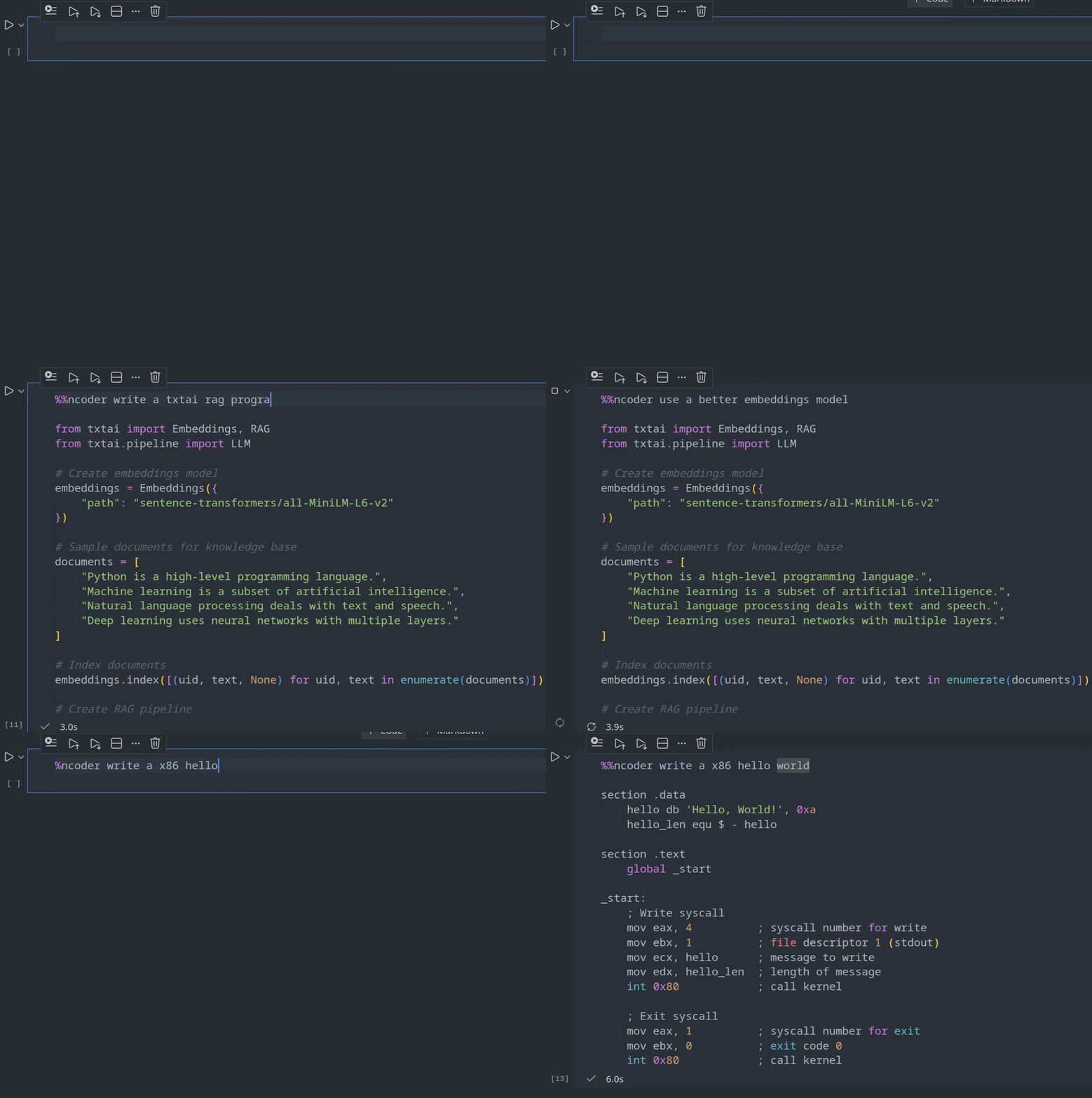
The short video clip below gives a brief overview on how to use ncoder.
Further Reading
1 maintainer

Metadata
1 maintainer
Release files for ncoder 0.3.0
For a detailed explanation of source distributions (sdists) and built distributions (wheels), please see the package formats documentation.
Source distribution (sdist)
| File | Size | Uploaded | |
|---|---|---|---|
| ncoder-0.3.0.tar.gz | 4.1 kB | Details |
Built distribution (wheel)
| File | Interpreter | ABI | Platform | Reset |
|---|---|---|---|---|
| ncoder-0.3.0-py3-none-any.whl | Python 3 | none | any | Details |
Total release size: 8.2 kB
Release files / ncoder-0.3.0.tar.gz
| Download URL | ncoder-0.3.0.tar.gz |
|---|---|
| Size | 4.1 kB |
| Tags | Source |
|
SHA-256 checksum How to use checksums |
b9bc0d05a76a00b43b151d1e427b1a3da4346339925a4ca3d67ed07c7cd8549b
|
|
BLAKE2b-256 checksum How to use checksums |
316b04b9cc3ef2effd2d19d8c1e62792f7be0f063dc199be929a1d32da075f09
|
| Upload date | |
|
Uploaded using Trusted Publishing? What is trusted publishing? |
No |
| Uploaded via |
twine/6.1.0 CPython/3.10.19
|
Release files / ncoder-0.3.0-py3-none-any.whl
| Download URL | ncoder-0.3.0-py3-none-any.whl |
|---|---|
| Size | 4.1 kB |
| Tags | Python 3 |
|
SHA-256 checksum How to use checksums |
05f32ba143c672267b69c8124803835628d1c0201d5db3431c62c22d39be6a3d
|
|
BLAKE2b-256 checksum How to use checksums |
de361173d54916cb9acd2cb417e13f4a69c728d6cee1c4a18c23630c598f4714
|
| Upload date | |
|
Uploaded using Trusted Publishing? What is trusted publishing? |
No |
| Uploaded via |
twine/6.1.0 CPython/3.10.19
|














