
pmset wrapper library/cli app for Python on macOS

Project description
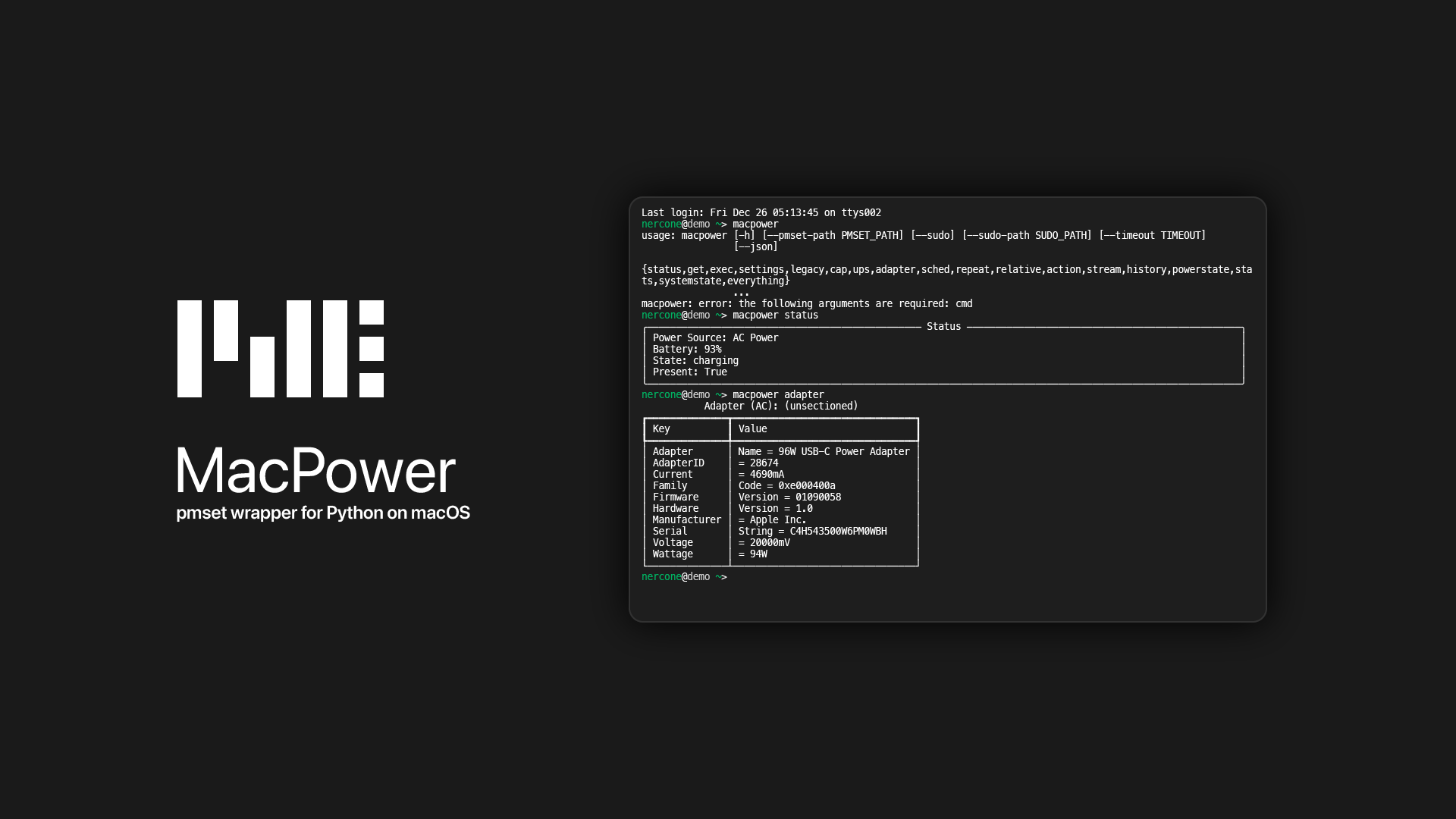
nercone-macpower
pmset wrapper library/cli app for Python on macOS
Requiments
Installation
uv (recommended)
uv tool install nercone-macpower
pip3
System Python:
pip3 install nercone-macpower --break-system-packages
Venv Python:
pip3 install nercone-macpower
Update
uv
uv tool install nercone-macpower --upgrade
pip3
System Python:
pip3 install nercone-macpower --upgrade --break-system-packages
Venv Python:
pip3 install nercone-macpower --upgrade
Examples
Library Usage
from datetime import time, datetime
from macpower import MacPower, PMSetting, PMScope, PMEventType, PMRepeatEvent, PMWeekday

pm = MacPower() # or: pm = MacPower(sudo=True)

source = pm.power_source
print(source) # e.g. PMPowerSource.ACPower

status = pm.battery_status()
print(status.source)          # Power Source Type
print(status.percent)         # Battery level (% as a int, e.g. 93)
print(status.state)           # charging / discharging / charged
print(status.time_remaining)  # timedelta or None
print(status.present)         # True / False / None

# Setting Management
pm.set_setting(PMSetting.DisplaySleep, 10) # Set the Display Sleep to 10 seconds for all Power Sources
pm.set_settings( # Change Multiple Settings in one call
    {
        PMSetting.DisplaySleep: 10, # Display Sleep to 10 seconds
        PMSetting.Sleep: 60, # System Sleep(Suspend) to 60 seconds
        PMSetting.PowerNap: 1 # Enable the PowerNap feature
    },
    scope=PMScope.All # Apply to all Power Sources
)
pm.set_setting("tcpkeepalive", 1, scope=PMScope.Battery) # You can also use string for Setting ID

# Create a One-time Schedule
when = datetime.now().replace(hour=9, minute=0, second=0) + timedelta(days=1)
pm.schedule(PMEventType.PowerOn, when)

# Create a Multiple-time Schedule (Repeat Event)
event = PMRepeatEvent(
    PMEventType.Shutdown,
    PMWeekday.M | PMWeekday.T | PMWeekday.W | PMWeekday.R | PMWeekday.F, # Monday ~ Friday
    time(23, 0) # 23:00
)
pm.repeat(event)

# Wake up after 10 seconds
pm.relative("wake", 10)

# Sleep now
pm.sleepnow()
CLI Usage
macpower -h
# usage: macpower [-h] [--pmset-path PMSET_PATH] [--sudo] [--sudo-path SUDO_PATH] [--timeout TIMEOUT] [--json] {status,get,settings,sched,repeat,relative,action,stream} ...
#
# positional arguments:
#   {status,get,settings,sched,repeat,relative,action,stream}
#     status              Show current battery/power source status
#     get                 Run pmset -g <option> and print output
#     settings            Show / get / set pmset settings
#     sched               Manage scheduled power events
#     repeat              Manage repeating events (pmset repeat)
#     relative            Schedule a relative wake/poweron in N seconds
#     action              Run simple pmset actions
#     stream              Stream pmset logs (blocks until interrupted)
#
# options:
#   -h, --help            show this help message and exit
#   --pmset-path PMSET_PATH
#                         Path to pmset (default: pmset)
#   --sudo                Run pmset via sudo
#   --sudo-path SUDO_PATH
#                         Path to sudo (default: sudo)
#   --timeout TIMEOUT     Command timeout seconds (default: 30)
#   --json                Output as JSON where applicable
macpower status
# ╭──────────────────────────────────────────────── Status ────────────────────────────────────────────────╮
# │ Power Source: AC Power                                                                                 │
# │ Battery: 93%                                                                                           │
# │ State: charging                                                                                        │
# │ Present: True                                                                                          │
# ╰────────────────────────────────────────────────────────────────────────────────────────────────────────╯
macpower settings show
# AC: AC Power
# ┏━━━━━━━━━━━━━━━━━━┳━━━━━━━━━━━━━━━━━━━━┓
# ┃ Key              ┃ Value              ┃
# ┡━━━━━━━━━━━━━━━━━━╇━━━━━━━━━━━━━━━━━━━━┩
# │ Sleep            │ On Power Button 1  │
# │ disksleep        │ 10                 │
# │ displaysleep     │ 10                 │
# │ hibernatefile    │ /var/vm/sleepimage │
# │ hibernatemode    │ 3                  │
# │ lowpowermode     │ 0                  │
# │ networkoversleep │ 0                  │
# │ powernap         │ 1                  │
# │ sleep            │ 0                  │
# │ standby          │ 1                  │
# │ tcpkeepalive     │ 1                  │
# │ ttyskeepawake    │ 1                  │
# │ womp             │ 1                  │
# └──────────────────┴────────────────────┘
# Battery: Battery Power
# ┏━━━━━━━━━━━━━━━━━━┳━━━━━━━━━━━━━━━━━━━━┓
# ┃ Key              ┃ Value              ┃
# ┡━━━━━━━━━━━━━━━━━━╇━━━━━━━━━━━━━━━━━━━━┩
# │ Sleep            │ On Power Button 1  │
# │ disksleep        │ 10                 │
# │ displaysleep     │ 3                  │
# │ hibernatefile    │ /var/vm/sleepimage │
# │ hibernatemode    │ 3                  │
# │ lessbright       │ 1                  │
# │ lowpowermode     │ 0                  │
# │ networkoversleep │ 0                  │
# │ powernap         │ 1                  │
# │ sleep            │ 1                  │
# │ standby          │ 1                  │
# │ tcpkeepalive     │ 1                  │
# │ ttyskeepawake    │ 1                  │
# │ womp             │ 1                  │
# └──────────────────┴────────────────────┘
macpower sched show
#                                            Scheduled (one-time)
# ┏━━━━━━━┳━━━━━━┳━━━━━━━━━━━━━━━━━━━━━┳━━━━━━━━━━━━━━━━━━━━━━━━━━━━━━━━━━━━━━━━━━━━━━━━━━━━━━━━━━━━━━━━━━━┓
# ┃ Index ┃ Type ┃ When                ┃ Owner                                                             ┃
# ┡━━━━━━━╇━━━━━━╇━━━━━━━━━━━━━━━━━━━━━╇━━━━━━━━━━━━━━━━━━━━━━━━━━━━━━━━━━━━━━━━━━━━━━━━━━━━━━━━━━━━━━━━━━━┩
# │     0 │ wake │ 2025-12-26 08:50:46 │ com.apple.alarm.user-invisible-com.apple.osanalytics.hardhigheng… │
# │     1 │ wake │ 2025-12-26 08:50:49 │ com.apple.alarm.user-invisible-com.apple.osanalytics.hardhigheng… │
# └───────┴──────┴─────────────────────┴───────────────────────────────────────────────────────────────────┘
# ╭──────────────────────────────────────── Scheduled (repeating) ─────────────────────────────────────────╮
# │ No repeating events.                                                                                   │
# ╰────────────────────────────────────────────────────────────────────────────────────────────────────────╯


Download files
Download the file for your platform. If you're not sure which to choose, learn more about installing packages.
Source Distribution
nercone_macpower-0.3.0.tar.gz
(16.9 kB
view details)
Built Distribution
Filter files by name, interpreter, ABI, and platform.
If you're not sure about the file name format, learn more about wheel file names.
Copy a direct link to the current filters
File details
Details for the file nercone_macpower-0.3.0.tar.gz.
File metadata
- Download URL: nercone_macpower-0.3.0.tar.gz
- Upload date:
- Size: 16.9 kB
- Tags: Source
- Uploaded using Trusted Publishing? No
- Uploaded via: uv/0.9.18 {"installer":{"name":"uv","version":"0.9.18","subcommand":["publish"]},"python":null,"implementation":{"name":null,"version":null},"distro":{"name":"macOS","version":null,"id":null,"libc":null},"system":{"name":null,"release":null},"cpu":null,"openssl_version":null,"setuptools_version":null,"rustc_version":null,"ci":null}
File hashes
| Algorithm | Hash digest | |
|---|---|---|
| SHA256 |
dff03b117ebea8a2a68b44d3c16fd38f248a71d6065967aa5e0fec48d7adb1b3
|
|
| MD5 |
b014c8d2640b430a5106a3b4796386d5
|
|
| BLAKE2b-256 |
0c9dc1ab3e3e59a1364200e466868a34ae18aa8d4d27147b1b98e16de6c5259b
|
File details
Details for the file nercone_macpower-0.3.0-py3-none-any.whl.
File metadata
- Download URL: nercone_macpower-0.3.0-py3-none-any.whl
- Upload date:
- Size: 18.9 kB
- Tags: Python 3
- Uploaded using Trusted Publishing? No
- Uploaded via: uv/0.9.18 {"installer":{"name":"uv","version":"0.9.18","subcommand":["publish"]},"python":null,"implementation":{"name":null,"version":null},"distro":{"name":"macOS","version":null,"id":null,"libc":null},"system":{"name":null,"release":null},"cpu":null,"openssl_version":null,"setuptools_version":null,"rustc_version":null,"ci":null}
File hashes
| Algorithm | Hash digest | |
|---|---|---|
| SHA256 |
79abc4230ef20daf9bc98f4c31002596bd702caf21bc0bb4ac42ba1af8c9104d
|
|
| MD5 |
ab90046ef17106b0a0d9876135909fab
|
|
| BLAKE2b-256 |
7f4f9edc5fcde2164924322fbb1e51f55612f3b972cfc84e1cb5c8bf7fa318f6
|






