
Modern shell for Developers

Project description
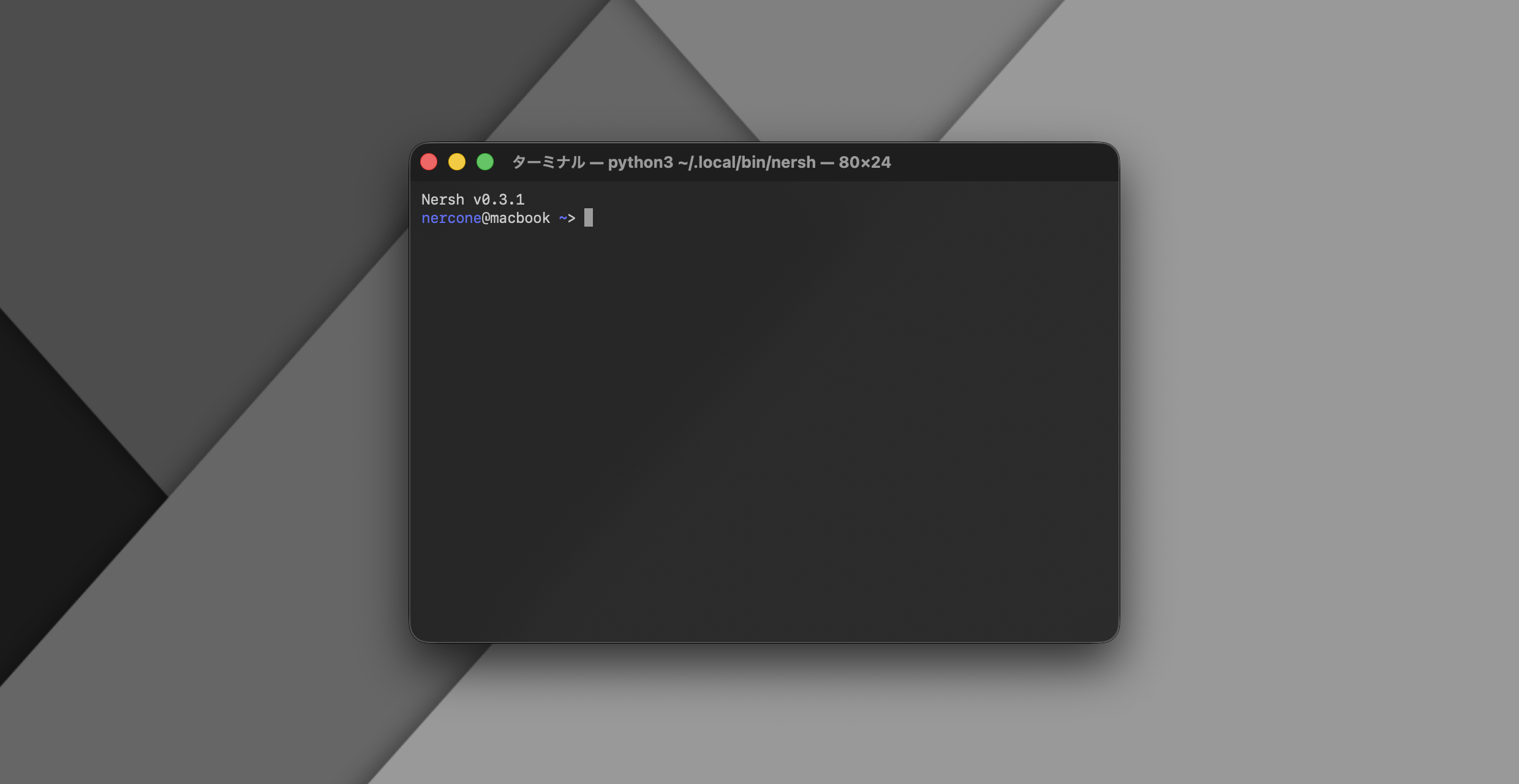
Nersh (Nercone Shell)
Modern shell for Developers
Requiments
Installation
using uv (recommended)
uv tool install nercone-shell
using pip3
System Python:
pip3 install nercone-shell --break-system-packages
Venv Python:
pip3 install nercone-shell
Update
using uv (recommended)
uv tool install nercone-shell --upgrade
using pip3
System Python:
pip3 install nercone-shell --upgrade --break-system-packages
Venv Python:
pip3 install nercone-shell --upgrade
Usage
nersh
Configuration
The configuration file is usually located at ~/.nercone/nercone-shell/config.json.
If the file does not exist when Nersh starts, it will be automatically created.
The following is the default configuration file:
{
    "customization": {
        "show_version": true,
        "accent_color": "blue",
        "override_env": {
            "SHELL": "None"
        },
        "autoruns": [
            "<path to home directory>/.nercone/nercone-shell/autostart.sh"
        ]
    },
    "compatibility": {
        "report_invisible_characters": false
    },
    "experimental": {
        "command_history": false
    }
}
Customization
These settings customize the behavior of Nersh.
show_version: Sets whether to display version information at startup.accent_color: Accent color used for prompts etc.override_env: Sets the environment variables you want to set at startup in dictionary format.autoruns: Sets the shell scripts you want to run at startup in array format.
Compatibility
This setting allows Nersh to function properly in special environments.
report_invisible_characters: A Boolean value that enables reporting of invisible characters to readline, which is necessary in some environments, such as Linux without a GUI (TUI only).
Experimental
The Experimental setting is used to enable experimental features. It enables new features that are incomplete, have many bugs, or have unfixable bugs. Some features are difficult to completely disable, so they are effectively disabled. (Bugs in external libraries/modules, etc.)
command_historyThe readline command history feature.- It was marked as an experimental feature because there were frequent issues with the layout collapsing when retracing the history.
- Since cannot to find a way to disable the history feature in the readline module, it is effectively disabled by clearing the history after each input.
Release history Release notifications | RSS feed


Download files
Download the file for your platform. If you're not sure which to choose, learn more about installing packages.
Source Distribution
Built Distribution
Filter files by name, interpreter, ABI, and platform.
If you're not sure about the file name format, learn more about wheel file names.
Copy a direct link to the current filters
File details
Details for the file nercone_shell-0.3.7.tar.gz.
File metadata
- Download URL: nercone_shell-0.3.7.tar.gz
- Upload date:
- Size: 5.0 kB
- Tags: Source
- Uploaded using Trusted Publishing? No
- Uploaded via: uv/0.7.20
File hashes
| Algorithm | Hash digest | |
|---|---|---|
| SHA256 |
ed1a49c1e4fee4db4b798db09ae04b5619b124b2e75a8a4babfd33801ba2cdbe
|
|
| MD5 |
d09b7afd1e9b9960b670409f113e414f
|
|
| BLAKE2b-256 |
51774679c31107ba8f0086daf2261edb32cbf6aa66fcb6fb272ce8c54fe82b0c
|
File details
Details for the file nercone_shell-0.3.7-py3-none-any.whl.
File metadata
- Download URL: nercone_shell-0.3.7-py3-none-any.whl
- Upload date:
- Size: 6.2 kB
- Tags: Python 3
- Uploaded using Trusted Publishing? No
- Uploaded via: uv/0.7.20
File hashes
| Algorithm | Hash digest | |
|---|---|---|
| SHA256 |
377cf303239b0146123c83e27a35aec1fe4e3ad537d0a1b6d89aec8b04000f6d
|
|
| MD5 |
ebe5116034ee6f94f91ab8939e607293
|
|
| BLAKE2b-256 |
b66d14902ca2f2f09fc0f40c383585937d515610025c0fcb23c9f770a4a2b39b
|






