
This release is a pre-release and may not be stable for production use.




This project is in active beta development. This means the API is unstable, features may be added or removed, and breaking changes are likely to occur frequently and without notice as the design is refined.
Newton
Newton is a GPU-accelerated physics simulation engine built upon NVIDIA Warp, specifically targeting roboticists and simulation researchers.
Newton extends and generalizes Warp's (deprecated) warp.sim module, and integrates
MuJoCo Warp as its primary backend. Newton emphasizes GPU-based computation, OpenUSD support, differentiability, and user-defined extensibility, facilitating rapid iteration and scalable robotics simulation.
Newton is a Linux Foundation project that is community-built and maintained. It is permissively licensed under the Apache-2.0 license.
Newton was initiated by Disney Research, Google DeepMind, and NVIDIA.
Quickstart
During the alpha development phase, we recommend using the uv Python package and project manager. You may find uv installation instructions in the Newton Installation Guide.
Once uv is installed, running Newton examples is straightforward:
# Clone the repository
git clone git@github.com:newton-physics/newton.git
cd newton

# set up the uv environment for running Newton examples
uv sync --extra examples

# run an example
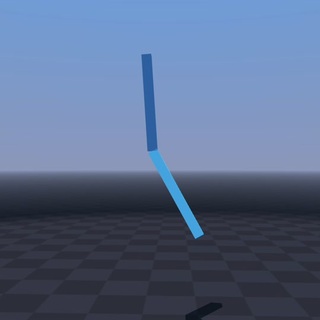
uv run -m newton.examples basic_pendulum
See the installation guide for detailed instructions that include steps for setting up a Python environment for use with Newton.
Examples
Before running the examples below, set up the uv environment with:
uv sync --extra examples
Basic Examples |
||
|
|
|
uv run -m newton.examples basic_pendulum
|
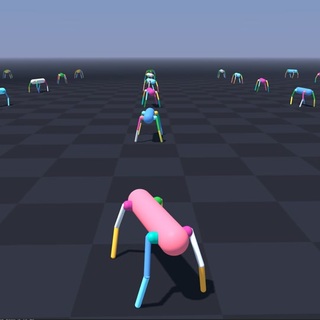
uv run -m newton.examples basic_urdf
|
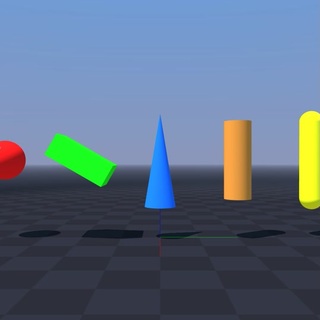
uv run -m newton.examples basic_viewer
|
|
|
|
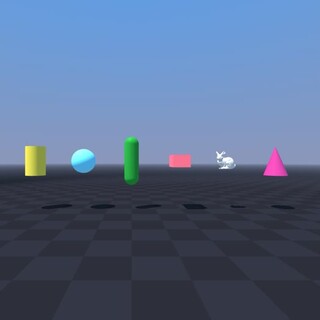
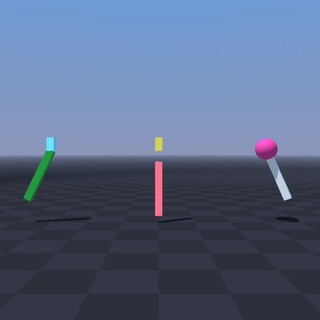
uv run -m newton.examples basic_shapes
|
uv run -m newton.examples basic_joints
|
|
Robot Examples |
||
|

|
|
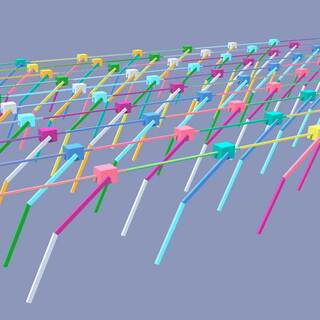
uv run -m newton.examples robot_cartpole
|
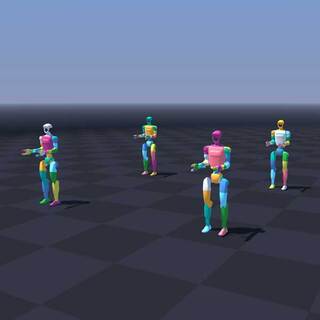
uv run -m newton.examples robot_humanoid
|
uv run -m newton.examples robot_g1
|
|
|
|
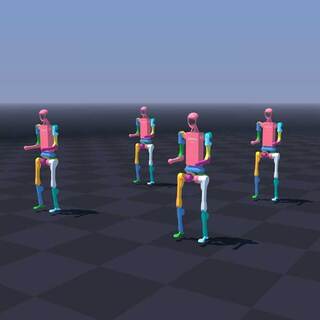
uv run -m newton.examples robot_h1
|
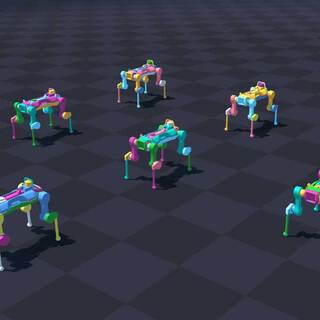
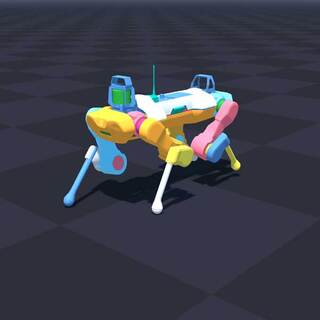
uv run -m newton.examples robot_anymal_d
|
uv run --extra torch-cu12 -m newton.examples robot_anymal_c_walk
|
|
|
|
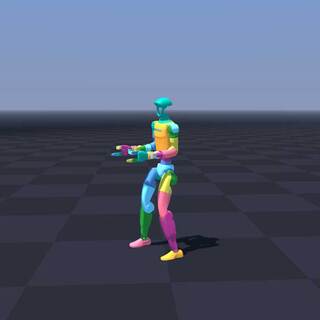
uv run --extra torch-cu12 -m newton.examples robot_policy
|
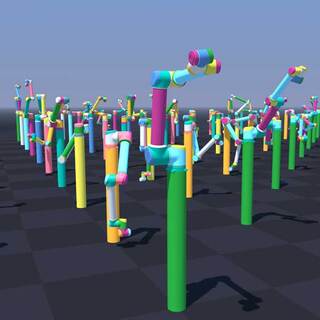
uv run -m newton.examples robot_ur10
|
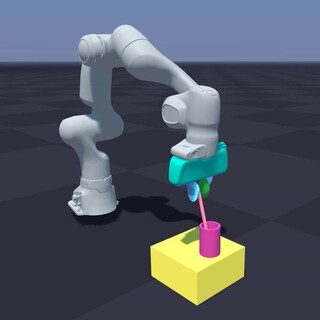
uv run -m newton.examples robot_panda_hydro
|
Cable Examples |
||

|
|
|
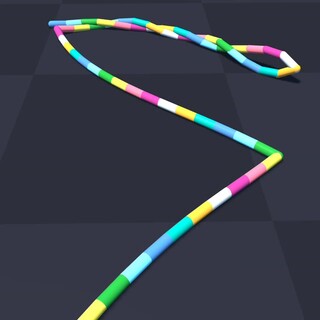
uv run -m newton.examples cable_bend
|
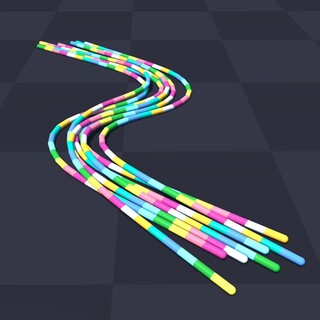
uv run -m newton.examples cable_twist
|
uv run -m newton.examples cable_bundle_hysteresis
|
|
|
|
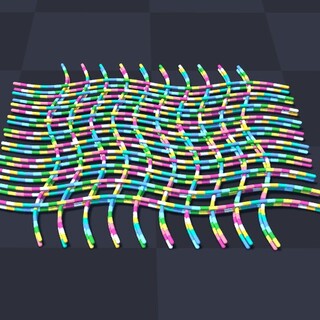
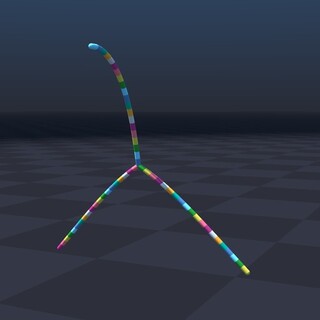
uv run -m newton.examples cable_pile
|
uv run -m newton.examples cable_y_junction
|
|
Cloth Examples |
||
|
|
|
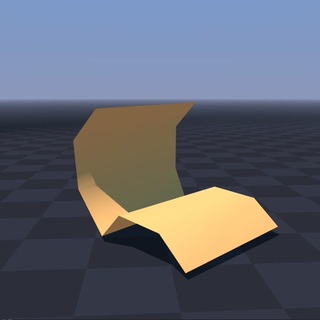
uv run -m newton.examples cloth_bending
|
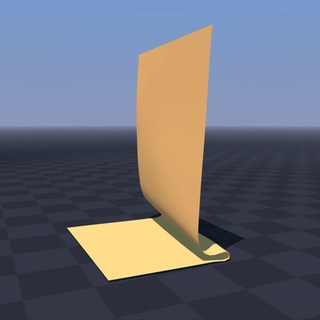
uv run -m newton.examples cloth_hanging
|
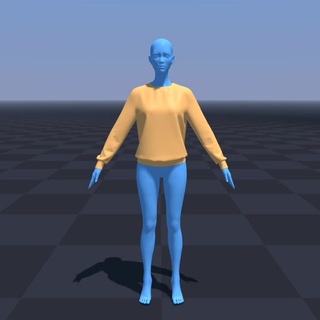
uv run -m newton.examples cloth_style3d
|
|
|

|
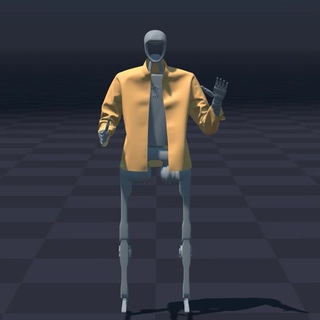
uv run -m newton.examples cloth_h1
|
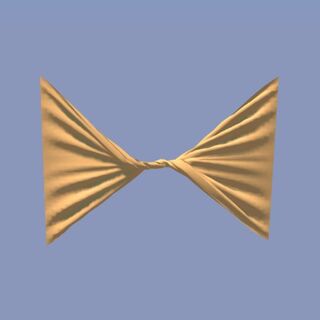
uv run -m newton.examples cloth_twist
|
uv run -m newton.examples rolling_cloth
|
Inverse Kinematics Examples |
||
|
|

|
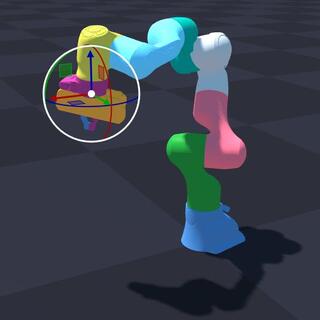
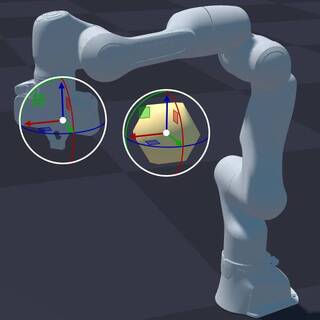
uv run -m newton.examples ik_franka
|
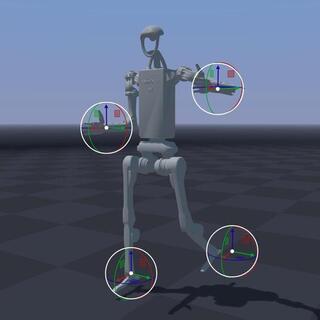
uv run -m newton.examples ik_h1
|
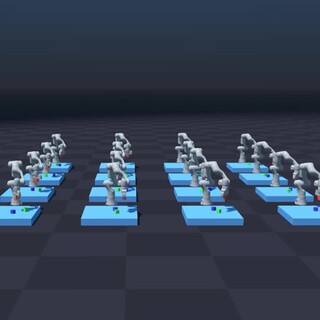
uv run -m newton.examples ik_benchmark
|
|
|
|
uv run -m newton.examples ik_custom
|
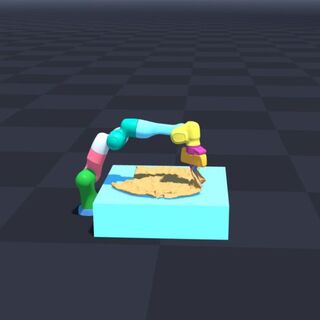
uv run -m newton.examples cloth_franka
|
uv run -m newton.examples ik_cube_stacking
|
MPM Examples |
||
|
|
|
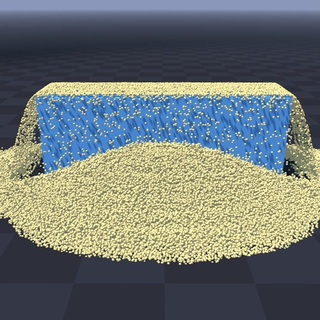
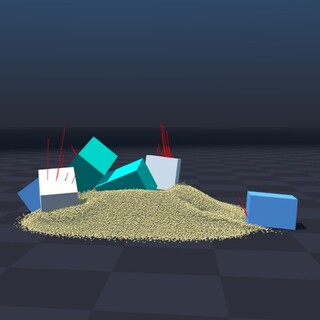
uv run -m newton.examples mpm_granular
|
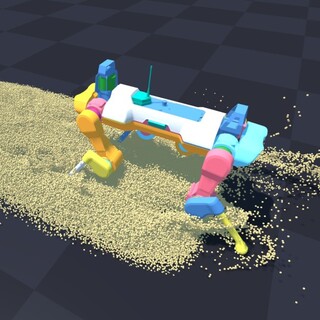
uv run --extra torch-cu12 -m newton.examples mpm_anymal
|
uv run -m newton.examples mpm_twoway_coupling
|
Sensor Examples |
||
|
|
|
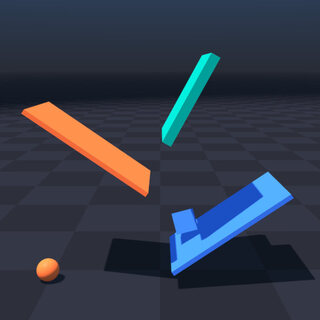
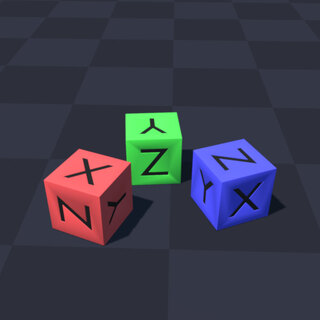
uv run -m newton.examples sensor_contact
|
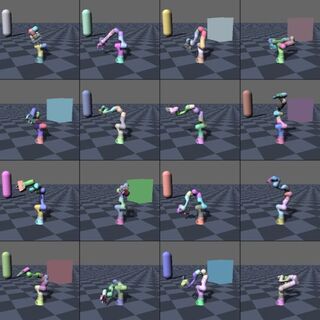
uv run -m newton.examples sensor_tiled_camera
|
uv run -m newton.examples sensor_imu
|
Selection Examples |
||
|
|
|
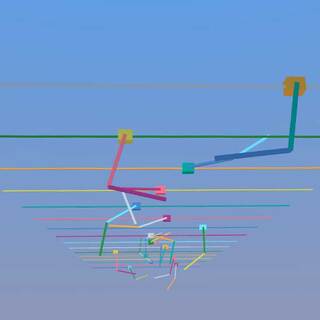
uv run -m newton.examples selection_cartpole
|
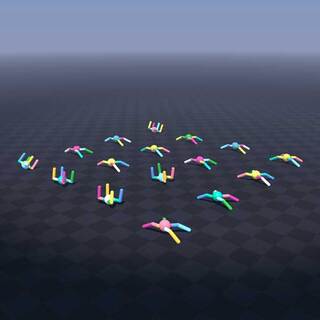
uv run -m newton.examples selection_materials
|
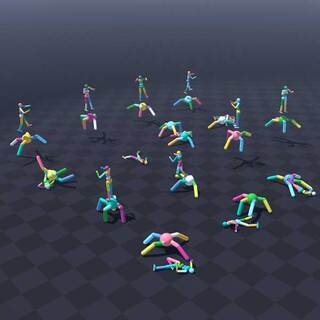
uv run -m newton.examples selection_articulations
|
DiffSim Examples |
||
|
|
|
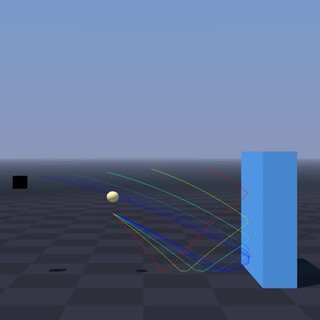
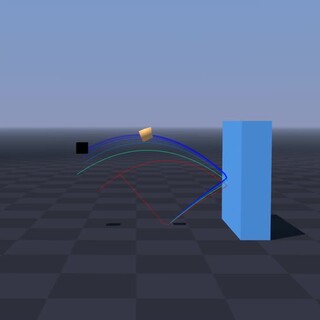
uv run -m newton.examples diffsim_ball
|
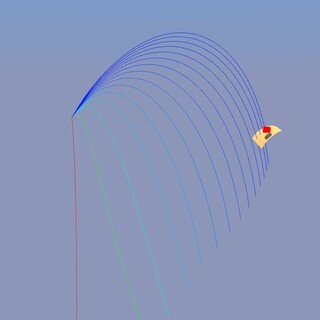
uv run -m newton.examples diffsim_cloth
|
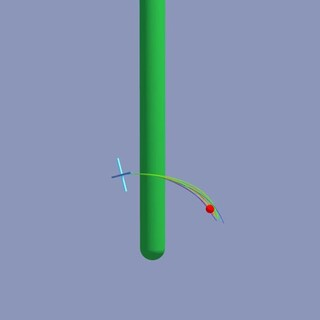
uv run -m newton.examples diffsim_drone
|
|
|
|
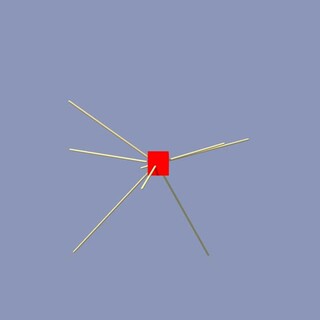
uv run -m newton.examples diffsim_spring_cage
|
uv run -m newton.examples diffsim_soft_body
|
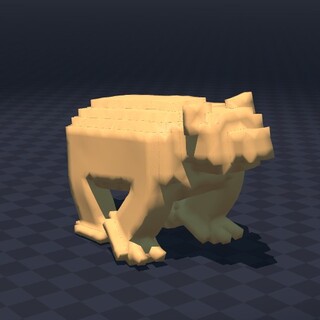
uv run -m newton.examples diffsim_bear
|
Multi-Physics Examples |
||

|

|

|
uv run -m newton.examples falling_gift
|
uv run -m newton.examples softbody_dropping_to_cloth
|
uv run -m newton.examples poker_cards_stacking
|
Softbody Examples |
||
|
||
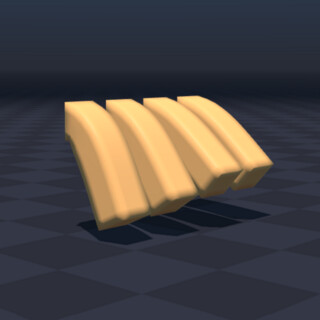
uv run -m newton.examples softbody_hanging
|
||
Example Options
The examples support the following command-line arguments:
| Argument | Description | Default |
|---|---|---|
--viewer |
Viewer type: gl (OpenGL window), usd (USD file output), rerun (ReRun), or null (no viewer). |
gl |
--device |
Compute device to use, e.g., cpu, cuda:0, etc. |
None (default Warp device) |
--num-frames |
Number of frames to simulate (for USD output). | 100 |
--output-path |
Output path for USD files (required if --viewer usd is used). |
None |
Some examples may add additional arguments (see their respective source files for details).
Example Usage
# List available examples
uv run -m newton.examples

# Run with the USD viewer and save to my_output.usd
uv run -m newton.examples basic_viewer --viewer usd --output-path my_output.usd

# Run on a selected device
uv run -m newton.examples basic_urdf --device cuda:0

# Combine options
uv run -m newton.examples basic_viewer --viewer gl --num-frames 500 --device cpu
Contributing and Development
See the contribution guidelines and the development guide for instructions on how to contribute to Newton.
Support and Community Discussion
For questions, please consult the Newton documentation first before creating a discussion in the main repository.
Code of Conduct
By participating in this community, you agree to abide by the Linux Foundation Code of Conduct.
Project Governance, Legal, and Members
Please see the newton-governance repository for more information about project governance.
Metadata
Release files for newton 1.0.0rc1
For a detailed explanation of source distributions (sdists) and built distributions (wheels), please see the package formats documentation.
Built distribution (wheel)
| File | Interpreter | ABI | Platform | Actions Reset |
|---|---|---|---|---|
| newton-1.0.0rc1-py3-none-any.whl | Python 3 | none | any | Details for newton-1.0.0rc1-py3-none-any.whl |
Release files / newton-1.0.0rc1-py3-none-any.whl
| Download URL | newton-1.0.0rc1-py3-none-any.whl |
|---|---|
| Size | 4.2 MB |
| Tags | Python 3 |
|
SHA-256 checksum How to use checksums |
120ece2d13a9eb039f64c0dfd88c99531b5ddeb4d9134e2ccf4b501664e52bac
|
|
BLAKE2b-256 checksum How to use checksums |
bf9ffa1e28777ae84659be232679c466f2f6fafc10385176ab89121b3d7bfd3b
|
| Upload date | |
|
Uploaded using Trusted Publishing? What is trusted publishing? |
Yes |
| Uploaded via |
twine/6.1.0 CPython/3.13.7
|
Provenance
Provenance describes where a file came from. On PyPI, provenance is shared via attestations, which provide a verifiable record of the build or publishing details. View details, limitations and caveats.


PyPI Publish Attestation
PyPI verified that this artifact, at this checksum, originated from the publisher listed below.
Signed by GitHub Actions, verified by PyPI on Feb 26, 2026.
Transparency logSecurity for newton 1.0.0rc1
Provenance
Provenance describes where a file came from. On PyPI, provenance is shared via attestations, which provide a verifiable record of the build or publishing details. View details, limitations and caveats.
Full provenance
1 file in this release has been uploaded with provenance metadata.
Attestation for newton-1.0.0rc1-py3-none-any.whl
PyPI Publish Attestation
PyPI verified that this artifact, at this checksum, originated from the publisher listed below.
Signed by GitHub Actions, verified by PyPI on Feb 26, 2026.
Transparency logA note on package security
PyPI is a repository for distributing packages, not a service for auditing them. While third-party security researchers and our staff do their best to detect and remove malicious packages, PyPI cannot guarantee the quality, security or suitability of any given package.
To learn more about protecting yourself from malicious actors, visit our package security documentation.














