





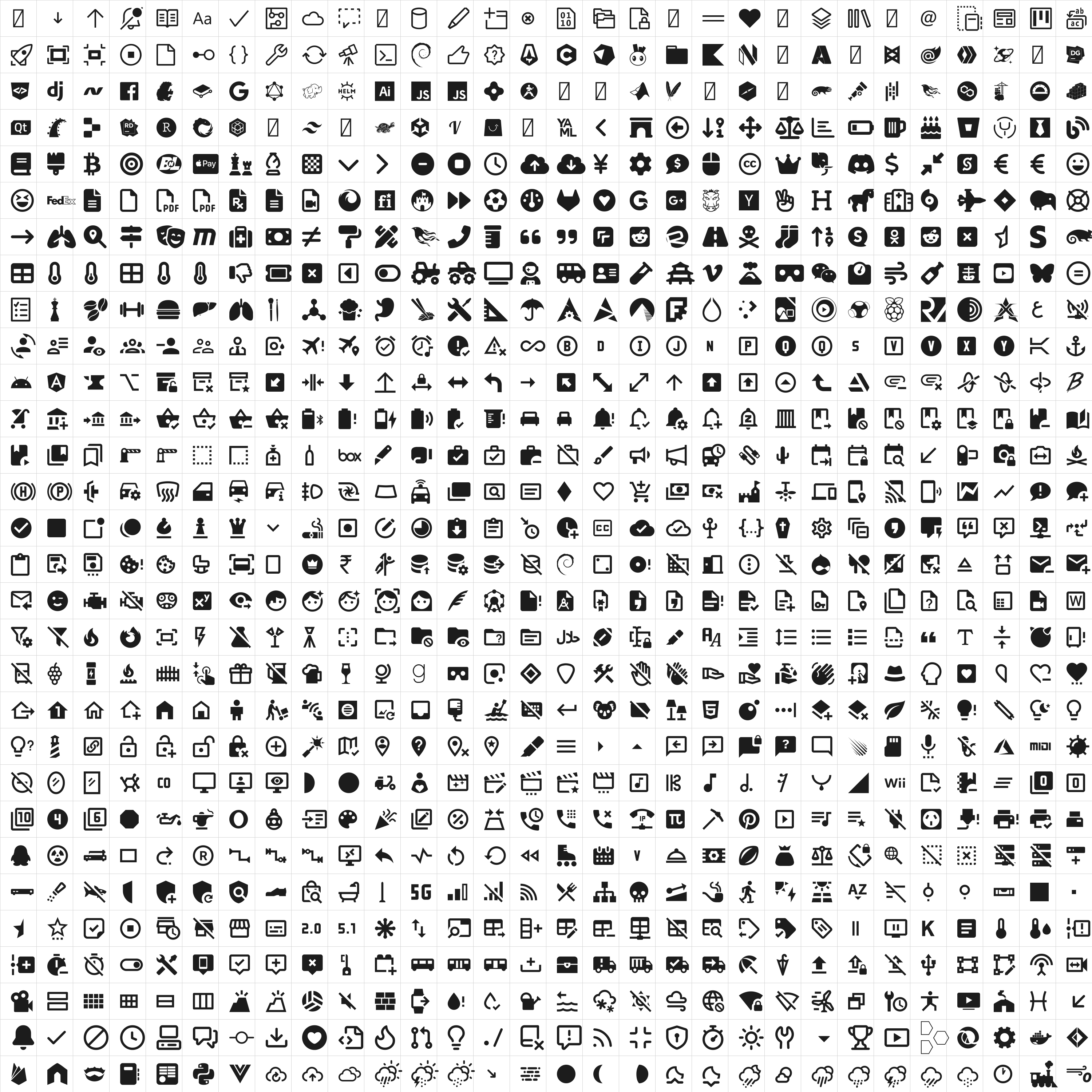
Typed, autocompletable access to every Nerd Fonts glyph — generated from a pinned glyphnames.json snapshot.
Attribute access · exact lookups · fuzzy search · interactive terminal browser.
Installation
pip install nf-icons
Configure a Nerd Font in your terminal to render the glyphs.
Python API
from nerdicons import icons

# Attribute access — fully typed and autocompletable
print(icons.fa.github)
print(icons.md.home.unicode())  # U+F015

# Exact lookup: by canonical name, raw glyph, or codepoint
icon = icons.get("fa-github")
icon = icons["fa-github"]  # subscript is equivalent
icon = icons.from_codepoint("f09b")

# Fuzzy search
results = icons.search("rust", limit=5)

# Membership test
assert "fa-github" in icons

# Iterate all icons
for icon in icons:
    print(icon.namespace, icon.name)

# List available namespaces
print(icons.namespaces())  # ('cod', 'custom', 'dev', ...)
Icon fields
| Field | Type | Example |
|---|---|---|
name |
str |
"github" |
glyph |
str |
"" |
codepoint |
str |
"f09b" |
icon_set |
str |
"Font Awesome" |
namespace |
str |
"fa" |
str(icon) returns the glyph. icon.unicode() returns "U+F09B".
IconRegistry (the icons object)
| Method / operator | Description |
|---|---|
icons.get(query) |
Exact lookup by name, glyph, or codepoint. Raises IconNotFoundError. |
icons[query] |
Subscript — delegates to get. |
icons.from_codepoint(cp) |
Lookup by hex codepoint (with or without U+). |
icons.search(query, limit=10) |
Fuzzy-ranked list of matching icons. |
icons.namespaces() |
Sorted tuple of available namespace keys. |
query in icons |
Membership test (name, glyph, or codepoint). |
for icon in icons |
Iterate all icons. |
len(icons) |
Total icon count. |
CLI
$ nerdicons search rust
$ nerdicons search rust --limit 5
$ nerdicons search rust --json
$ nerdicons search rust --format "{glyph}  {codepoint}"
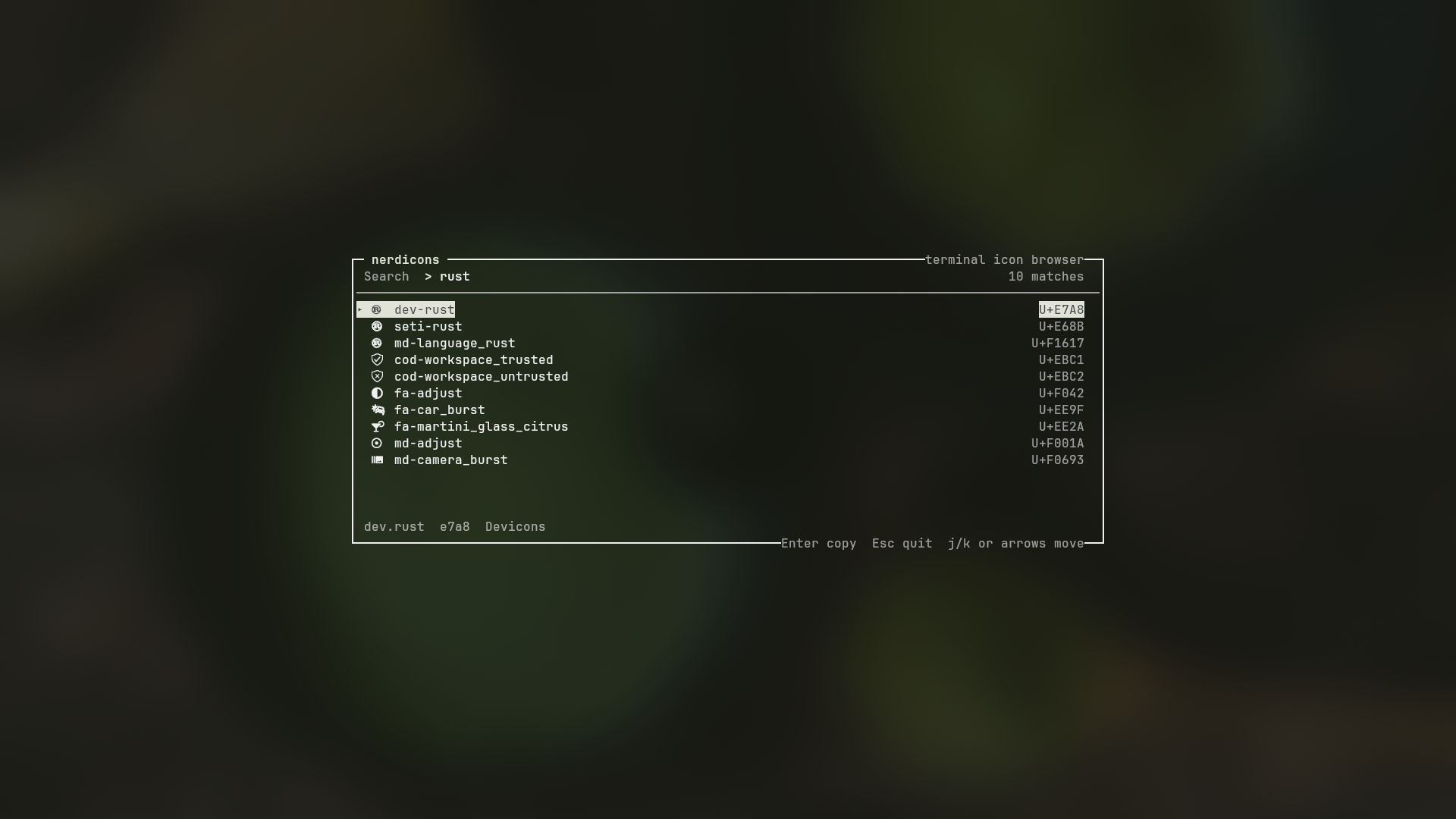
$ nerdicons search rust --interactive

$ nerdicons get fa-github
$ nerdicons get fa-github --json

$ nerdicons browse
$ nerdicons browse rust

$ nerdicons copy fa-github

$ nerdicons stats
$ nerdicons doctor
$ nerdicons --version
Interactive browser
browse and search --interactive open a centered terminal UI with no extra dependencies:
| Key | Action |
|---|---|
| Type | Filter results |
↑ / ↓ or k / j |
Move selection |
Enter |
Copy selected glyph to clipboard |
Esc or q |
Quit |
| Mouse wheel | Scroll |
| Double-click | Copy |
Clipboard support uses wl-copy, pbcopy, or xclip — whichever is on PATH.
Respects the NO_COLOR environment variable.
Namespaces
| Key | Icon set | Count |
|---|---|---|
md |
Material Design Icons | 6,896 |
fa |
Font Awesome | 1,818 |
dev |
Devicons | 613 |
cod |
Codicons | 540 |
oct |
Octicons | 310 |
weather |
Weather Icons | 228 |
fae |
Font Awesome Extension | 170 |
seti |
Seti UI | 167 |
linux |
Font Linux | 134 |
custom |
Custom | 45 |
ple |
Powerline Extra | 34 |
extra |
Extra Symbols | 12 |
pom |
Pomodoro | 11 |
pl |
Powerline | 9 |
iec |
IEC Power Symbols | 5 |
indent |
Indentation | 2 |
indentation |
Indentation | 1 |
Pinned to Nerd Fonts 3.5.0 — 10,995 icons total.
Updating upstream
python generator/generate.py            # regenerate from checked-in snapshot
python generator/generate.py --refresh   # fetch pinned tag first
python generator/generate.py --check     # verify files are current (CI mode)
Change PINNED_VERSION in generator/generate.py to target a new Nerd Fonts release.
Review the manifest diff carefully — codepoints can change between releases.
Examples
Runnable examples in examples/:
python examples/basic.py
python examples/lookup.py
Contributing
See CONTRIBUTING.md. Quick start:
python -m venv .venv && source .venv/bin/activate
pip install -e '.[dev]'
ruff format . && ruff check . && mypy src generator tests && pyright && pytest
1 maintainer

Metadata
1 maintainer
Release files for nf-icons 0.1.1
For a detailed explanation of source distributions (sdists) and built distributions (wheels), please see the package formats documentation.
Source distribution (sdist)
| File | Size | Uploaded | |
|---|---|---|---|
| nf_icons-0.1.1.tar.gz | 374.9 kB | Details |
Built distribution (wheel)
| File | Interpreter | ABI | Platform | Reset |
|---|---|---|---|---|
| nf_icons-0.1.1-py3-none-any.whl | Python 3 | none | any | Details |
Total release size: 606.2 kB
Release files / nf_icons-0.1.1.tar.gz
| Download URL | nf_icons-0.1.1.tar.gz |
|---|---|
| Size | 374.9 kB |
| Tags | Source |
|
SHA-256 checksum How to use checksums |
c2246859aa509ab6d711c69e1491f65a4071f76aa7675fe730d3b515dce88551
|
|
BLAKE2b-256 checksum How to use checksums |
e52346a82dbbae9f9e4b8c8bd5b7952faf501f84958cf25d86c54eedc4b5ffae
|
| Upload date | |
|
Uploaded using Trusted Publishing? What is trusted publishing? |
Yes |
| Uploaded via |
twine/7.0.0 CPython/3.13.14
|
Provenance
Provenance describes where a file came from. On PyPI, provenance is shared via attestations, which provide a verifiable record of the build or publishing details. View details, limitations and caveats.


PyPI Publish Attestation
PyPI verified that this artifact, at this checksum, originated from the publisher listed below.
Signed by GitHub Actions, verified by PyPI on Aug 5, 2026.
Transparency logRelease files / nf_icons-0.1.1-py3-none-any.whl
| Download URL | nf_icons-0.1.1-py3-none-any.whl |
|---|---|
| Size | 231.3 kB |
| Tags | Python 3 |
|
SHA-256 checksum How to use checksums |
d7ada065652c31acf48b55ebacef075dfa32365706703cb3a6329540f7d12735
|
|
BLAKE2b-256 checksum How to use checksums |
9427de6e3b45320e2908cc367206d908ad25b93c6e44b35e514ecc09b13b1198
|
| Upload date | |
|
Uploaded using Trusted Publishing? What is trusted publishing? |
Yes |
| Uploaded via |
twine/7.0.0 CPython/3.13.14
|
Provenance
Provenance describes where a file came from. On PyPI, provenance is shared via attestations, which provide a verifiable record of the build or publishing details. View details, limitations and caveats.
PyPI Publish Attestation
PyPI verified that this artifact, at this checksum, originated from the publisher listed below.
Signed by GitHub Actions, verified by PyPI on Aug 5, 2026.
Transparency log












