






📖 介绍
小真寻具象化了。
内置 ZXPM插件管理(帮助看这个readme)
💿 安装
pip install nonebot-plugin-zxui
nb plugin install nonebot-plugin-zxui
⚙️ 配置
在.env中添加localstore配置方便数据文件修改配置:
LOCALSTORE_PLUGIN_DATA_DIR='{
  "nonebot_plugin_zxui": "data/zxui"
}
'
ZXUI
| 配置 | 类型 | 默认值 | 说明 |
|---|---|---|---|
| zxui_db_url | str | 数据库地址 URL,默认为 sqlite,存储路径在zxpm_data_path |
|
| zxui_username | str | 必填项,登录用户名 | |
| zxui_password | str | 必填项,登录密码 | |
| zxui_enable_chat_history | bool | 开启消息存储 | 存储消息记录 |
| zxui_enable_call_history | bool | 开启调用记录存储 | 存储功能调用记录 |
ZXPM
| 配置 | 类型 | 默认值 | 说明 |
|---|---|---|---|
| zxpm_notice_info_cd | int | 300 | 群/用户权限检测等各种检测提示信息 cd,为 0 时或永久 ban 时不提醒 |
| zxpm_ban_reply | str | 才不会给你发消息. | 用户被 ban 时回复消息,为空时不回复 |
| zxpm_ban_level | int | 5 | 使用 ban 功能的对应权限 |
| zxpm_switch_level | int | 1 | 使用开关功能的对应权限 |
| zxpm_admin_default_auth | int | 5 | 群组管理员默认权限 |
| zxpm_limit_superuser | bool | False | 是否限制超级用户 |
🎉 帮助
访问地址
默认地址为 nb地址:nb端口 ,可以在nonebot配置文件.env一致。
例如 你的env中配置文件为
HOST=127.0.0.1
PORT=8080
那么访问地址为http://127.0.0.1:8080
菜单
菜单文件存储在data/zxui/menu.json,可以根据自身需求修改
格式如下:
[
    {
        "module": "dashboard",
        "name": "仪表盘",
        "router": "\/dashboard",
        "icon": "dashboard",
        "default": true
    },
]
更新UI
删除data/zxui/web_ui文件夹,重新运行插件即可。
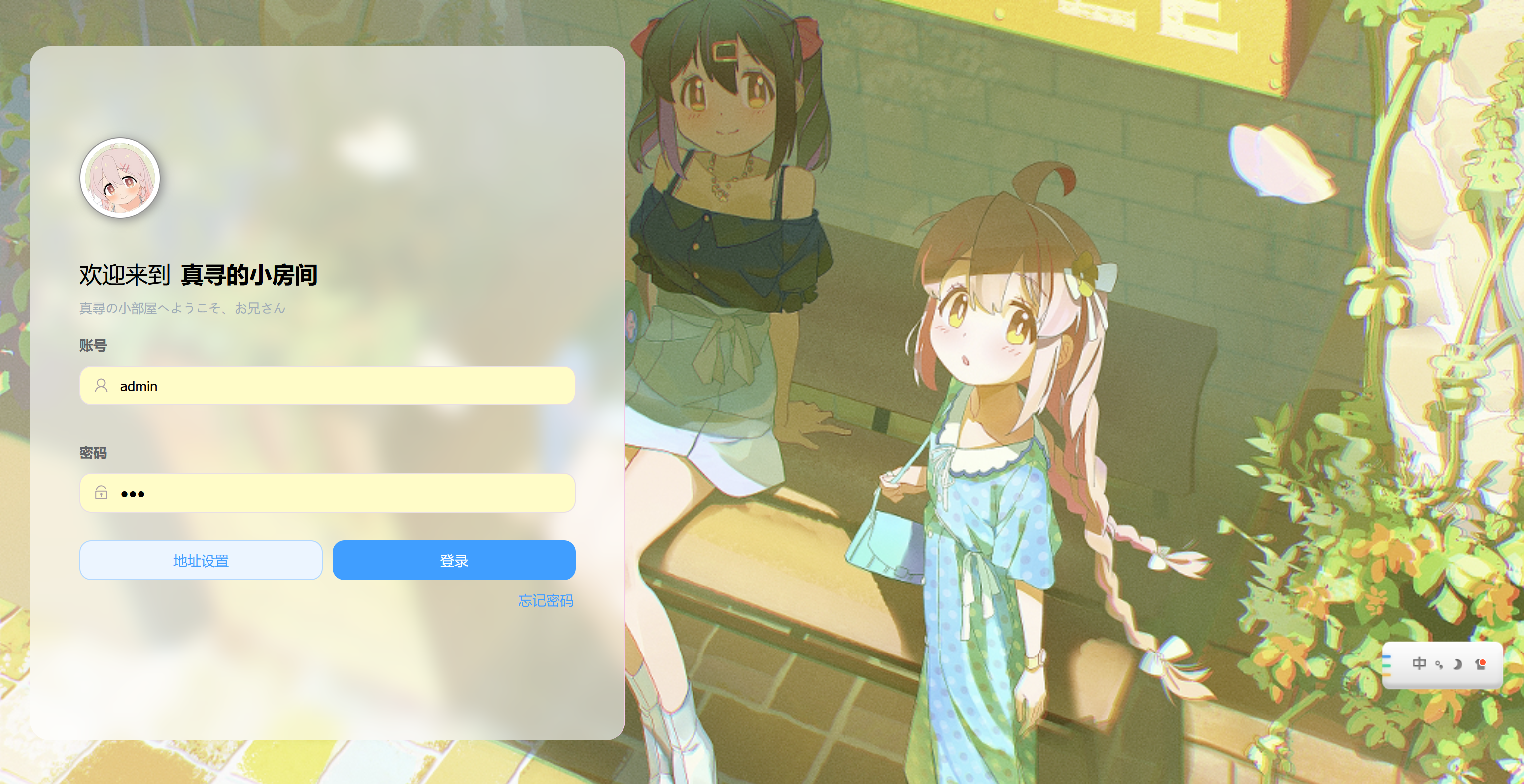
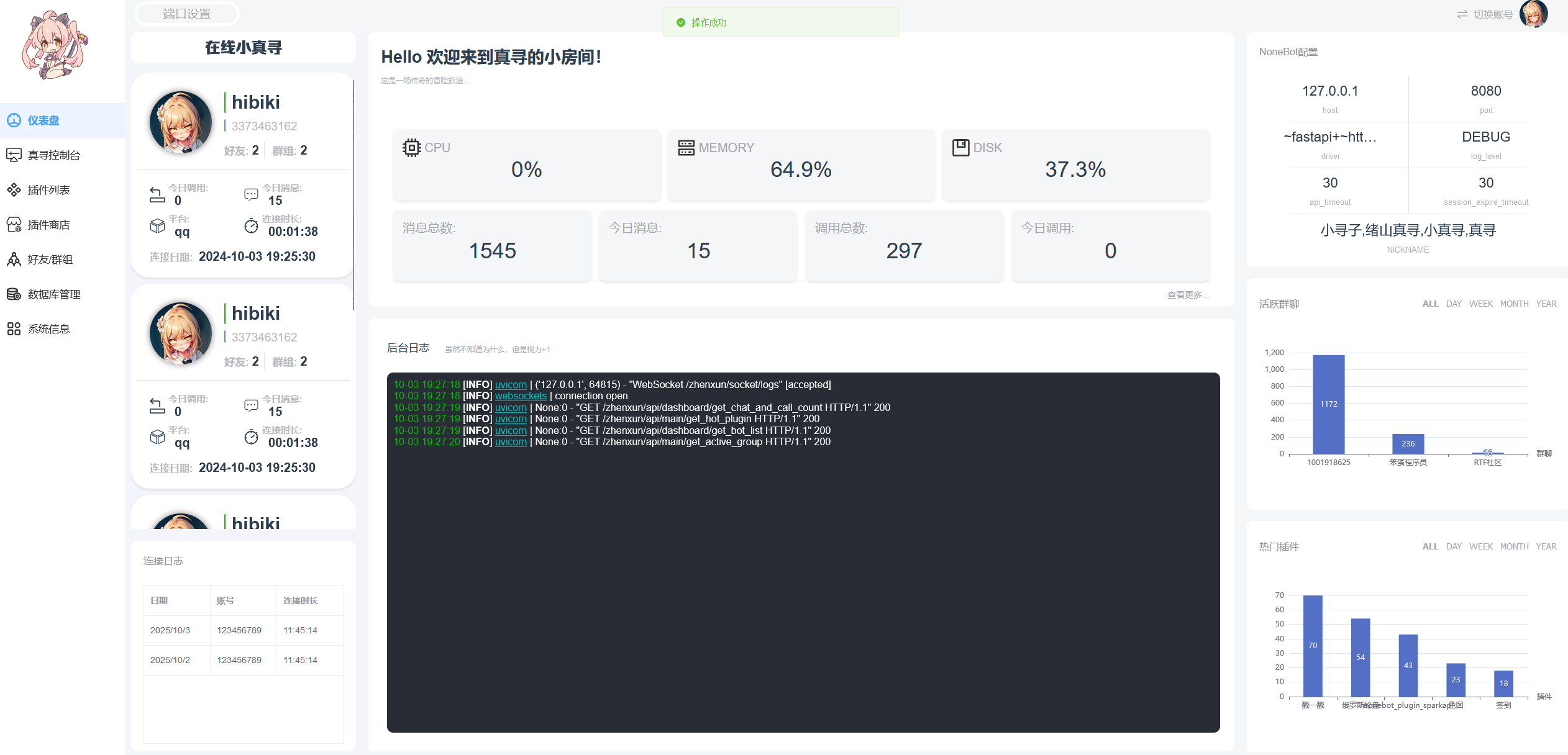
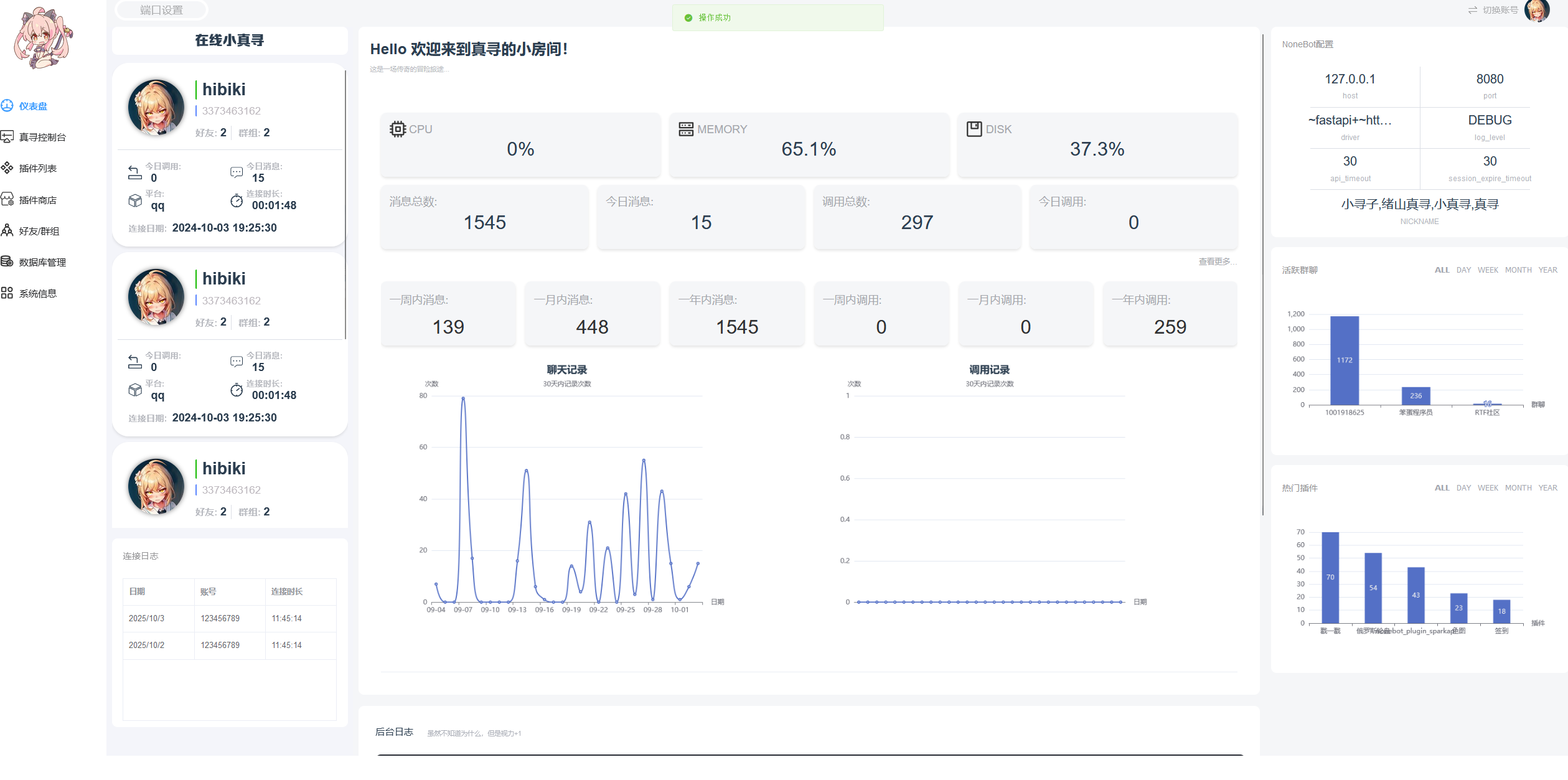
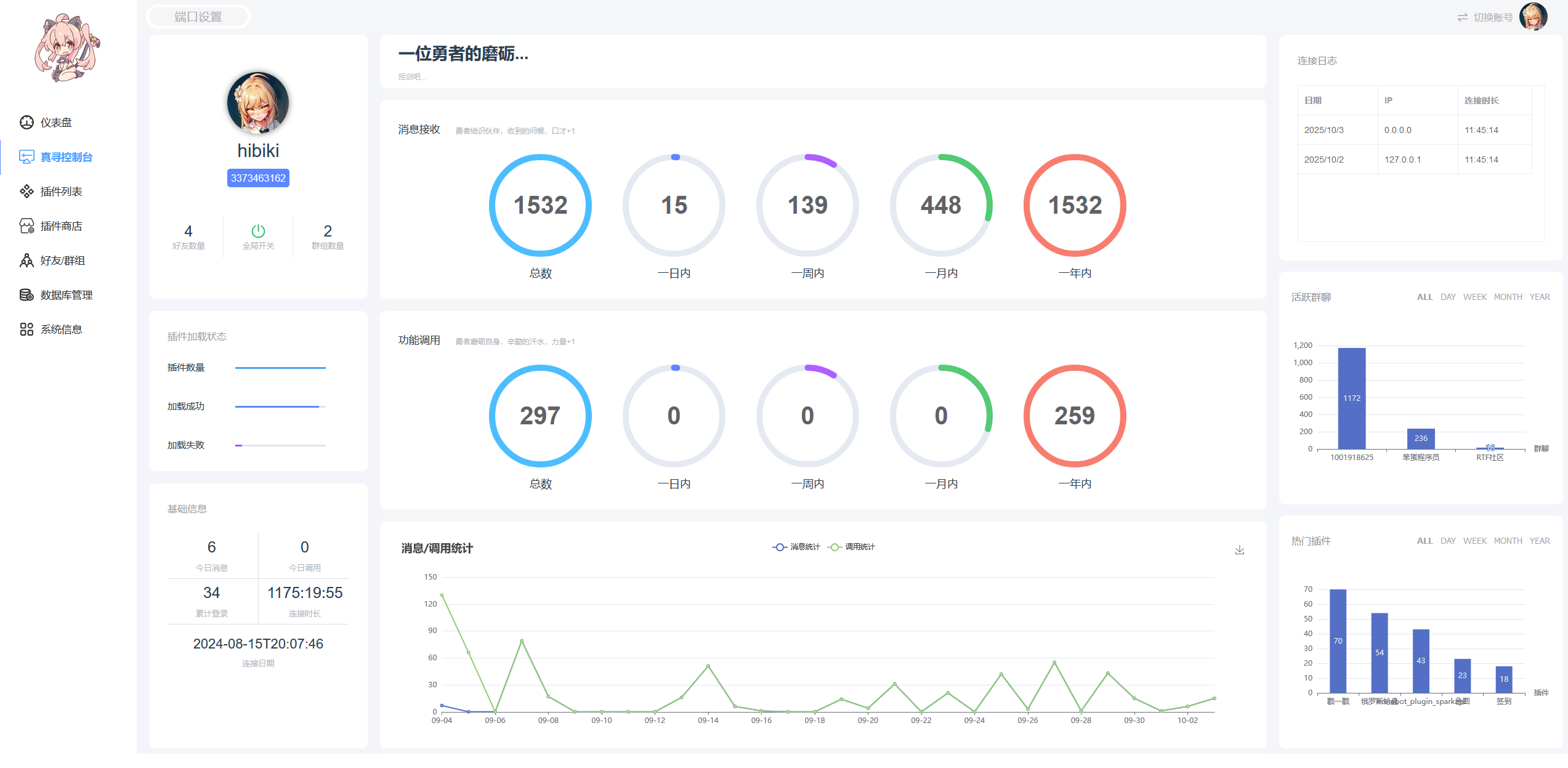
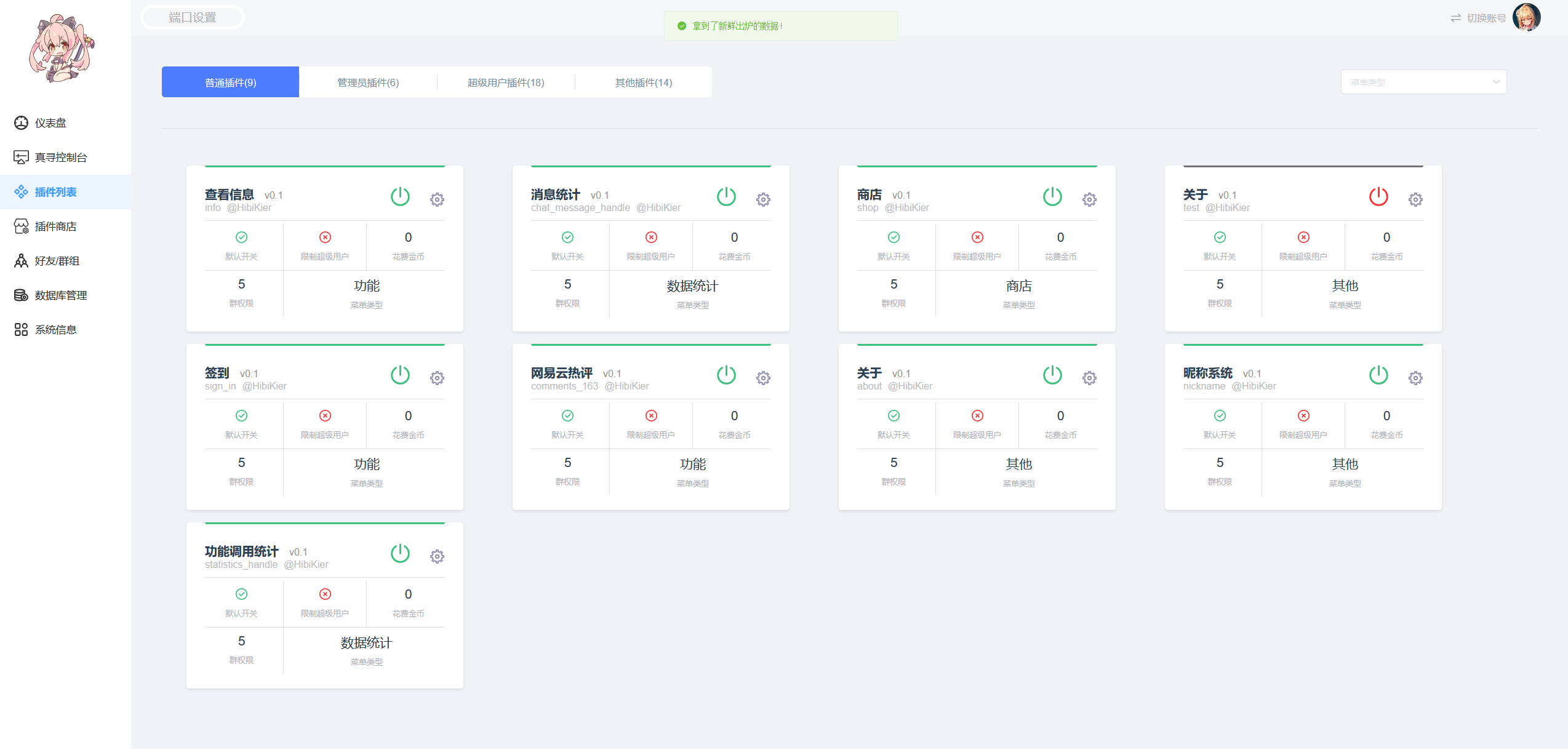
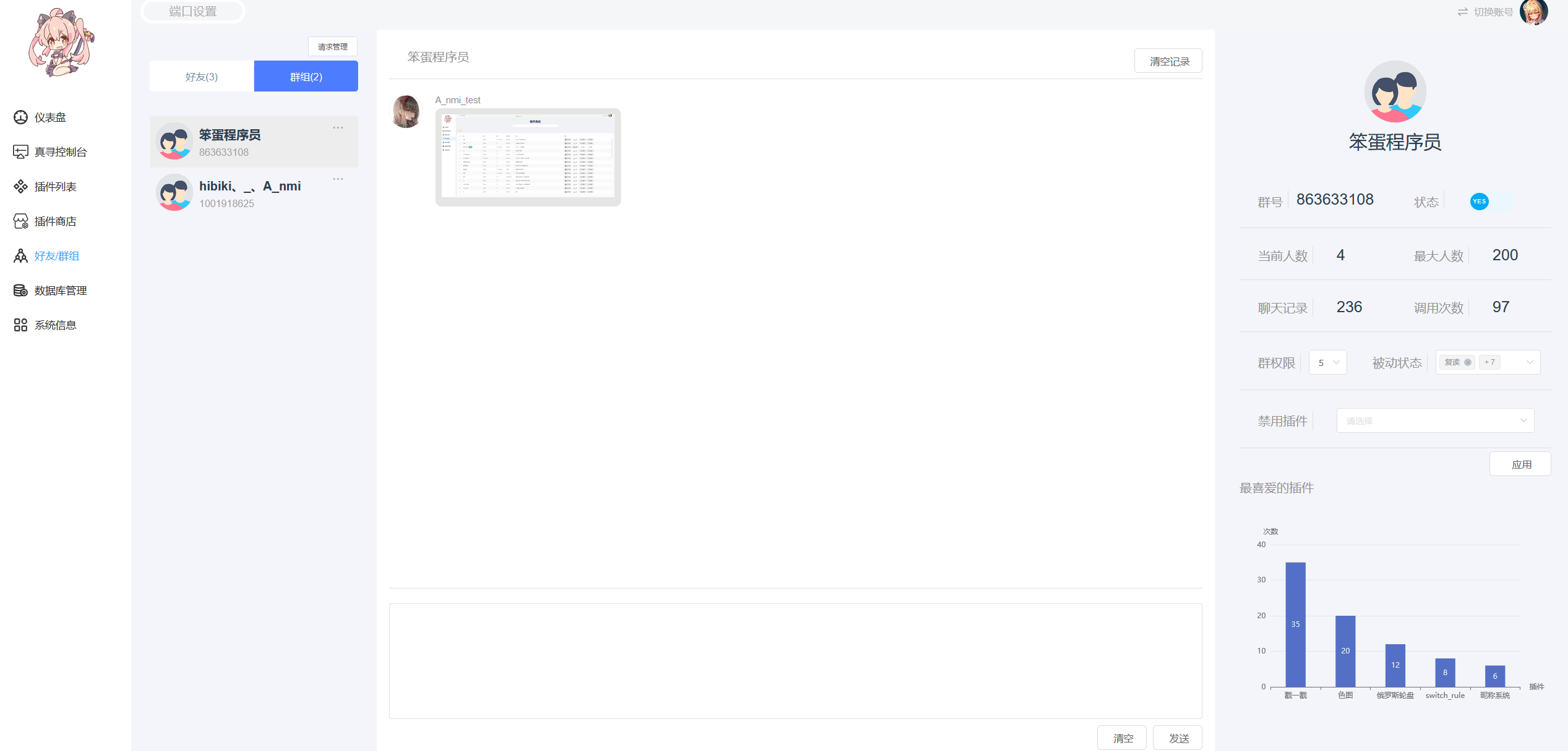
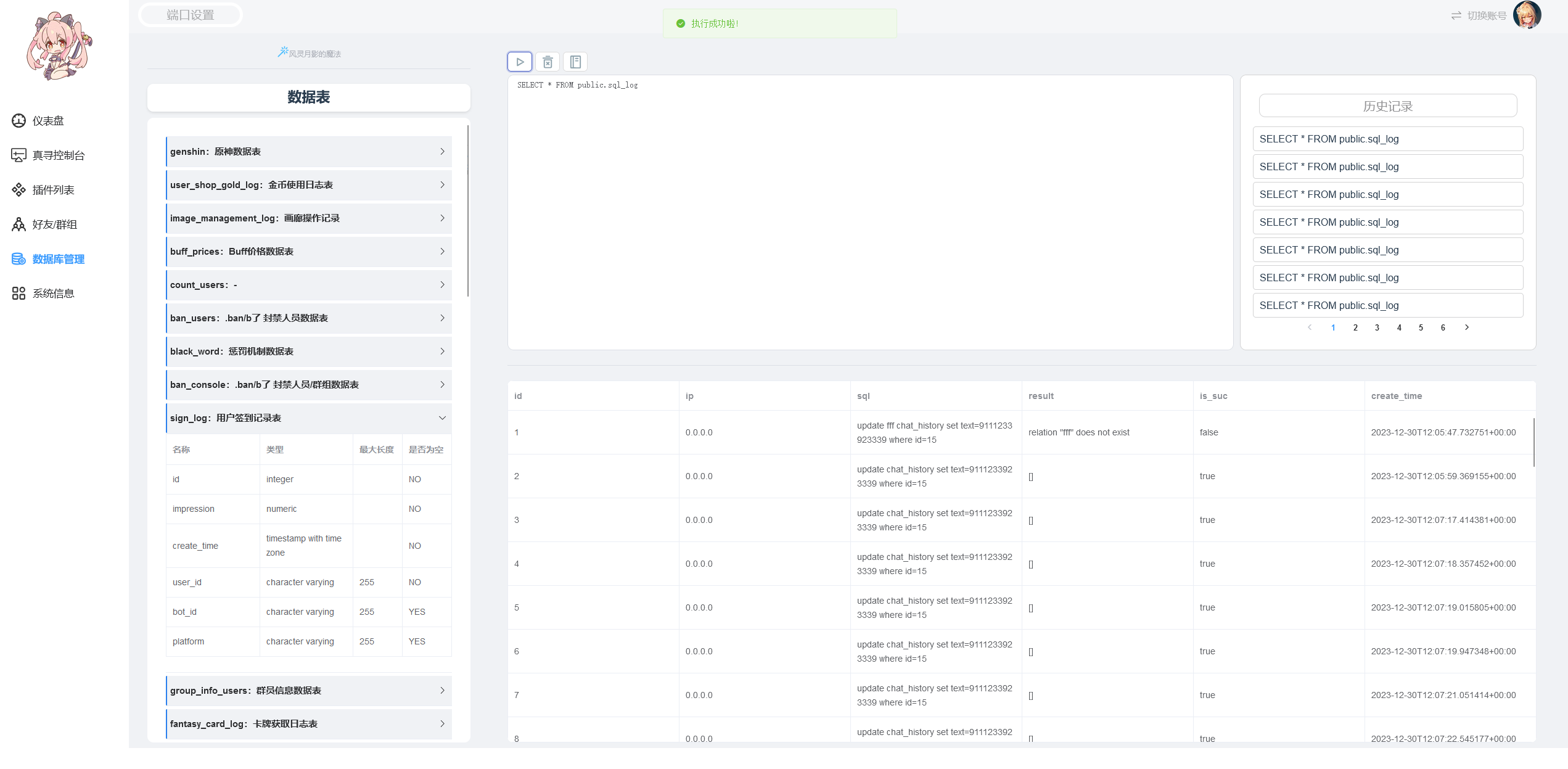
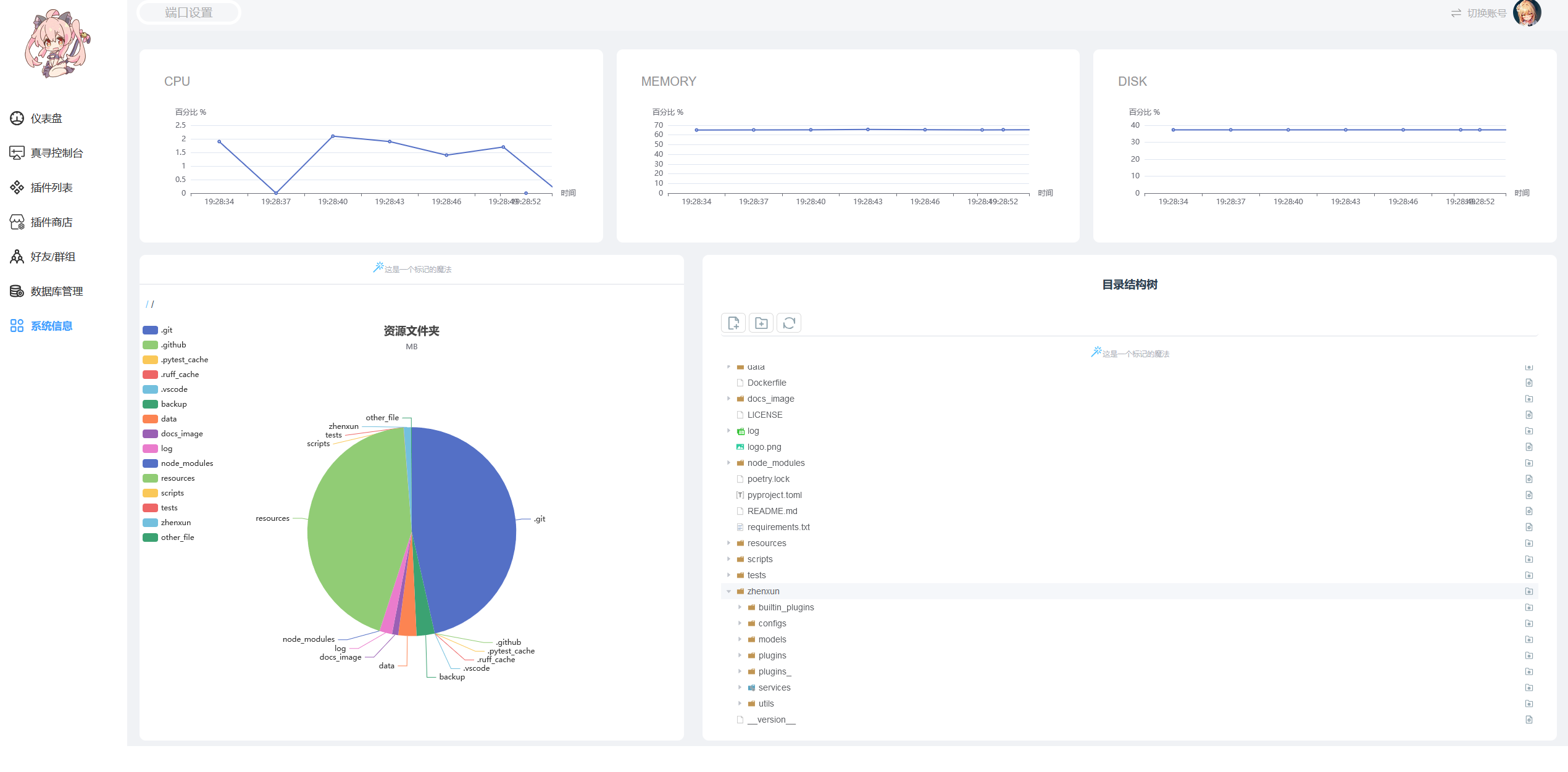
🎁 后台示例图
❤ 感谢
- 可爱的小真寻 Bot
zhenxun_bot: 我谢我自己,桀桀桀
1 maintainer

Metadata
1 maintainer
Release files for nonebot-plugin-zxui 0.3.7
For a detailed explanation of source distributions (sdists) and built distributions (wheels), please see the package formats documentation.
Source distribution (sdist)
| File | Size | Uploaded | Provenance | Actions |
|---|---|---|---|---|
| nonebot_plugin_zxui-0.3.7.tar.gz | 75.2 kB | Without provenance | Details for nonebot_plugin_zxui-0.3.7.tar.gz |
Built distribution (wheel)
| File | Interpreter | ABI | Platform | Actions Reset |
|---|---|---|---|---|
| nonebot_plugin_zxui-0.3.7-py3-none-any.whl | Python 3 | none | any | Details for nonebot_plugin_zxui-0.3.7-py3-none-any.whl |
Total release size: 189.2 kB
Release files / nonebot_plugin_zxui-0.3.7.tar.gz
| Download URL | nonebot_plugin_zxui-0.3.7.tar.gz |
|---|---|
| Size | 75.2 kB |
| Tags | Source |
|
SHA-256 checksum How to use checksums |
7967c05e1598064b7c475a671e0f34b7e0598d5e46f0ef5adfca6cad78dc287b
|
|
BLAKE2b-256 checksum How to use checksums |
8ae05b961bb5c77ed38af7e639a878b9d258f1770e66a98231943617890df114
|
| Upload date | |
|
Uploaded using Trusted Publishing? What is trusted publishing? |
No |
| Uploaded via |
poetry/1.8.3 CPython/3.10.11 Windows/10
|
Release files / nonebot_plugin_zxui-0.3.7-py3-none-any.whl
| Download URL | nonebot_plugin_zxui-0.3.7-py3-none-any.whl |
|---|---|
| Size | 114.0 kB |
| Tags | Python 3 |
|
SHA-256 checksum How to use checksums |
24d71a7523833d79c8ea921234621029bc4a8e723b012802b36c5dc0922fc032
|
|
BLAKE2b-256 checksum How to use checksums |
149798480a40ec735cba34e62500e3a18e09b5efbe6af2bbfc1bf31e642e86b3
|
| Upload date | |
|
Uploaded using Trusted Publishing? What is trusted publishing? |
No |
| Uploaded via |
poetry/1.8.3 CPython/3.10.11 Windows/10
|
Security for nonebot-plugin-zxui 0.3.7
Provenance
Provenance describes where a file came from. On PyPI, provenance is shared via attestations, which provide a verifiable record of the build or publishing details. View details, limitations and caveats.
No provenance found
None of the files in this release were uploaded with provenance metadata.
A note on package security
PyPI is a repository for distributing packages, not a service for auditing them. While third-party security researchers and our staff do their best to detect and remove malicious packages, PyPI cannot guarantee the quality, security or suitability of any given package.
To learn more about protecting yourself from malicious actors, visit our package security documentation.














