

np_animation



A MicroPython library for driving smooth NeoPixel animations in a tight loop. It works with time functions and keyframes, making it easy to create complex LED animations for robotics, wearables, and IoT projects. The timing is on the clock, independing of your tight loop speed. Perfect for robot lighting effects, indicator lights, and decorative patterns.
Table of Contents
- Features
- Installation
- Quick Start
- Projects & Tutorials
- Documentation
- Supported Platforms
- License
- Author
Features
- 🎨 Rich Animation Functions: Built-in effects like pulse, hue shift, knight rider, indicators, and brake lights
- ⏱️ Time-Based Animation: Smooth animations using time functions and keyframes
- 🎯 Function Matrix System: Map multiple animation functions to different LED positions
- 🚗 Vehicle Lighting: Ready-made functions for indicators, brake lights, and headlights
- 🌈 Color Utilities: HSL/RGB conversion and color manipulation helpers
- 💡 LED Control: Direct control over individual LEDs or groups
- 🔄 Keyframe Animation: Support for complex keyframe-based animation sequences
- 🎮 Dynamic Control: Pass runtime parameters to control animation behavior
Installation
On LMS-ESP32
The module should be included in the latest MicroPython firmware from https://www.antonsmindstorms.com. If not, use ViperIDE or Thonny and create a new file called np_animation.py. Copy the contents from the same file in this repository inside.
On MicroPython device using micropip from PyPI
import micropip
await micropip.install("np_animation")
Note: micropip must be available on the target board and may require an internet connection from the device.
Manual Installation
Copy np_animation.py to your MicroPython device's filesystem.
Quick Start
Basic Animation with Function Matrix
from np_animation import NPAnimation, hue_shift, switch, grb
from time import sleep_ms

# Define animation function matrix
funcs = [
    [[0, 1, 2, 3, 4, 5], hue_shift(period=5000)],  # Rainbow effect on LEDs 0-5
    [[6, 7], switch(on=grb.WHITE, off=grb.OFF, name="headlights")],  # Switchable headlights
]

# Create animation instance (default pin 24, auto-detect LED count)
npa = NPAnimation(funcs)

# Animation loop
try:
    while True:
        npa.update_leds(headlights=True)  # Update with headlights on
        sleep_ms(50)
except KeyboardInterrupt:
    npa.leds_off()
Vehicle Lighting Example
from np_animation import NPAnimation, indicators, brake_lights, switch, grb

# Create a complete vehicle lighting system
funcs = [
    [[0, 1], indicators(name="left_indicators")],   # Left turn signals
    [[10, 11], indicators(name="right_indicators")], # Right turn signals
    [[2, 3], switch(on=grb.WHITE, name="headlights")], # Headlights
    [[8, 9], brake_lights()],  # Brake lights (respond to speed parameter)
]

npa = NPAnimation(funcs, pin=24)

# In your control loop
while True:
    speed = get_motor_speed()  # Your speed function
    npa.update_leds(
        left_indicators=turn_left,
        right_indicators=turn_right,
        headlights=lights_on,
        speed=speed
    )
    sleep_ms(50)
Color Conversion
from np_animation import hsl_to_rgb, rgb_to_hsl, to_grb

# Convert HSL to RGB
rgb = hsl_to_rgb(120, 100, 50)  # Green: (0, 255, 0)

# Convert RGB to HSL
hsl = rgb_to_hsl(255, 0, 0)  # Red: (0, 100, 50)

# Convert RGB to GRB bytes for NeoPixel
grb_bytes = to_grb((255, 0, 0))  # b'\x00\xff\x00'
Knight Rider Effect
from np_animation import NPAnimation, knight_rider, grb

funcs = [
    [[0, 1, 2, 3, 4, 5], knight_rider(period=2000, width=6, color=grb.RED)]
]

npa = NPAnimation(funcs)

while True:
    npa.update_leds()
    sleep_ms(50)
Keyframe Animation
from np_animation import NPAnimation, keyframes, grb

# Define keyframes: (time_ms, [led_colors])
EMERGENCY = [
    (0, [grb.RED]*3 + [grb.OFF]*3),
    (150, [grb.OFF]*6),
    (200, [grb.RED]*3 + [grb.OFF]*3),
    (350, [grb.OFF]*6),
    (500, [grb.OFF]*3 + [grb.BLUE]*3),
    (650, [grb.OFF]*6),
    (1000, [grb.OFF]*6)
]

funcs = [
    [[0, 1, 2, 3, 4, 5], keyframes(EMERGENCY)]
]

npa = NPAnimation(funcs)

while True:
    npa.update_leds()
    sleep_ms(50)
Projects & Tutorials
See np_animation in action! Check out these project tutorials and videos showcasing real-world applications.
📝 Blog Tutorials
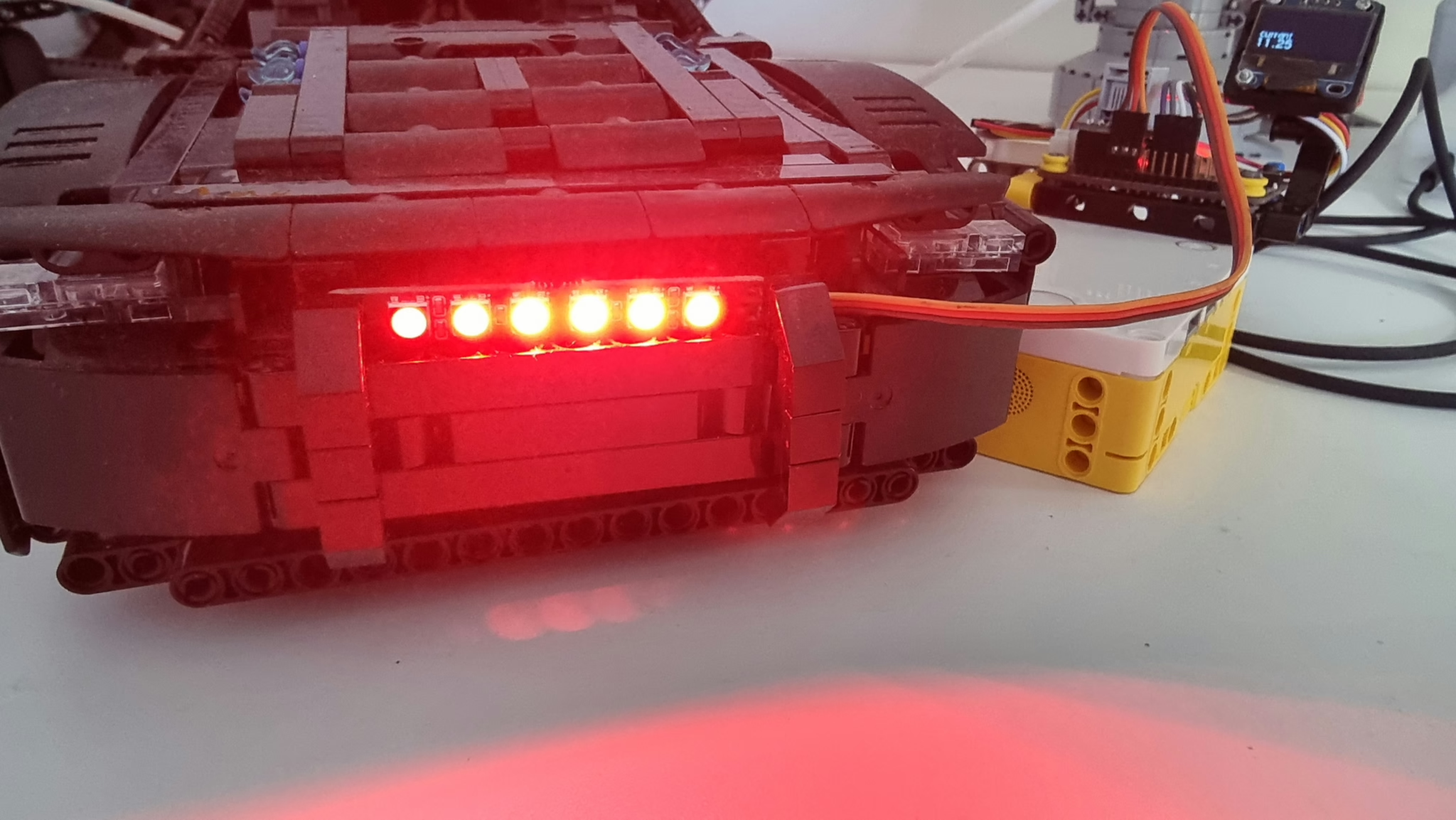
Creating a Knight Rider NeoPixel AnimationLearn how to recreate the iconic KITT scanner effect from the Knight Rider TV series using the knight_rider() function. Includes detailed code explanation and implementation tips. |
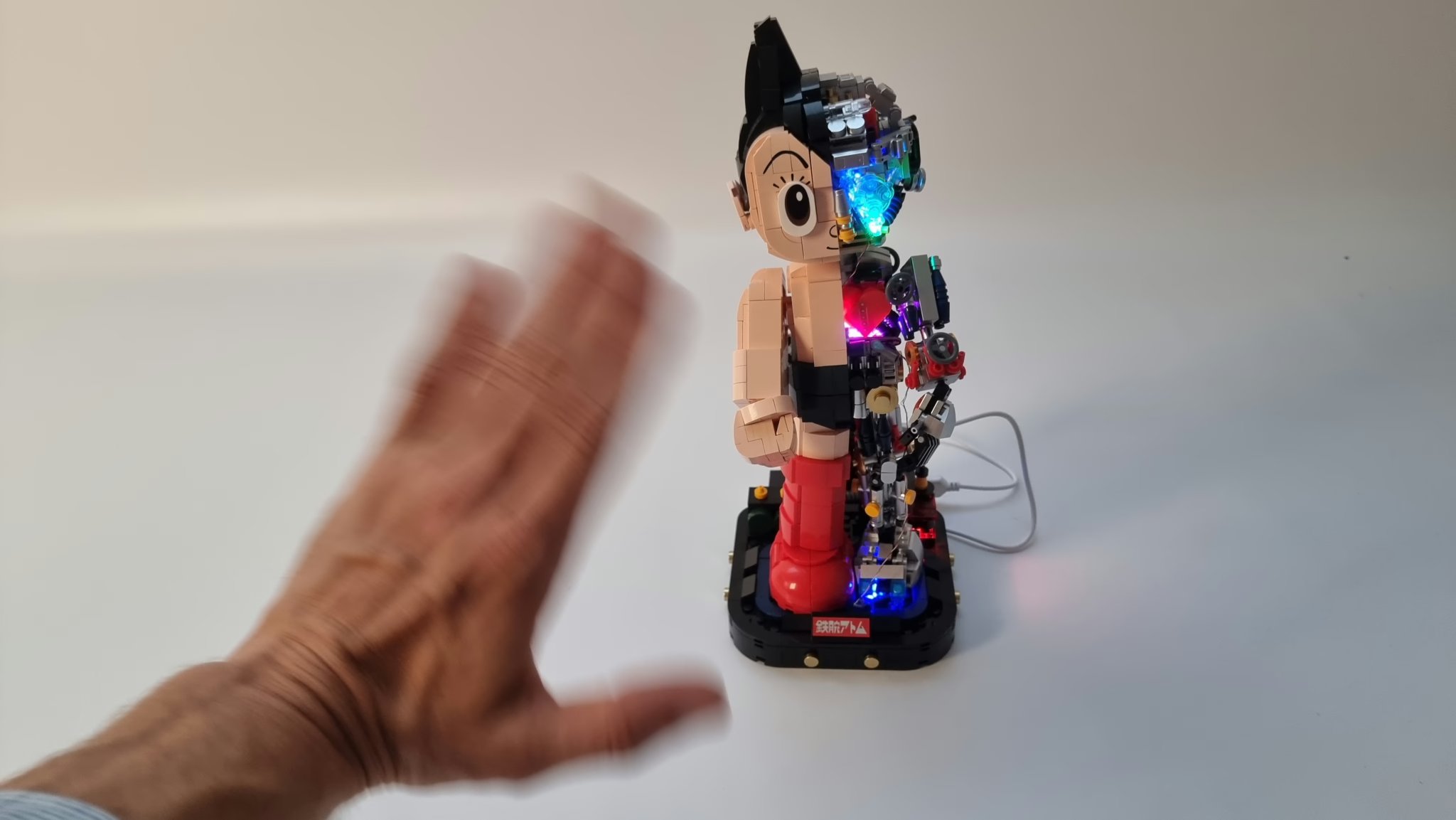
Lighting Astro Boy with a Radar SensorAdd interactive lighting to brick models using a radar proximity sensor. Astro Boy lights up only when someone waves at him, combining multiple animation effects with sensor input. |
🎥 Video Tutorials
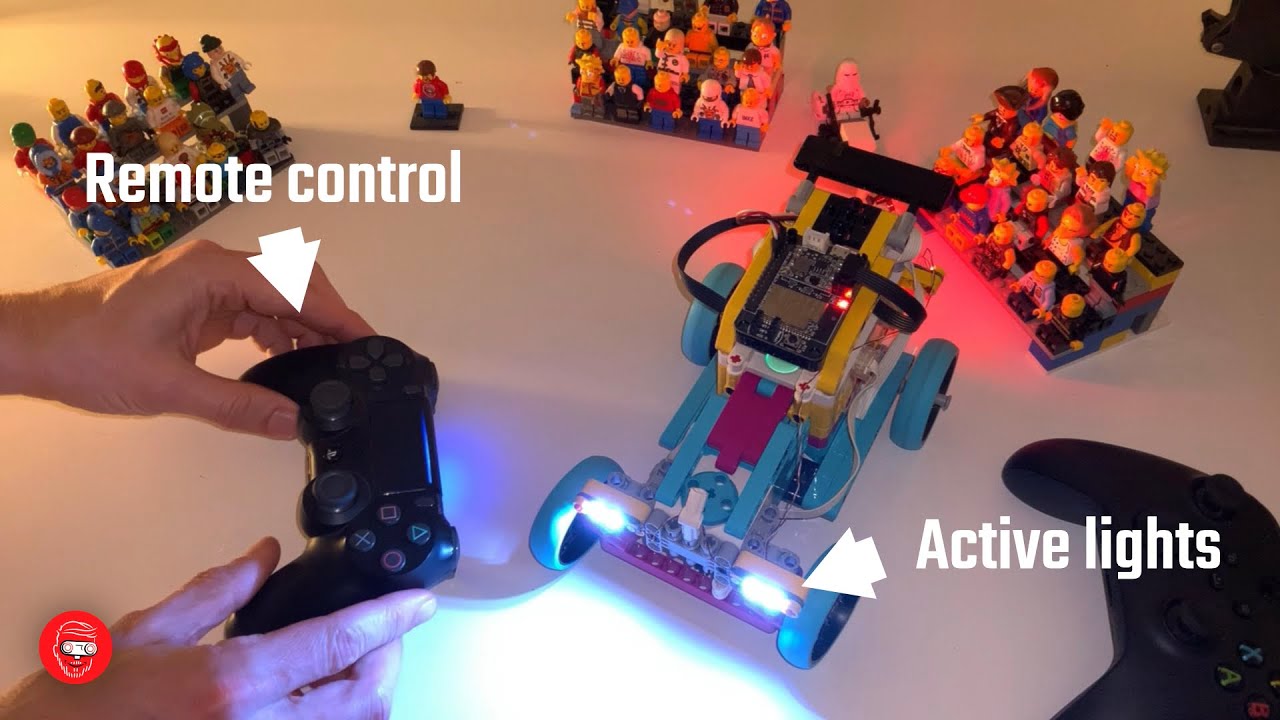
Knight Rider Animation Video TutorialWatch the KITT scanner effect in action on a LEGO Technic car with step-by-step implementation guide. |
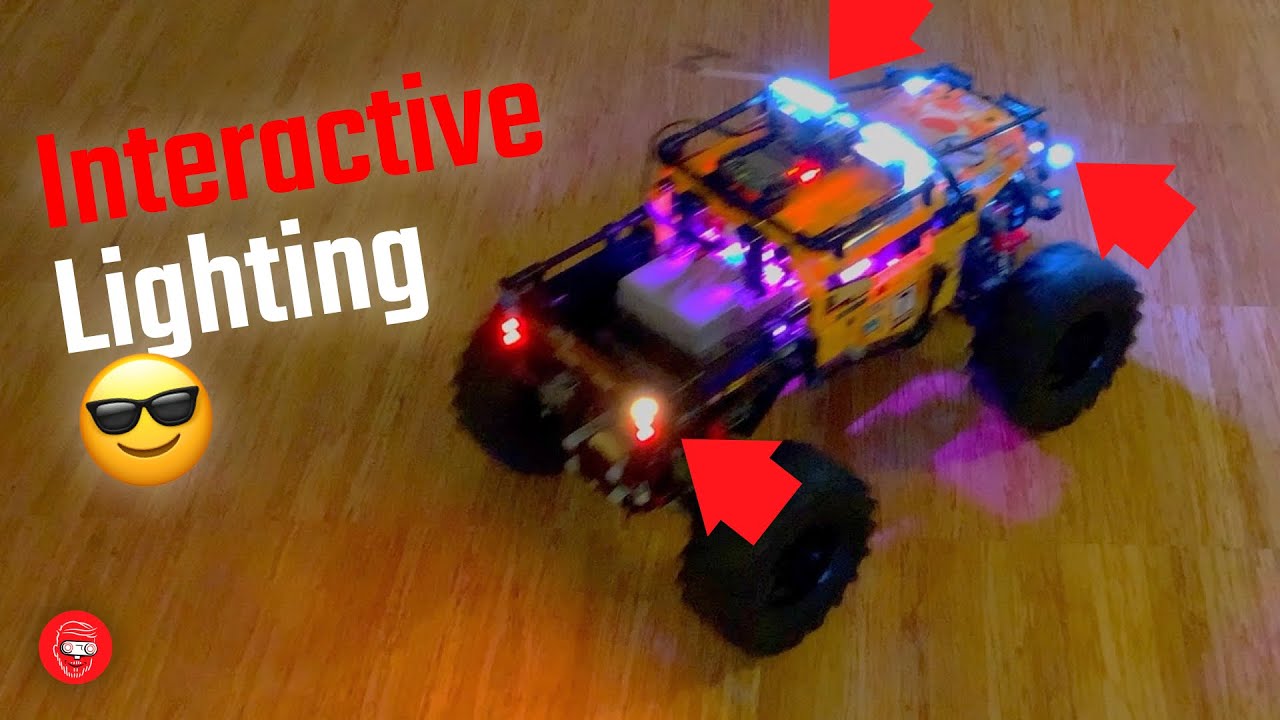
Extreme Off-Roader LED EffectsSee the np_animation library in full action with complex lighting effects on an off-road vehicle build. |
🔗 More Projects
Explore more NeoPixel projects and tutorials on the NeoPixel tag page at Anton's Mindstorms.
Documentation
Core Class
NPAnimation(light_funcs, pin=24, n_leds=0)
Main animation class that manages LED updates based on a function matrix.
light_funcs: List of[led_positions, animation_function]pairspin: GPIO pin for NeoPixel data linen_leds: Number of LEDs (auto-detected from function matrix if 0)
Methods:
update_leds(time=None, **kwargs): Update all LEDs based on current time and parametersleds_off(): Turn off all LEDs
Animation Functions
All animation functions return a function that takes (time, **kwargs) and returns color data.
hue_shift(period=1000, offset=0)
Continuously shifts through the color spectrum.
pulse(color=grb.WHITE, period=5000, offset=0, min_pct=0, max_pct=100)
Pulsing brightness effect with configurable color and range.
knight_rider(period=2000, width=6, color=grb.RED)
Classic scanning effect like KITT from Knight Rider.
indicators(on=grb.ORANGE, off=grb.OFF, interval=500, name="indicators")
Blinking indicator lights with on/off control.
brake_lights(drive=grb.DARK_RED, brake=grb.RED, reverse=grb.WHITE)
Vehicle brake lights that respond to speed parameter.
switch(on=grb.WHITE, off=grb.OFF, name="switch")
Simple on/off switch controlled by a boolean parameter.
delayed_switch(on=grb.RED, off=grb.OFF, delay=2000)
Switch that turns off after a delay.
keyframes(frames)
Play a list of (time, colors) keyframes in a loop.
keyframes_dict(frames_dict, name="animation")
Switch between multiple keyframe animations at runtime.
Color Utilities
hsl_to_rgb(h, s, l) - Convert HSL (0-359, 0-100, 0-100) to RGB (0-255)
rgb_to_hsl(r, g, b) - Convert RGB to HSL
to_grb(rgb) - Convert RGB tuple to GRB bytes
from_grb(grb) - Convert GRB bytes to RGB tuple
Color Constants
grb class - Pre-defined colors in GRB byte format:
ORANGE,BLACK/OFF/NONE,WHITE,RED,DARK_RED,BLUE,YELLOW,GREEN,CYAN,VIOLET,MAGENTA,GRAY
rgb class - Same colors in RGB tuple format
Supported Platforms
- ESP32 with MicroPython
- LEGO SPIKE Prime/Essential (with MicroPython firmware)
- LEGO MINDSTORMS Robot Inventor
- Raspberry Pi Pico/Pico W
- Any MicroPython board with NeoPixel support
License
MIT License
Author
Anton Vanhoucke
1 maintainer

Download files
Download the file for your platform. If you're not sure which to choose, learn more about installing packages.
Source Distribution
Built Distribution
Filter files by name, interpreter, ABI, and platform.
If you're not sure about the file name format, learn more about wheel file names.
Copy a direct link to the current filters
File details
Details for the file np_animation-1.1.0.tar.gz.
File metadata
- Download URL: np_animation-1.1.0.tar.gz
- Upload date:
- Size: 43.9 kB
- Tags: Source
- Uploaded using Trusted Publishing? No
- Uploaded via:
twine/6.2.0 CPython/3.13.2
File hashes
| Algorithm | Hash digest | |
|---|---|---|
| SHA256 |
1aa874e1f1f7e8c5a64ed608d1168ac84692169358ff95f6f80c5350db697134
|
|
| MD5 |
32e8bc68b44e98db328b2a57c2b22aa0
|
|
| BLAKE2b-256 |
173c3e22be174b9c14a1f02a87639affea17563905b1b8d8d05b0fad1c81d1de
|
File details
Details for the file np_animation-1.1.0-py3-none-any.whl.
File metadata
- Download URL: np_animation-1.1.0-py3-none-any.whl
- Upload date:
- Size: 5.9 kB
- Tags: Python 3
- Uploaded using Trusted Publishing? No
- Uploaded via:
twine/6.2.0 CPython/3.13.2
File hashes
| Algorithm | Hash digest | |
|---|---|---|
| SHA256 |
56ea10f29e27d6107d8bf5b36767c8f204cfdb5361f9cc0d4dd71d38b35cc02f
|
|
| MD5 |
503840742816d06091ad896c63eae64b
|
|
| BLAKE2b-256 |
bf1ff4177279f35b675427ab207c19466584bcc1b25572e8612593639ea679db
|














