
Installable command-line tool with web interface which helps to track nodejs project dependencies state

Project description
NPM-COCKPIT
A user-friendly application for JavaScript developers to visualize the dependency tree of NPM packages and NodeJS applications.
Allows to get statistical info about application dependencies tree state. Provides an interface for filtering and viewing information through convenient tables and diagrams.
Features
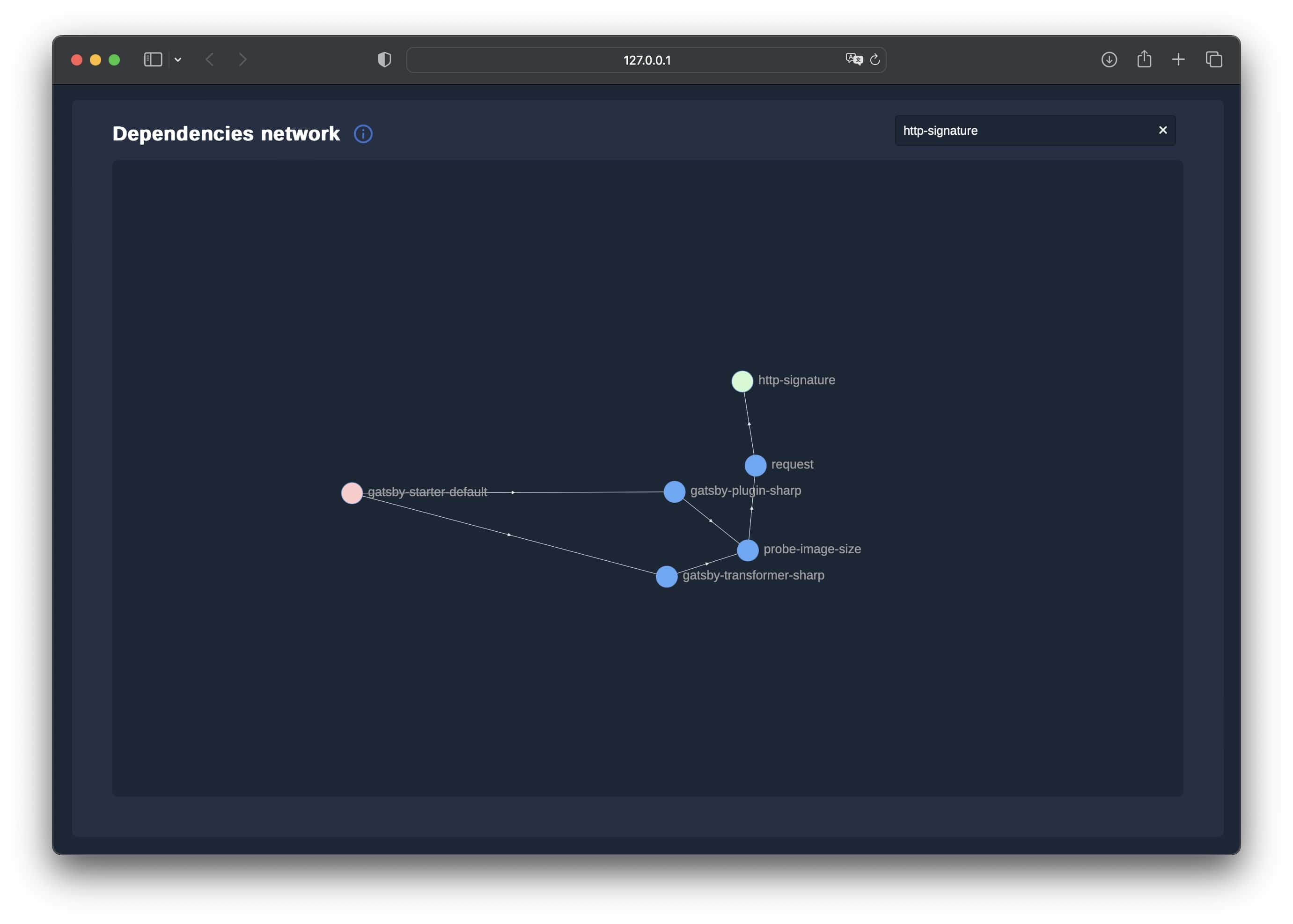
Visual representation of the entire dependency tree of a project. With ability to look all the paths for a specific package. Dependency tree can be visualized as a tree or directed network chart
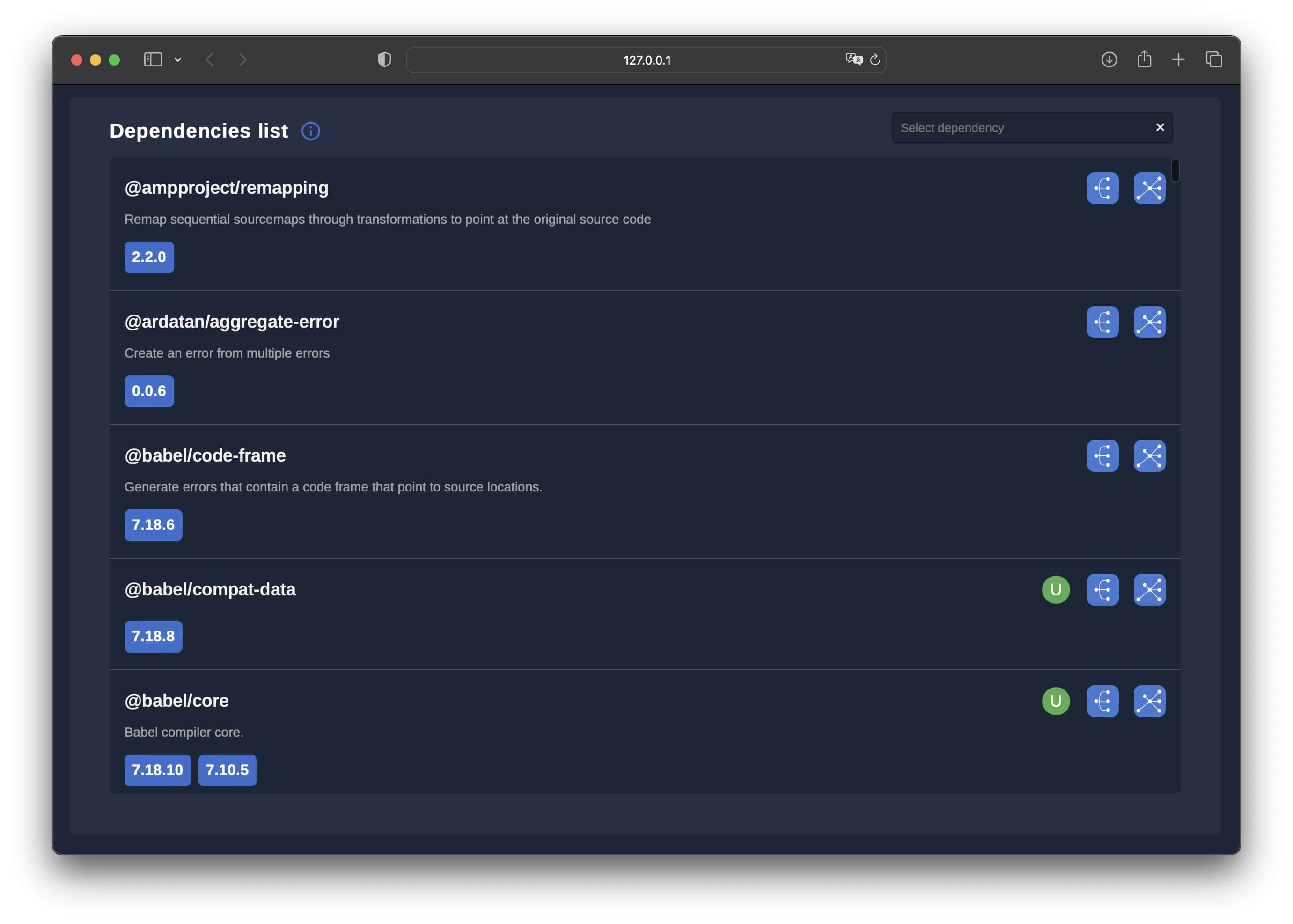
Detailed information about each package, including version, description, and related links.
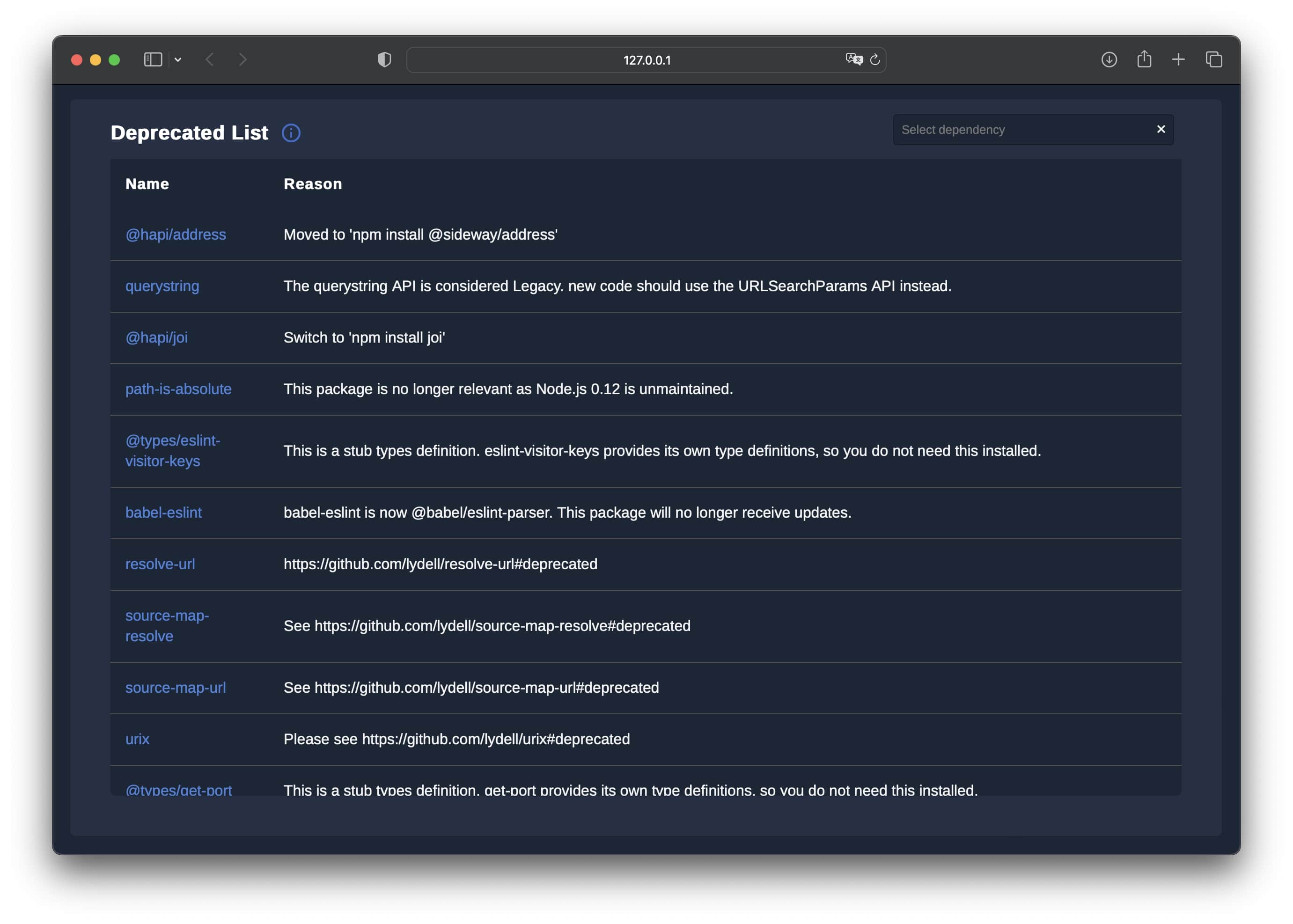
Identify potential issues such as outdated, deprecated or vulnerable packages.
AND MUCH MORE!
Requirements
General
- Terminal or command prompt access
- Target application folder should contain node_modules folder with installed dependencies and package.json
- Node.js and NPM installed
As NPM package
pythonorpython3command should be available
Usage
Command params
path - a path to project folder with package.json and node_modules inside
port - available local port to serve the app (default 8080)
PIP
pip install npm-cockpit
npm-cockpit [path] [port]
NPM globally installed
npm install --global npm-cockpit
npm-cockpit [path] [port]
NPX
npx npm-cockpit [path] [port]
NPM dependency in package
npm install npm-cockpit and add the run script in the package json with proper params
Development
git clone https://github.com/b0000ring/npm-cockpit.gitcd npm-cockpitnode index.js [path] [port]orpython __main__.py [path] [port]


Download files
Download the file for your platform. If you're not sure which to choose, learn more about installing packages.
Source Distribution
Built Distribution
Filter files by name, interpreter, ABI, and platform.
If you're not sure about the file name format, learn more about wheel file names.
Copy a direct link to the current filters
File details
Details for the file npm_cockpit-0.4.2.tar.gz.
File metadata
- Download URL: npm_cockpit-0.4.2.tar.gz
- Upload date:
- Size: 513.2 kB
- Tags: Source
- Uploaded using Trusted Publishing? No
- Uploaded via: poetry/1.7.0 CPython/3.12.0 Darwin/23.0.0
File hashes
| Algorithm | Hash digest | |
|---|---|---|
| SHA256 |
ad7e30a866192cad247776c2bc4c2782aa83159bc0c1ceb43138d597f3f2b6c2
|
|
| MD5 |
712922f3875c1b7a161db14f983c1865
|
|
| BLAKE2b-256 |
6ea01757f29c5fae5933be9adda437190afc10c3632cd2f1cf2592e4ab23037b
|
File details
Details for the file npm_cockpit-0.4.2-py3-none-any.whl.
File metadata
- Download URL: npm_cockpit-0.4.2-py3-none-any.whl
- Upload date:
- Size: 538.3 kB
- Tags: Python 3
- Uploaded using Trusted Publishing? No
- Uploaded via: poetry/1.7.0 CPython/3.12.0 Darwin/23.0.0
File hashes
| Algorithm | Hash digest | |
|---|---|---|
| SHA256 |
4d1885ecb5168608c1f81003abc628807de5ba5f85109845a031893744cb863d
|
|
| MD5 |
3ad7a888d3408623578526e1b054d404
|
|
| BLAKE2b-256 |
a34220ff9d6ad6d7cd8e92b9e6d06d66b21e71cf12750de09c5d5c5db788ad32
|






