

Helpdesk Management





This module adds Helpdesk functionality in Odoo.
Table of contents
Configuration
To configure this module, you need to:
Edit or create new channels.
Edit or create new categories.
Edit or create new stages.
Edit or create new teams.
Edit or create new tags.
Channels
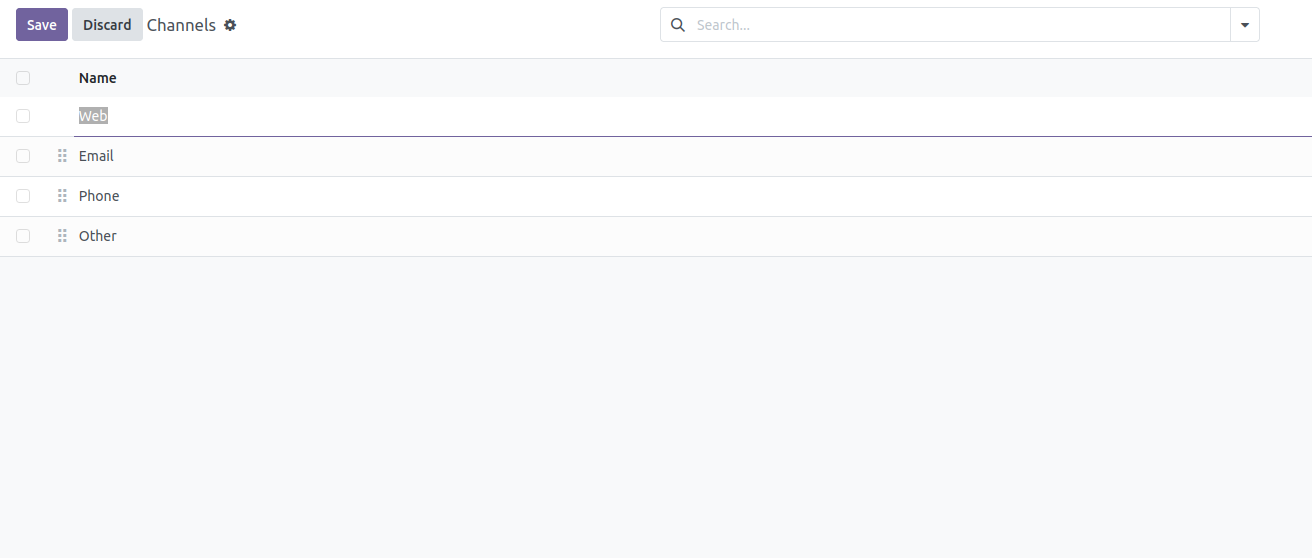
Go to Helpdesk > Configuration > Channels to edit or create new channels.
Edit or create a channel.
Set the name for the channel.
You can also Activate or Deactivate channels.
Categories
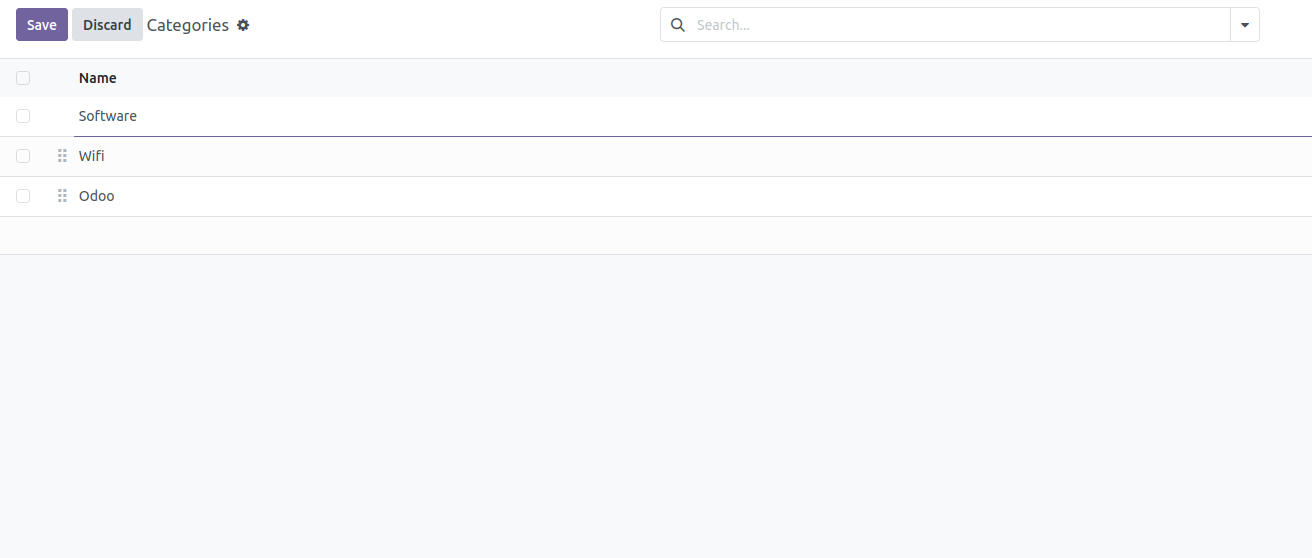
Go to Helpdesk > Configuration > Categories to edit or create new categories.
Edit or create a new category.
Set the name for the category.
You can also Activate or Deactivate categories.
Stages
Go to Helpdesk > Configuration > Stages to edit or create new stages.
Edit or create a new stage.
Set the name for the stage.
Set the sequence order for the stage.
You can select an Email template.
Mark the Unattended checkbox if the stage contains unattended tickets.
Mark the Closed checkbox if the stage contains closed tickets.
You can add a description for the stage.
You can also Activate or Deactivate stages.

You can also sort the stage sequence if you move up or down the stages in the list view.
Teams
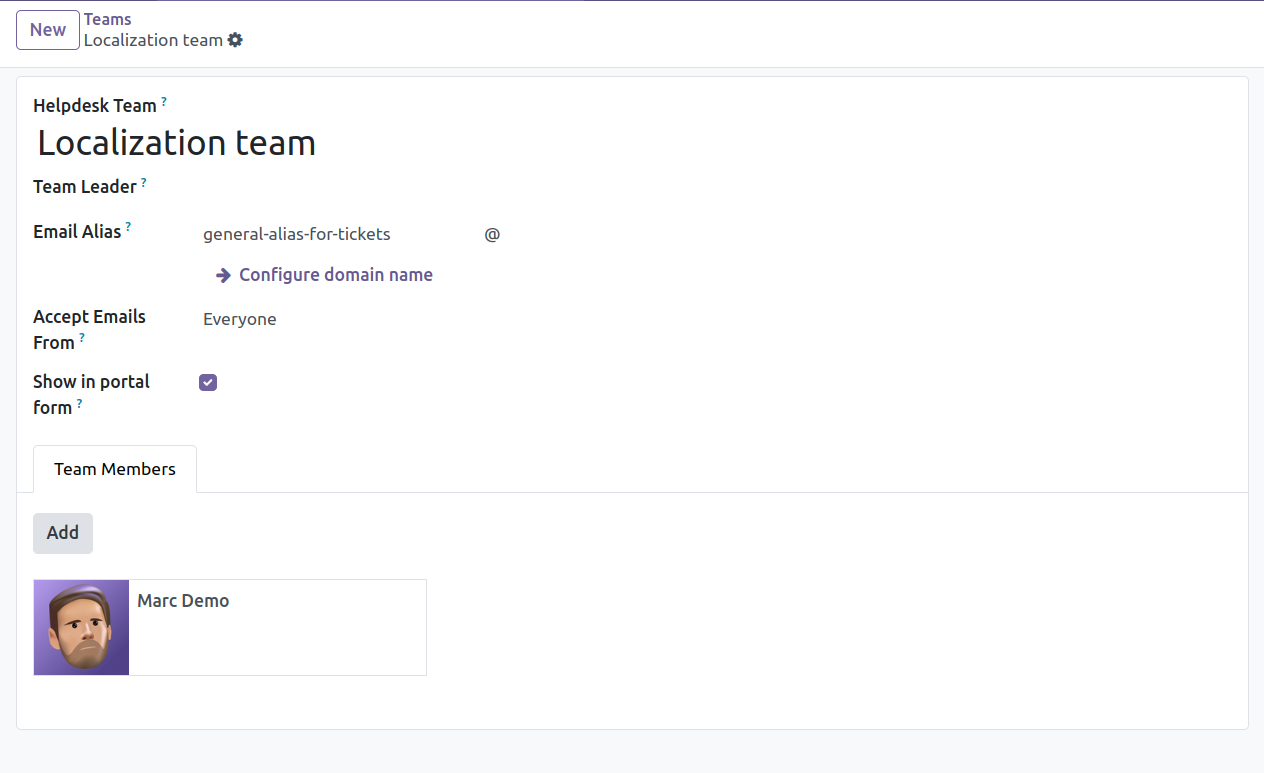
Go to Helpdesk > Configuration > Teams to edit or create new teams.
Edit or create a new team.
Set the name for the team.
Add the teams members.
You can also Activate or Deactivate teams.
Tags
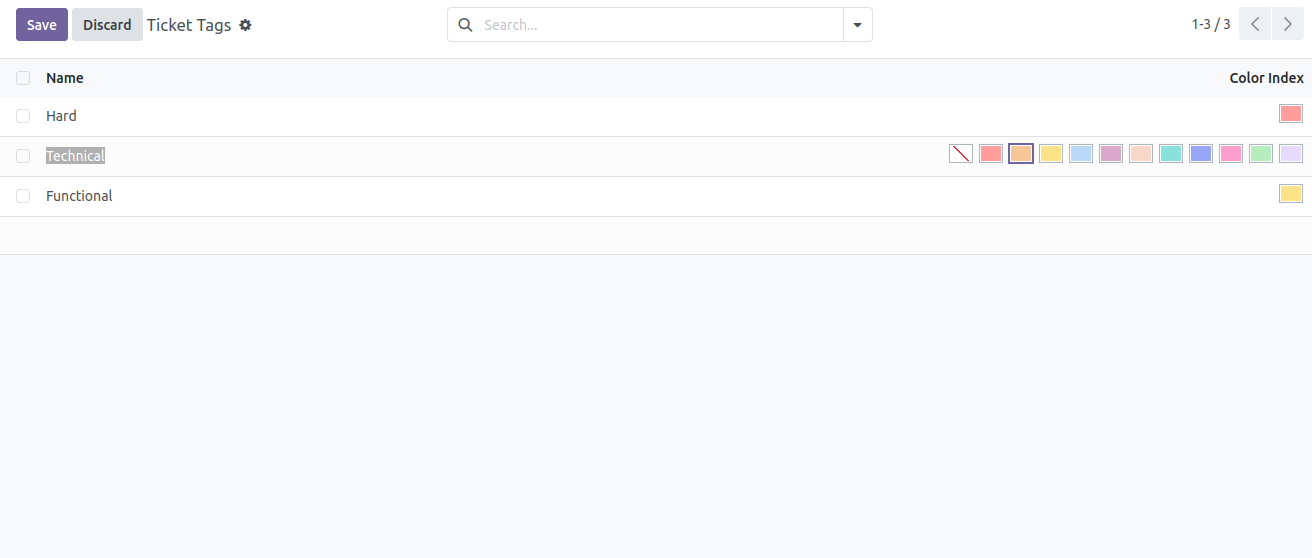
Go to Helpdesk > Configuration > Ticket Tags to edit or create new tags.
Edit or create a new tag.
Set the name for the tag.
Set the color index for the tag.
You can also Activate or Deactivate tags.
Permissions
There are restrictions to read tickets according to the user’s permissions set in Helpdesk.
User: Personal tickets: User is able to see their tickets (those that are assigned to their user) or those that are no team nor user is assigned.
User: Team tickets: User is able to see all the tickets that are assigned to the teams to which he/she belongs or the tickets that are not assigned to any team nor user.
User: User is able to see all the tickets.
Usage
Go to Helpdesk or Helpdesk > Dashboard to see the tickets dashboard
In the Kanban view, click in the kanban card of a team to see their tickets and create new ones.
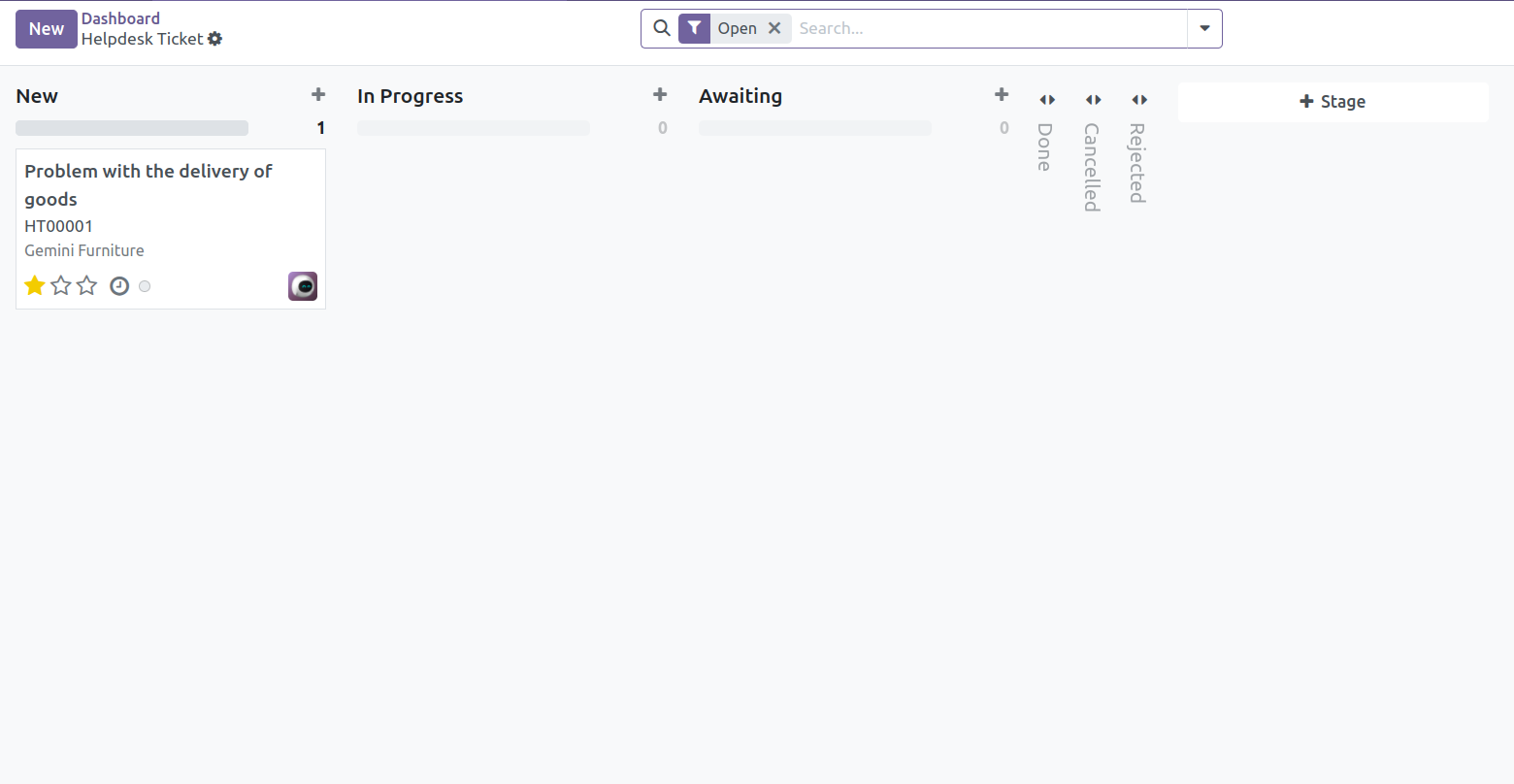
To create a new ticket from the kanban view:
Press Create button or click on the plus icon at the top of the column of a stage.
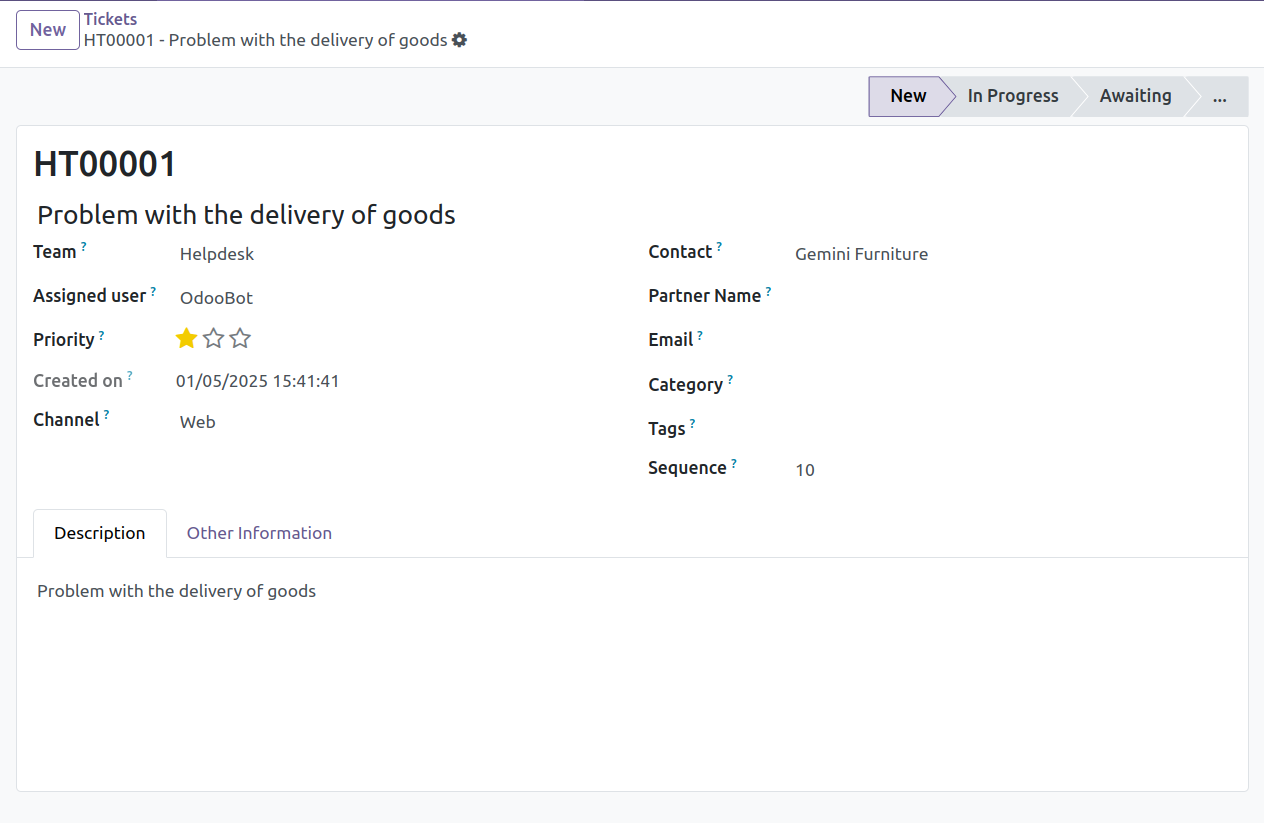
Set the name or subject for the ticket.
Select the team that will manage the ticket.
You can select a user to assign the ticket.
Set the priority of the ticket.
Select the partner, and you can also set the partner name and email.
You can select a category and set tags for the ticket.
Add a description.
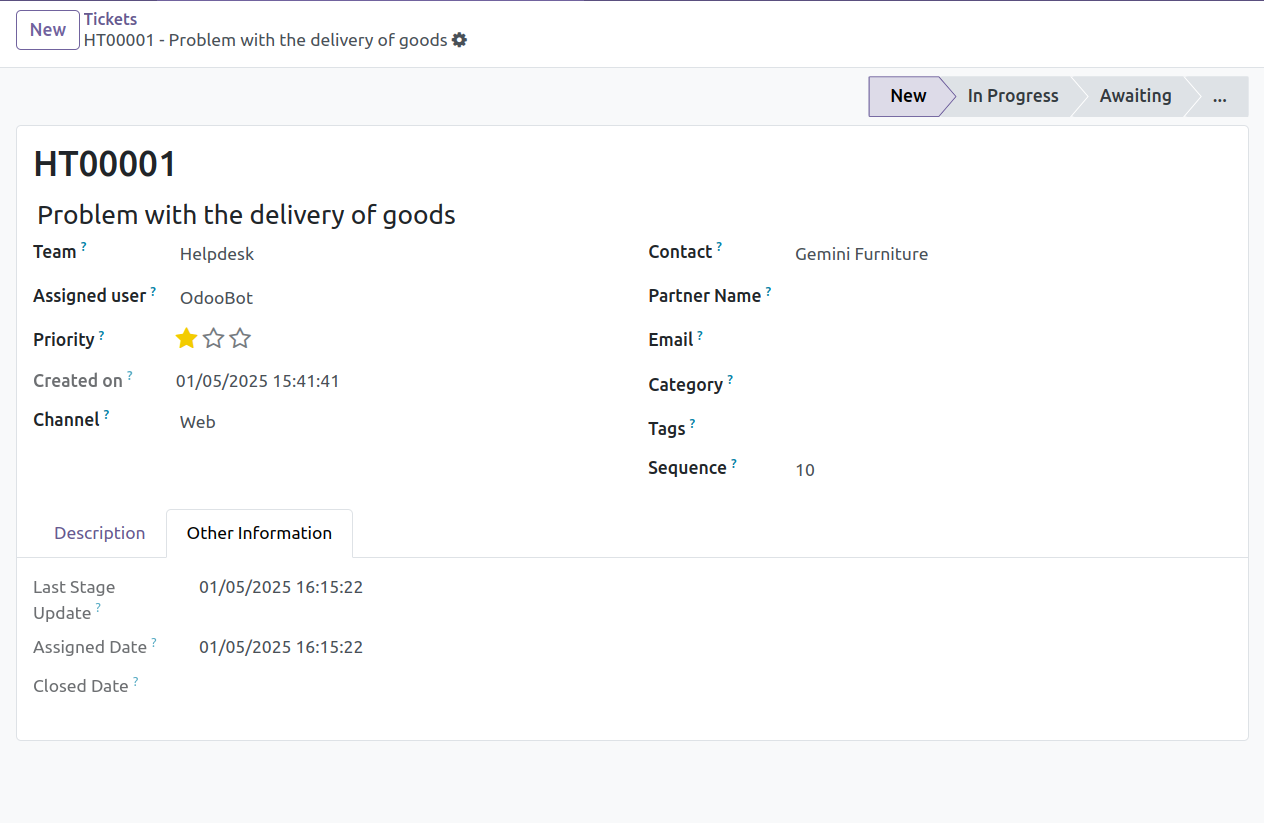
You can also attach files to the ticket.
Known issues / Roadmap
Add a tour feature similar to what the project module defines to discover projects / tasks.
Update portal tests defined in tests/test_portal.py to rely on tour specs (in JS) in order to replicate the navigation behavior of portal users.
Bug Tracker
Bugs are tracked on GitHub Issues. In case of trouble, please check there if your issue has already been reported. If you spotted it first, help us to smash it by providing a detailed and welcomed feedback.
Do not contact contributors directly about support or help with technical issues.
Credits
Contributors
-
Carlos Martínez
Catalin Airimitoaie
Álvaro López
Samuel Calvo
-
Aitor Bouzas
-
Oscar Soto
Jorge Luis Quinteros
-
Eduardo Magdalena <emagdalena@c2i.es>
-
María Alhambra
Daniel Cano
-
Pedro M. Baeza
Víctor Martínez
Carolina Fernandez
Carlos Roca
Juan Carlos Oñate
David Bañón Gil
Eduardo Ezerouali
-
Marcel Savegnago
-
Vicent Cubells
-
David Alonso
Dante Pereyra
-
Houzéfa Abbasbhay
-
Mohamed Alkobrosli
Maintainers
This module is maintained by the OCA.

OCA, or the Odoo Community Association, is a nonprofit organization whose mission is to support the collaborative development of Odoo features and promote its widespread use.
This module is part of the OCA/helpdesk project on GitHub.
You are welcome to contribute. To learn how please visit https://odoo-community.org/page/Contribute.
1 maintainer

Release files for odoo-addon-helpdesk-mgmt 19.0.1.2.0.1
For a detailed explanation of source distributions (sdists) and built distributions (wheels), please see the package formats documentation.
Built distribution (wheel)
| File | Interpreter | ABI | Platform | Reset |
|---|---|---|---|---|
| odoo_addon_helpdesk_mgmt-19.0.1.2.0.1-py3-none-any.whl | Python 3 | none | any | Details |
Release files / odoo_addon_helpdesk_mgmt-19.0.1.2.0.1-py3-none-any.whl
| Download URL | odoo_addon_helpdesk_mgmt-19.0.1.2.0.1-py3-none-any.whl |
|---|---|
| Size | 655.8 kB |
| Tags | Python 3 |
|
SHA-256 checksum How to use checksums |
a17ed09597ebfdaaa7914722ad0efc8fa4eb03d1599013142b3ab929de94961e
|
|
BLAKE2b-256 checksum How to use checksums |
e5a8457381110542ed03148ae5a5d810aa87b40c7676b3f1f1b0463940c6f133
|
| Upload date | |
|
Uploaded using Trusted Publishing? What is trusted publishing? |
No |
| Uploaded via |
twine/7.0.0 CPython/3.14.4
|














