

Social Media Calendar





This module provides the functionality to display posts in the calendar view.
It is installed automatically together with Social Media Base, because the calendar is meant to be part of the standard experience of the posts: it adds the calendar view to the Posts menu without any configuration. Uninstalling it is permanent as long as Social Media Base is not installed again: neither an update of the apps list nor an upgrade of Social Media Base brings the calendar back, but installing Social Media Base again does.
Table of contents
Usage
Calendar view
Go to Social Media > Posts
Click on the Calendar icon to open the calendar view
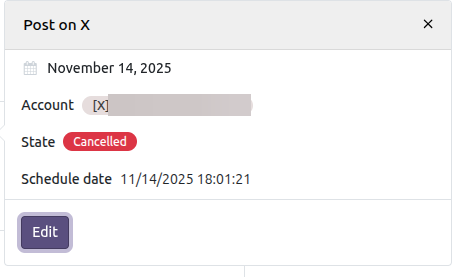
Click on a Post and a popover with its details opens. Its Edit button opens the post form in a dialog. A draft post can be modified and saved there; a planned or a cancelled one has to be taken back to draft with the Draft button of the form first, and a post that already reached one of its accounts keeps its content locked.
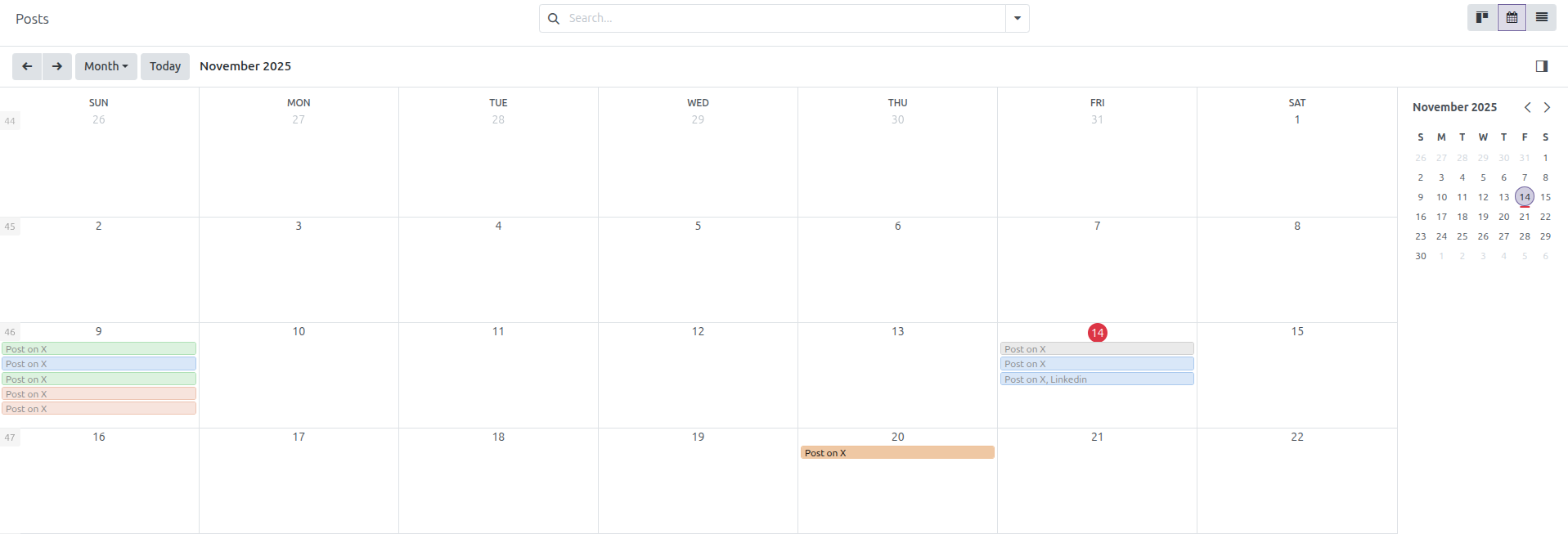
Each post is placed on the date it was published; if it has not been published yet, on its schedule date; and if it is not scheduled, on its creation date. That is why a scheduled post moves to another day of the calendar once it is really published.
Posts cannot be rescheduled by dragging them across the calendar: the date shown is computed from the dates of the post. To change it, open the post and press Draft — a post is planned as soon as a schedule date is saved, and that date can only be edited while the post is in draft — and then modify its schedule date.
Deletion is disabled in this view: posts are deleted from the list or the form.
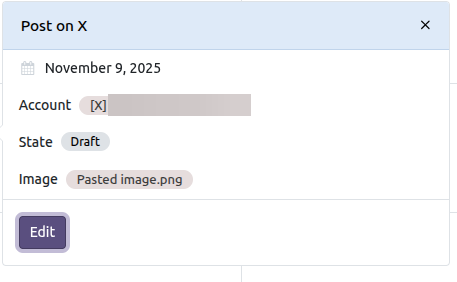
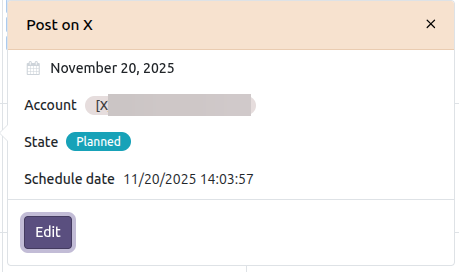
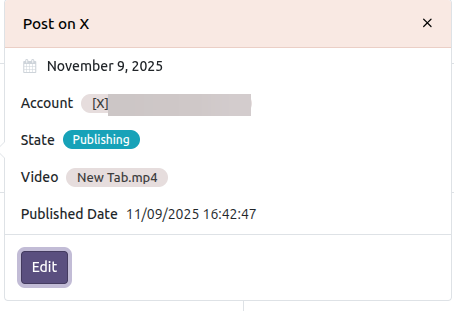
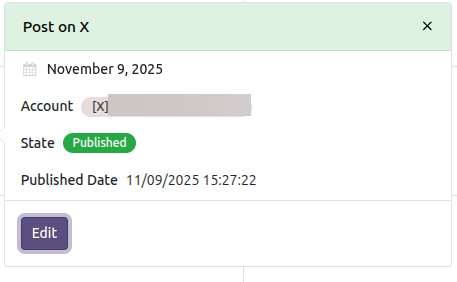
Colors by publication status
The calendar view will show the posts in different colors depending on their publication status:
Draft
Planned
Publishing
Partially Published, the post that reached some of its accounts and failed on the others
Published
Cancelled
Calendar view by color
Creating a post from the calendar
Users allowed to create posts can click on an empty day: the post form opens with Schedule selected and 07:00 of that day, in the time zone of the user, proposed as the schedule date. The accounts and the message are still required, so the form is the full one, not a quick creation. Once saved, the post is planned and the scheduler publishes it on that date.
Whenever that proposal is already behind the clock, a date one hour from now is proposed instead: this happens on a day already past, and also on the current day once 07:00 has gone by. A schedule date behind the clock cannot be saved at all: Social Media Base refuses it with a validation error.
Uninstalling the module
The calendar view is attached to the posts action of Social Media Base through records that belong to Social Media Calendar, so Odoo removes them on uninstall on its own and the Posts menu keeps working with its kanban, list and form views. The module stays uninstalled afterwards; only installing Social Media Base again brings it back, because it is auto-installed.
Bug Tracker
Bugs are tracked on GitHub Issues. In case of trouble, please check there if your issue has already been reported. If you spotted it first, help us to smash it by providing a detailed and welcomed feedback.
Do not contact contributors directly about support or help with technical issues.
Credits
Contributors
-
Edilio Escalona Almira e.escalona@binhex.cloud
Other credits
This work has been funded by AEOdoo (Asociación Española de Odoo - https://www.aeodoo.org)
Maintainers
This module is maintained by the OCA.

OCA, or the Odoo Community Association, is a nonprofit organization whose mission is to support the collaborative development of Odoo features and promote its widespread use.
Current maintainer:

This module is part of the OCA/social project on GitHub.
You are welcome to contribute. To learn how please visit https://odoo-community.org/page/Contribute.
1 maintainer

Download files
Download the file for your platform. If you're not sure which to choose, learn more about installing packages.
Source Distributions
Built Distribution
Filter files by name, interpreter, ABI, and platform.
If you're not sure about the file name format, learn more about wheel file names.
Copy a direct link to the current filters














