
OFFAT - OFFensive Api Tester

Automatically Tests for vulnerabilities after generating tests from openapi specification file. Project is in Beta stage, so sometimes it might crash while running.

Security Checks
- Restricted HTTP Methods
- SQLi
- BOLA (Might need few bug fixes)
- Data Exposure (Detects Common Data Exposures)
- BOPLA / Mass Assignment
- Broken Access Control
- Basic Command Injection
- Basic XSS/HTML Injection test
- Basic SSTI test
- Broken Authentication
Features
- Few Security Checks from OWASP API Top 10
- Automated Testing
- User Config Based Testing
- API for Automating tests and Integrating Tool with other platforms/tools
- CLI tool
- Proxy Support
- Secure Dockerized Project for Easy Usage
- Open Source Tool with MIT License
- Github Action
Demo
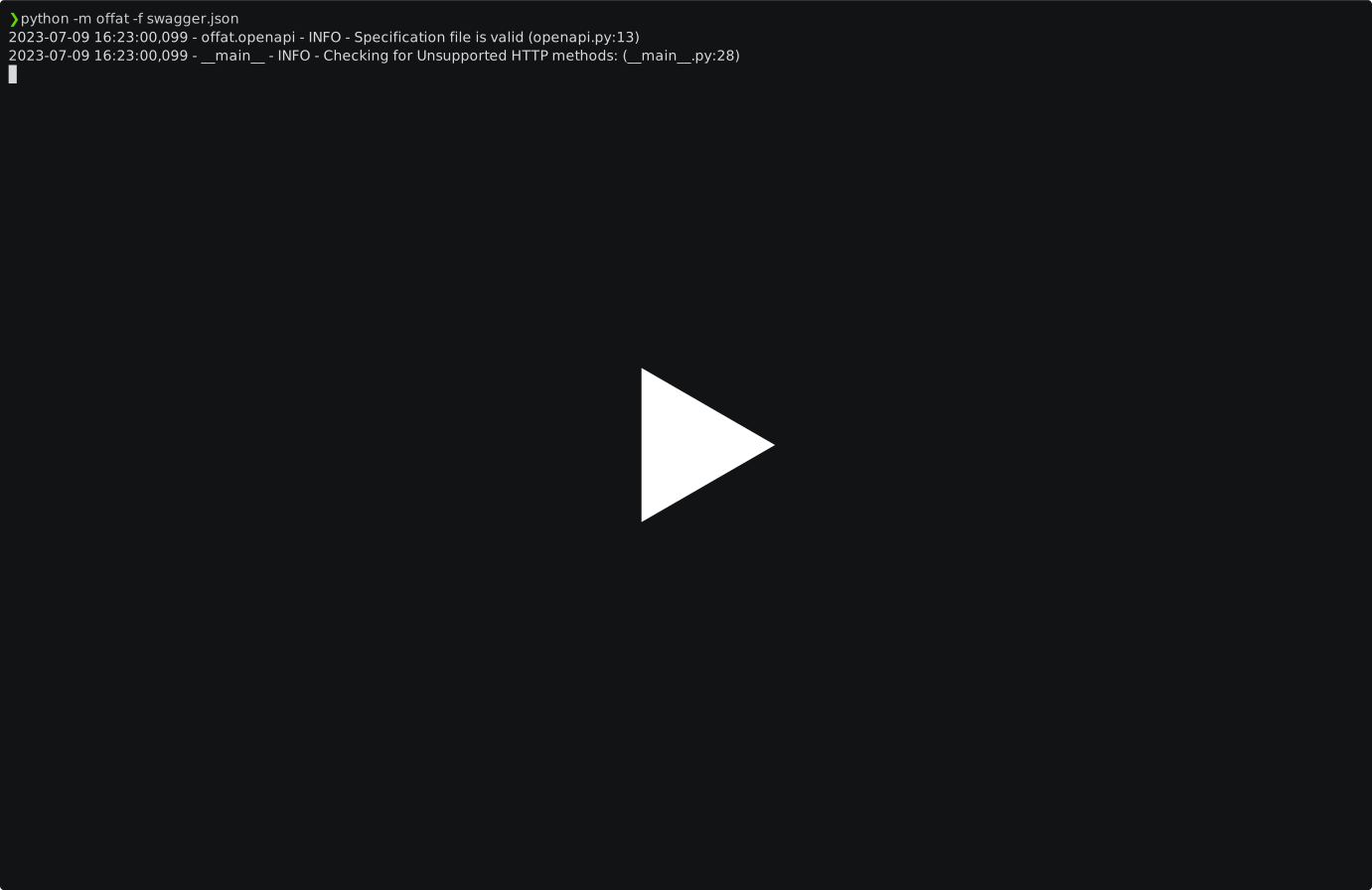
Note: The columns for 'data_leak' and 'result' in the table represent independent aspects. It's possible for there to be a data leak in the endpoint, yet the result for that endpoint may still be marked as 'Success'. This is because the 'result' column doesn't necessarily reflect the overall test result; it may indicate success even in the presence of a data leak.
Github Action
- Create github action secret
urlfor your repo - Setup github action workflow in your repo
.github/workflows/offat.yml
name: OWASP OFFAT Sample Workflow

on:
  push:
    branches:
      - dev
      - main

jobs:
  test:
    runs-on: ubuntu-latest

    steps:
      - name: "download swagger/OAS file"
        run: curl ${url} -o /tmp/swagger.json
        env:
          url: ${{ secrets.url }}

      - name: "OWASP OFFAT CICD Scanner"
        uses: OWASP/OFFAT@main # OWASP/OFFAT@v0.17.3
        with:
          file: /tmp/swagger.json # or ${{ secrets.url }}
          rate_limit: 120
          artifact_retention_days: 1
Prefer locking action to specific version
OWASP/OFFAT@v0.17.3instead of usingOWASP/OFFAT@mainand bump OFFAT action version after testing.
PyPi Downloads
| Period | Count |
|---|---|
| Weekly |  |
| Monthy |  |
| Total |  |
Disclaimer
The disclaimer advises users to use the open-source project for ethical and legitimate purposes only and refrain from using it for any malicious activities. The creators and contributors of the project are not responsible for any illegal activities or damages that may arise from the misuse of the project. Users are solely responsible for their use of the project and should exercise caution and diligence when using it. Any unauthorized or malicious use of the project may result in legal action and other consequences.
Installation
Using pip
-
Install main branch using pip
python3 -m pip install git+https://github.com/OWASP/OFFAT.git
-
Install Release from PyPi
python3 -m pip install offat        # only cli tool
python3 -m pip install offat[api]   # cli + api
Using Containers
Docker
-
Build Image
make local
-
CLI Tool
docker run --rm dmdhrumilmistry/offat
-
API
docker compose up -d
POST
openapidocumentation to/api/v1/scan/endpoint with its validtype(json/yaml);job_idwill be returned.
Manual Method
-
Open terminal
-
Install git package
sudo apt install git python3 -y
-
Install Poetry
-
clone the repository to your machine
git clone https://github.com/OWASP/OFFAT.git
-
Change directory
cd offat
-
install with poetry
# without options
poetry install
Start OffAT
API
-
Start API Server
python -m offat.api

# OR

offat-api
-
API Documentation can be found at http://localhost:8000/docs
CLI Tool
-
Run offat
offat -f swagger_file.json              # using file
offat -f https://example.com/docs.json  # using url
-
To get all the commands use
helpoffat -h -
Save result in
json,yamlorhtmlformats.offat -f swagger_file.json -o output.json -of html # json offat -f swagger_file.json -o output.html -of html # html offat -f swagger_file.json -o output.yaml -of yaml # yaml
jsonformat is default output format.yamlformat needs to be sanitized before usage since it dumps data as python objects.htmlformat needs more visualization.
-
Run tests only for endpoint paths matching regex pattern
offat -f swagger_file.json -pr '/user'
-
Add headers to requests
offat -f swagger_file.json -H 'Accept: application/json' -H 'Authorization: Bearer YourJWTToken'
-
Run Test with Requests Rate Limited
offat -f swagger_file.json -rl 1000
rl: requests rate limit per second -
Use along with proxy
# without ssl check
offat -f swagger_file.json -p http://localhost:8080 -o output.json -of json # ssl checks are disabled by default to avoid certificate installations

# with ssl check enforced
offat -f swagger_file.json -p http://localhost:8080 -o output.json -of json --ssl
Make sure that proxy can handle multiple requests at the same time
-
Use user provided inputs for generating tests
offat -f swagger_file.json -tdc test_data_config.yaml
test_data_config.yamlactors: - actor1: request_headers: - name: Authorization value: Bearer [Token1] - name: User-Agent value: offat-actor1 query: - name: id value: 145 type: int - name: country value: uk type: str - name: city value: london type: str body: - name: name value: actorone type: str - name: email value: actorone@example.com type: str - name: phone value: +11233211230 type: str unauthorized_endpoints: # For broken access control - "/store/order/.*" - actor2: request_headers: - name: Authorization value: Bearer [Token2] - name: User-Agent value: offat-actor2 query: - name: id value: 199 type: int - name: country value: uk type: str - name: city value: leeds type: str body: - name: name value: actortwo type: str - name: email value: actortwo@example.com type: str - name: phone value: +41912312311 type: str
If you're using Termux or windows, then use
pipinstead ofpip3. Few features are only for linux os, hence they might not work on windows and require admin priviliges.
Open In Google Cloud Shell
- Temporary Session
- Perisitent Session

Have any Ideas 💡 or issue
- Create an issue
- Fork the repo, update script and create a Pull Request
Contributing
Refer CONTRIBUTIONS.md for contributing to the project.
LICENSE
OWASP OFFAT is distributed under MIT License. Refer License for more information.
1 maintainer

Metadata
1 maintainer
Release files for offat 0.19.4
For a detailed explanation of source distributions (sdists) and built distributions (wheels), please see the package formats documentation.
Source distribution (sdist)
| File | Size | Uploaded | |
|---|---|---|---|
| offat-0.19.4.tar.gz | 40.1 kB | Details |
Built distribution (wheel)
| File | Interpreter | ABI | Platform | Reset |
|---|---|---|---|---|
| offat-0.19.4-py3-none-any.whl | Python 3 | none | any | Details |
Total release size: 90.0 kB
Release files / offat-0.19.4.tar.gz
| Download URL | offat-0.19.4.tar.gz |
|---|---|
| Size | 40.1 kB |
| Tags | Source |
|
SHA-256 checksum How to use checksums |
a0f4a8b886883f49737d29158d85a33b574ffd6fff31e5dab7171b46b2ee1333
|
|
BLAKE2b-256 checksum How to use checksums |
2094fb44ecf93fc6884635f3769cc8f81d6747e537b841f2b6b43876f3dcaeb6
|
| Upload date | |
|
Uploaded using Trusted Publishing? What is trusted publishing? |
No |
| Uploaded via |
poetry/2.1.3 CPython/3.12.5 Darwin/24.3.0
|
Release files / offat-0.19.4-py3-none-any.whl
| Download URL | offat-0.19.4-py3-none-any.whl |
|---|---|
| Size | 49.9 kB |
| Tags | Python 3 |
|
SHA-256 checksum How to use checksums |
666e899a25c88ded9fda934bc44990d02f616cbb6de62d1538cfdbca3ee6e07c
|
|
BLAKE2b-256 checksum How to use checksums |
d6fa54395fd831051ab3741b582c802adeb26ac97c1311842704b6d1569ddffd
|
| Upload date | |
|
Uploaded using Trusted Publishing? What is trusted publishing? |
No |
| Uploaded via |
poetry/2.1.3 CPython/3.12.5 Darwin/24.3.0
|














