
This release is a pre-release and may not be stable for production use.
Okab
altair + okab = static beauty
Install
Okab is available with pip but it is currently in an alpha release as the API is under active development.
Wheels are also available from the releases.
pip install okab
Usage
As an altair-saver method
To get started using okab you can directly access it's altair_saver compatible method.
Note: Okab as a python library at present still has a runtime dependency on altair_saver but this may change in future releases.
import altair as alt
from okab.saver import OkabSaver

...

chart.save("chart.png",method=OkabSaver,scale_factor=2)
As a standalone CLI
You can provide either vega-lite or vega specs, please specify the --mode to match your spec type, by default okab expects vega-lite.
okab -i bar.vl.json -o chart.png
See okab -h for a list of options.
Results
| svg | png | png (scale factor 5) |
|---|---|---|
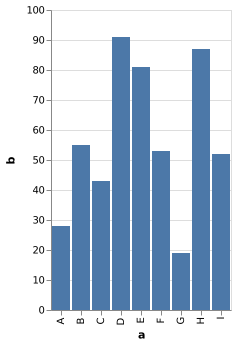 |
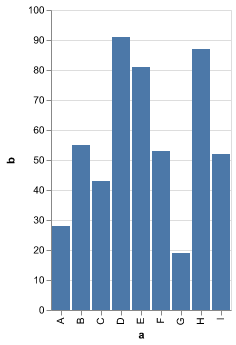 |
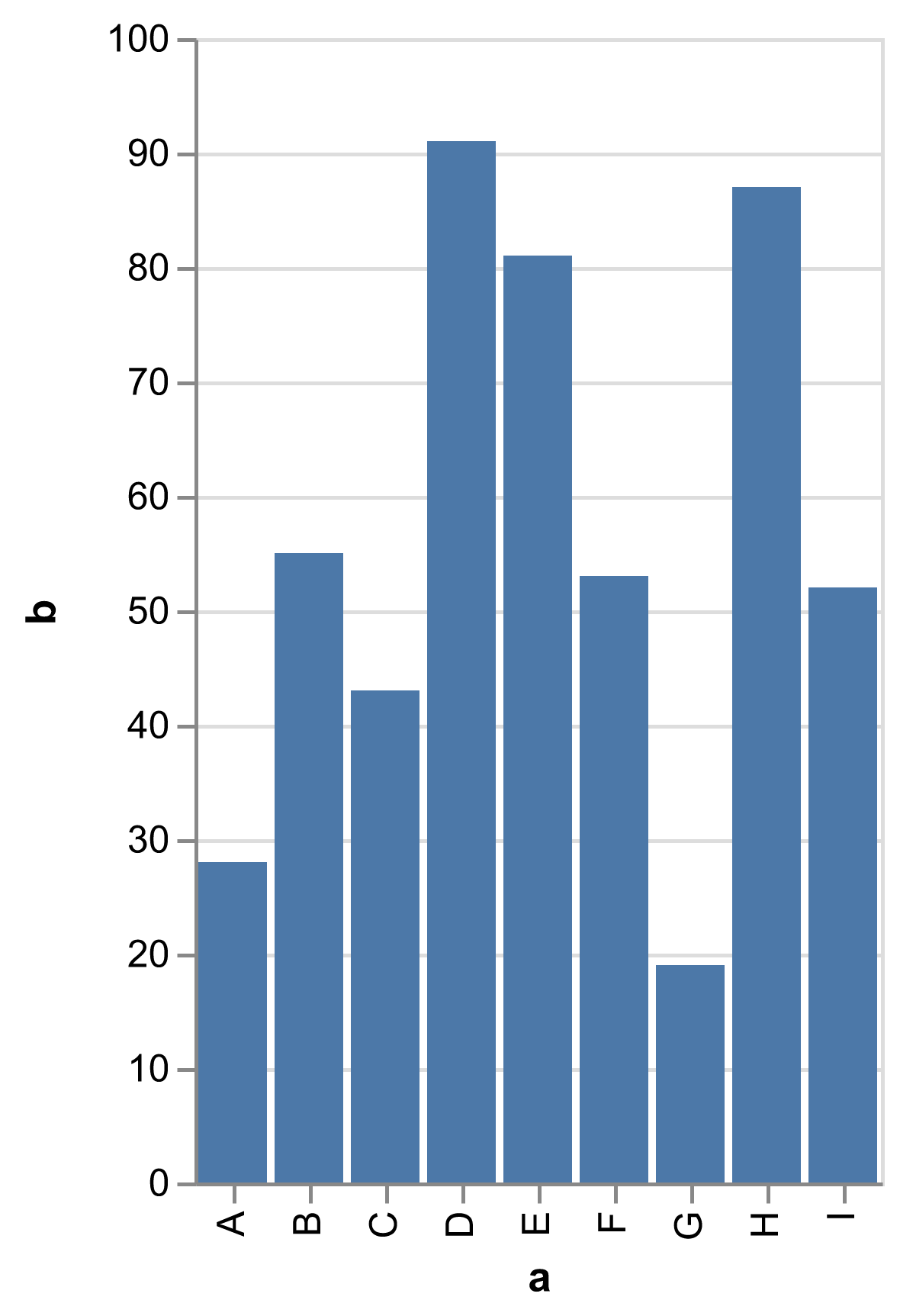 |
Compiling the Wheels
Currently the wheel generation is highly dependent on make.
To get started you can bootstrap your environment.
This rule will generate a virtual environment,
install the python and node dependencies,
and the liberation sans font.
make bootstrap
In order to build the wheels we will need to compile the okab js backend into standalone executables for all supported targets.
You can do this ahead of time or as the wheels are built.
Regardless, you'll need to have installed vercel/pkg.
npm install -g pkg
If you'd just like to compile a single wheel for your platform you can specify the target to compile the backend.
TARGET=macosx_10_14_x86_64 make single-wheel
To generate all supported platform wheels:
make wheels
How does it work?
We leverage vercel/pkg and distribute self-contained platform-specific executables within the python wheels.
This takes the problems of installing and setting up the needed backends from the user and leaves it to a well crafted CI.
First we need access to the libraries that render our visualizations vega & vega-lite.
We can use the vega API to generate a view and easily convert this to svg.
Generating appropriate png is a different problem. The vega view API can return an svg or canvas object.
In the browser this uses HTML canvas, server-side they rely on node-canvas.
This works fine in a properly configured node environment,
but canvas has a number of system dependencies and caveats that make packaging it with vercel/pkg a problem.
Instead, we can take advantage of a different svg rendering library RazrFalcon/resvg and yisibl/resvg-js.
Acknowledgements
This app is made possible by these great open source projects.
1 maintainer

Release files for okab 22.8a1
For a detailed explanation of source distributions (sdists) and built distributions (wheels), please see the package formats documentation.
Built distributions (wheels)
| File | Interpreter | ABI | Platform | Reset |
|---|---|---|---|---|
| okab-22.8a1-py3-none-win_amd64.whl | Python 3 | none | Windows x86-64 | Details |
| okab-22.8a1-py3-none-manylinux_2_17_x86_64.whl | Python 3 | none | Linux glibc 2.17+ x86-64 | Details |
| okab-22.8a1-py3-none-macosx_10_14_x86_64.whl | Python 3 | none | macOS 10.14+ x86-64 | Details |
Total release size: 73.3 MB
Release files / okab-22.8a1-py3-none-win_amd64.whl
| Download URL | okab-22.8a1-py3-none-win_amd64.whl |
|---|---|
| Size | 22.1 MB |
| Tags | Python 3 Windows x86-64 |
|
SHA-256 checksum How to use checksums |
b89852a623dd61bb7e00440f50031f7f6a2522510648ae59148fd5f2789dd262
|
|
BLAKE2b-256 checksum How to use checksums |
c7af5cd1feecbcce1058b74f4c7c2cb5b9808e3750d2b6bebf85e2e16f7071dc
|
| Upload date | |
|
Uploaded using Trusted Publishing? What is trusted publishing? |
No |
| Uploaded via |
twine/4.0.1 CPython/3.9.13
|
Release files / okab-22.8a1-py3-none-manylinux_2_17_x86_64.whl
| Download URL | okab-22.8a1-py3-none-manylinux_2_17_x86_64.whl |
|---|---|
| Size | 25.6 MB |
| Tags | Linux glibc 2.17+ x86-64 Python 3 |
|
SHA-256 checksum How to use checksums |
64be9bf83ac31f6f54340998f7e2751b22634a166c12c00458cf6edf594bddcf
|
|
BLAKE2b-256 checksum How to use checksums |
d71f56e2880858a1a7535c665fb6b3b4ef888bfec95da9e0fe39f09258ce8952
|
| Upload date | |
|
Uploaded using Trusted Publishing? What is trusted publishing? |
No |
| Uploaded via |
twine/4.0.1 CPython/3.9.13
|
Release files / okab-22.8a1-py3-none-macosx_10_14_x86_64.whl
| Download URL | okab-22.8a1-py3-none-macosx_10_14_x86_64.whl |
|---|---|
| Size | 25.6 MB |
| Tags | Python 3 macOS 10.14+ x86-64 |
|
SHA-256 checksum How to use checksums |
2deb52b7bc1762be9826738811ba1749925bfb4839ab0c85a553337554f67b10
|
|
BLAKE2b-256 checksum How to use checksums |
ce091d4e5b22a1dcec7e72520e1dc56e6f2e1dbdd2e6f5cec440ec320aa85ac6
|
| Upload date | |
|
Uploaded using Trusted Publishing? What is trusted publishing? |
No |
| Uploaded via |
twine/4.0.1 CPython/3.9.13
|














