
OldNews - A terminal-based client for TheOldReader







Introduction
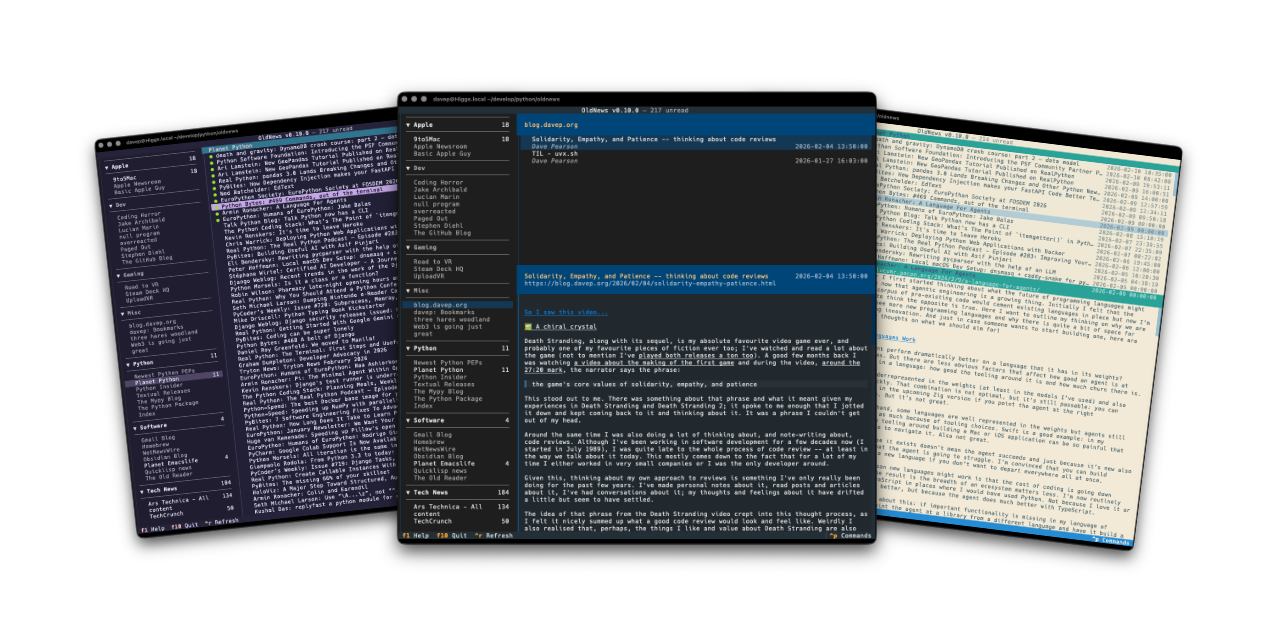
OldNews is a terminal-based client for TheOldReader. It provides the ability to read news feeds while using TheOldReader as the server for your RSS/atom subscriptions.
OldNews is and generally always will be fairly opinionated about the "best" way to make use of TheOldReader (AKA how I like to use it); but where possible I want to keep it quite general so it will be useful to anyone.
Installing
pipx
The application can be installed using pipx:
$ pipx install oldnews
uv
The application can be installed using uv:
uv tool install oldnews
If you don't have uv installed you can use uvx.sh to
perform the installation. For GNU/Linux or macOS or similar:
curl -LsSf uvx.sh/oldnews/install.sh | sh
or on Windows:
powershell -ExecutionPolicy ByPass -c "irm https://uvx.sh/oldnews/install.ps1 | iex"
Once installed run the oldnews command.
Getting started
OldNews only works if you have an account on TheOldReader. When you first run up OldNews you will get a login screen:
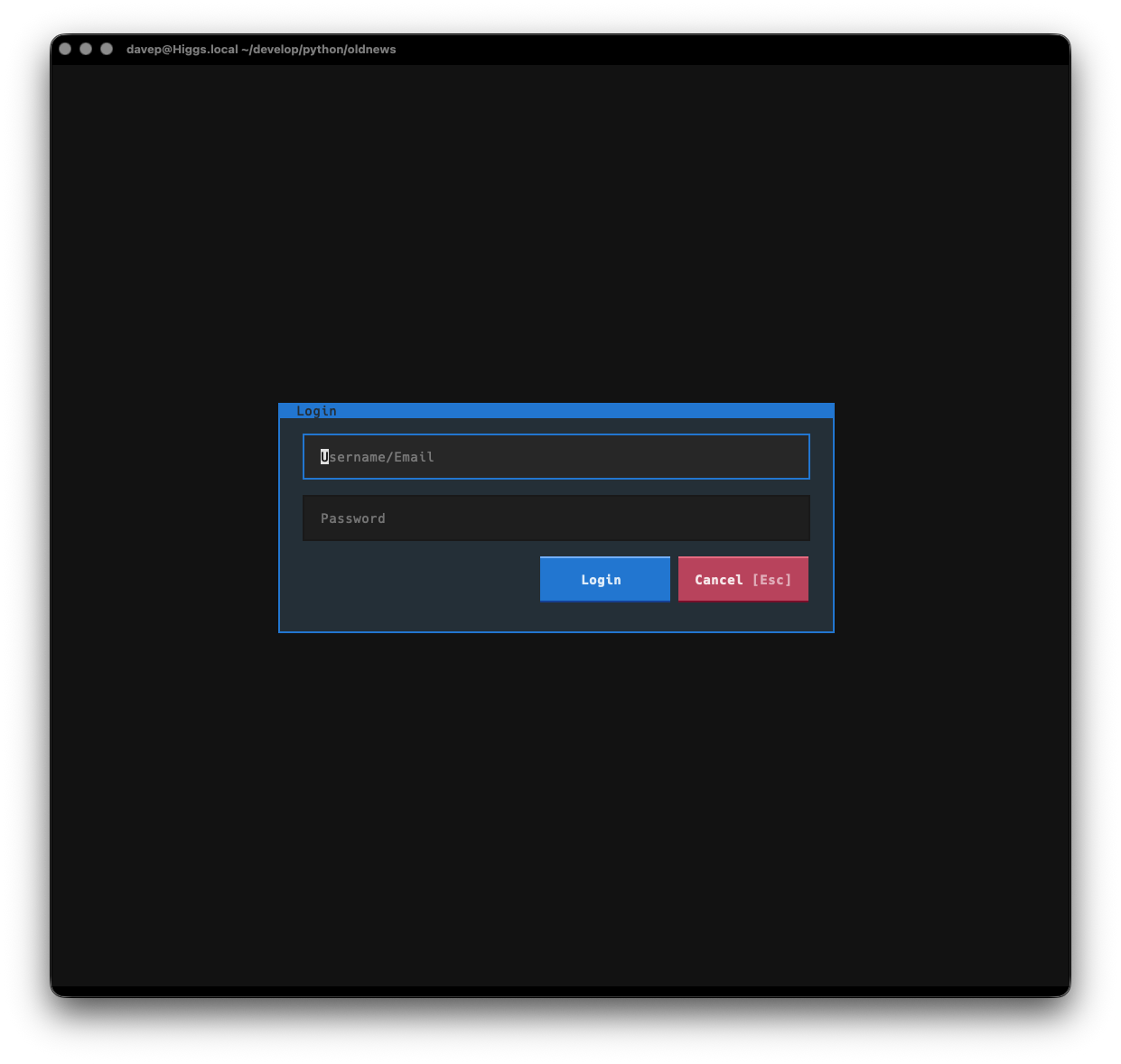
Enter your TheOldReader login details to log in.
[!IMPORTANT] OldNews doesn't store your user name or password locally. It passes the details to the API of TheOldReader and then gets and locally stores a token for working with the API.
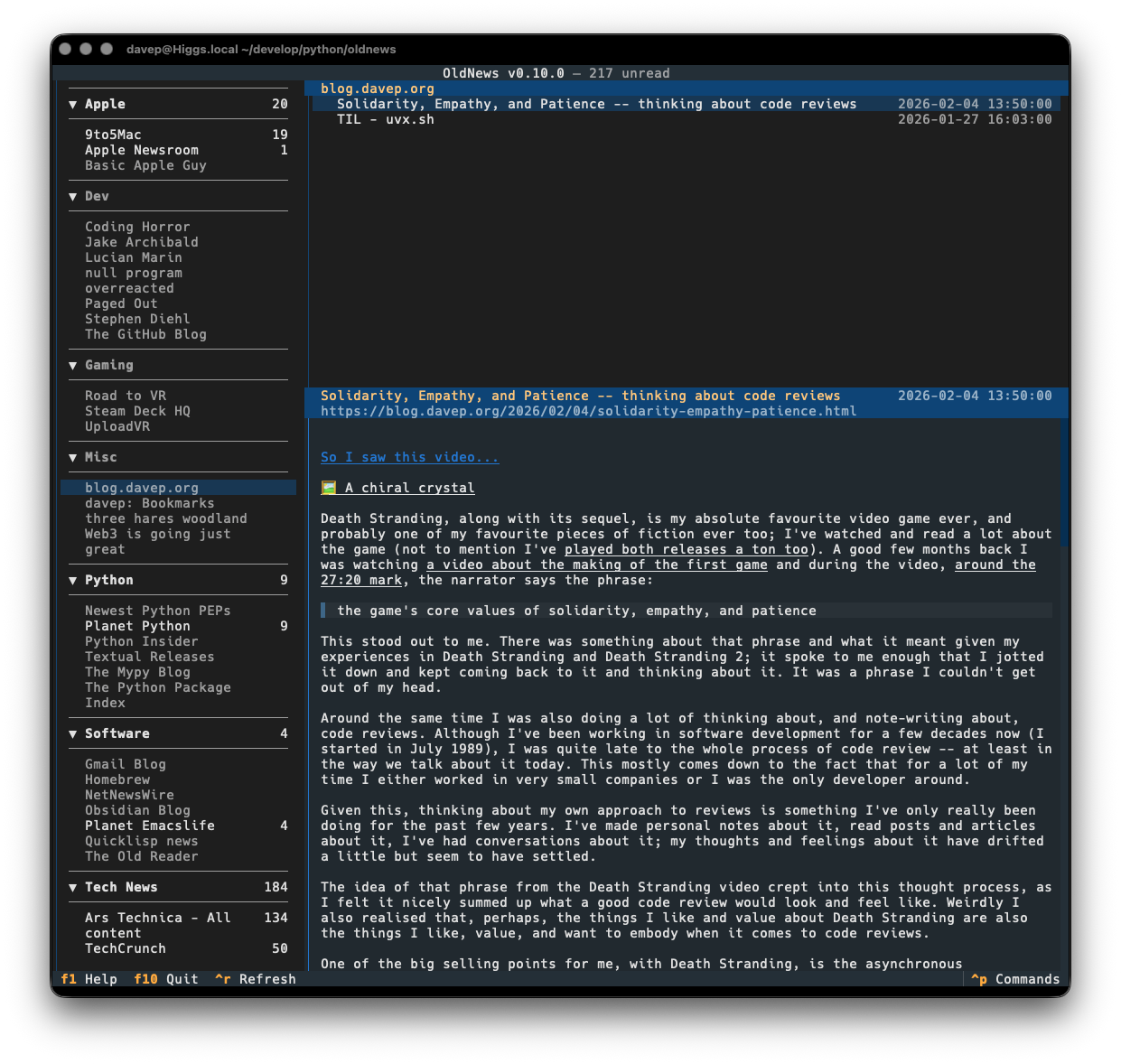
Once logged in TheOldReader will start to download a history of articles form your subscriptions. From then on it will synchronise the read/unread status as you read articles, and will refresh with the server if you request a refresh, or when you next start the application (within a set time limit).
Using OldNews
At the moment the best way to get to know OldNews is to read the helps screen; once in the main application you can see this by pressing F1.
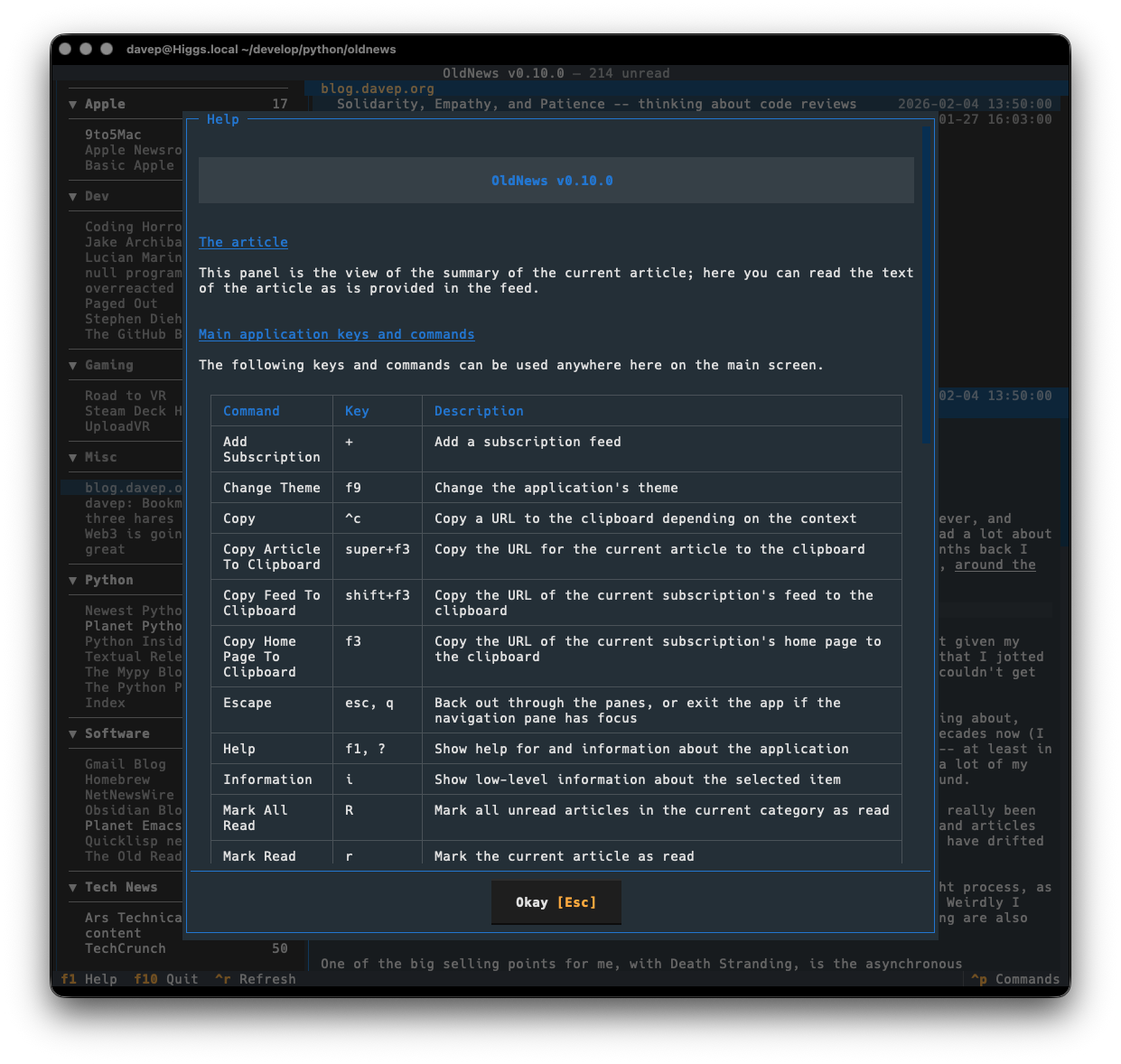
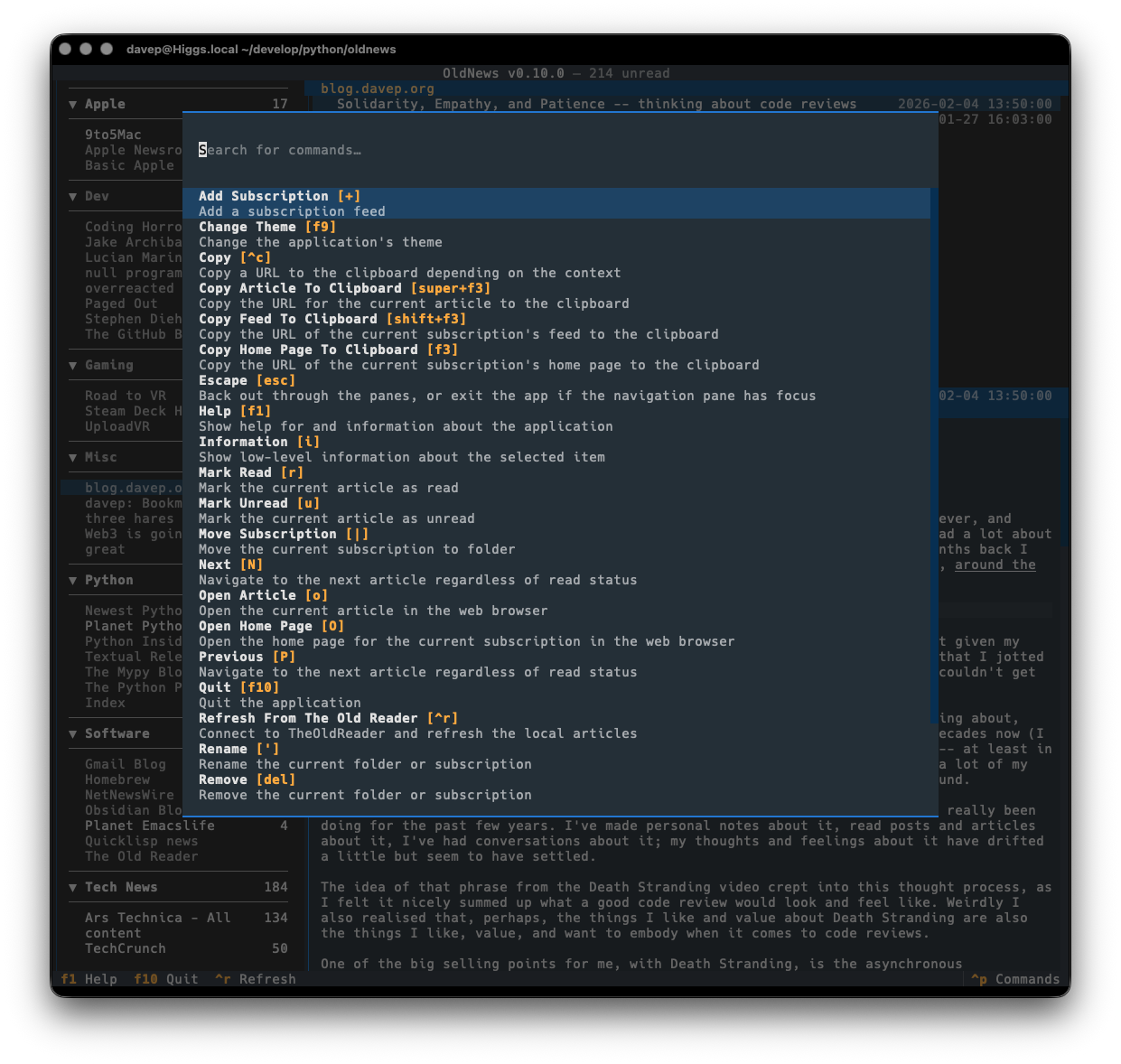
You can also discover commands and their keyboard shortcuts using the command palette:
File locations
OldNews stores files in an oldnews directory within both $XDG_DATA_HOME
and
$XDG_CONFIG_HOME.
If you wish to fully remove anything to do with OldNews you will need to
remove those directories too.
Expanding for the common locations, the files normally created are:
~/.config/oldnews/configuration.json-- The configuration file.~/.local/share/oldnews/*-- The locally-held data.
Getting help
If you need help, or have any ideas, please feel free to raise an issue or start a discussion.
TODO
See the TODO tag in issues to see what I'm planning.
1 maintainer

Metadata
1 maintainer
Release files for oldnews 1.4.2
For a detailed explanation of source distributions (sdists) and built distributions (wheels), please see the package formats documentation.
Source distribution (sdist)
| File | Size | Uploaded | |
|---|---|---|---|
| oldnews-1.4.2.tar.gz | 38.4 kB | Details |
Built distribution (wheel)
| File | Interpreter | ABI | Platform | Reset |
|---|---|---|---|---|
| oldnews-1.4.2-py3-none-any.whl | Python 3 | none | any | Details |
Total release size: 97.3 kB
Release files / oldnews-1.4.2.tar.gz
| Download URL | oldnews-1.4.2.tar.gz |
|---|---|
| Size | 38.4 kB |
| Tags | Source |
|
SHA-256 checksum How to use checksums |
e638f3eb869e38f0ecc4ec19aa785b4bbe14b560c0e9eca4733cb786dce07b03
|
|
BLAKE2b-256 checksum How to use checksums |
605ad454bb571391c9cabe6622907f81604655c43522963ec6cc75cdcb648c33
|
| Upload date | |
|
Uploaded using Trusted Publishing? What is trusted publishing? |
No |
| Uploaded via |
uv/0.11.14 {"installer":{"name":"uv","version":"0.11.14","subcommand":["publish"]},"python":null,"implementation":{"name":null,"version":null},"distro":{"name":"macOS","version":null,"id":null,"libc":null},"system":{"name":null,"release":null},"cpu":null,"openssl_version":null,"setuptools_version":null,"rustc_version":null,"ci":null}
|
Release files / oldnews-1.4.2-py3-none-any.whl
| Download URL | oldnews-1.4.2-py3-none-any.whl |
|---|---|
| Size | 58.9 kB |
| Tags | Python 3 |
|
SHA-256 checksum How to use checksums |
93d8f4f4f813dbdf353a3eb1ce445c09469734a721e33d51eba9b5bae342454d
|
|
BLAKE2b-256 checksum How to use checksums |
5483a3b1fb3595d47e34f49f1380ca971fef95932c14f60803bbb84147c70f00
|
| Upload date | |
|
Uploaded using Trusted Publishing? What is trusted publishing? |
No |
| Uploaded via |
uv/0.11.14 {"installer":{"name":"uv","version":"0.11.14","subcommand":["publish"]},"python":null,"implementation":{"name":null,"version":null},"distro":{"name":"macOS","version":null,"id":null,"libc":null},"system":{"name":null,"release":null},"cpu":null,"openssl_version":null,"setuptools_version":null,"rustc_version":null,"ci":null}
|














