
Générateur de GIFs animés 1 bit pour écrans OLED (SteelSeries, SSD1306, ...)
Verified details
These details have been verified by PyPIProject links
GitHub Statistics
Maintainers

Project description
oled-gif-studio
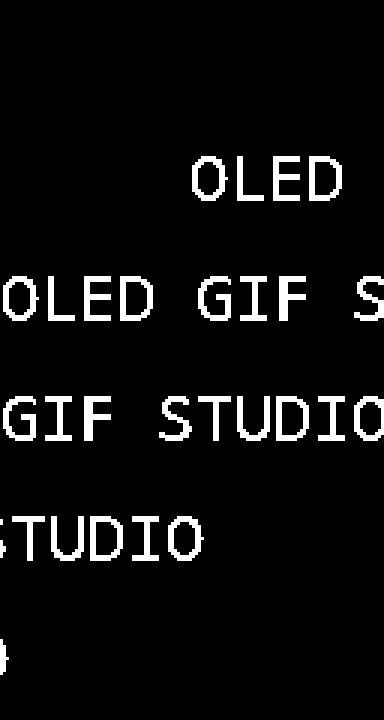
1-bit animated GIF generator for OLED screens of any size: SteelSeries
keyboards/mice, SSD1306/SH1106 modules (Arduino, Raspberry Pi, QMK macropads),
or any custom resolution. Pick a preset or set your own WIDTHxHEIGHT — the
whole pipeline is resolution-agnostic, from a 96×16 strip to a 256×64 panel.
No AI model, no paid API: everything is procedural (Python + Pillow), so it's instant, free, and pixel-perfect. A "natural language description" mode (French or English) picks the effect and parameters for you.
You can also export the frames as a C array (--format c-array) to flash
them onto an Arduino/QMK SSD1306, or push them live to a SteelSeries OLED
(--push). pip install oledgifstudio[fast] pulls in NumPy for a big speedup
on the heavier effects (optional — there's a pure-Python fallback).
All previews in this README are scaled ×3 — the actual GIF size is that of the target screen (128×40 by default).
Installation
None needed if Python (≥ 3.10) + Pillow are already installed. Otherwise:
pip install Pillow
Optional, to get the oledgif command available everywhere:
pip install -e .
Optional extras: pip install -e .[fast] (NumPy — speeds up plasma,
tunnel, image dithering) and pip install -e .[push] (requests — needed
for --push). .[dev] pulls everything plus pytest.
Quick usage
# From the project folder:
python -m oledgif "HELLO WORLD"                          # auto effect → hello.gif
python -m oledgif "GG" -e slot -o gg.gif                 # slot machine
python -m oledgif "PWNED" -e glitch -p rival             # for a mouse's OLED
python -m oledgif "42" -e matrix --size 128x64 --fps 20  # custom size

# In natural language:
python -m oledgif -d "the text 'HELLO' scrolling slowly"
python -m oledgif -d "'GAME OVER' blinking fast for 3s"
python -m oledgif -d "a radar sweeping the screen"

# From an image:
python -m oledgif -i photo.jpg --fit cover               # full-screen photo, vhs effect
python -m oledgif -i comic.jpg --fit cover --style comic # illustration/comic
python -m oledgif -i logo.png -e bounce                  # the logo bounces
python -m oledgif -i meme.gif                            # animated GIF converted as-is

# Text-free patterns (screensavers):
python -m oledgif -e starfield
python -m oledgif -e plasma --seconds 6
python -m oledgif -e fire                                # rising flames
python -m oledgif -e tunnel                              # checkerboard tunnel
python -m oledgif -e clock                               # digital clock

# Any resolution — not just the presets:
python -m oledgif "HELLO" --size 200x64
python -m oledgif "HI" -e wave --size 100x24

# Export for microcontrollers (Arduino / QMK / SSD1306):
python -m oledgif "GG" -e blink -f c-array -o logo.h     # C header, drawBitmap()
python -m oledgif -i logo.png -f xbm -o logo.xbm         # X BitMap

# Push straight to a SteelSeries OLED (GameSense, live):
python -m oledgif -e clock --push                        # loops until Ctrl-C
python -m oledgif "GG WP" -e slot --push --loops 3

# One example of every effect in ./samples:
python -m oledgif --demo
Web interface
Prefer clicking to typing? A local web UI exposes everything the CLI can do — every effect and pattern, natural-language describe, image import, any screen size, C-array/XBM export, and live push to a SteelSeries OLED — with a realistic OLED preview that updates as you tweak the controls.
python -m oledgif.web        # starts a local server and opens your browser
# or, once installed:  oledgif-web
It runs 100% locally with zero extra dependencies (Python's standard
library only — no Flask, no CDN, nothing leaves your machine). Add --no-browser
to skip auto-opening, or --port 9000 to pick a port. Live push still needs
SteelSeries GG running and requests (pip install oledgifstudio[push]).
Text / image effects (--list-effects)
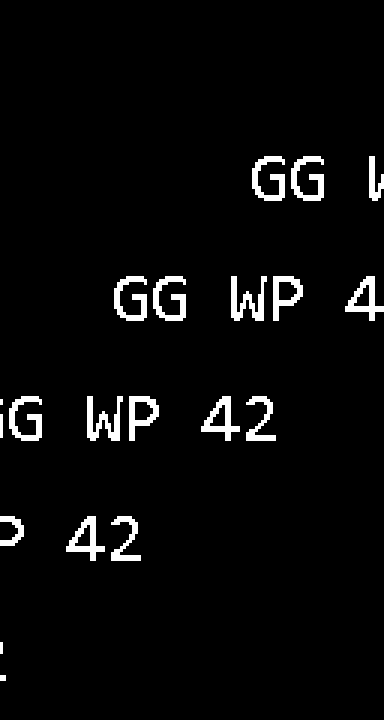 scroll — perfectly looping scroll |
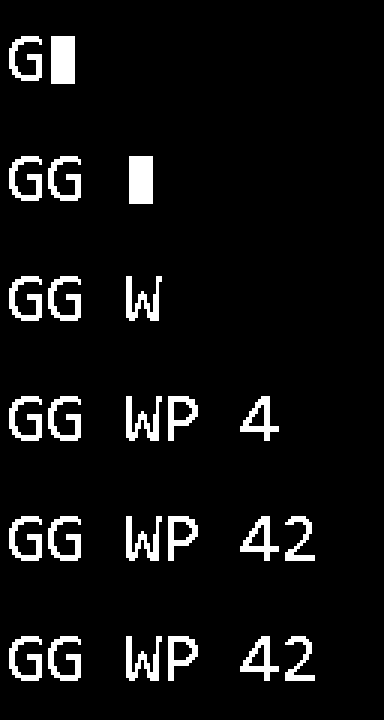 typewriter — typewriter with cursor |
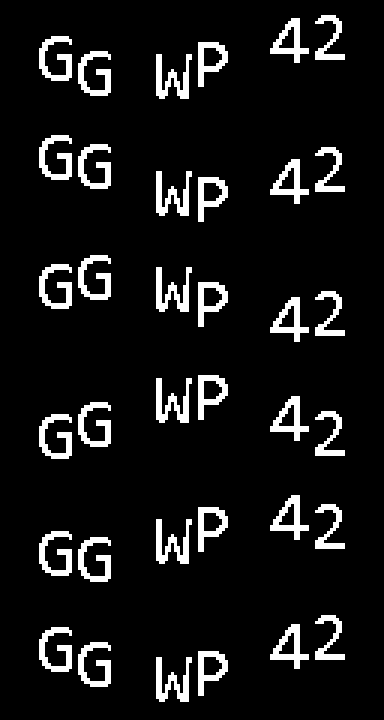 wave — letters waving |
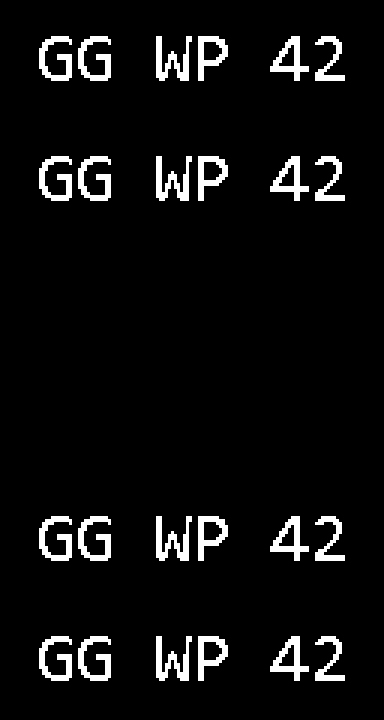 blink — blinking |
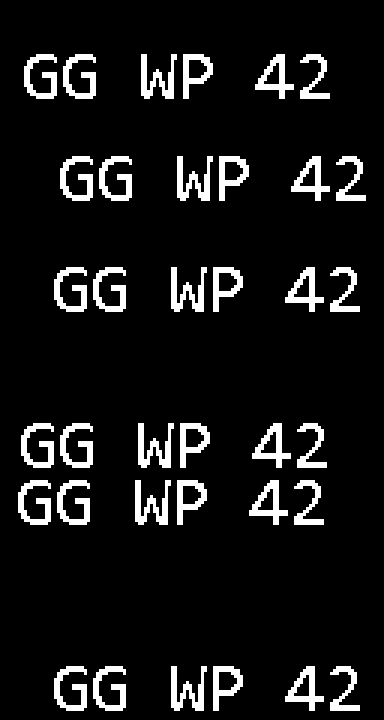 bounce — DVD-logo-style bounce |
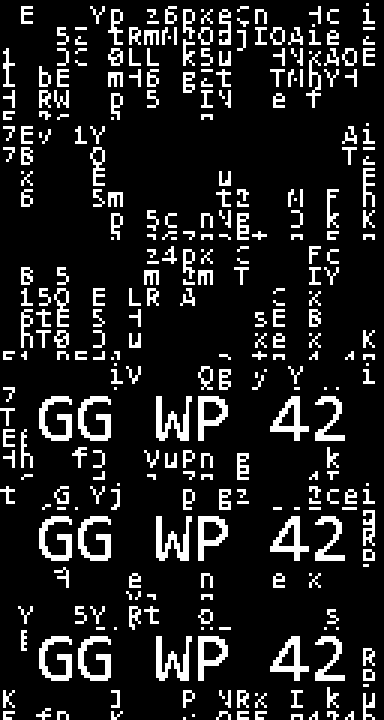 matrix — character rain revealing the text |
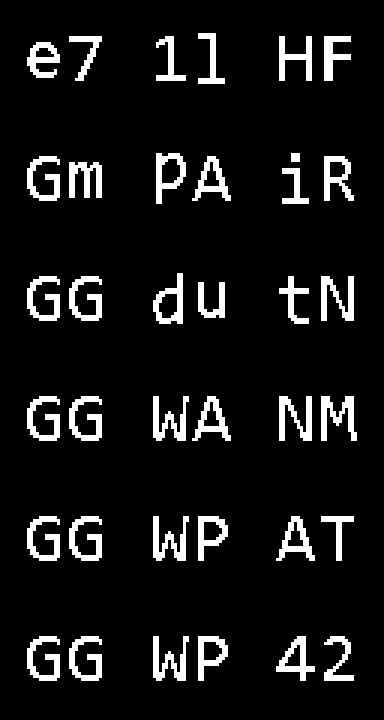 slot — each letter cycles then locks in |
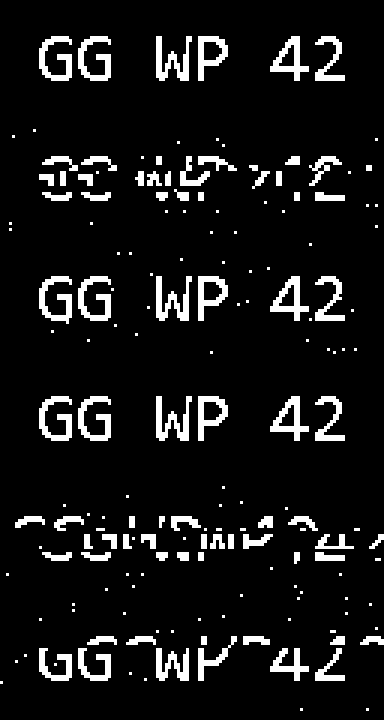 glitch — shifted bands + noise |
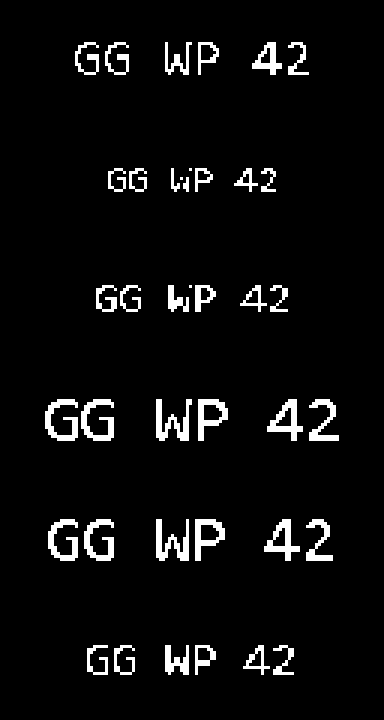 pulse — heartbeat |
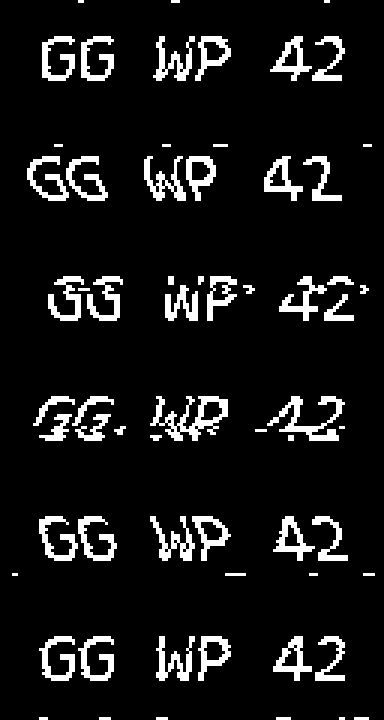 vhs — VHS tape tracking look |
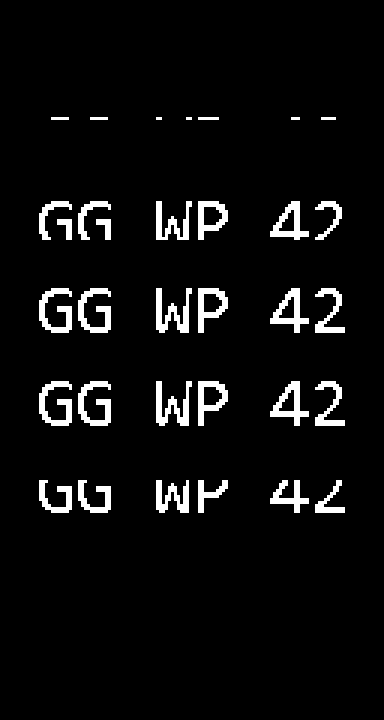 slide — bottom-to-top credits crawl |
typewriter, wave, matrix, and slot are text-only; the others also
accept an image (--image).
--effect auto (default): scroll if the text is too wide for the screen,
otherwise wave; vhs for an image; direct conversion for an animated GIF.
Text-free patterns (screensavers)
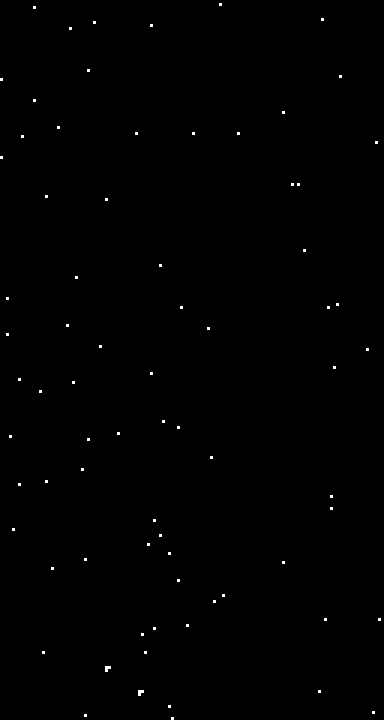 starfield — hyperspace |
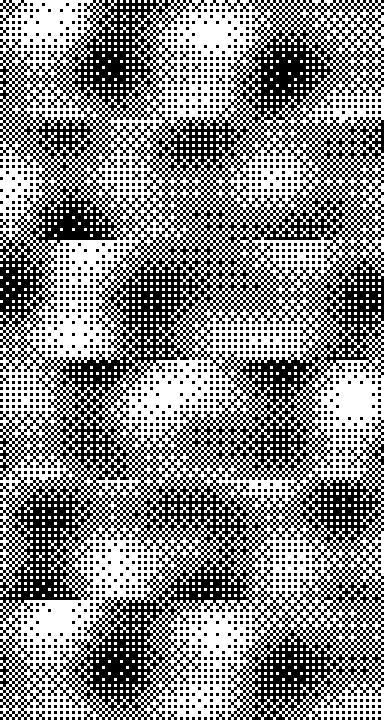 plasma — retro dithered plasma |
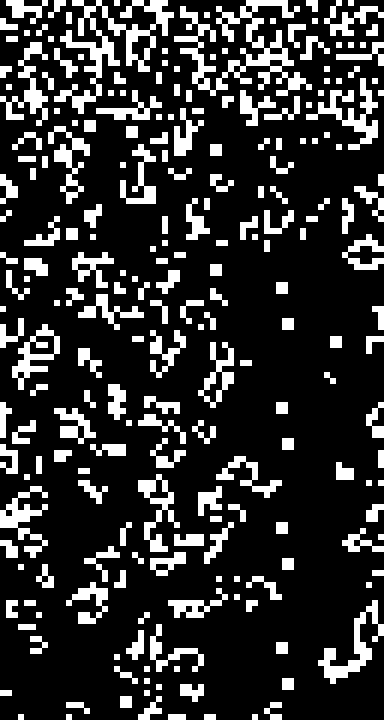 life — Conway's Game of Life |
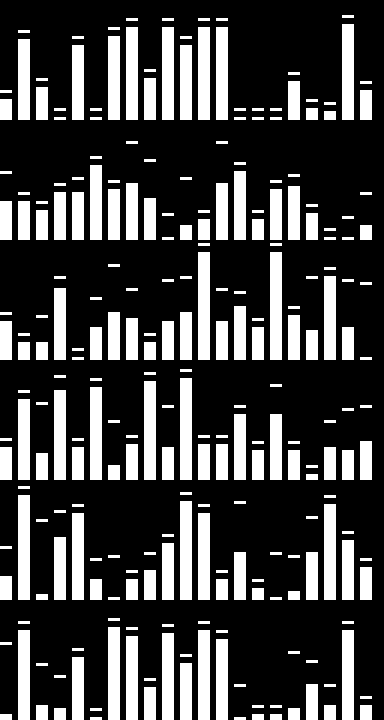 eq — audio equalizer |
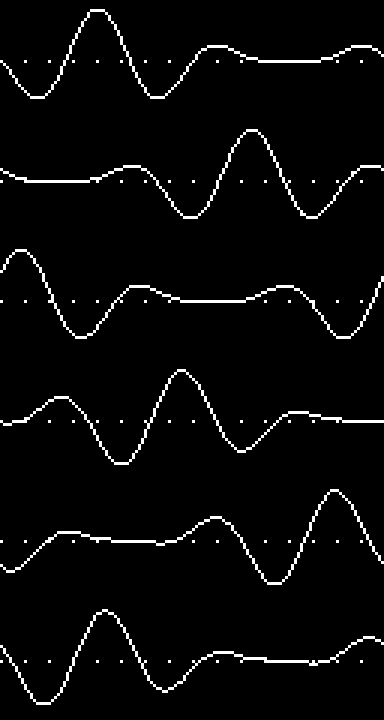 scope — oscilloscope |
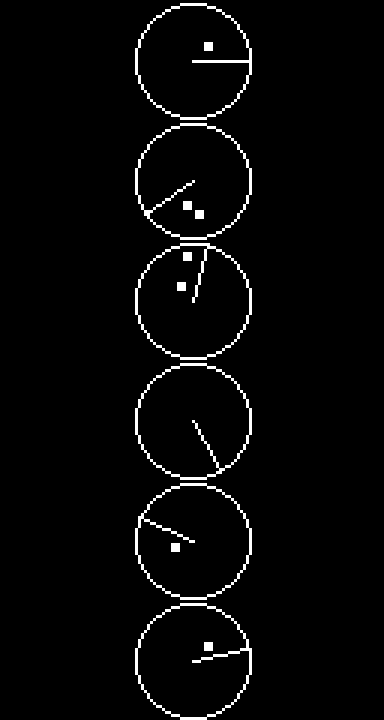 radar — sweep with echoes |
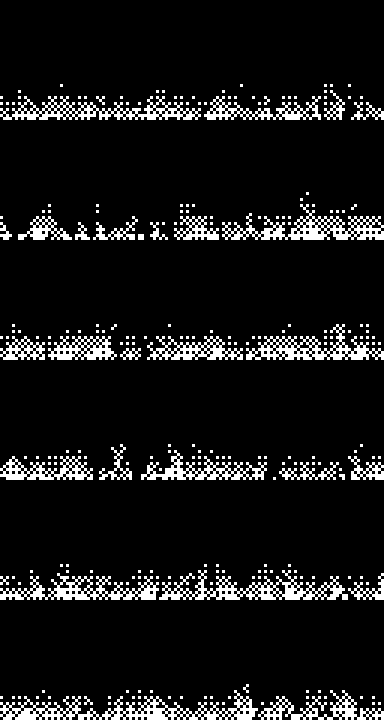 fire — dithered rising flames |
 snow — falling & settling snow |
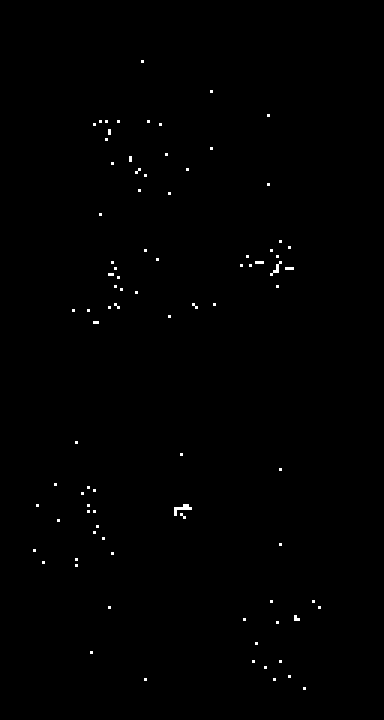 fireworks — rockets bursting into sparks |
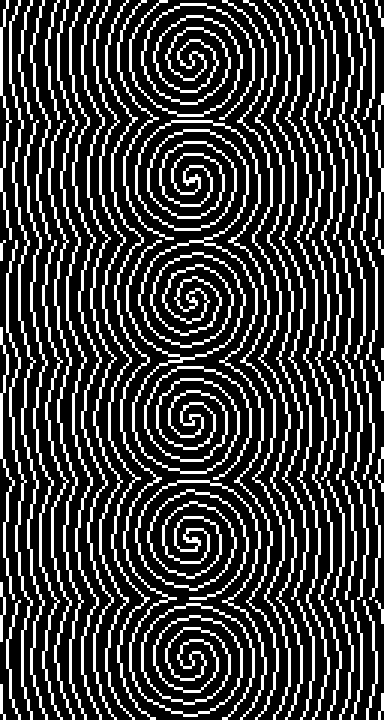 spiral — hypnotic rotating spiral |
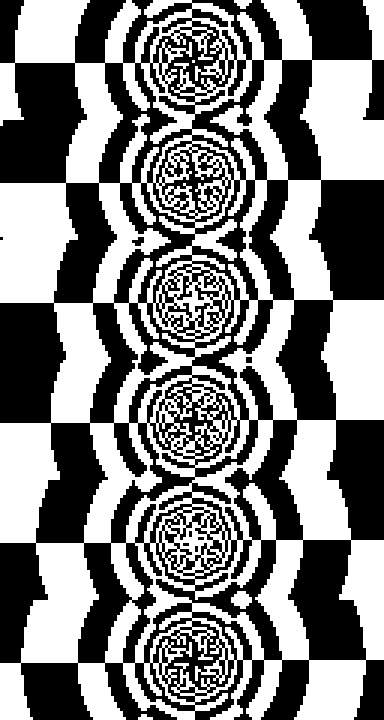 tunnel — checkerboard depth tunnel |
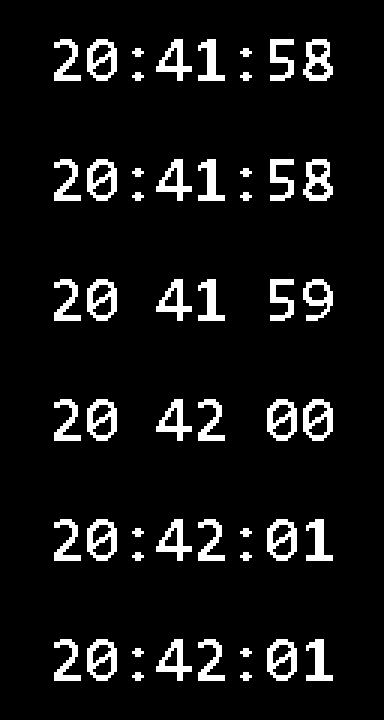 clock — ticking digital clock |
Images: the 4 rendering styles
Converting a color image to 1 bit over 5120 pixels is an exercise in
sacrifice — the right --style depends on the source. Demonstrated on the
same scene (moon, silhouettes against a gradient sky, city lights):
| Render | Style |
|---|---|
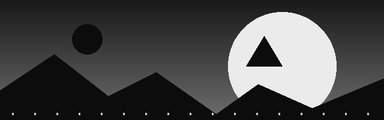 |
Source (grayscale) |
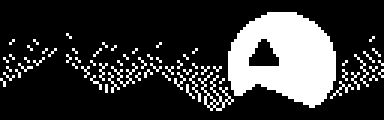 |
--style photo (default) — auto-contrast + sharpening + Floyd-Steinberg dithering. The right choice for real photos: the dithering simulates grayscale levels. On an illustration it turns into noise. |
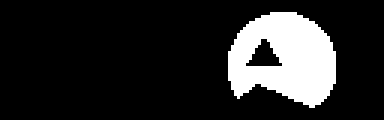 |
--style solid — hard thresholding (alias --no-dither). Great for logos and line art… but anything dark-on-dark disappears into black. |
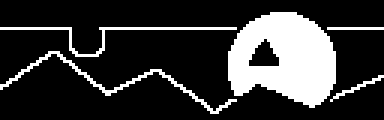 |
--style comic — like solid, but an automatic 2nd threshold (Otsu) separates dark tones and outlines shapes drowned in black with a white contour. Ideal for illustrations/comics. |
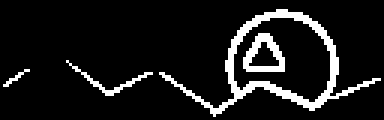 |
--style edges — edge detection, white lines on black background. Neon/wireframe look, often the most readable for a landscape or a face. |
Other image options:
--fit cover— the image fills the whole screen (cropped) instead of being shrunk to a stamp in the middle. Recommended for landscape photos.- Denoising (on by default): a median filter plus isolated-pixel removal
eliminate "salt and pepper" noise (reflections, streetlights, stars).
--no-denoisedisables it if you actually want to keep those specks. - An animated GIF input is converted frame by frame, keeping the
original durations (with
--effect auto).
Natural language (--describe)
python -m oledgif -d "the text 'BRB' bouncing for 5 seconds"
python -m oledgif -d "'REC' in vintage vhs mode"
python -m oledgif -d "un radar qui balaie l'écran"
The parser (FR/EN, accent-insensitive) recognizes the effect by keywords ("scrolls", "blinks", "types", "radar", "vintage"...), the text in quotes, the duration ("for 3s"), and the speed ("slowly", "fast").
Preconfigured screens (--list-presets)
| Preset | Size | Hardware |
|---|---|---|
apex (default) |
128×40 | SteelSeries Apex 5 / 7 / Pro (keyboard OLED) |
rival |
128×36 | SteelSeries Rival 700 / 710 (mouse OLED) |
oled-128x64 |
128×64 | SSD1306 / SH1106 / SSD1309 |
oled-128x32 |
128×32 | SSD1306 |
oled-96x16 |
96×16 | SSD1306 |
oled-256x64 |
256×64 | SSD1322 |
Any other size: --size WIDTHxHEIGHT.
Useful options
--charset alnum|digits|upper|letters|asciior a literal string — the character set used bymatrixandslot(default: the 62 alphanumeric characters0-9A-Za-z).--font path.ttf --font-size N— custom font (default: Consolas, size adjusted to the screen).--invert— black on white.--scale 4— GIF enlarged ×4 (for comfortable previewing).--seed 42— reproducible rendering for random effects.--fps,--seconds,--speed(px/s for scroll).--format gif|c-array|xbm— output kind (see the export section).--push [--loops N]— send live to a SteelSeries OLED instead of a file.
Export for microcontrollers (--format c-array / xbm)
Beyond the GIF, you can export the frames as source code to display them on a bare OLED (SSD1306/SH1106) driven by an Arduino, ESP32, or QMK keyboard:
python -m oledgif "GG" -e blink -p oled-128x32 -f c-array -o logo.h
python -m oledgif -i logo.png -f xbm -o logo.xbm
-
c-array→ a C header withconst uint8_t frames[N][bytes] PROGMEM(1 bit/pixel, horizontal packing, MSB first — the Adafruit_GFX / U8g2 convention). It also emits_WIDTH,_HEIGHT,_FRAMESand a_durations[]table. Drop it in and animate:#include "logo.h" for (uint8_t i = 0; i < GG_FRAMES; i++) { display.clearDisplay(); display.drawBitmap(0, 0, gg_frames[i], GG_WIDTH, GG_HEIGHT, 1); display.display(); delay(gg_durations[i]); }
-
xbm→ a standard X BitMap (first frame), readable by most tools.
Sending the animation to a SteelSeries screen
Three options, easiest first:
-
Live push (
--push) — stream the animation straight to the keyboard/mouse OLED through SteelSeries GG's local GameSense API, no file needed:python -m oledgif -e clock --push # loops until Ctrl-C python -m oledgif "GG WP" -e slot --push --loops 3
SteelSeries GG must be running. The server address is auto-discovered from
coreProps.json; override it with theOLEDGIF_GAMESENSE_ADDRESSenv var if needed. Requiresrequests(pip install oledgifstudio[push]). -
SteelSeries GG import: in your device's OLED settings, import the generated GIF — it's already 1 bit at the exact screen size.
-
GameSense API (your own code): the frames are directly usable byte for byte, same as SteelseriesAnimGif.
Project structure
oledgif/
  cli.py        # command line + build_frames() / make_gif()
  effects.py    # the 11 text/image effects (@effect registry)
  patterns.py   # the 12 text-free patterns/screensavers
  render.py     # image prep, binarization, GIF writing (NumPy fast paths)
  export.py     # C-array / XBM export for microcontrollers
  push.py       # live push to a SteelSeries OLED (GameSense API)
  describe.py   # FR/EN natural language parser
  presets.py    # market screen sizes
  fonts.py      # font loading
  web/          # local web UI (stdlib http.server + vanilla JS SPA)
tests/          # pytest suite
samples/        # one example GIF per effect (actual size, --demo)
docs/           # README illustrations (scaled ×3)
My pick
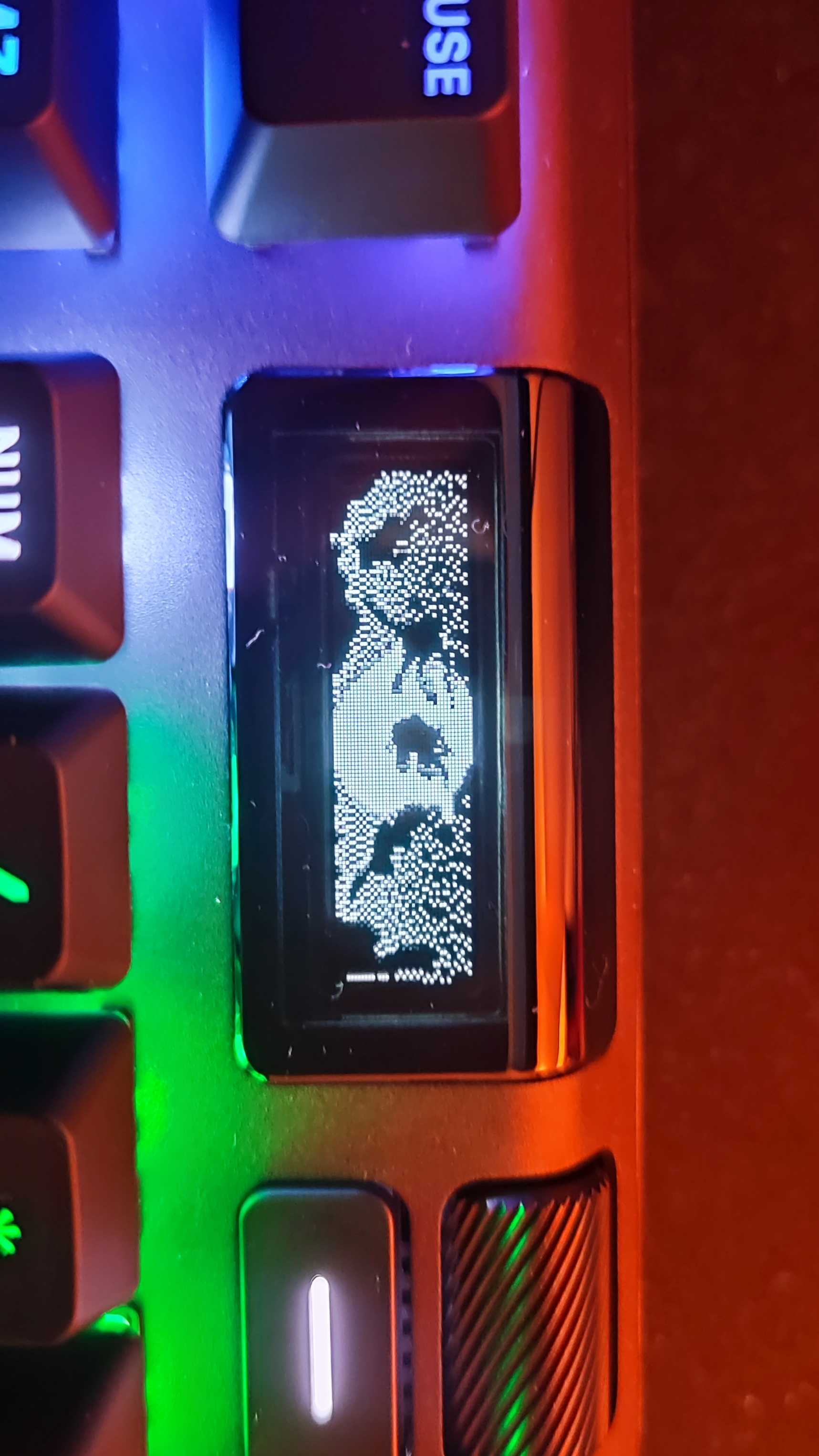
Ninja Turtles!
Project details
Verified details
These details have been verified by PyPIProject links
GitHub Statistics
Maintainers


Download files
Download the file for your platform. If you're not sure which to choose, learn more about installing packages.
Source Distribution
Built Distribution
Filter files by name, interpreter, ABI, and platform.
If you're not sure about the file name format, learn more about wheel file names.
Copy a direct link to the current filters
File details
Details for the file oledgifstudio-0.3.0.tar.gz.
File metadata
- Download URL: oledgifstudio-0.3.0.tar.gz
- Upload date:
- Size: 51.8 kB
- Tags: Source
- Uploaded using Trusted Publishing? Yes
- Uploaded via: twine/6.1.0 CPython/3.13.12
File hashes
| Algorithm | Hash digest | |
|---|---|---|
| SHA256 |
b0528e935a89087f805d45af7bdf6e9d861792e16b4c922ad1bf83b76aef3101
|
|
| MD5 |
7afb20160a434ade9339f707768933d8
|
|
| BLAKE2b-256 |
59b5b892b7e8e99ef3431a289a4fc6aad086bce6b09e821bcc87e65979aee278
|
Provenance
The following attestation bundles were made for oledgifstudio-0.3.0.tar.gz:
Publisher:
python-publish.yml on MaticeMrll/oled-gif-studio
-
Statement:
-
Statement type:
https://in-toto.io/Statement/v1 -
Predicate type:
https://docs.pypi.org/attestations/publish/v1 -
Subject name:
oledgifstudio-0.3.0.tar.gz -
Subject digest:
b0528e935a89087f805d45af7bdf6e9d861792e16b4c922ad1bf83b76aef3101 - Sigstore transparency entry: 2131025765
- Sigstore integration time:
-
Permalink:
MaticeMrll/oled-gif-studio@8710c7bddeb76090d6dad6ecc170fe8305c34334 -
Branch / Tag:
refs/tags/v0.3.0 - Owner: https://github.com/MaticeMrll
-
Access:
public
-
Token Issuer:
https://token.actions.githubusercontent.com -
Runner Environment:
github-hosted -
Publication workflow:
python-publish.yml@8710c7bddeb76090d6dad6ecc170fe8305c34334 -
Trigger Event:
release
-
Statement type:
File details
Details for the file oledgifstudio-0.3.0-py3-none-any.whl.
File metadata
- Download URL: oledgifstudio-0.3.0-py3-none-any.whl
- Upload date:
- Size: 49.4 kB
- Tags: Python 3
- Uploaded using Trusted Publishing? Yes
- Uploaded via: twine/6.1.0 CPython/3.13.12
File hashes
| Algorithm | Hash digest | |
|---|---|---|
| SHA256 |
fa532bd16f7ddd732ed9946ed05c9e20a339ffb29e1ce12f402f967493db8e27
|
|
| MD5 |
b2b8ebf0e34242c0b58dc38ebfa1b269
|
|
| BLAKE2b-256 |
e5a3bc2933eb86026a17e5c3d898ae39b5ccc7402f6b47071d64cf5e7370b4e7
|
Provenance
The following attestation bundles were made for oledgifstudio-0.3.0-py3-none-any.whl:
Publisher:
python-publish.yml on MaticeMrll/oled-gif-studio
-
Statement:
-
Statement type:
https://in-toto.io/Statement/v1 -
Predicate type:
https://docs.pypi.org/attestations/publish/v1 -
Subject name:
oledgifstudio-0.3.0-py3-none-any.whl -
Subject digest:
fa532bd16f7ddd732ed9946ed05c9e20a339ffb29e1ce12f402f967493db8e27 - Sigstore transparency entry: 2131025815
- Sigstore integration time:
-
Permalink:
MaticeMrll/oled-gif-studio@8710c7bddeb76090d6dad6ecc170fe8305c34334 -
Branch / Tag:
refs/tags/v0.3.0 - Owner: https://github.com/MaticeMrll
-
Access:
public
-
Token Issuer:
https://token.actions.githubusercontent.com -
Runner Environment:
github-hosted -
Publication workflow:
python-publish.yml@8710c7bddeb76090d6dad6ecc170fe8305c34334 -
Trigger Event:
release
-
Statement type:






