
Open Google MCP




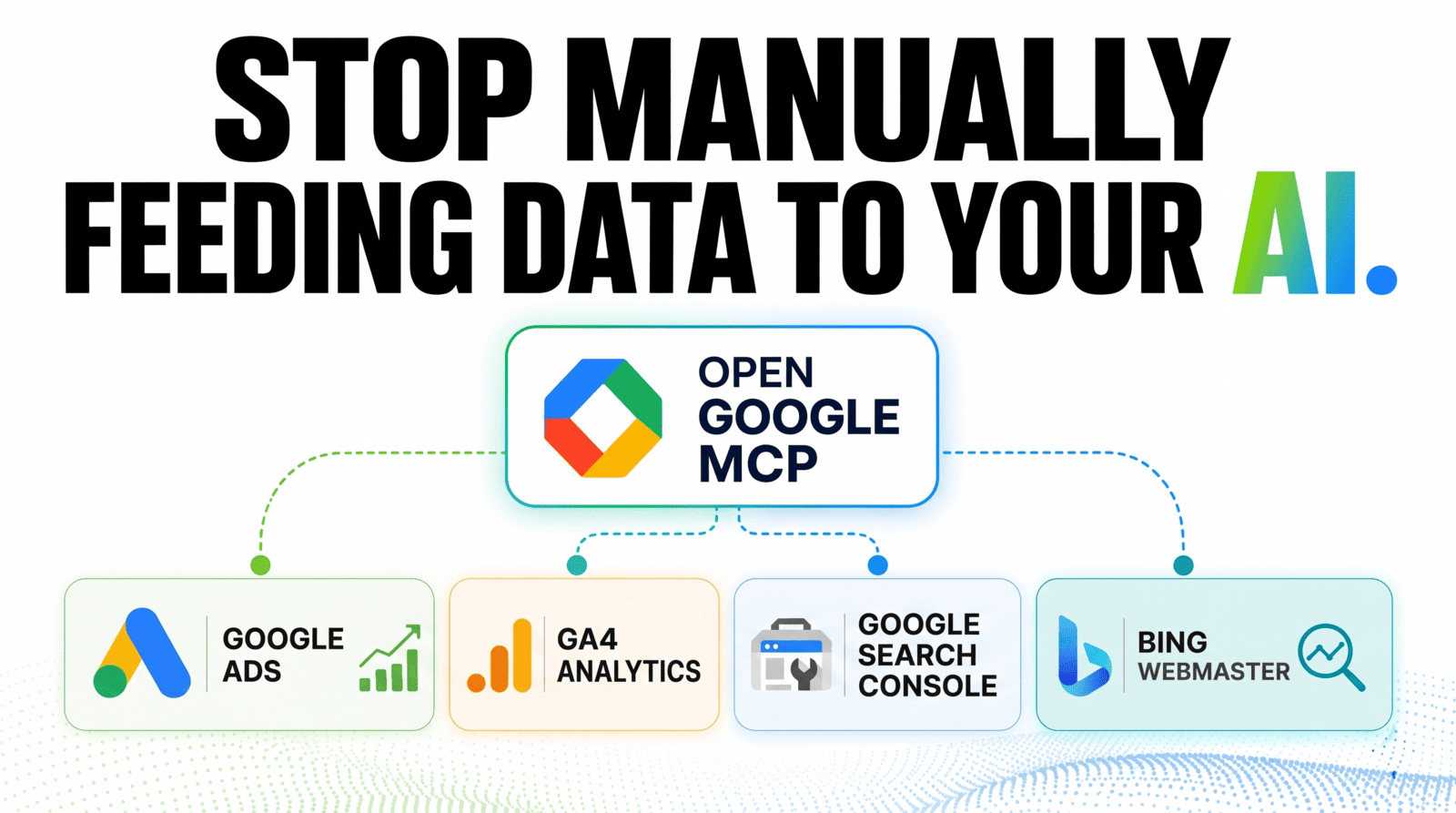
Read-only MCP server for Google Ads, Search Console, Google Analytics 4, and Bing Webmaster Tools.
Every tool reads data. Nothing bids, edits, or changes an account.
Install
No clone. One command, one config block.
uvx
uvx open-google-mcp
Docker
docker run -i --rm --env-file ~/.config/open-google-mcp/.env \
  ghcr.io/ceotind/open-google-mcp:latest
Add it to your client
{
  "mcpServers": {
    "open-google-mcp": {
      "command": "uvx",
      "args": ["open-google-mcp"],
      "env": {
        "GOOGLE_SERVICE_ACCOUNT_EMAIL": "...",
        "GOOGLE_SERVICE_ACCOUNT_KEY": "-----BEGIN PRIVATE KEY-----\n...\n-----END PRIVATE KEY-----\n",
        "GOOGLE_ADS_DEVELOPER_TOKEN": "...",
        "BING_WEBMASTER_API_KEY": "optional"
      }
    }
  }
}
Cursor, VS Code, opencode, and the Docker form: client configuration.
Then restart the client and ask for gsc_list_properties.
Credentials
Set up a service account and developer token
One service account covers Google Ads, Search Console, and Analytics 4.
- Create a service account in GCP Console → APIs & Services → Credentials.
- Download the JSON key. Copy the
private_keyand the other fields. - Enable these APIs in the same GCP project: Ads, Search Console, Analytics Data, Analytics Admin.
- Grant the service account email access:
- Ads: manager account → Settings → Account access → Service account users
- Search Console: property → Settings → Users and permissions → Full access
- Analytics 4: Admin → Account Access Management → Viewer
- Apply for a Google Ads developer token. Basic access is required.
| Variable | Needed | Use |
|---|---|---|
GOOGLE_SERVICE_ACCOUNT_EMAIL |
yes | Service account address |
GOOGLE_SERVICE_ACCOUNT_KEY |
yes | Private key, keep the \n escapes |
GOOGLE_ADS_DEVELOPER_TOKEN |
yes | Google Ads API token |
GOOGLE_SERVICE_ACCOUNT_KEY_ID |
no | Private key ID |
GOOGLE_SERVICE_ACCOUNT_CLIENT_ID |
no | Client ID |
GOOGLE_SERVICE_ACCOUNT_PROJECT_ID |
no | GCP project |
GOOGLE_ADS_LOGIN_CUSTOMER_ID |
no | Manager account routing |
GOOGLE_ADS_DEFAULT_CUSTOMER_ID |
no | Default for Keyword Planner |
GA4_CREDENTIALS_PATH |
no | Separate Analytics credential file |
BING_WEBMASTER_API_KEY |
no | Bing tools only |
Simpler alternative: set GOOGLE_ADS_JSON_KEY_FILE to the path of your downloaded key. It covers all three Google products, and removes the need to paste a private key into JSON.
What you get
| Platform | Tools | First call |
|---|---|---|
| Google Ads (GAQL) | 3 | list_accessible_customers |
| Search Console | 9 | gsc_list_properties |
| Analytics 4 | 5 | ga4_list_properties |
| Keyword Planner | 4 | suggest_geo_target_constants |
| Bing Webmaster | 15 | bing_list_sites |
36 tools total. Full list: tools reference.
Examples
list_accessible_customers
gsc_get_search_analytics(site_url="https://example.com/", days=28, dimensions="query")
ga4_run_report(property_id="123456789", dimensions="country",
               metrics="activeUsers", start_date="28daysAgo")
More, including keyword forecasting and Google-vs-Bing comparison: examples.
Troubleshooting
| Symptom | Fix |
|---|---|
403 insufficientPermissions |
Add the service account to that product |
| Developer token rejected | Apply for basic access; explorer tokens fail |
| Keyword Planner returns nothing | Use a child customer ID, not the manager |
| Search Console returns empty | site_url must match the property string exactly |
| Bing auth error | Check the key, and that the site is verified |
| Tool missing in the client | Check the config path, and that uvx is on PATH |
A startup check prints missing variables to stderr. It never blocks the server.
Documentation
| Topic | File |
|---|---|
| Every tool and parameter | tools.md |
| Worked examples | examples.md |
| Client configs | clients.md |
| GAQL rules | gaql.md |
| Build and release | development.md |
Upgrading: uvx open-google-mcp@latest. Plain uvx reuses the cached version.
License
MIT
1 maintainer

Metadata
1 maintainer
Release files for open-google-mcp 0.2.3
For a detailed explanation of source distributions (sdists) and built distributions (wheels), please see the package formats documentation.
Source distribution (sdist)
| File | Size | Uploaded | Provenance | Actions |
|---|---|---|---|---|
| open_google_mcp-0.2.3.tar.gz | 34.3 kB | With provenance | Details for open_google_mcp-0.2.3.tar.gz |
Built distribution (wheel)
| File | Interpreter | ABI | Platform | Actions Reset |
|---|---|---|---|---|
| open_google_mcp-0.2.3-py3-none-any.whl | Python 3 | none | any | Details for open_google_mcp-0.2.3-py3-none-any.whl |
Total release size: 69.9 kB
Release files / open_google_mcp-0.2.3.tar.gz
| Download URL | open_google_mcp-0.2.3.tar.gz |
|---|---|
| Size | 34.3 kB |
| Tags | Source |
|
SHA-256 checksum How to use checksums |
999cf9a7775a8f0d74d39deb22e904fe8ac7cafe7fbfb84abb38ed5cfd5ced51
|
|
BLAKE2b-256 checksum How to use checksums |
d972818c8885b32a32c56ee18891efedc2f45d1dd94d5240fea5c8d500db0f99
|
| Upload date | |
|
Uploaded using Trusted Publishing? What is trusted publishing? |
Yes |
| Uploaded via |
uv/0.13.7 {"installer":{"name":"uv","version":"0.13.7","subcommand":["publish"]},"python":null,"implementation":{"name":null,"version":null},"distro":{"name":"Ubuntu","version":"26.04","id":"resolute","libc":null},"system":{"name":null,"release":null},"cpu":null,"openssl_version":null,"setuptools_version":null,"rustc_version":null,"ci":true}
|
Provenance
Provenance describes where a file came from. On PyPI, provenance is shared via attestations, which provide a verifiable record of the build or publishing details. View details, limitations and caveats.


PyPI Publish Attestation
PyPI verified that this artifact, at this checksum, originated from the publisher listed below.
Signed by GitHub Actions, verified by PyPI on Nov 10, 2026.
Transparency logRelease files / open_google_mcp-0.2.3-py3-none-any.whl
| Download URL | open_google_mcp-0.2.3-py3-none-any.whl |
|---|---|
| Size | 35.6 kB |
| Tags | Python 3 |
|
SHA-256 checksum How to use checksums |
40966764f88792be61eacba48f9c15df7bfd4b3a3bffd0ad2e7109babccceac1
|
|
BLAKE2b-256 checksum How to use checksums |
f16e336f19fdd999d131932232ca7741f1ea8c9048a05c28f58597f75efdbbf0
|
| Upload date | |
|
Uploaded using Trusted Publishing? What is trusted publishing? |
Yes |
| Uploaded via |
uv/0.13.7 {"installer":{"name":"uv","version":"0.13.7","subcommand":["publish"]},"python":null,"implementation":{"name":null,"version":null},"distro":{"name":"Ubuntu","version":"26.04","id":"resolute","libc":null},"system":{"name":null,"release":null},"cpu":null,"openssl_version":null,"setuptools_version":null,"rustc_version":null,"ci":true}
|
Provenance
Provenance describes where a file came from. On PyPI, provenance is shared via attestations, which provide a verifiable record of the build or publishing details. View details, limitations and caveats.
PyPI Publish Attestation
PyPI verified that this artifact, at this checksum, originated from the publisher listed below.
Signed by GitHub Actions, verified by PyPI on Nov 10, 2026.
Transparency logSecurity for open-google-mcp 0.2.3
Provenance
Provenance describes where a file came from. On PyPI, provenance is shared via attestations, which provide a verifiable record of the build or publishing details. View details, limitations and caveats.
Full provenance
Both files in this release have been uploaded with provenance metadata.
Attestation for open_google_mcp-0.2.3.tar.gz
PyPI Publish Attestation
PyPI verified that this artifact, at this checksum, originated from the publisher listed below.
Signed by GitHub Actions, verified by PyPI on Nov 10, 2026.
Transparency logA note on package security
PyPI is a repository for distributing packages, not a service for auditing them. While third-party security researchers and our staff do their best to detect and remove malicious packages, PyPI cannot guarantee the quality, security or suitability of any given package.
To learn more about protecting yourself from malicious actors, visit our package security documentation.














