
OpenCat — a cute floating desktop cat companion for OpenClaw AI

Project description
中文 | English
OpenCat — Desktop Client for OpenClaw
A cute desktop skin for OpenClaw — same commands, same AI, just cuter.
pip install, run opencat, done. Everything you do in OpenClaw works here.




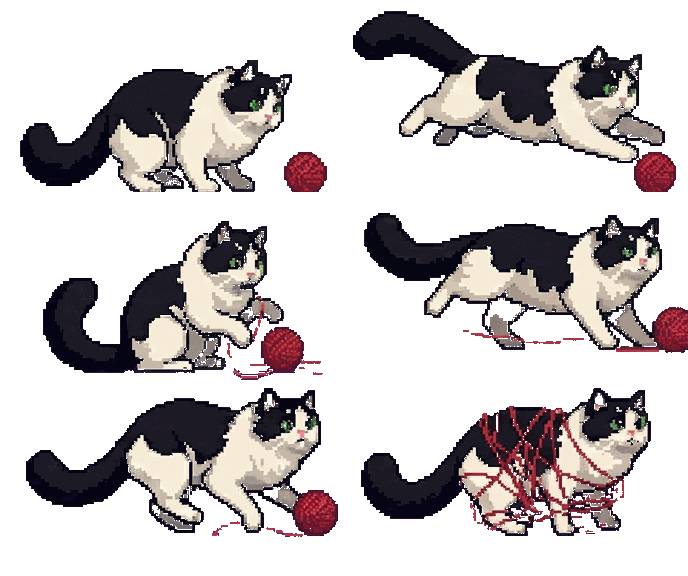
| Idle (random rotation) | Thinking | Done | Sleeping | |||
yarn ball |
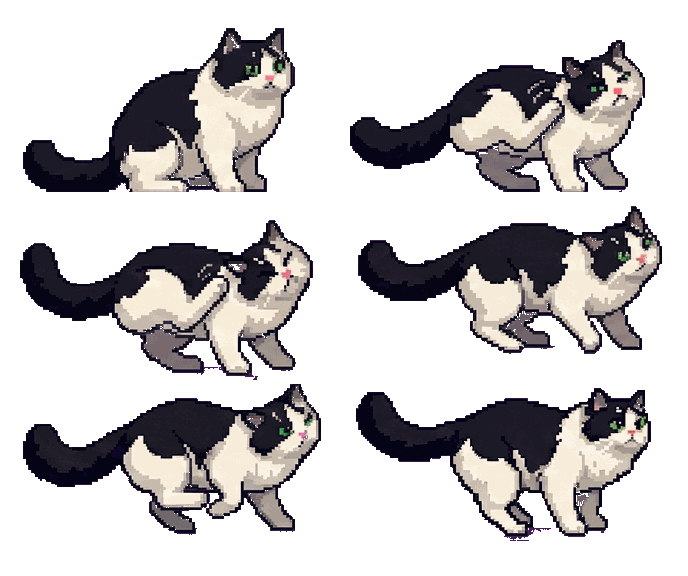 scratching |
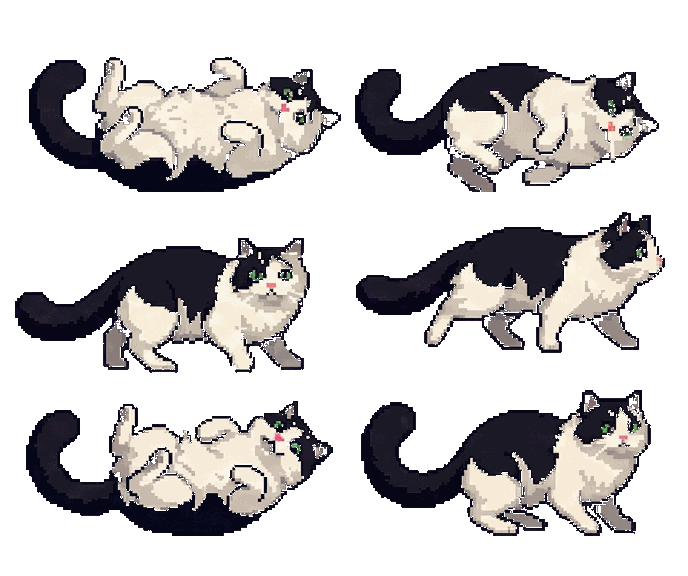 rolling |
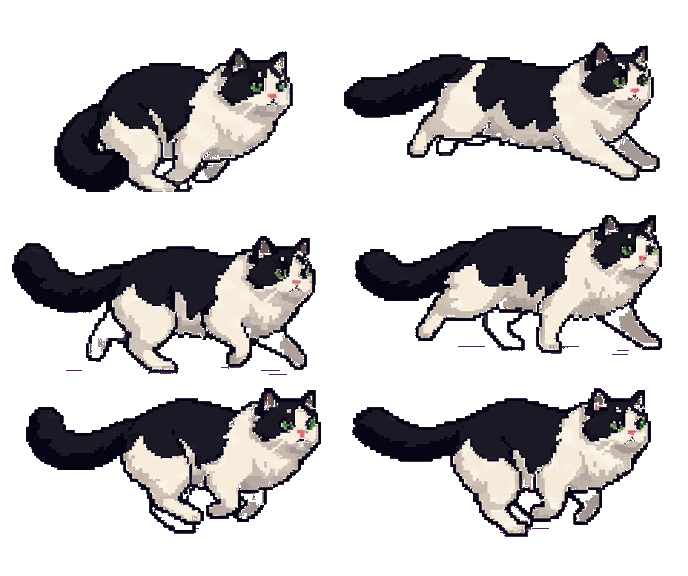 running |
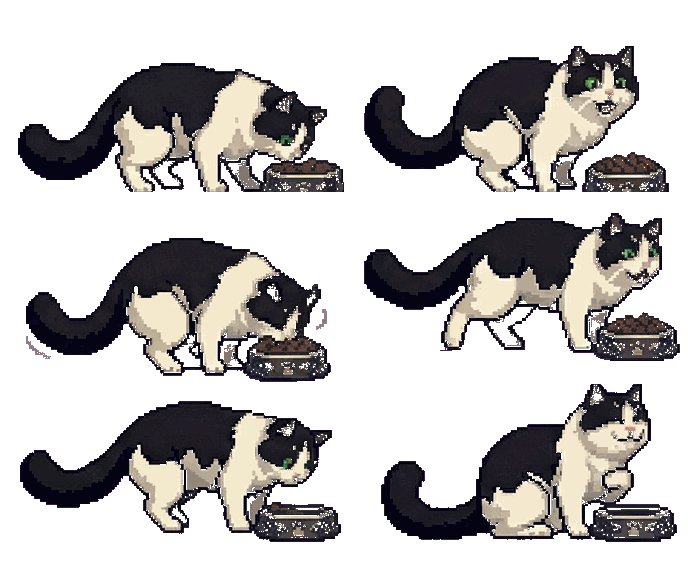 eating |
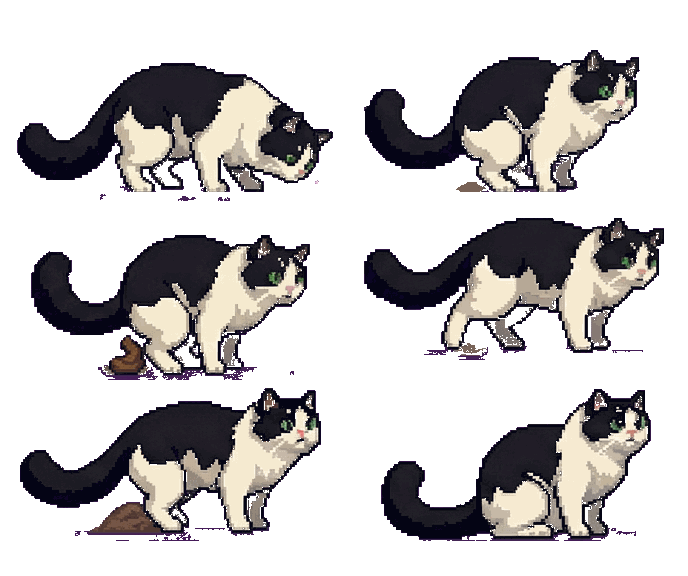 pooping |
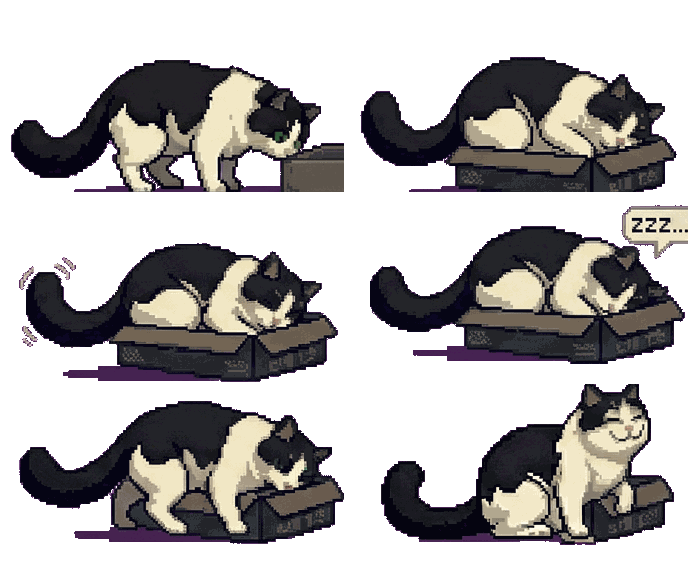 sleeping |
Why OpenCat?
If you're running OpenClaw as your AI gateway, you might find:
- The official web panel is too cluttered — you just want a quick, clean chat window
- Telegram / WhatsApp bots need a VPN if you're in mainland China
- You want something that feels alive — not another chat tab buried in your browser
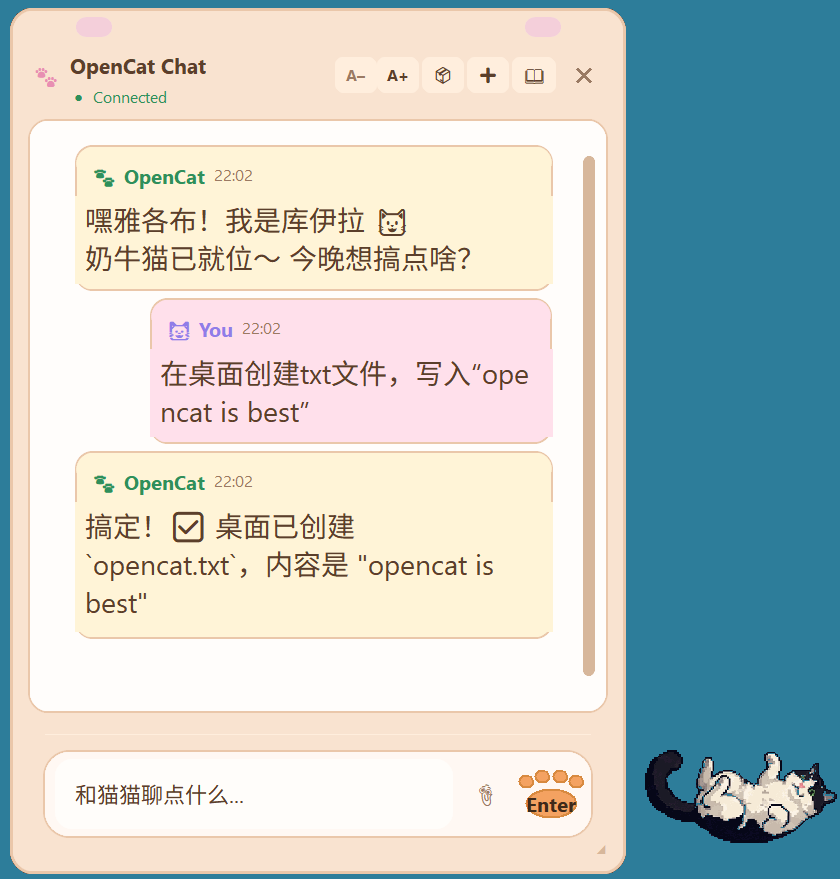
OpenCat puts a pixel-art cat on your desktop. Click it, and a warm-toned chat window pops up. That's it. No browser, no VPN, no noise.
Screenshots
| Chat + Cat | History Sidebar |
 |
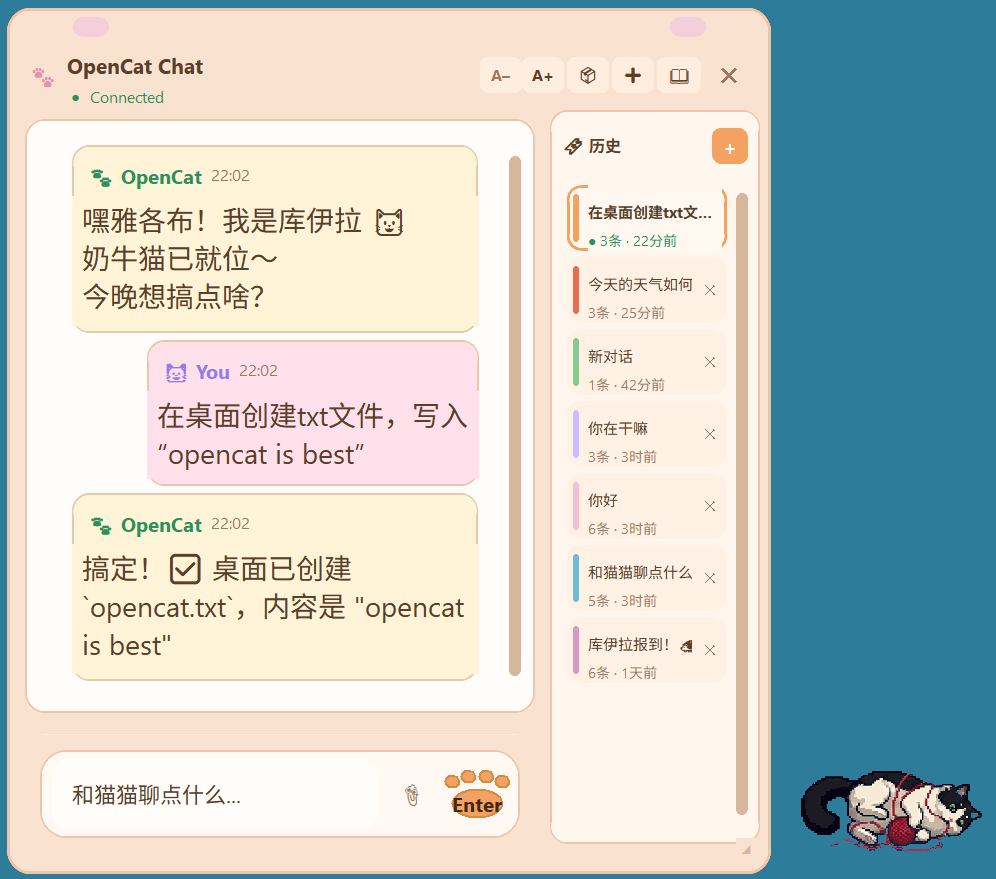 |
| Click the cat to open the chat window. Warm pastel UI with streaming AI replies. | Conversation history with color-coded bookmarks. Switch or delete sessions anytime. |
Toolbar: A-/A+ adjust font size | cube toggles 3D cat | + new chat | book icon opens history
Features
- Floating cat widget — always on top, draggable, with animated states (idle, thinking, talking, sleeping...)
- Warm pastel chat UI — clean, minimal, purpose-built for quick conversations
- Streaming responses — see the AI reply in real-time, token by token
- Conversation history — sessions are saved locally and browsable from the sidebar
- Image attachments — paste or drag images into the chat (clipboard + file picker)
- Cross-platform — Windows, macOS, Linux (native transparency on Windows, graceful fallback elsewhere)
- Remote connection — connect to an OpenClaw gateway on another machine via Tailscale or any network
- Lightweight — pure Python, ~100 KB installed, no web runtime
Chat Commands
OpenCat supports OpenClaw native commands — type them directly in the chat input:
| Command | Description |
|---|---|
/status |
View current session status and token usage |
/new |
Start a new conversation (resets server session) |
/compact |
Compress context to save tokens |
/think <level> |
Set thinking depth |
/stop |
Abort the current response |
/clear |
Clear local chat display (does not reset server session) |
/help |
Show all available commands |
Quick Start
Prerequisites
You need a running OpenClaw gateway. OpenCat connects to it via WebSocket.
Install
pip install opencat
Run
opencat
If opencat is not recognized, use:
python -m opencat
OpenCat reads your gateway config from ~/.openclaw/openclaw.json automatically.
CLI Options
opencat --host 100.64.0.3    # Connect to a remote OpenClaw (e.g. via Tailscale)
opencat --port 18789          # Override gateway port
opencat --token your-token    # Override gateway token
opencat --debug               # Enable debug logging
Development
git clone https://github.com/Jacobzwj/opencat.git
cd opencat
pip install -e .
opencat
How It Works
┌──────────┐   WebSocket    ┌──────────────┐
│  OpenCat  │ ◄───────────► │  OpenClaw    │ ───► LLM API
│ (desktop) │   streaming   │  (gateway)   │
└──────────┘                └──────────────┘
OpenCat is a pure client — it connects to your self-hosted OpenClaw gateway over WebSocket, sends messages, and streams back responses. All AI logic, model selection, and API keys stay on the gateway side.
Customizing the Cat
Cat animations live in opencat/ui/assets/ and are mapped via manifest.json. Replace them with your own pixel art:
| State | What happens | Default GIF |
|---|---|---|
| Idle | Connected, waiting for user. Randomly rotates through a pool. | idle.gif, error.gif, connecting.gif, talking.gif |
| Thinking | User sent a message, waiting for AI + streaming reply | thinking.gif (eating) |
| Done | Response complete, stays until next message | done.gif (pooping) |
| Sleeping | Not connected to OpenClaw | sleeping.gif (sleeping in box) |
License
MIT
Release history Release notifications | RSS feed


Download files
Download the file for your platform. If you're not sure which to choose, learn more about installing packages.
Source Distribution
Built Distribution
Filter files by name, interpreter, ABI, and platform.
If you're not sure about the file name format, learn more about wheel file names.
Copy a direct link to the current filters
File details
Details for the file opencat-0.1.3.tar.gz.
File metadata
- Download URL: opencat-0.1.3.tar.gz
- Upload date:
- Size: 1.2 MB
- Tags: Source
- Uploaded using Trusted Publishing? No
- Uploaded via: twine/6.2.0 CPython/3.12.2
File hashes
| Algorithm | Hash digest | |
|---|---|---|
| SHA256 |
dce71e111b4d1e5070d039037ff332be9621f37abfb0392fa60e978a2b925503
|
|
| MD5 |
a04bc211f6bd12b559ef5fa14672e0de
|
|
| BLAKE2b-256 |
4a36eade3e36854b573f003ee3d963f9d5679e95ceb67e0e259be3741d360166
|
File details
Details for the file opencat-0.1.3-py3-none-any.whl.
File metadata
- Download URL: opencat-0.1.3-py3-none-any.whl
- Upload date:
- Size: 1.2 MB
- Tags: Python 3
- Uploaded using Trusted Publishing? No
- Uploaded via: twine/6.2.0 CPython/3.12.2
File hashes
| Algorithm | Hash digest | |
|---|---|---|
| SHA256 |
1b4ff3cc0566fefe238211a00e5fa77453bfa5496dcd009f09c4ce39aecc8ab4
|
|
| MD5 |
351aa10387fdc214b5620793a99fffe0
|
|
| BLAKE2b-256 |
195033820aaf2bddcdf9e1543895d8cc50e71051d9fb76e7bc8d8d9ad45f5977
|






