
OpenGPT
A framework for creating grounded instruction based datasets and training conversational domain expert Large Language Models (LLMs).
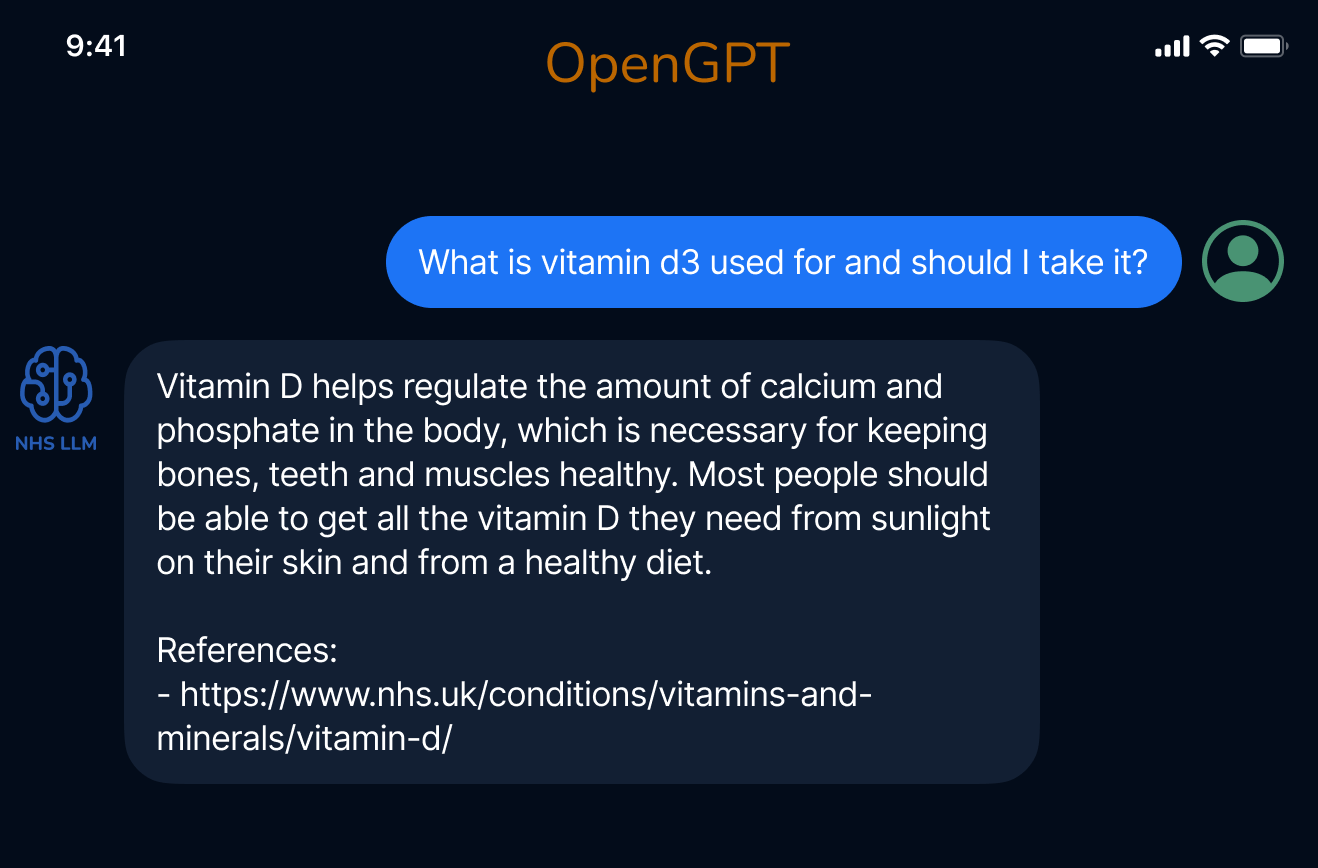
NHS-LLM
A conversational model for healthcare trained using OpenGPT. All the medical datasets used to train this model were created using OpenGPT and are available below.
Available datasets
- NHS UK Q/A, 24,665 question and answer pairs, Prompt used: f53cf99826, Generated via OpenGPT using data available on the NHS UK Website. Download here
- NHS UK Conversations, 2,354 unique conversations, Prompt used: f4df95ec69, Generated via OpenGPT using data available on the NHS UK Website. Download here
- Medical Task/Solution, 4,688 pairs generated via OpenGPT using GPT-4, prompt used: 5755564c19. Download here
All datasets are in the /data folder.
Installation
pip install opengpt
If you are working with LLaMA models, you will also need some extra requirements:
pip install ./train_requirements.txt
How to
-
We start by collecting a base dataset in a certain domain. For example, collect definitions of all disases (e.g. from NHS UK). You can find a small sample dataset here. It is important that the collected dataset has a column named
textwhere each row of the CSV has one disease definition. -
Find a prompt matching your use case in the prompt database, or create a new prompt using the Prompt Creation Notebook. A prompt will be used to generate tasks/solutions based on the
context(the dataset collected in step 1.)
- Edit the config file for dataset generation and add the appropirate promtps and datasets (example config file).
- Run the Dataset generation notebook (link)
- Edit the train_config file and add the datasets you want to use for training.
- Use the train notebook or run the training scripts to train a model on the new dataset you created.
More Examples
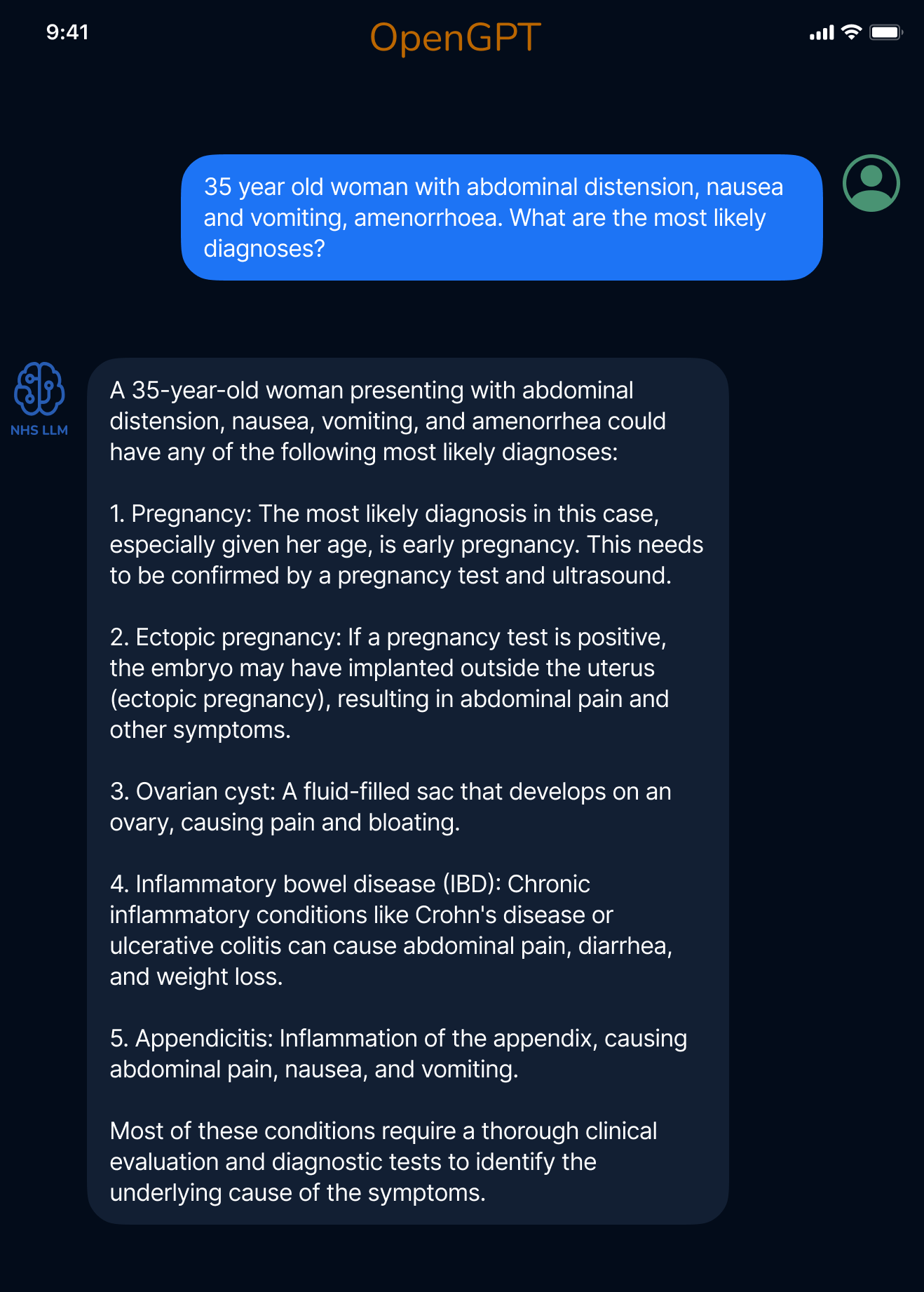
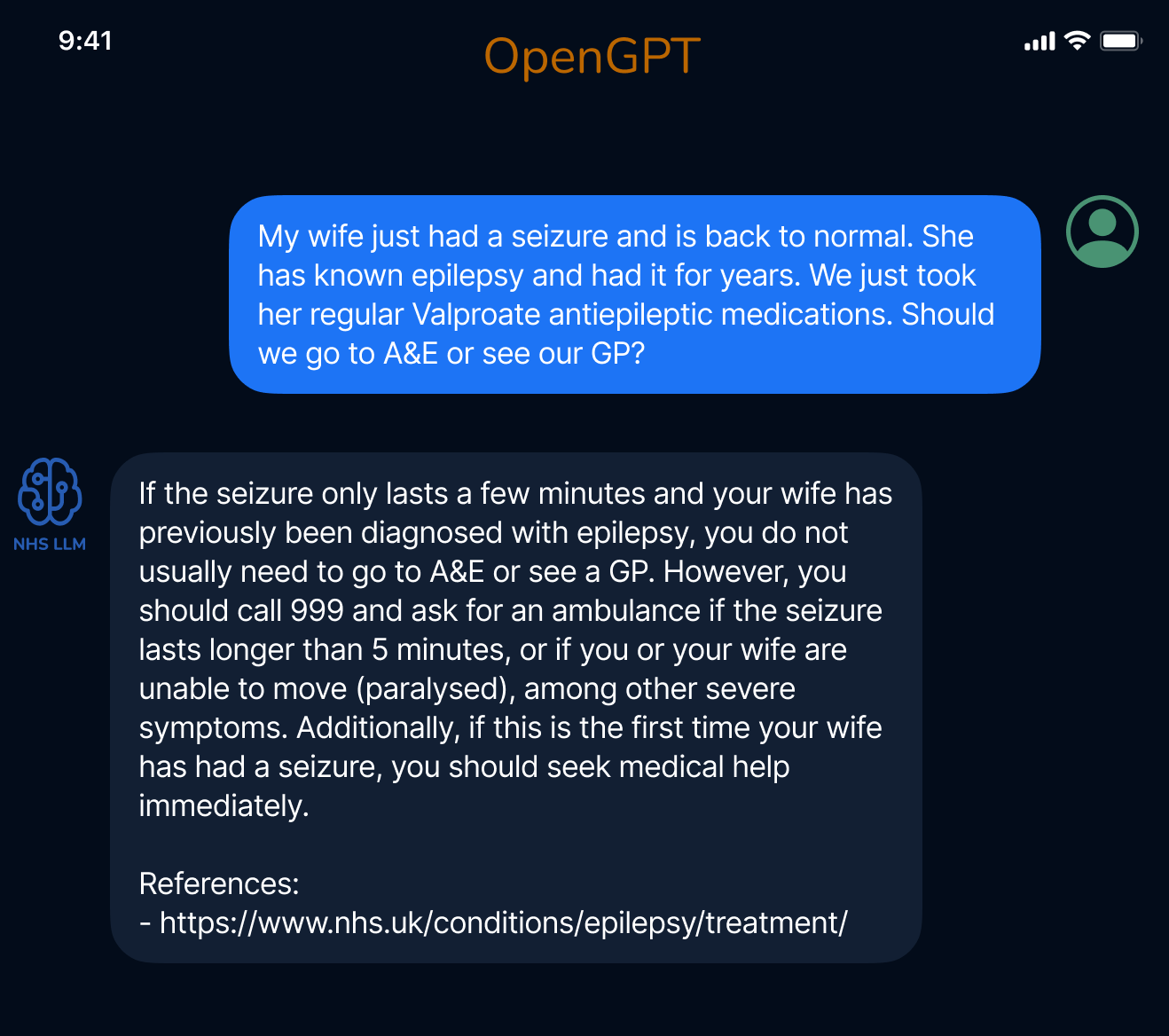
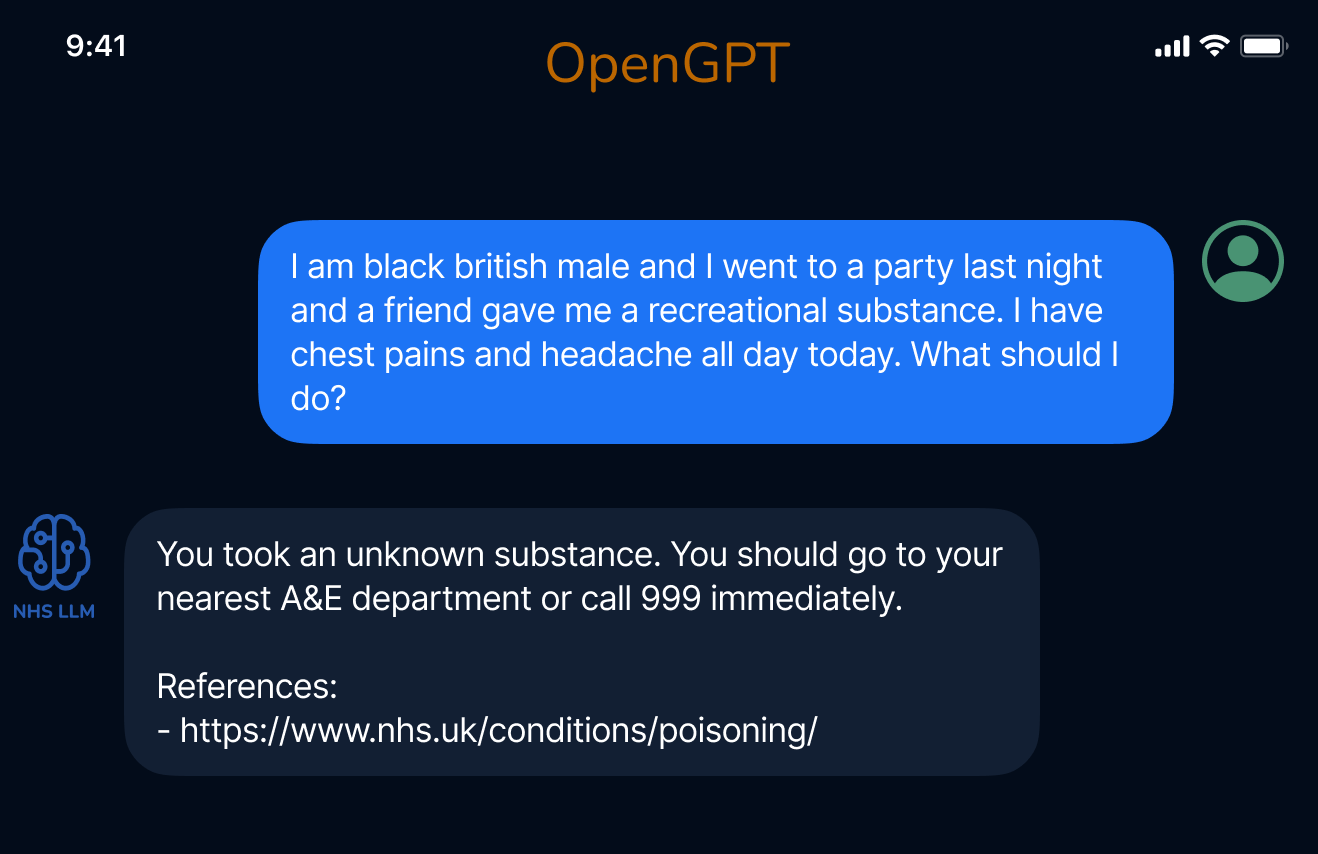
1 maintainer

Release files for opengpt 0.0.5
For a detailed explanation of source distributions (sdists) and built distributions (wheels), please see the package formats documentation.
Source distribution (sdist)
| File | Size | Uploaded | |
|---|---|---|---|
| opengpt-0.0.5.tar.gz | 15.9 kB | Details |
Built distribution (wheel)
| File | Interpreter | ABI | Platform | Reset |
|---|---|---|---|---|
| opengpt-0.0.5-py3-none-any.whl | Python 3 | none | any | Details |
Total release size: 31.9 kB
Release files / opengpt-0.0.5.tar.gz
| Download URL | opengpt-0.0.5.tar.gz |
|---|---|
| Size | 15.9 kB |
| Tags | Source |
|
SHA-256 checksum How to use checksums |
5ad3421898e9907aa09d281460d6b687b52febb18b90d09d3fd6f6c5bb352c48
|
|
BLAKE2b-256 checksum How to use checksums |
3370654c2f70d00e9fc1a5c3a434d6b15b4449765e49772cc58432b76f15c7b8
|
| Upload date | |
|
Uploaded using Trusted Publishing? What is trusted publishing? |
No |
| Uploaded via |
twine/4.0.2 CPython/3.8.0
|
Release files / opengpt-0.0.5-py3-none-any.whl
| Download URL | opengpt-0.0.5-py3-none-any.whl |
|---|---|
| Size | 16.1 kB |
| Tags | Python 3 |
|
SHA-256 checksum How to use checksums |
0506503c7af17df2858212d0b0f7f7d4791f2903f2cf3e55612f2a0c1f7cdf80
|
|
BLAKE2b-256 checksum How to use checksums |
f52ac5dd1e568f41675d1d517de9b488712dad94ad57b150e0c911d7013dfc68
|
| Upload date | |
|
Uploaded using Trusted Publishing? What is trusted publishing? |
No |
| Uploaded via |
twine/4.0.2 CPython/3.8.0
|














