
OpenMemory Python SDK provides a local-first long-term memory engine for AI agents and LLM applications. Features include semantic search, multi-sector memory, temporal fact storage, automatic decay, and explainable recall paths. Works fully offline or with the OpenMemory backend.

Project description
OpenMemory Python SDK
VS Code Extension • Report Bug • Request Feature • Discord
Local-first long-term memory engine for AI apps and agents. Self-hosted. Explainable. Scalable.
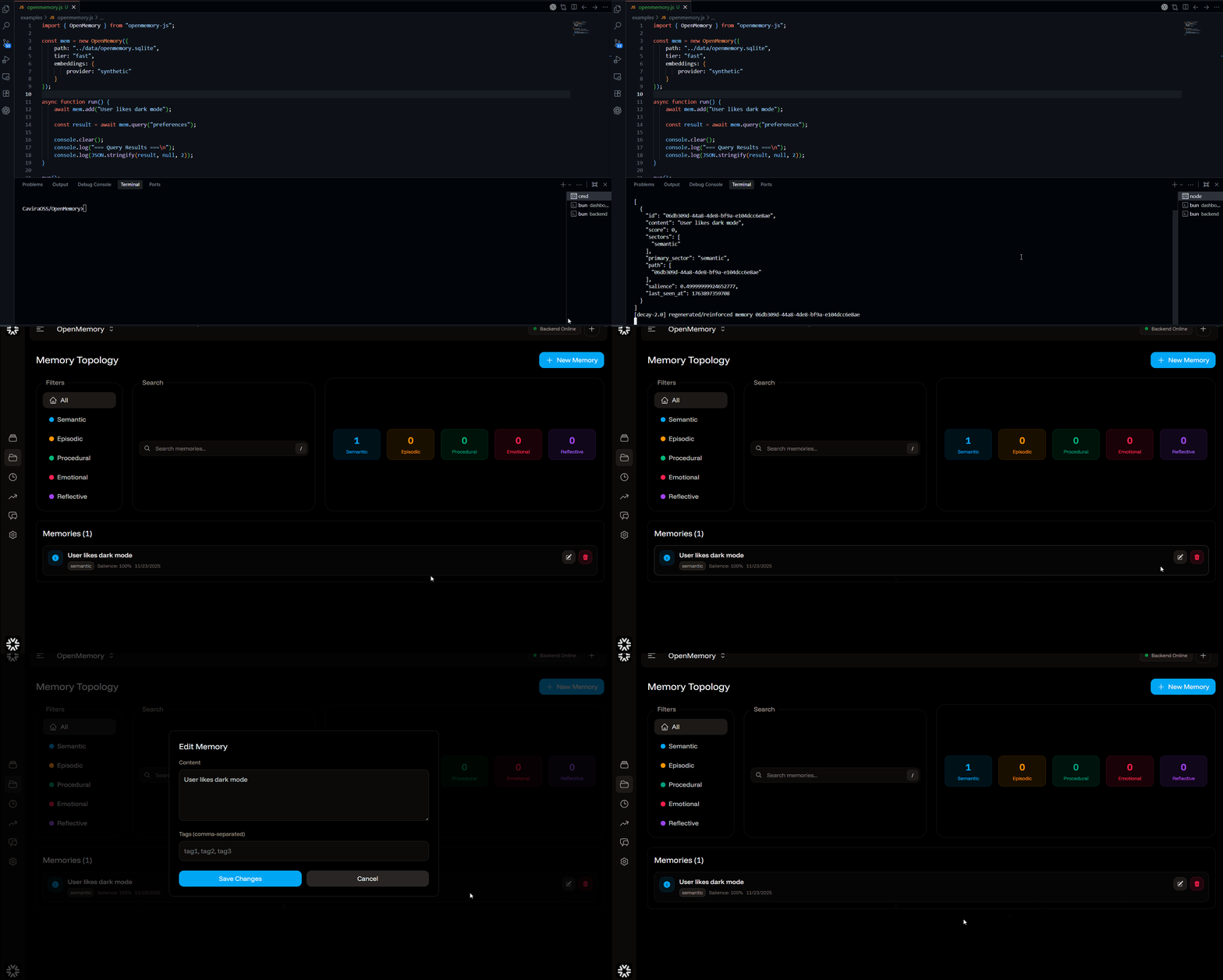
Quick Start
pip install openmemory-py
from openmemory import OpenMemory

mem = OpenMemory(
    path='./data/memory.sqlite',
    tier='fast',
    embeddings={
        'provider': 'synthetic'  # or 'openai', 'gemini', 'ollama'
    }
)

mem.add("I'm building a Django app with OpenMemory")
results = mem.query("What am I building?")
print(results)
That's it. You're now running a fully local cognitive memory engine 🎉
Features
✅ Local-first - Runs entirely on your machine, zero external dependencies
✅ Multi-sector memory - Episodic, Semantic, Procedural, Emotional, Reflective
✅ Temporal knowledge graph - Time-aware facts with validity periods
✅ Memory decay - Adaptive forgetting with sector-specific rates
✅ Waypoint graph - Associative recall paths for better retrieval
✅ Explainable traces - See exactly why memories were recalled
✅ Zero config - Works out of the box with sensible defaults
Configuration
Required Configuration
All three parameters are required for local mode:
mem = OpenMemory(
    path='./data/memory.sqlite',      # Where to store the database
    tier='fast',                       # Performance tier
    embeddings={
        'provider': 'synthetic'         # Embedding provider
    }
)
Embedding Providers
Synthetic (Testing/Development)
embeddings={'provider': 'synthetic'}
OpenAI (Recommended for Production)
import os

embeddings={
    'provider': 'openai',
    'apiKey': os.getenv('OPENAI_API_KEY'),
    'model': 'text-embedding-3-small'  # optional
}
Gemini
embeddings={
    'provider': 'gemini',
    'apiKey': os.getenv('GEMINI_API_KEY')
}
Ollama (Fully Local)
embeddings={
    'provider': 'ollama',
    'model': 'llama3',
    'ollama': {
        'url': 'http://localhost:11434'  # optional
    }
}
AWS Bedrock
embeddings={
    'provider': 'aws',
    'aws': {
        'accessKeyId': os.getenv('AWS_ACCESS_KEY_ID'),
        'secretAccessKey': os.getenv('AWS_SECRET_ACCESS_KEY'),
        'region': 'us-east-1'
    }
}
Performance Tiers
fast- Optimized for speed, lower precisionsmart- Balanced performance and accuracydeep- Maximum accuracy, slowerhybrid- Adaptive based on query complexity
Advanced Configuration
mem = OpenMemory(
    path='./data/memory.sqlite',
    tier='smart',
    embeddings={
        'provider': 'openai',
        'apiKey': os.getenv('OPENAI_API_KEY')
    },
    decay={
        'intervalMinutes': 60,
        'reinforceOnQuery': True,
        'coldThreshold': 0.1
    },
    compression={
        'enabled': True,
        'algorithm': 'semantic',
        'minLength': 100
    },
    reflection={
        'enabled': True,
        'intervalMinutes': 10,
        'minMemories': 5
    }
)
API Reference
add(content, **options)
Store a new memory.
result = mem.add(
    "User prefers dark mode",
    tags=["preference", "ui"],
    metadata={"category": "settings"},
    decayLambda=0.01  # Custom decay rate
)
query(query, **options)
Search for relevant memories.
results = mem.query("user preferences", limit=10, minScore=0.7)
getAll(**options)
Retrieve all memories.
all_memories = mem.getAll(limit=100, offset=0)
getBySector(sector, **options)
Get memories from a specific cognitive sector.
episodic = mem.getBySector('episodic', limit=20)
semantic = mem.getBySector('semantic')
Available sectors: episodic, semantic, procedural, emotional, reflective
delete(id)
Remove a memory by ID.
mem.delete(memory_id)
close()
Close the database connection (important for cleanup).
mem.close()
Cognitive Sectors
OpenMemory automatically classifies content into 5 cognitive sectors:
| Sector | Description | Examples | Decay Rate |
|---|---|---|---|
| Episodic | Time-bound events & experiences | "Yesterday I attended a conference" | Medium |
| Semantic | Timeless facts & knowledge | "Paris is the capital of France" | Very Low |
| Procedural | Skills, procedures, how-tos | "To deploy: build, test, push" | Low |
| Emotional | Feelings, sentiment, mood | "I'm excited about this project!" | High |
| Reflective | Meta-cognition, insights | "I learn best through practice" | Very Low |
Examples
Check out the examples/py-sdk/ directory for comprehensive examples:
- basic_usage.py - CRUD operations
- advanced_features.py - Decay, compression, reflection
- brain_sectors.py - Multi-sector demonstration
- performance_benchmark.py - Performance testing
Remote Mode
For production deployments with a centralized OpenMemory server:
mem = OpenMemory(
    mode='remote',
    url='https://your-backend.com',
    apiKey='your-api-key'
)
Performance
- 115ms average recall @ 100k memories
- 338 QPS throughput with 8 workers
- 95% recall accuracy @ k=5
- 7.9ms/item scoring at 10k+ scale
Type Hints
Full type hint support included:
from typing import List, Dict, Any
from openmemory import OpenMemory

mem: OpenMemory = OpenMemory(
    path='./data/memory.sqlite',
    tier='fast',
    embeddings={'provider': 'synthetic'}
)

results: List[Dict[str, Any]] = mem.query("test")
License
Apache 2.0
Links
Release history Release notifications | RSS feed


Download files
Download the file for your platform. If you're not sure which to choose, learn more about installing packages.
Source Distribution
Built Distribution
Filter files by name, interpreter, ABI, and platform.
If you're not sure about the file name format, learn more about wheel file names.
Copy a direct link to the current filters
File details
Details for the file openmemory_py-1.0.2.tar.gz.
File metadata
- Download URL: openmemory_py-1.0.2.tar.gz
- Upload date:
- Size: 17.2 kB
- Tags: Source
- Uploaded using Trusted Publishing? No
- Uploaded via: twine/6.2.0 CPython/3.11.14
File hashes
| Algorithm | Hash digest | |
|---|---|---|
| SHA256 |
8ee46dffc86df3fabad8e84a684fe9a230418a350d71806d939ba62afb6c1c5b
|
|
| MD5 |
fba02074f6ccb5e4dbd4705089c26f1c
|
|
| BLAKE2b-256 |
7cc76235b445c567f59b379c88b44139613487d9c5ce874fff96429f90db8f76
|
File details
Details for the file openmemory_py-1.0.2-py3-none-any.whl.
File metadata
- Download URL: openmemory_py-1.0.2-py3-none-any.whl
- Upload date:
- Size: 16.2 kB
- Tags: Python 3
- Uploaded using Trusted Publishing? No
- Uploaded via: twine/6.2.0 CPython/3.11.14
File hashes
| Algorithm | Hash digest | |
|---|---|---|
| SHA256 |
352c5f164cf8e3a3d5e4de39082e866259dc42344783bca52cb877590d081ce6
|
|
| MD5 |
67fbaad4cf4fa6678f00cddc0cfacfa1
|
|
| BLAKE2b-256 |
caf3648db9c944dbc94bcffccdc293f6ea35a650c647f6c2c1660e68d0059e71
|






