
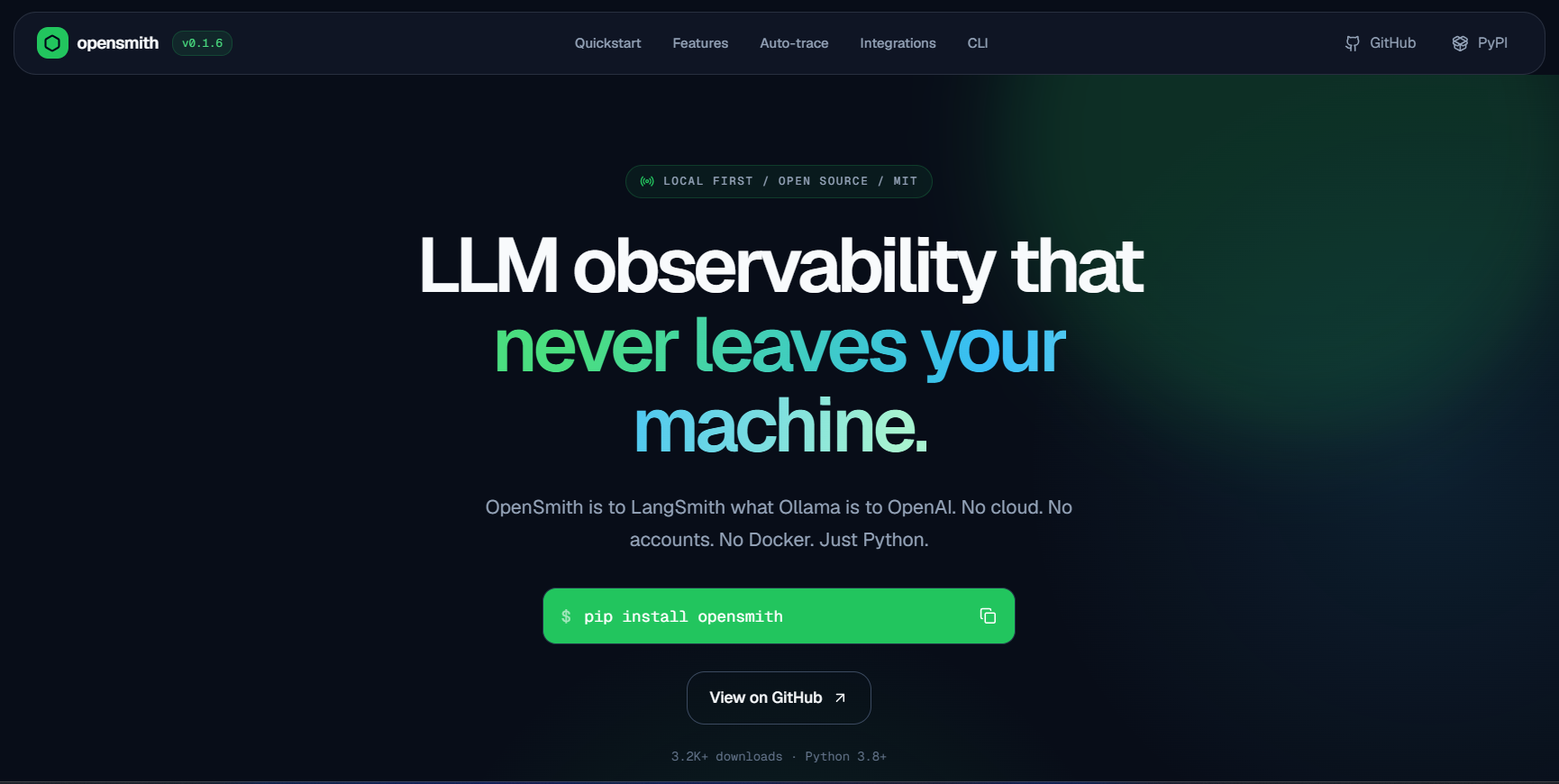
The open-source, local-first alternative to LangSmith.


opensmith
The open-source, local-first alternative to LangSmith.
opensmith is to LangSmith what Ollama is to OpenAI — the local-first, privacy-first alternative.
Why opensmith?
| LangSmith | opensmith | |
|---|---|---|
| Setup | Cloud account required | pip install opensmith |
| Data privacy | Sends traces to cloud | 100% local, SQLite only |
| Framework | Best with LangChain | Works with any Python code |
| Cost | Free tier then paid | Free forever, open source |
| Offline | No | Yes |
| Docker | No | No |
| Dashboard | Hosted | localhost:7823 |
Why opensmith
LangSmith is powerful, but it is built around cloud-hosted tracing and is most natural inside the LangChain ecosystem. opensmith is a local-first alternative: install it with pip, use it with any Python LLM pipeline, and inspect traces on your machine without accounts, hosted services, Docker, or configuration. No trace data leaves your machine.
Install
pip install opensmith
Optional integrations:
pip install "opensmith[otel]"
pip install "opensmith[postgres]"
pip install "opensmith[all]"
Use opensmith[all] to install both OpenTelemetry and Postgres support.
Quickstart
Example 1: @trace decorator
from opensmith import trace


@trace
def call_llm(prompt: str):
    return openai.chat.completions.create(
        model="gpt-4o-mini",
        messages=[{"role": "user", "content": prompt}],
    )


@trace
def my_pipeline(question: str):
    # search_docs is your own retrieval function
    docs = search_docs(question)
    return call_llm(docs + question)
Async functions are supported:
from opensmith import trace


@trace(tags=["production", "rag"])
async def call_llm(prompt: str):
    return await openai.chat.completions.create(
        model="gpt-4o-mini",
        messages=[{"role": "user", "content": prompt}],
    )
Warn when a trace exceeds a token budget:
from opensmith import trace


@trace(token_budget=1000)
def my_pipeline():
    return call_llm("summarize this document")
Example 2: context manager
from opensmith import trace


with trace("my_pipeline", tags=["debug"]) as t:
    t.log("query", query)
    response = openai.chat.completions.create(
        model="gpt-4o-mini",
        messages=[{"role": "user", "content": query}],
    )
    t.log("response", response)
Example 3: autopatch() zero code changes
from opensmith import autopatch


autopatch()
Patch only selected backends:
from opensmith import autopatch


autopatch(only=["openai"])
Patch everything except selected backends:
from opensmith import autopatch


autopatch(exclude=["chromadb"])
Console mode
Print trace results to the terminal as they complete:
from opensmith import set_console_mode, trace


set_console_mode(True)


@trace
def my_func():
    return "ok"
Configuration
opensmith reads opensmith.json from the current working directory on import:
Create a starter config:
opensmith init
{
  "db_path": "./my_traces.db",
  "console_mode": false,
  "autopatch": ["openai", "qdrant"]
}
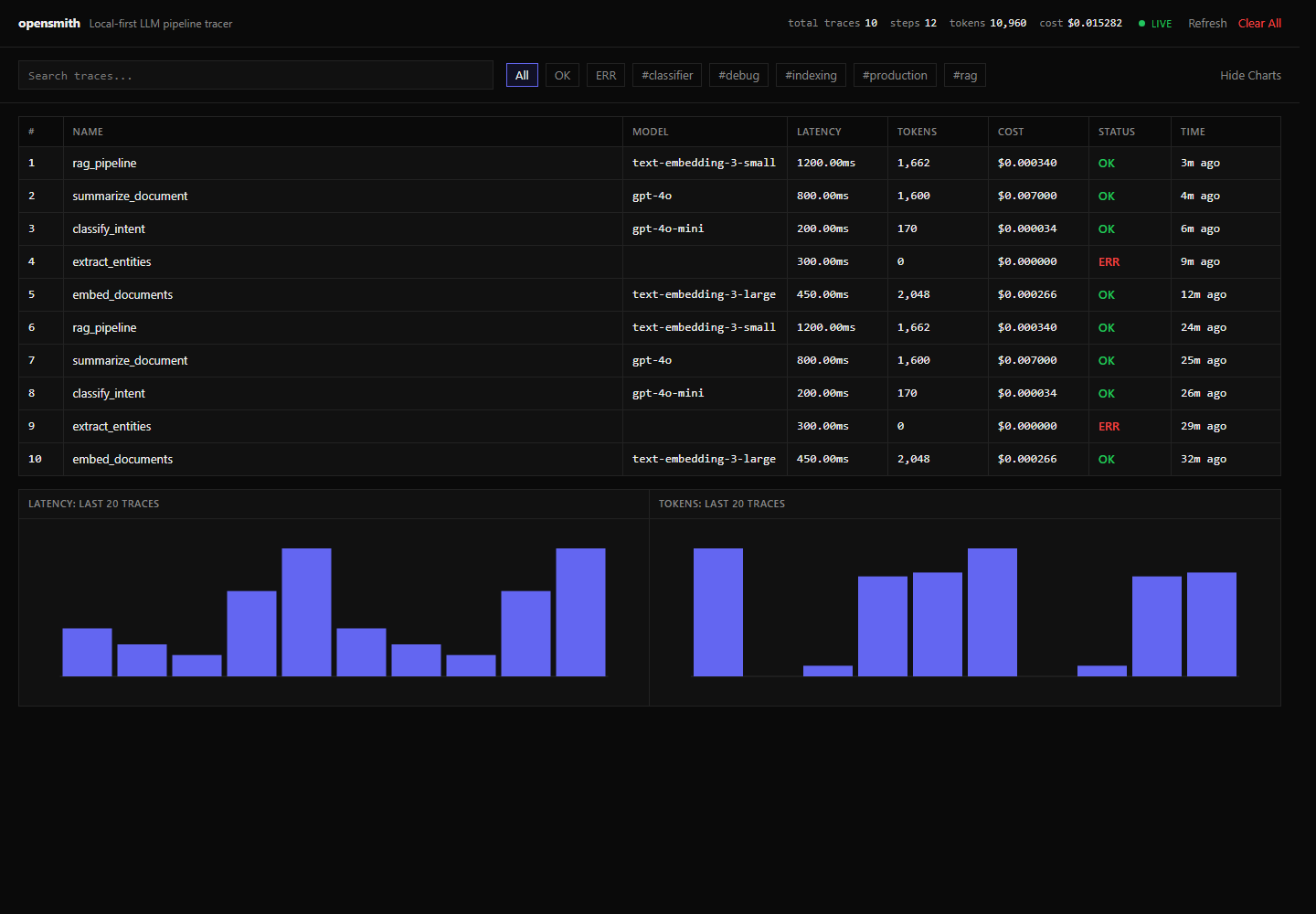
Dashboard
opensmith ui
Open http://localhost:7823. If the port is already in use, opensmith automatically tries the next available port. Use --no-auto-port to disable this behavior.
CLI reference
| Command | Description |
|---|---|
opensmith init |
Create a starter opensmith.json config. |
opensmith ui |
Start the local dashboard with automatic port selection. |
opensmith traces --q rag --status err --tags production |
List and filter traces in the terminal. |
opensmith stats |
Show aggregate trace, step, token, and cost statistics. |
opensmith export |
Export traces to JSON or CSV. |
opensmith clear |
Delete all locally stored traces after confirmation. |
Supported backends
| Backend | Package | Status |
|---|---|---|
| openai | openai | ✅ |
| anthropic | anthropic | ✅ |
| litellm | litellm | ✅ |
| qdrant | qdrant-client | ✅ |
| chromadb | chromadb | ✅ |
| pinecone | pinecone-client | ✅ |
Storage
Traces are stored locally at ~/.opensmith/traces.db unless overridden with opensmith.json or set_default_db_path().
Use Postgres instead by installing opensmith[postgres] and setting OPENSMITH_DB_URL:
export OPENSMITH_DB_URL="postgresql://user:pass@localhost:5432/opensmith"
Install both Postgres and OpenTelemetry support with pip install "opensmith[all]".
Export
Export traces with nested steps as JSON:
opensmith export --format json --output traces.json
Export a flat trace list as CSV:
opensmith export --format csv --output traces.csv
OpenTelemetry
OpenTelemetry export is disabled by default. Install the optional dependencies and set OPENSMITH_OTEL_ENDPOINT to enable OTLP HTTP export:
pip install "opensmith[otel]"
export OPENSMITH_OTEL_ENDPOINT="http://localhost:4318"
opensmith sends traces to /v1/traces and metrics to /v1/metrics under that endpoint.
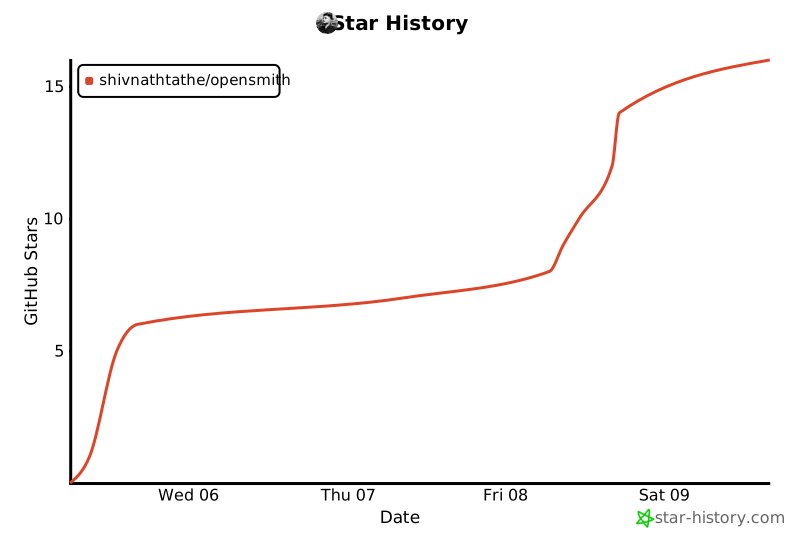
Star History
License
MIT
1 maintainer

Metadata
1 maintainer
Release files for opensmith 0.1.7
For a detailed explanation of source distributions (sdists) and built distributions (wheels), please see the package formats documentation.
Source distribution (sdist)
| File | Size | Uploaded | |
|---|---|---|---|
| opensmith-0.1.7.tar.gz | 419.2 kB | Details |
Built distribution (wheel)
| File | Interpreter | ABI | Platform | Reset |
|---|---|---|---|---|
| opensmith-0.1.7-py3-none-any.whl | Python 3 | none | any | Details |
Total release size: 449.1 kB
Release files / opensmith-0.1.7.tar.gz
| Download URL | opensmith-0.1.7.tar.gz |
|---|---|
| Size | 419.2 kB |
| Tags | Source |
|
SHA-256 checksum How to use checksums |
b05111cab73ccdbdf3d788e65bc4c1ceb7adfa1c65617154de42c916134ca9c8
|
|
BLAKE2b-256 checksum How to use checksums |
90a76ef63b3c99ca4edd75a139bf45cd2d1671a051e89154f3672ea20bebadeb
|
| Upload date | |
|
Uploaded using Trusted Publishing? What is trusted publishing? |
No |
| Uploaded via |
twine/6.2.0 CPython/3.12.4
|
Release files / opensmith-0.1.7-py3-none-any.whl
| Download URL | opensmith-0.1.7-py3-none-any.whl |
|---|---|
| Size | 29.9 kB |
| Tags | Python 3 |
|
SHA-256 checksum How to use checksums |
6d42866cc62694be824c7d10315e0f87b1e1052562646fcd773de516bbfa3a7d
|
|
BLAKE2b-256 checksum How to use checksums |
89c5c1a4e178fda59e27c071e5ffe674219712c0c25ee9ed42398458b6694340
|
| Upload date | |
|
Uploaded using Trusted Publishing? What is trusted publishing? |
No |
| Uploaded via |
twine/6.2.0 CPython/3.12.4
|














