



This open source project is community-supported. To report a problem or share an idea, use
Issues; and if you have a suggestion for fixing the issue, please include those details, too.
In addition, use Pull Requests to contribute actual bug fixes or proposed enhancements.
We welcome and appreciate all contributions. Got questions or want to discuss something with our team?
Join us on Slack!

Venafi Heat Plugin for OpenStack
This solution implements an OpenStack Heat plugin that uses the VCert-Python library to simplify enrollment of TLS certificates needed for stacks while ensuring their compliance with enterprise security policy. The plugin is designed to be a used in a Heat template to request a certificate from Venafi Platform or Venafi Cloud for a Heat resource.
Installation
You should install pip packages into same python python which is used by heat-engine. Instructions may be different for your openstack installation.
-
Switch to openstack user
-
Determine python dist-package directory:
python -m site
-
Install the
vcertandopenstack-heat-plugin-venafipip packages for use by the OpenStack instance:pip install openstack-heat-plugin-venafi
-
Create the default plugin directory
/usr/lib/heat:mkdir -p /usr/lib/heat
-
Identify where pip package has been locally installed:
PIP_PKG_LOC=$(pip show openstack-heat-plugin-venafi | awk '/^Location:/{print $2}')
-
Create a symbolic link for the installed plugin in the
/usr/lib/heatdirectory:ln -s ${PIP_PKG_LOC}/openstack-heat-plugin-venafi /usr/lib/heat/
-
Restart the Heat engine:
sudo systemctl restart openstack-heat-engine.service
Usage
Review the provided example YAML test_certificate.yml. It is strongly recommended to export credentials as variables and add them as hidden parameters to the stack rather than hardcoding them in your configuration.
For Venafi Platform:
In most cases you will need to specify a trust bundle because the Venafi Platform is commonly
secured using a certificate issued by a private enterprise PKI. In order to specify a
trust_bundle you must first base64 encode the file contents:
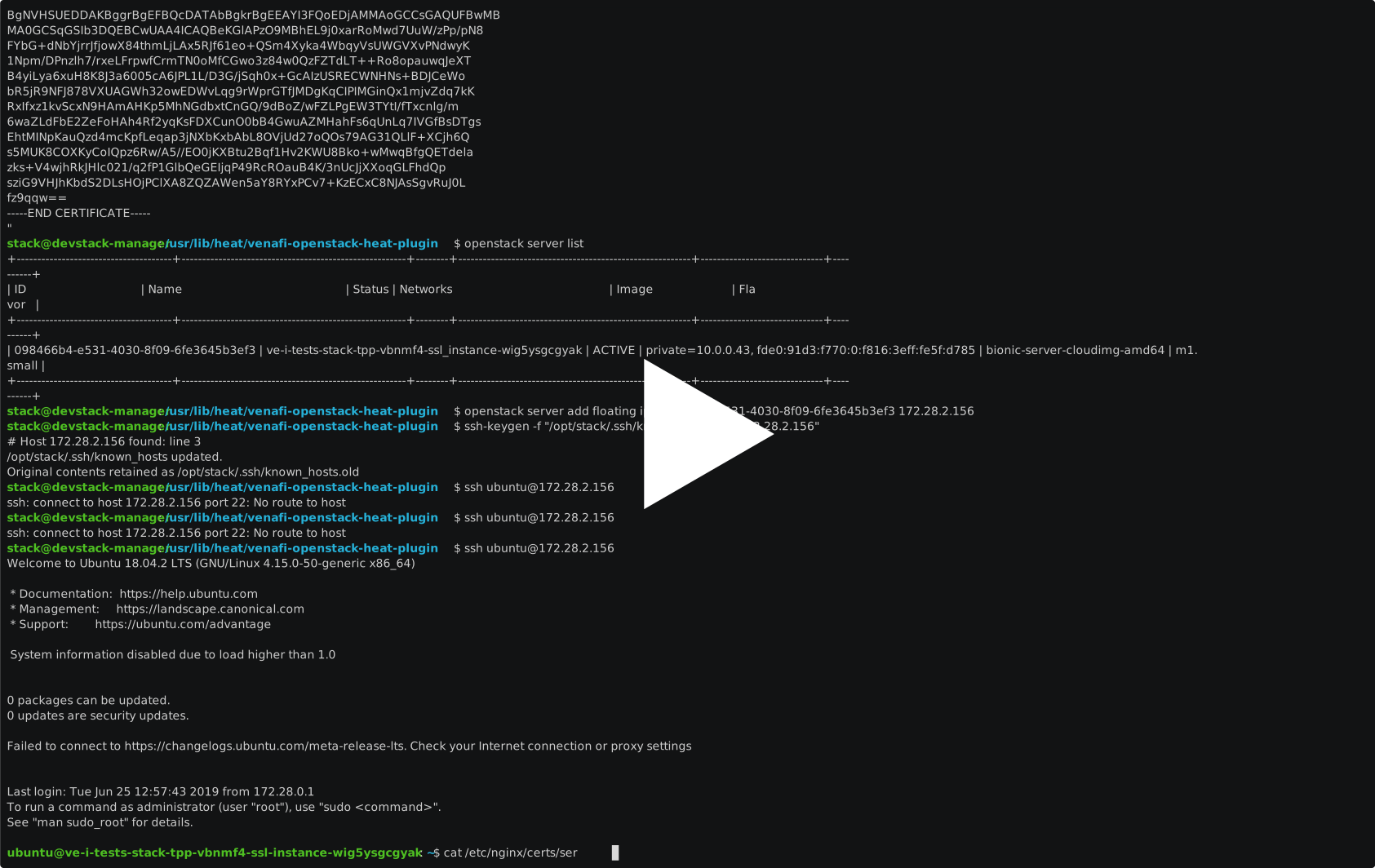
cat /path/to/bundle.pem |base64 --wrap=10000
openstack stack create -t venafi/resources/tests/fixtures/test_certificate.yml \
--parameter common_name="common-name.venafi.example" \
--parameter sans="DNS:dns-san-1.venafi.example","DNS:dns-san-2.venafi.example","IP:10.20.30.40","IP:192.168.192.168","email:opensource@venafi.com" \
--parameter venafi_url="https://tpp.venafi.example" \
--parameter access_token="tn1PwE1QTZorXmvnTowSyA==" \
--parameter zone="DevOps\\OpenStack" \
--parameter trust_bundle=LS0tLS1CRUdJTiBDRVJUSUZJQ0FURS0tLS0tCk1JSURmVENDQW1XZ0F3SUJBZ0lRVW1ZR0tqdzdmazI1Ylg3K29KZDIyakFOQmdrcWhraUc5dzBCQVFzRkFEQkYKTVNjd0pRWURWUVFMRXg1V1pXNWhabWtnVDNCbGNtRjBhVzl1WVd3Z1EyVnlkR2xtYVdOaGRHVXhHakFZQmdOVgpCQU1URVdoaExYUndjREV1YzNGc2FHRXVZMjl0TUI0WERURTVNRFl4TnpJeE1UVXhPRm9YRFRJd01EWXhOakl4Ck1UVXhPRm93UlRFbk1DVUdBMVVFQ3hNZVZtVnVZV1pwSUU5d1pYSmhkR2x2Ym1Gc0lFTmxjblJwWm1sallYUmwKTVJvd0dBWURWUVFERXhGb1lTMTBjSEF4TG5OeGJHaGhMbU52YlRDQ0FTSXdEUVlKS29aSWh2Y05BUUVCQlFBRApnZ0VQQURDQ0FRb0NnZ0VCQUxTYW5RQ0JFUEtXaG1KYzZ0T1Fod1oweExqN25xbm1KWGwrUjF0am9XN3RKUk5kCjljTzRyQzI0RjNFdFNOdnlmRldtSjBidUxEcWNmbkdKR2tWazFkOWtVZWI0elJKbXU0RlBOa1VzdjRRUkRoSGUKc2FydEowZU8wN2Rpek5nMXU4SG0rek5DcGk3TFZQRDhHRGJHeVN0WTVRblE1ZGU0ZllBMnpaV2NQNldRUjU4VApJblE0Q1NtejhiV01iRXdtQTgxdGlNVVR3YWMwTEFuL0hhYjVjOUVhaDlwc0NqSmMydFJiUjhpbmRRQWVmMmEzCkl3VEE1VUpzSHdpRjBGSHFRY2RDSG56NCtEdUVnVUlaaWZCcUNxSkhWdG53S0xya0YzZTNWZDdLemJBQXkzNlcKd2N0ZUhsdFk5UGlFUlRBSnp5WHRBNklscm5XT1lqNlRzNkVCYWJVQ0F3RUFBYU5wTUdjd0hRWURWUjBPQkJZRQpGRmxVc29uYVpwd25RTE9iTTFFNUYwdzNYamQrTUFrR0ExVWRFd1FDTUFBd0hBWURWUjBSQkJVd0U0SVJhR0V0CmRIQndNUzV6Y1d4b1lTNWpiMjB3SFFZRFZSMGxCQll3RkFZSUt3WUJCUVVIQXdFR0NDc0dBUVVGQndNQ01BMEcKQ1NxR1NJYjNEUUVCQ3dVQUE0SUJBUUJYTnorMEJ1YzFlL2o2bnJoUHlRb0g2RDM3N0ptUmplMjBDQW5TSDlwNwpWMW5FeHlOMS83dGtXL0JTOEJtSlF4Ty84dWhBVXNVQ3FWalpleVZVRnN5czc4VE5YeEVQQncrT3lLMlJLVWJDCmJsYTFPa1dTWkxVb1A3WThoTysyWU80R1BnU25ndDhXMWR3dHdjQ1gvMFZEaFNDUEoxU2N0RXUwMHlkSlZpMWEKYkhqb1I5VG0xYXNyeG53Z0ttcGpxQlpsbWxaUDBvZDZyMTRFVFlIZjJKelFxa24rTjY4UHN5Mm1VZlo0ZDBpRQptajdnU0RwUlpvNlk2NHd0WlBoZU9mWlZCaEg3SjhxRUdRcjk5dW5kc0FvSVlla2NVSkd1RjhBRStFZUVuQllWCmNKQWZtYUE2Zmx0R0puVnZlTUpod29xRDVBNzNrcWpzRlNFeUNvZ3VncTRCCi0tLS0tRU5EIENFUlRJRklDQVRFLS0tLS0K \
venafi-test-stack-01
ASCIINEMA video:
For Venafi Cloud:
Get the Zone ID value to use from the Venafi Cloud web console.
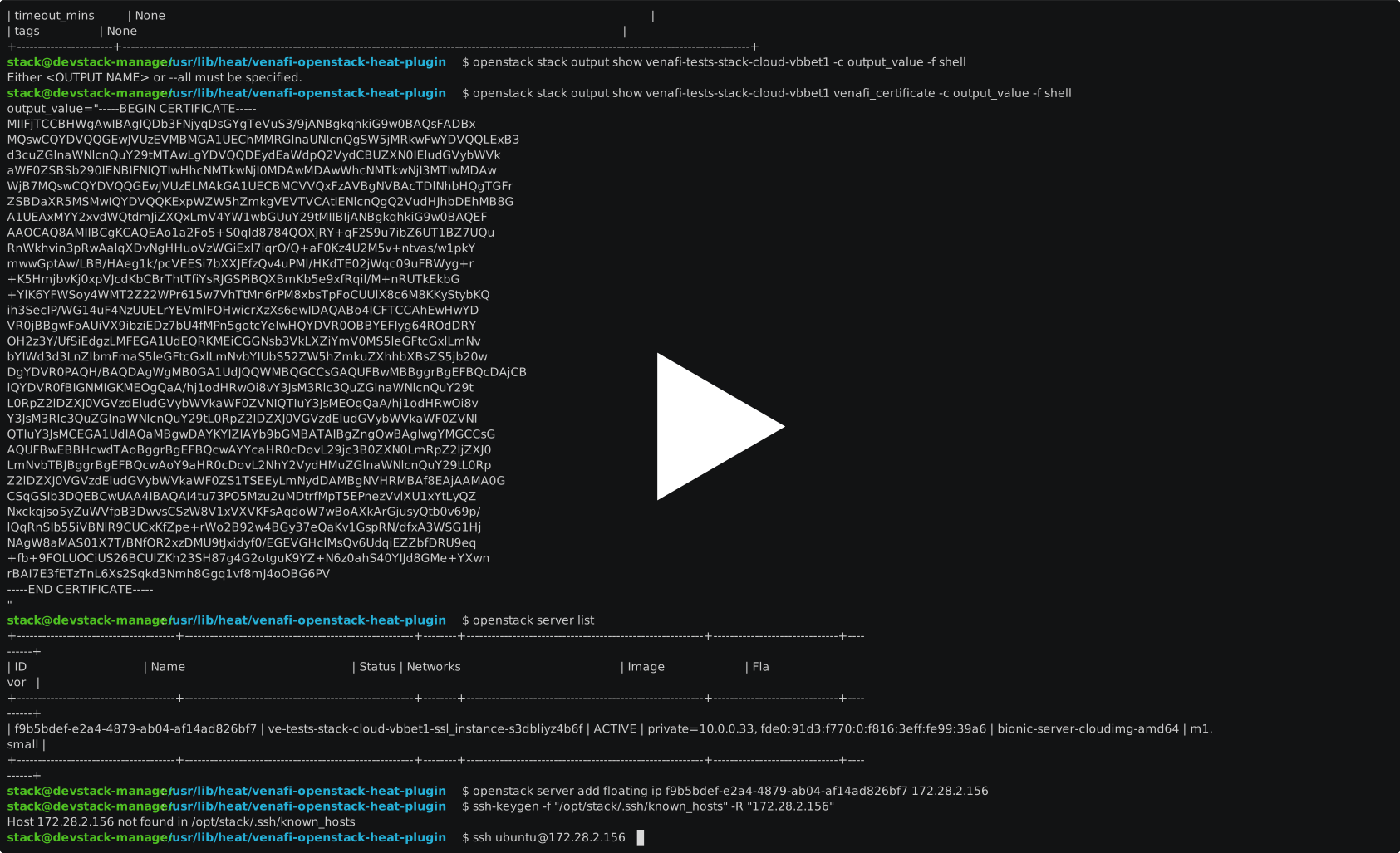
openstack stack create -t venafi/resources/tests/fixtures/test_certificate.yml \
--parameter common_name="common-name.venafi.example" \
--parameter sans="DNS:dns-san-1.venafi.example","DNS:dns-san-2.venafi.example" \
--parameter api_key="xxxxxxxx-xxxx-xxxx-xxxx-xxxxxxxxxxxx" \
--parameter zone="zzzzzzzz-zzzz-zzzz-zzzz-zzzzzzzzzzzz" \
venafi-test-stack-02
ASCIINEMA video:
License
Copyright © Venafi, Inc. All rights reserved.
This solution is licensed under the Apache License, Version 2.0. See LICENSE for the full license text.
Please direct questions/comments to opensource@venafi.com.
1 maintainer

Metadata
1 maintainer
Release files for openstack-heat-plugin-venafi 0.2.0
For a detailed explanation of source distributions (sdists) and built distributions (wheels), please see the package formats documentation.
Source distribution (sdist)
| File | Size | Uploaded | Provenance | Actions |
|---|---|---|---|---|
| openstack-heat-plugin-venafi-0.2.0.tar.gz | 9.8 kB | Without provenance | Details for openstack-heat-plugin-venafi-0.2.0.tar.gz |
Built distribution (wheel)
| File | Interpreter | ABI | Platform | Actions Reset |
|---|---|---|---|---|
| openstack_heat_plugin_venafi-0.2.0-py3-none-any.whl | Python 3 | none | any | Details for openstack_heat_plugin_venafi-0.2.0-py3-none-any.whl |
Total release size: 22.9 kB
Release files / openstack-heat-plugin-venafi-0.2.0.tar.gz
| Download URL | openstack-heat-plugin-venafi-0.2.0.tar.gz |
|---|---|
| Size | 9.8 kB |
| Tags | Source |
|
SHA-256 checksum How to use checksums |
429792024fb27176f5204919915d54a70ea7e3362a6314caea65f7feae2d7d8b
|
|
BLAKE2b-256 checksum How to use checksums |
57b5e1b10865a0e57351d9c8ddd7dda98b0f793c863677f611fc7a4170e6cdd1
|
| Upload date | |
|
Uploaded using Trusted Publishing? What is trusted publishing? |
No |
| Uploaded via |
twine/3.3.0 pkginfo/1.7.0 requests/2.25.1 setuptools/50.3.2 requests-toolbelt/0.9.1 tqdm/4.56.2 CPython/3.8.6
|
Release files / openstack_heat_plugin_venafi-0.2.0-py3-none-any.whl
| Download URL | openstack_heat_plugin_venafi-0.2.0-py3-none-any.whl |
|---|---|
| Size | 13.1 kB |
| Tags | Python 3 |
|
SHA-256 checksum How to use checksums |
c31031da323925a54e970b12ace97f03c30317a3b595669ab3c640feb0ef8684
|
|
BLAKE2b-256 checksum How to use checksums |
5cb0b12284697365135d174ad75d9988bfd6afc184bedf89ee4d943c5a46358d
|
| Upload date | |
|
Uploaded using Trusted Publishing? What is trusted publishing? |
No |
| Uploaded via |
twine/3.3.0 pkginfo/1.7.0 requests/2.25.1 setuptools/50.3.2 requests-toolbelt/0.9.1 tqdm/4.56.2 CPython/3.8.6
|
Security for openstack-heat-plugin-venafi 0.2.0
Provenance
Provenance describes where a file came from. On PyPI, provenance is shared via attestations, which provide a verifiable record of the build or publishing details. View details, limitations and caveats.
No provenance found
None of the files in this release were uploaded with provenance metadata.
A note on package security
PyPI is a repository for distributing packages, not a service for auditing them. While third-party security researchers and our staff do their best to detect and remove malicious packages, PyPI cannot guarantee the quality, security or suitability of any given package.
To learn more about protecting yourself from malicious actors, visit our package security documentation.














