
opstool: Pre-Processing, Post-Processing, and Visualization for OpenSeesPy and OpenSees






opstool is a powerful and user-friendly package designed to simplify and enhance structural analysis workflows
with OpenSees and OpenSeesPy.
It provides advanced tools for preprocessing, postprocessing, and visualization, making structural simulations more efficient and accessible.
Installation
The package is still under development.
To use, install opstool from opstool-PyPI:
pip install --upgrade opstool
The restriction on the python version mainly depends on openseespy,
it is recommended that you use Miniconda or Anaconda Distribution to avoid library version incompatibilities.
After installing, open Anaconda Prompt to execute the following code:
conda create -n opensees python=3.12 numpy scipy pandas xarray notebook matplotlib
conda activate opensees
pip install openseespy
pip install opstool
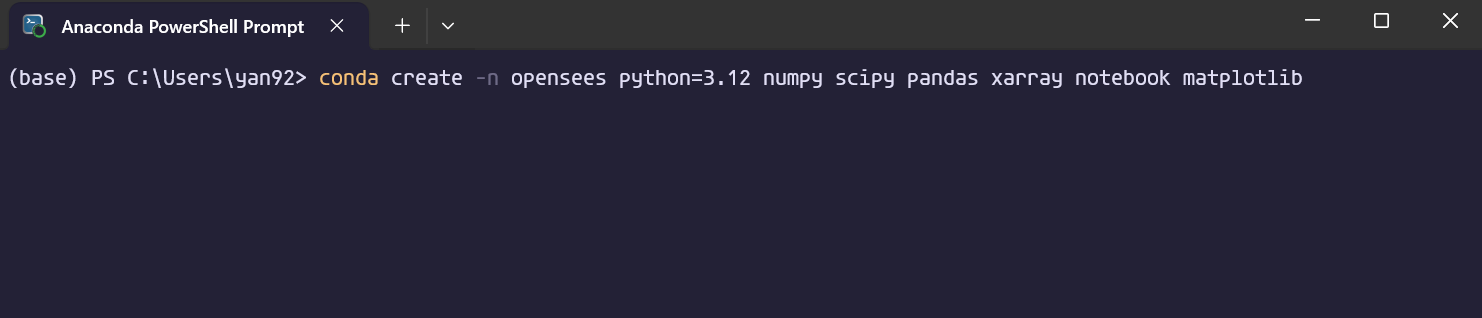
- The first line of code will create an environment called
openseesand install Python 3.12 and libraries such as numpy, scipy, pandas, xarray, notebook, matplotlib, etc. - Please use
conda activate openseesto activate the environment, and then you can install various third-party packages in the environment, such aspip install openseespyandpip install opstool. - You can also install the packages from anaconda / packages, such as
conda install conda-forge::scikit-learn.
Document
Latest: See https://opstool-doc.readthedocs.io/en/latest/.
For v1.0.20 and earlier versions See https://opstool.readthedocs.io/en/v1.0.20/
[!TIP] Since an opstool version v1.0.1, the API and features have undergone significant changes and upgrades. As a result, it feels more like a new library, and you should take some time to familiarize yourself with the new interface usage.
Citing
If you use opstool in your work, please cite the following publication:
Yexiang Yan and Yazhou Xie. "opstool: A Python library for OpenSeesPy analysis automation, streamlined pre-and post-processing, and enhanced data visualization." SoftwareX 30 (2025): 102126. DOI: https://doi.org/10.1016/j.softx.2025.102126
Acknowledgements
I sincerely thank EOS for the Honorable Mention in Pre/Post-processing & Implementations at the 1st EOS OpenSees Research and Innovation Awards.
🎉 Announcing the Winners of the 1st EOS OpenSees Research and Innovation Awards! 🎉
Key Features
- Preprocessing Tools:
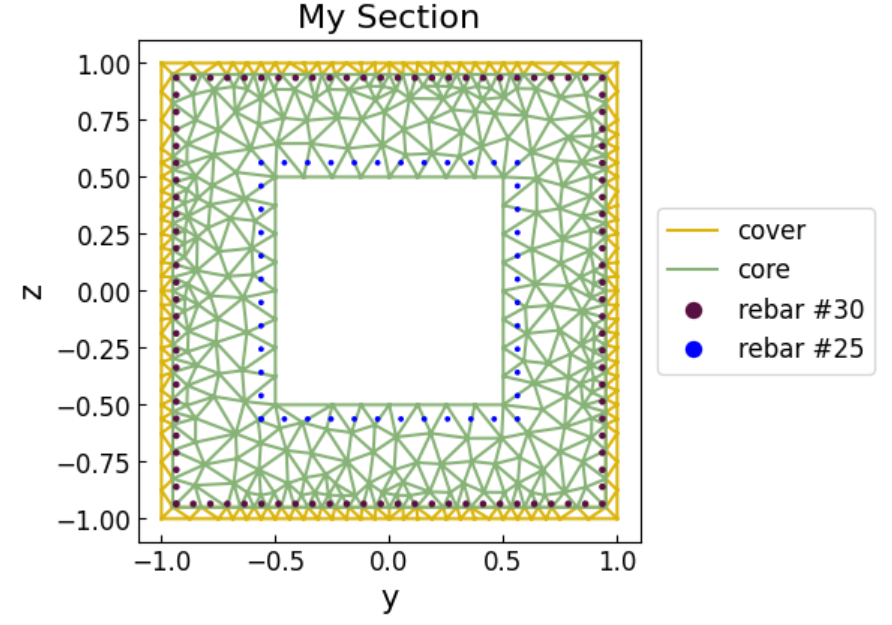
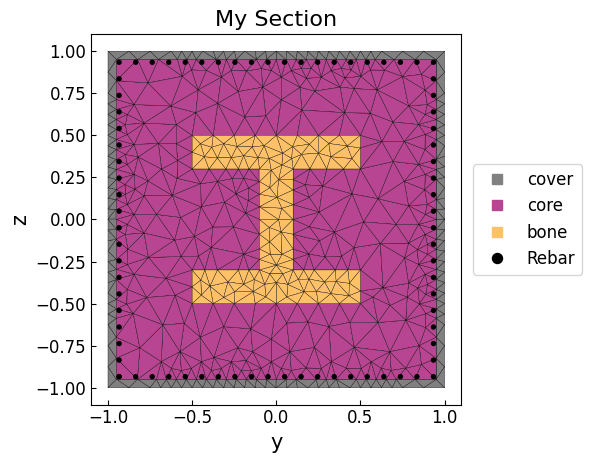
- Fiber Section Meshing: Generate detailed fiber meshes for various geometries.
- GMSH Integration: Import and convert Gmsh models, including geometry, mesh, and physical groups.
- Unit System Management: Ensure consistency with automatic unit conversions.
- Mass Generation: Automate lumped mass calculations.
- Fiber Section Meshing: Generate detailed fiber meshes for various geometries.
- Postprocessing Capabilities:
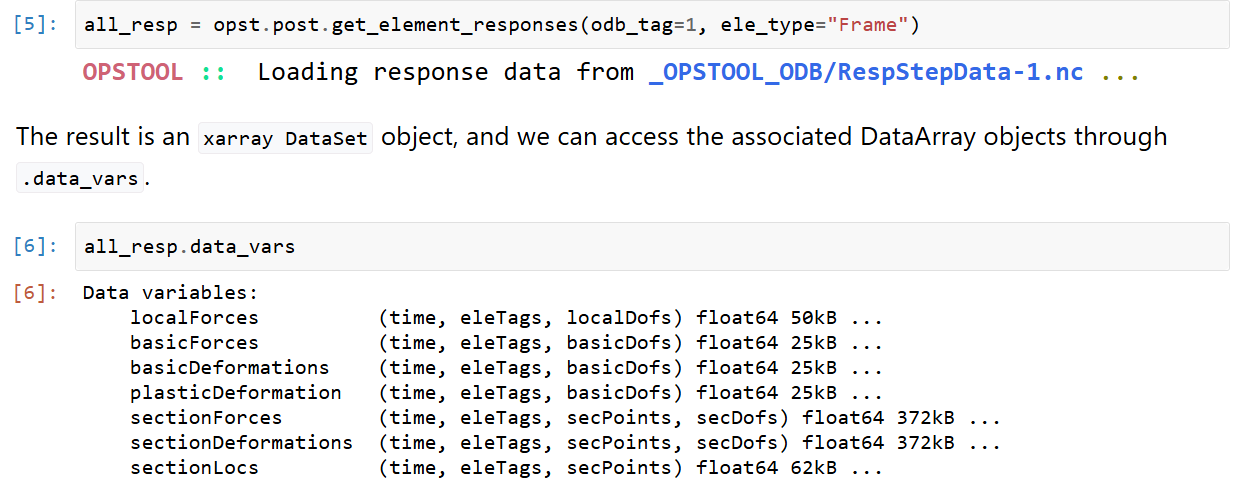
- Easy retrieval and interpretation of analysis results using xarray.
- Easy retrieval and interpretation of analysis results using xarray.
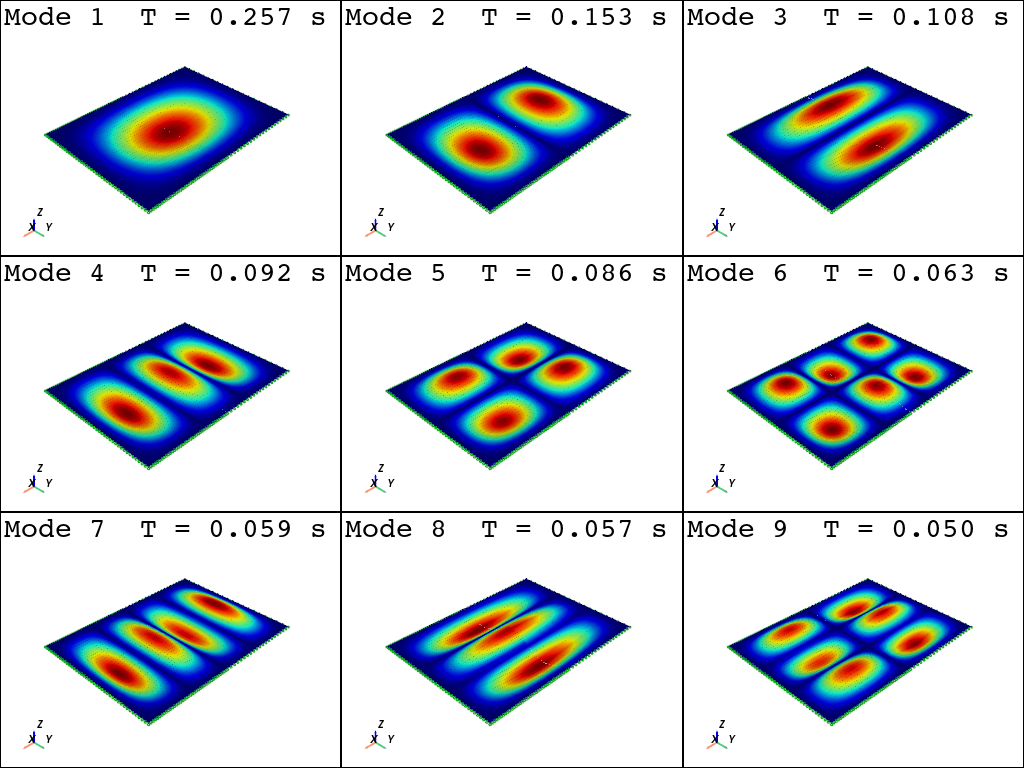
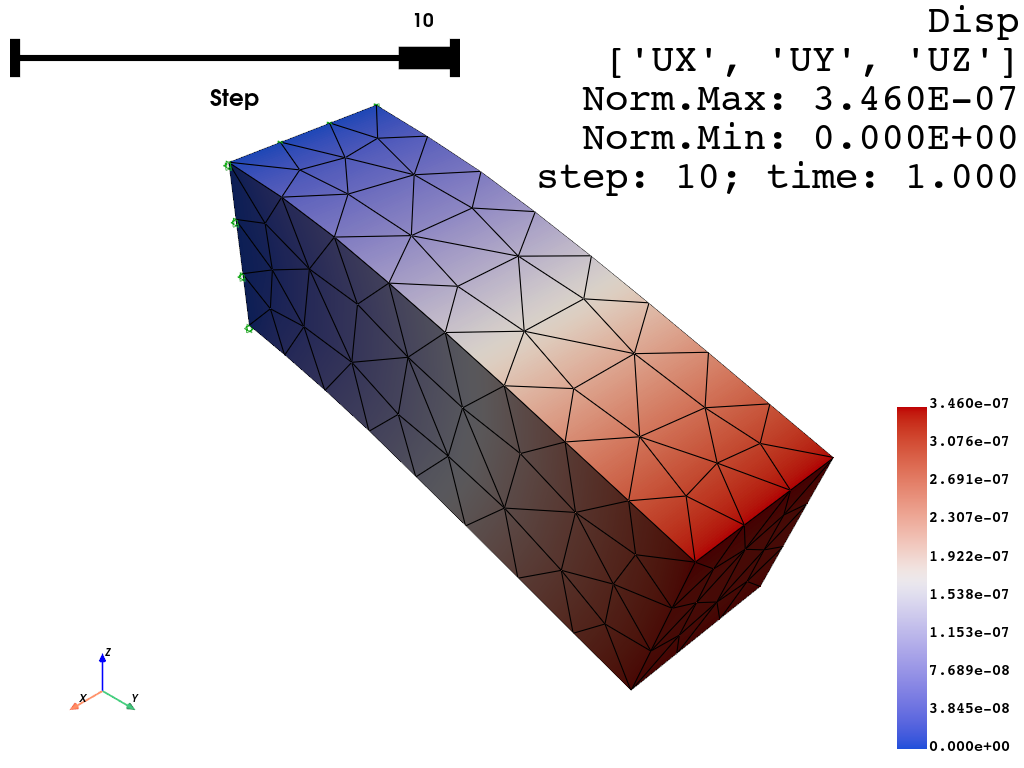
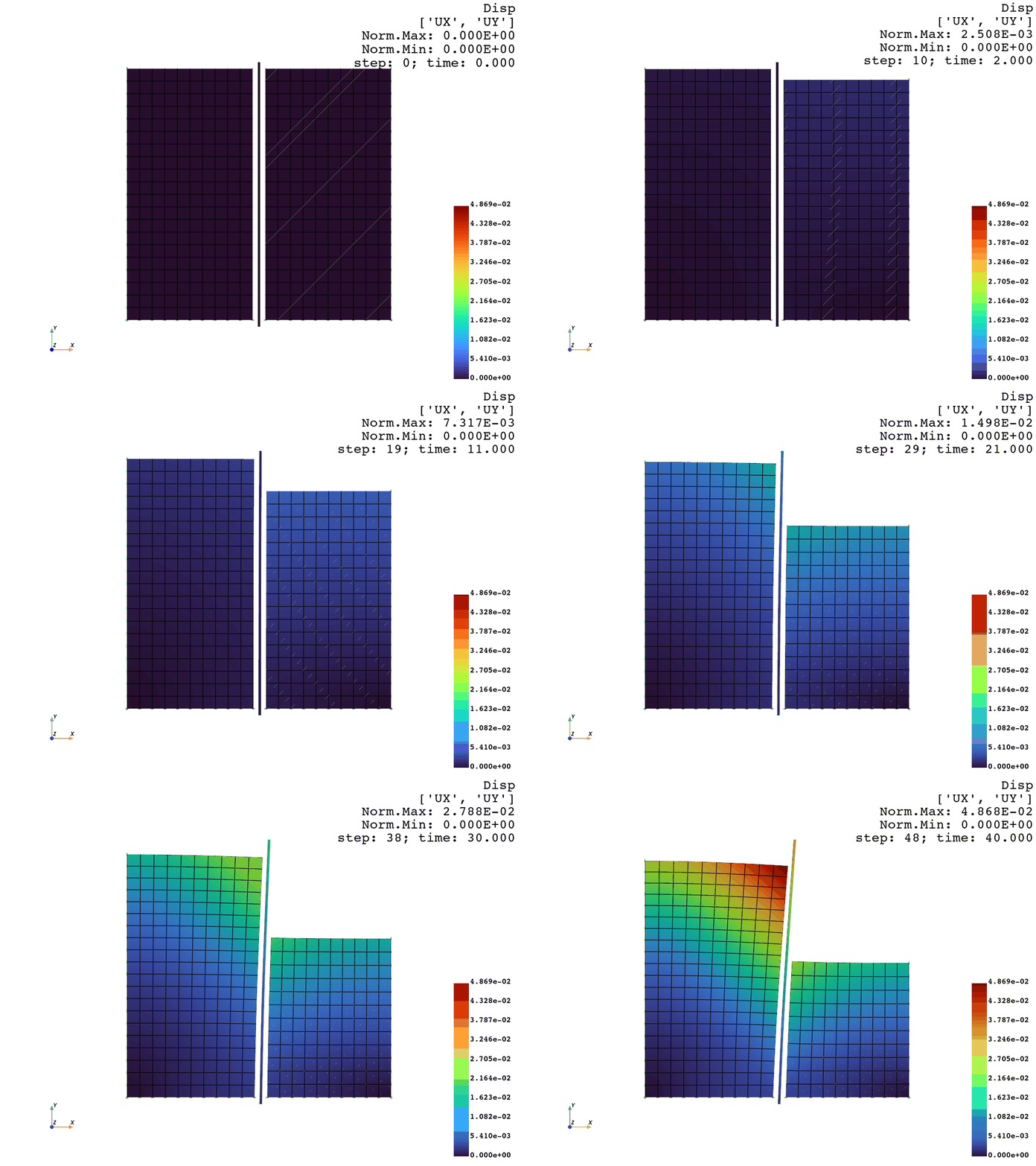
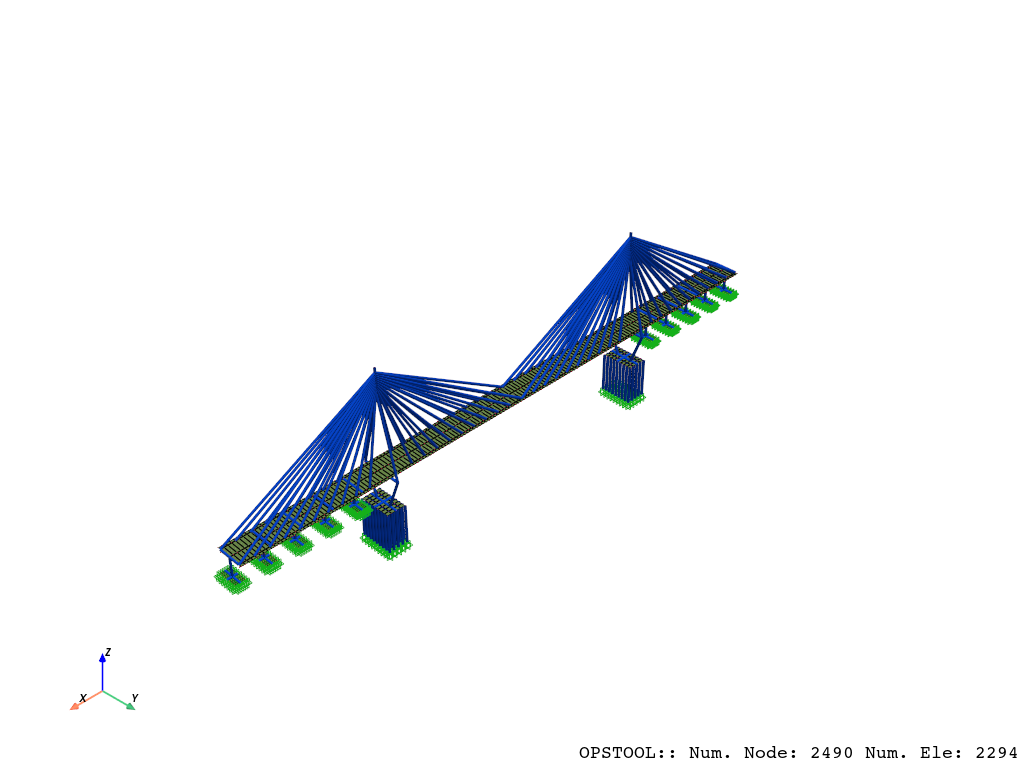
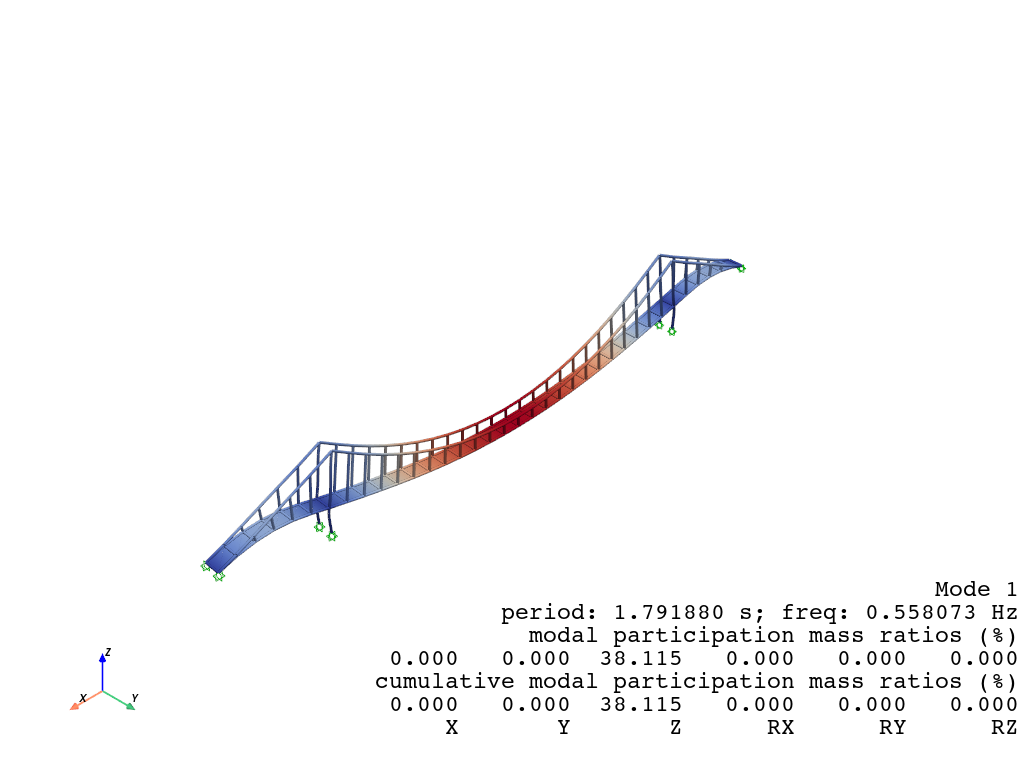
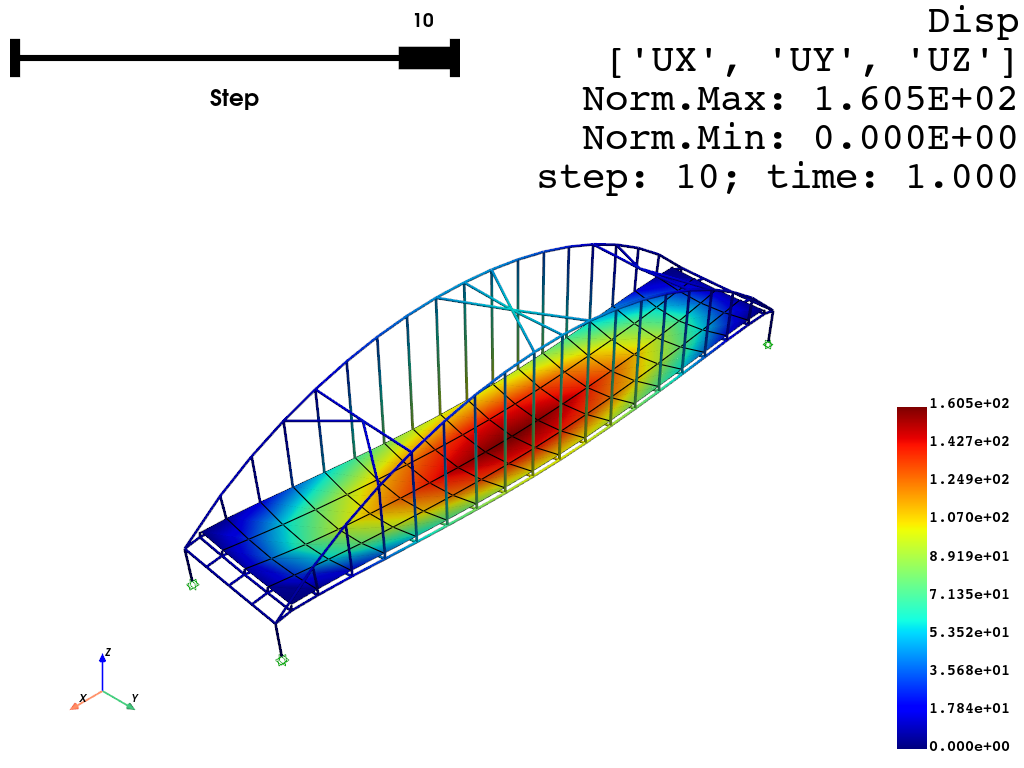
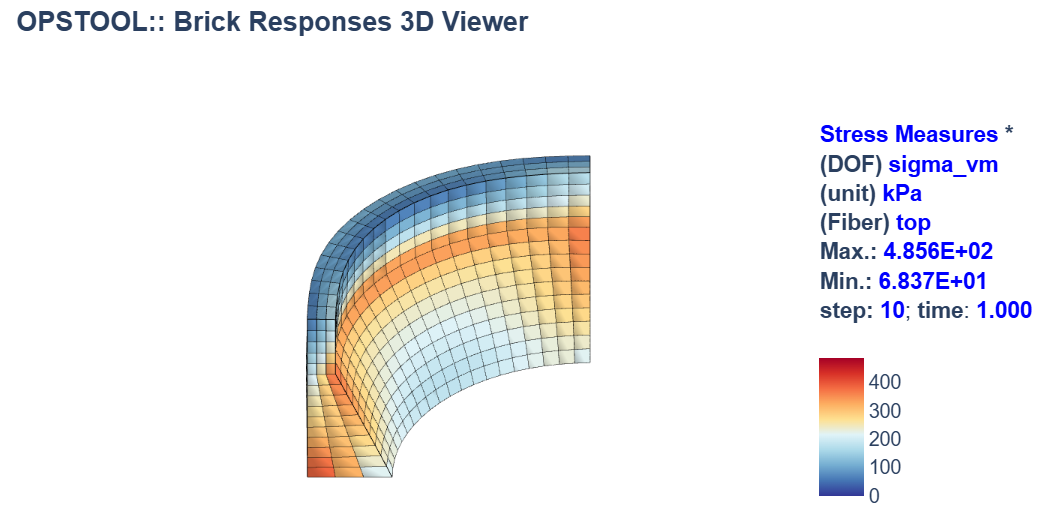
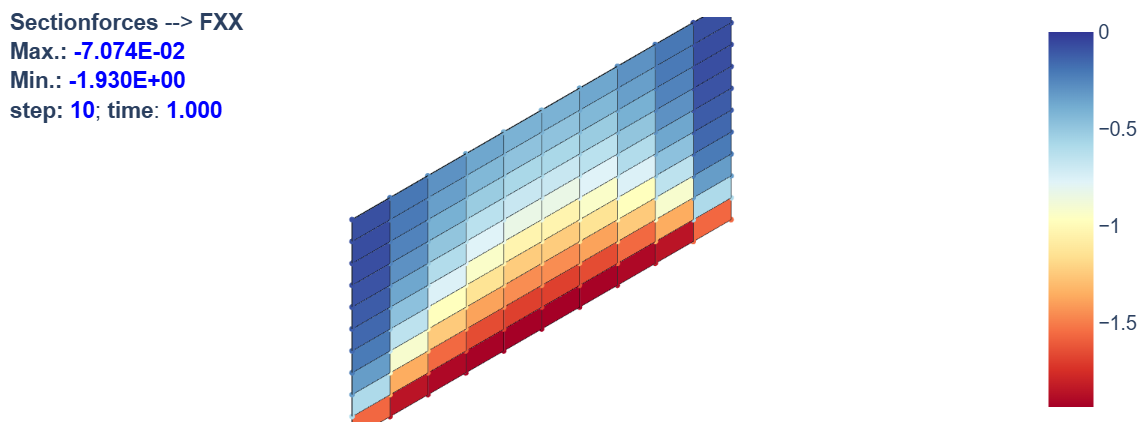
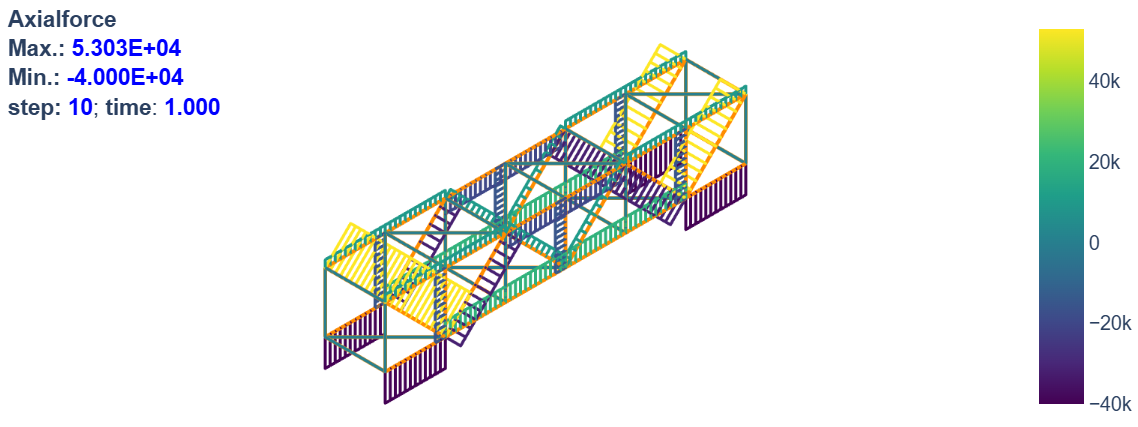
- Visualization:
- Intelligent Analysis:
- Features like automatic step size adjustment and algorithm switching to optimize simulation workflows. See Smart Analysis.
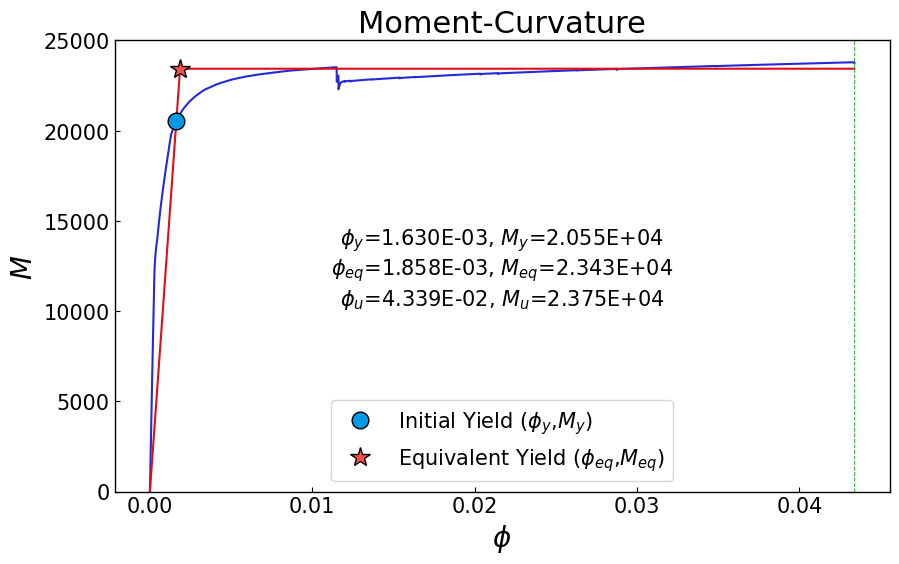
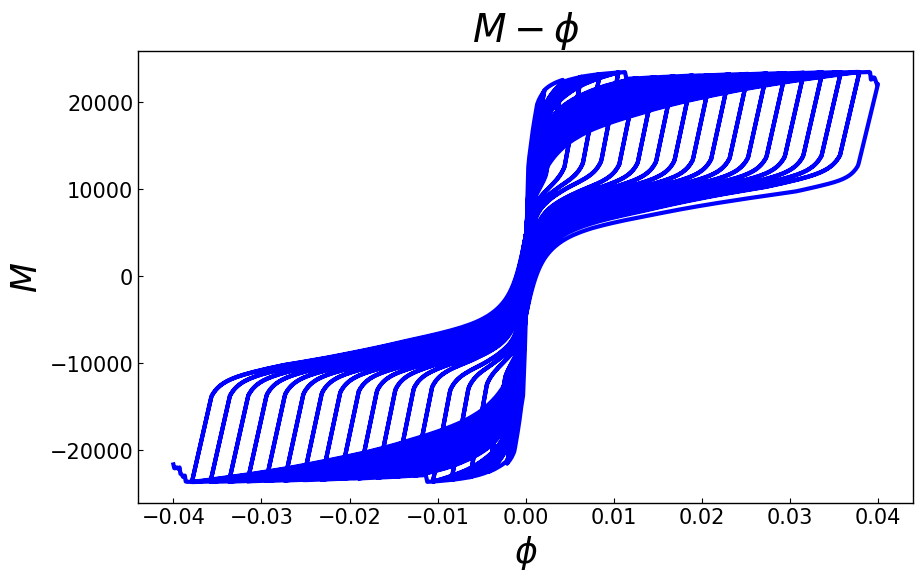
- Moment-Curvature Analysis: Generate moment-curvature curves for various sections.
Why Choose opstool?
- Efficiency: Streamlines complex workflows, reducing time spent on repetitive tasks.
- Flexibility: Provides nearly identical interfaces for different visualization engines.
- Accessibility: Makes advanced structural analysis tools like OpenSeesPy more approachable to users of all levels.
opstool is actively evolving, with continuous additions of new features planned for the future.
With opstool, you can focus on what matters most:
understanding and solving your structural engineering challenges.
Whether you are building models, visualizing results, or interpreting data,
opstool is your go-to solution for OpenSeesPy workflows.
[!NOTE]
This project is a non-profit open-source initiative. Use at your own risk.
License
This software is published under the GPLv3 license.
1 maintainer

Metadata
1 maintainer
Release files for opstool 1.0.26
For a detailed explanation of source distributions (sdists) and built distributions (wheels), please see the package formats documentation.
Source distribution (sdist)
| File | Size | Uploaded | |
|---|---|---|---|
| opstool-1.0.26.tar.gz | 586.3 kB | Details |
Built distribution (wheel)
| File | Interpreter | ABI | Platform | Reset |
|---|---|---|---|---|
| opstool-1.0.26-py3-none-any.whl | Python 3 | none | any | Details |
Total release size: 1.2 MB
Release files / opstool-1.0.26.tar.gz
| Download URL | opstool-1.0.26.tar.gz |
|---|---|
| Size | 586.3 kB |
| Tags | Source |
|
SHA-256 checksum How to use checksums |
e4787d3796facd0c816adb28c1cf0b7b7d2613e62628adf1ef495b4a7aba4272
|
|
BLAKE2b-256 checksum How to use checksums |
2326e8402bff1826c311f8fd9bd11d3b202e21cf82217b2a33f738a869930b0e
|
| Upload date | |
|
Uploaded using Trusted Publishing? What is trusted publishing? |
No |
| Uploaded via |
poetry/2.2.1 CPython/3.12.4 Windows/11
|
Release files / opstool-1.0.26-py3-none-any.whl
| Download URL | opstool-1.0.26-py3-none-any.whl |
|---|---|
| Size | 654.2 kB |
| Tags | Python 3 |
|
SHA-256 checksum How to use checksums |
9dc4339dbe670cbf137e912e982f88a99173cf59dfc77f1e99b18461eb3b0f2b
|
|
BLAKE2b-256 checksum How to use checksums |
c7b820c2b4774b1dcbb638cd611972736dc64a32ca84b8618590b850d2b00334
|
| Upload date | |
|
Uploaded using Trusted Publishing? What is trusted publishing? |
No |
| Uploaded via |
poetry/2.2.1 CPython/3.12.4 Windows/11
|














