
Osam
Get up and running with promptable vision models locally.



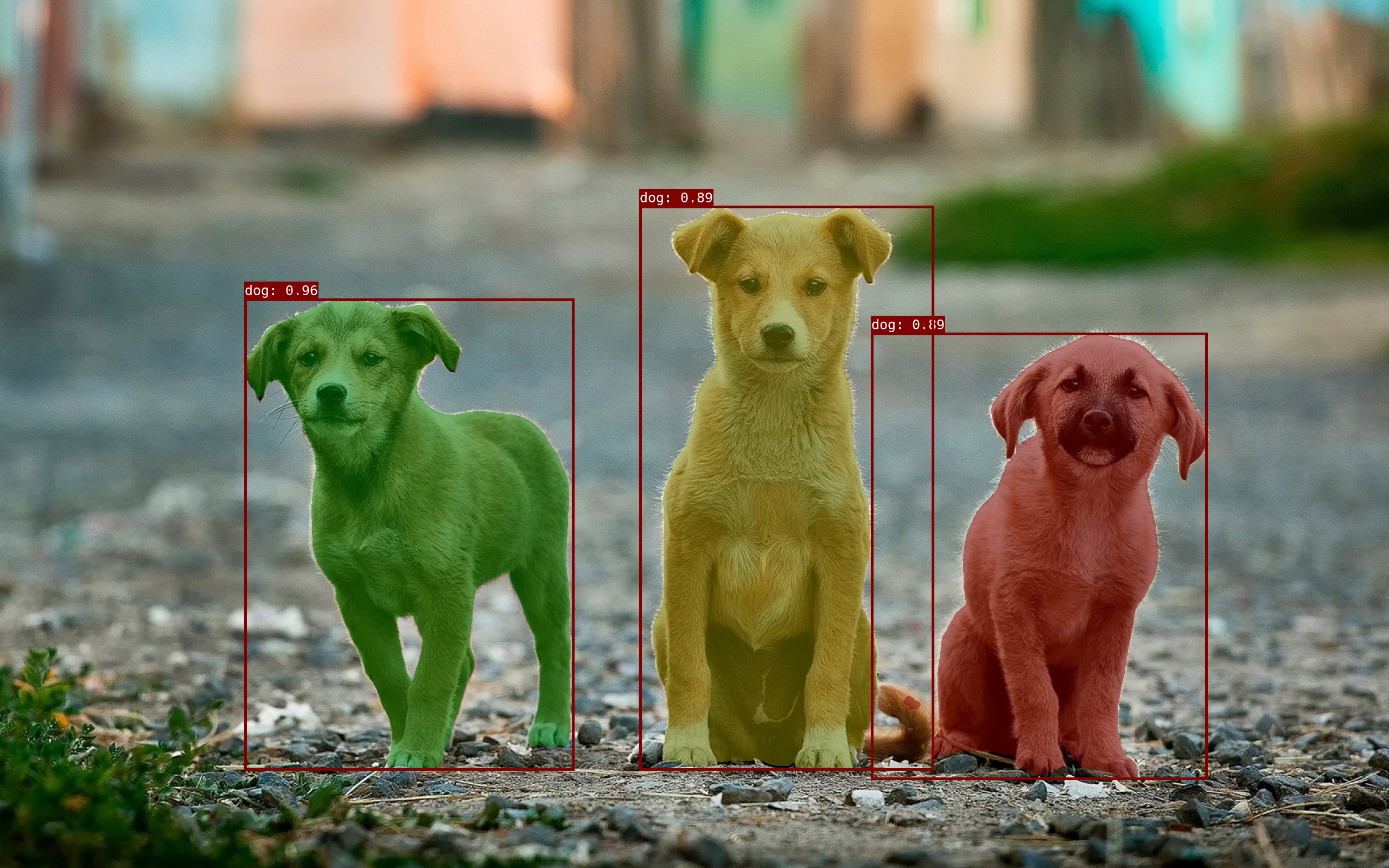
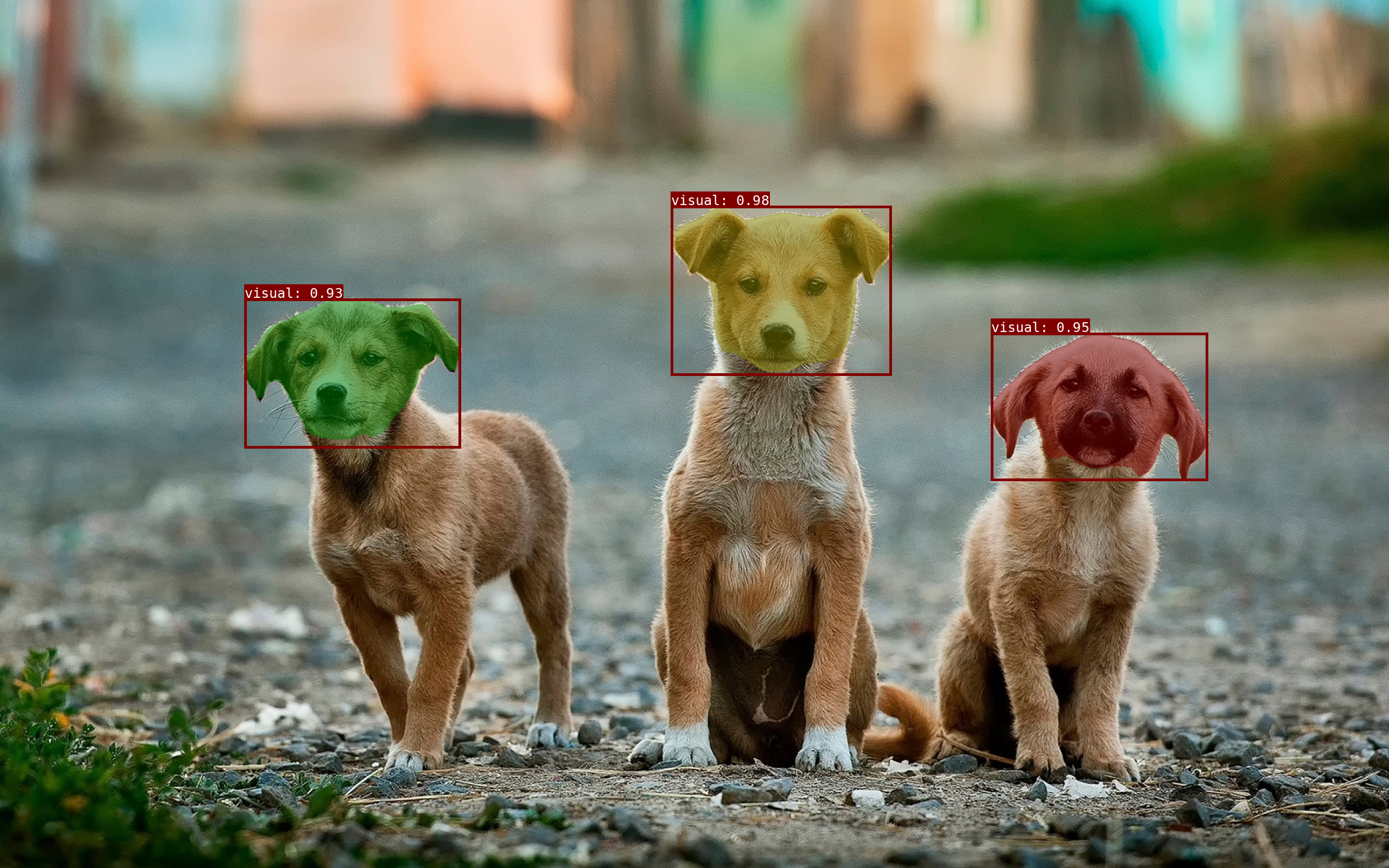
Osam (/oʊˈsɑm/) is a tool to run open-source promptable vision models locally (inspired by Ollama).
Osam provides:
- Promptable Vision Models - Segment Anything Model (SAM), EfficientSAM, YOLO-World;
- Local APIs - CLI & Python & HTTP interface;
- Customization - Host custom vision models.
Installation
Pip
pip install osam
For osam serve:
pip install osam[serve]
Quickstart
To run with EfficientSAM:
osam run efficientsam --image <image_file>
To run with YOLO-World:
osam run yoloworld --image <image_file>
Model library
Here are models that can be downloaded:
| Model | Parameters | Size | Download |
|---|---|---|---|
| SAM 100M | 94M | 100MB | osam run sam:100m |
| SAM 300M | 313M | 310MB | osam run sam:300m |
| SAM 600M | 642M | 630MB | osam run sam |
| SAM2 Tiny | 39M | 150MB | osam run sam2:tiny |
| SAM2 Small | 46M | 170MB | osam run sam2:small |
| SAM2 BasePlus | 82M | 300MB | osam run sam2 |
| SAM2 Large | 227M | 870MB | osam run sam2:large |
| SAM3 | 893M | 3.4GB | osam run sam3 |
| EfficientSAM 10M | 10M | 40MB | osam run efficientsam:10m |
| EfficientSAM 30M | 26M | 100MB | osam run efficientsam |
| YOLO-World XL | 168M | 640MB | osam run yoloworld |
PS. sam, efficientsam is equivalent to sam:latest, efficientsam:latest.
Custom download endpoint
Models are downloaded from their canonical URLs by default. To download from a
mirror instead (for example, in networks where the canonical hosts are blocked),
set OSAM_BLOB_ENDPOINT to a comma-separated list of endpoints tried in order:
# Try the mirror first, then fall back to the canonical host.
export OSAM_BLOB_ENDPOINT="https://mirror.example.com,direct"
Each blob is fetched from <endpoint>/<sha256-hex>; the reserved value direct
uses the model's canonical URL. Downloads are verified by SHA-256 regardless of
the endpoint, so a mirror cannot serve corrupted data. When unset, only direct
is used. Omit direct from the list (for example
OSAM_BLOB_ENDPOINT="https://mirror.example.com") to disable the canonical
fallback and serve every blob from the mirror only.
Execution providers
Inference runs on CUDAExecutionProvider when the installed onnxruntime has it,
otherwise on CPUExecutionProvider. To use another accelerator (CoreML on
macOS, DirectML on Windows, TensorRT, ROCm), set OSAM_ONNX_PROVIDERS to a
comma-separated list tried in the given order:
export OSAM_ONNX_PROVIDERS="CoreMLExecutionProvider,CPUExecutionProvider"
The provider package must be installed separately (for example
onnxruntime-gpu, onnxruntime-directml, or onnxruntime-silicon). If a
session cannot be created with the given list, osam logs the error and falls
back to CPUExecutionProvider.
Usage
CLI
# Run a model with an image
osam run efficientsam --image examples/_images/dogs.jpg > output.png

# Get a JSON output
osam run efficientsam --image examples/_images/dogs.jpg --json
# {"model": "efficientsam", "mask": "..."}

# Give a prompt
# 1. point prompt (background=0, foreground=1)
osam run efficientsam --image examples/_images/dogs.jpg \
  --prompt '{"points": [[1439, 504], [1439, 1289]], "point_labels": [1, 1]}' \
  > efficientsam_point.png
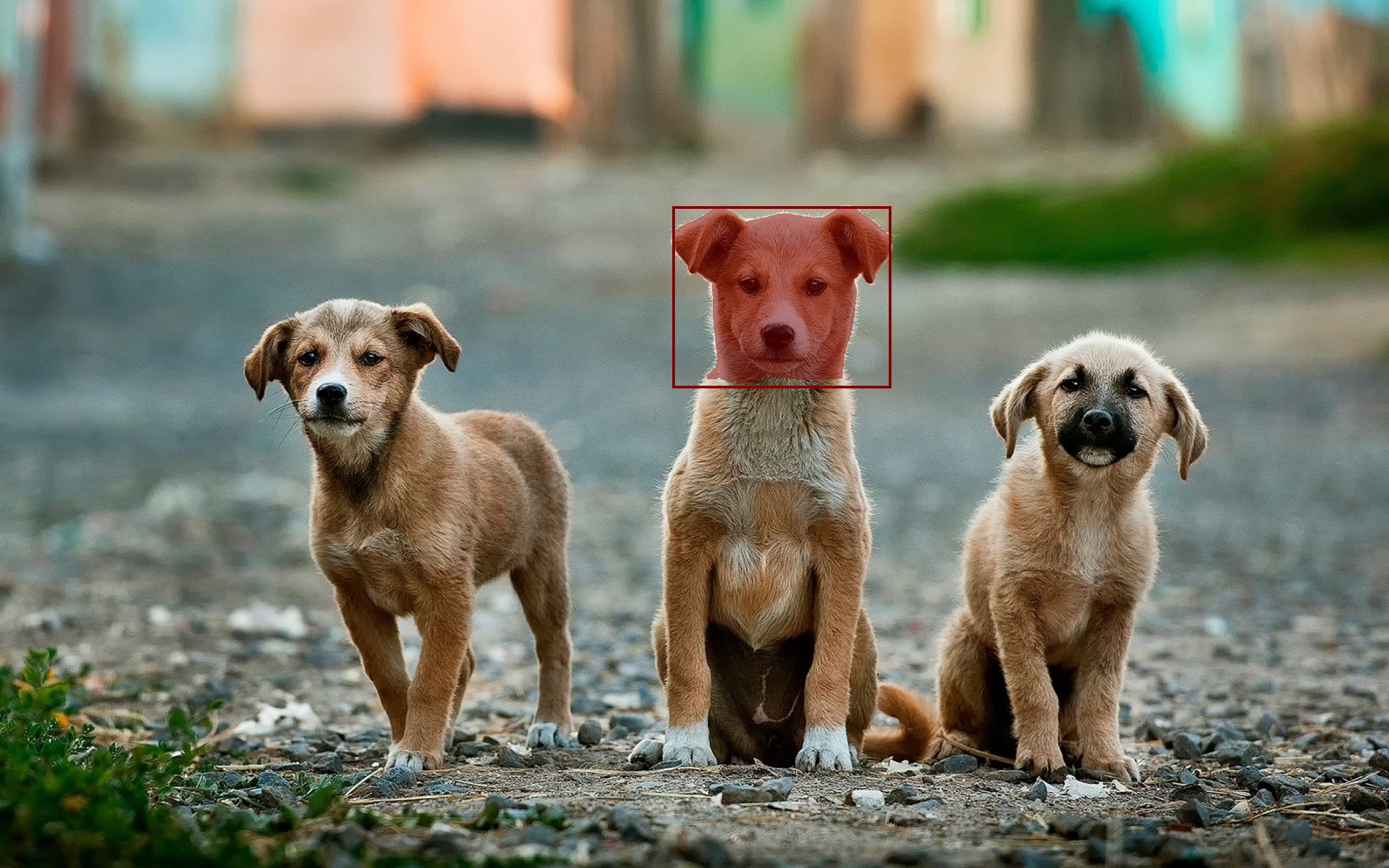
# 2. box prompt with sam2 (lt=2, rb=3)
osam run sam2 --image examples/_images/dogs.jpg \
  --prompt '{"points": [[1233, 376], [1649, 691]], "point_labels": [2, 3]}' \
  > sam2_box.png
# 3. text prompt
osam run sam3 --image examples/_images/dogs.jpg --prompt '{"texts": ["dog"]}' \
  > sam3_text.png
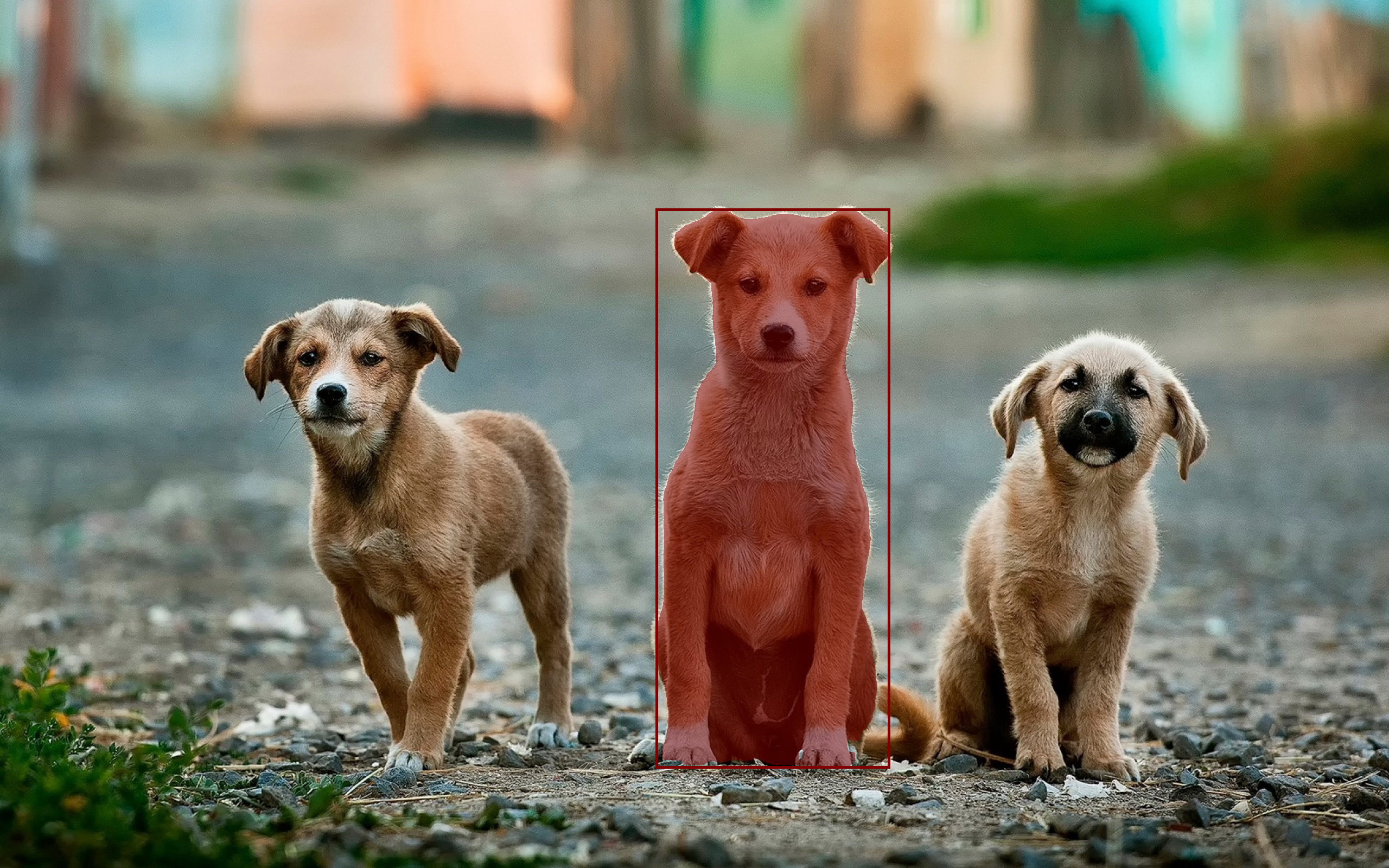
# 4. box prompt with sam3 (lt=2, rb=3)
osam run sam3 --image examples/_images/dogs.jpg \
  --prompt '{"points": [[1233, 376], [1649, 691]], "point_labels": [2, 3]}' \
  > sam3_box.png
Output images: 'efficientsam_point.png', 'sam2_box.png', 'sam3_text.png', 'sam3_box.png'
Python
import numpy as np
from PIL import Image

import osam

image = np.asarray(Image.open("examples/_images/dogs.jpg"))
request = osam.types.GenerateRequest(
    model="efficientsam",
    image=image,
    prompt=osam.types.Prompt(points=[[1439, 504], [1439, 1289]], point_labels=[1, 1]),
)
response = osam.apis.generate(request=request)
annotation = response.annotations[0]
mask = np.zeros(image.shape[:2], dtype=np.bool_)
bbox = annotation.bounding_box
mask[bbox.ymin:bbox.ymax + 1, bbox.xmin:bbox.xmax + 1] = annotation.mask
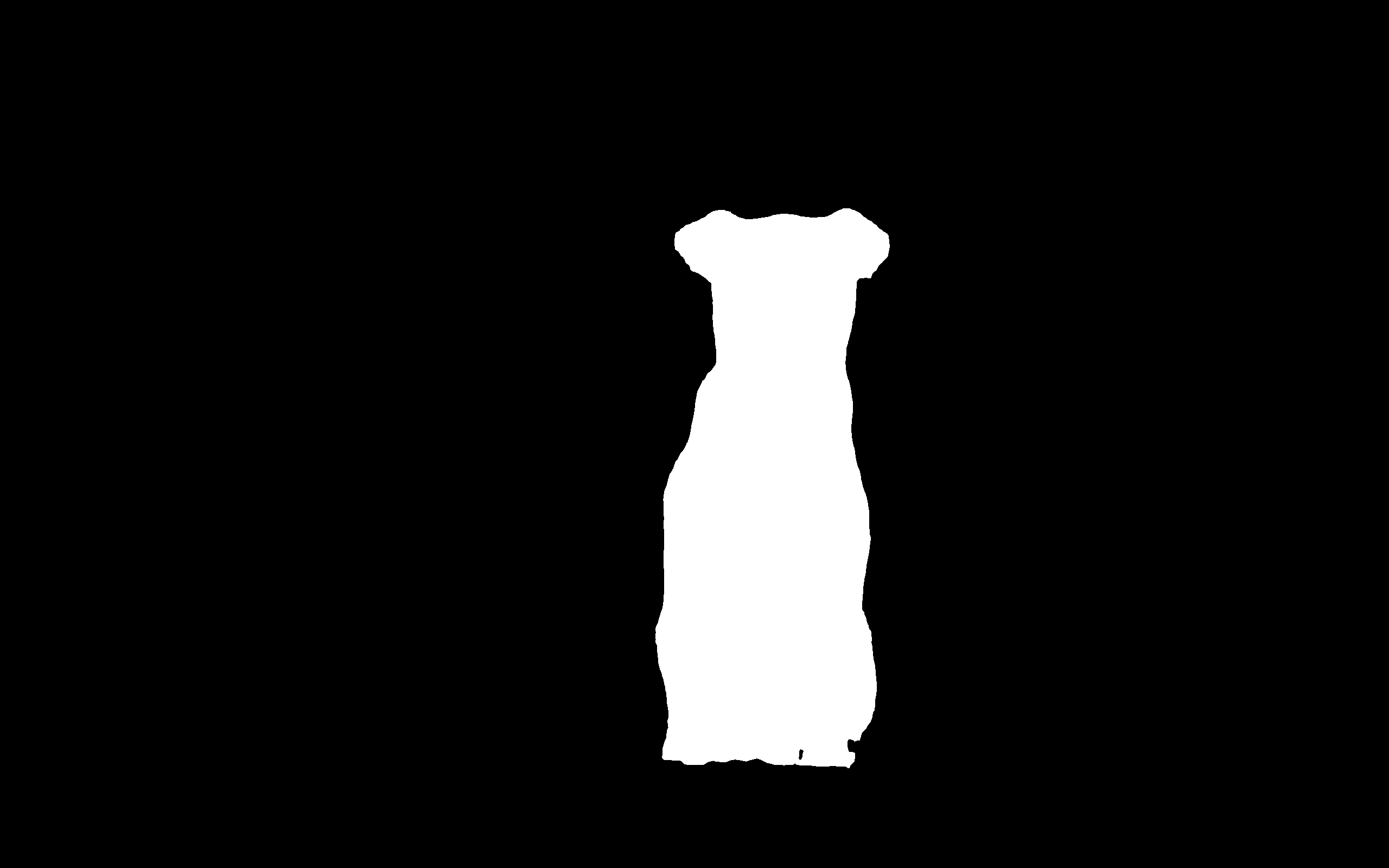
Image.fromarray(mask).save("mask.png")
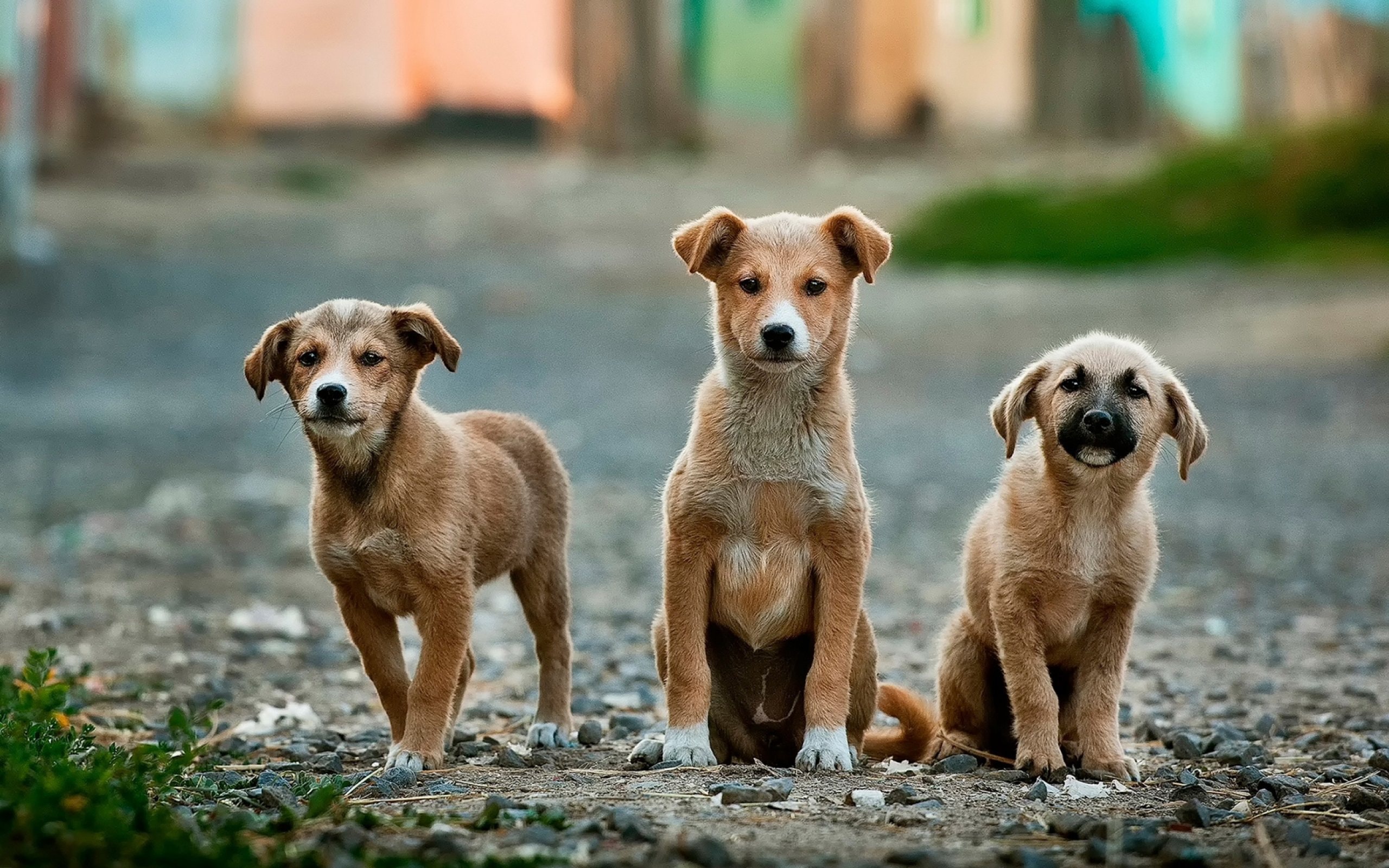
Input and output images ('dogs.jpg', 'mask.png').
HTTP
# pip install osam[serve]  # required for `osam serve`

# Get up the server
osam serve

# POST request
base64 < examples/_images/dogs.jpg \
  | jq -Rs '{model: "efficientsam", image: gsub("\n"; "")}' \
  | curl 127.0.0.1:11368/api/generate -X POST --json @- \
  | jq -r '.annotations[0].mask' | base64 --decode > mask.png
1 maintainer

Metadata
1 maintainer
Release files for osam 0.8.1
For a detailed explanation of source distributions (sdists) and built distributions (wheels), please see the package formats documentation.
Source distribution (sdist)
| File | Size | Uploaded | |
|---|---|---|---|
| osam-0.8.1.tar.gz | 27.5 MB | Details |
Built distribution (wheel)
| File | Interpreter | ABI | Platform | Reset |
|---|---|---|---|---|
| osam-0.8.1-py3-none-any.whl | Python 3 | none | any | Details |
Total release size: 29.0 MB
Release files / osam-0.8.1.tar.gz
| Download URL | osam-0.8.1.tar.gz |
|---|---|
| Size | 27.5 MB |
| Tags | Source |
|
SHA-256 checksum How to use checksums |
55cb6844af28f063ccc65c84193c768ff627e313bccbcc91f7b67811829119f1
|
|
BLAKE2b-256 checksum How to use checksums |
d1503becd00119cbef9c9865058370a9a5b80db4aa0a2515c2bcc7d1a9b79eff
|
| Upload date | |
|
Uploaded using Trusted Publishing? What is trusted publishing? |
Yes |
| Uploaded via |
twine/7.0.0 CPython/3.13.14
|
Provenance
Provenance describes where a file came from. On PyPI, provenance is shared via attestations, which provide a verifiable record of the build or publishing details. View details, limitations and caveats.


PyPI Publish Attestation
PyPI verified that this artifact, at this checksum, originated from the publisher listed below.
Signed by GitHub Actions, verified by PyPI on Sep 17, 2026.
Transparency logRelease files / osam-0.8.1-py3-none-any.whl
| Download URL | osam-0.8.1-py3-none-any.whl |
|---|---|
| Size | 1.4 MB |
| Tags | Python 3 |
|
SHA-256 checksum How to use checksums |
7bf40999552319cf88b3842b81455671647bf2ecf2407ba1ede5a26263eda950
|
|
BLAKE2b-256 checksum How to use checksums |
4a5127073b23014d34b5da87c051447fecaac68a7e2fedbbba3d4467eb489278
|
| Upload date | |
|
Uploaded using Trusted Publishing? What is trusted publishing? |
Yes |
| Uploaded via |
twine/7.0.0 CPython/3.13.14
|
Provenance
Provenance describes where a file came from. On PyPI, provenance is shared via attestations, which provide a verifiable record of the build or publishing details. View details, limitations and caveats.
PyPI Publish Attestation
PyPI verified that this artifact, at this checksum, originated from the publisher listed below.
Signed by GitHub Actions, verified by PyPI on Sep 17, 2026.
Transparency log













