
115 tiny WebDAV.
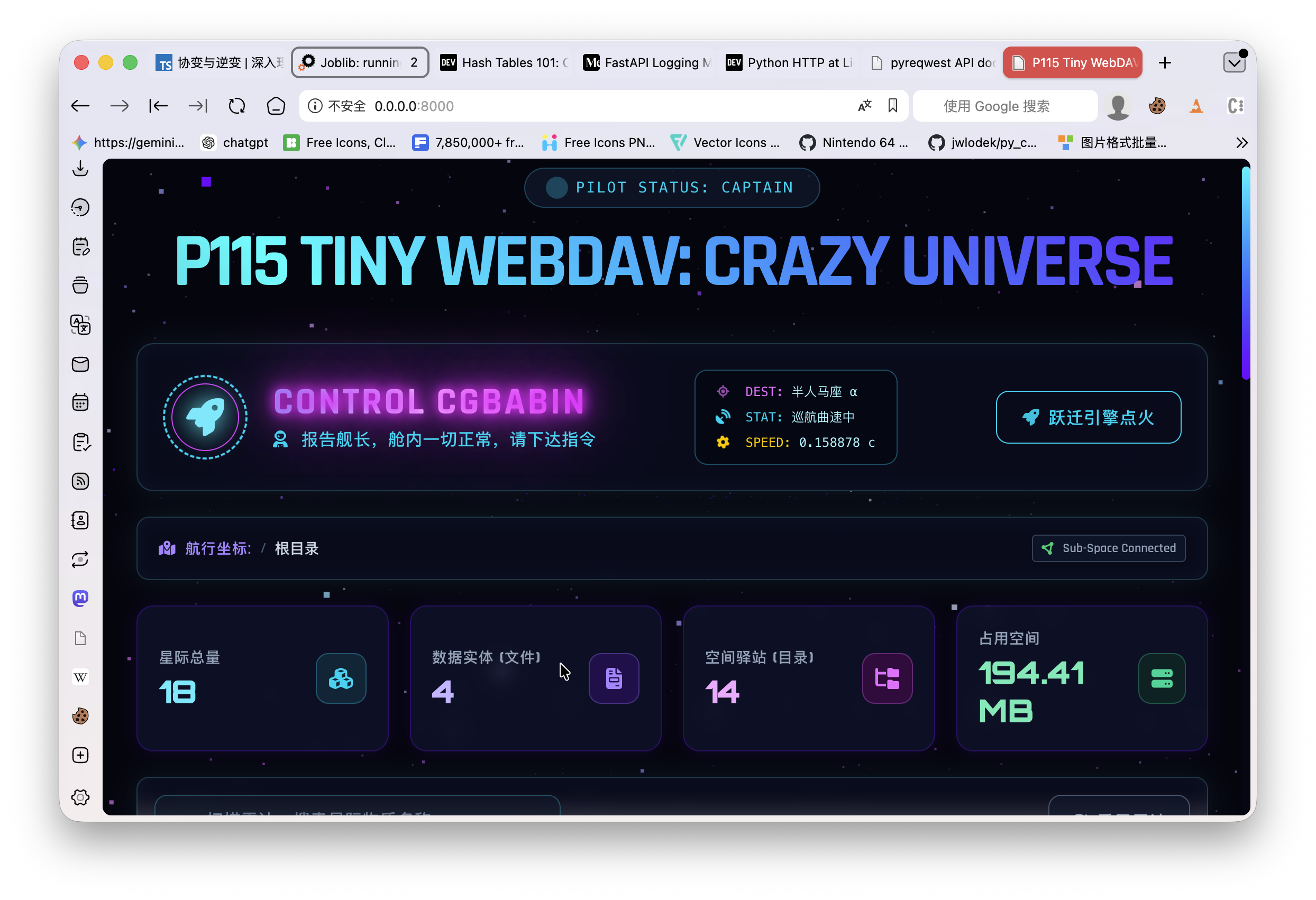
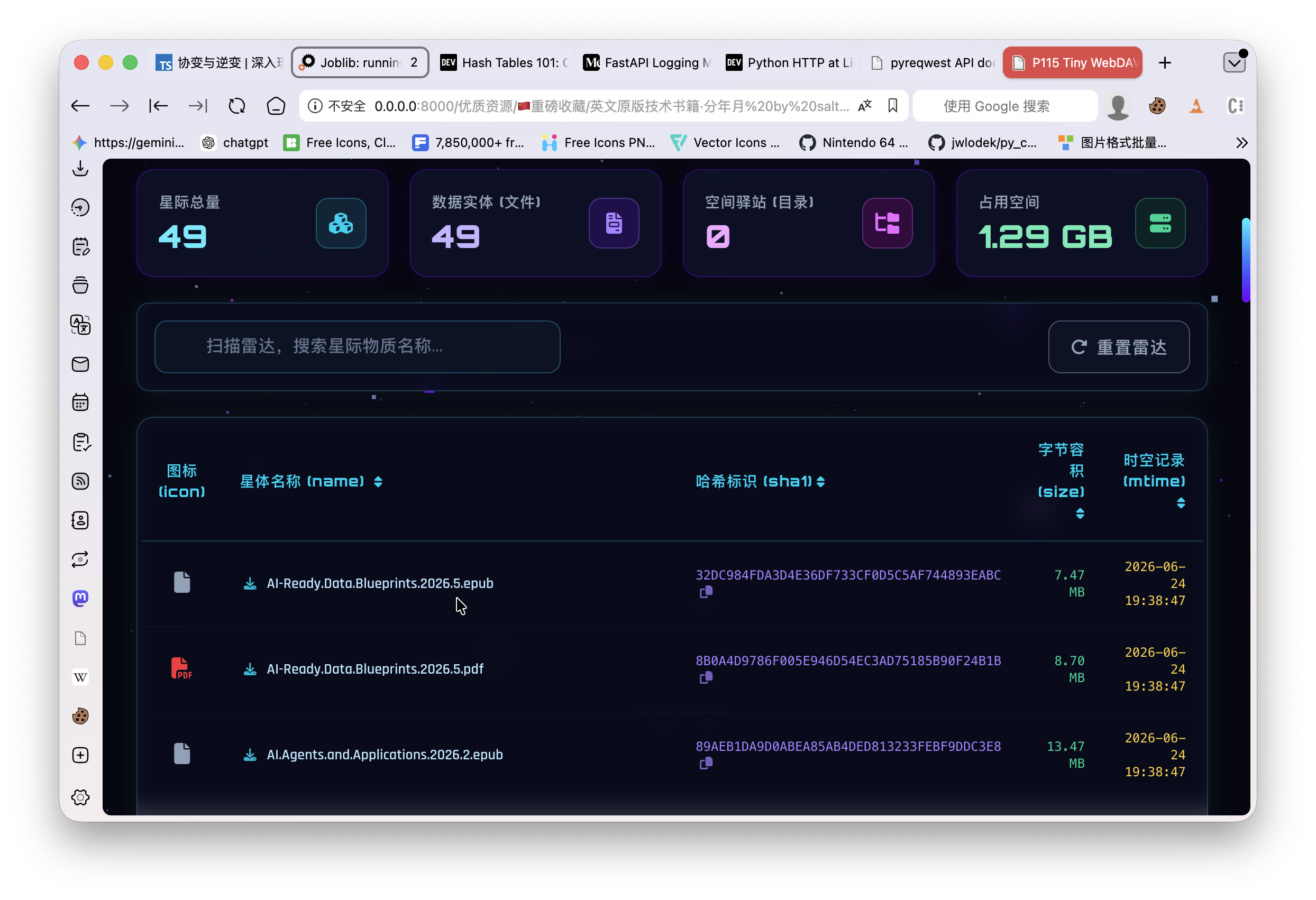
安装
你可以通过 pypi 安装
pip install -U p115tinydav
用法
作为模块
from p115tinydav import make_application
from uvicorn import run

run(
    make_application(debug=True),
    host="0.0.0.0",
    port=8000,
    proxy_headers=True,
    server_header=False,
    forwarded_allow_ips="*",
    timeout_graceful_shutdown=1,
    access_log=False,
)
作为命令
$ p115tinydav -h
usage: p115tinydav [-h] [-c COOKIES] [-cp COOKIES_PATH] [-H HOST] [-P PORT] [-nc] [-d]
                   [-uc UVICORN_RUN_CONFIG_PATH] [-v] [-l]
                   [dbfile]

    ╭───────────────────────── Welcome to 115 tiny dav ────────────────────────────╮
    │                                                                              │
    │  maintained by ❤     ChenyangGao https://chenyanggao.github.io               │
    │                                                                              │
    │                      Github      https://github.com/ChenyangGao/p115client/  │
    │                                                                              │
    │                      license     https://www.gnu.org/licenses/gpl-3.0.txt    │
    │                                                                              │
    │                      version     0.0.5                                       │
    │                                                                              │
    ╰──────────────────────────────────────────────────────────────────────────────╯

positional arguments:
  dbfile                数据库文件路径,如果不传,则自动确定

options:
  -h, --help            show this help message and exit
  -c, --cookies COOKIES
                        cookies 字符串,优先级高于 -cp/--cookies-path
  -cp, --cookies-path COOKIES_PATH
                        cookies 文件保存路径,默认为当前工作目录下的 115-cookies.txt
  -H, --host HOST       ip 或 hostname,默认值:'0.0.0.0'
  -P, --port PORT       端口号,默认值:8000,如果为 0 则自动确定
  -nc, --not-cache-url  缓存下载链接
  -d, --debug           启用调试,会输出更详细信息
  -uc, --uvicorn-run-config-path UVICORN_RUN_CONFIG_PATH
                        uvicorn 启动时的配置文件路径,会作为关键字参数传给 `uvicorn.run`,支持 JSON、YAML 或 TOML 格式,会根据扩展名确定,不能确定时视为 JSON
  -v, --version         输出版本号
  -l, --license         输出授权信息
1 maintainer

Metadata
1 maintainer
Release files for p115tinydav 0.0.5.5.2
For a detailed explanation of source distributions (sdists) and built distributions (wheels), please see the package formats documentation.
Source distribution (sdist)
| File | Size | Uploaded | |
|---|---|---|---|
| p115tinydav-0.0.5.5.2.tar.gz | 47.1 kB | Details |
Built distribution (wheel)
| File | Interpreter | ABI | Platform | Reset |
|---|---|---|---|---|
| p115tinydav-0.0.5.5.2-py3-none-any.whl | Python 3 | none | any | Details |
Total release size: 96.6 kB
Release files / p115tinydav-0.0.5.5.2.tar.gz
| Download URL | p115tinydav-0.0.5.5.2.tar.gz |
|---|---|
| Size | 47.1 kB |
| Tags | Source |
|
SHA-256 checksum How to use checksums |
bf694d4c1f2ec205e91ae1405ddc2285bab6a85a6562e3aa21dbc863b9f728b1
|
|
BLAKE2b-256 checksum How to use checksums |
71ec5f8aee6ef58b0139a5e652559b299bfeef0c69ec041f0e723d337f50931d
|
| Upload date | |
|
Uploaded using Trusted Publishing? What is trusted publishing? |
No |
| Uploaded via |
poetry/2.4.1 CPython/3.13.5 Darwin/25.0.0
|
Release files / p115tinydav-0.0.5.5.2-py3-none-any.whl
| Download URL | p115tinydav-0.0.5.5.2-py3-none-any.whl |
|---|---|
| Size | 49.5 kB |
| Tags | Python 3 |
|
SHA-256 checksum How to use checksums |
eedbcbad8a4409d634c701697bba58d54984e0b99e322e2dcf5dcf543ec50b36
|
|
BLAKE2b-256 checksum How to use checksums |
fb94f655d83f6e3463a62d104c4b27b83045fc181c26fcab147ded31bf9e52fc
|
| Upload date | |
|
Uploaded using Trusted Publishing? What is trusted publishing? |
No |
| Uploaded via |
poetry/2.4.1 CPython/3.13.5 Darwin/25.0.0
|














